github.com/sligter/LandPPT @v0.3.1 sqlite
README
LandPPT - AI-Powered PPT Generation Platform







Open to Opportunities
If you're interested in my projects or have suitable collaboration opportunities, feel free to reach out!

English | 中文
Table of Contents
- Project Overview
- Feature Highlights
- Key Features
- Quick Start
- Usage Guide
- Configuration
- API Documentation
- Tech Stack
- FAQ
- License
Project Overview
LandPPT is an intelligent presentation generation platform powered by Large Language Models (LLMs) that automatically converts document content into professional PPT presentations. The platform integrates multiple AI models, intelligent image processing, deep research capabilities, and rich template systems, enabling users to effortlessly create high-quality presentations.
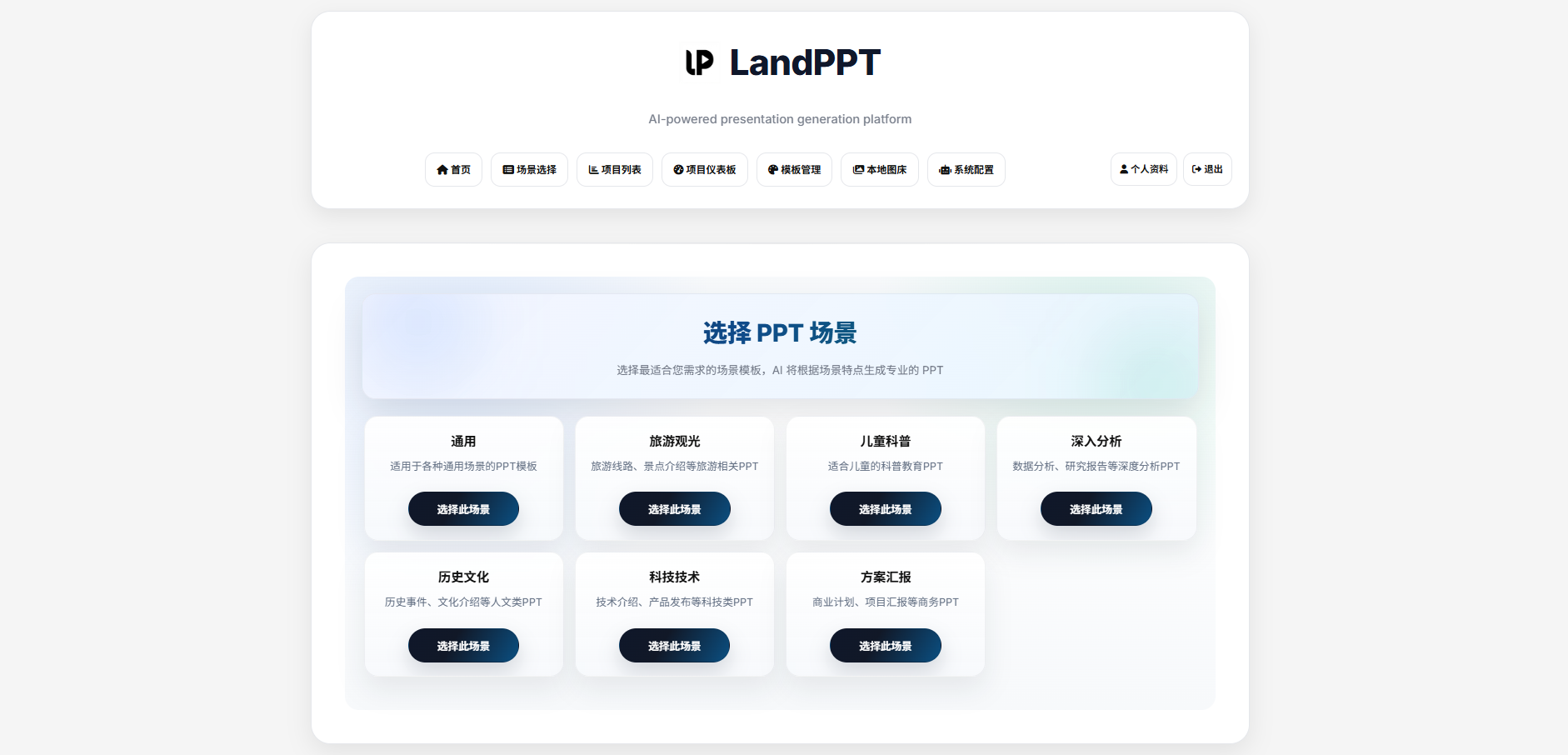
Main Interface
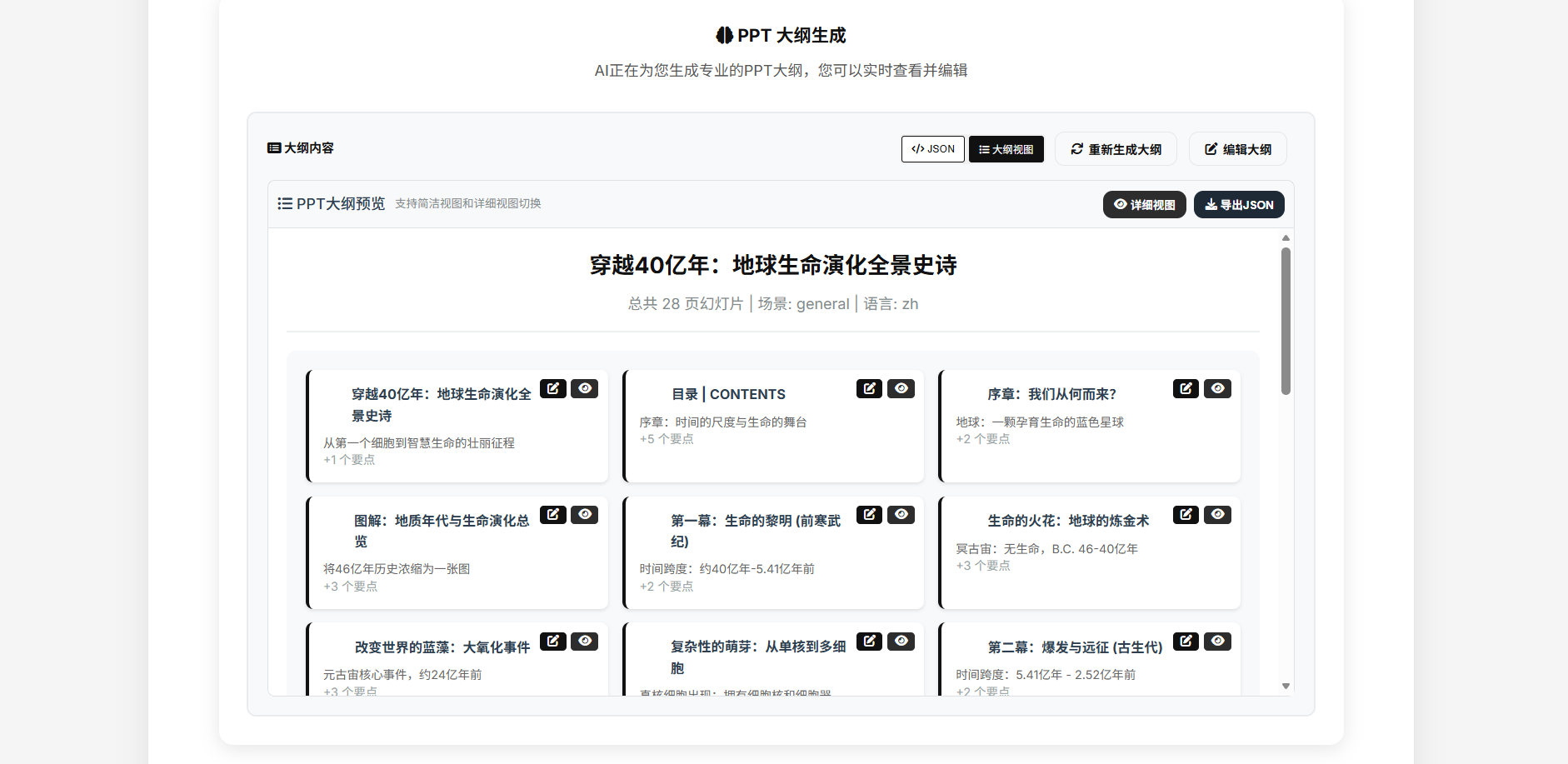
Outline Generation
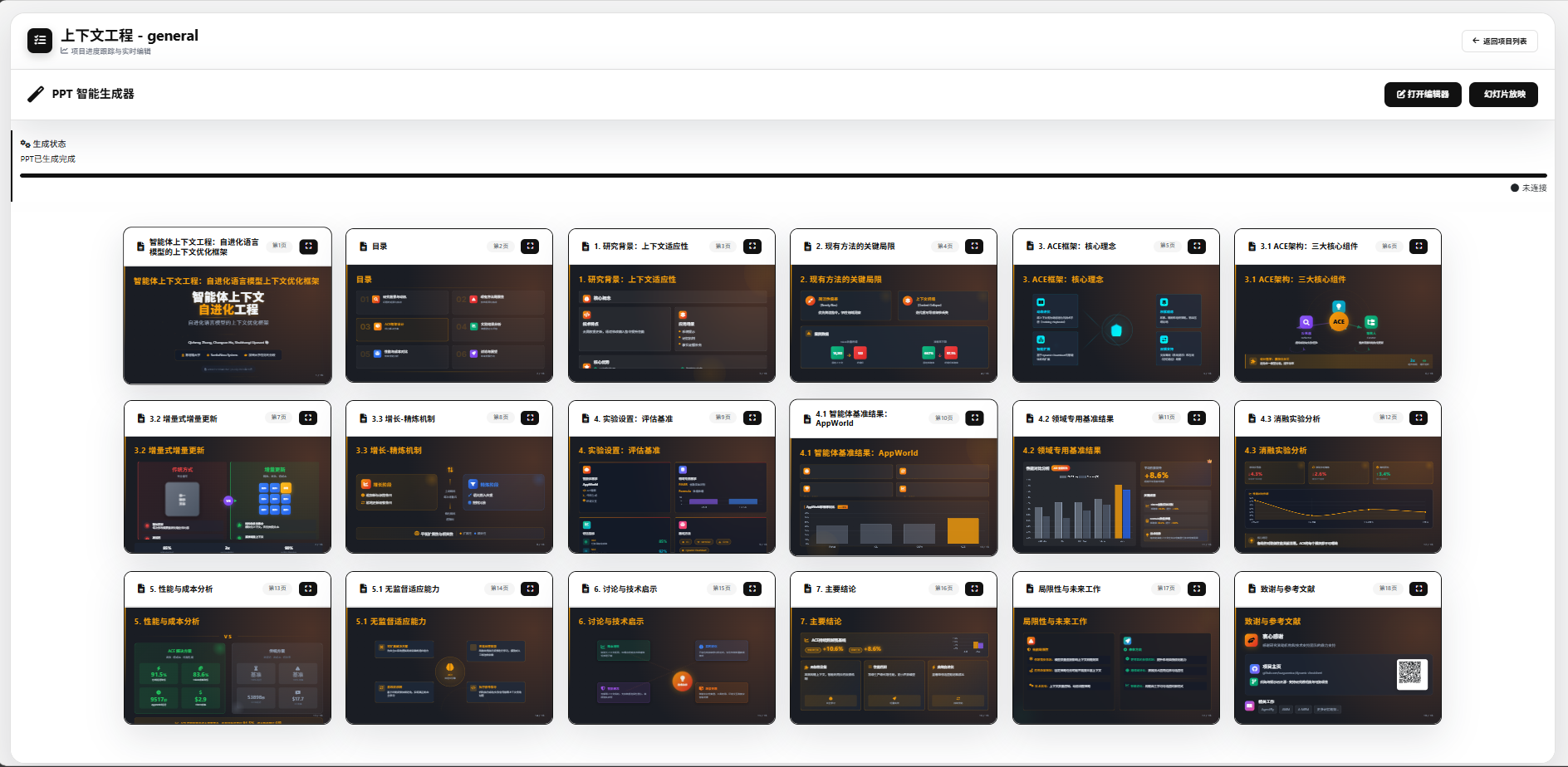
Generation Effect
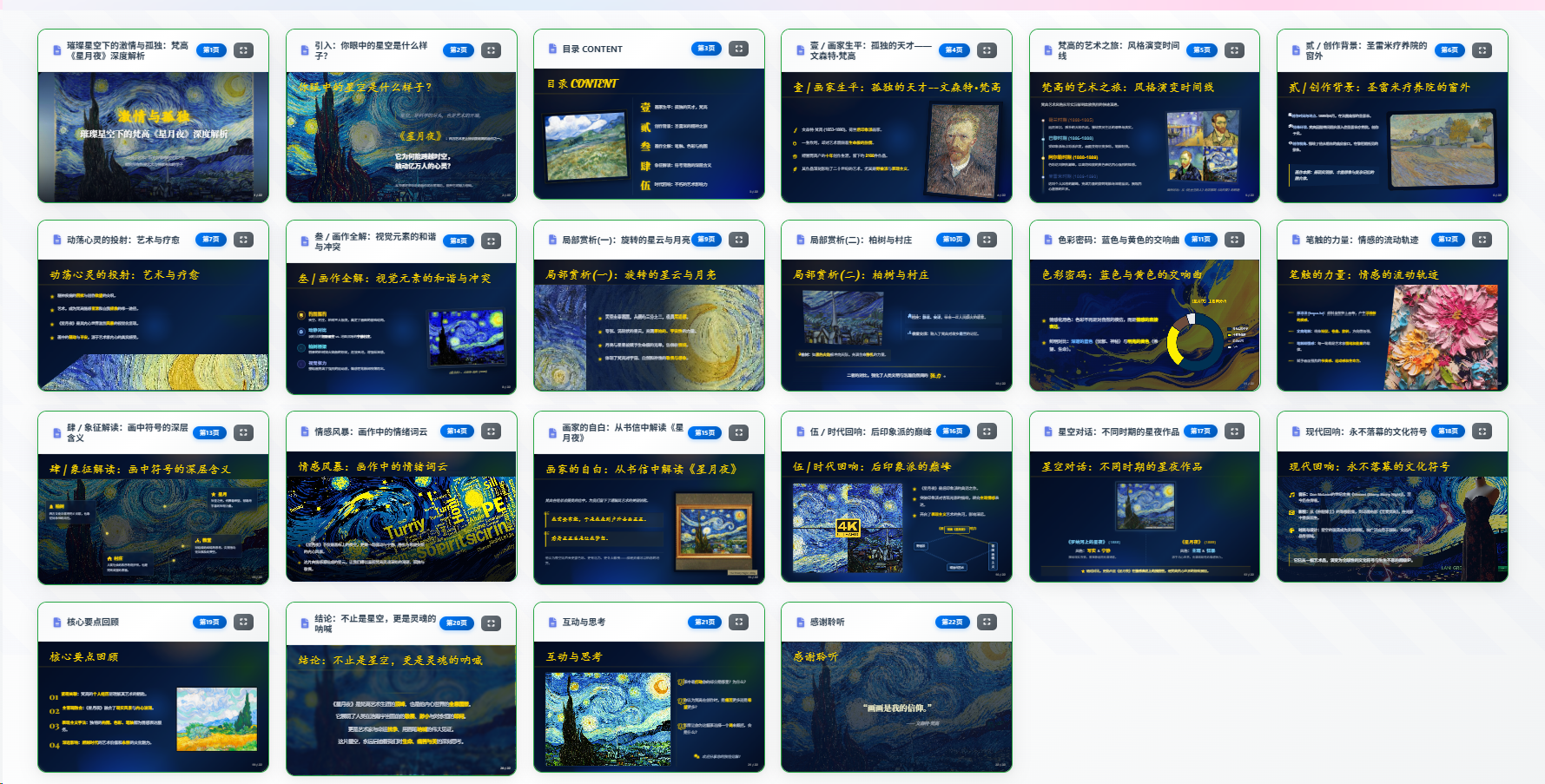
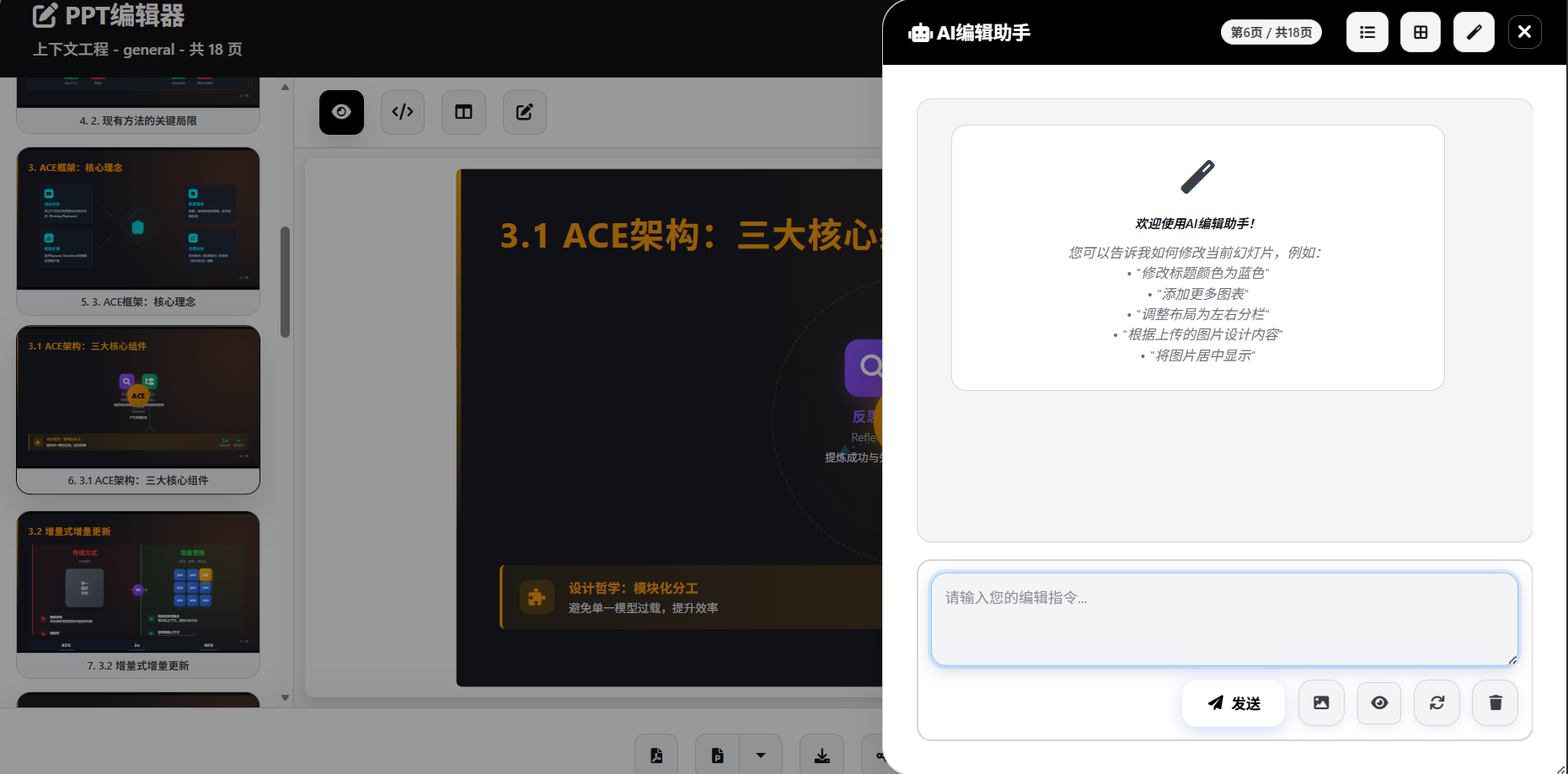
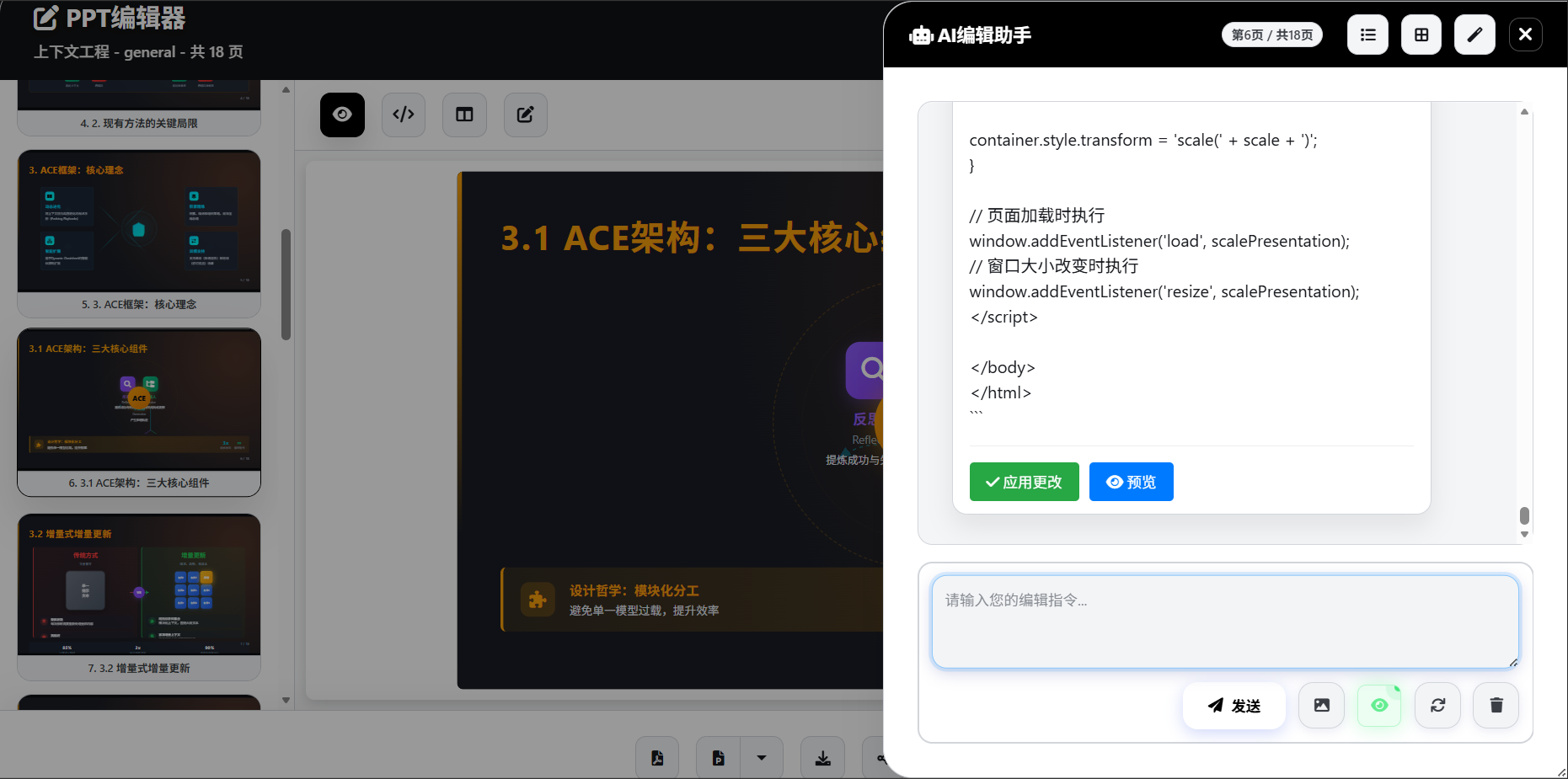
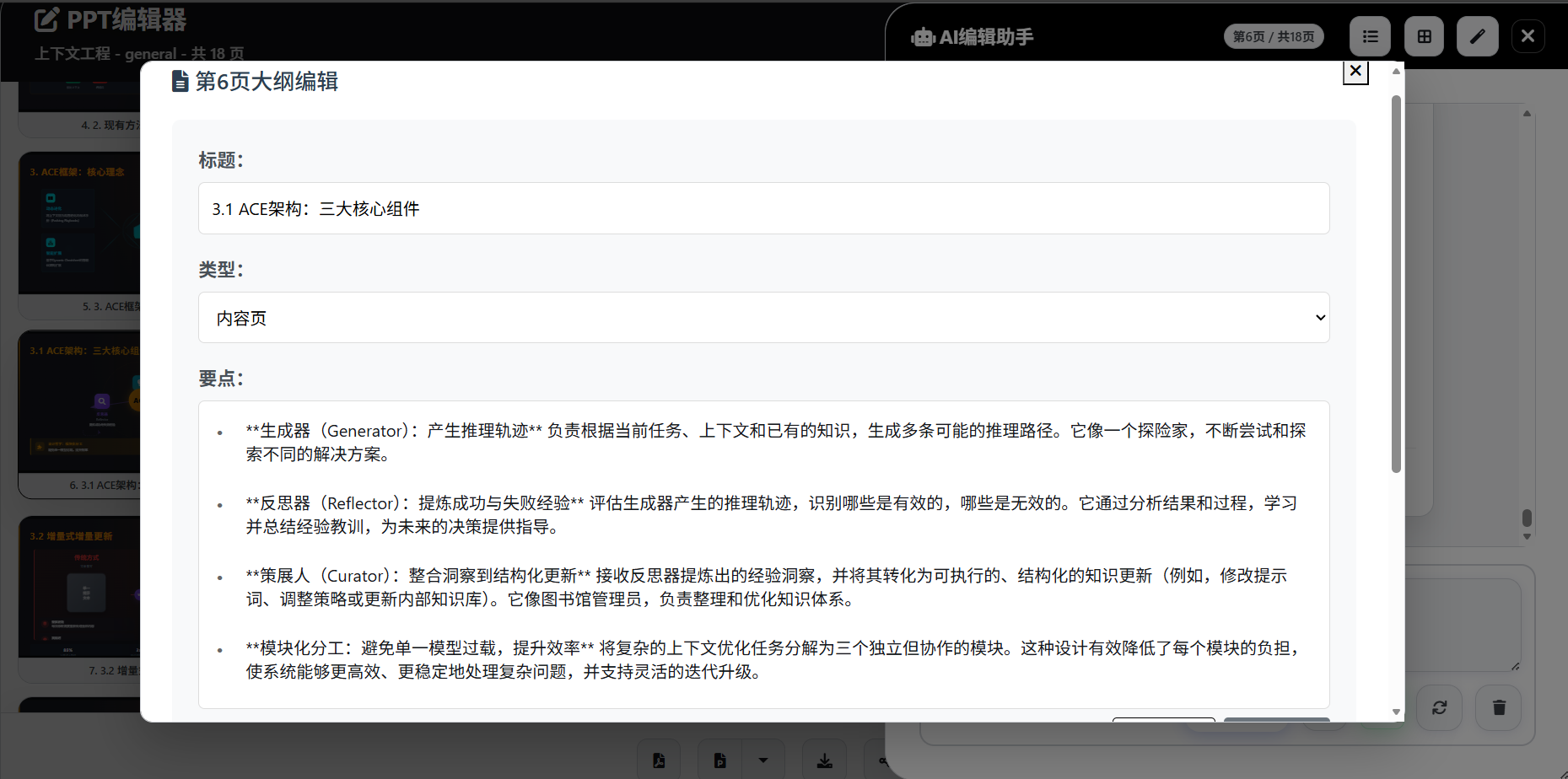
Online editing

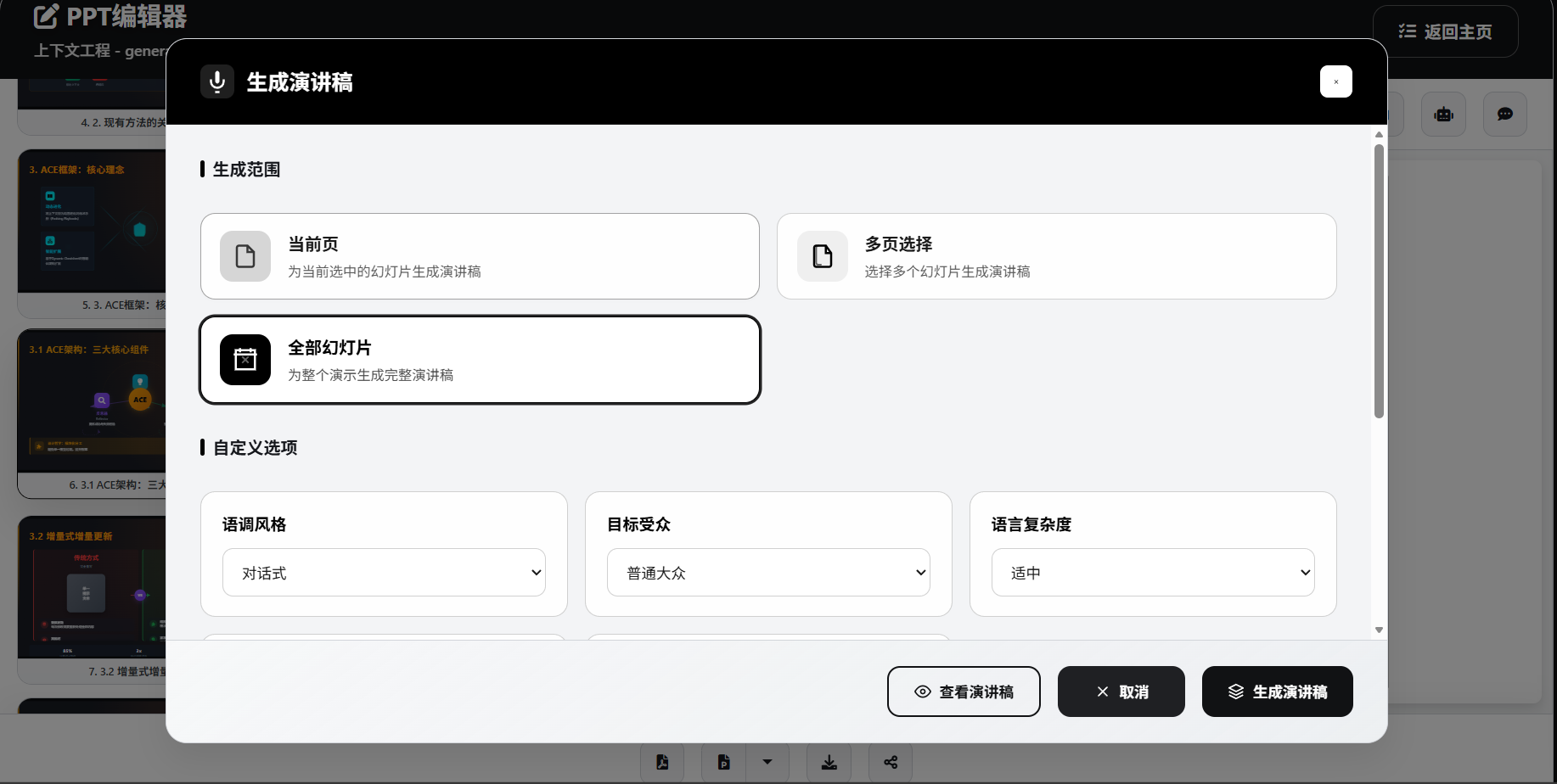
Speech Script Generation
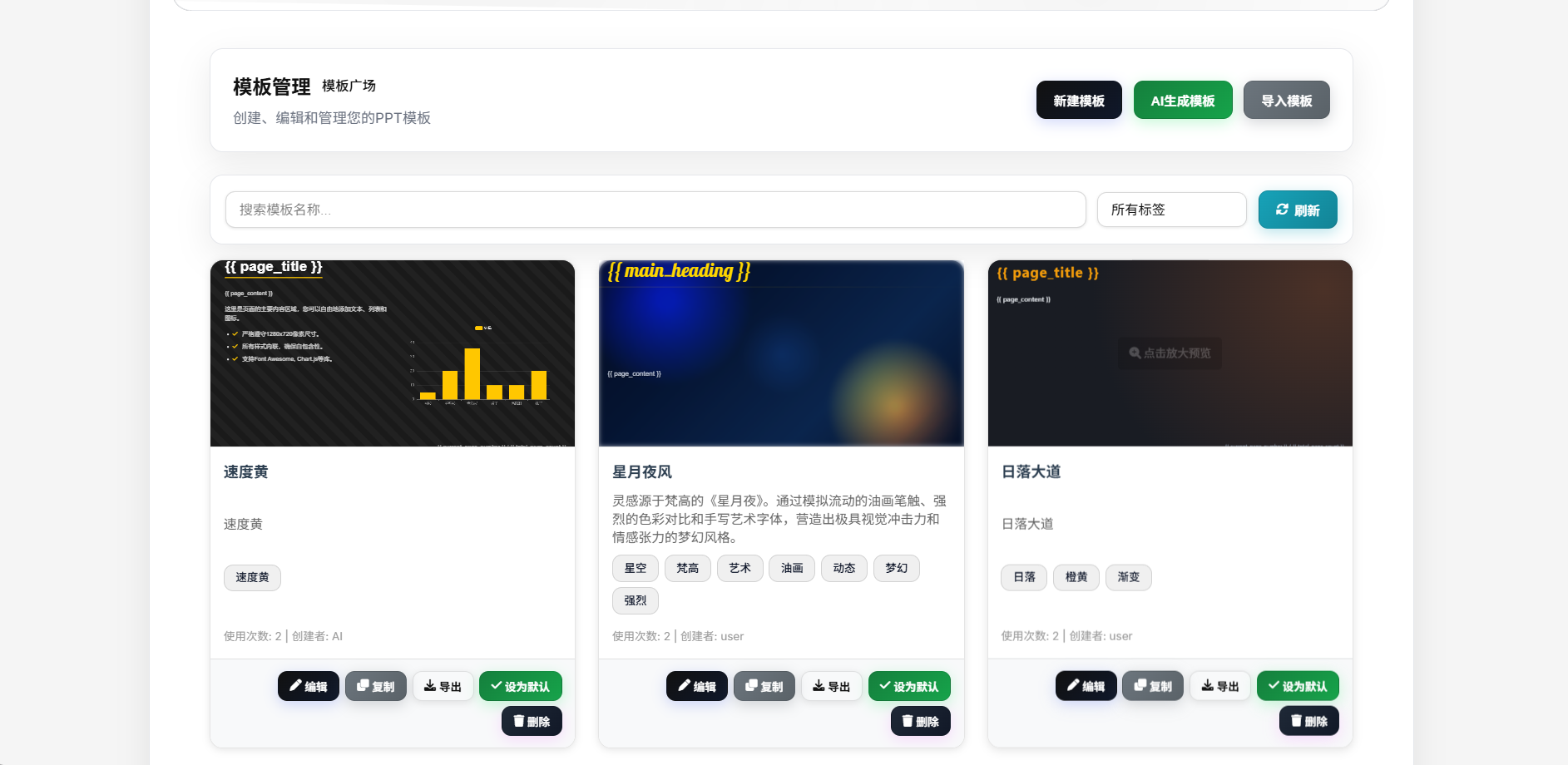
Template Generation
Feature Highlights
- One-Click Generation: From topic to complete PPT, fully automated AI processing
- Smart Image Matching: AI automatically matches the most suitable images with multi-source support and reference image generation
- TODO Task Board: Interactive workflow board for real-time generation progress, task logs, and richer visual feedback
- Deep Research: Integrated multiple search engines for latest and comprehensive information
- Parallel Slide Generation: Generate slide content concurrently to significantly improve throughput on stronger AI backends
- Speech Script Generation: Intelligent generation of accompanying speech scripts with multiple export formats
- Narration & Video Export: Generate per-slide narration audio via Edge-TTS, support slide-synced playback, and export narrated videos (1080p 30/60fps with embedded subtitles)
- Visual Reference: AI editing assistant supports image upload and visual content analysis
- Multiple File Upload: Support uploading multiple files simultaneously for efficient batch processing
- Custom Model Selection: Customize model selection by function module for precise cost control
- Public Sharing & Fullscreen Playback: Generate share links for public viewing, fullscreen playback, narration audio, and subtitles
- Dual PPTX Export Paths: Standard PPTX export via Apryse plus image-based PPTX export for higher HTML/CSS fidelity
- Automation Ready: Built-in OpenAI-compatible API plus project REST APIs for n8n, CI, scripts, and API-key auth
- Account System: Local auth, GitHub OAuth, Linux Do OAuth, forgot password, email verification, and registration rate limiting
- Notes Export: Support exporting speech scripts to PPT notes
- Image Export: Support exporting PPT in image format
- Responsive Design: Perfect adaptation to various devices and screen sizes
- Enterprise Security: Support for local deployment with controllable data security
Key Features
Multi-AI Provider Support
- OpenAI GPT Series: GPT-5.5 and other OpenAI models
- OpenAI-Compatible Platforms: Supports DeepSeek, Moonshot, Qwen, and other OpenAI-compatible endpoints
- Anthropic Claude: Claude series models
- Google Gemini: Gemini series models with custom endpoint support
- Azure OpenAI: Enterprise-grade AI services with custom deployments
- Ollama: Locally deployed open-source models supporting Llama, Mistral, etc.
Powerful File Processing
- Multi-format Support: PDF, Word, Markdown, TXT, Excel, PowerPoint and more formats
- Intelligent Parsing: High-quality content extraction using MinerU and MarkItDown
- Deep Research: Multi-source research with Tavily API and SearXNG integration
- Content Enhancement: Automatic web content extraction and intelligent summarization
Intelligent Image Processing System
- Multi-source Image Acquisition: Local gallery, network search, and AI generation in one
- Network Image Search: Support for premium galleries like Pixabay, Unsplash
- AI Image Generation: Integration with DALL-E, SiliconFlow, Pollinations services
- Smart Image Selection: AI automatically matches the most suitable image content
- Image Processing Optimization: Automatic resizing, format conversion, quality optimization
Enhanced Research Capabilities
- Multi-engine Search: Dual engine support with Tavily and SearXNG
- Deep Content Extraction: Intelligent web content parsing and structured processing
- Multi-language Support: Support for Chinese, English and other languages
- Real-time Information: Access to latest web information and data
Rich Template System
- Global Master Templates: Unified HTML template system with responsive design
- Diverse Layouts: AI-generated creative page layouts and design styles
- Scenario-based Templates: Professional templates for general, tourism, education scenarios
- Reference PPTX Extraction: Upload a reference PPTX and extract layout/style cues into reusable templates
- Free Template Mode: Project-level AI-adaptive template generation based on topic, outline, and reference assets
- Custom Templates: Support for importing and creating personalized templates
- Reference Image Generation: AI template generation supports reference images for intelligent design style matching
Complete Project Management
- Four-stage Workflow: Requirements confirmation Outline generation TODO progress tracking PPT generation
- Task Board: Integrated task management with real-time status, logs, and animated feedback
- Stage Restart & Resume: Restart workflow execution from a selected stage after revising outline/content
- Public Share Management: Generate, disable, and inspect project share links
- Visual Editing: Intuitive outline editor with real-time preview
- Version Management: Project history and version rollback functionality
- Batch Operations: Support for batch generation and processing multiple projects
Modern Web Interface
- Intuitive Operation: User-friendly responsive web interface
- AI Chat Editing: Sidebar AI editing with real-time conversation support and visual references
- Speech Script Generation: Support for single/multiple/all slide speech script generation, export to DOCX/Markdown formats
- Fullscreen Presentation Mode: Supports narration audio, subtitles, auto-advance, and public shared playback
- Multi-format Export: PDF/HTML/standard PPTX/image-based PPTX/speech DOCX/Markdown export support
- Real-time Preview: 16:9 standard ratio real-time page preview
Platform & Operations
- Docker / Docker Compose: Ships with both single-container usage and multi-service orchestration via
docker-compose.ymlanddocker-compose-dev.yaml - PostgreSQL + Valkey: Production compose stack includes database plus cache/task coordination for multi-user deployments
- Background Task System: Long-running PDF/PPTX/narration-video exports run asynchronously with polling support
- Automatic Database Migrations: Pending migrations run on startup, and default templates are imported on first boot
- OpenAI-Compatible Endpoints: Exposes
/v1/chat/completions,/v1/completions, and/v1/models - Optional Monetization Modules: Credits system, SMTP/Resend email, registration throttling, and Cloudflare Turnstile
Quick Start
System Requirements
- Python 3.11+
- SQLite 3
- ffmpeg (required for narration video export)
- Docker (optional)
Database Migrations (Automatic)
- By default, the app will auto-detect and apply pending database migrations on startup (not user-specific). Disable via
LANDPPT_AUTO_MIGRATE_ON_STARTUP=false. - Standalone/local startup now defaults to SQLite; only set
DATABASE_URLwhen you want to use PostgreSQL or another external database explicitly. - If you run multiple containers/nodes against the same database, consider disabling auto-migrate and running migrations as a dedicated one-off job.
Local Installation
Method 1: uv Setup (Recommended)
# Clone the repository
git clone https://github.com/sligter/LandPPT.git
cd LandPPT

# Install uv (if not already installed)
# Windows (PowerShell)
powershell -ExecutionPolicy ByPass -c "irm https://astral.sh/uv/install.ps1 | iex"
# macOS/Linux
curl -LsSf https://astral.sh/uv/install.sh | sh

# Sync the development/test environment with uv
uv sync --extra dev

# If you only need the test runner, you can install the smaller test extra instead
# uv sync --extra test

# Configure environment variables
cp .env.example .env
# Edit .env file and configure your AI API keys

# Start the service (defaults to port 8000 with SQLite + memory cache; PostgreSQL / Valkey are optional)
uv run python run.py

# Run tests (example)
uv run --extra dev pytest tests/test_creative_guidance_defaults.py

# If upgrading: after startup, apply database migrations (includes narration audio/video)
# Option A (no HTTP auth required):
# python -c "import asyncio; from landppt.database.migrations import migration_manager; asyncio.run(migration_manager.migrate_up())"
# Option B (HTTP endpoint requires auth session cookie):
# 1) Get session_id: curl -X POST -d "username=YOUR_USER&password=YOUR_PASS" http://localhost:8000/api/auth/login
# 2) Run migrations: curl -X POST -H "Cookie: session_id=YOUR_SESSION_ID" http://localhost:8000/api/database/migrations/run
Method 2: Traditional pip Installation
# Clone the repository
git clone https://github.com/sligter/LandPPT.git
cd LandPPT

# Create virtual environment
python -m venv venv
# Activate virtual environment
# Windows
venv\Scripts\activate
# macOS/Linux
source venv/bin/activate

# Install dependencies
pip install -e .

# Configure environment variables
cp .env.example .env
# Edit .env file and configure your AI API keys

# Start the service (defaults to port 8000 with SQLite + memory cache; PostgreSQL / Valkey are optional)
python run.py
Docker Deployment
Using Pre-built Image (Recommended)
# Pull the latest image
docker pull bradleylzh/landppt:latest

# Run container
docker run -d \
  --name landppt \
  -p 8000:8000 \
  -v $(pwd)/.env:/app/.env \
  -v landppt_data:/app/data \
  -v landppt_reports:/app/research_reports \
  -v landppt_cache:/app/temp \
  bradleylzh/landppt:latest

# View logs
docker logs -f landppt
Note: Make sure to create and configure the
.envfile with necessary API keys before running.
Docker Compose (Recommended for Production)
The repository includes docker-compose.yml, which starts landppt + PostgreSQL + Valkey together. This is the recommended setup for multi-user deployments, background jobs, and long-running environments. For standalone local use, you can run python run.py / uv run python run.py directly and use the default SQLite + memory-cache setup without extra services.
# Prepare configuration
cp .env.example .env
# At minimum, set AI keys, SECRET_KEY, and POSTGRES_PASSWORD

# Start the production stack
docker compose up -d --build

# View logs
docker compose logs -f landppt
Default URL: http://localhost:6003
Development Mode (Hot Reload)
Use docker-compose-dev.yaml for source-mounted development with hot reload enabled.
cp .env.example .env
docker compose -f docker-compose-dev.yaml up -d --build
docker compose -f docker-compose-dev.yaml logs -f landppt-dev
Default URL: http://localhost:8001
Usage Guide
1. Access Web Interface
After starting the service, visit: - Web Interface: http://localhost:8000 - API Documentation: http://localhost:8000/docs - Health Check: http://localhost:8000/health
No administrator account is created automatically by default. To bootstrap one, explicitly set LANDPPT_BOOTSTRAP_ADMIN_ENABLED=true, LANDPPT_BOOTSTRAP_ADMIN_USERNAME, and LANDPPT_BOOTSTRAP_ADMIN_PASSWORD.
2. Configure AI Providers
Configure your AI API keys in the settings page: - OpenAI API Key - Anthropic API Key - Google API Key - Or configure local Ollama service
3. Create PPT Projects
- Requirements Confirmation: Input topic, select audience, set page range, choose sc
Core symbols most depended-on inside this repo
getShape
Languages
Modules by API surface
Dependencies from manifests, versioned
Datastores touched
For agents
$ claude mcp add LandPPT \
  -- python -m otcore.mcp_server <graph>