github.com/santinic/how2 @v3.0.3
README
how2: AI for your Terminal
how2 finds the simplest way to do something in a unix shell.
It's like man, but you can query it in natural language. It uses a mix of AI code-completion and StackOverflow search.
It effectively replaces Chrome => New Tab => Google => Click on StackOverflow => Scroll Down to first answer.
Work in progress 🚧 🚧 🚧 Updates coming soon
Go to how2terminal.com for more info
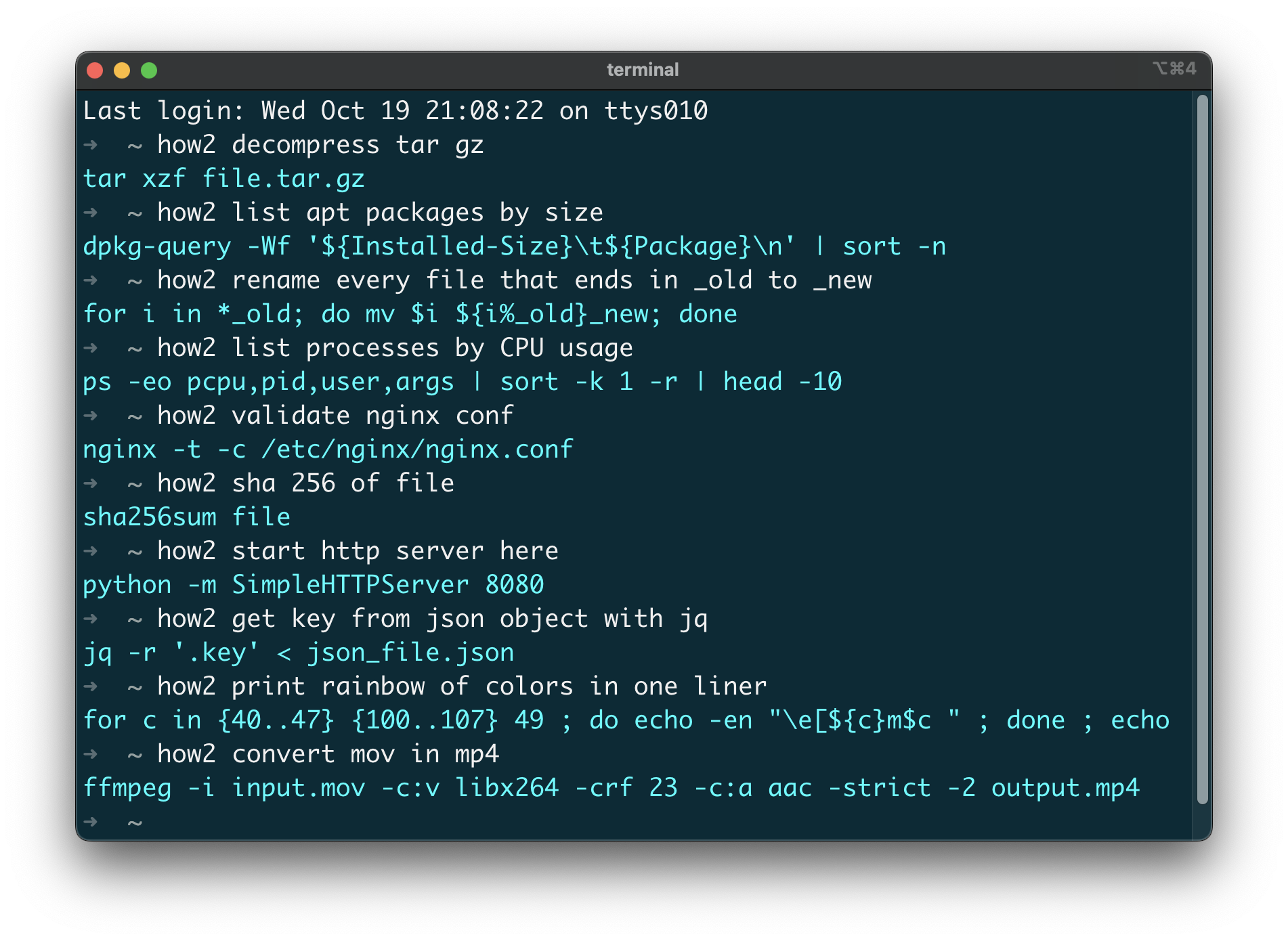
Demo video
https://user-images.githubusercontent.com/179558/196452157-60e6b33a-116d-46f2-a441-7d0696a31452.mp4
Install
-
MacOSX (via HowBrew):
brew tap how2terminal/how2brew install how2 -
With NPM:
npm install -g how2if it gives you EACCES errors, you need to fix npm permissions. Or you can just use
sudo npm install -g how2if you don't care -
Ubuntu/Debian:
Download latest .deb and then run:
sudo dpkg i how2.deb -
Binaries:
Go to the latest release and download the binaries.
Usage
By default, how2 uses an external AI server to find the best unix command line suggestion.
If you add the -s option instead, it will search StackOverflow for an answer.
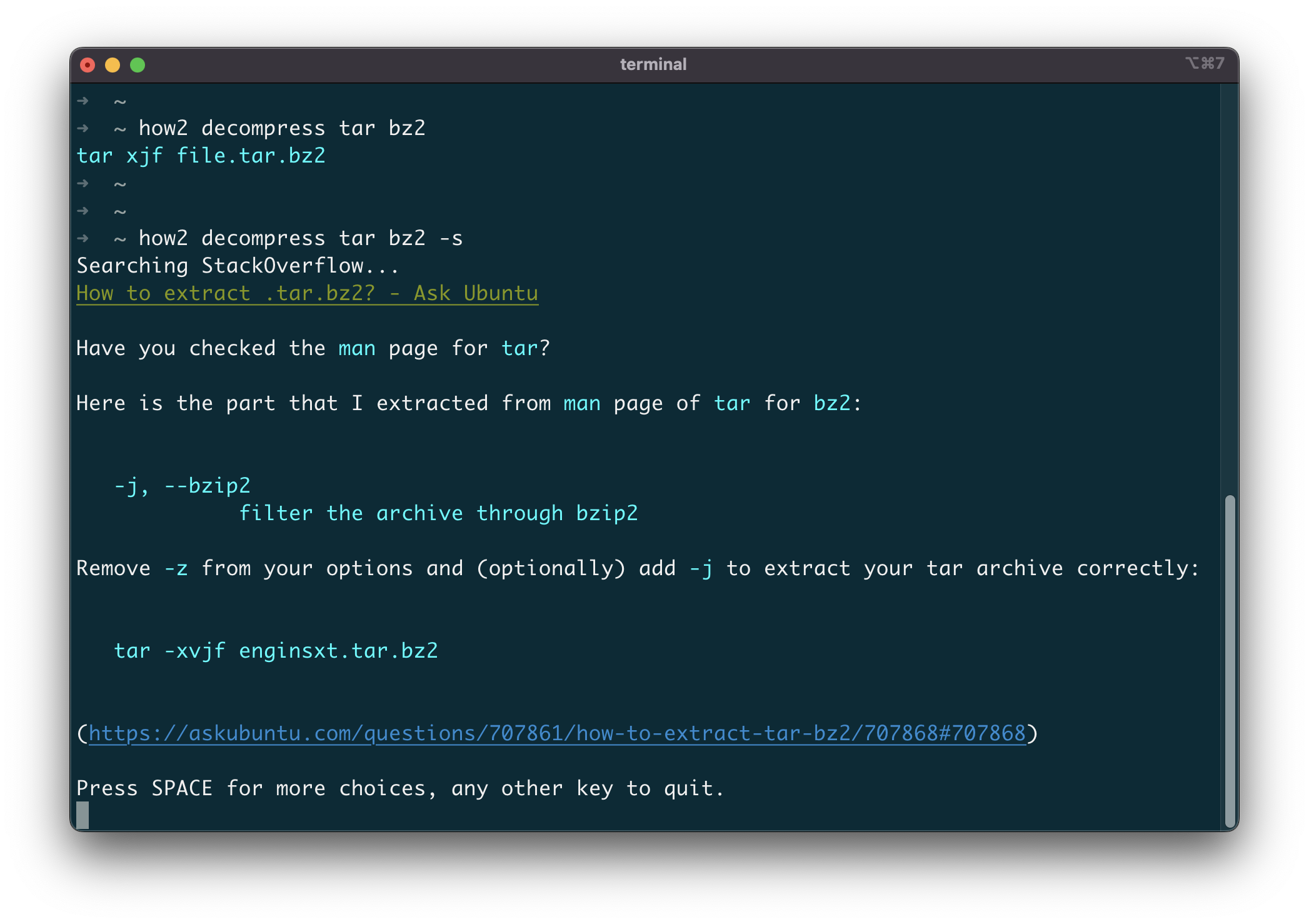
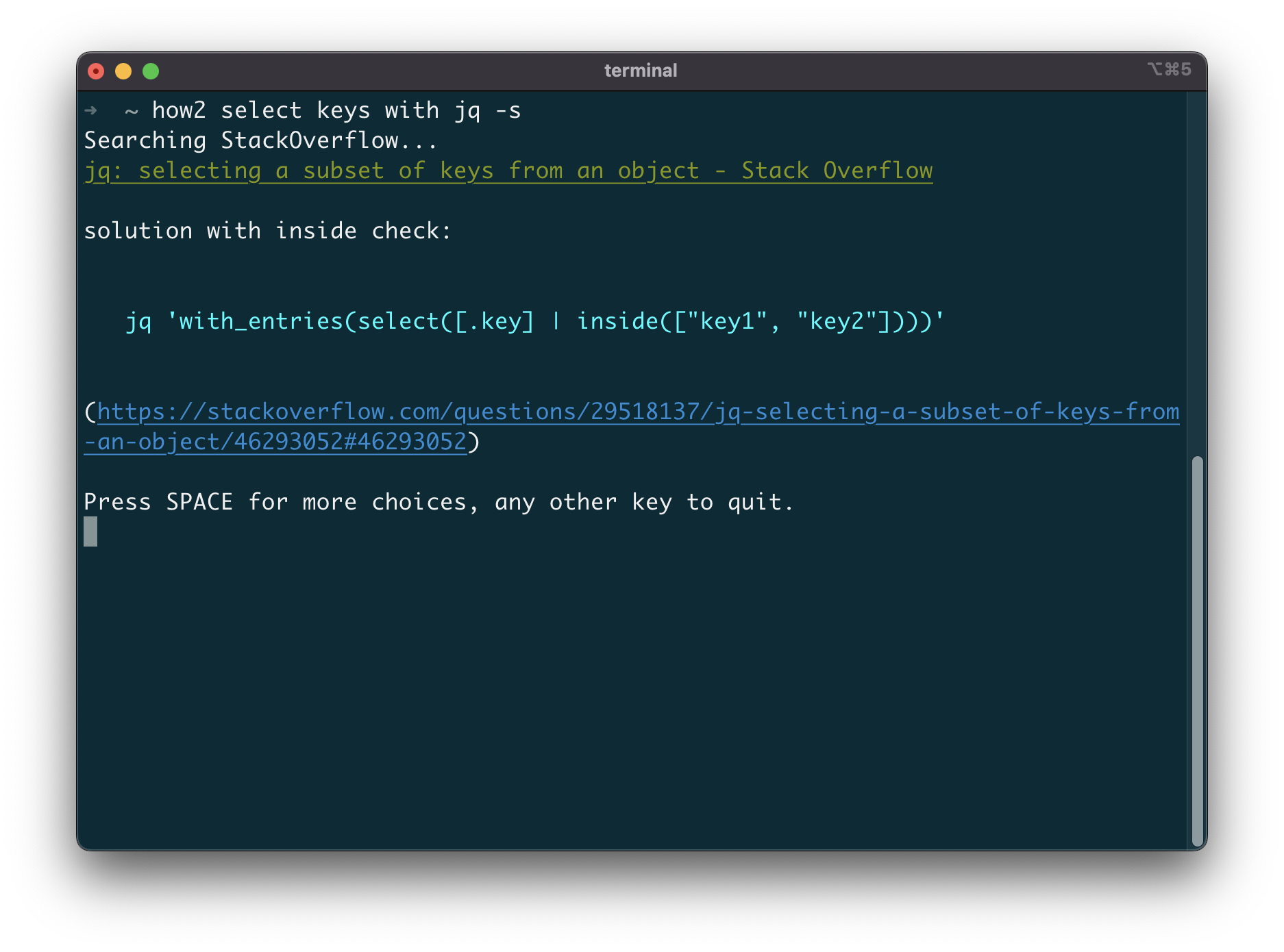
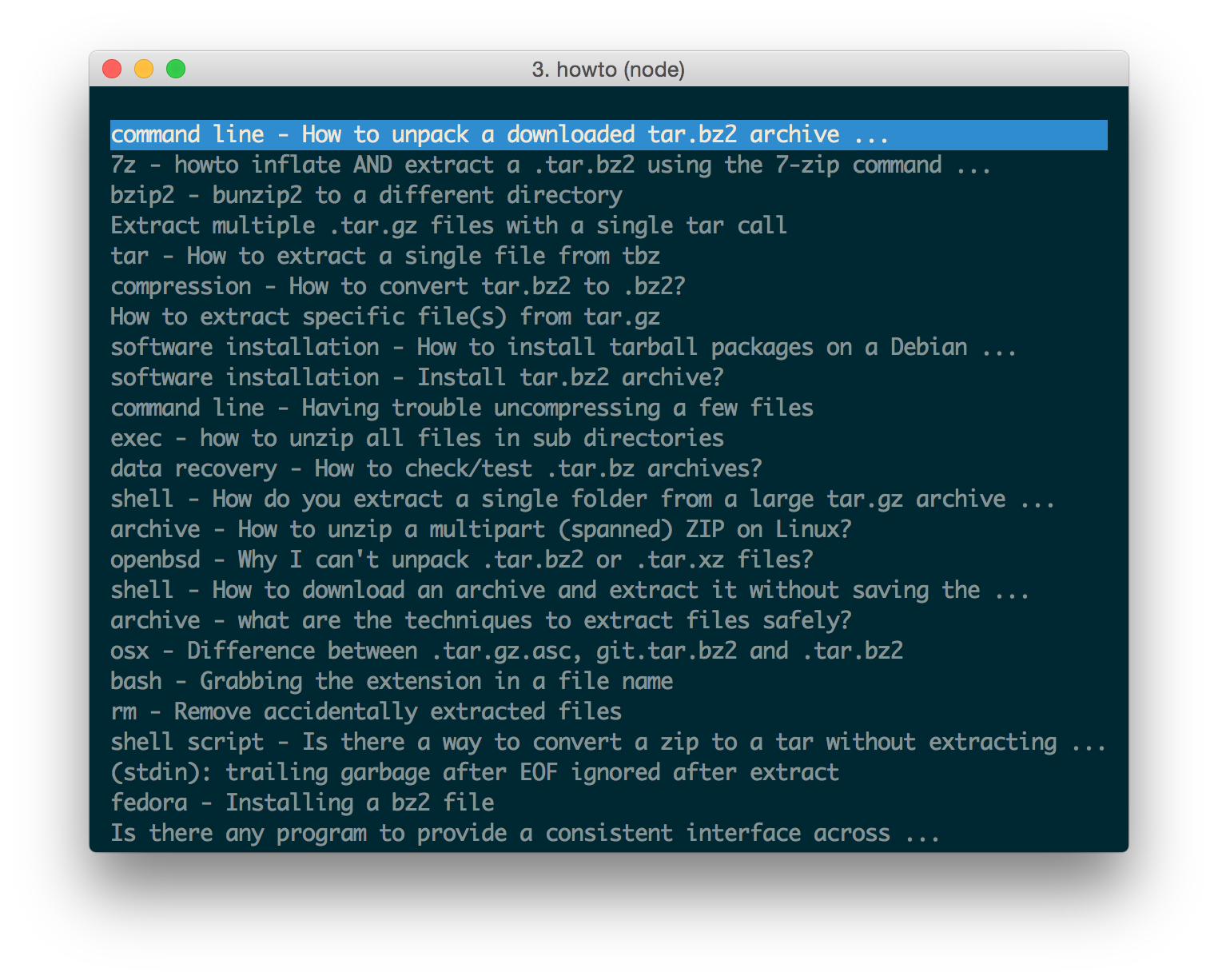
After that you can press SPACE to go to the interactive mode, where you can choose a different stackoverflow question/answer.
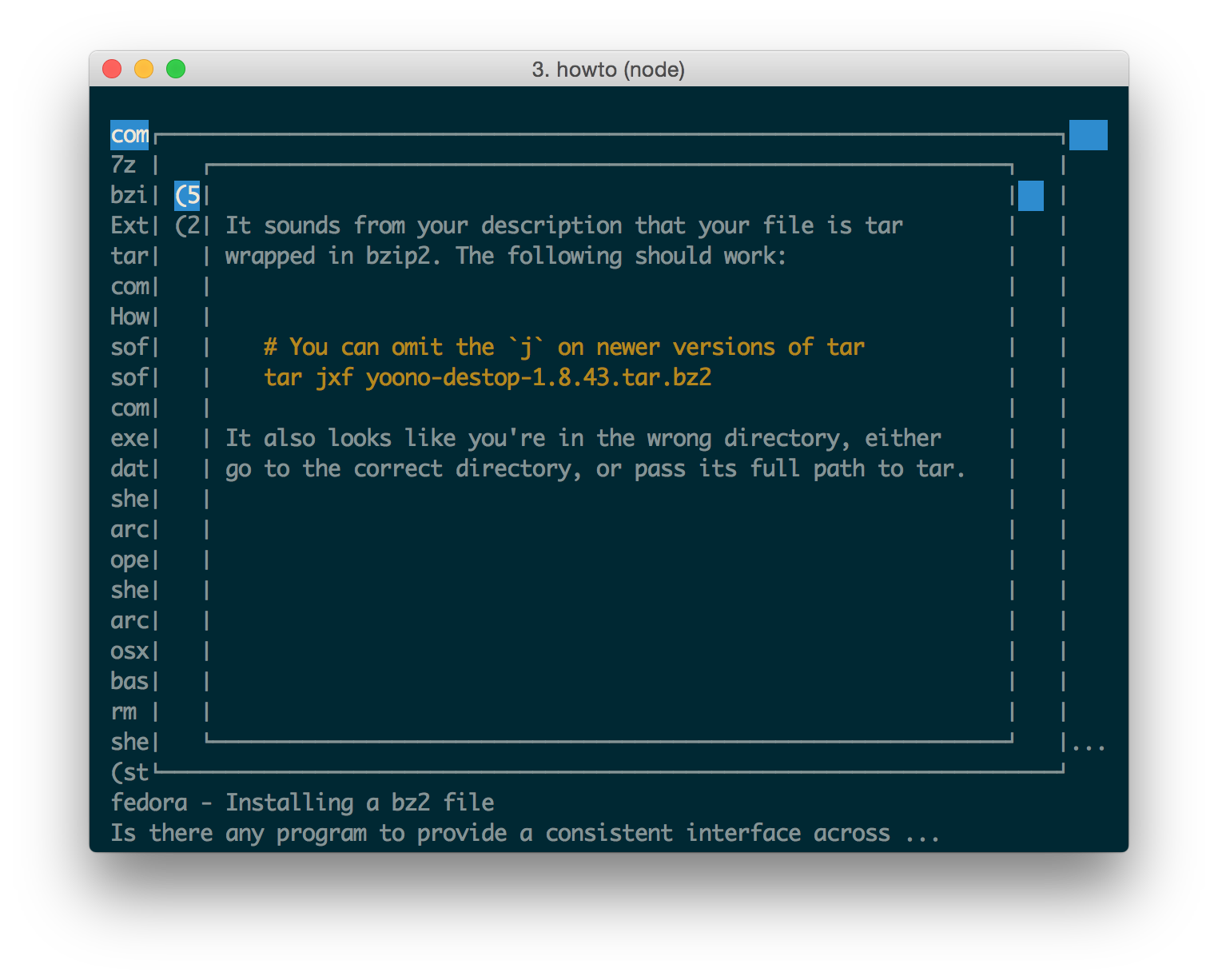
How does it work?
Behind the curtain, the API use a couple of AI code-completion models (Salesforce CodeGen) retrained on Bash/Powershell commands. This is just the beginning, we are working on retraining the models to focus on the Command-Line experience. Currently, the AI mode is free for everybody up to 5 requests per day. If you are a professional user consider upgrading to a paid subscription.
How well does it work?
It is surprisingly useful once you get used to it! I've added it to all my servers and laptops and used it daily.
Sometimes, the model cannot find a solution and will result in unexpected output.
In that case, try rewording your input, it often takes minor changes to get to a good solution.
And, if it really doesn't work, just add -s to get the best answer on StackOverflow straight into
the Terminal.
Copy-Paste with mouse
When you are in "interactive mode" (after you press SPACE), if you want to copy-paste more than one line you can use block-select:
With Ubuntu try holding Ctrl+Alt before you select, or Alt+Cmd if you're in iTerm on Mac.
(thanks to @danielkop for this suggestion).
Can i use it behind Proxy ?
Yes, you need to use HTTP_PROXY or HTTPS_PROXY environment variables.
For example, you could alias the proxy settings in your ~/.bash_profile:
alias how2="HTTPS_PROXY='your_proxy:8888' how2"