github.com/d3/d3-drag @v3.0.0
Chat with this repoWhat it actually does AI analysis from the code graph — generated when you open this
README
d3-drag
Drag-and-drop is a popular and easy-to-learn pointing gesture: move the pointer to an object, press and hold to grab it, “drag” the object to a new location, and release to “drop”. D3’s drag behavior provides a convenient but flexible abstraction for enabling drag-and-drop interaction on selections. For example, you can use d3-drag to facilitate interaction with a force-directed graph, or a simulation of colliding circles:
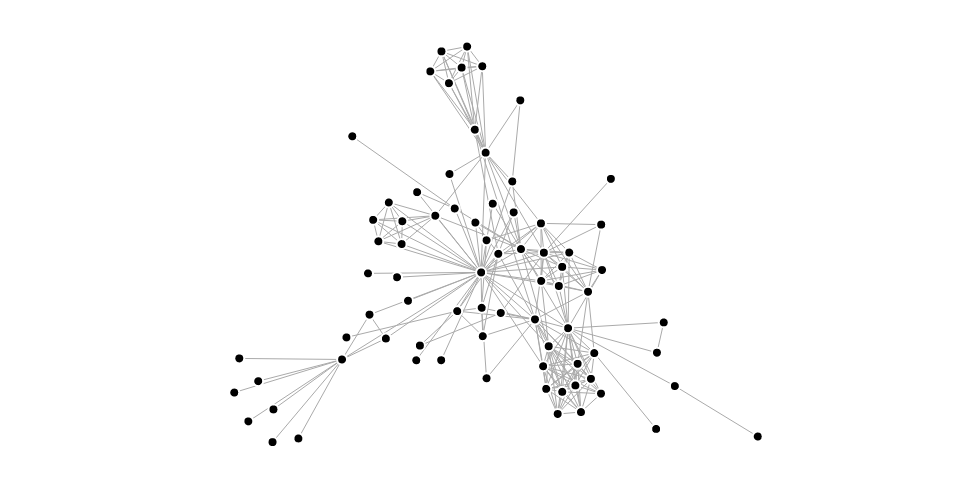
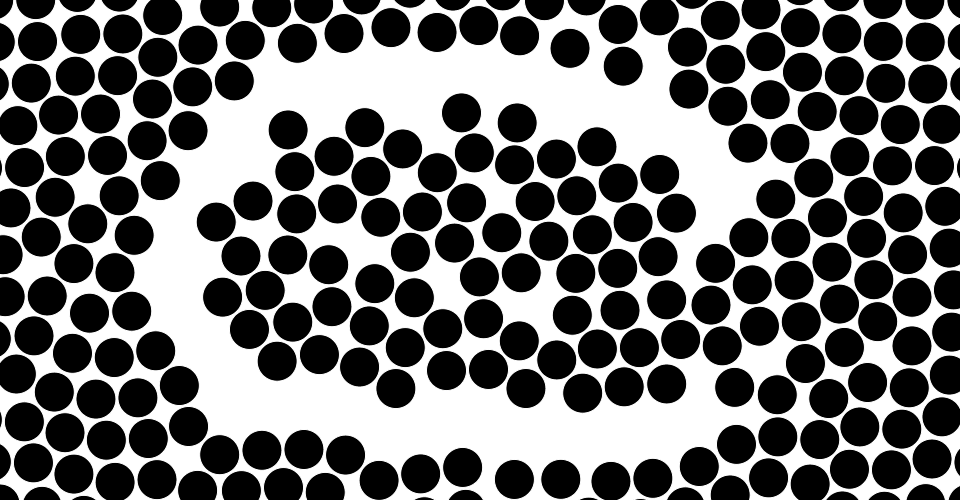
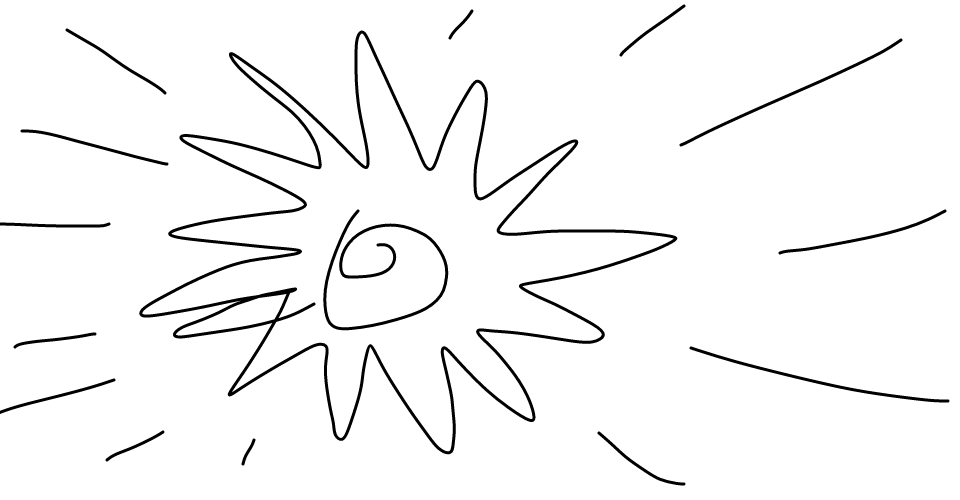
You can also use d3-drag to implement custom user interface elements, such as a slider. But the drag behavior isn’t just for moving elements around; there are a variety of ways to respond to a drag gesture. For example, you can use it to lasso elements in a scatterplot, or to paint lines on a canvas:
The drag behavior can be combined with other behaviors, such as d3-zoom for zooming.

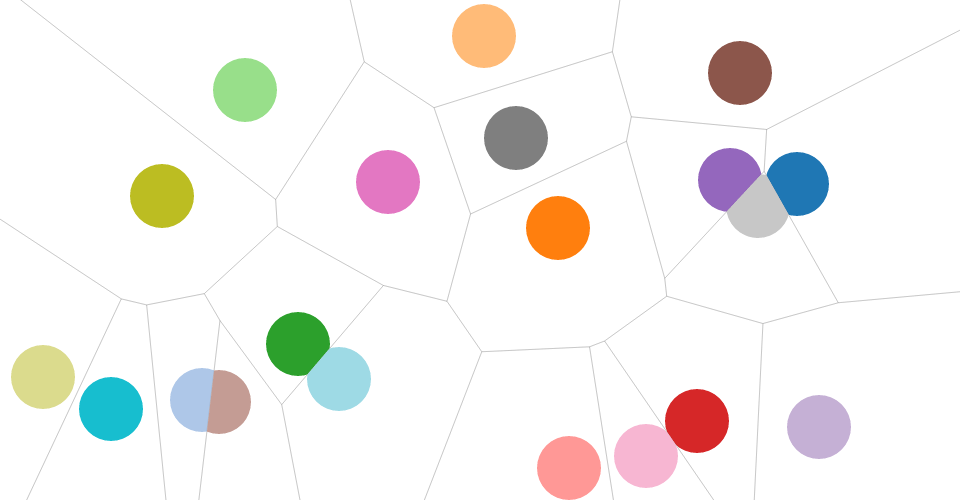
The drag behavior is agnostic about the DOM, so you can use it with SVG, HTML or even Canvas! And you can extend it with advanced selection techniques, such as a Voronoi overlay or a closest-target search:
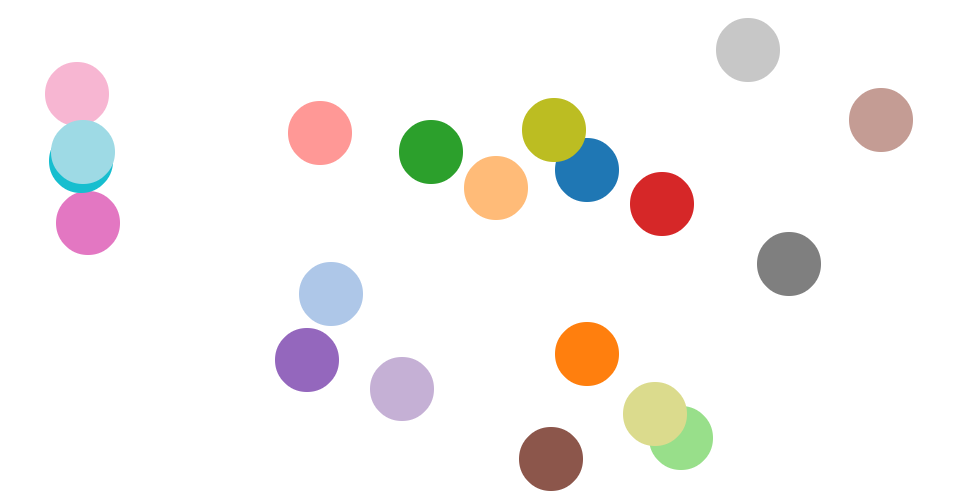
Best of all, the drag behavior automatically unifies mouse and touch input, and avoids browser idiosyncrasies. When Pointer Events are more widely available, the drag behavior will support those, too.
Installing
If you use npm, npm install d3-drag. You can also download the latest release on GitHub. For vanilla HTML in modern browsers, import d3-drag from Skypack:
<script type="module">

import {drag} from "https://cdn.skypack.dev/d3-drag@3";

const handler = drag();

</script>
For legacy environments, you can load d3-drag’s UMD bundle from an npm-based CDN such as jsDelivr; a d3 global is exported:
<script src="https://cdn.jsdelivr.net/npm/d3-dispatch@3"></script>
<script src="https://cdn.jsdelivr.net/npm/d3-selection@3"></script>
<script src="https://cdn.jsdelivr.net/npm/d3-drag@3"></script>
<script>

const handler = d3.drag();

</script>
API Reference
This table describes how the drag behavior interprets native events:
| Event | Listening Element | Drag Event | Default Prevented? |
|---|---|---|---|
| mousedown⁵ | selection | start | no¹ |
| mousemove² | window¹ | drag | yes |
| mouseup² | window¹ | end | yes |
| dragstart² | window | - | yes |
| selectstart² | window | - | yes |
| click³ | window | - | yes |
| touchstart | selection | start | no⁴ |
| touchmove | selection | drag | yes |
| touchend | selection | end | no⁴ |
| touchcancel | selection | end | no⁴ |
The propagation of all consumed events is immediately stopped. If you want to prevent some events from initiating a drag gesture, use drag.filter.
¹ Necessary to capture events outside an iframe; see #9.
² Only applies during an active, mouse-based gesture; see #9.
³ Only applies immediately after some mouse-based gestures; see drag.clickDistance.
⁴ Necessary to allow click emulation on touch input; see #9.
⁵ Ignored if within 500ms of a touch gesture ending; assumes click emulation.
# d3.drag() · Source, Examples
Creates a new drag behavior. The returned behavior, drag, is both an object and a function, and is typically applied to selected elements via selection.call.
# drag(selection) · Source, Examples
Applies this drag behavior to the specified selection. This function is typically not invoked directly, and is instead invoked via selection.call. For example, to instantiate a drag behavior and apply it to a selection:
d3.selectAll(".node").call(d3.drag().on("start", started));
Internally, the drag behavior uses selection.on to bind the necessary event listeners for dragging. The listeners use the name .drag, so you can subsequently unbind the drag behavior as follows:
selection.on(".drag", null);
Applying the drag behavior also sets the -webkit-tap-highlight-color style to transparent, disabling the tap highlight on iOS. If you want a different tap highlight color, remove or re-apply this style after applying the drag behavior.
# drag.container([container]) · Source, Examples
If container is specified, sets the container accessor to the specified object or function and returns the drag behavior. If container is not specified, returns the current container accessor, which defaults to:
function container() {
  return this.parentNode;
}
The container of a drag gesture determines the coordinate system of subsequent drag events, affecting event.x and event.y. The element returned by the container accessor is subsequently passed to d3.pointer to determine the local coordinates of the pointer.
The default container accessor returns the parent node of the element in the originating selection (see drag) that received the initiating input event. This is often appropriate when dragging SVG or HTML elements, since those elements are typically positioned relative to a parent. For dragging graphical elements with a Canvas, however, you may want to redefine the container as the initiating element itself:
function container() {
  return this;
}
Alternatively, the container may be specified as the element directly, such as drag.container(canvas).
# drag.filter([filter]) · Source, Examples
If filter is specified, sets the event filter to the specified function and returns the drag behavior. If filter is not specified, returns the current filter, which defaults to:
function filter(event) {
  return !event.ctrlKey && !event.button;
}
If the filter returns falsey, the initiating event is ignored and no drag gestures are started. Thus, the filter determines which input events are ignored; the default filter ignores mousedown events on secondary buttons, since those buttons are typically intended for other purposes, such as the context menu.
# drag.touchable([touchable]) · Source, Examples
If touchable is specified, sets the touch support detector to the specified function and returns the drag behavior. If touchable is not specified, returns the current touch support detector, which defaults to:
function touchable() {
  return navigator.maxTouchPoints || ("ontouchstart" in this);
}
Touch event listeners are only registered if the detector returns truthy for the corresponding element when the drag behavior is applied. The default detector works well for most browsers that are capable of touch input, but not all; Chrome’s mobile device emulator, for example, fails detection.
# drag.subject([subject]) · Source, Examples
If subject is specified, sets the subject accessor to the specified object or function and returns the drag behavior. If subject is not specified, returns the current subject accessor, which defaults to:
function subject(event, d) {
  return d == null ? {x: event.x, y: event.y} : d;
}
The subject of a drag gesture represents the thing being dragged. It is computed when an initiating input event is received, such as a mousedown or touchstart, immediately before the drag gesture starts. The subject is then exposed as event.subject on subsequent drag events for this gesture.
The default subject is the datum of the element in the originating selection (see drag) that received the initiating input event; if this datum is undefined, an object representing the coordinates of the pointer is created. When dragging circle elements in SVG, the default subject is thus the datum of the circle being dragged. With Canvas, the default subject is the canvas element’s datum (regardless of where on the canvas you click). In this case, a custom subject accessor would be more appropriate, such as one that picks the closest circle to the mouse within a given search radius:
function subject(event) {
  let n = circles.length,
      i,
      dx,
      dy,
      d2,
      s2 = radius * radius,
      circle,
      subject;

  for (i = 0; i < n; ++i) {
    circle = circles[i];
    dx = event.x - circle.x;
    dy = event.y - circle.y;
    d2 = dx * dx + dy * dy;
    if (d2 < s2) subject = circle, s2 = d2;
  }

  return subject;
}
(If necessary, the above can be accelerated using quadtree.find, simulation.find or delaunay.find.)
The returned subject should be an object that exposes x and y properties, so that the relative position of the subject and the pointer can be preserved during the drag gesture. If the subject is null or undefined, no drag gesture is started for this pointer; however, other starting touches may yet start drag gestures. See also drag.filter.
The subject of a drag gesture may not be changed after the gesture starts. The subject accessor is invoked with the same context and arguments as selection.on listeners: the current event (event) and datum d, with the this context as the current DOM element. During the evaluation of the subject accessor, event is a beforestart drag event. Use event.sourceEvent to access the initiating input event and event.identifier to access the touch identifier. The event.x and event.y are relative to the container, and are computed using d3.pointer.
# drag.clickDistance([distance]) · Source
If distance is specified, sets the maximum distance that the mouse can move between mousedown and mouseup that will trigger a subsequent click event. If at any point between mousedown and mouseup the mouse is greater than or equal to distance from its position on mousedown, the click event following mouseup will be suppressed. If distance is not specified, returns th
Core symbols most depended-on inside this repo
nopropagationShape
Languages
Modules by API surface
Used by 14 indexed graphs manifest dependencies, hub-wide
For agents
$ claude mcp add d3-drag \
  -- python -m otcore.mcp_server <graph>