github.com/bberak/react-native-game-engine @main
Chat with this repoBrowse by type
What it actually does AI analysis from the code graph — generated when you open this
README
React Native Game Engine · 

Some components that make it easier to construct dynamic and interactive scenes using React Native.
If you are looking for the React (Web) version of this library, go to react-game-engine.
Table of Contents
- Examples
- Quick Start
- GameEngine Properties
- GameEngine Methods
- FAQ
- Introduction
- The Game Loop
- The Game Loop vs React Native
- Using the GameLoop Component
- Behind the Scenes
- Where is the Draw Function?
- Managing Complexity with Component Entity Systems
- Additional CES Reading Material
- Using the GameEngine Component
- Awesome Packages for Game Development
- Get in Touch
- License
Examples
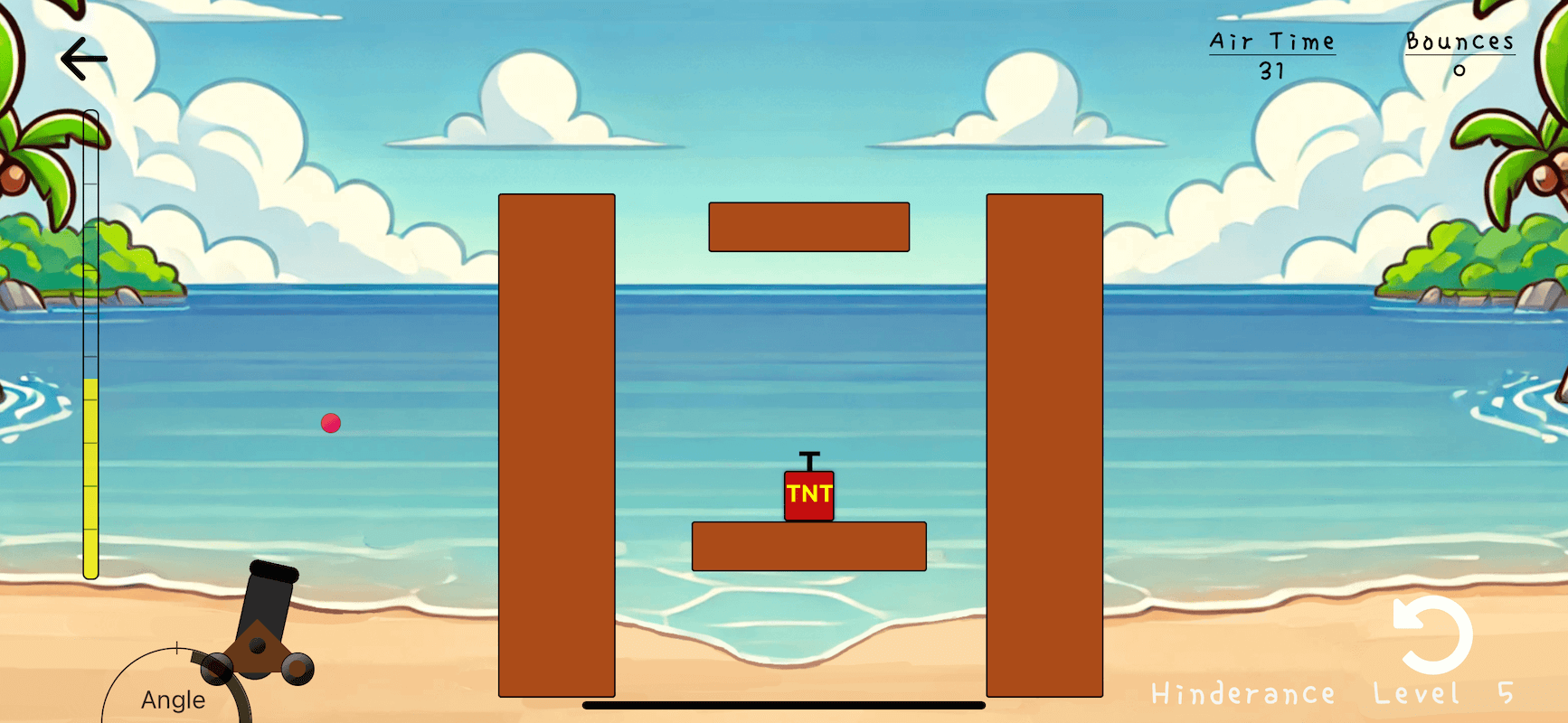
Check out Cannon Ball Sea, an incredibly fun physics-based puzzle game with a vibrant aesthetic.
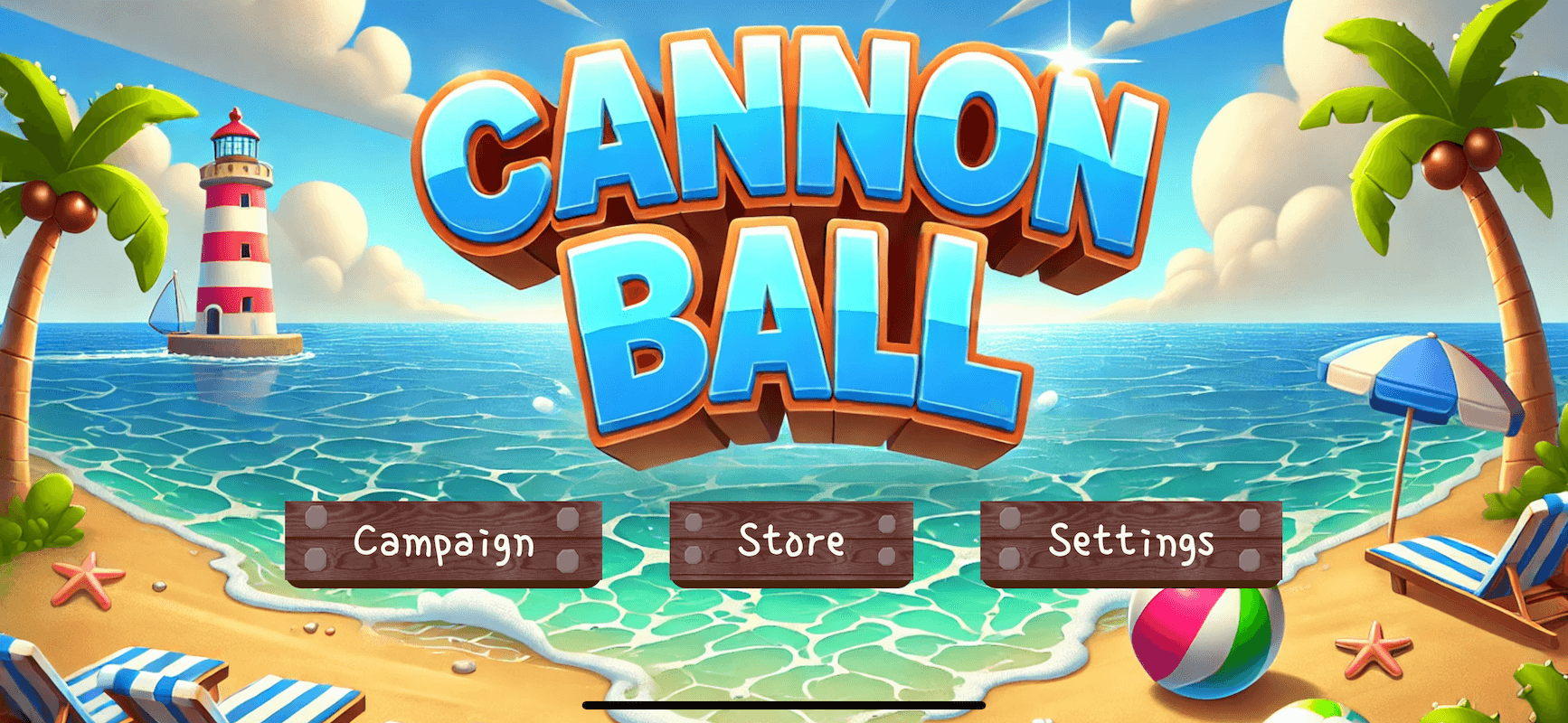
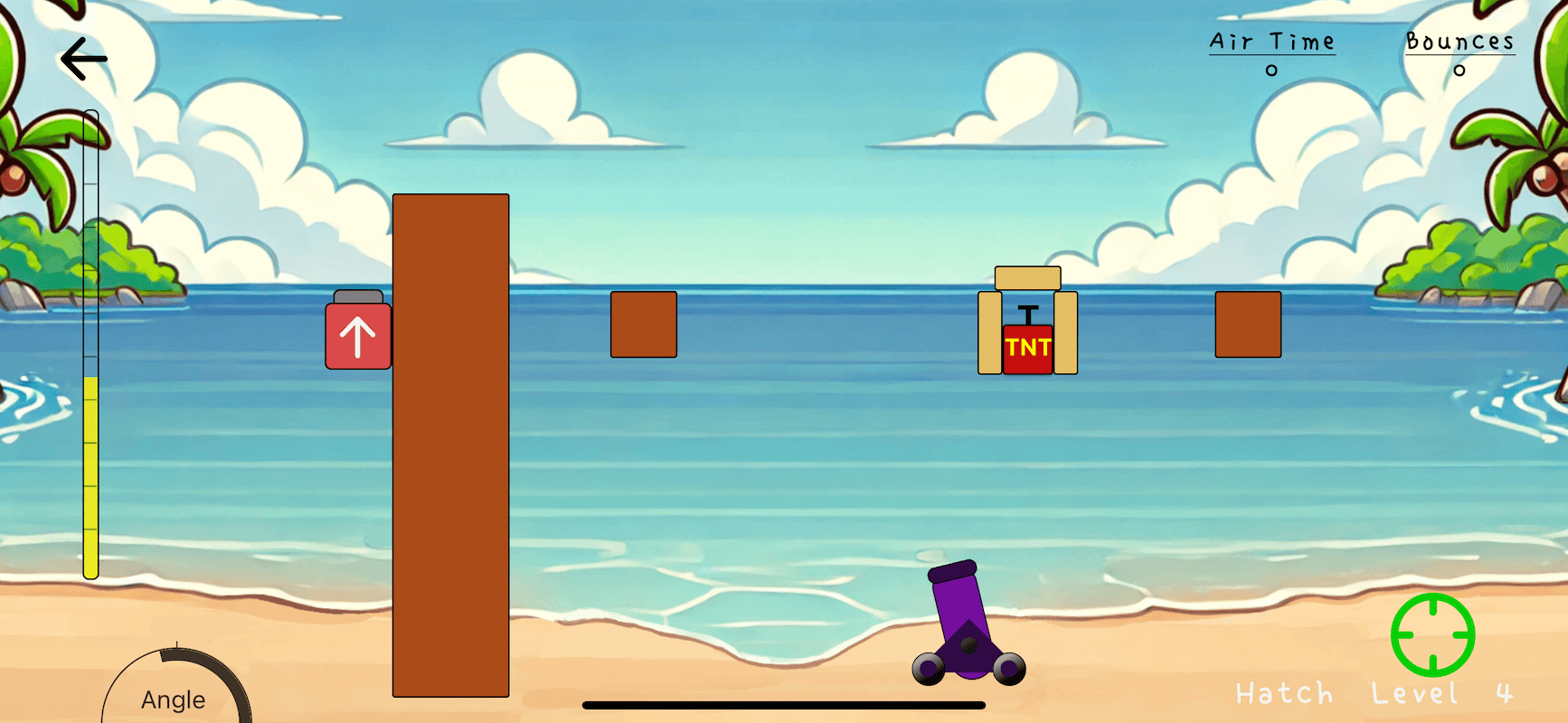
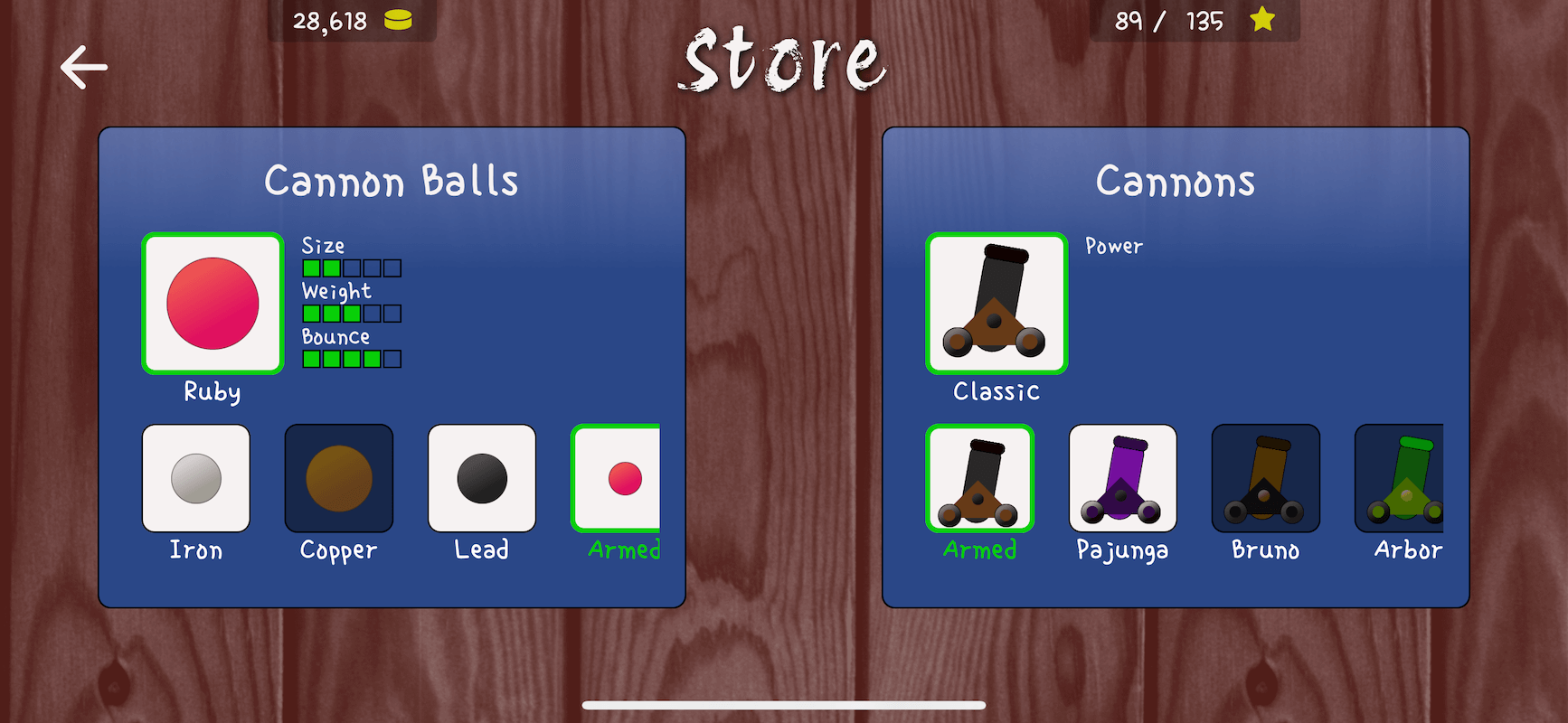
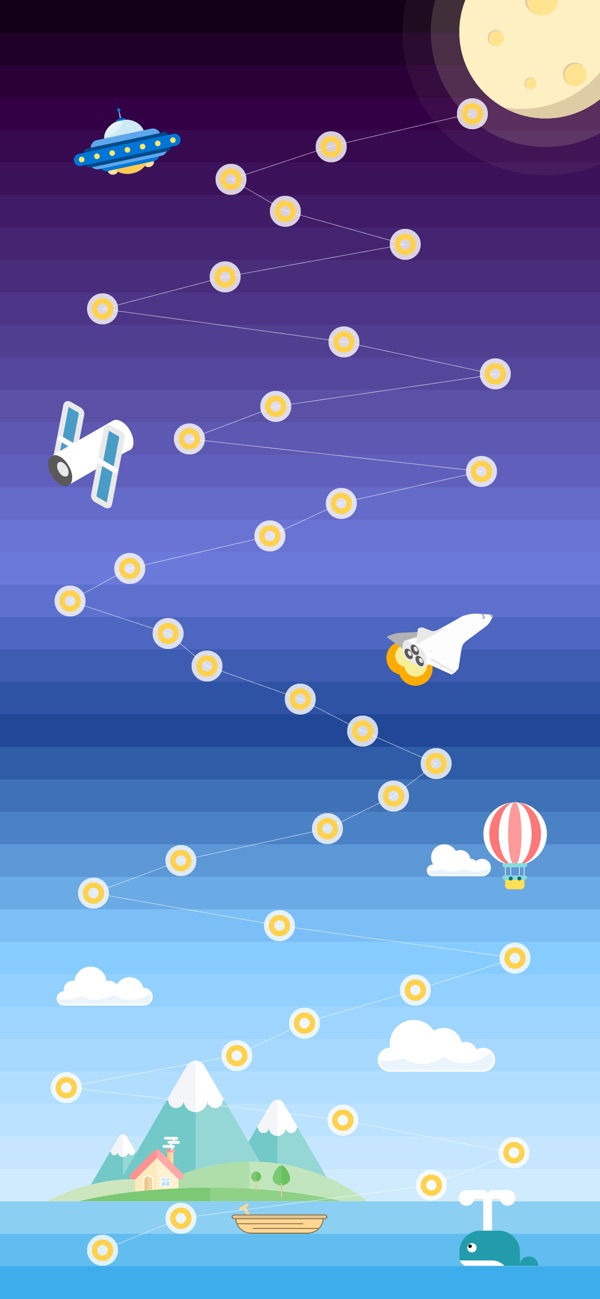
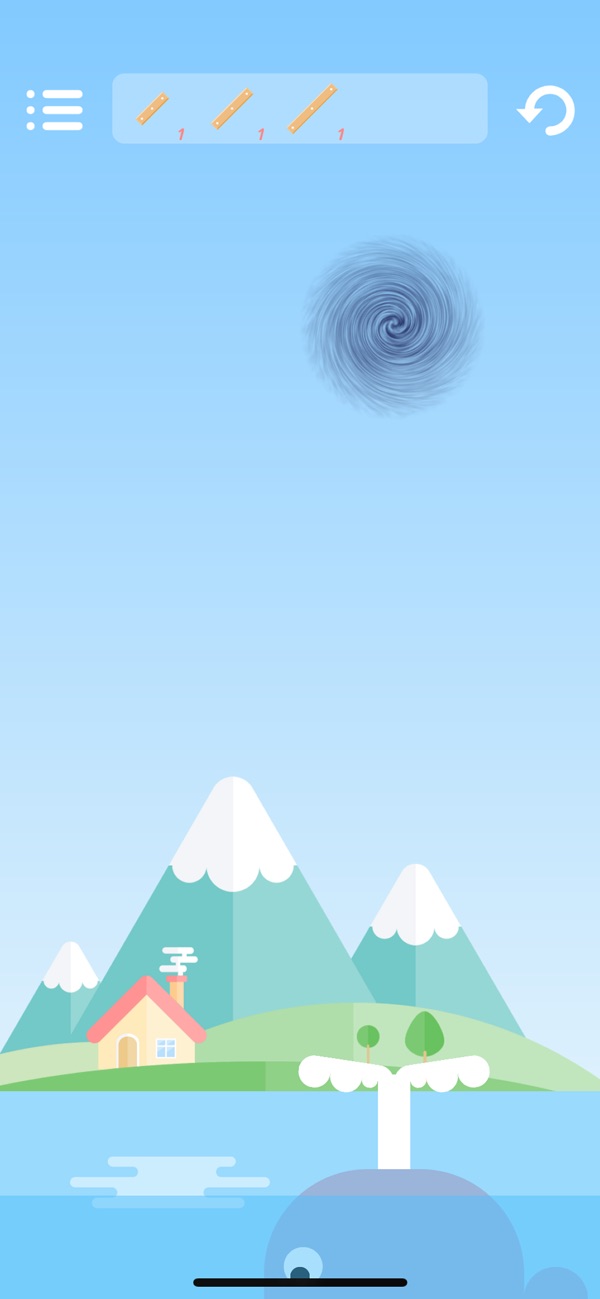
Take a look at Studious Bear, a super-polished puzzle game with great visuals and music. One of the first published games to use RNGE.

See the React Native Game Engine Handbook for a complimentary app, examples and ideas.
Quick Start
If you've used react-native-game-engine before and understand the core concepts, take a look at react-native-game-engine-template. It's a sort of game kickstarter project that allows you to prototype ideas quickly and comes preloaded with a bunch of stuff like:
- A 3D renderer
- Physics
- Particle system
- Crude sound API
- Sprite support with animations
- Etc
Otherwise, continue reading the quick start guide below.
Firstly, install the package to your project:
npm install --save react-native-game-engine
Then import the GameEngine component:
import { GameEngine } from "react-native-game-engine"
Let's code a scene that incorporates some multi-touch logic. To start with, let's create some components that can be rendered by React. Create a file called renderers.js:
import React, { PureComponent } from "react";
import { StyleSheet, View } from "react-native";

const RADIUS = 20;

class Finger extends PureComponent {
  render() {
    const x = this.props.position[0] - RADIUS / 2;
    const y = this.props.position[1] - RADIUS / 2;
    return (
      <View style={[styles.finger, { left: x, top: y }]} />
    );
  }
}

const styles = StyleSheet.create({
  finger: {
    borderColor: "#CCC",
    borderWidth: 4,
    borderRadius: RADIUS * 2,
    width: RADIUS * 2,
    height: RADIUS * 2,
    backgroundColor: "pink",
    position: "absolute"
  }
});

export { Finger };
Next, let's code our logic in a file called systems.js:
const MoveFinger = (entities, { touches }) => {

  //-- I'm choosing to update the game state (entities) directly for the sake of brevity and simplicity.
  //-- There's nothing stopping you from treating the game state as immutable and returning a copy..
  //-- Example: return { ...entities, t.id: { UPDATED COMPONENTS }};
  //-- That said, it's probably worth considering performance implications in either case.

  touches.filter(t => t.type === "move").forEach(t => {
    let finger = entities[t.id];
    if (finger && finger.position) {
      finger.position = [
        finger.position[0] + t.delta.pageX,
        finger.position[1] + t.delta.pageY
      ];
    }
  });

  return entities;
};

export { MoveFinger };
Finally let's bring it all together in our index.ios.js (or index.android.js):
import React, { PureComponent } from "react";
import { AppRegistry, StyleSheet, StatusBar } from "react-native";
import { GameEngine } from "react-native-game-engine";
import { Finger } from "./renderers";
import { MoveFinger } from "./systems"

export default class BestGameEver extends PureComponent {
  constructor() {
    super();
  }

  render() {
    return (
      <GameEngine
        style={styles.container}
        systems={[MoveFinger]}
        entities={{
          1: { position: [40,  200], renderer: <Finger />}, //-- Notice that each entity has a unique id (required)
          2: { position: [100, 200], renderer: <Finger />}, //-- and a renderer property (optional). If no renderer
          3: { position: [160, 200], renderer: <Finger />}, //-- is supplied with the entity - it won't get displayed.
          4: { position: [220, 200], renderer: <Finger />},
          5: { position: [280, 200], renderer: <Finger />}
        }}>

        <StatusBar hidden={true} />

      </GameEngine>
    );
  }
}

const styles = StyleSheet.create({
  container: {
    flex: 1,
    backgroundColor: "#FFF"
  }
});

AppRegistry.registerComponent("BestGameEver", () => BestGameEver);
Build and run. Each entity is a "finger" and is assigned to a particular touch id. The touch ids increase as you place more fingers on the screen. Move your fingers around the screen to move the entities. As an exercise, try add a system that will insert another finger entity into the game state when a "start" touch event is encountered. What about adding a system that removes the closest entity from the game state when a "long-press" is encountered?
If you're curious, our GameEngine component is a loose implementation of the Compenent-Entity-System pattern - we've written up a quick intro here.
GameEngine Properties
| Prop | Description | Default |
|---|---|---|
systems |
An array of functions to be called on every tick. | [] |
entities |
An object containing your game's initial entities. This can also be a Promise that resolves to an object containing your entities. This is useful when you need to asynchronously load a texture or other assets during the creation of your entities or level. | {} or Promise |
renderer |
A function that receives the entities and needs to render them on every tick. (entities, screen, layout) => { /* DRAW ENTITIES */ } |
DefaultRenderer |
touchProcessor |
A function that can be used to override the default touch processing behavior | DefaultTouchProcessor |
timer |
An object that can be used to override the default timer behavior | new DefaultTimer() |
running |
A boolean that can be used to control whether the game loop is running or not | true |
onEvent |
A callback for being notified when events are dispatched | undefined |
style |
An object containing styles for the root container | undefined |
children |
React components that will be rendered after the entities | undefined |
GameEngine Methods
| Method | Description | Args |
|---|---|---|
stop |
Stop the game loop | NA |
start |
Start the game loop. | NA |
swap |
A method that can be called to update your game with new entities. Can be useful for level switching etc. You can also pass a Promise that resolves to an entities object into this method. | {} or Promise |
dispatch |
A method that can be called to dispatch events. The event will be received by the systems and any onEvent callbacks |
event |
FAQ
Is React Native Game Engine suitable for production quality games?
This depends on your definition of production quality. You're not going to make a AAA title with RNGE. You could however create some more basic games (doesn't mean they can't be fun games), or even jazz up your existing business applications with some interactive eye candy.
Simple turn-based games, side-scrollers and platformers with a handful of entites and simple physics would be feasible. Bullet-hell style games with many enemies, particles and effects on the screen at one time will struggle with performance - for these sorts of projects React Native is probably not the right choice of technology at the moment.
Lastly, for quick prototyping, self-education, and personal projects - React Native (and RNGE) should be suitable tools. For large projects that are commercial in nature, my recommendation would be to take a look at more established platforms like Godot and Unity first.
Do you know of any apps that currently utilize this library?
Studious Bear and React Native Donkey Kong both use this library. The React Native Game Engine Handbook is a complimentary app that showcases some examples and ideas. If you're aware of any others or wouldn't mind a shameless plug here - please reach out.
How do I manage physics?
RNGE does not come with an out-of-the-box physics engine. We felt that this would be an area where the game designers should be given greater liberty. There are lots of JS-based physics engines out there, each with their pros and cons. Check out Matter JS if you're stuck.
Do I have a choice of renderers?
How you render your entities is up to you. You can use the stand React Native components (View, Image) or try react-native-svg or go full exotic with gl-react-native.
RNGE doesn't give me sensor data out of the box - what gives?
I felt that this would be a nice-to-have and for most use cases it would not be required. Hence, I didn't want to burden RNGE users with any native linking or additional configuration. I was also weary about any unnecessary performance and battery costs. Again, it is easy to integrate into the GameEngine and then RNGE Handbook will have an example using react-native-sensors.
Is this compatible with Android and iOS?
Yes.
Won't this kind of be harsh on the battery?
Well kinda.. But so will any game really! It's a bit of a trade-off, hopefully it's worthwhile!
Introduction
This package contains only two components:
GameLoopGameEngine
Both are standalone components. The GameLoop is a subset of the GameEngine and gives you access to an onUpdate callback that fires every 16ms (or roughly 60 fps). On top of this, the GameLoop will supply a reference to the screen (via Dimensions.get("window")), touch events for multiple fingers (start, end, press, long-press, move) and time + deltas. The GameLoop is useful for simple interactive scenes, and pretty much stays out of your way.
The GameEngine is more opinionated and is a react-friendly implementation of the Component-Entity-Systems pattern. It provides the same features out of the box as the GameEngine but also includes a crude event/signaling pipeline for communication between your game and your other React Native components. You probably want to use the GameEngine to implement slightly more complex games and interactive scenes.
The Game Loop
The game loop is a common pattern in game development and other interactive programs. It loosely consists of two main functions that get called over and over again: update and draw.
The update function is responsible for calculating the next state of your game. It updates all of your game objects, taking into consideration physics, ai, movement, input, health/fire/damage etc. We can consider this the logic of your game.
Once the update func
Extension points exported contracts — how you extend this code
browse all types & interfaces →
Core symbols most depended-on inside this repo
Shape
Languages
Modules by API surface
Dependencies from manifests, versioned
For agents
$ claude mcp add react-native-game-engine \
  -- python -m otcore.mcp_server <graph>