github.com/zarazhangrui/frontend-slides @v2.1.0 sqlite
README
Frontend Slides
A coding-agent skill for creating stunning HTML presentations — from scratch or by converting PowerPoint files. It is packaged as a Claude Code plugin, and the core SKILL.md can also be read by other coding agents with filesystem and shell access.
What This Does
Frontend Slides helps non-designers create beautiful web presentations without knowing CSS or JavaScript. It uses a "show, don't tell" approach: instead of asking you to describe your aesthetic preferences in words, it generates visual previews and lets you pick what you like.
Here is a deck about the skill, made through the skill:
https://github.com/user-attachments/assets/ef57333e-f879-432a-afb9-180388982478
Key Features
- Zero Dependencies — Single HTML files with inline CSS/JS. No npm, no build tools, no frameworks.
- Visual Style Discovery — Can't articulate design preferences? No problem. Pick from generated visual previews.
- PPT Conversion — Convert existing PowerPoint files to web, preserving all images and content.
- Anti-AI-Slop — Curated distinctive styles that avoid generic AI aesthetics (bye-bye, purple gradients on white).
- Bold Template Pack — Optional design-forward templates from
beautiful-html-templates, loaded progressively so safe presets still work as the default fallback. - Production Quality — Accessible, fixed 16:9, well-commented code you can customize.
Installation
Via Claude Code Custom Marketplace Source
Install directly from this public GitHub repo. Run these as two separate Claude Code messages; do not paste both lines into the prompt at once.
/plugin marketplace add https://github.com/zarazhangrui/frontend-slides
After that finishes, run:
/plugin install frontend-slides@frontend-slides
Use the HTTPS URL. The shorter zarazhangrui/frontend-slides form may make Claude Code try SSH, which can fail if GitHub is not already in your known_hosts file.
Then use it by typing /frontend-slides:frontend-slides in Claude Code. Claude Code namespaces plugin-installed skills as /plugin-name:skill-name.
Claude Code Manual Installation
Copy the skill files to your Claude Code skills directory:
# Create the skill directory
mkdir -p ~/.claude/skills/frontend-slides/scripts

# Copy the user-facing skill files
cp SKILL.md STYLE_PRESETS.md viewport-base.css html-template.md animation-patterns.md ~/.claude/skills/frontend-slides/
cp -R bold-template-pack ~/.claude/skills/frontend-slides/
cp scripts/extract-pptx.py scripts/deploy.sh scripts/export-pdf.sh ~/.claude/skills/frontend-slides/scripts/
Or clone directly:
git clone https://github.com/zarazhangrui/frontend-slides.git ~/.claude/skills/frontend-slides
Then use it by typing /frontend-slides in Claude Code. Standalone skills are not namespaced.
Other Coding Agents
Agents such as Codex, Kimi Code, OpenCode, Gemini CLI, or other local coding assistants can use the same core skill. The simplest path is to send the agent this GitHub repo link and ask it to use the Frontend Slides skill:
https://github.com/zarazhangrui/frontend-slides
If the agent can read GitHub repos or browse files, it should start from SKILL.md and load only the referenced support files it needs:
STYLE_PRESETS.mdviewport-base.csshtml-template.mdanimation-patterns.mdbold-template-pack/scripts/
Some agents can also install the skill for you if they have filesystem access and a known local skills directory. If not, they can still follow SKILL.md directly for the current session.
The Claude Code plugin gives Claude Code a custom marketplace-source install flow and /frontend-slides:frontend-slides command. Other agents usually do not use that command surface.
Usage
Create a New Presentation
/frontend-slides:frontend-slides

> "I want to create a pitch deck for my AI startup"
If installed manually as a standalone Claude Code skill, use /frontend-slides instead.
In non-Claude agents, ask the agent to use the Frontend Slides skill and point it at this repo or SKILL.md.
The skill will:
- Ask about your content (slides, messages, images)
- Generate 3 visual style previews for you to compare, inferring the vibe from your brief unless you already named one
- Let you pick the visual direction
- Create the full presentation in your chosen style
- Open it in your browser
Convert a PowerPoint
/frontend-slides:frontend-slides

> "Convert my presentation.pptx to a web slideshow"
The skill will:
- Extract all text, images, and notes from your PPT
- Show you the extracted content for confirmation
- Let you pick a visual style
- Generate an HTML presentation with all your original assets
Included Styles
Dark Themes
- Bold Signal — Confident, high-impact, vibrant card on dark
- Electric Studio — Clean, professional, split-panel
- Creative Voltage — Energetic, retro-modern, electric blue + neon
- Dark Botanical — Elegant, sophisticated, warm accents
Light Themes
- Notebook Tabs — Editorial, organized, paper with colorful tabs
- Pastel Geometry — Friendly, approachable, vertical pills
- Split Pastel — Playful, modern, two-color vertical split
- Vintage Editorial — Witty, personality-driven, geometric shapes
Specialty
- Neon Cyber — Futuristic, particle backgrounds, neon glow
- Terminal Green — Developer-focused, hacker aesthetic
- Swiss Modern — Minimal, Bauhaus-inspired, geometric
- Paper & Ink — Literary, drop caps, pull quotes
Bold Template Pack
The skill also includes 34 optional bold design systems from
beautiful-html-templates, such as Neo-Grid Bold, Editorial Tri-Tone,
Creative Mode, Broadside, Signal, and Vellum.
During style discovery, the preview set is:
- 1 safe preset from
STYLE_PRESETS.md - at least 1 bold template option from
bold-template-pack/selection-index.json - 1 wildcard option, either another bold template or a self-generated custom design
The agent reads the compact bold template index first, then loads only the
shortlisted candidates' small preview.md cards for title-slide previews. It
loads the full design.md for exactly one bold template only after the user
picks that template for the final deck. If the user picks a custom wildcard,
the agent expands that preview's own CSS and layout system into the full deck.
Bold Template Gallery
Frontend Slides can now draw from the 34 bold design systems in beautiful-html-templates. Three screenshots per template show how each visual system handles different slide layouts. Click any template name to inspect the source template library.
Soft Editorial
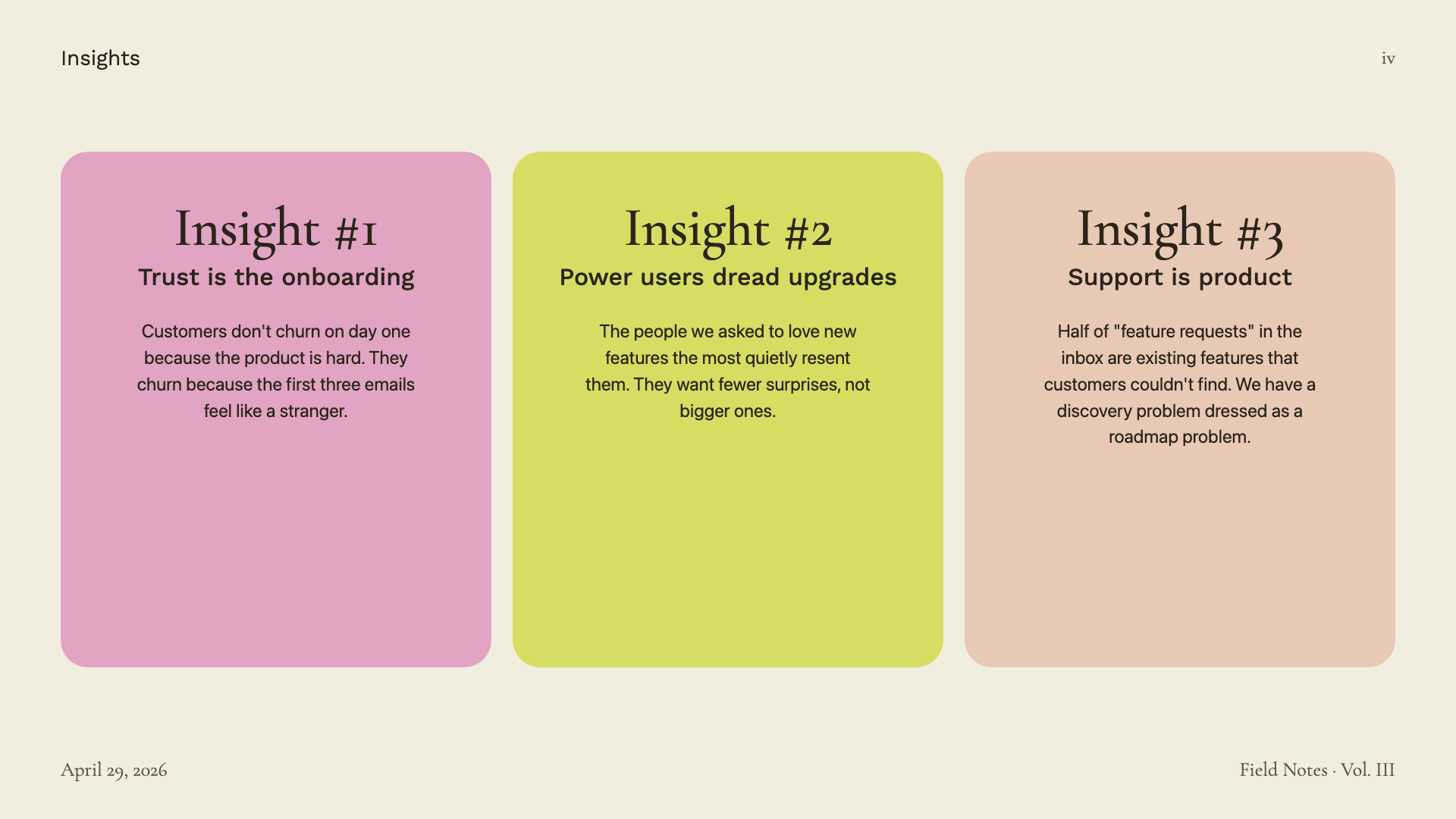
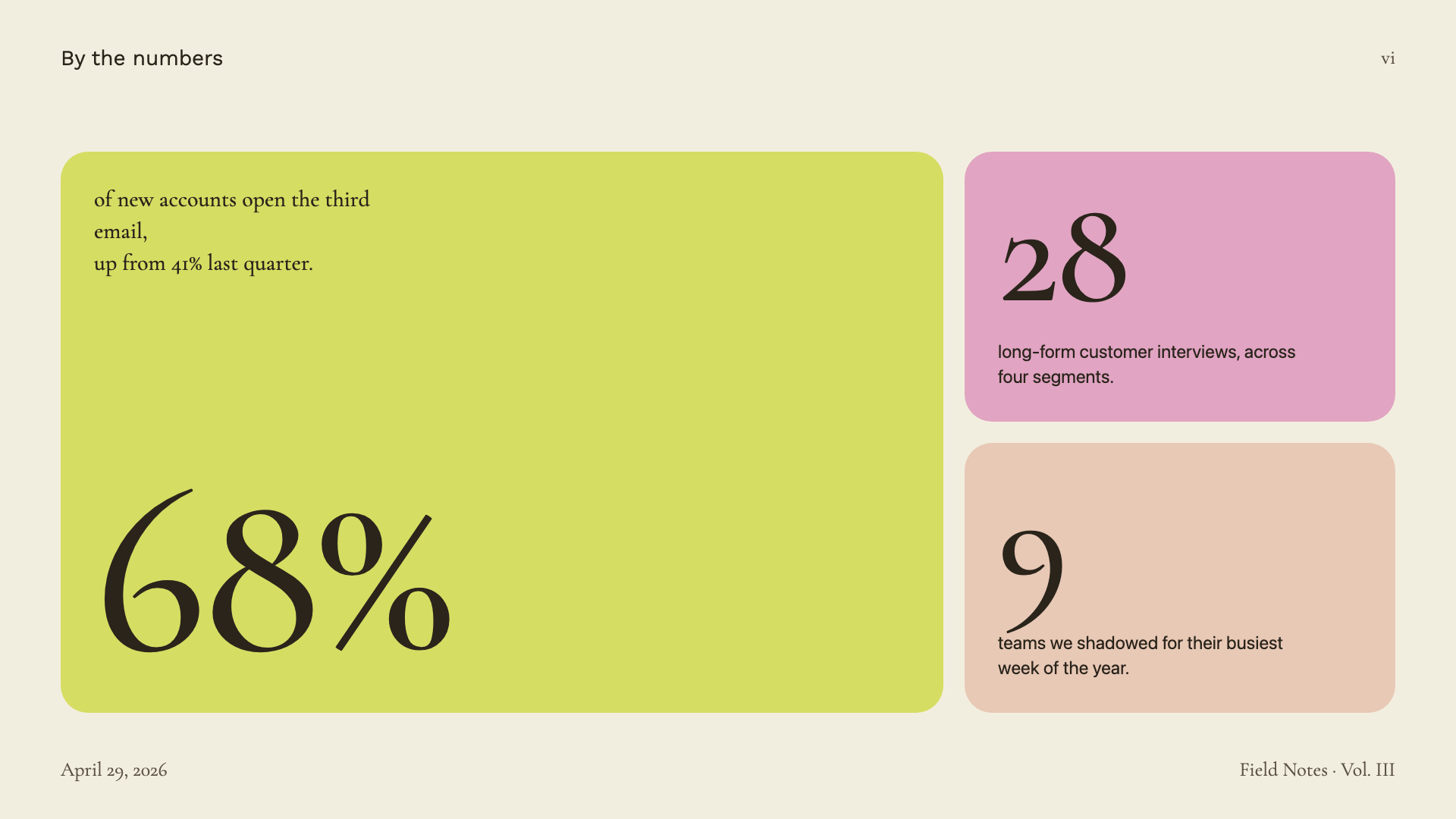
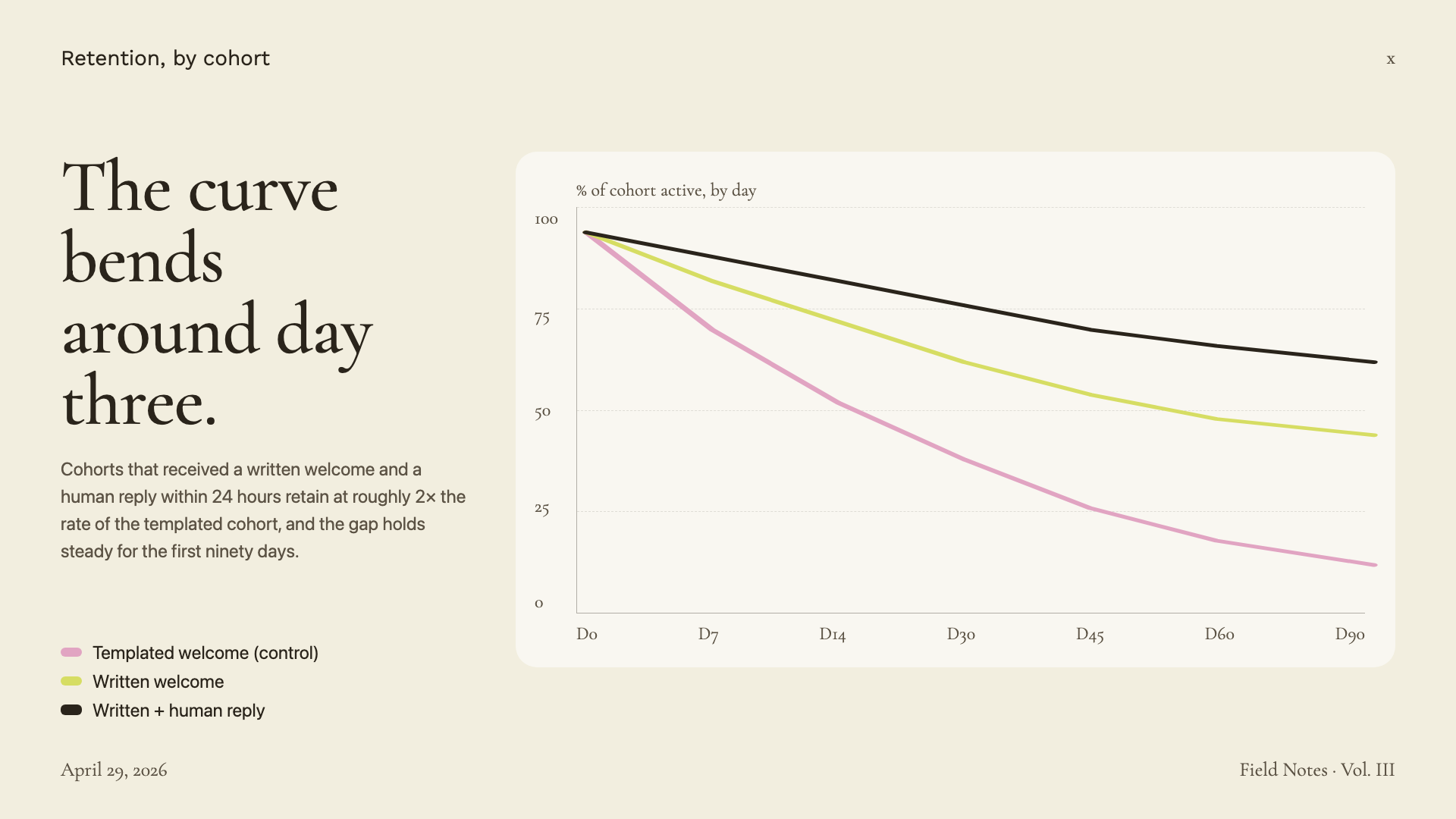
Cormorant Garamond serif on warm paper with sage, blush, and lemon accents.
Editorial Forest
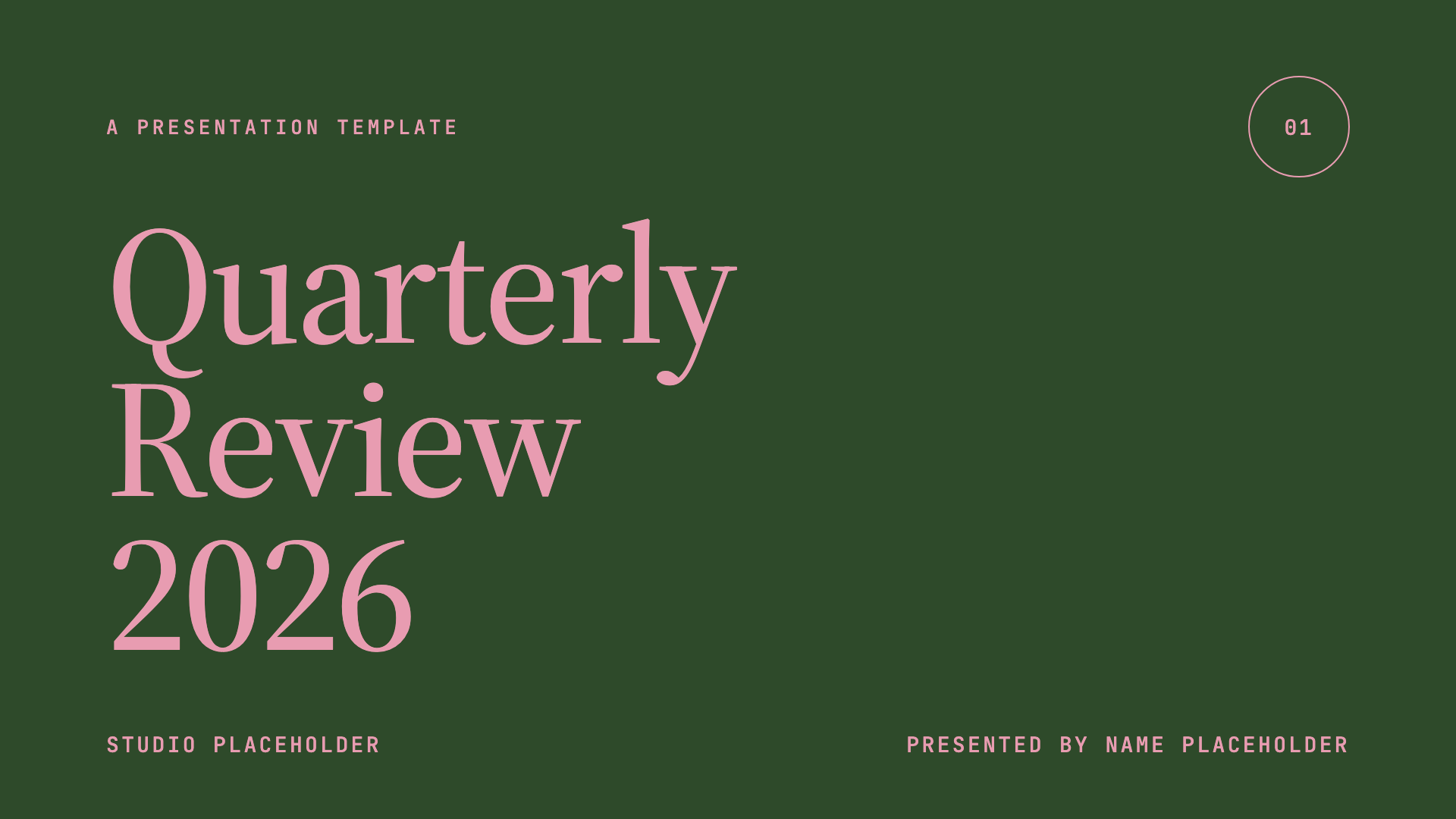
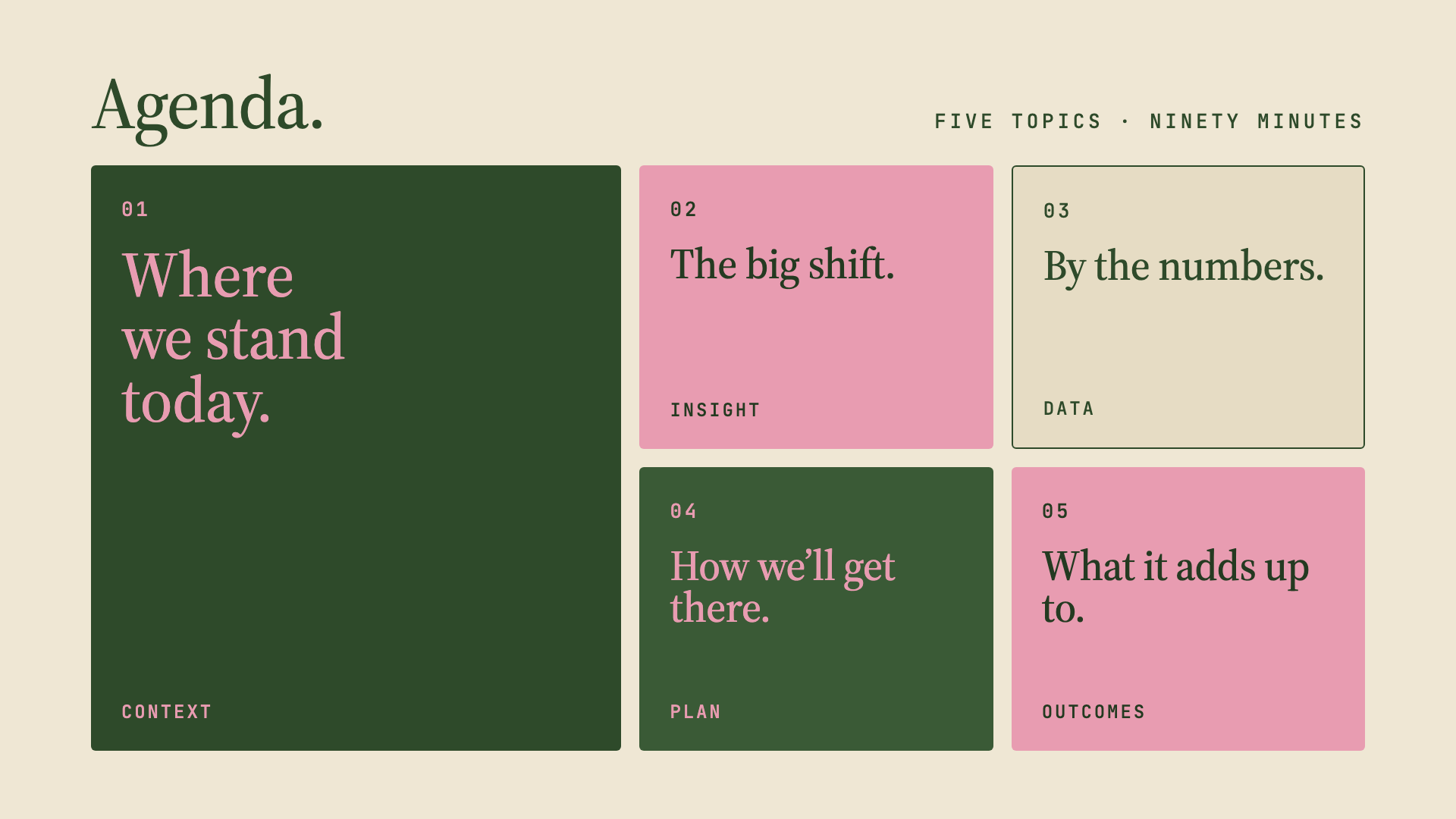
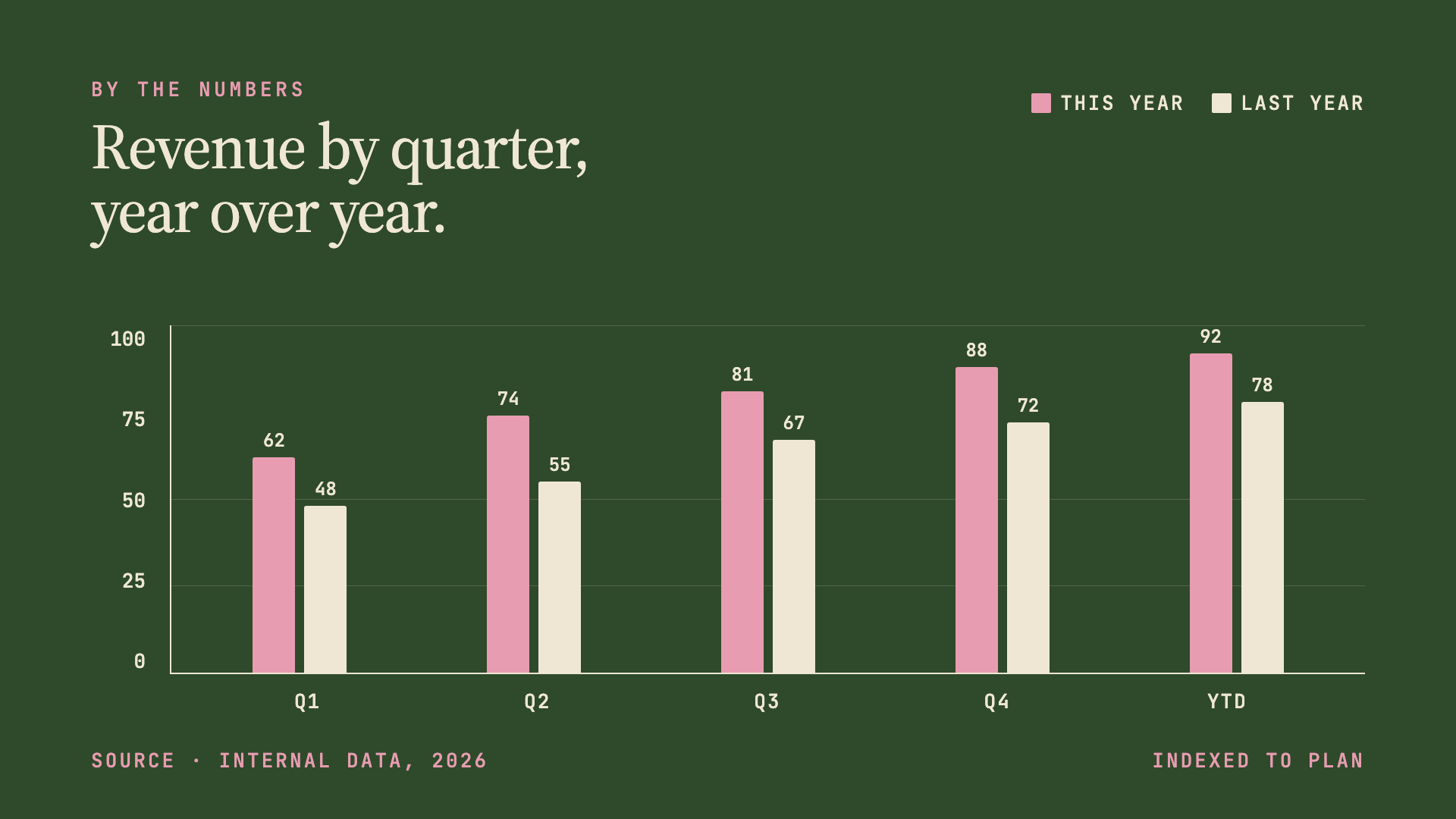
Forest green, dusty pink, and warm cream in Source Serif 4 — quiet, intentional quarterly-review aesthetic.
Pin & Paper


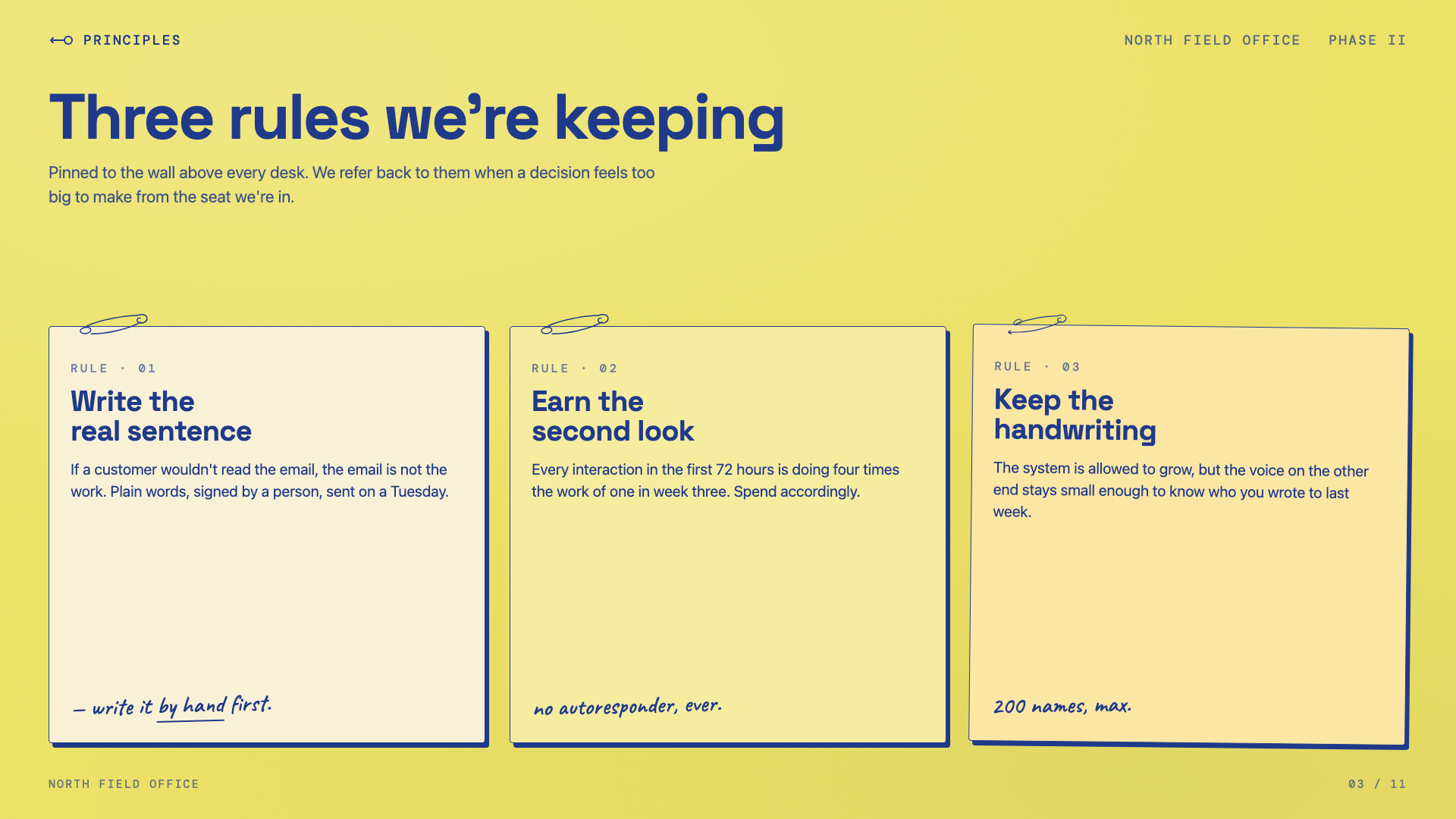
Yellow paper with safety-pin illustrations, ink-blue handwritten Caveat, paper-grain texture.
Sakura Chroma
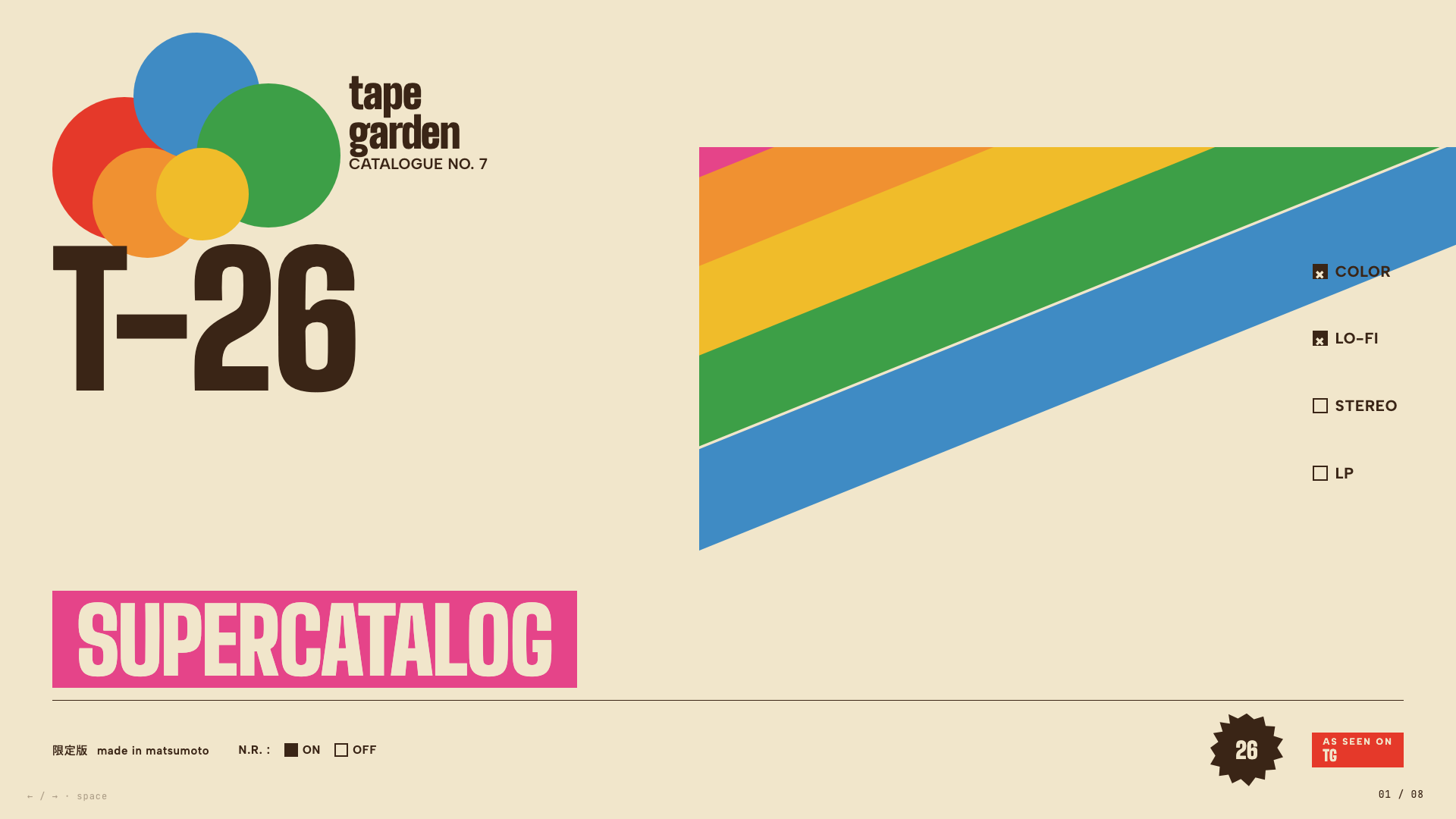
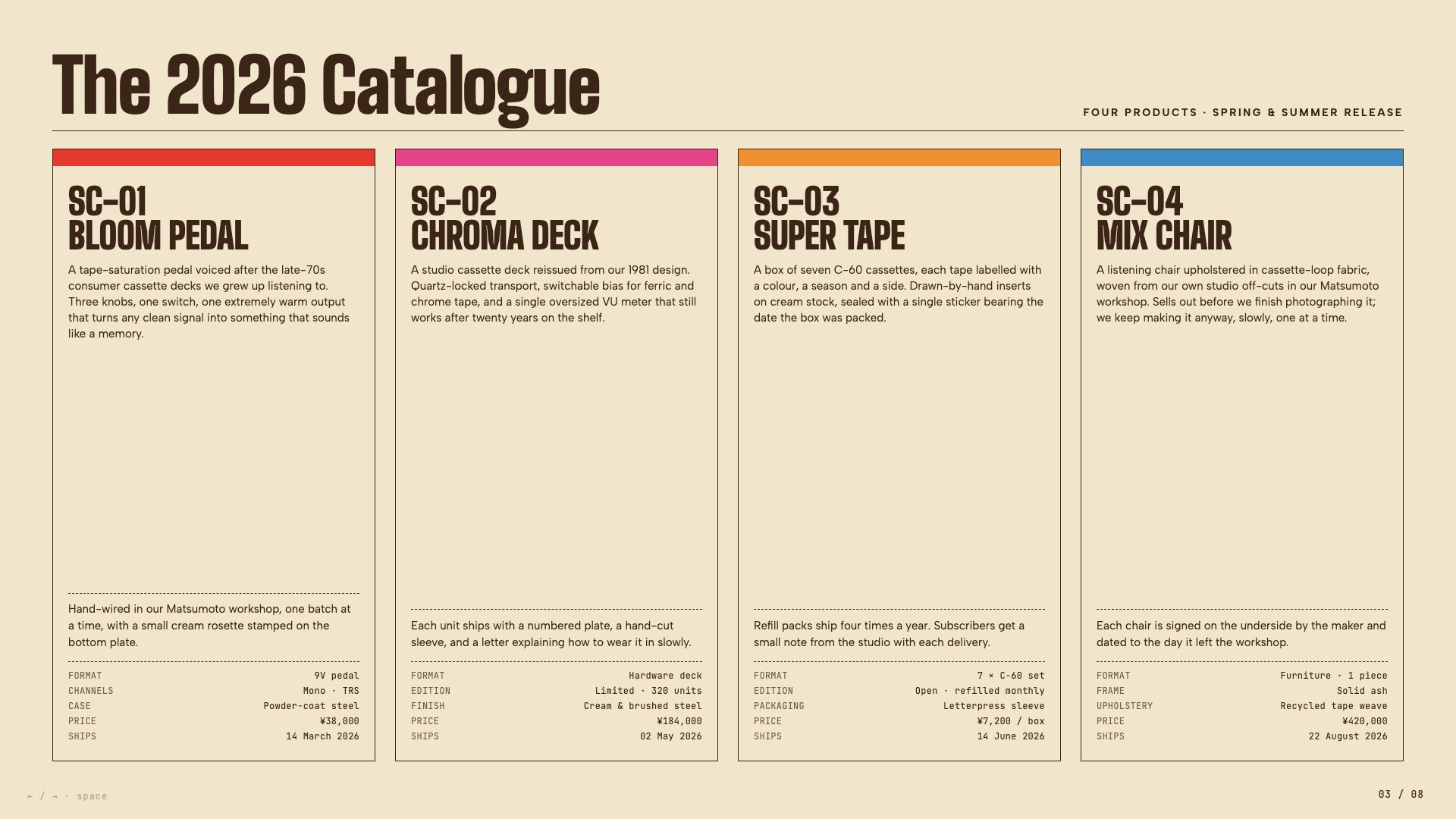
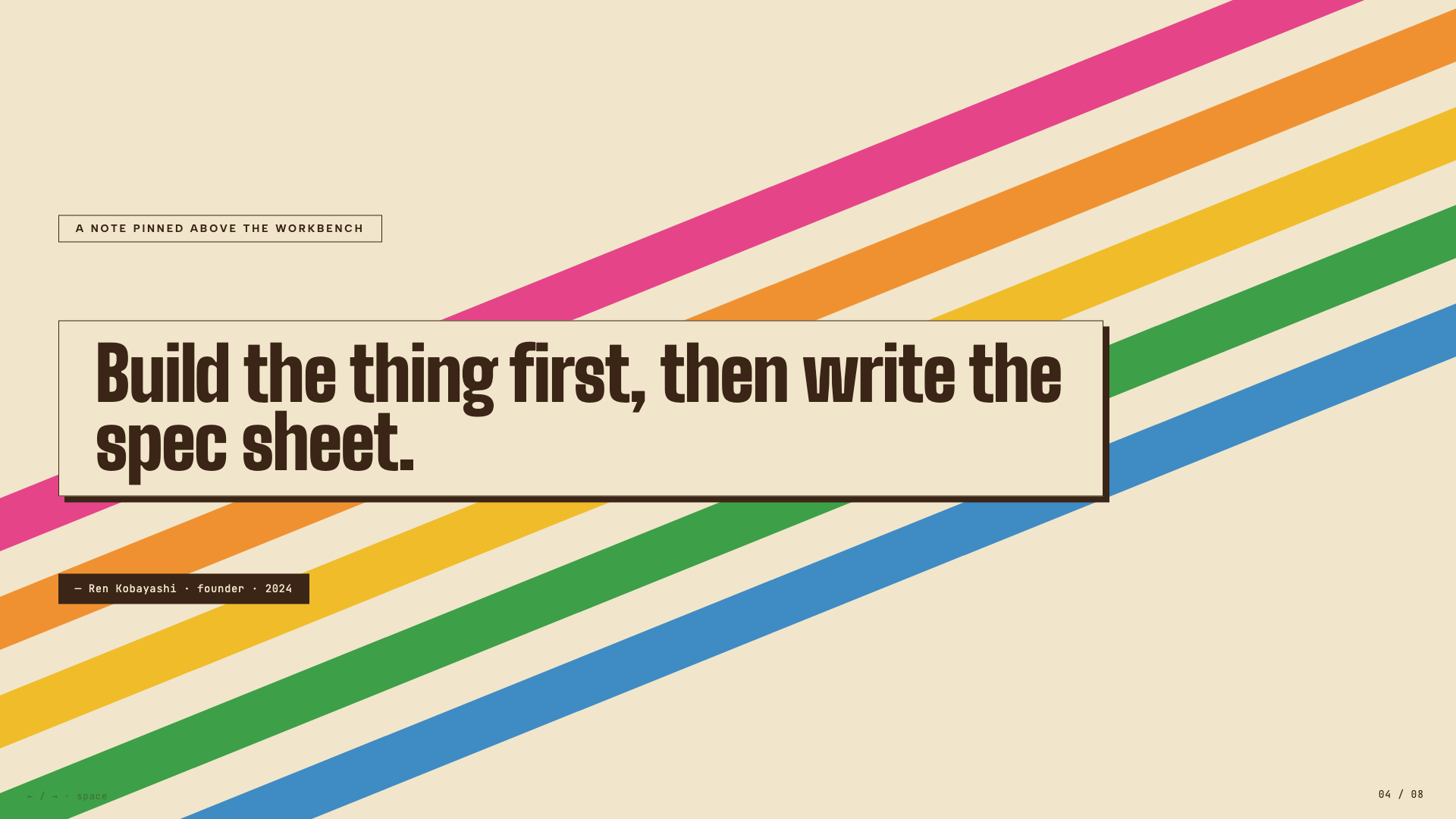
Vintage Japanese cassette-package aesthetic: cream paper, diagonal rainbow ribbons, condensed bold type, JIS-style spec checkboxes.
Stencil & Tablet

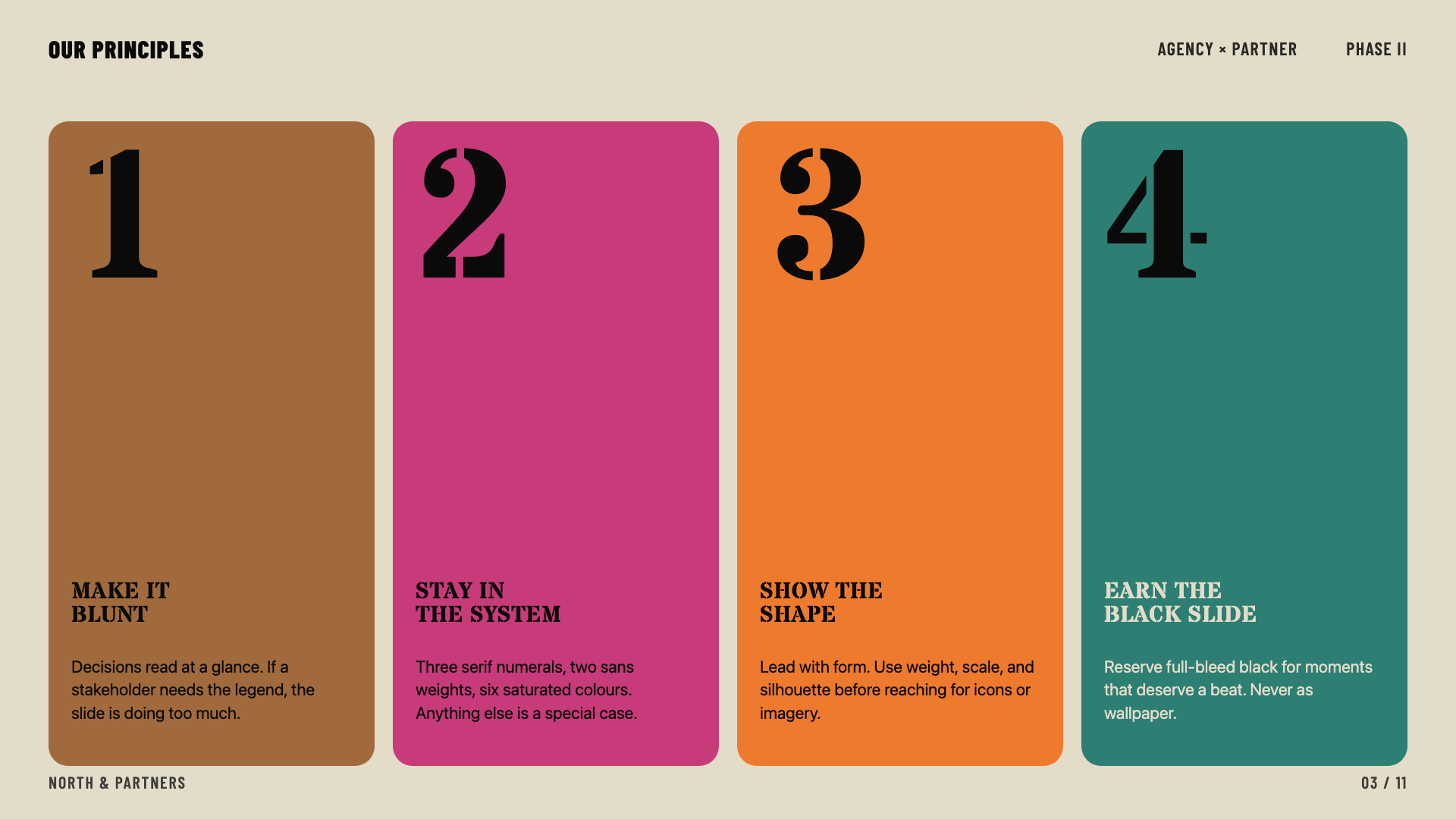
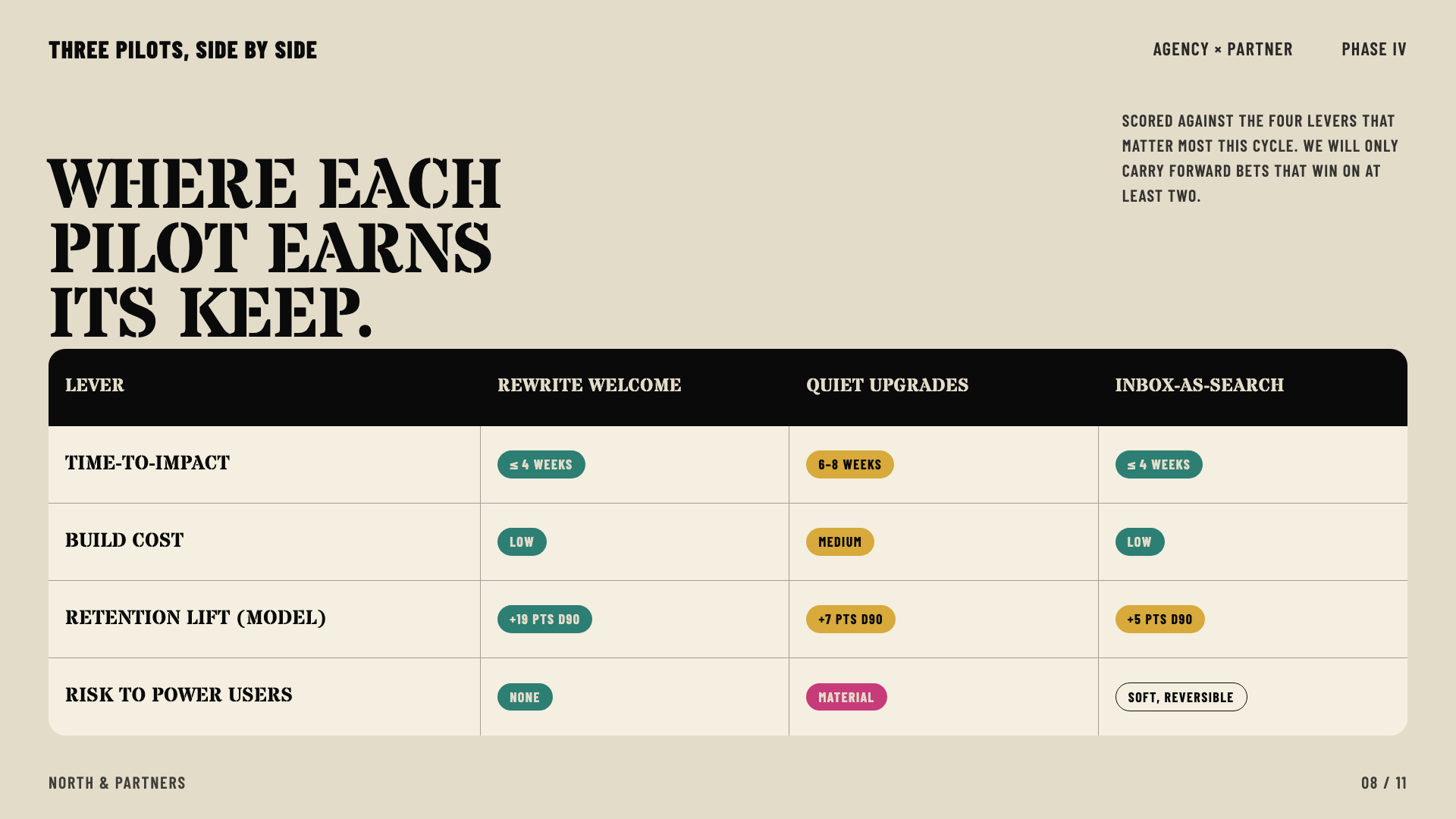
Bone paper with stencil-cut headlines and a six-color earth palette: archaeology meets brand.
Cobalt Grid
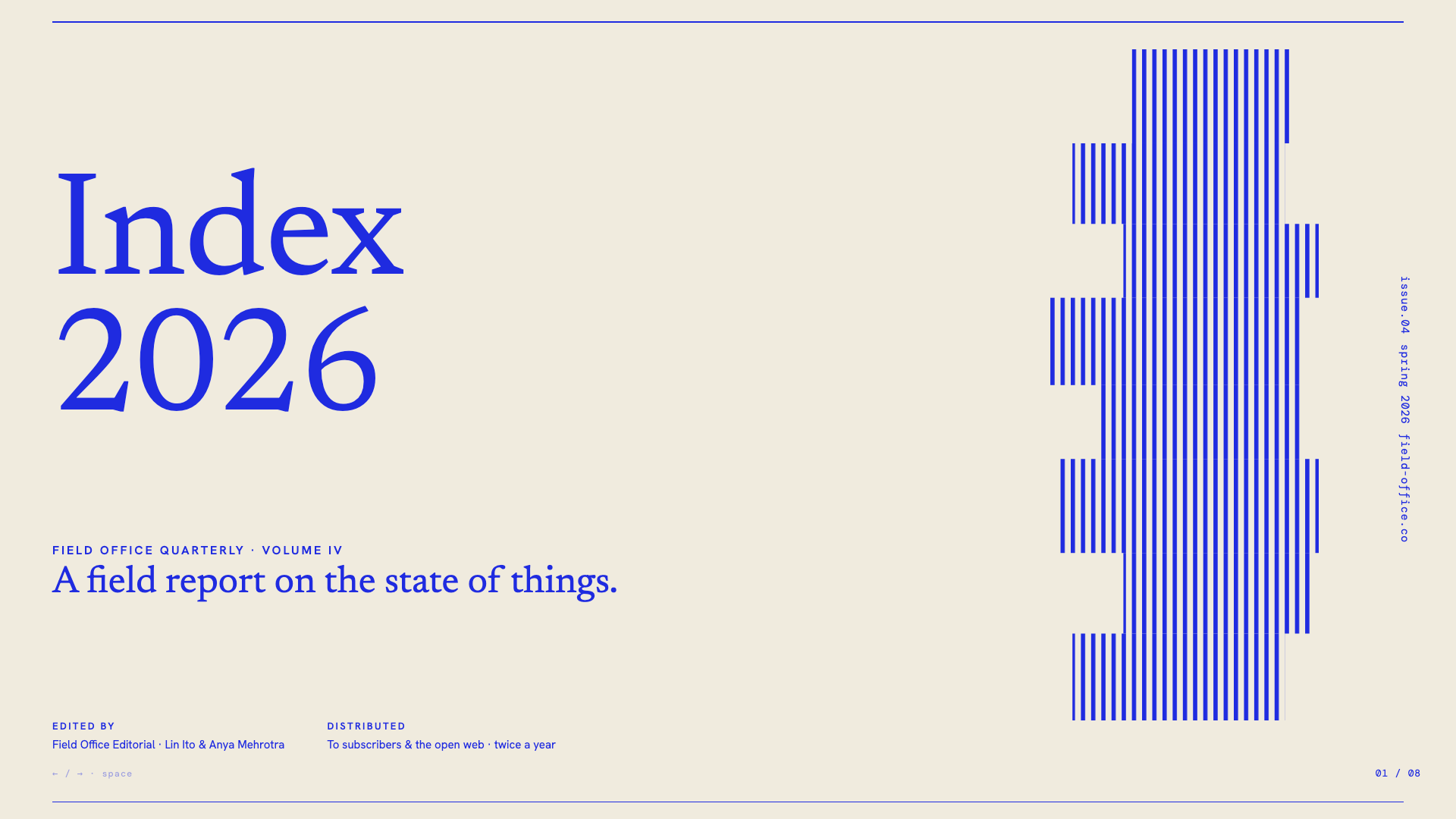
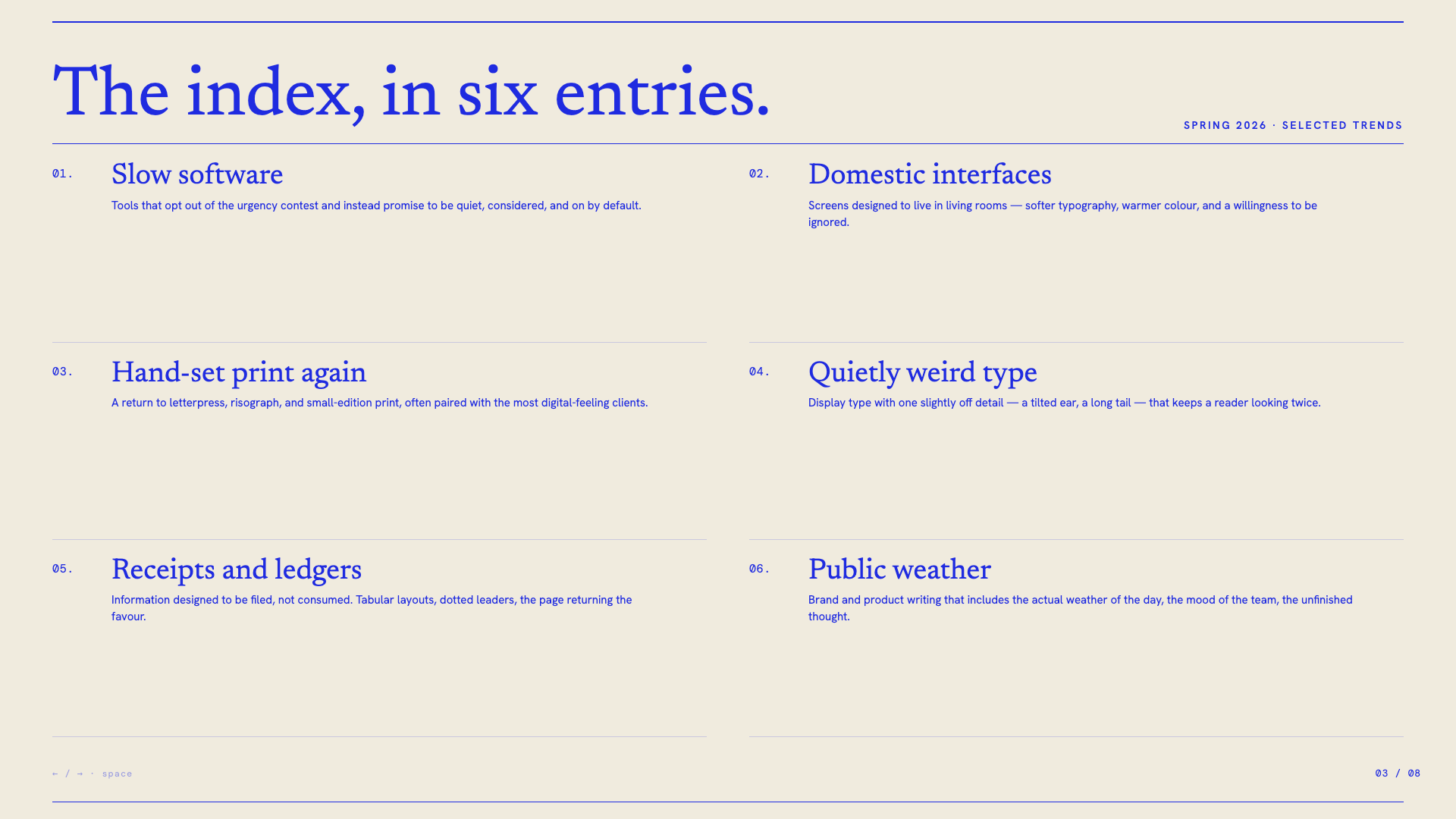
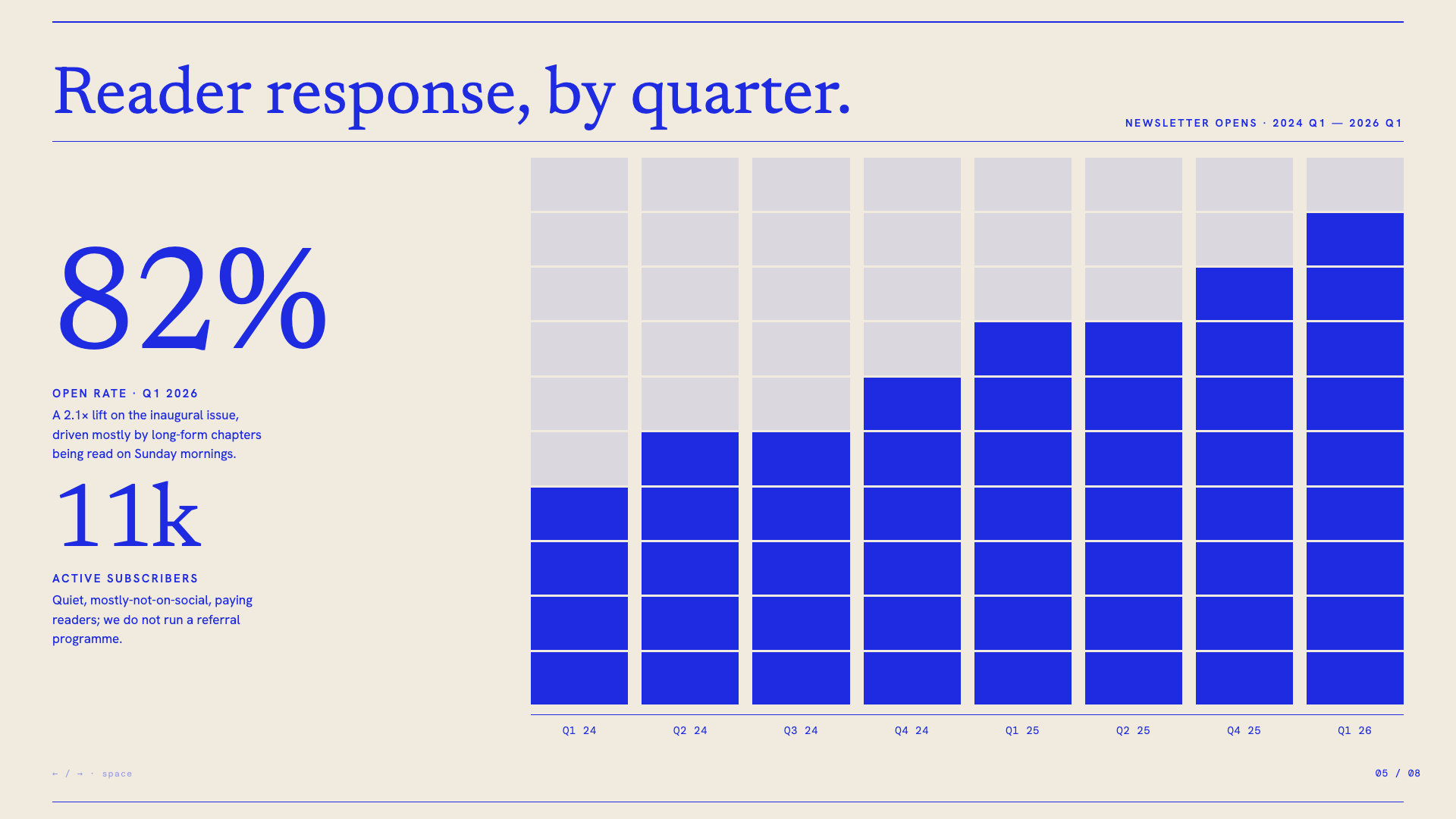
Electric cobalt italic serifs on a graph-paper canvas, anchored by stair-stepped pixel-glitch decorations and slim hairline rules.
Vellum
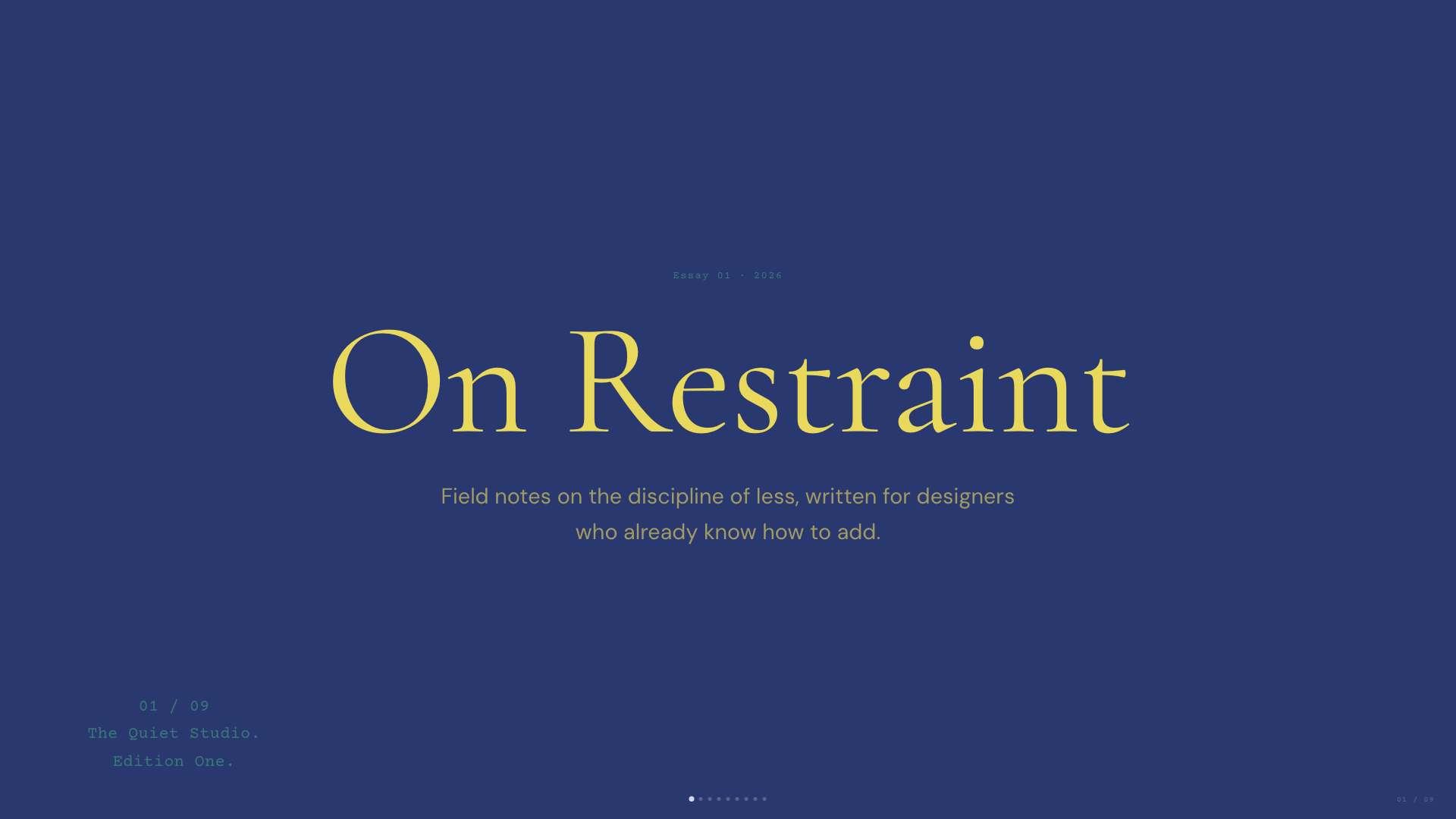
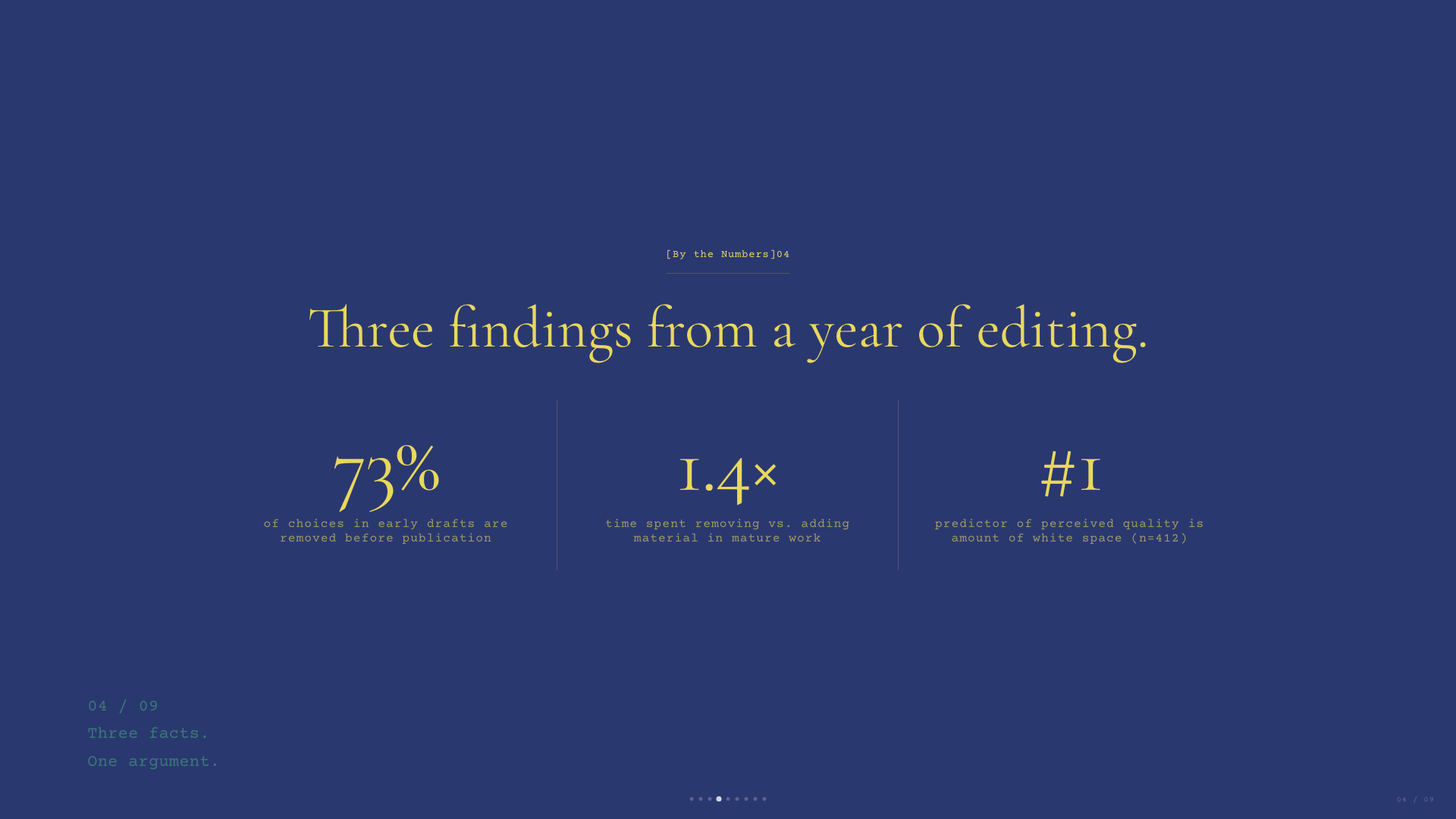
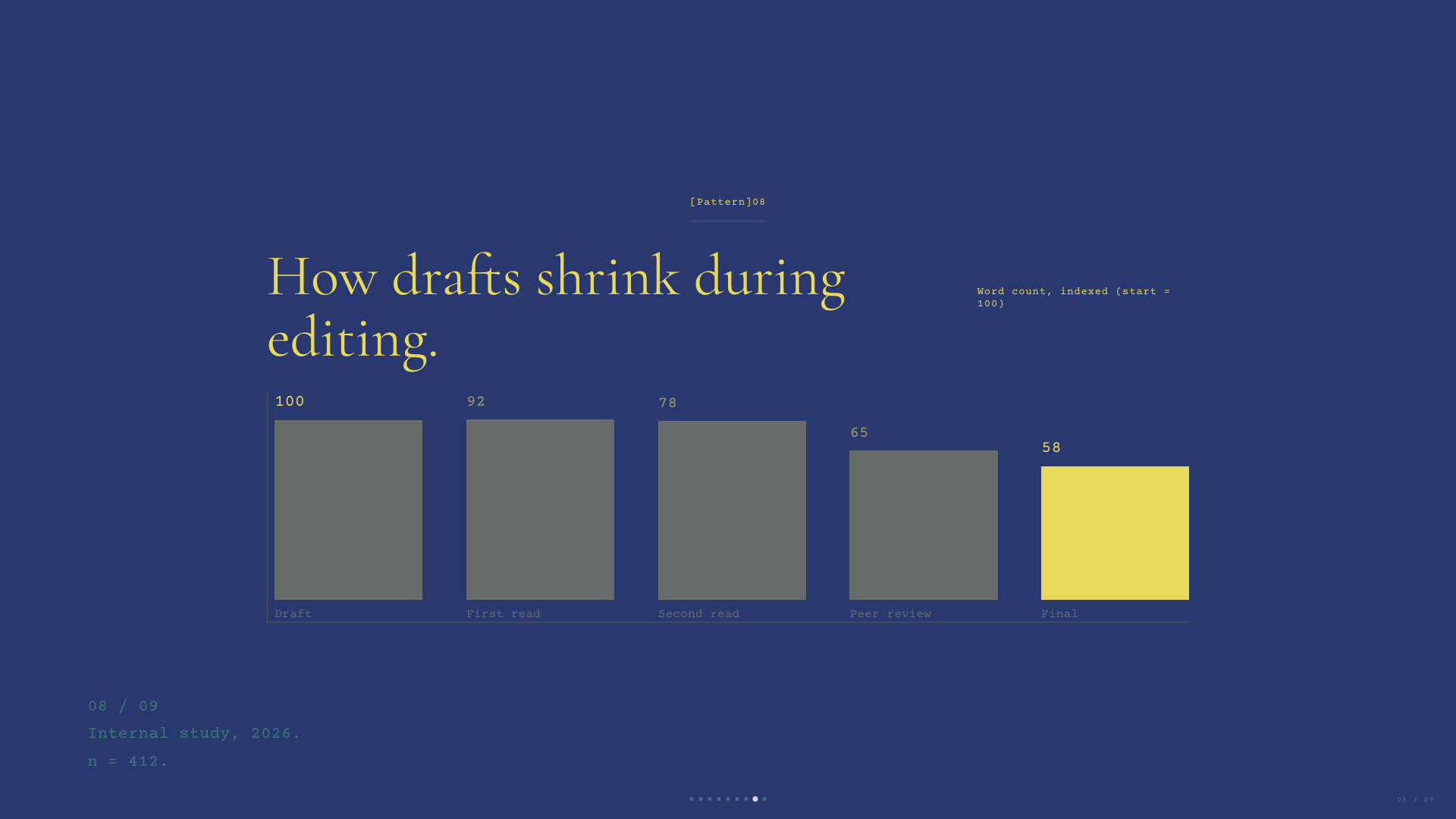
Deep navy canvas with warm-yellow italic Cormorant serifs and a single dusty teal accent. A quiet, scholarly aesthetic.
Emerald Editorial

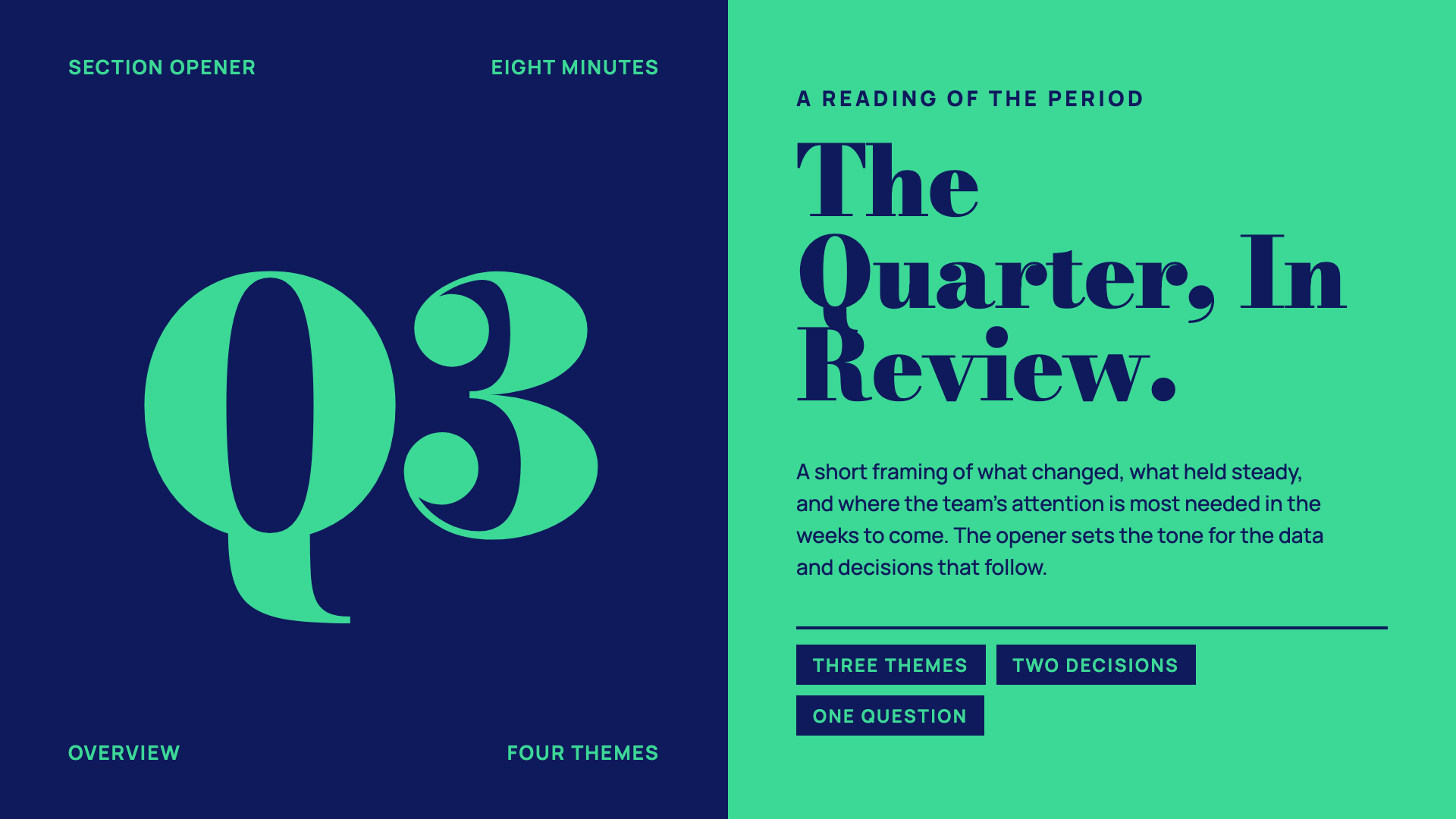
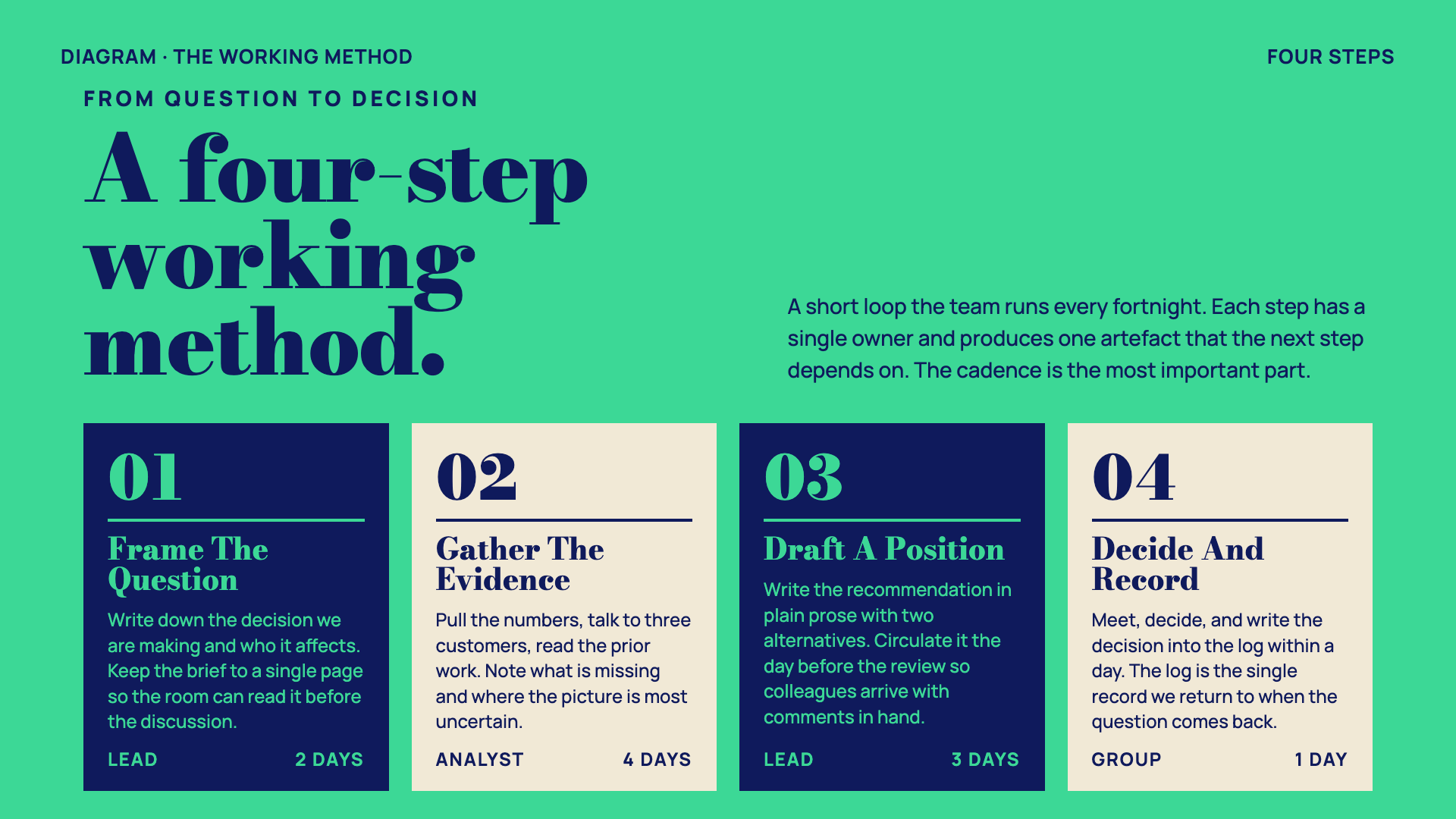
Magazine-cover business deck: emerald + navy + paper with double-rule masthead ornaments and a heavy Bodoni-style display serif.
Neo-Grid Bold

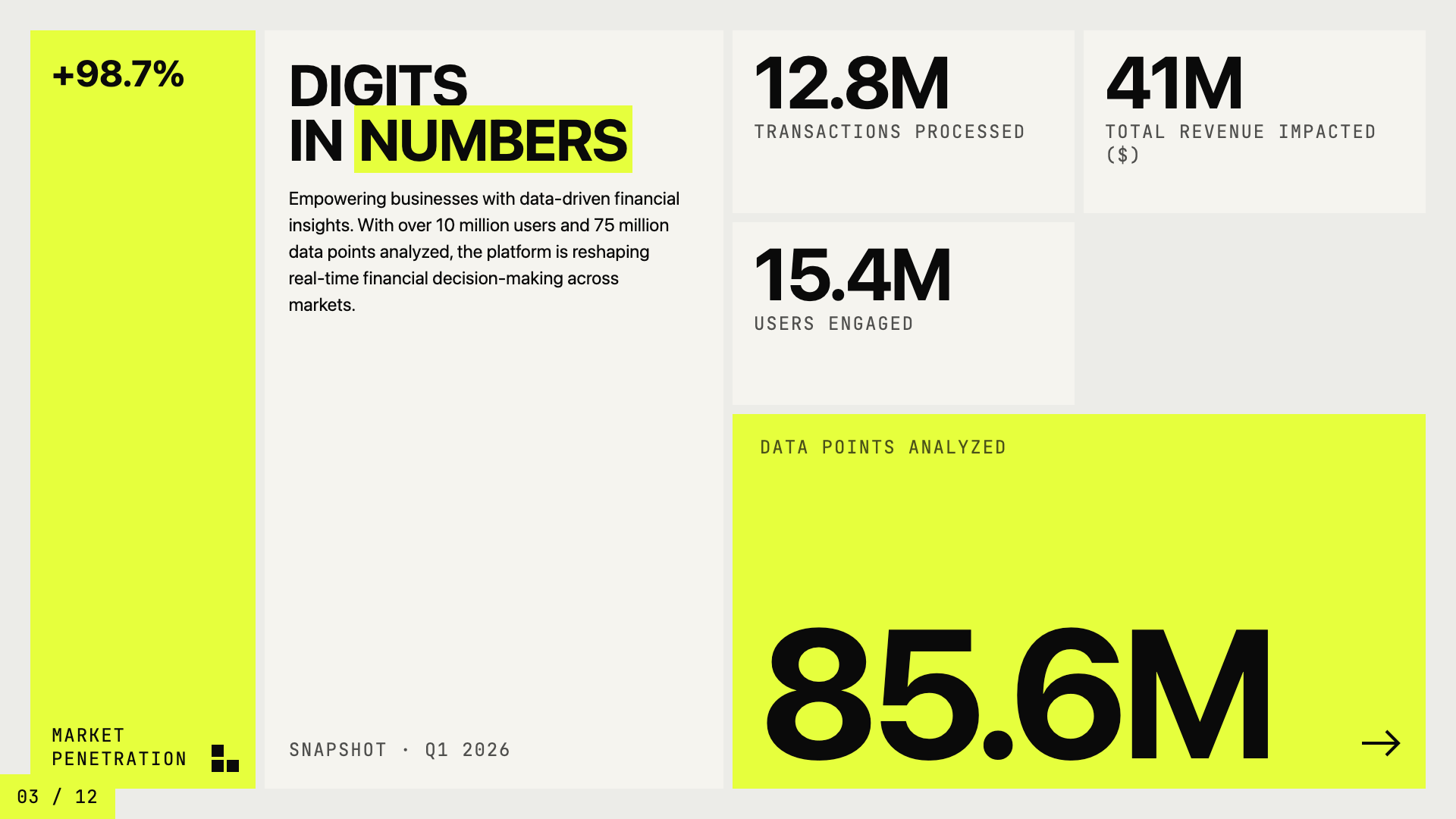
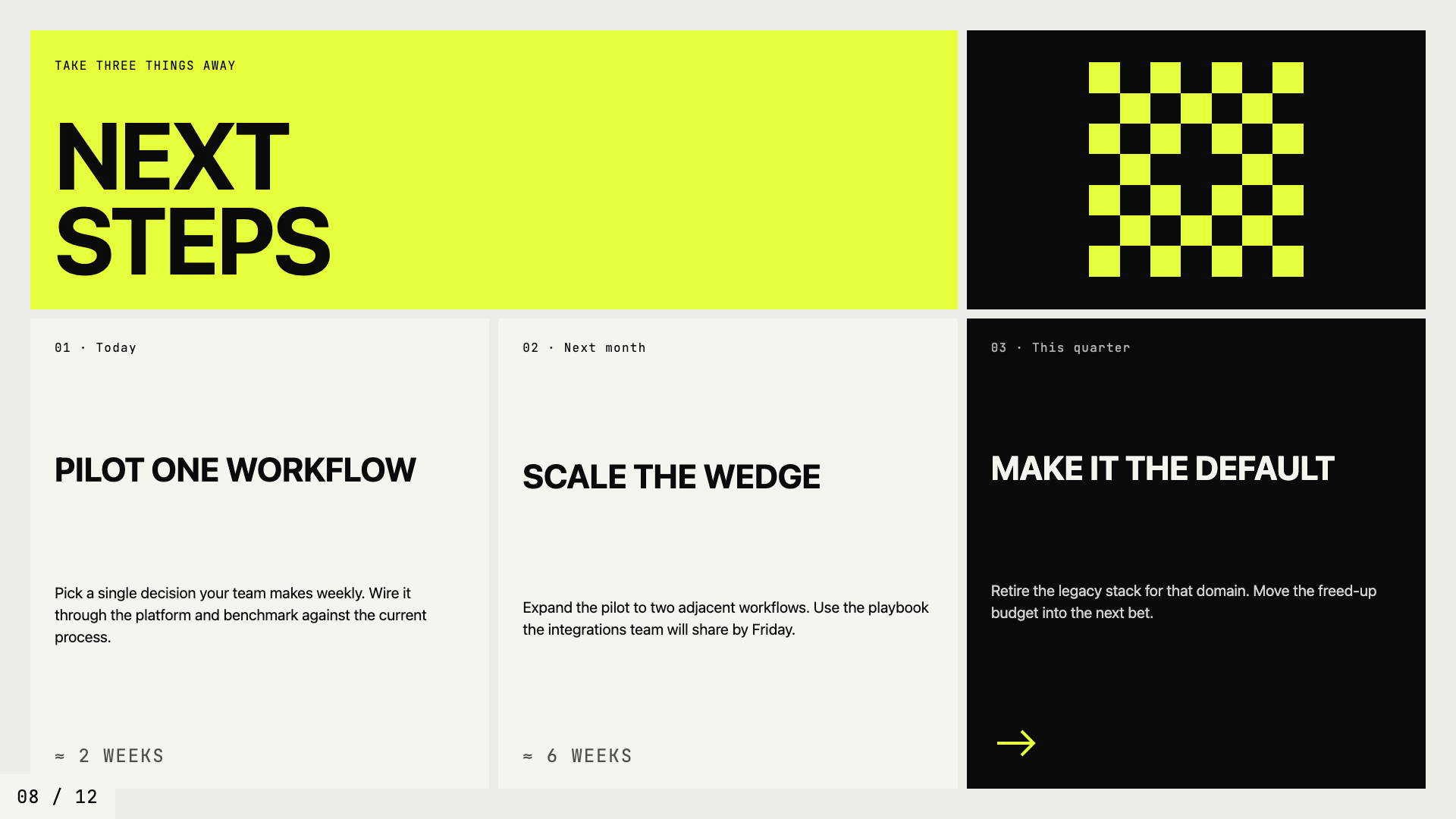
Editorial neo-brutalism with a single neon yellow accent on off-white paper.
Editorial Tri-Tone
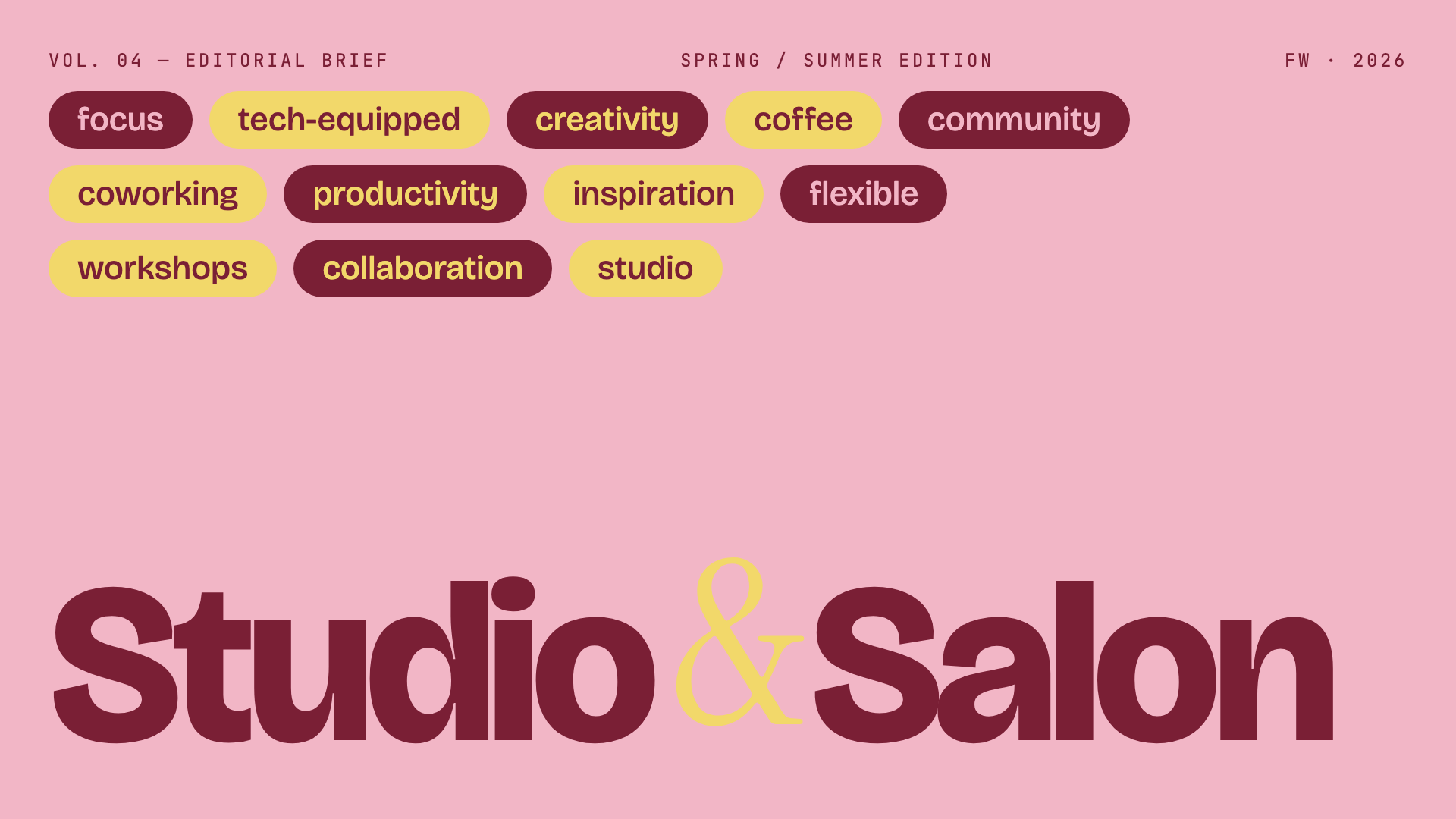
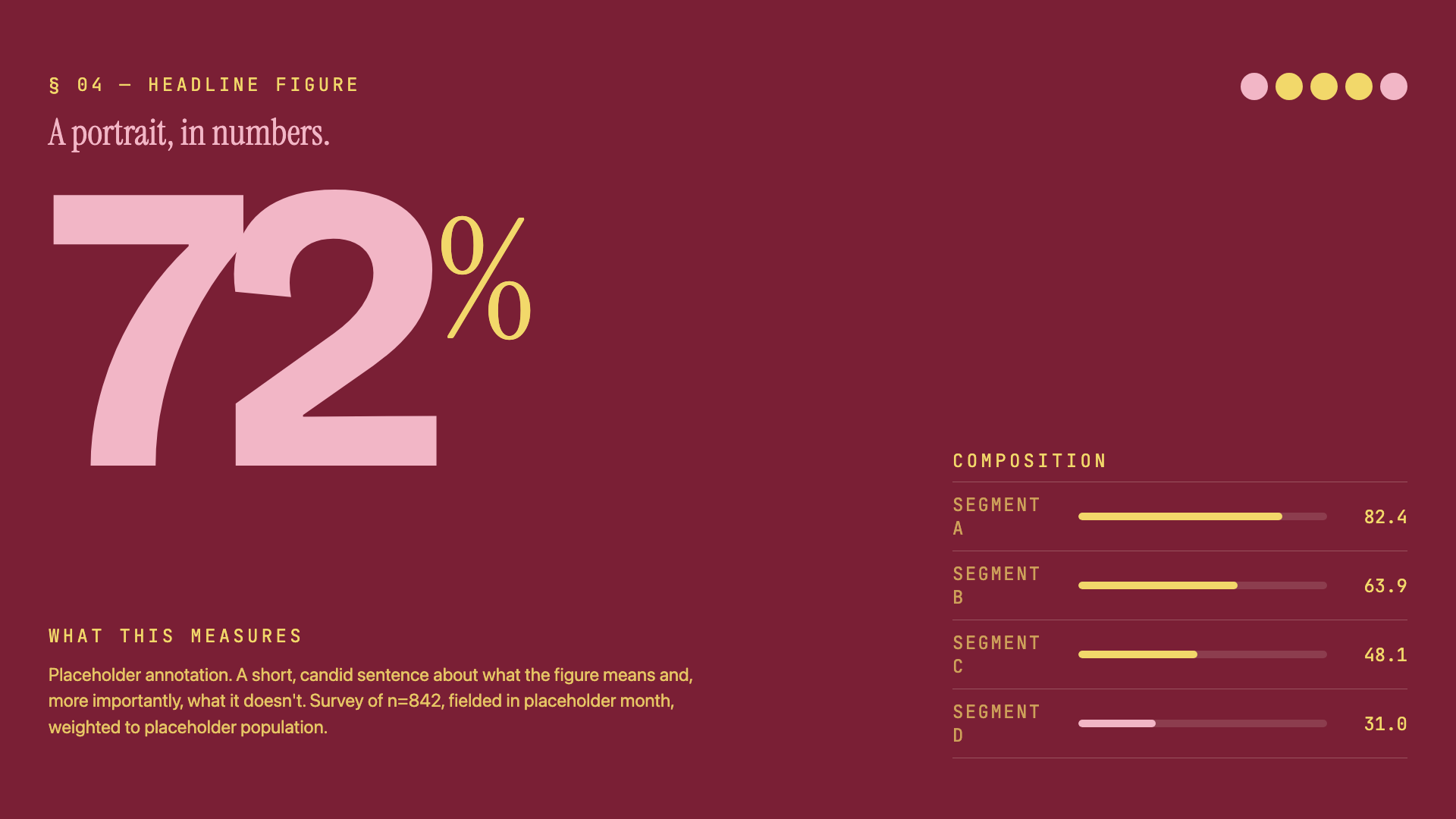 <img src="https
Core symbols most depended-on inside this repo
_goShape
Languages
Modules by API surface
For agents
$ claude mcp add frontend-slides \
  -- python -m otcore.mcp_server <graph>