github.com/watercrawl/WaterCrawl @v0.12.3 sqlite
README
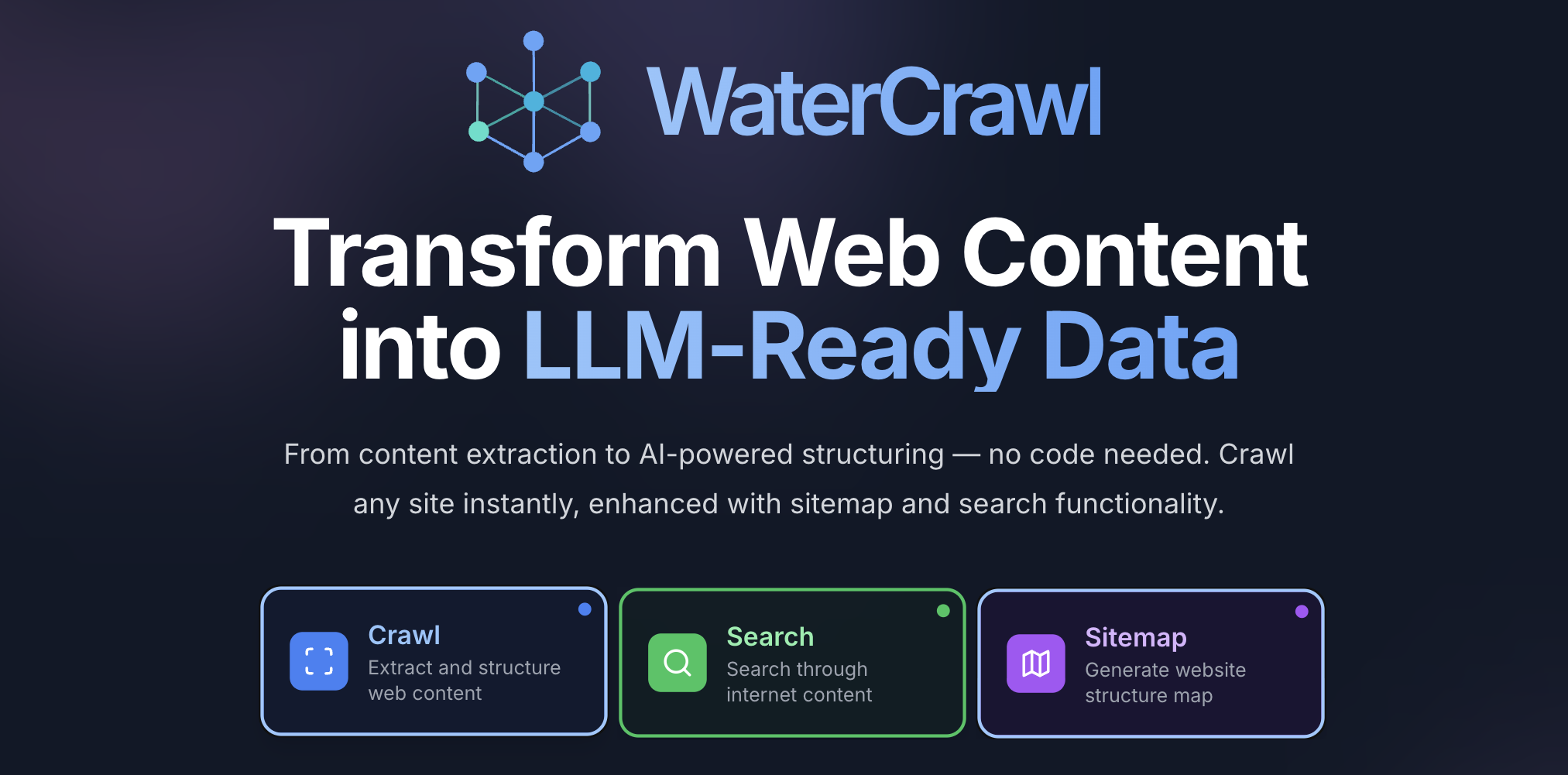





🕷️ WaterCrawl is a powerful web application that uses Python, Django, Scrapy, and Celery to crawl web pages and extract relevant data.
🚀 Quick Start
🐳 Quick start
To build and run WaterCrawl on Docker locally, please follow these steps:
-
Clone the repository:
bash git clone https://github.com/watercrawl/watercrawl.git cd watercrawl -
Build and run the Docker containers:
bash cd docker cp .env.example .env docker compose up -d -
Access the application with open http://localhost
⚠️ IMPORTANT: If you're deploying on a domain or IP address other than localhost, you MUST update the MinIO configuration in your .env file: ```bash
Change this from 'localhost' to your actual domain or IP
MINIO_EXTERNAL_ENDPOINT=your-domain.com
Also update these URLs accordingly
MINIO_BROWSER_REDIRECT_URL=http://your-domain.com/minio-console/ MINIO_SERVER_URL=http://your-domain.com/ ``` Failure to update these settings will result in broken file uploads and downloads. For more details, see DEPLOYMENT.md.
Important: Before deploying to production, ensure that you update the
.envfile with the appropriate configuration values. Additionally, make sure to set up and configure the database, MinIO, and any other required services. for more information, please read the Deployment Guide.
💻 Development (For Contributing)
For local development and contribution, please follow our Contributing Guide 🤝

✨ Features
- 🕸️ Advanced Web Crawling & Scraping - Crawl websites with highly customizable options for depth, speed, and targeting specific content
- 🔍 Powerful Search Engine - Find relevant content across the web with multiple search depths (basic, advanced, ultimate)
- 🌐 Multi-language Support - Search and crawl content in different languages with country-specific targeting
- ⚡ Asynchronous Processing - Monitor real-time progress of crawls and searches via Server-Sent Events (SSE)
- 🔄 REST API with OpenAPI - Comprehensive API with detailed documentation and client libraries
- 🔌 Rich Ecosystem - Integrations with Dify, N8N, and other AI/automation platforms
- 🏠 Self-hosted & Open Source - Full control over your data with easy deployment options
- 📊 Advanced Results Handling - Download and process search results with customizable parameters
Check our API Overview to learn more about these features.
🛠️ Client SDKs
- ✅ Python Client - Full-featured SDK with support for all API endpoints
- ✅ Node.js Client - Complete JavaScript/TypeScript integration
- ✅ Go Client - Full-featured SDK with support for all API endpoints
- ✅ PHP Client - Full-featured SDK with support for all API endpoints
- 🔜 Rust Client - Coming soon
🔌 Integrations
- ✅ Dify Plugin (source code)
- ✅ N8N workflow node (source code)
- ✅ Dify Knowledge Base
- 🔄 Langflow (Pull Request - Not Merged yet)
- 🔜 Flowise (Coming soon)
🔧 Plugins
- ✅ WaterCrawl plugin
- ✅ OpenAI Plugin
⭐ Star History
🔒 Security Disclosure
⚠️ Please avoid posting security issues on GitHub. Instead, send your questions to support@watercrawl.dev and we will provide you with a more detailed answer.
📄 License
This repository is available under the WaterCrawl License, which is essentially MIT with a few additional restrictions.
Made with ❤️ by the WaterCrawl Team
Extension points exported contracts — how you extend this code
PaginatedResponse (Interface)Core symbols most depended-on inside this repo
getShape
Languages
Modules by API surface
Dependencies from manifests, versioned
Datastores touched
For agents
$ claude mcp add WaterCrawl \
  -- python -m otcore.mcp_server <graph>