github.com/sahat/satellizer @0.15.5 sqlite
README
Satellizer






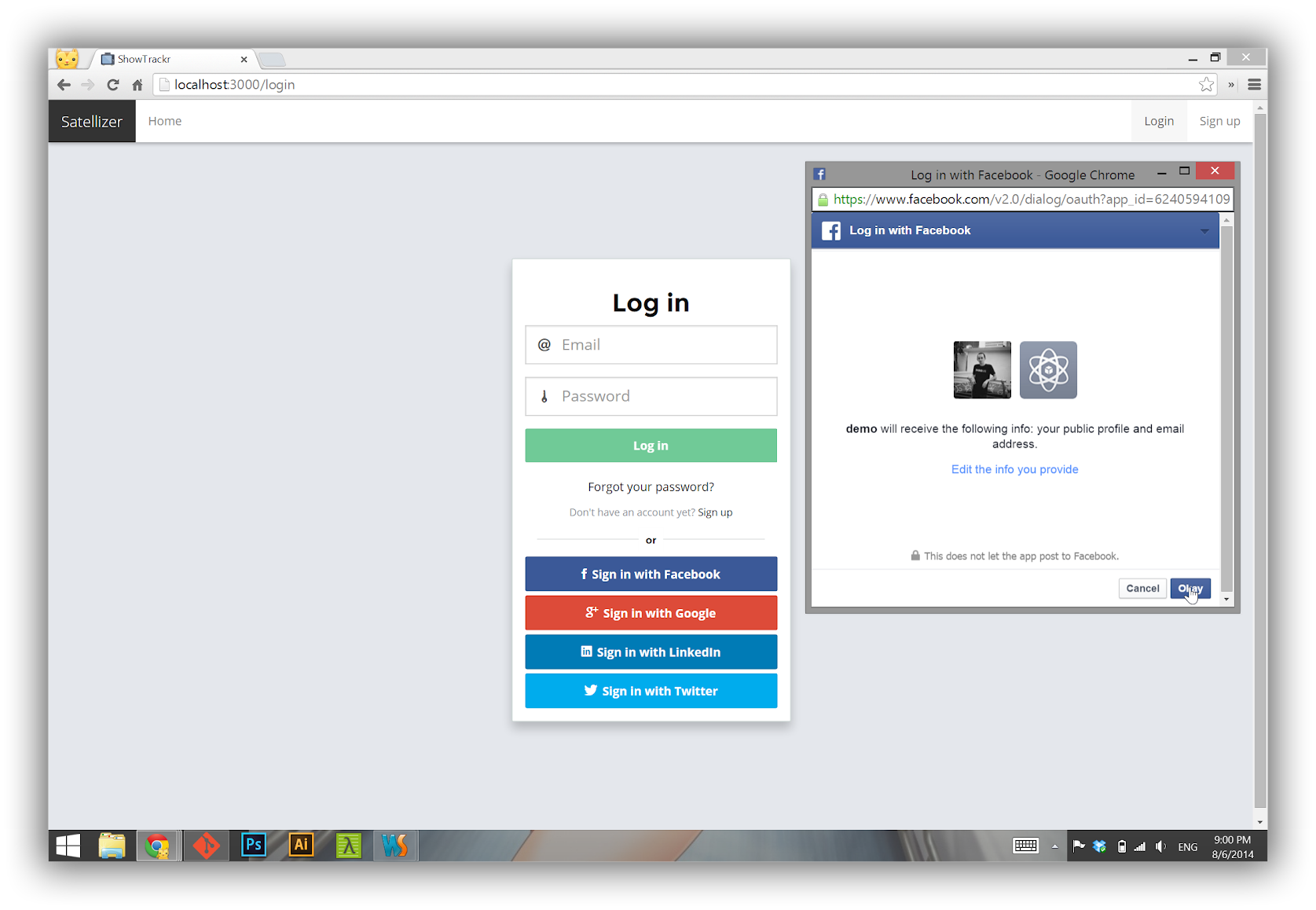
Satellizer is a simple to use, end-to-end, token-based authentication module for AngularJS with built-in support for Google, Facebook, LinkedIn, Twitter, Instagram, GitHub, Bitbucket, Yahoo, Twitch, Microsoft (Windows Live) OAuth providers, as well as Email and Password sign-in. However, you are not limited to the sign-in options above, in fact you can add any OAuth 1.0 or OAuth 2.0 provider by passing provider-specific information in the app config block.
Backers
Support us with a monthly donation and help us continue our activities. [Become a backer]


Sponsors
Become a sponsor and get your logo on our README on Github with a link to your site. [Become a sponsor]


Table of Contents
- Installation
- Requirements for Mobile Apps
- Usage
- Configuration
- Browser Support
- Authentication Flow
- Login with Email and Password
- Login with OAuth 1.0
- Login with OAuth 2.0
- Logout
- Obtaining OAuth Keys
- API Reference
- FAQ
- Community Resources
- Backers
- Sponsors
- Credits
- License
Installation
 Browser
<script src="https://github.com/sahat/satellizer/raw/0.15.5/angular.js"></script>
<script src="https://github.com/sahat/satellizer/raw/0.15.5/satellizer.js"></script>
<script src="https://cdn.jsdelivr.net/satellizer/0.15.5/satellizer.min.js"></script>
 NPM
NPM
$ npm install satellizer
 Bower
Bower
$ bower install satellizer
Requirements for Mobile Apps
With any Cordova mobile apps or any framework that uses Cordova, such as Ionic Framework, you will need to add cordova-plugin-inappbrowser plugin:
$ cordova plugin add cordova-plugin-inappbrowser
Make sure that inAppBrowser is listed in your project:
$ cordova plugins
cordova-plugin-console 1.0.2 "Console"
cordova-plugin-device 1.1.1 "Device"
cordova-plugin-inappbrowser 1.3.0 "InAppBrowser"
cordova-plugin-splashscreen 3.2.0 "Splashscreen"
cordova-plugin-statusbar 2.1.1 "StatusBar"
cordova-plugin-whitelist 1.2.1 "Whitelist"
ionic-plugin-keyboard 1.0.8 "Keyboard"
Usage
Step 1. App Module ```js angular.module('MyApp', ['satellizer']) .config(function($authProvider) {
$authProvider.facebook({
  clientId: 'Facebook App ID'
});

// Optional: For client-side use (Implicit Grant), set responseType to 'token' (default: 'code')
$authProvider.facebook({
  clientId: 'Facebook App ID',
  responseType: 'token'
});

$authProvider.google({
  clientId: 'Google Client ID'
});

$authProvider.github({
  clientId: 'GitHub
Extension points exported contracts — how you extend this code
IOAuth1 (Interface)Core symbols most depended-on inside this repo
replaceShape
Languages
Modules by API surface
Dependencies from manifests, versioned
Datastores touched
For agents
$ claude mcp add satellizer \
  -- python -m otcore.mcp_server <graph>