github.com/projectdiscovery/httpx @v1.9.0
Chat with this repoWhat it actually does AI analysis from the code graph — generated when you open this
README





Features • Installation • Usage • Documentation • Notes • Join Discord
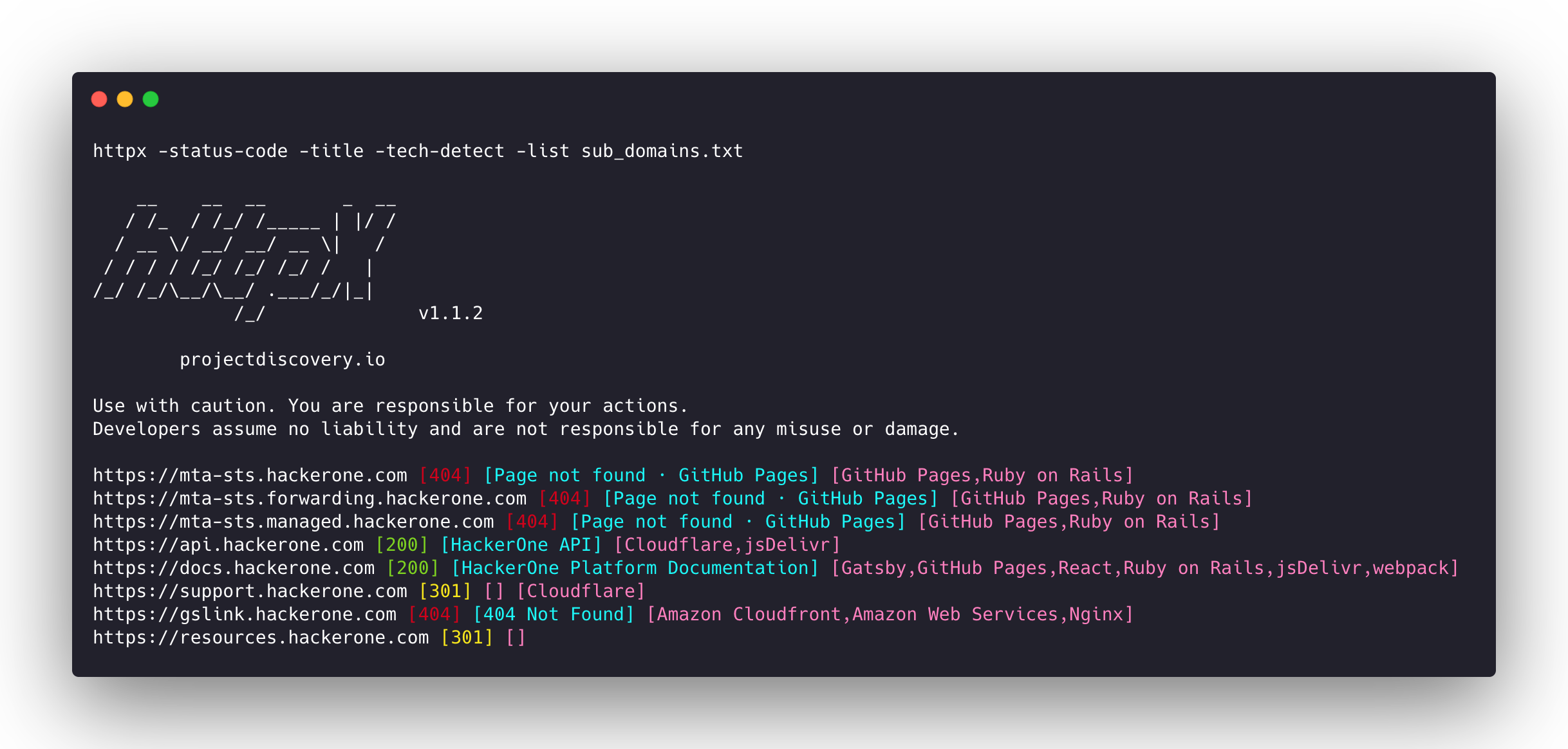
httpx is a fast and multi-purpose HTTP toolkit that allows running multiple probes using the retryablehttp library. It is designed to maintain result reliability with an increased number of threads.
Features
- Simple and modular code base making it easy to contribute.
- Fast And fully configurable flags to probe multiple elements.
- Supports multiple HTTP based probings.
- Smart auto fallback from https to http as default.
- Supports hosts, URLs and CIDR as input.
- Handles edge cases doing retries, backoffs etc for handling WAFs.
Supported probes
| Probes | Default check | Probes | Default check |
|---|---|---|---|
| URL | true | IP | true |
| Title | true | CNAME | true |
| Status Code | true | Raw HTTP | false |
| Content Length | true | HTTP2 | false |
| TLS Certificate | true | HTTP Pipeline | false |
| CSP Header | true | Virtual host | false |
| Line Count | true | Word Count | true |
| Location Header | true | CDN | false |
| Web Server | true | Paths | false |
| Web Socket | true | Ports | false |
| Response Time | true | Request Method | true |
| Favicon Hash | false | Probe Status | false |
| Body Hash | true | Header Hash | true |
| Redirect chain | false | URL Scheme | true |
| JARM Hash | false | ASN | false |
Installation Instructions
httpx requires go >=1.25.0 to install successfully. Run the following command to get the repo:
go install -v github.com/projectdiscovery/httpx/cmd/httpx@latest
To learn more about installing httpx, see https://docs.projectdiscovery.io/tools/httpx/install.
| :exclamation: Disclaimer |
|---|
| This project is in active development. Expect breaking changes with releases. Review the changelog before updating. |
| This project was primarily built to be used as a standalone CLI tool. Running it as a service may pose security risks. It's recommended to use with caution and additional security measures. |
Usage
httpx -h
This will display help for the tool. Here are all the switches it supports.
```console httpx is a fast and multi-purpose HTTP toolkit that allows running multiple probes using the retryablehttp library.
Usage: ./httpx [flags]
Flags: INPUT: -l, -list string input file containing list of hosts to process -rr, -request string file containing raw request -u, -target string[] input target host(s) to probe -im, -input-mode string mode of input file (burp)
PROBES: -sc, -status-code display response status-code -cl, -content-length display response content-length -ct, -content-type display response content-type -location display response redirect location -favicon display mmh3 hash for '/favicon.ico' file -hash string display response body hash (supported: md5,mmh3,simhash,sha1,sha256,sha512) -jarm display jarm fingerprint hash -rt, -response-time display response time -lc, -line-count display response body line count -wc, -word-count display response body word count -title display page title -bp, -body-preview display first N characters of response body (default 100) -server, -web-server display server name -td, -tech-detect display technology in use based on wappalyzer dataset -cff, -custom-fingerprint-file string path to a custom fingerprint file for technology detection -method display http request method -ws, -websocket display server using websocket -ip display host ip -cname display host cname -extract-fqdn, -efqdn get domain and subdomains from response body and header in jsonl/csv output -asn display host asn information -cdn display cdn/waf in use (default true) -probe display probe status
HEADLESS: -ss, -screenshot enable saving screenshot of the page using headless browser -system-chrome enable using local installed chrome for screenshot -ho, -headless-options string[] start headless chrome with additional options -esb, -exclude-screenshot-bytes enable excluding screenshot bytes from json output -ehb, -exclude-headless-body enable excluding headless header from json output -no-screenshot-full-page disable saving full page screenshot -st, -screenshot-timeout value set timeout for screenshot in seconds (default 10s) -sid, -screenshot-idle value set idle time before taking screenshot in seconds (default 1s) -jsc, -javascript-code string[] execute JavaScript code after navigation
MATCHERS: -mc, -match-code string match response with specified status code (-mc 200,302) -ml, -match-length string match response with specified content length (-ml 100,102) -mlc, -match-line-count string match response body with specified line count (-mlc 423,532) -mwc, -match-word-count string match response body with specified word count (-mwc 43,55) -mfc, -match-favicon string[] match response with specified favicon hash (-mfc 1494302000) -ms, -match-string string[] match response with specified string (-ms admin) -mr, -match-regex string[] match response with specified regex (-mr admin) -mcdn, -match-cdn string[] match host with specified cdn provider (cloudfront, fastly, google, etc.) -mrt, -match-response-time string match response with specified response time in seconds (-mrt '< 1') -mdc, -match-condition string match response with dsl expression condition
EXTRACTOR: -er, -extract-regex string[] display response content with matched regex -ep, -extract-preset string[] display response content matched by a pre-defined regex (url,ipv4,mail)
FILTERS: -fc, -filter-code string filter response with specified status code (-fc 403,401) -fpt, -filter-page-type string[] filter response with specified page type (e.g. -fpt login,captcha,parked) -fep, -filter-error-page [DEPRECATED: use -fpt] filter response with ML based error page detection -fd, -filter-duplicates filter out near-duplicate responses (only first response is retained) -fl, -filter-length string filter response with specified content length (-fl 23,33) -flc, -filter-line-count string filter response body with specified line count (-flc 423,532) -fwc, -filter-word-count string filter response body with specified word count (-fwc 423,532) -ffc, -filter-favicon string[] filter response with specified favicon hash (-ffc 1494302000) -fs, -filter-string string[] filter response with specified string (-fs admin) -fe, -filter-regex string[] filter response with specified regex (-fe admin) -fcdn, -filter-cdn string[] filter host with specified cdn provider (cloudfront, fastly, google, etc.) -frt, -filter-response-time string filter response with specified response time in seconds (-frt '> 1') -fdc, -filter-condition string filter response with dsl expression condition -strip strips all tags in response. supported formats: html,xml (default html) -lof, -list-output-fields list of fields to output (comma separated) -eof, -exclude-output-fields string[] exclude output fields output based on a condition
RATE-LIMIT: -t, -threads int number of threads to use (default 50) -rl, -rate-limit int maximum requests to send per second (default 150) -rlm, -rate-limit-minute int maximum number of requests to send per minute
MISCELLANEOUS: -pa, -probe-all-ips probe all the ips associated with same host -p, -ports string[] ports to probe (nmap syntax: eg http:1,2-10,11,https:80) -path string path or list of paths to probe (comma-separated, file) -tls-probe send http probes on the extracted TLS domains (dns_name) -csp-probe send http probes on the extracted CSP domains -tls-grab perform TLS(SSL) data grabbing -pipeline probe and display server supporting HTTP1.1 pipeline -http2 probe and display server supporting HTTP2 -vhost probe and display server supporting VHOST -ldv, -list-dsl-variables list json output field keys name that support dsl matcher/filter
UPDATE: -up, -update update httpx to latest version -duc, -disable-update-check disable automatic httpx update check
OUTPUT: -o, -output string file to write output results -oa, -output-all filename to write output results in all formats -sr, -store-response store http response to output directory -srd, -store-response-dir string store http response to custom directory -ob, -omit-body omit response body in output -csv store output in csv format -csvo, -csv-output-encoding string define output encoding -j, -json store output in JSONL(ines) format -irh, -include-response-header include http response (headers) in JSON output (-json only) -irr, -include-response include http request/response (headers + body) in JSON output (-json only) -irrb, -include-response-base64 include base64 encoded http request/response in JSON output (-json only) -include-chain include redirect http chain in JSON output (-json only) -store-chain include http redirect chain in responses (-sr only) -svrc, -store-vision-recon-cluster include visual recon clusters (-ss and -sr only) -pr, -protocol string protocol to use (unknown, http11, http2, http3) -fepp, -filter-error-page-path string path to store filtered error pages (default "filtered_error_page.json") -rdb, -result-db store results in database -rdbc, -result-db-config string path to database config file -rdbt, -result-db-type string database type (mongodb, postgres, mysql) -rdbcs, -result-db-conn string database connection string (env: HTTPX_DB_CONNECTION_STRING) -rdbn, -result-db-name string database name (default "httpx") -rdbtb, -result-db-table string table/collection name (default "results") -rdbbs, -result-db-batch-size int batch size for database inserts (default 100) -rdbor, -result-db-omit-raw omit raw request/response data from database
CONFIGURATIONS: -config string path to the httpx configuration file (default $HOME/.config/httpx/config.yaml) -r, -resolvers string[] list of custom resolver (file or comma separated) -allow string[] allowed list of IP/CIDR's to process (file or comma separated) -deny string[] denied list of IP/CIDR's to process (file or comma separated) -sni, -sni-name string custom TLS SNI name -random-agent enable Random User-Agent to use (default true) -auto-referer set the Referer header to the current URL -H, -header string[] custom http headers to send with request -http-proxy, -proxy string proxy (http|socks) to use (eg http://127.0.0.1:8080) -unsafe se
Extension points exported contracts — how you extend this code
TestCase (Interface)Core symbols most depended-on inside this repo
CloseShape
Languages
Modules by API surface
Used by 1 indexed graphs manifest dependencies, hub-wide
Dependencies from manifests, versioned
For agents
$ claude mcp add httpx \
  -- python -m otcore.mcp_server <graph>