github.com/mingrammer/diagrams @v0.25.1 sqlite
README

Diagrams






Diagram as Code.
Diagrams lets you draw the cloud system architecture in Python code. It was born for prototyping a new system architecture design without any design tools. You can also describe or visualize the existing system architecture as well. Diagrams currently supports main major providers including: AWS, Azure, GCP, Kubernetes, Alibaba Cloud, Oracle Cloud etc... It also supports On-Premises nodes, SaaS and major Programming frameworks and languages.
Diagram as Code also allows you to track the architecture diagram changes in any version control system.
NOTE: It does not control any actual cloud resources nor does it generate cloud formation or terraform code. It is just for drawing the cloud system architecture diagrams.
Providers


Getting Started
It requires Python 3.9 or higher, check your Python version first.
It uses Graphviz to render the diagram, so you need to install Graphviz to use diagrams. After installing graphviz (or already have it), install the diagrams.
macOS users can download the Graphviz via
brew install graphvizif you're using Homebrew.
# using pip (pip3)
$ pip install diagrams

# using pipenv
$ pipenv install diagrams

# using poetry
$ poetry add diagrams
You can start with quick start. Check out guides for more details, and you can find all available nodes list in here.
Examples
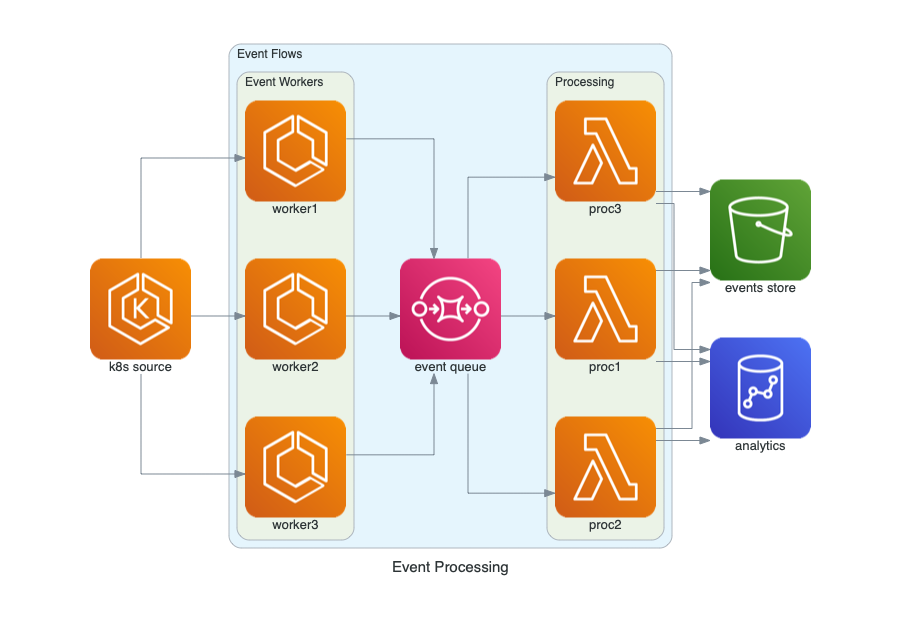
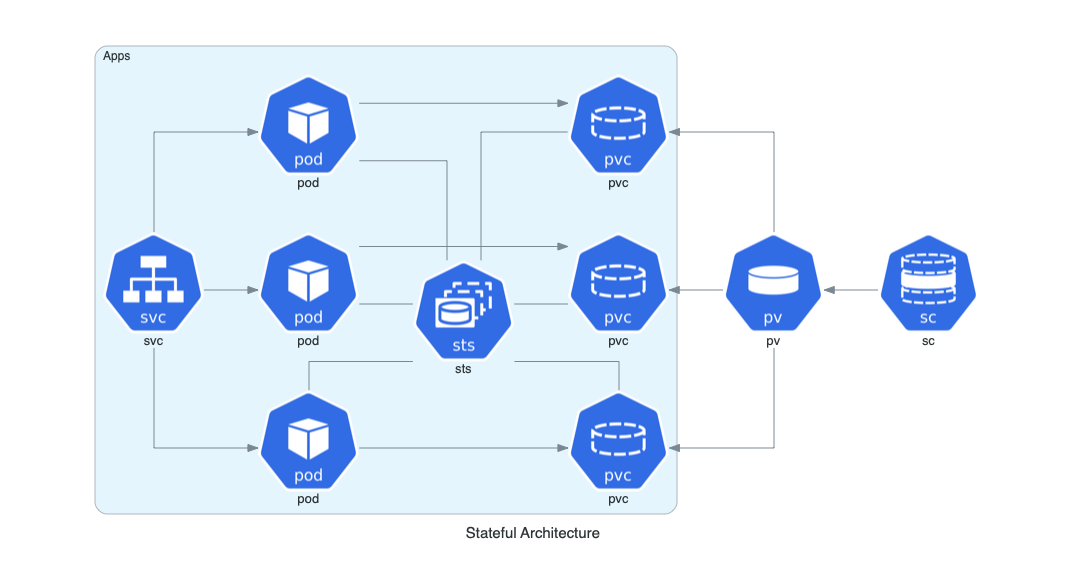
| Event Processing | Stateful Architecture | Advanced Web Service |
|---|---|---|
 |
 |
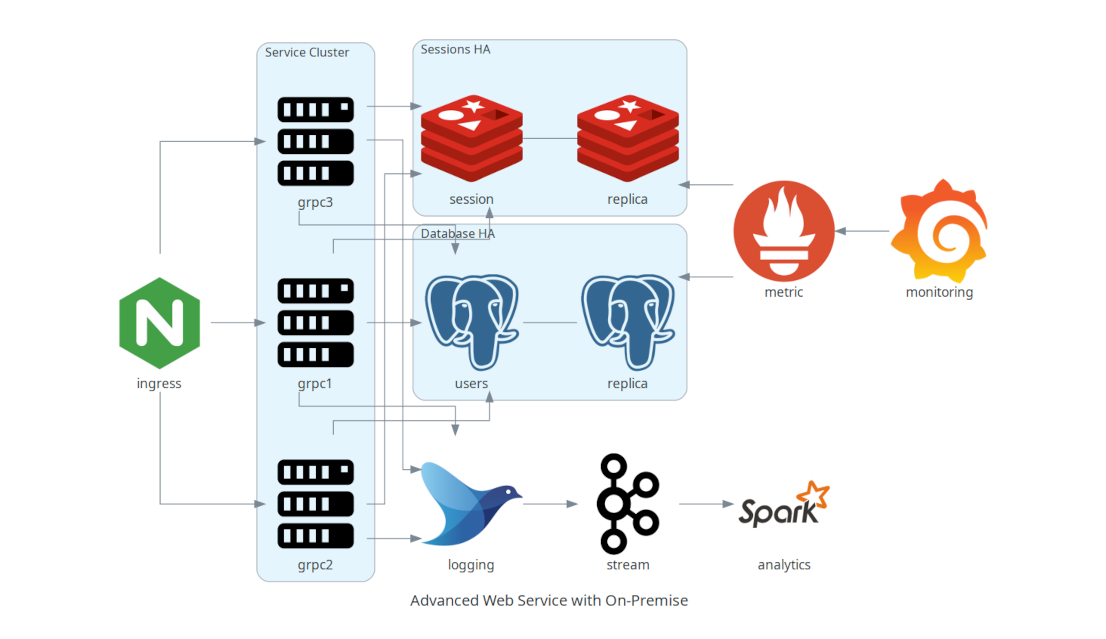 |
You can find all the examples on the examples page.
Contributing
To contribute to diagram, check out contribution guidelines.
Let me know if you are using diagrams! I'll add you in showcase page. (I'm working on it!) :)
Who uses it?
Apache Airflow is the most popular data workflow Orchestrator. Airflow uses Diagrams to generate architecture diagrams in their documentation.
Cloudiscovery helps you to analyze resources in your cloud (AWS/GCP/Azure/Alibaba/IBM) account. It allows you to create a diagram of analyzed cloud resource map based on this Diagrams library, so you can draw your existing cloud infrastructure with Cloudiscovery.
Airflow Diagrams is an Airflow plugin that aims to easily visualise your Airflow DAGs on service level from providers like AWS, GCP, Azure, etc. via diagrams.
KubeDiagrams is a tool to generate Kubernetes architecture diagrams from Kubernetes manifest files, kustomization files, Helm charts, and actual cluster state. KubeDiagrams supports all Kubernetes built-in resources, any custom resources, and label-based resource clustering.
Other languages
- If you are familiar with Go, you can use go-diagrams as well.
License
Core symbols most depended-on inside this repo
connectShape
Languages
Modules by API surface
For agents
$ claude mcp add diagrams \
  -- python -m otcore.mcp_server <graph>