github.com/microsoft/call-center-ai @v17.4.2 sqlite
README
Call Center AI
AI-powered call center solution with Azure and OpenAI GPT.



Overview
Send a phone call from AI agent, in an API call. Or, directly call the bot from the configured phone number!
Insurance, IT support, customer service, and more. The bot can be customized in few hours (really) to fit your needs.
# Ask the bot to call a phone number
data='{
  "bot_company": "Contoso",
  "bot_name": "Amélie",
  "phone_number": "+11234567890",
  "task": "Help the customer with their digital workplace. Assistant is working for the IT support department. The objective is to help the customer with their issue and gather information in the claim.",
  "agent_phone_number": "+33612345678",
  "claim": [
    {
      "name": "hardware_info",
      "type": "text"
    },
    {
      "name": "first_seen",
      "type": "datetime"
    },
    {
      "name": "building_location",
      "type": "text"
    }
  ]
}'

curl \
  --header 'Content-Type: application/json' \
  --request POST \
  --url https://xxx/call \
  --data $data
Features
-
Enhanced communication and user experience: Integrates inbound and outbound calls with a dedicated phone number, supports multiple languages and voice tones, and allows users to provide or receive information via SMS. Conversations are streamed in real-time to avoid delays, can be resumed after disconnections, and are stored for future reference. This ensures an improved customer experience, enabling 24/7 communication and handling of low to medium complexity calls, all in a more accessible and user-friendly manner.
-
Advanced intelligence and data management: Leverages gpt-4.1 and gpt-4.1-nano (known for higher performance and a 10–15x cost premium) to achieve nuanced comprehension. It can discuss private and sensitive data, including customer-specific information, while following retrieval-augmented generation (RAG) best practices to ensure secure and compliant handling of internal documents. The system understands domain-specific terms, follows a structured claim schema, generates automated to-do lists, filters inappropriate content, and detects jailbreak attempts. Historical conversations and past interactions can also be used to fine-tune the LLM, improving accuracy and personalization over time. Redis caching further enhances efficiency.
-
Customization, oversight, and scalability: Offers customizable prompts, feature flags for controlled experimentation, human agent fallback, and call recording for quality assurance. Integrates Application Insights for monitoring and tracing, provides publicly accessible claim data, and plans future enhancements such as automated callbacks and IVR-like workflows. It also enables the creation of a brand-specific custom voice, allowing the assistant’s voice to reflect the company’s identity and improve brand consistency.
-
Cloud-native deployment and resource management: Deployed on Azure with a containerized, serverless architecture for low maintenance and elastic scaling. This approach optimizes costs based on usage, ensuring flexibility and affordability over time. Seamless integration with Azure Communication Services, Cognitive Services, and OpenAI resources provides a secure environment suitable for rapid iteration, continuous improvement, and accommodating variable workloads in the call center.
Demo
A French demo is avaialble on YouTube. Do not hesitate to watch the demo in x1.5 speed to get a quick overview of the project. Voice is hesitant on purpose to show the bot can handle it. All the infrastructure is deployed on Azure, mostly in serverless mode. Provisionning of the LLM resources can be done to reduce the latency.
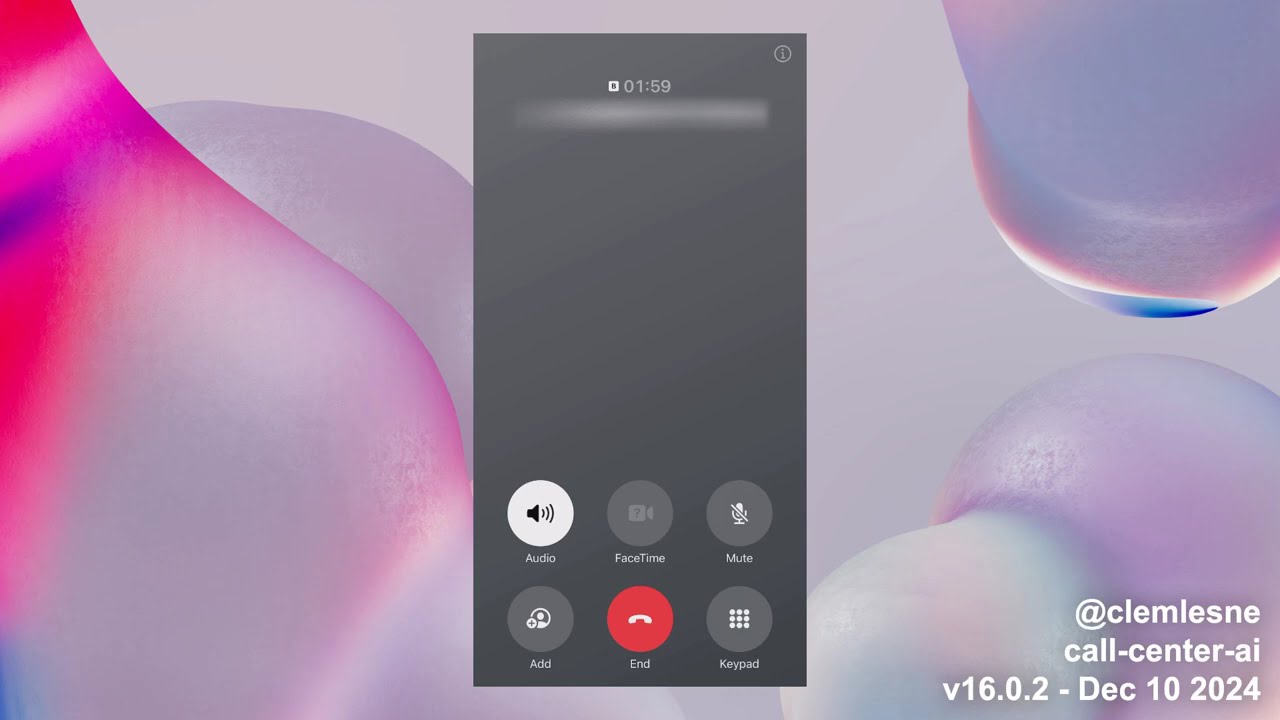
Main interactions shown in the demo:
- User calls the call center
- The bot answers and the conversation starts
- The bot stores conversation, claim and todo list in the database
Extract of the data stored during the call:
{
  "claim": {
    "incident_description": "Collision avec un autre véhicule, voiture dans le fossé, pas de blessés",
    "incident_location": "Nationale 17",
    "involved_parties": "Dujardin, Madame Lesné",
    "policy_number": "DEC1748"
  },
  "messages": [
    {
      "created_at": "2024-12-10T15:51:04.566727Z",
      "action": "talk",
      "content": "Non, je pense que c'est pas mal. Vous avez répondu à mes questions et là j'attends la dépaneuse. Merci beaucoup.",
      "persona": "human",
      "style": "none",
      "tool_calls": []
    },
    {
      "created_at": "2024-12-10T15:51:06.040451Z",
      "action": "talk",
      "content": "Je suis ravi d'avoir pu vous aider! Si vous avez besoin de quoi que ce soit d'autre, n'hésitez pas à nous contacter. Je vous souhaite une bonne journée et j'espère que tout se passera bien avec la dépanneuse. Au revoir!",
      "persona": "assistant",
      "style": "none",
      "tool_calls": []
    }
  ],
  "next": {
    "action": "case_closed",
    "justification": "The customer has provided all necessary information for the insurance claim, and a reminder has been set for a follow-up call. The customer is satisfied with the assistance provided and is waiting for the tow truck. The case can be closed for now."
  },
  "reminders": [
    {
      "created_at": "2024-12-10T15:50:09.507903Z",
      "description": "Rappeler le client pour faire le point sur l'accident et l'avancement du dossier.",
      "due_date_time": "2024-12-11T14:30:00",
      "owner": "assistant",
      "title": "Rappel client sur l'accident"
    }
  ],
  "synthesis": {
    "long": "During our call, you reported an accident involving your vehicle on the Nationale 17. You mentioned that there were no injuries, but both your car and the other vehicle ended up in a ditch. The other party involved is named Dujardin, and your vehicle is a 4x4 Ford. I have updated your claim with these details, including the license plates: yours is U837GE and the other vehicle's is GA837IA. A reminder has been set for a follow-up call tomorrow at 14:30 to discuss the progress of your claim. If you need further assistance, please feel free to reach out.",
    "satisfaction": "high",
    "short": "the accident on Nationale 17",
    "improvement_suggestions": "To improve the customer experience, it would be beneficial to ensure that the call connection is stable to avoid interruptions. Additionally, providing a clear step-by-step guide on what information is needed for the claim could help streamline the process and reduce any confusion for the customer."
  }
  ...
}
User report after the call
A report is available at https://[your_domain]/report/[phone_number] (like http://localhost:8080/report/%2B133658471534). It shows the conversation history, claim data and reminders.

Architecture
High level architecture
---
title: System diagram (C4 model)
---
graph
  user(["User"])
  agent(["Agent"])

  app["Call Center AI"]

  app -- Transfer to --> agent
  app -. Send voice .-> user
  user -- Call --> app
Component level architecture
---
title: Claim AI component diagram (C4 model)
---
graph LR
  agent(["Agent"])
  user(["User"])

  subgraph "Claim AI"
    ada["Embedding

(ADA)"]
    app["App

(Container App)"]
    communication_services["Call & SMS gateway

(Communication Services)"]
    db[("Conversations and claims

(Cosmos DB)")]
    eventgrid["Broker

(Event Grid)"]
    gpt["LLM

(gpt-4.1, gpt-4.1-nano)"]
    queues[("Queues

(Azure Storage)")]
    redis[("Cache

(Redis)")]
    search[("RAG

(AI Search)")]
    sounds[("Sounds

(Azure Storage)")]
    sst["Speech-to-text

(Cognitive Services)"]
    translation["Translation

(Cognitive Services)"]
    tts["Text-to-speech

(Cognitive Services)"]
  end

  app -- Translate static TTS --> translation
  app -- Sezarch RAG data --> search
  app -- Generate completion --> gpt
  gpt -. Answer with completion .-> app
  app -- Generate voice --> tts
  tts -. Answer with voice .-> app
  app -- Get cached data --> redis
  app -- Save conversation --> db
  app -- Transform voice --> sst
  sst -. Answer with text .-> app
  app <-. Exchange audio .-> communication_services
  app -. Watch .-> queues

  communication_services -- Load sound --> sounds
  communication_services -- Notifies --> eventgrid
  communication_services -- Transfer to --> agent
  communication_services <-. Exchange audio .-> agent
  communication_services <-. Exchange audio .-> user

  eventgrid -- Push to --> queues

  search -- Generate embeddings --> ada

  user -- Call --> communication_services
Deployment
[!NOTE] This project is a proof of concept. It is not intended to be used in production. This demonstrates how can be combined Azure Communication Services, Azure Cognitive Services and Azure OpenAI to build an automated call center solution.
Prerequisites
Prefer using GitHub Codespaces for a quick start. The environment will setup automatically with all the required tools.
In macOS, with Homebrew, simply type make brew.
For other systems, make sure you have the following installed:
- Azure CLI
- Twilio CLI (optional)
- yq
- Bash compatible shell, like
bashorzsh - Make,
apt install make(Ubuntu),yum install make(CentOS),brew install make(macOS)
Then, Azure resources are needed:
1. Create a new resource group
- Prefer to use lowercase and no special characters other than dashes (e.g.
ccai-customer-a)
2. Create a Communication Services resource
- Same name as the resource group
- Enable system managed identity
3. Buy a phone number
- From the Communication Services resource
- Allow inbound and outbound communication
- Enable voice (required) and SMS (optional) capabilities
Now that the prerequisites are configured (local + Azure), the deployment can be done.
Remote (on Azure)
A pre-built container image is available on GitHub Actions, it will be used to deploy the solution on Azure:
- Latest version from a branch:
ghcr.io/clemlesne/call-center-ai:main - Specific tag:
ghcr.io/clemlesne/call-center-ai:0.1.0(recommended)
1. Create the light config file
Fill the template from the example at config-remote-example.yaml. The file should be placed at the root of the project under the name config.yaml. It will be used by install scripts (incl. Makefile and Bicep) to configure the Azure resources.
2. Connect to your Azure environment
az login
3. Run deployment automation
[!TIP] Specify the release version under the
image_versionparameter (default ismain). For example,image_version=16.0.0orimage_version=sha-7ca2c0c. This will ensure any future project breaking changes won't affect your deployment.
make deploy name=my-rg-name
Wait for the deployment to finish.
4. Get the logs
make logs name=my-rg-name
Local (on your machine)
1. Prerequisites
If you skiped the make brew command from the first install section, make sure you have the following installed:
Finally, run make install to setup Python environment.
2. Create the full config file
If the application is already deployed on Azure, you can run make name=my-rg-name sync-local-config to copy the configuration from remote to your local machine.
[!TIP] To use a Service Principal to authenticate to Azure, you can also add the following in a
.envfile:
dotenv
AZURE_CLIENT_ID=xxx
AZURE_CLIENT_SECRET=xxx
AZURE_TENANT_ID=xxx
If the solution is not running online, fill the template from the example at config-local-example.yaml. The file should be placed at the root of the project under the name config.yaml.
3. Run the deployment automation
Execute if the solution is not yet deployed on Azure.
make deploy-bicep deploy-post name=my-rg-name
- This will deploy the Azure resources without the API server, allowing you to test the bot locally
- Wait for the deployment to finish
4. Connect to Azure Dev tunnels
[!IMPORTANT] Tunnel requires to be run in a separate terminal, because it needs to be running all the time
# Log in once
devtunnel login

# Start the tunnel
make tunnel
5. Iterate quickly with the code
[!NOTE] To override a specific configuration value, you can use environment variables. For example, to override the
llm.fast.endpointvalue, you can use theLLM__FAST__ENDPOINTvariable:```dotenv LLM__FAST__ENDPOINT=https://xxx.o
Core symbols most depended-on inside this repo
getShape
Languages
Modules by API surface
Dependencies from manifests, versioned
For agents
$ claude mcp add call-center-ai \
  -- python -m otcore.mcp_server <graph>