github.com/mcp-use/mcp-use @1.33.0 sqlite
README
<img alt="mcp use logo" src="https://github.com/mcp-use/mcp-use/raw/1.33.0/static/logo_black.svg" width="60%" >
<a href="https://mcp-use.com/docs" alt="Documentation">
    <img src="https://img.shields.io/badge/mcp--use-docs-blue?labelColor=white" /></a>
<a href="https://manufact.com" alt="Website">
    <img src="https://img.shields.io/badge/made by-manufact.com-blue" /></a>
<a href="https://github.com/mcp-use/mcp-use/blob/main/LICENSE" alt="License">
    <img src="https://img.shields.io/github/license/mcp-use/mcp-use" /></a>
<a href="https://discord.gg/XkNkSkMz3V" alt="Discord">
    <img src="https://dcbadge.limes.pink/api/server/XkNkSkMz3V?style=flat" /></a>


<a href="https://mcp-use.com/docs/python" alt="Python docs">
    <img src="https://img.shields.io/badge/python-docs-blue?labelColor=white&logo=python" alt="Badge"></a>
<a href="https://pypi.org/project/mcp_use/" alt="PyPI Version">
    <img src="https://img.shields.io/pypi/v/mcp_use.svg"/></a>
<a href="https://pypi.org/project/mcp_use/" alt="PyPI Downloads">
    <img src="https://static.pepy.tech/badge/mcp-use" /></a>


<a href="https://mcp-use.com/docs/typescript" alt="Typescript Documentation">
    <img src="https://img.shields.io/badge/typescript-docs-blue?labelColor=white&logo=typescript" alt="Badge"></a>
<a href="https://www.npmjs.com/package/mcp-use" alt="NPM Version">
    <img src="https://img.shields.io/npm/v/mcp-use.svg"/></a>
<a href="https://www.npmjs.com/package/mcp-use" alt="NPM Downloads">
    <img src="https://img.shields.io/npm/dw/mcp-use.svg"/></a>
About
mcp-use is the fullstack MCP framework to build MCP Apps for ChatGPT / Claude & MCP Servers for AI Agents.
- Build with mcp-use SDK (ts | py): MCP Servers and MCP Apps
- Preview on mcp-use MCP Inspector (online | oss): Test and debug your MCP Servers and Apps
- Deploy on Manufact MCP Cloud: Connect your GitHub repo and have your MCP Server and App up and running in production with observability, metrics, logs, branch-deployments, and more
Documentation
Visit our docs or jump to a quickstart (TypeScript | Python)
Skills for Coding Agents
Using Claude Code, Codex, Cursor or other AI coding agents?
Quickstart: MCP Servers and MCP Apps
 TypeScript
Build your first MCP Server or MPC App:
npx create-mcp-use-app@latest
Or create a server manually:
import { MCPServer, text } from "mcp-use/server";
import { z } from "zod";

const server = new MCPServer({
  name: "my-server",
  version: "1.0.0",
});

server.tool({
  name: "get_weather",
  description: "Get weather for a city",
  schema: z.object({ city: z.string() }),
}, async ({ city }) => {
  return text(`Temperature: 72°F, Condition: sunny, City: ${city}`);
});

await server.listen(3000);
// Inspector at http://localhost:3000/inspector
→ Full TypeScript Server Documentation
MCP Apps
MCP Apps let you build interactive widgets that work across Claude, ChatGPT, and other MCP clients — write once, run everywhere.
Server: define a tool and point it to a widget:
import { MCPServer, widget } from "mcp-use/server";
import { z } from "zod";

const server = new MCPServer({
  name: "weather-app",
  version: "1.0.0",
});

server.tool({
  name: "get-weather",
  description: "Get weather for a city",
  schema: z.object({ city: z.string() }),
  widget: "weather-display", // references resources/weather-display/widget.tsx
}, async ({ city }) => {
  return widget({
    props: { city, temperature: 22, conditions: "Sunny" },
    message: `Weather in ${city}: Sunny, 22°C`,
  });
});

await server.listen(3000);
Widget: create a React component in resources/weather-display/widget.tsx:
import { useWidget, type WidgetMetadata } from "mcp-use/react";
import { z } from "zod";

const propSchema = z.object({
  city: z.string(),
  temperature: z.number(),
  conditions: z.string(),
});

export const widgetMetadata: WidgetMetadata = {
  description: "Display weather information",
  props: propSchema,
};

const WeatherDisplay: React.FC = () => {
  const { props, isPending, theme } = useWidget<z.infer<typeof propSchema>>();
  const isDark = theme === "dark";

  if (isPending) return

Loading...

;

  return (


      <h2>{props.city}</h2>


{props.temperature}° — {props.conditions}


  );
};

export default WeatherDisplay;
Widgets in resources/ are auto-discovered — no manual registration needed.
Visit MCP Apps Documentation
Templates
Ready-to-use MCP Apps you can deploy in one click or remix as your own.
| Preview | Name | Tools | Demo URL | Repo | Deploy |
|---|---|---|---|---|---|
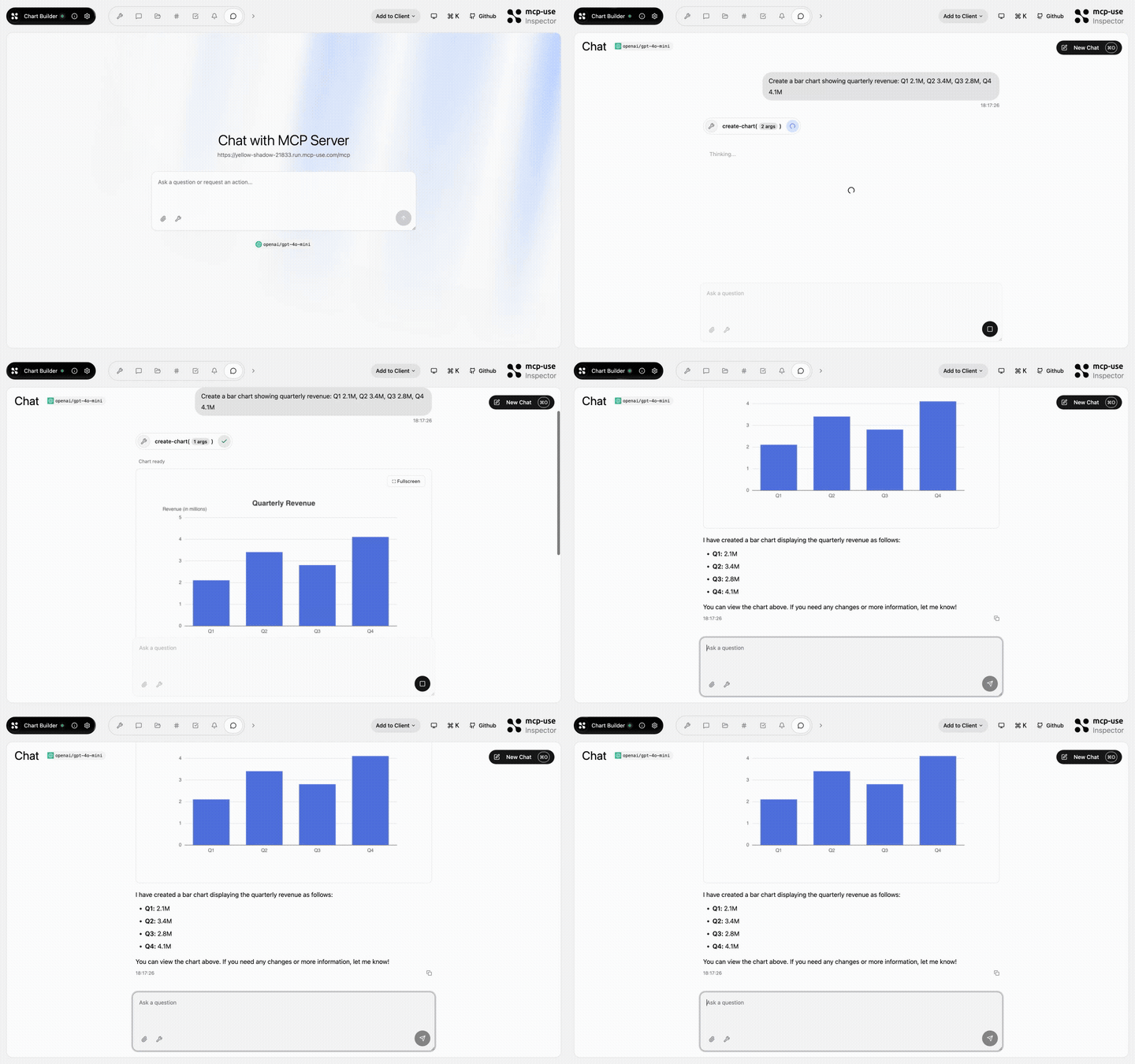 |
Chart Builder | create-chart |
Open URL | mcp-use/mcp-chart-builder |  |
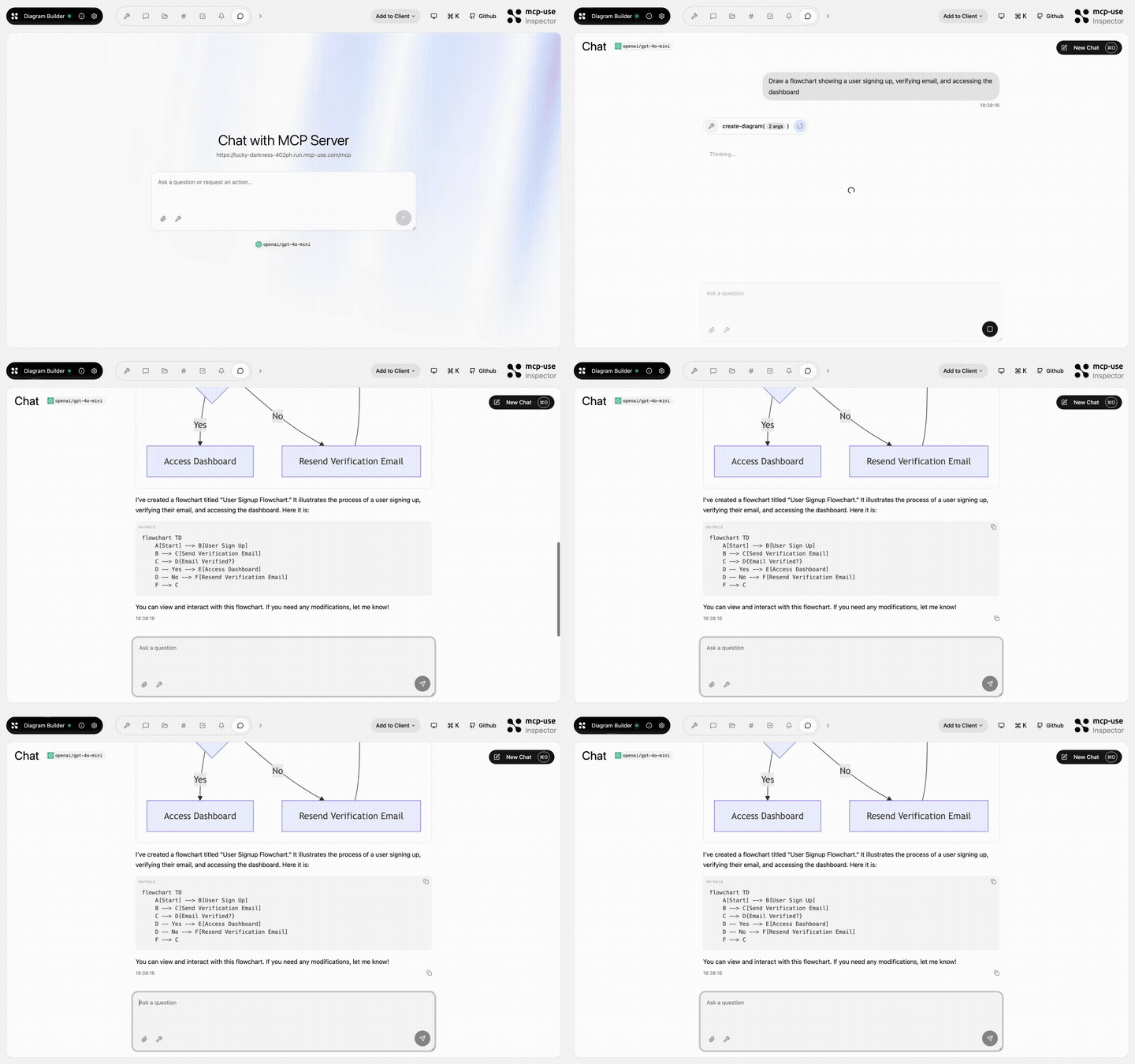 |
Diagram Builder | create-diagram, edit-diagram |
Open URL | mcp-use/mcp-diagram-builder | |
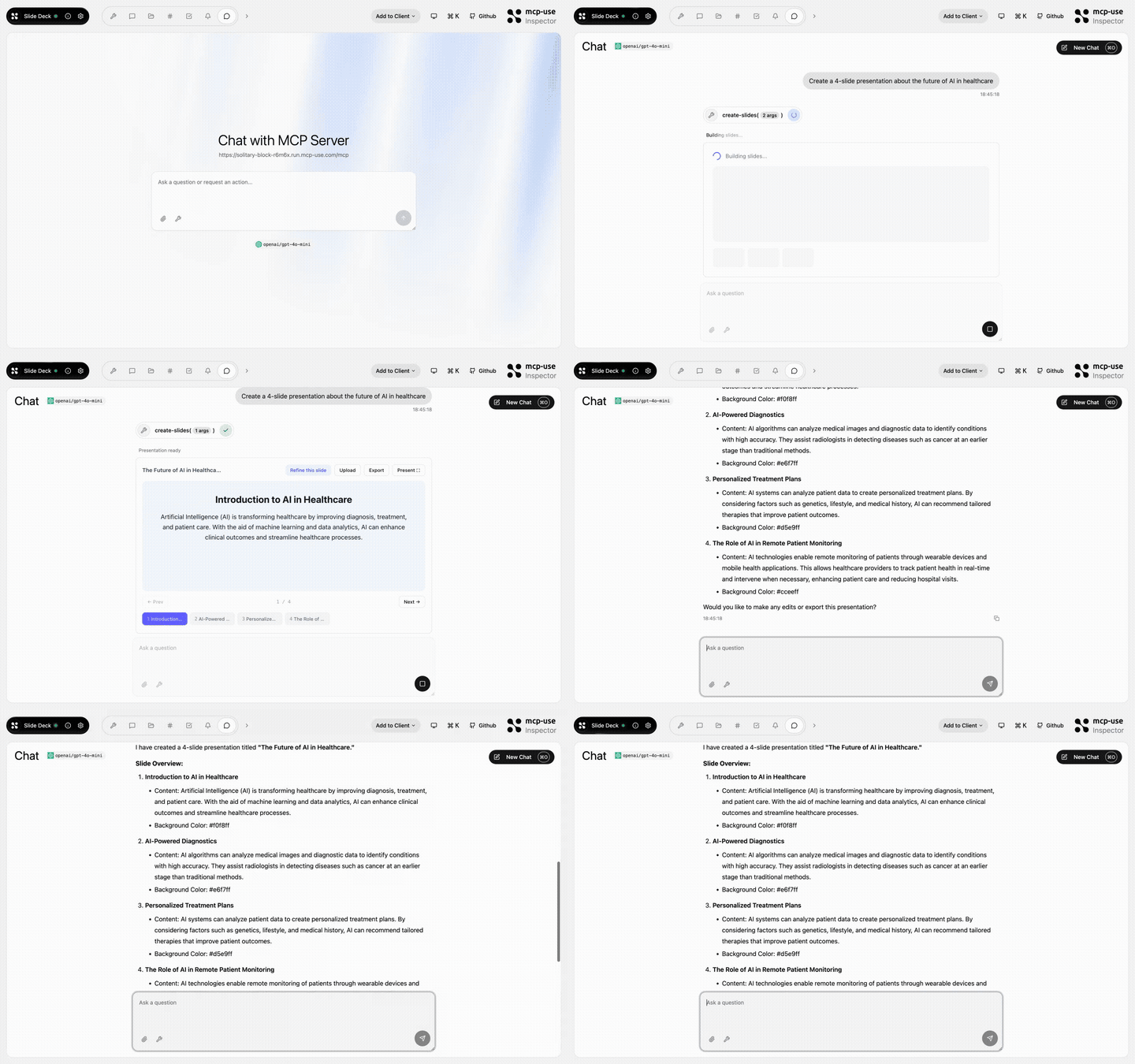 |
Slide Deck | create-slides, edit-slide |
Open URL | mcp-use/mcp-slide-deck | |
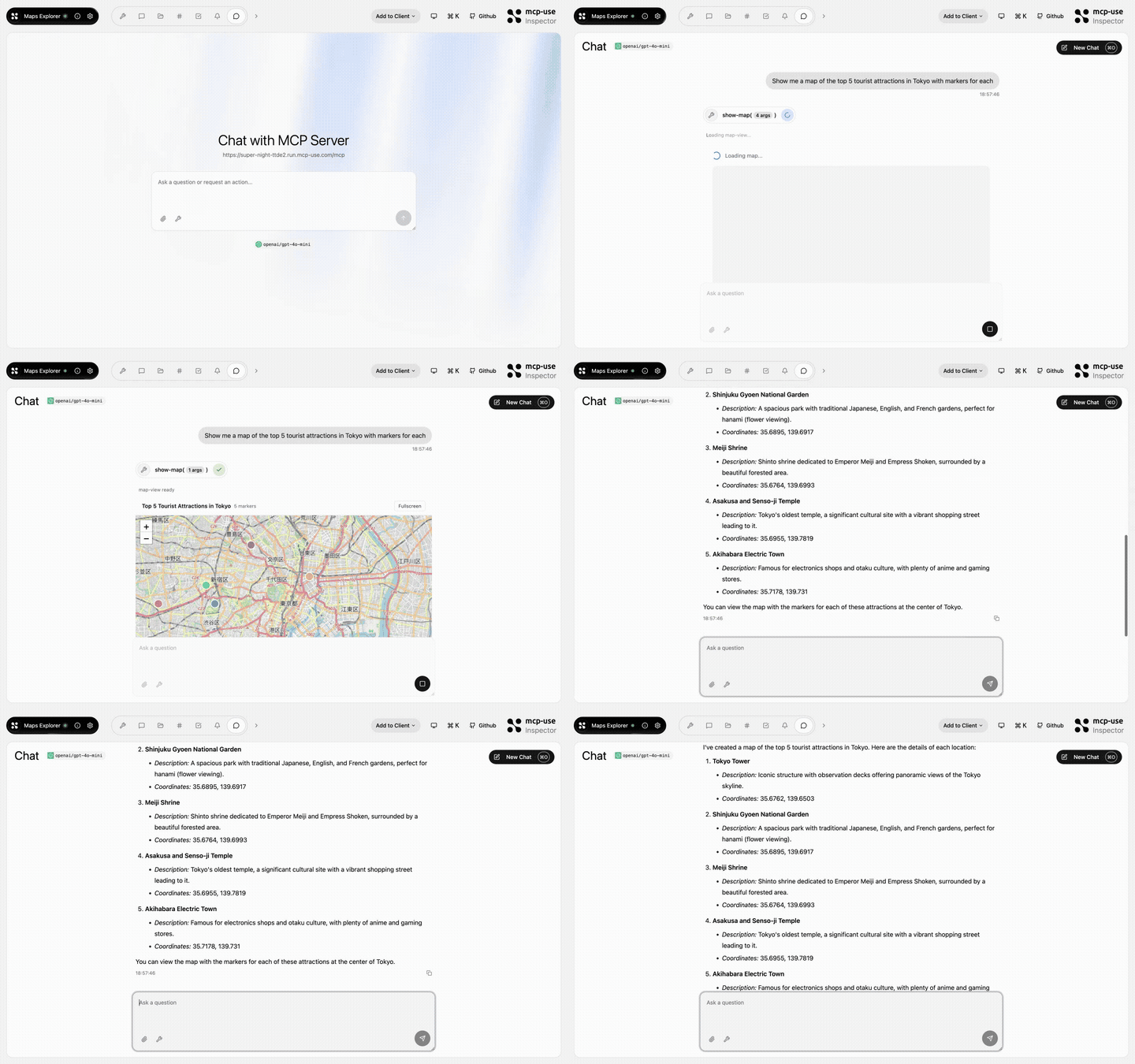 |
Maps Explorer | show-map, get-place-details, add-markers |
Open URL | mcp-use/mcp-maps-explorer | |
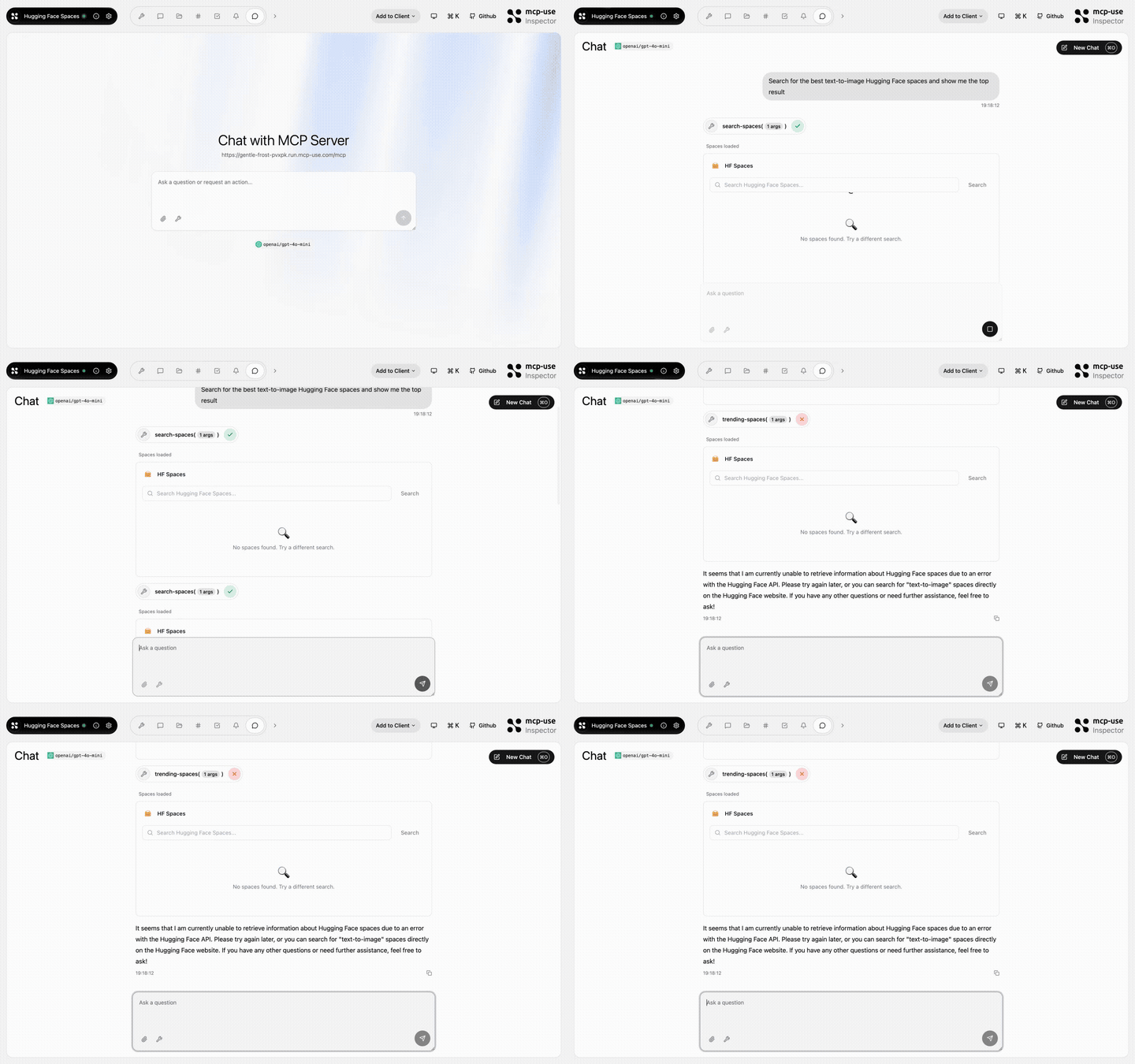 |
Hugging Face Spaces | search-spaces, show-space, trending-spaces |
Open URL | mcp-use/mcp-huggingface-spaces | |
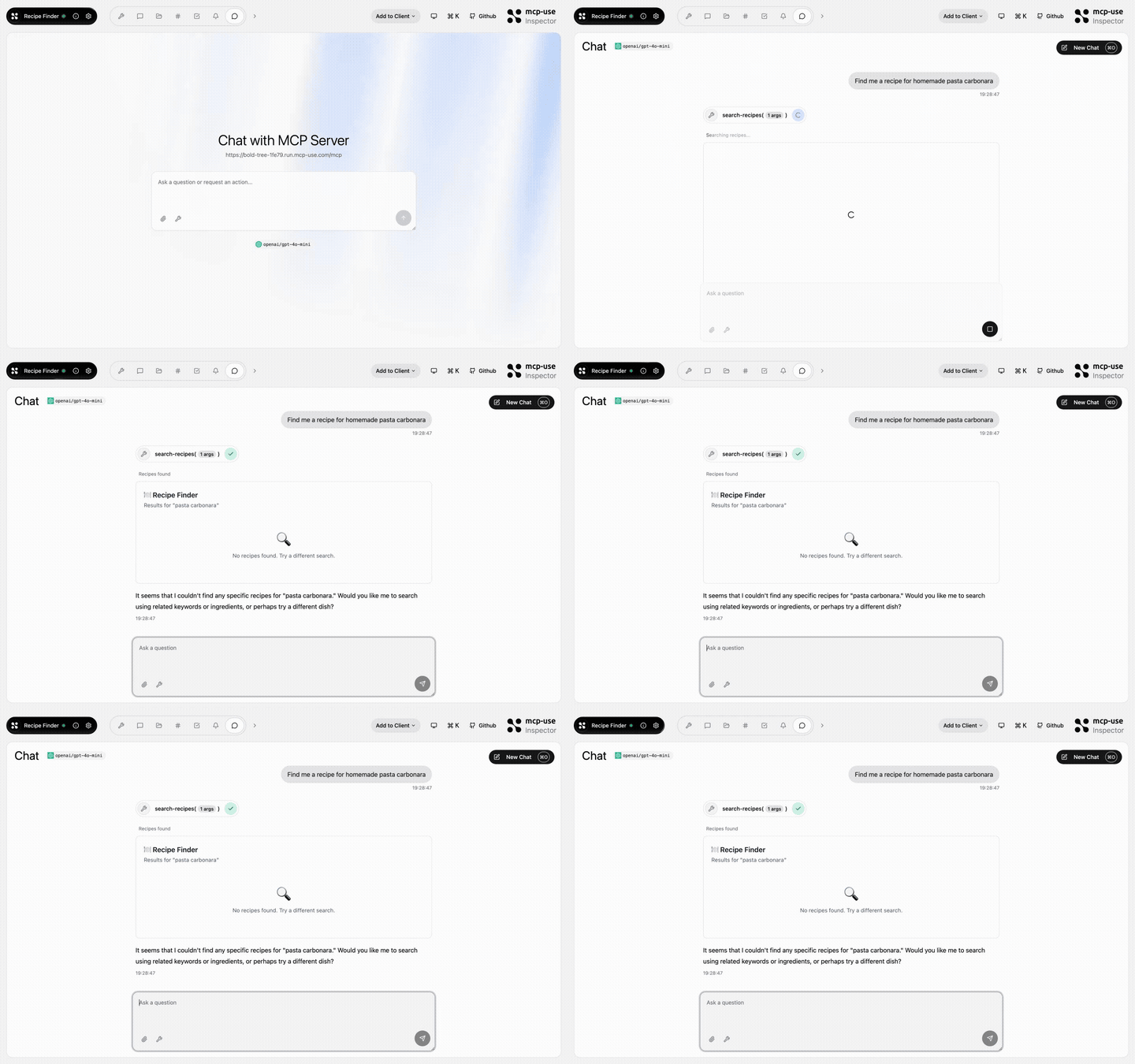 |
Recipe Finder | search-recipes, get-recipe, meal-plan, recipe-suggestion |
Open URL | mcp-use/mcp-recipe-finder | |
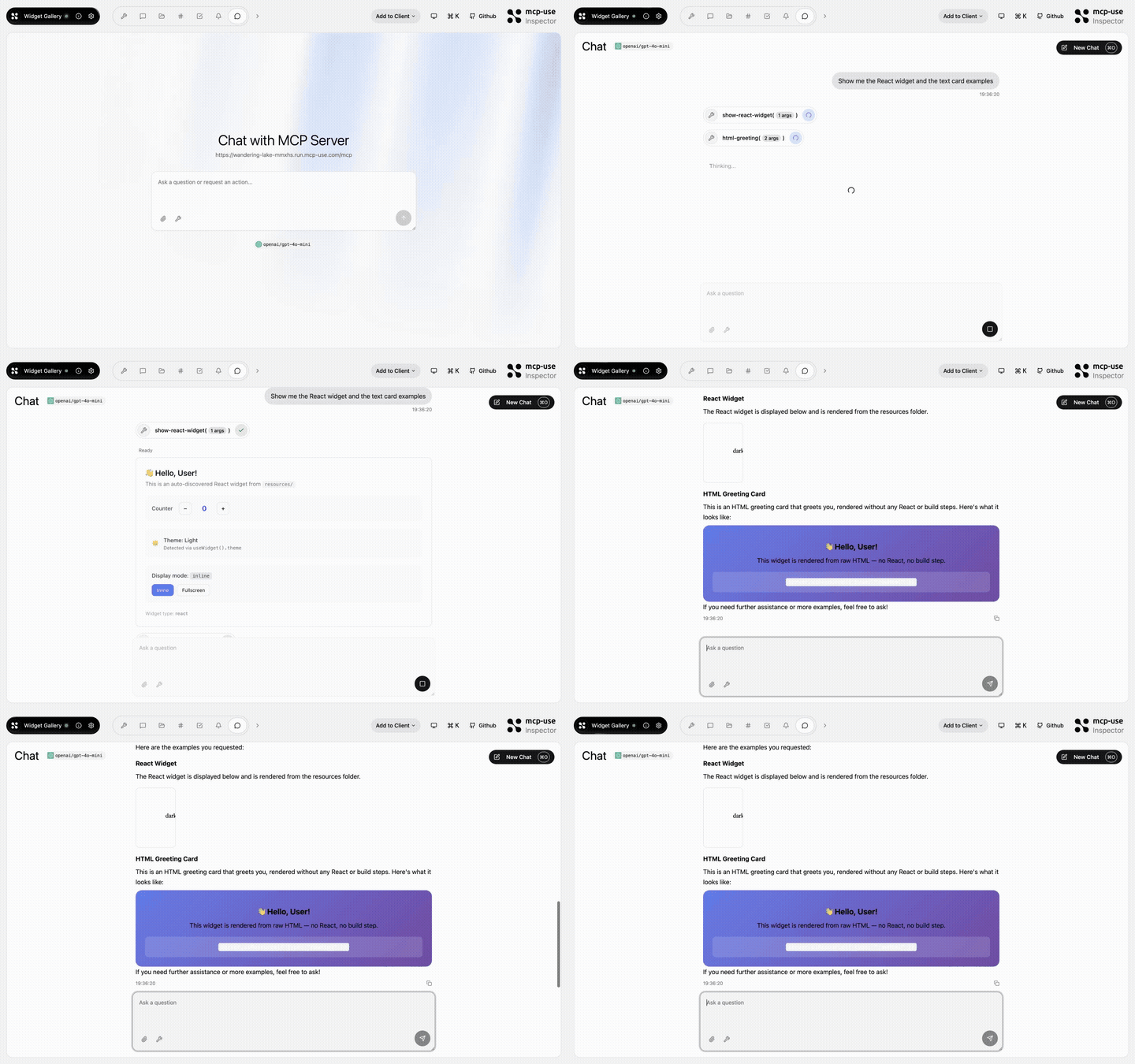 |
Widget Gallery | show-react-widget, html-greeting, mcp-ui-poll, programmatic-counter, detect-client |
Open URL | mcp-use/mcp-widget-gallery | |
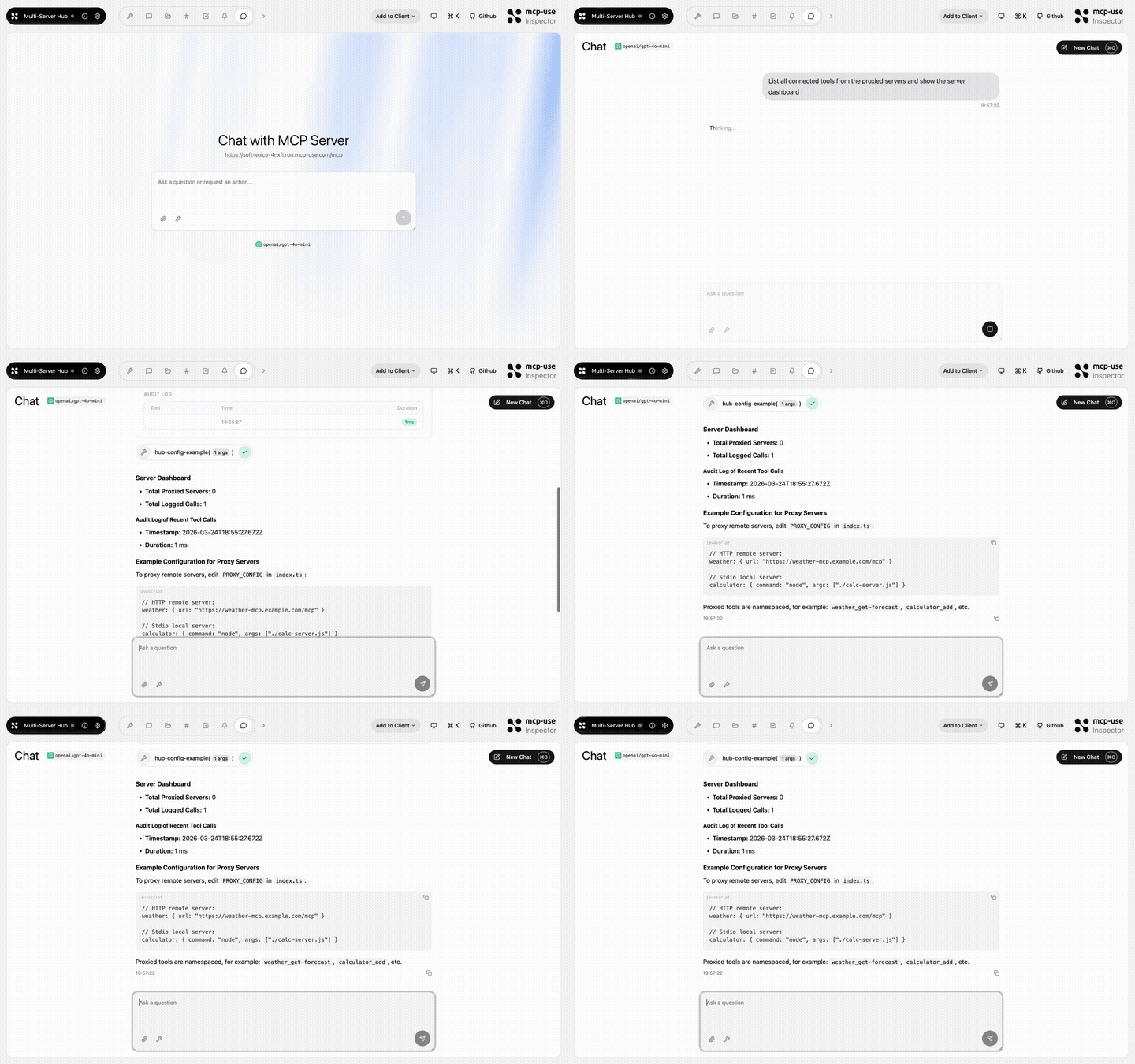 |
Multi Server Hub | hub-status, hub-config-example, audit-log |
Open URL | mcp-use/mcp-multi-server-hub | |
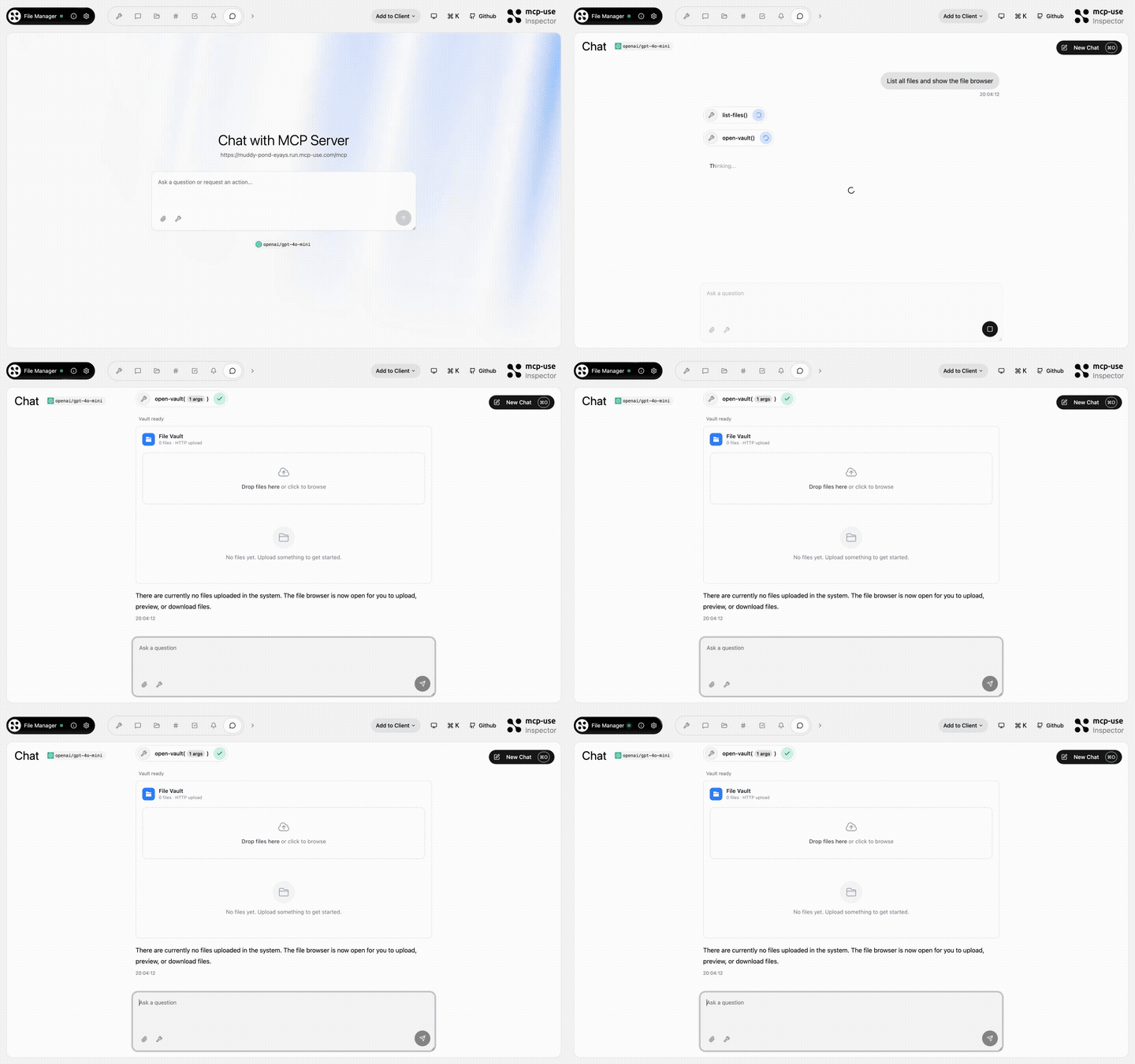 |
File Manager | open-vault, get-file, list-files |
Open URL | mcp-use/mcp-file-manager | |
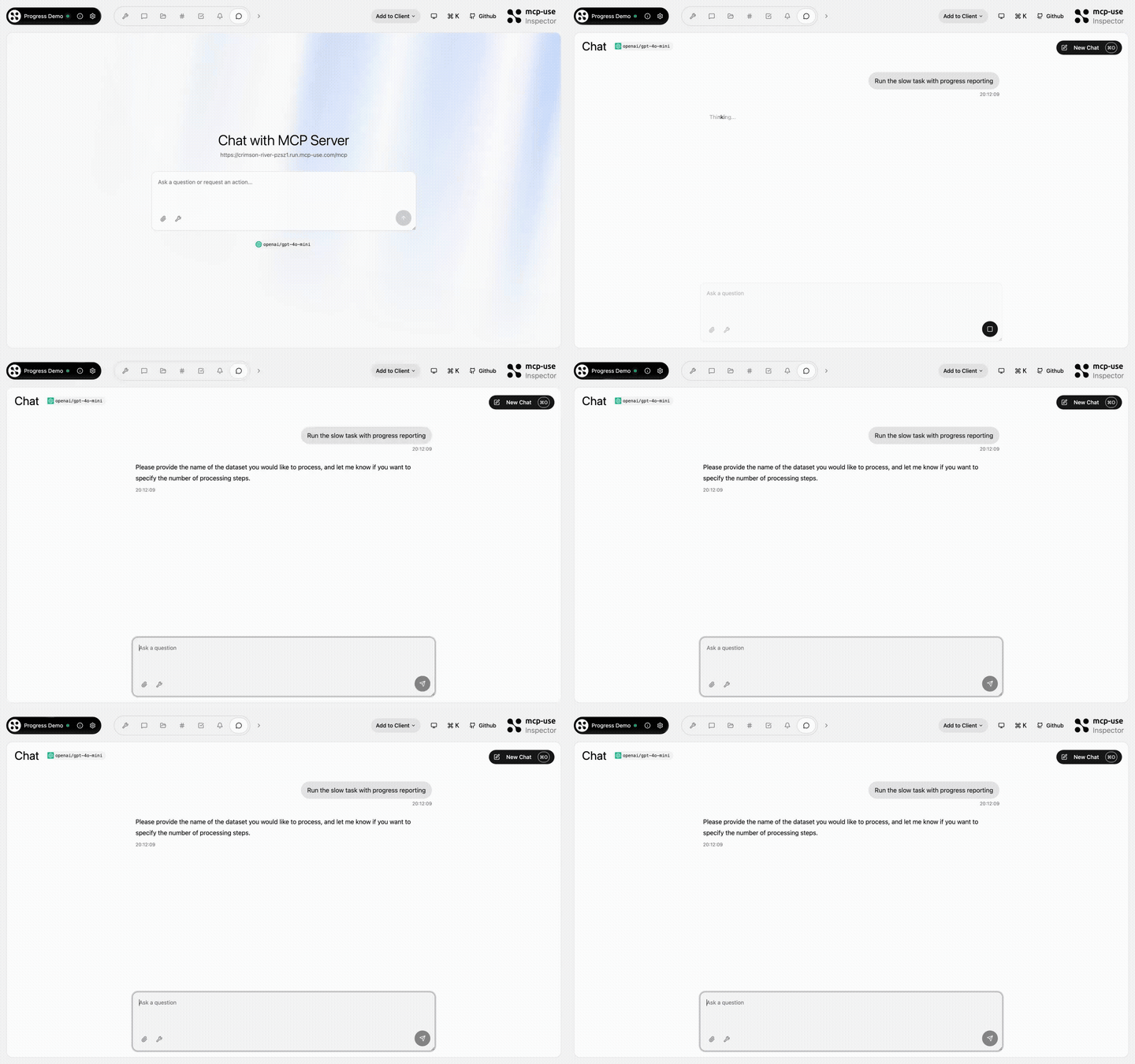 |
Progress Demo | process-data, fetch-report, delete-dataset, search-external, failing-tool |
Open URL | mcp-use/mcp-progress-demo | |
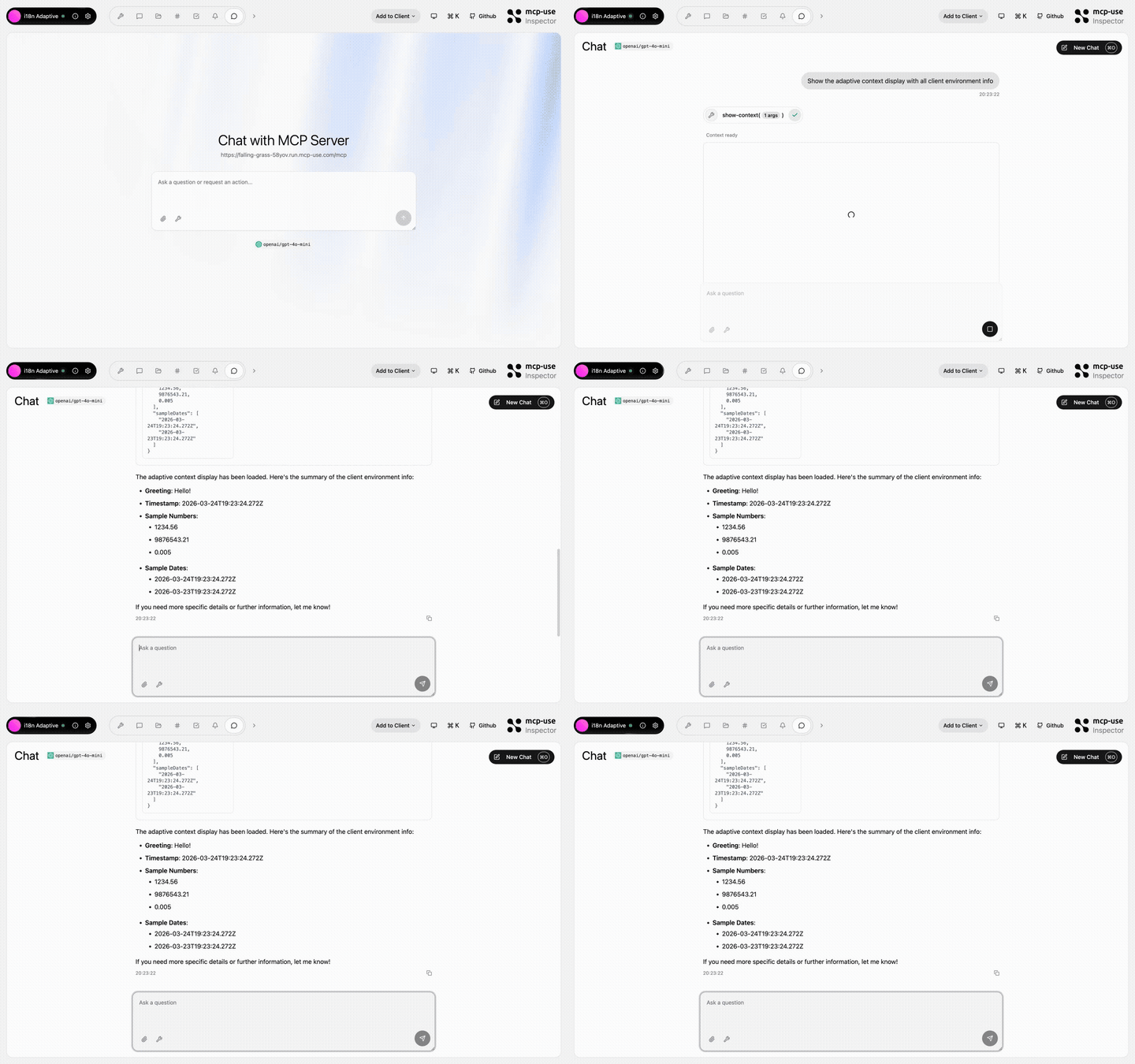 |
i18n Adaptive | show-context, detect-caller |
Open URL | mcp-use/mcp-i18n-adaptive | |
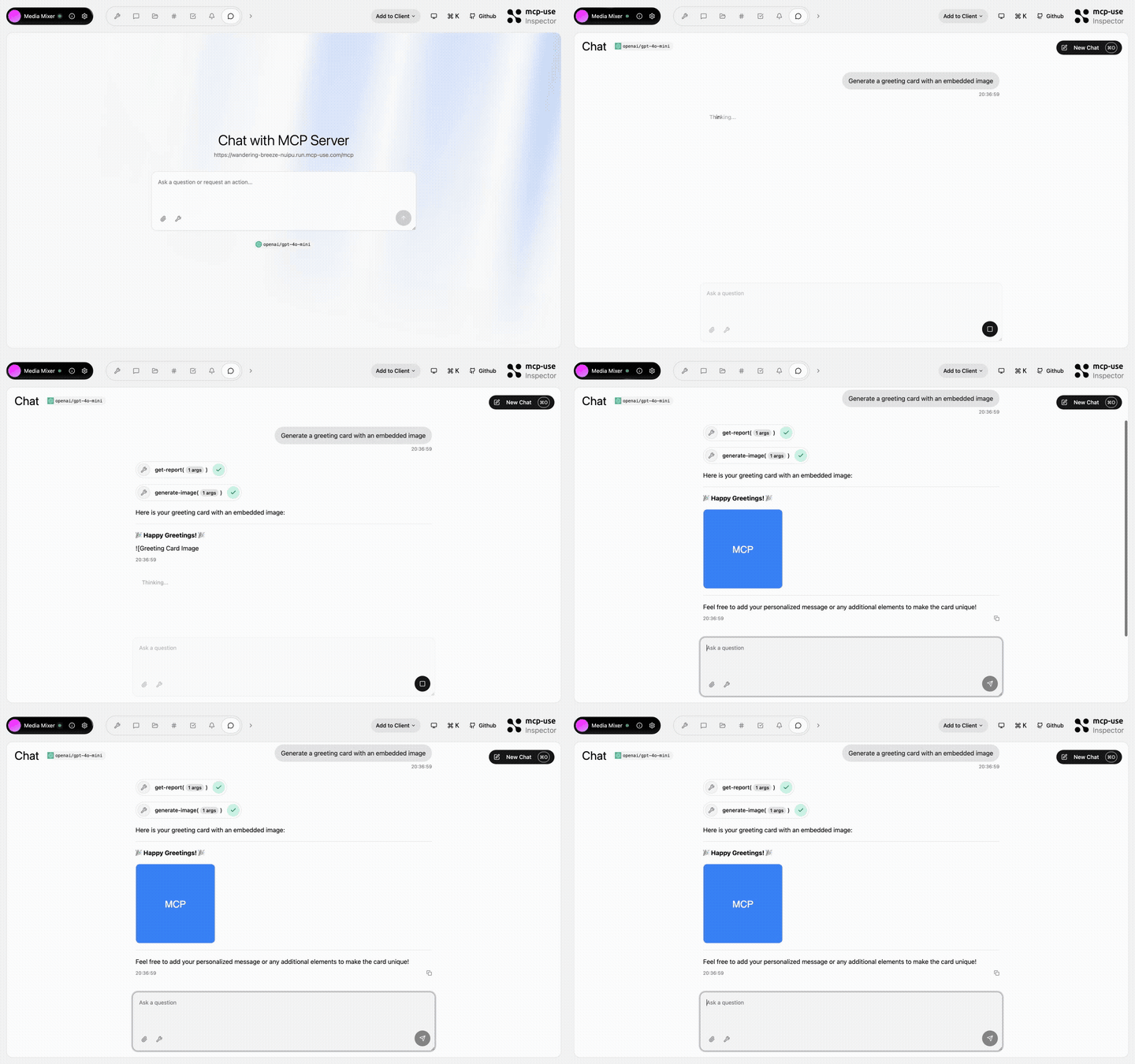 |
Media Mixer | generate-image, generate-audio, generate-pdf, get-report, get-html-snippet, get-xml-config, get-stylesheet, get-script, get-data-array |
Open URL | mcp-use/mcp-media-mixer | |
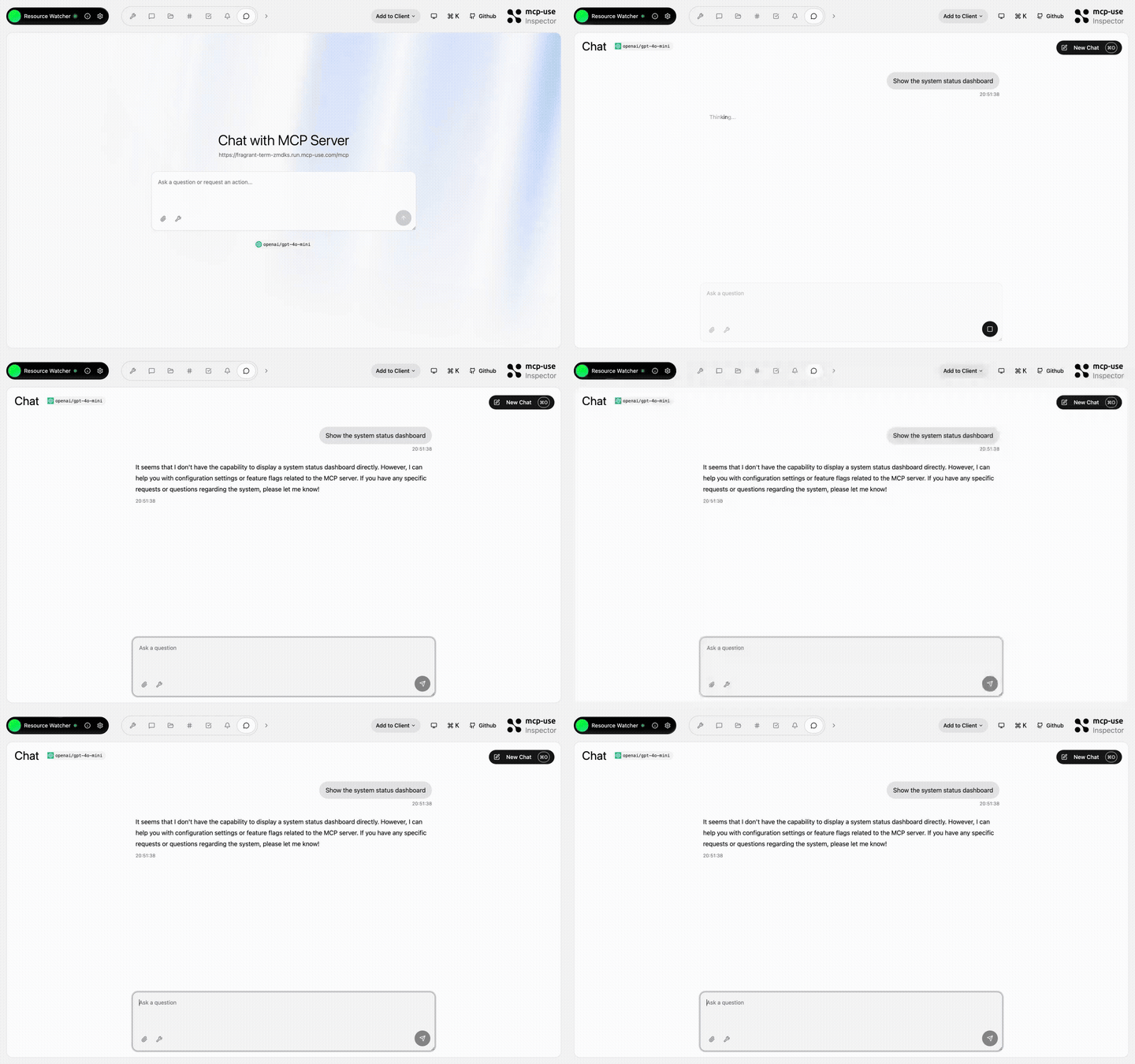 |
Resource Watcher | show-config, update-config, toggle-feature, list-roots |
Open URL | mcp-use/mcp-resource-watcher | |
 Python
pip install mcp-use
```python from typing import Annotated
from mcp.types import ToolAnnotations from pydantic import Field
from mcp_use import MCPServer
server = MCPServer(name="Weather Server", version="1.0.0")
@server.tool( name="get_weather", description="Get current weather information for a location", annotations=ToolAnnotations(readOnlyHint=True, openWorldHint=True), ) async def get_weather( city:
Extension points exported contracts — how you extend this code
KVStore (Interface)Core symbols most depended-on inside this repo
logShape
Languages
Modules by API surface
Used by 2 indexed graphs manifest dependencies, hub-wide
Dependencies from manifests, versioned
Datastores touched
For agents
$ claude mcp add mcp-use \
  -- python -m otcore.mcp_server <graph>