hub / github.com/mauricecruz/chrome-devtools-zerodarkmatrix-theme
github.com/mauricecruz/chrome-devtools-zerodarkmatrix-theme @main sqlite
0 symbols
0 edges
1 files
0 documented · 0%
README
ZeroDarkMatrix Theme for Chrome
A highly customized dark theme for Google Chrome.
Stable and Canary channels are officially supported. Beta and Dev channels will work, but I'm not testing on them.
➡ Please follow development for this theme at zero base themes.
Installation
- Add Zero Dark Matrix from the Chrome Web Store.
- Open
chrome://flags/#enable-devtools-experiments▶ Enable Developer Tools experiments and click "Relaunch Now" at the bottom. - Open the Developer Tools panel -> Click on the 3 dots on upper right hand side -> settings ->

on left hand side drowdown set theme to 'Dark'

- In the same panel on the left hand side select the Experiments tab. Check 'Allow custom UI themes`

Preview
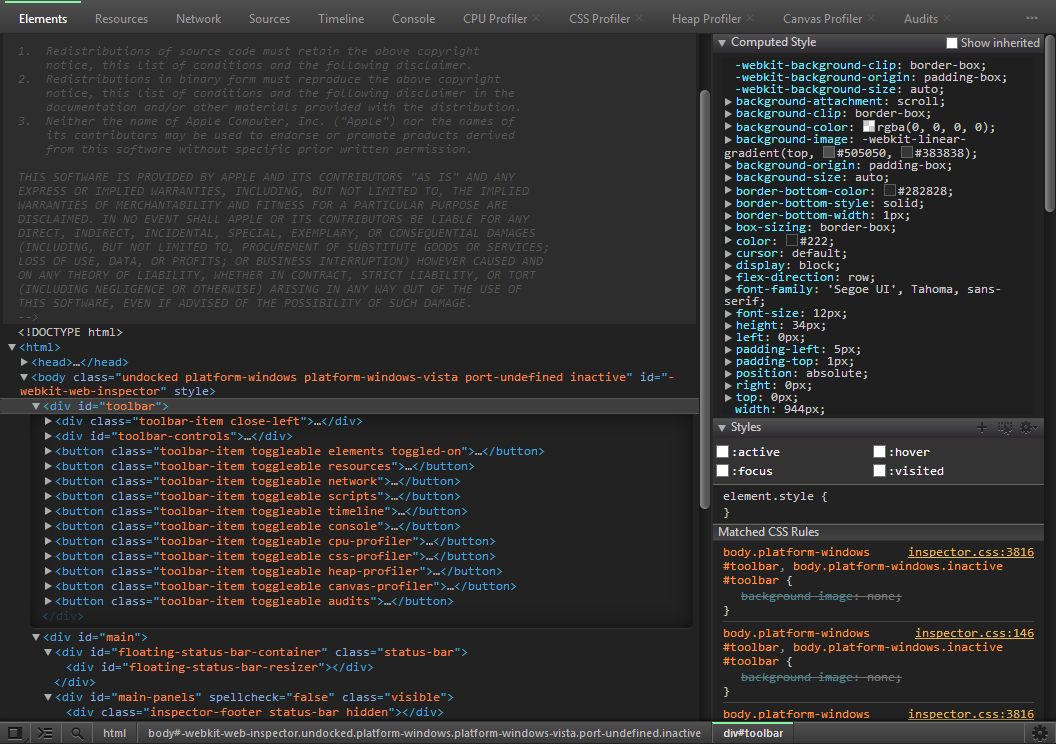
Elements

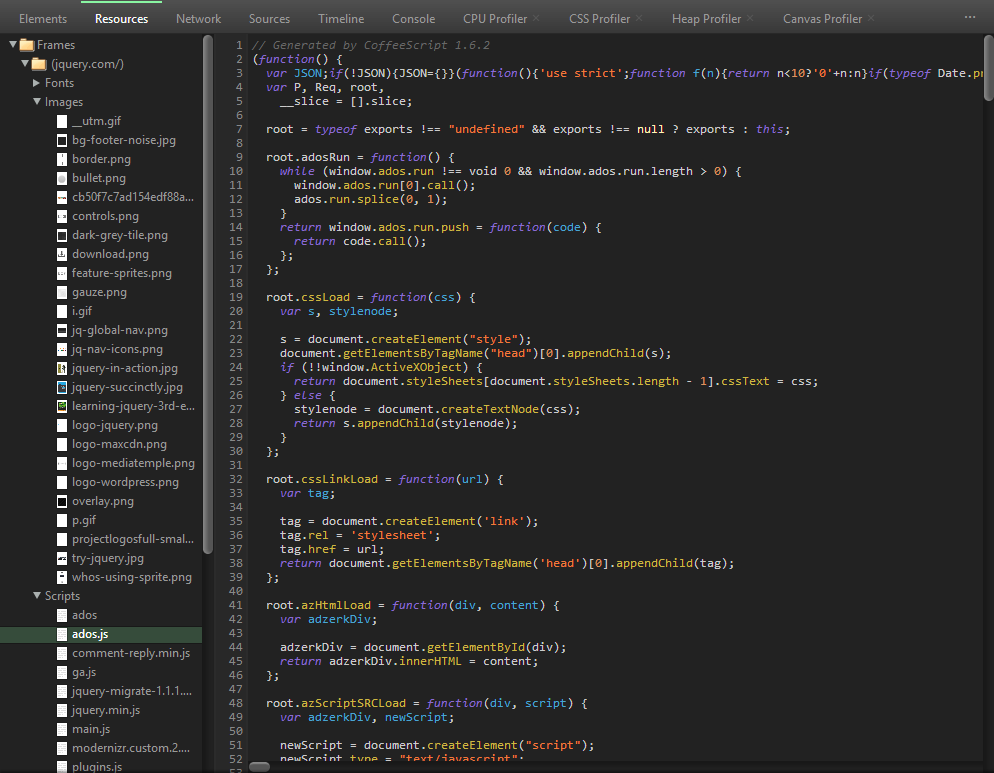
Resources
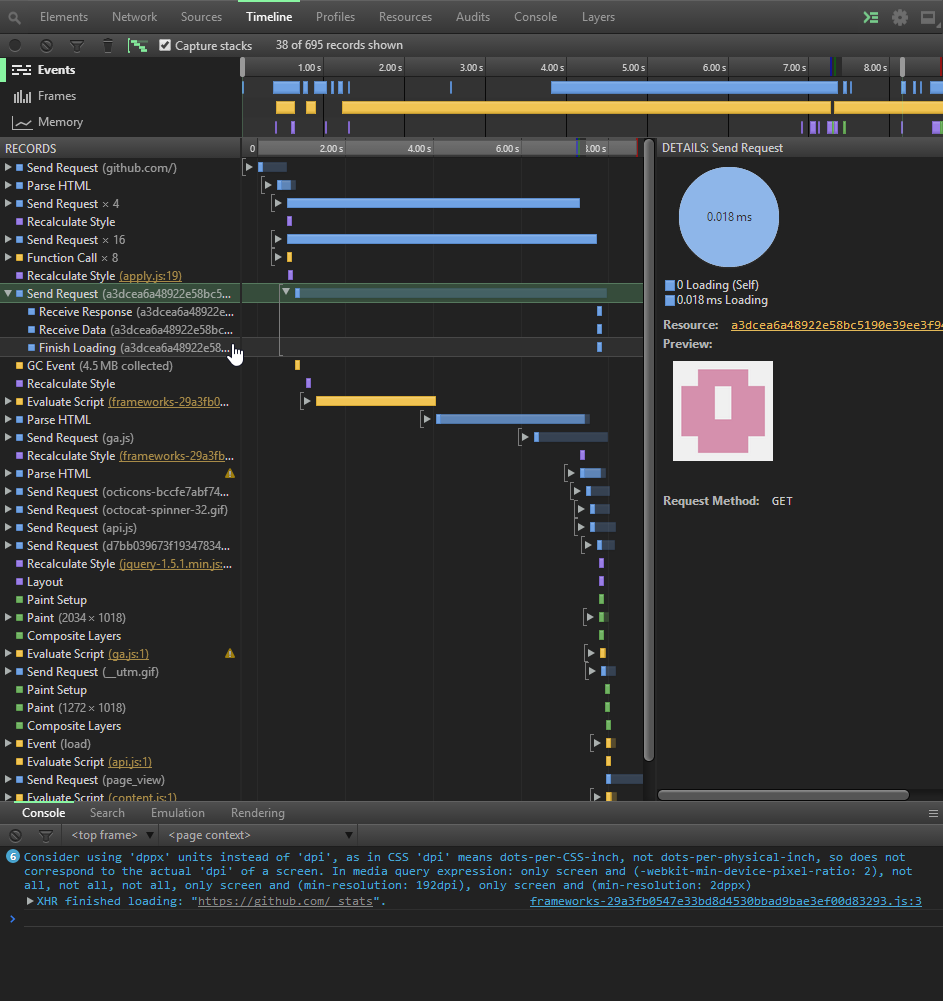
Timeline
Network


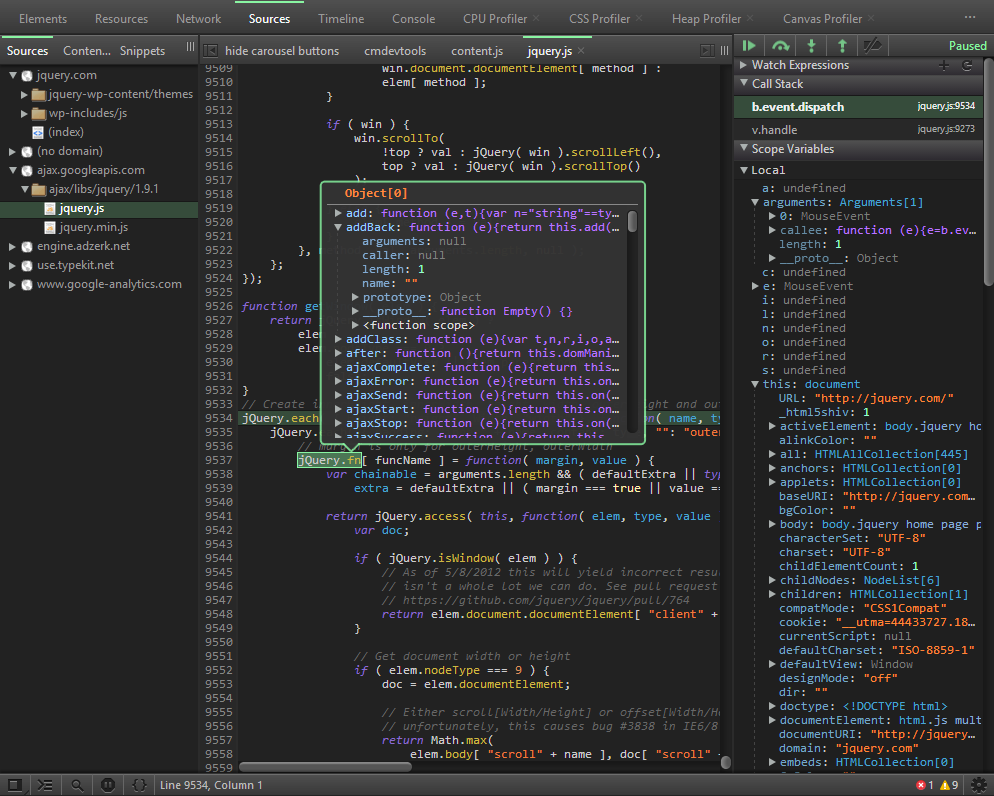
Sources
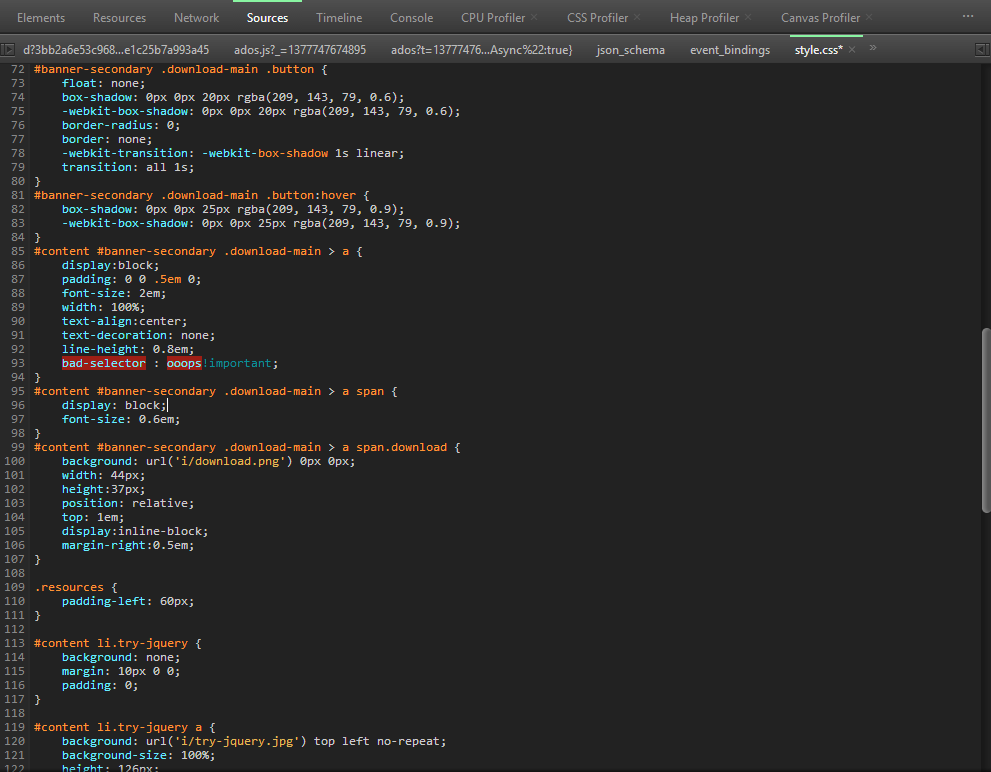
CSS Highlighting
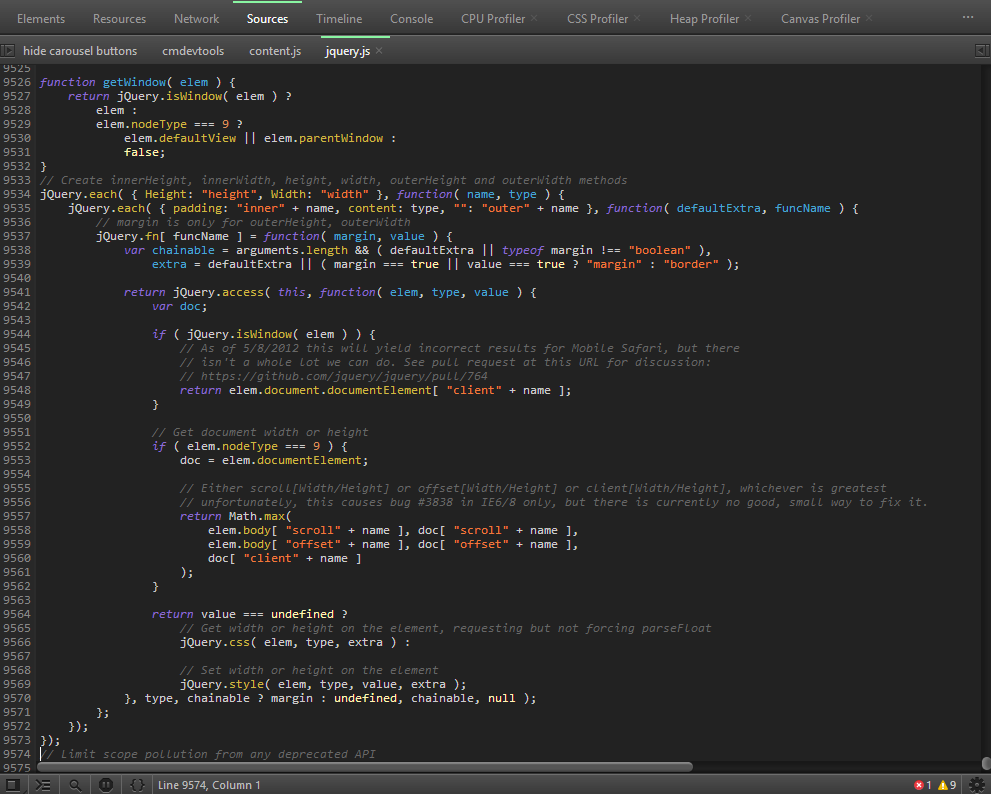
JS Highlighting
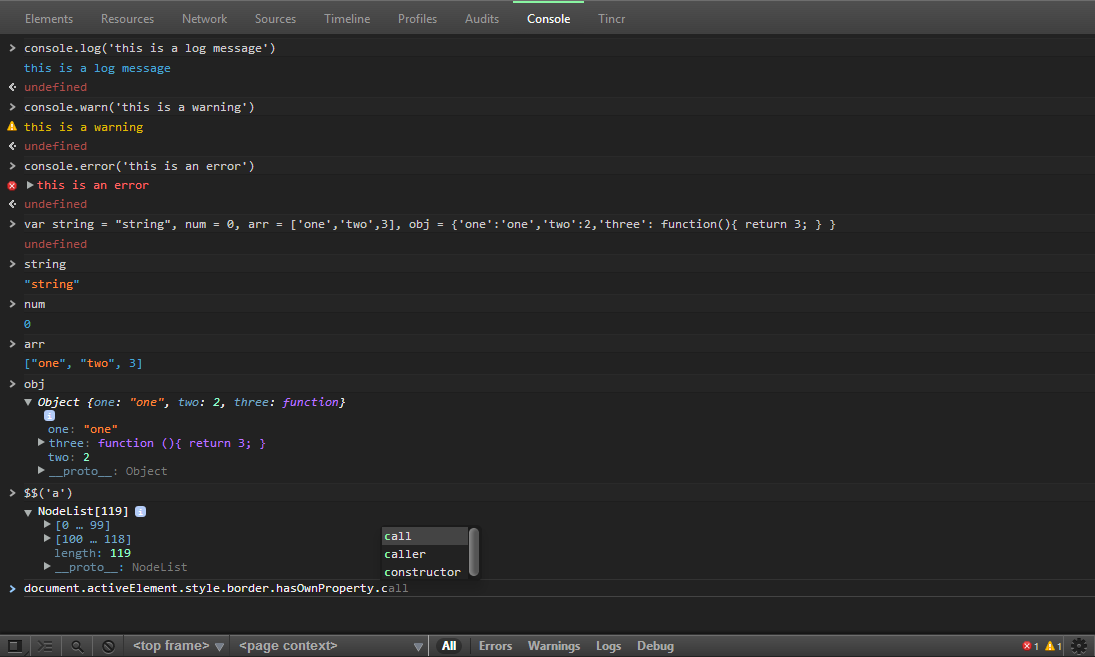
Console
Features
- Majority of inspector chrome re-styled
- Customized Scrollbars
- Animations for ** finding elements ** setting elements inactive ** elements/sources/network panels
- Subtle pulsating element selection
- Re-styled Popovers (PSD files included)
- Child element styling in elements panel
Credits
- Thanks to Simon Owen for the base styles. I used his So-Dark-Monokai-v3 as a starting point.
- CSS Tricks for the tutorial on customized scrollbars.
- Animate.css for some of the animations.
Simon's version also used samples from other templates so I will thank them as well! * IR_Dark_Monokai - Designed and developed by Andres Pagella (@mapagella) * Todd Werth's IR_Black * toolbar code from Harris Novick * Inspired by Darcy Clarke's blog post * Automatic rake file Rodolfo Puig
Core symbols most depended-on inside this repo
—
Shape
Dependencies from manifests, versioned
grunt0.4.1 · 1×
grunt-cli0.1.9 · 1×
grunt-contrib-less0.8.1 · 1×
grunt-contrib-watch0.5.3 · 1×
For agents
$ claude mcp add chrome-devtools-zerodarkmatrix-theme \
  -- python -m otcore.mcp_server <graph>