github.com/itchio/itch @v26.13.0 sqlite
README
itch




The goal of this project is to give you a desktop application that you can download and run games from itch.io with. Additionally you should be able to update games and get notified when games are updated. The goal is not to replace the itch.io website.
Screenshots
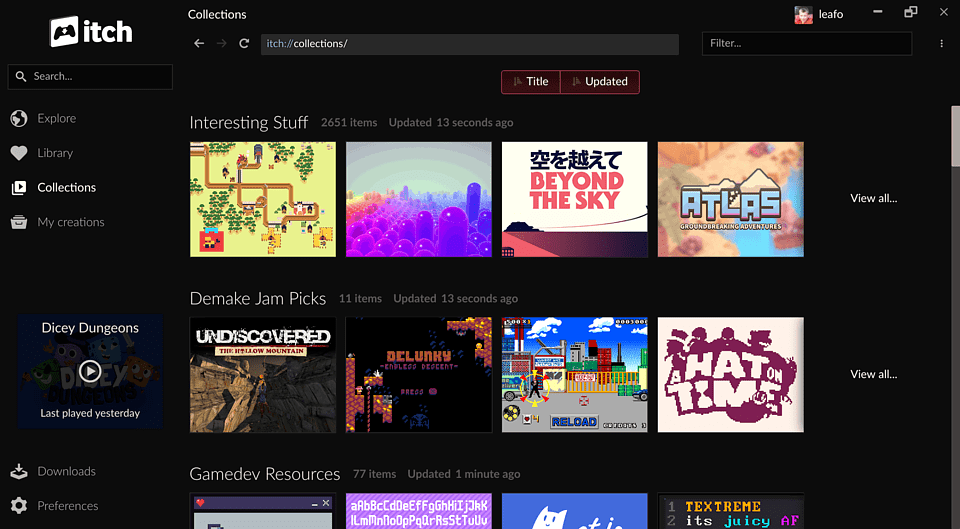
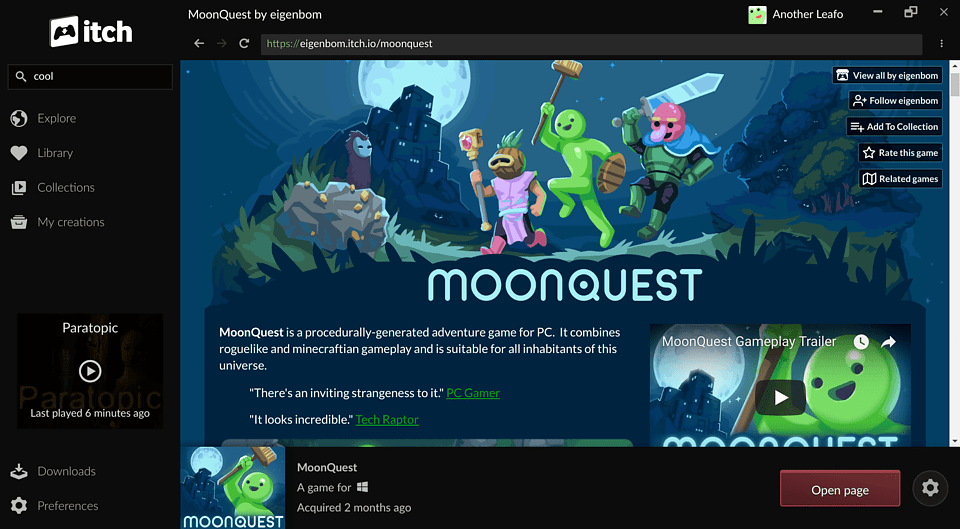
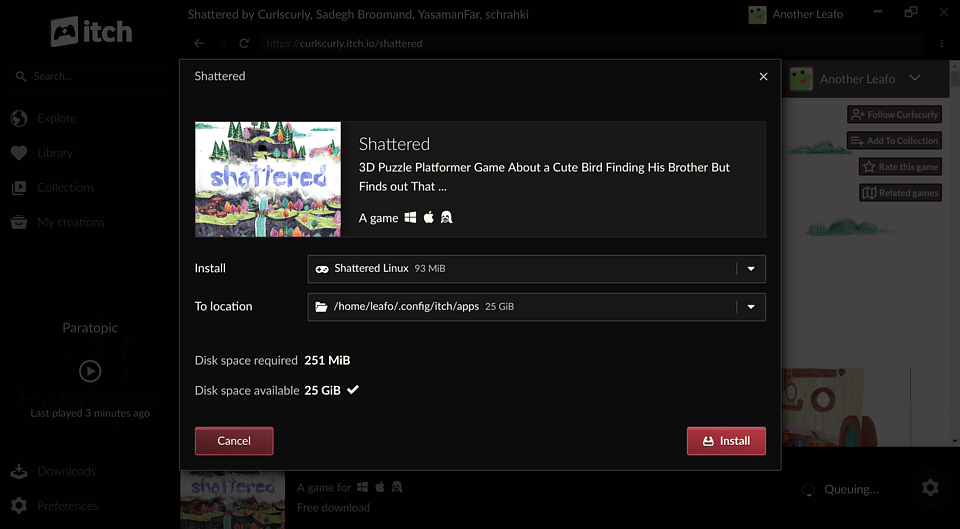
Downloads
You can download it from https://itch.io/app, see Installing the app for detailed instructions.
If you'd like to develop the app instead, read the Getting Started page of the developer guide.
Development Quick Start
# Install dependencies
npm install

# Start the app in development mode (watches for changes and rebuilds)
npm start

# Type check the project
npm run ts-check

# Build assets
npm run compile

# Use a local/development version of butler instead of the bundled one
BROTH_USE_LOCAL=butler npm start
App Architecture
The itch desktop app consists of three components working together:
┌─────────────────────────────────────────────────────────────┐
│                    itch (Electron App)                      │
│  ┌─────────────────────┐    ┌────────────────────────────┐  │
│  │   Main Process      │    │   Renderer Process         │  │
│  │   (Node.js)         │◄──►│   (React)                  │  │
│  │                     │    │                            │  │
│  │ • State (Redux)     │    │ • UI components            │  │
│  │ • Reactors          │    │ • User interactions        │  │
│  │ • Process mgmt      │    │ • State display            │  │
│  └──────────┬──────────┘    └────────────────────────────┘  │
└─────────────┼───────────────────────────────────────────────┘
              │ TCP/RPC
              ▼
┌─────────────────────────────┐   ┌───────────────────────────┐
│         butler              │   │       itch-setup          │
│       (Go daemon)           │   │     (Go executable)       │
│                             │   │                           │
│ • Game downloads/installs   │   │ • App installation        │
│ • Launch management         │   │ • Self-updates            │
│ • SQLite database           │   │                           │
└─────────────────────────────┘   └───────────────────────────┘
              ▲                              ▲
              └──────── broth.itch.zone ─────┘
                    (binary distribution)
itch (This Repository)
An Electron app with a multi-process architecture:
- Main Process: Handles state management (Redux), business logic, and coordination with butler/itch-setup. Uses a "reactor" pattern to handle side effects from Redux actions.
- Renderer Process: React-based UI with state synchronized from the main process via electron-redux.
butler
A Go daemon (itchio/butler) that handles all game operations:
- Downloads, installs, updates, and launches games
- Maintains a SQLite database for installation data
- Communicates with itch via TCP-based RPC
- Spawned as a child process, tied to itch's lifecycle
itch-setup
A Go executable (itchio/itch-setup) for installation and updates:
- Handles initial app installation on all platforms
- Manages self-update checks and restarts
Version Management (broth)
The itch app automatically manages butler and itch-setup versions through the "broth" system. Broth is a service we run that proxies over the itch.io API to provide fixed download URLs for binaries & assets related to the itch app.
Remote Distribution:
- Binaries are hosted at https://broth.itch.zone/{package}/{platform}/{version}
- Platform format: {os}-{arch} (e.g., linux-amd64, darwin-arm64, windows-386)
Local Storage (eg. ~/.config/itch/broth/ on Linux):
broth/
├── butler/
│   ├── versions/{version-hash}/butler    # Extracted binary
│   ├── downloads/                        # Temporary during download
│   └── .chosen-version                   # Currently active version
└── itch-setup/
    └── [same structure]
Version Selection:
- Uses semver constraints defined in src/main/broth/formulas.ts:
- butler: ^15.20.0
- itch-setup: ^1.8.0
- Fetches /versions endpoint and picks the newest version satisfying the constraint
- Canary builds use -head channels with no constraints (always latest)
Upgrade Flow:
1. On startup, validates .chosen-version against installed marker
2. If app version changed since last run, checks for new component versions
3. Downloads zip, extracts with CRC32 verification, runs sanity check
4. Updates .chosen-version and cleans up old versions
Development Override:
# Use locally-built butler instead of managed version
BROTH_USE_LOCAL=butler npm start
Key source files: src/main/broth/package.ts, src/main/broth/formulas.ts, src/main/broth/manager.ts
butlerd Bindings
The itch app communicates with butler via a JSON-RPC 2.0 protocol called butlerd. The TypeScript type definitions for all RPC requests, notifications, and data types live in src/common/butlerd/messages.ts. This file is autogenerated from Go type definitions in the butler repository using a tool called generous.
The generated code depends on the @itchio/butlerd npm package, which provides the runtime for communicating with the butler daemon (launching it, connecting over TCP, and sending/receiving JSON-RPC messages). The generated messages.ts imports createRequest and createNotification helpers from this package.
To regenerate the bindings after changes to butler's API:
# Requires the butler repo checked out as a sibling directory (../butler)
npm run sync-butler
This runs the generous tool (butler/butlerd/generous/) in ts mode, which parses Go structs and their comment annotations (e.g. @name, @category, @caller) to produce TypeScript interfaces, enums, and request/notification helpers. The generated messages.ts should be committed to this repo. See the butler repo's README for more on the generous tool and regenerating butler-side generated files.
See https://docs.itch.zone/butlerd/master/ for the butlerd API documentation.
kitch vs. itch
The codebase supports two app variants: itch (stable) and kitch (canary). They can be installed side-by-side and are distinguished by the git tag used at build time — a tag ending in -canary (e.g. v0.1.2-canary) produces kitch, anything else produces itch. The development version of the app (started with npm start) will run in kitch mode.
How the variant is determined
- At build time:
release/common.jsinspects the git tag. A-canarysuffix selects kitch; otherwise itch. Thenamefield inpackage.jsonis"kitch"by default, so local development always runs as kitch. During production packaging, the name is overwritten to"itch"for non-canary builds. - At runtime:
src/main/env.tscallsapp.getName()(which returns thenamefrompackage.json) to setenv.isCanary,env.appName, andenv.channel.
Key differences
| Area | itch (stable) | kitch (canary) |
|---|---|---|
| URL protocols | itchio://, itch:// (production only) |
kitchio://, kitch:// |
| Broth channels | Regular (e.g. darwin-amd64) |
-head suffix (e.g. darwin-amd64-head) |
| Semver constraints | butler ^15.20.0, itch-setup ^1.8.0 |
None (always latest) |
| macOS bundle ID | io.itch.mac |
io.kitch.mac |
| Tray/window icons | src/static/images/tray/itch.png, src/static/images/window/itch/ |
src/static/images/tray/kitch.png, src/static/images/window/kitch/ |
| Binary/artifact name | itch |
kitch |
Integration Tests
The project includes integration tests that use ChromeDriver to control the Electron app and test user flows like logging in, installing games, and navigating the UI.
Requirements
- Go: The test runner is written in Go and must be compiled before running
- Desktop environment: Tests require a display (on Linux CI,
xvfbis used) - itch.io API key: Tests authenticate using an API key from a specific test account
ChromeDriver Version
The integration tests download a specific ChromeDriver version that must match the Electron version used by the app. If you update the Electron version in package.json, you must also update integration-tests/versions.go to match:
const electronVersion = "42.1.0"  // Must match package.json electron version
const chromeDriverVersionString = "ChromeDriver 148.0.7778.97"  // Chrome version for that Electron
To find the correct Chrome version for an Electron release, check the Electron Releases page.
Running the Tests
# Set the API key for the test account (itch-test-account)
export ITCH_TEST_ACCOUNT_API_KEY="your-api-key"

# Run integration tests against a packaged build
npm run integration-tests

# Run against the development version (faster iteration, no packaging step)
node release/test.js --test-dev

# Run fresh (clear cached chromedriver and test artifacts)
rm -rf integration-tests/.chromedriver integration-tests/tmp integration-tests/screenshots
node release/test.js --test-dev
The --test-dev flag runs tests against the development version of the app instead of requiring a packaged production build. This is useful for faster iteration during development.
License
itch is released under the MIT License, see the LICENSE file for details.
Other relevant projects
Here are some other apps people have started: