github.com/fluid-dev/hexo-theme-fluid @v1.9.9
README

An elegant Material-Design theme for Hexo









🇨🇳 中文简体 | 🇬🇧 English
Docs: Theme guide     Post guide
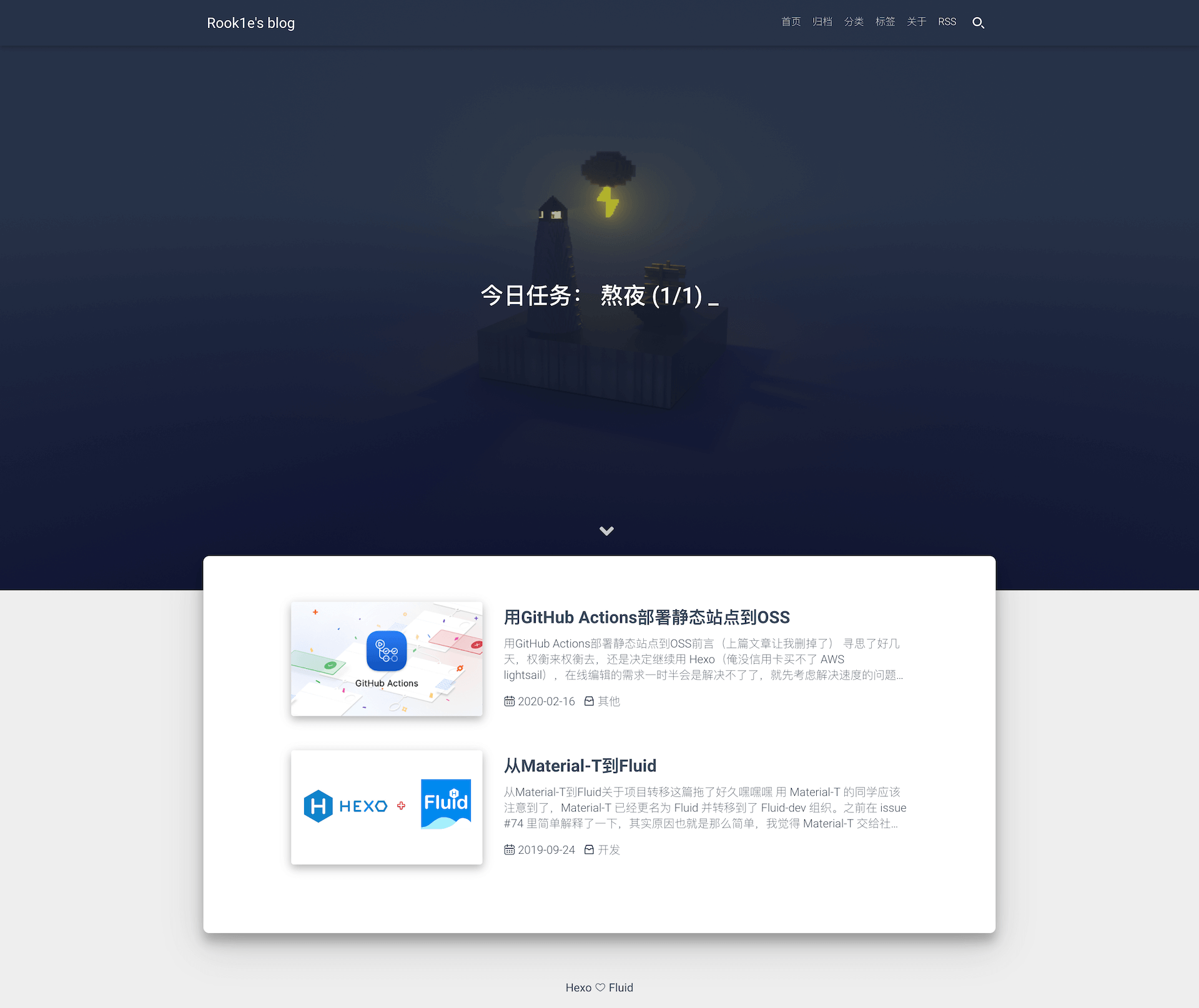
Preview: Fluid's blog | zkqiang's blog
Quick Start
1. Install Hexo
If you don't have a hexo blog, please follow Hexo Docs to install and initialize your blog。
2. Install Fluid
Way A:
If your Hexo version >= 5.0.0, you can install Fluid via Npm:
npm install --save hexo-theme-fluid
Then create _config.fluid.yml in the blog directory and copy the content of _config.yml.
Way B:
Download the latest release, then extract it to themes directory and renamed to fluid.
3. Set theme
Edit _config.yml in the blog root directory as follows:
theme: fluid
4. Create about page
The about page needs to be created manually:
hexo new page about
Then edit /source/about/index.md and add layout attribute.
The modified example is as follows:
---
title: about
layout: about
---

About content
How to Upgrade
Features
- [x] Detailed documents
- [x] Widget lazyload
- [x] Multiple code highlighting schemes
- [x] Multiple comment plugins
- [x] Multiple language configurations
- [x] Multiple website analysis
- [x] Support for local search
- [x] Support for footnote
- [x] Support for LaTeX
- [x] Support for Mermaid
- [x] Dark mode
Thanks
 Powered by JetBrains
|
 Powered by DartNode - Free VPS for Open Source
|
|---|
Contributors

English docs translator: @EatRice @橙子杀手 @Sinetian
Contributors outside PR: @zhugaoqi @julydate @xiyuvi
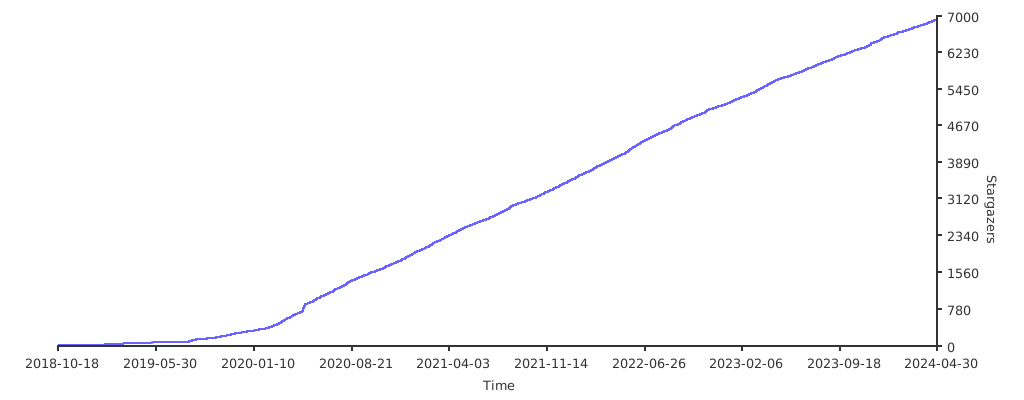
Star Trending
Core symbols most depended-on inside this repo
pushShape
Languages
Modules by API surface
For agents
$ claude mcp add hexo-theme-fluid \
  -- python -m otcore.mcp_server <graph>