github.com/elninotech/uppload @v3.2.1 sqlite
README

Uppload is a better JavaScript image uploader. It's highly customizable with 30+ plugins, completely free and open-source, and can be used with any file uploading backend.
“This might just be the easiest way to let your users upload content to your site ☁️✨” — Product Hunt
| Status | |
|---|---|
| Build |    |
| Dependencies |     |
| Documentation |      |
| Community |     |
| Package |      |
⭐ Features
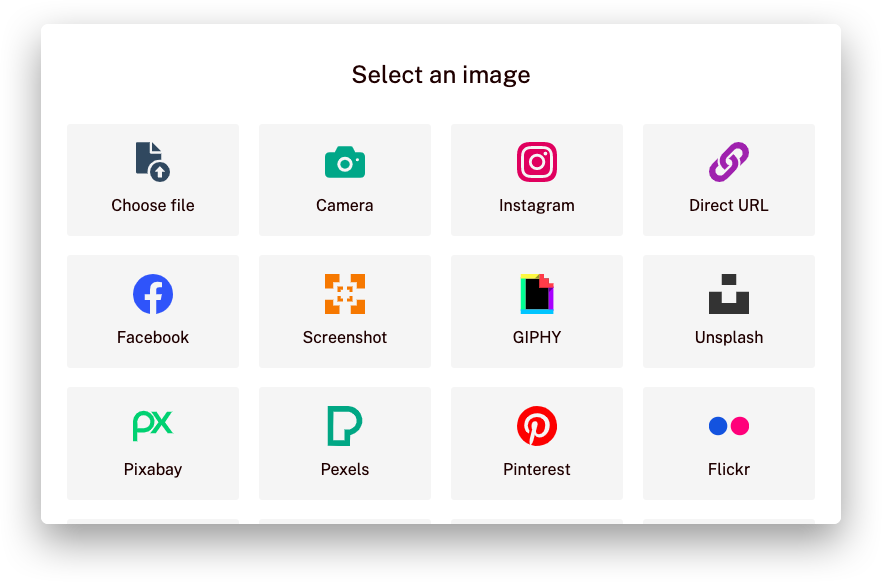
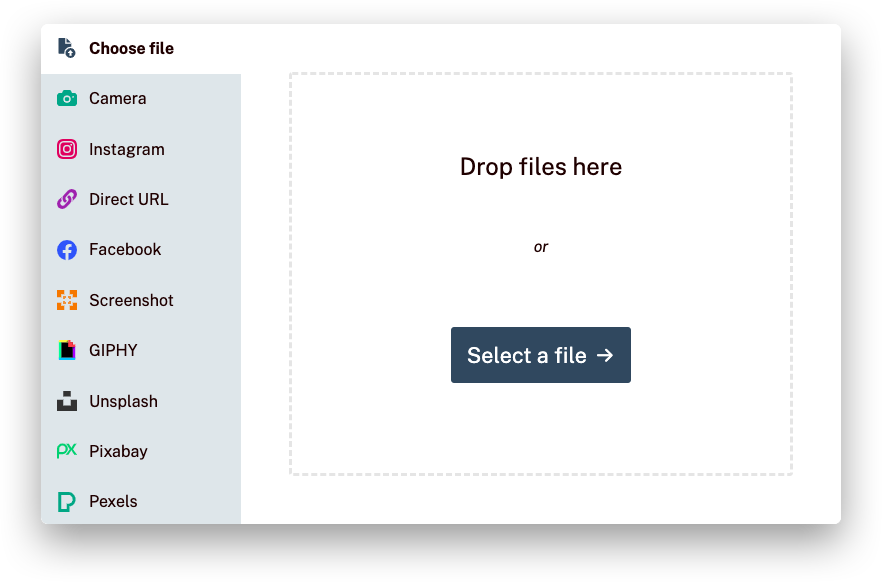
- Drag and drop file or click photo using camera
- Search for pictures and import (Unsplash, Pexels, Pixabay)
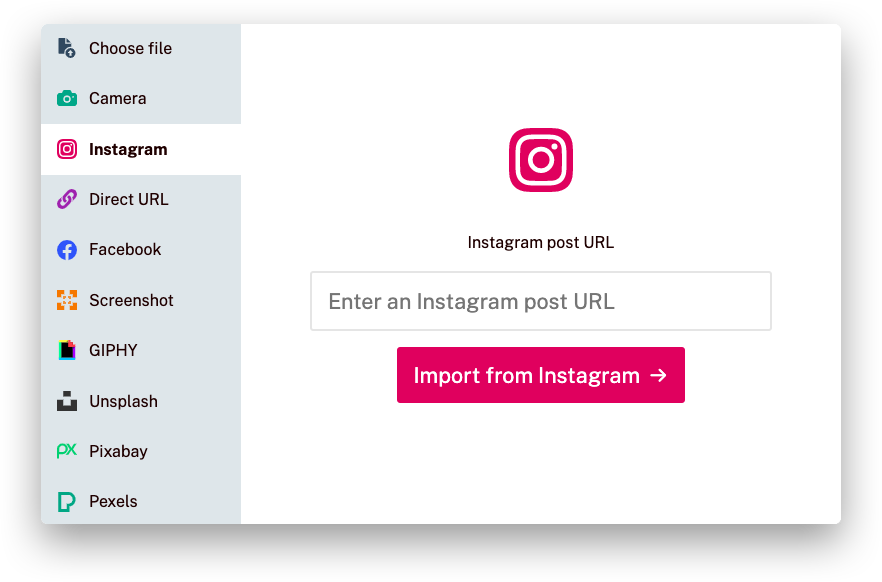
- Import image from web services (URL, Instagram, Facebook, etc.)
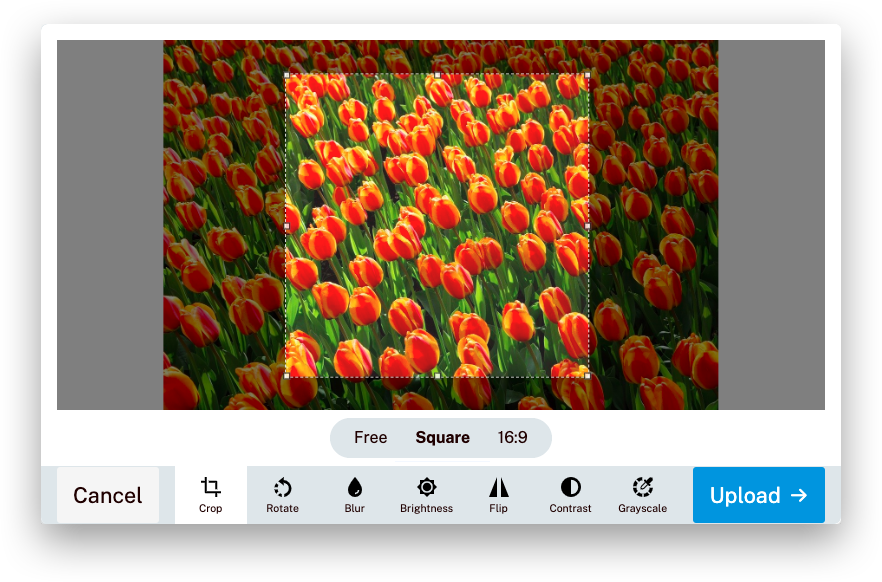
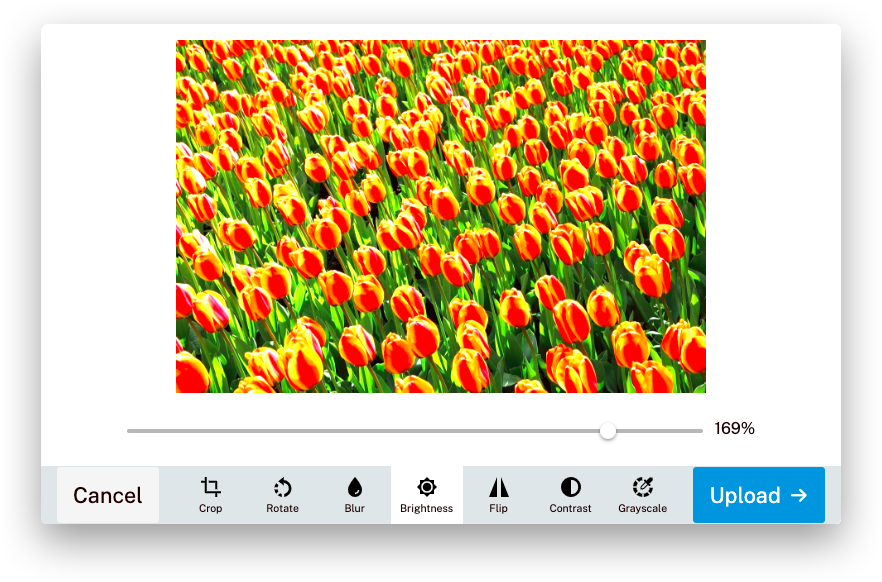
- Edit photo before uploading (filters, crop, rotate, etc.)
- All file uploading backends supported
- Supports frontend frameworks like Vue.js, React
- Works with all modern browsers (IE 10+)
 |
 |
 |
 |
 |
 |
🛠 Getting started
First, install Uppload using your package manager:
npm install uppload
Then, add styles, import Uppload and an uploader along with your language of choice and initialize the class:
import { Uppload, en, xhrUploader } from "uppload";
import "uppload/dist/uppload.css";
import "uppload/dist/themes/light.css";

const profilePicture = new Uppload({
  value: "https://via.placeholder.com/150",
  bind: ".uppload-image",
  call: ".uppload-button",
  lang: en,
  uploader: xhrUploader({
    endpoint: "https://example.com/upload"
  });
});
Finally, choose which services (ways to select a file), effects (ways to manipulate a file), and uploaders (ways to send the file to a server) you want. Then, import these classes and use the Uppload.use() function to create your package:
import { Uppload, en, Local, Unsplash, Crop, Brightness } from "uppload";

profilePicture.use([
  new Local(), // Select file from computer
  new Unsplash("your API key"), // Search and import from Unsplash
  new Crop({ aspectRatio: 16 / 9 }), // Let users crop image to 16:9
  new Brightness() // Let users apply image filters
]);
💻 Usage Docs
- Getting started
- Browser support (IE 10+)
- Configuration
- Examples
- A-la-carte (treeshaking) plugins
- Uppload API
- Listening to events
- Services (20+ ways to select a file)
- Effects (10+ ways to edit a file)
- Uploaders (ways to send a file to the server)
- Themes
- Backends
- Frontend frameworks
- Blog
- Image compression
- Internationalization
- Using in browsers directly
- Accessibility · Compare Uppload · FAQs
Uppload 1.x
Uppload v2 is rewritten from the group up in TypeScript. You can view the README of Uppload 1.x, the deprecated version, or the migration guide.
ℹ️ Support
If you need help with using Uppload, check out the Getting started guide and the documentation. If you found a bug or have a feature request, open an issue. If you want to contribute to Uppload, read our Contributing guide.
Your organization can also request a custom build or get professional support. Request a quote for free →
👥 Contributors
Uppload is built by El Niño, a digital development studio in Enschede, the Netherlands, that builds custom web and mobile apps, webstores, and more, backed by 14+ years of experience.
We'd like to thank these wonderful people and teams for contributing (emoji key):
 El Niño
💼 💵 🚇 📆
El Niño
💼 💵 🚇 📆 |
 Anand Chowdhary
🐛 💻 📖
Anand Chowdhary
🐛 💻 📖 |
 Teun Lassche
🐛 💻 🛡️
Teun Lassche
🐛 💻 🛡️ |
 Victor
💻 🌍 📖
Victor
💻 🌍 📖 |
Extension points exported contracts — how you extend this code
IUppload (Interface)Core symbols most depended-on inside this repo
translateShape
Languages
Modules by API surface
Dependencies from manifests, versioned
For agents
$ claude mcp add uppload \
  -- python -m otcore.mcp_server <graph>