github.com/djeedai/bevy_tweening @v0.16.0
Chat with this repoWhat it actually does AI analysis from the code graph — generated when you open this
README
🍃 Bevy Tweening






Tweening animation plugin for the Bevy game engine.
Features
- [x] Animate any field of any component or asset, including custom ones.
- [x] Run multiple tweens (animations) per component/asset in parallel.
- [x] Chain multiple tweens (animations) one after the other for complex animations.
- [x] Raise a Bevy event or invoke a one-shot system when an animation completed.
Usage
Dependency
Add to Cargo.toml:
[dependencies]
bevy_tweening = "0.16"
This crate supports the following features:
| Feature | Default | Description |
|---|---|---|
bevy_sprite |
Yes | Includes built-in lenses for some Sprite-related components. |
bevy_ui |
Yes | Includes built-in lenses for some UI-related components. |
bevy_text |
Yes | Includes built-in lenses for some Text-related components. |
System setup
Add the TweeningPlugin to your app:
App::default()
    .add_plugins(DefaultPlugins)
    .add_plugins(TweeningPlugin)
    .run();
This provides enough setup for using 🍃 Bevy Tweening and animating any Bevy built-in or custom component or asset. Animations update as part of the Update schedule of Bevy.
Animate a component
Animate the transform position of an entity by creating a Tween animation for the transform, and enqueuing the animation with the tween() command extension:
// Create a single animation (tween) to move an entity back and forth.
let tween = Tween::new(
    // Use a quadratic easing on both endpoints.
    EaseFunction::QuadraticInOut,
    // Animation time (one way only; for ping-pong it takes 2 seconds
    // to come back to start).
    Duration::from_secs(1),
    // The lens gives the TweenAnimator access to the Transform component,
    // to animate it. It also contains the start and end values associated
    // with the animation ratios 0. and 1.
    TransformPositionLens {
        start: Vec3::ZERO,
        end: Vec3::new(1., 2., -4.),
    },
)
// Repeat twice (once per direction)
.with_repeat_count(RepeatCount::Finite(2))
// After each cycle, reverse direction (ping-pong)
.with_repeat_strategy(RepeatStrategy::MirroredRepeat);

commands
    // Spawn an entity to animate the position of.
    .spawn(Transform::default())
    // Queue the tweenable animation
    .tween(tween);
This example shows the general pattern to add animations for any component or asset. Since moving the position of an object is a very common task, 🍃 Bevy Tweening provides a shortcut for it. The above example can be rewritten more concicely as:
commands
    // Spawn an entity to animate the position of.
    .spawn((Transform::default(),))
    // Create-and-queue a new Transform::translation animation
    .move_to(
        Vec3::new(1., 2., -4.),
        Duration::from_secs(1),
        EaseFunction::QuadraticInOut,
    );
Chaining animations
Bevy Tweening supports several types of tweenables, building blocks that can be combined to form complex animations. A tweenable is a type implementing the Tweenable<T> trait.
Tween- A simple tween (easing) animation between two values.Sequence- A series of tweenables executing in series, one after the other.Delay- A time delay.
Most tweenables can be chained with the then() operator:
// Produce a sequence executing 'tween1' then 'tween2'
let tween1 = Tween { [...] }
let tween2 = Tween { [...] }
let seq = tween1.then(tween2);
To execute multiple animations in parallel, simply enqueue each animation independently. This require careful selection of timings.
Note that some tweenable animations can be of infinite duration; this is the
case for example when using RepeatCount::Infinite. If you add such an
infinite animation in a sequence, and append more tweenable after it, those
tweenable will never play because playback will be stuck forever repeating
the first animation. You're responsible for creating sequences that make
sense. In general, only use infinite tweenable animations alone or as the
last element of a sequence.
Built-in Lenses
A small number of predefined lenses are available for the most common use cases, which also serve as examples. Users are encouraged to write their own lens to tailor the animation to their use case.
The naming scheme for predefined lenses is "<TargetName><FieldName>Lens", where <TargetName> is the name of the target Bevy component or asset type which is queried by the internal animation system to be modified, and <FieldName> is the field which is mutated in place by the lens. All predefined lenses modify a single field. Custom lenses can be written which modify multiple fields at once.
| Target | Animated Field | Lens | Feature |
|---|---|---|---|
Transform |
translation |
TransformPositionLens |
(builtin) |
rotation (Quat)¹ |
TransformRotationLens |
(builtin) | |
rotation (angle)² |
TransformRotateXLens |
(builtin) | |
rotation (angle)² |
TransformRotateYLens |
(builtin) | |
rotation (angle)² |
TransformRotateZLens |
(builtin) | |
rotation (angle)² |
TransformRotateAxisLens |
(builtin) | |
scale |
TransformScaleLens |
(builtin) | |
Sprite |
color |
SpriteColorLens |
bevy_sprite |
Node |
position |
UiPositionLens |
bevy_ui |
BackgroundColor |
UiBackgroundColorLens |
bevy_ui |
|
TextColor |
TextColorLens |
bevy_text |
|
ColorMaterial |
color |
ColorMaterialColorLens |
bevy_sprite |
There are two ways to interpolate rotations. See the comparison of rotation lenses for details:
- ¹ Shortest-path interpolation between two rotations, using
Quat::slerp(). - ² Angle-based interpolation, valid for rotations over ½ turn.
Custom lens
A custom lens allows animating any field or group of fields of a Bevy component or asset. A custom lens is a type implementing the Lens trait, which is generic over the type of component or asset.
struct MyXAxisLens {
    start: f32,
    end: f32,
}

impl Lens<Transform> for MyXAxisLens {
    fn lerp(&mut self, target: Mut<Transform>, ratio: f32) {
        let x = self.start * (1. - ratio) + self.end * ratio;
        let y = target.translation.y;
        let z = target.translation.z;
        target.translation = Vec3::new(x, y, z);
    }
}
Note that the lens always linearly interpolates the field(s) of the component or asset. The type of easing applied modifies the rate at which the ratio parameter evolves, and is applied before the lerp() function is invoked.
The basic formula for lerp (linear interpolation) is either of:
start + (end - start) * scalarstart * (1.0 - scalar) + end * scalar
The two formulations are mathematically equivalent, but one may be more suited than the other depending on the type interpolated and the operations available, and the potential floating-point precision errors. Some types like Vec3 also provide a lerp() function
which can be used directly.
Custom component support
Custom components are animated via a lens like the ones described in Bevy Components.
#[derive(Component)]
struct MyCustomComponent(f32);

struct MyCustomLens {
    start: f32,
    end: f32,
}

impl Lens<MyCustomComponent> for MyCustomLens {
    fn lerp(&mut self, target: Mut<MyCustomComponent>, ratio: f32) {
        target.0 = self.start + (self.end - self.start) * ratio;
    }
}
Unlike previous versions of 🍃 Bevy Tweening, there's no other setup to animate custom components or assets.
Examples
See the examples/ folder.
menu
cargo run --example menu --features="bevy/bevy_winit"

sprite_color
cargo run --example sprite_color --features="bevy/bevy_winit"
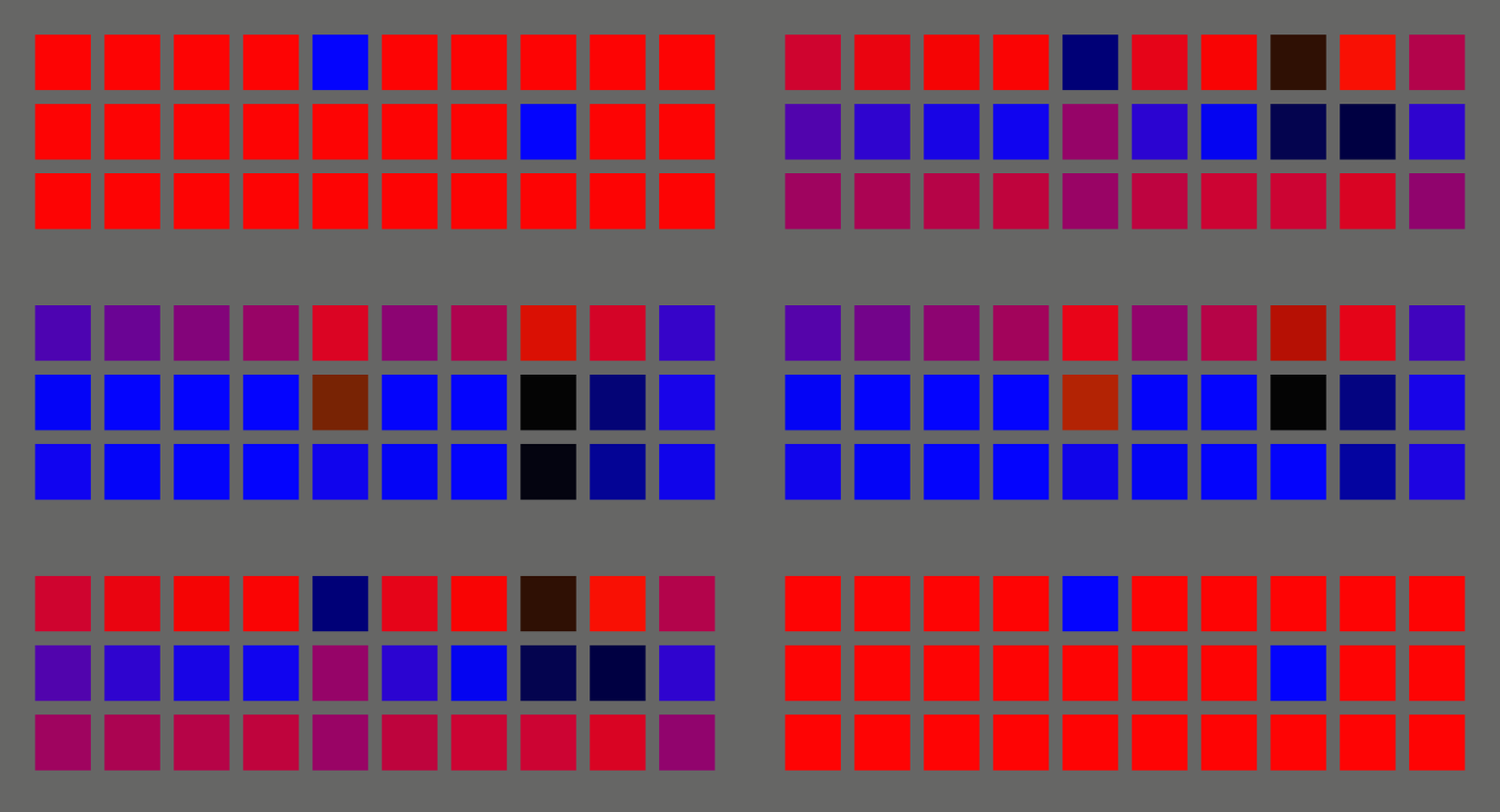
transform_rotation
cargo run --example transform_rotation --features="bevy/bevy_winit"
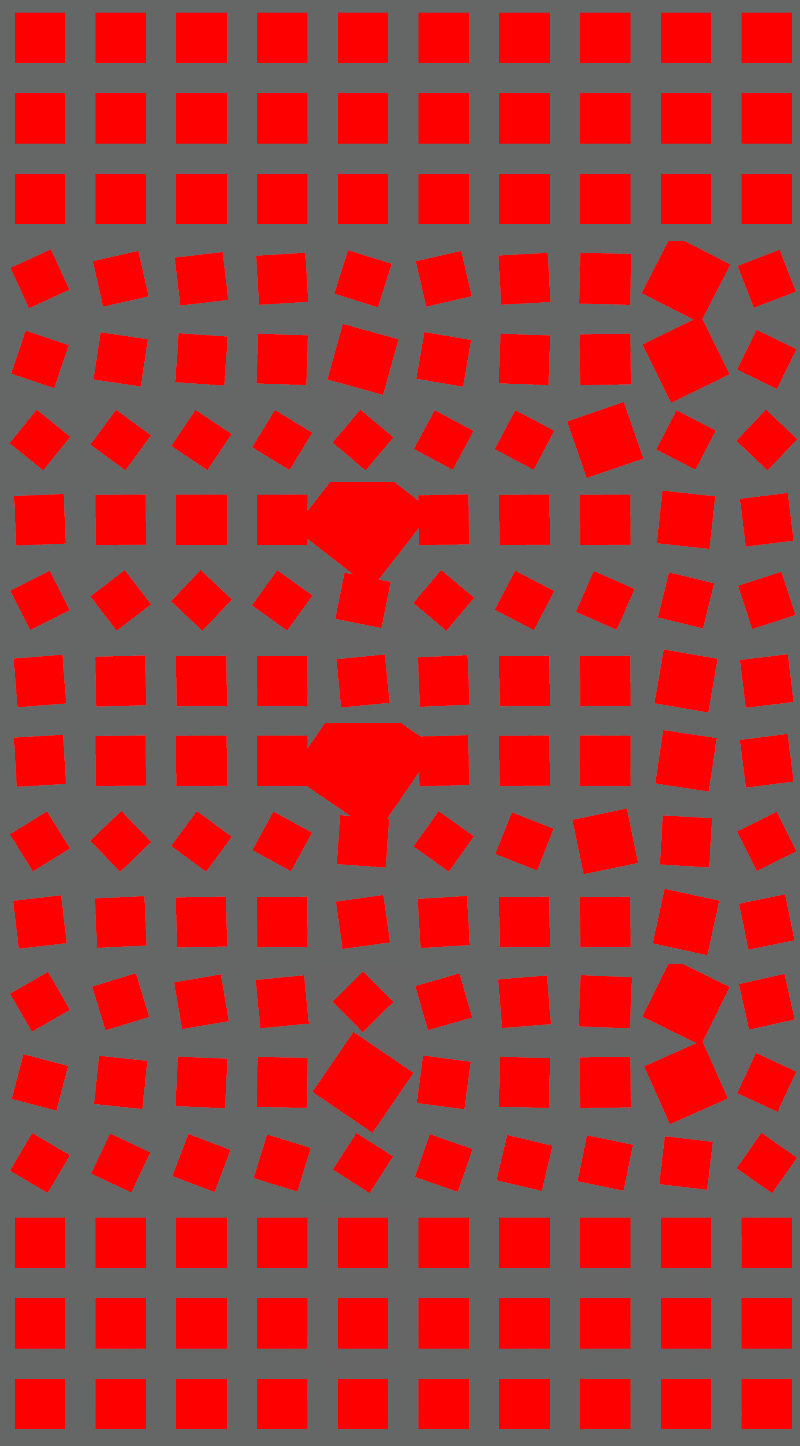
transform_translation
cargo run --example transform_translation --features="bevy/bevy_winit"
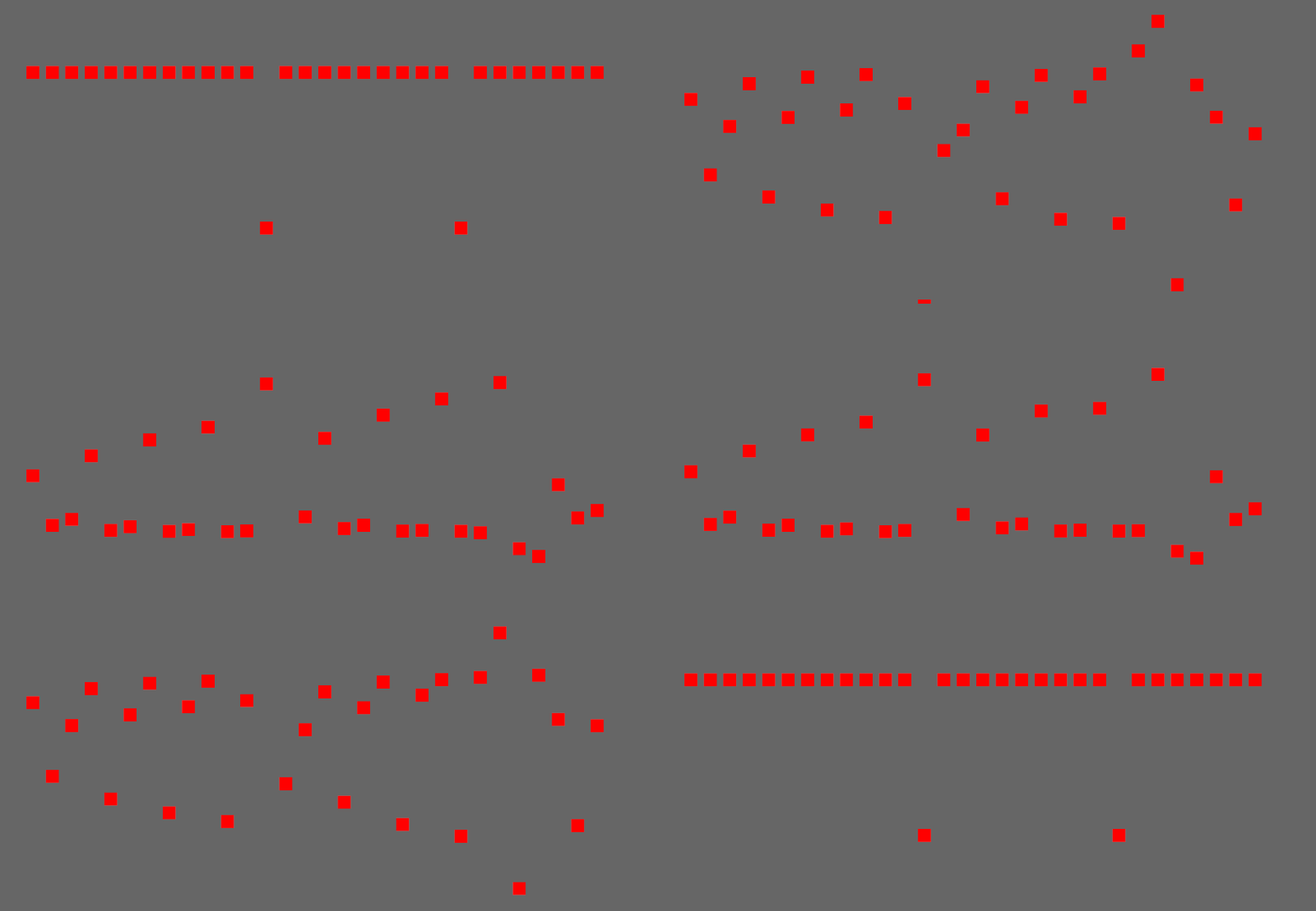
colormaterial_color
cargo run --example colormaterial_color --features="bevy/bevy_winit"
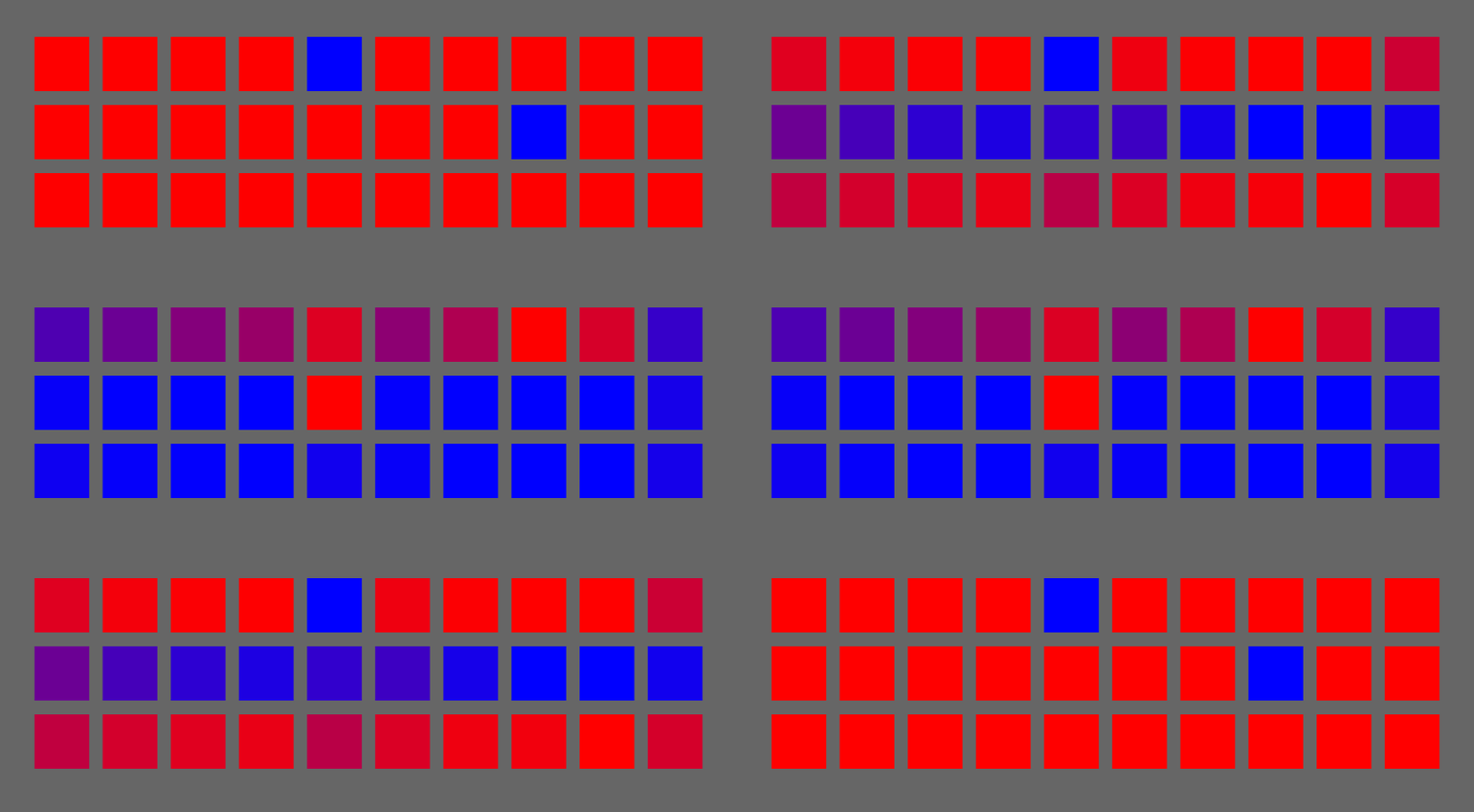
ui_position
cargo run --example ui_position --features="bevy/bevy_winit"
![u
Extension points exported contracts — how you extend this code
Lens (Interface)Core symbols most depended-on inside this repo
step_allShape
Languages
Modules by API surface
For agents
$ claude mcp add bevy_tweening \
  -- python -m otcore.mcp_server <graph>