github.com/danilowoz/react-content-loader @v7.1.2 sqlite
README


SVG-Powered component to easily create placeholder loadings (like Facebook's cards loading).
Features
- :gear: Customizable: Feel free to change the colors, speed, sizes, and even RTL;
- :ok_hand: Plug and play: with many presets to use, see the examples;
- :pencil2: DIY: use the create-content-loader to create your own custom loaders easily;
- 📱 React Native support: same API, as same powerful features;
- ⚛️ Really lightweight: less than 2kB and 0 dependencies for web version;
Index
Getting Started
npm i react-content-loader --save
yarn add react-content-loader
For React Native
npm i react-content-loader react-native-svg --save
yarn add react-content-loader react-native-svg
CDN from JSDELIVR
Usage
There are two ways to use it:
1. Presets, see the examples:
import ContentLoader, { Facebook } from 'react-content-loader'

const MyLoader = () => <ContentLoader />
const MyFacebookLoader = () => <Facebook />
2. Custom mode, see the online tool
const MyLoader = () => (
  <ContentLoader viewBox="0 0 380 70">
    {/* Only SVG shapes */}
    <rect x="0" y="0" rx="5" ry="5" width="70" height="70" />
    <rect x="80" y="17" rx="4" ry="4" width="300" height="13" />
    <rect x="80" y="40" rx="3" ry="3" width="250" height="10" />
  </ContentLoader>
)
Still not clear? Take a look at this working example at codesandbox.io Or try the components editable demo hands-on and install it from bit.dev
Native
react-content-loader can be used with React Native in the same way as web version with the same import:
1. Presets, see the examples:
import ContentLoader, { Facebook } from 'react-content-loader/native'

const MyLoader = () => <ContentLoader />
const MyFacebookLoader = () => <Facebook />
2. Custom mode
To create custom loaders there is an important difference: as React Native doesn't have any native module for SVG components, it's necessary to import the shapes from react-native-svg or use the named export Rect and Circle from react-content-loader import:
import ContentLoader, { Rect, Circle } from 'react-content-loader/native'

const MyLoader = () => (
  <ContentLoader viewBox="0 0 380 70">
    <Circle cx="30" cy="30" r="30" />
    <Rect x="80" y="17" rx="4" ry="4" width="300" height="13" />
    <Rect x="80" y="40" rx="3" ry="3" width="250" height="10" />
  </ContentLoader>
)
Options
|
Prop name and type
| Environment | Description |
| ---------------------------------------------------------------- | -------------------------- | --------------------------------------------------------------------------------------------------------------------------------------------------------------------------------------------------------------------------------------------------------------------------------------------------- |
| animate?: boolean
Defaults to true | React DOM
React Native | Opt-out of animations with false |
| title?: string
Defaults to Loading... | React DOM only | It's used to describe what element it is.
Use '' (empty string) to remove. |
| baseUrl?: string
Defaults to an empty string | React DOM only | Required if you're using <base url="/" /> document <head/>.
This prop is common used as:
<ContentLoader baseUrl={window.location.pathname} /> which will fill the SVG attribute with the relative path. Related #93. |
| speed?: number
Defaults to 1.2 | React DOM
React Native | Animation speed in seconds. |
| viewBox?: string
Defaults to undefined | React DOM
React Native | Use viewBox props to set a custom viewBox value,
for more information about how to use it,
read the article How to Scale SVG. |
| gradientRatio?: number
Defaults to 1.2 | React DOM only | Width of the animated gradient as a fraction of the view box width. |
| rtl?: boolean
Defaults to false | React DOM
React Native | Content right-to-left. |
| backgroundColor?: string
Defaults to #f5f6f7 | React DOM
React Native | Used as background of animation. |
| foregroundColor?: string
Defaults to #eee | React DOM
React Native | Used as the foreground of animation. |
| backgroundOpacity?: number
Defaults to 1 | React DOM
React Native | Background opacity (0 = transparent, 1 = opaque)
used to solve an issue in Safari |
| foregroundOpacity?: number
Defaults to 1 | React DOM
React Native | Animation opacity (0 = transparent, 1 = opaque)
used to solve an issue in Safari |
| style?: React.CSSProperties
Defaults to {} | React DOM only | |
| uniqueKey?: string
Defaults to random unique id | React DOM only | Use the same value of prop key,
that will solve inconsistency on the SSR, see more here. |
| beforeMask?: JSX.Element
Defaults to null | React DOM
React Native | Define custom shapes before content,
see more here. |
See all options live
Examples
Facebook Style
import { Facebook } from 'react-content-loader'

const MyFacebookLoader = () => <Facebook />

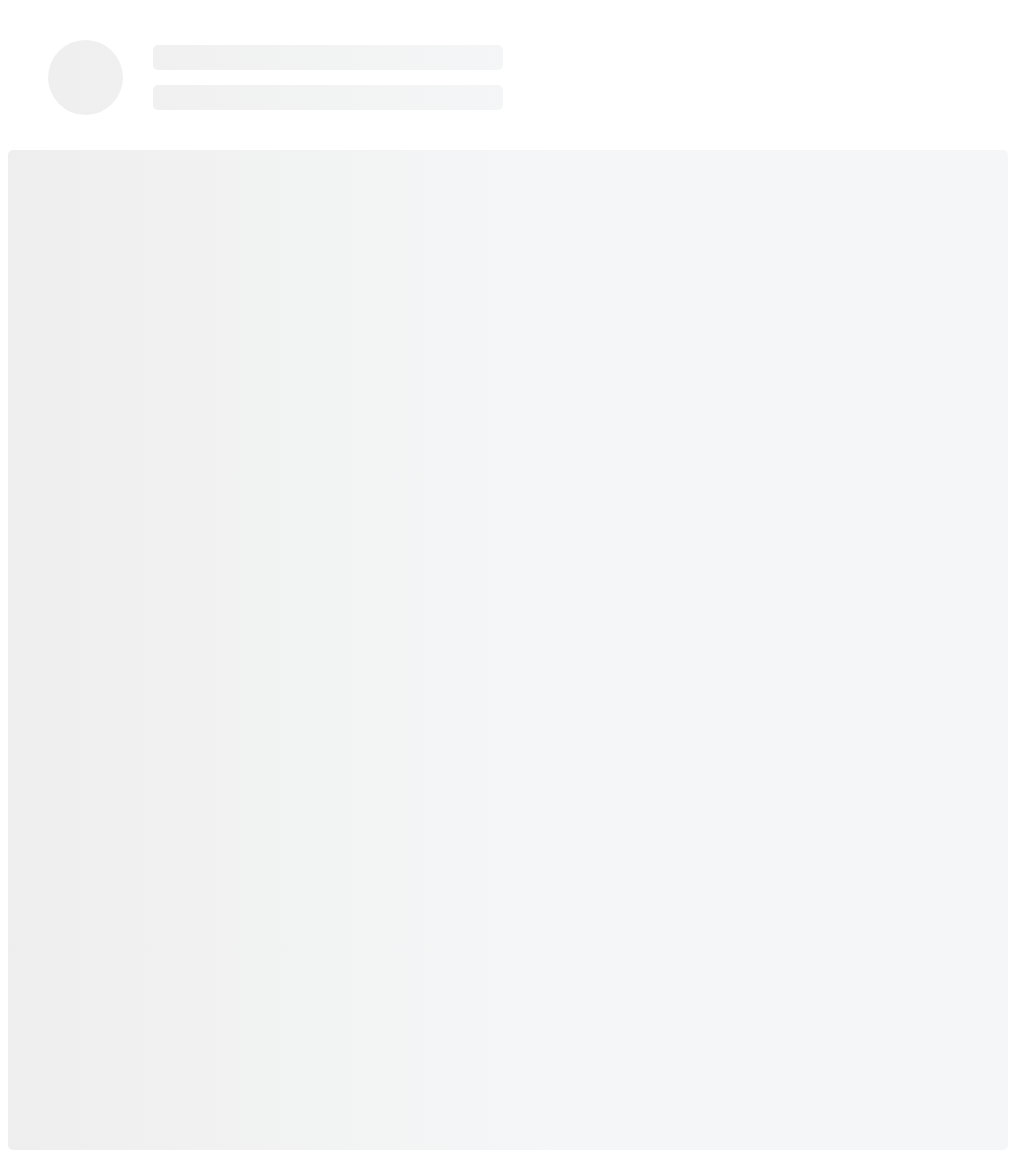
Instagram Style
import { Instagram } from 'react-content-loader'

const MyInstagramLoader = () => <Instagram />
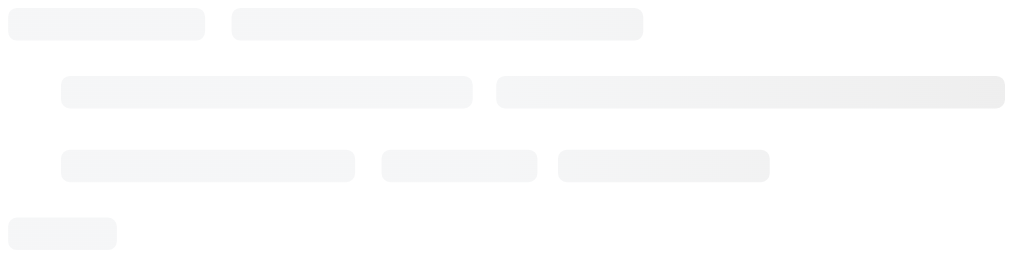
Code Style
import { Code } from 'react-content-loader'

const MyCodeLoader = () => <Code />
List Style
import { List } from 'react-content-loader'

const MyListLoader = () => <List />

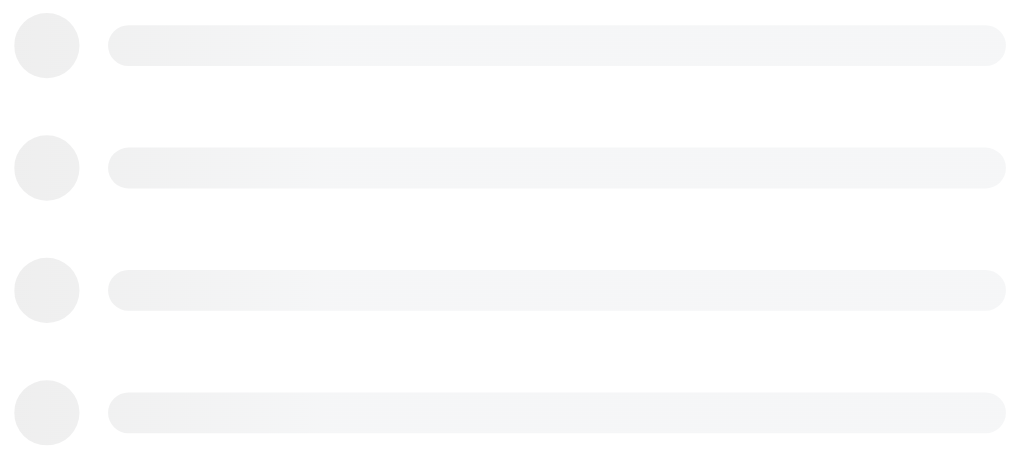
Bullet list Style
import { BulletList } from 'react-content-loader'

const MyBulletListLoader = () => <BulletList />
Custom Style
For the custom mode, use the online tool.
const MyLoader = () => (
  <ContentLoader
    height={140}
    speed={1}
    backgroundColor={'#333'}
    foregroundColor={'#999'}
    viewBox="0 0 380 70"
  >
    {/* Only SVG shapes */}
    <rect x="0" y="0" rx="5" ry="5" width="70" height="70" />
    <rect x="80" y="17" rx="4" ry="4" width="300" height="13" />
    <rect x="80" y="40" rx="3" ry="3" width="250" height="10" />
  </ContentLoader>
)

Troubleshooting
Responsive - Mobile version
In order to avoid unexpected behavior, the package doesn't have opinioned settings. So if it needs to be responsive, have in mind that the output of the package is a regular SVG, so it just needs the same attributes to become a regular SVG responsive, which means:
import { Code } from 'react-content-loader'

const MyCodeLoader = () => (
  <Code
    width={100}
    height={100}
    viewBox="0 0 100 100"
    style={{ width: '100%' }}
  />
)
Server-side rendering (SSR) - Match snapshot
As the main component generates random values to match the id of the SVG element with background style, it can encounter unexpected errors and unmatching warning on render, once the random value of id will be generated twice, in case of SSR: server and client; or in case of snapshot test: on the first match and re-running the test.
To fix it, set the prop uniqueKey, then the id will not be random anymore:
import { Facebook } from 'react-content-loader'

const MyFacebookLoader = () => <Facebook uniqueKey="my-random-value" />
Alpha is not working: Safari / iOS
When using rgba as a backgroundColor or foregroundColor value, Safari does not respect the alpha channel, meaning that the color will be opaque. To prevent this, instead of using a rgba value for backgroundColor/foregroundColor, use the rgb equivalent and move the alpha channel value to the backgroundOpacity/foregroundOpacity props.
{/* Opaque color in Safari and iOS */}
<ContentLoader
  backgroundColor="rgba(0,0,0,0.06)"
  foregroundColor="rgba(0,0,0,0.12)">


{/_ Semi-transparent color in Safari and iOS _/}
<ContentLoader
    backgroundColor="rgb(0,0,0)"
    foregroundColor="rgb(0,0,0)"
    backgroundOpacity={0.06}
    foregroundOpacity={0.12}>
Black box in Safari / iOS (again)
Using the base tag on a page that contains SVG elements fails to render and it looks like a black box. Just remove the
Extension points exported contracts — how you extend this code
IContentLoaderProps (Interface)Core symbols most depended-on inside this repo
createComponentShape
Languages
Modules by API surface
Used by 2 indexed graphs manifest dependencies, hub-wide
Dependencies from manifests, versioned
For agents
$ claude mcp add react-content-loader \
  -- python -m otcore.mcp_server <graph>