github.com/codetheweb/aoede @v0.9.0
Chat with this repoWhat it actually does AI analysis from the code graph — generated when you open this
README

Aoede is a Discord music bot that directly streams from Spotify to Discord. The only interface is Spotify itself.
Note: a Spotify Premium account is currently required. This is a limitation of librespot, the Spotify library Aoede uses. Facebook logins are not supported.
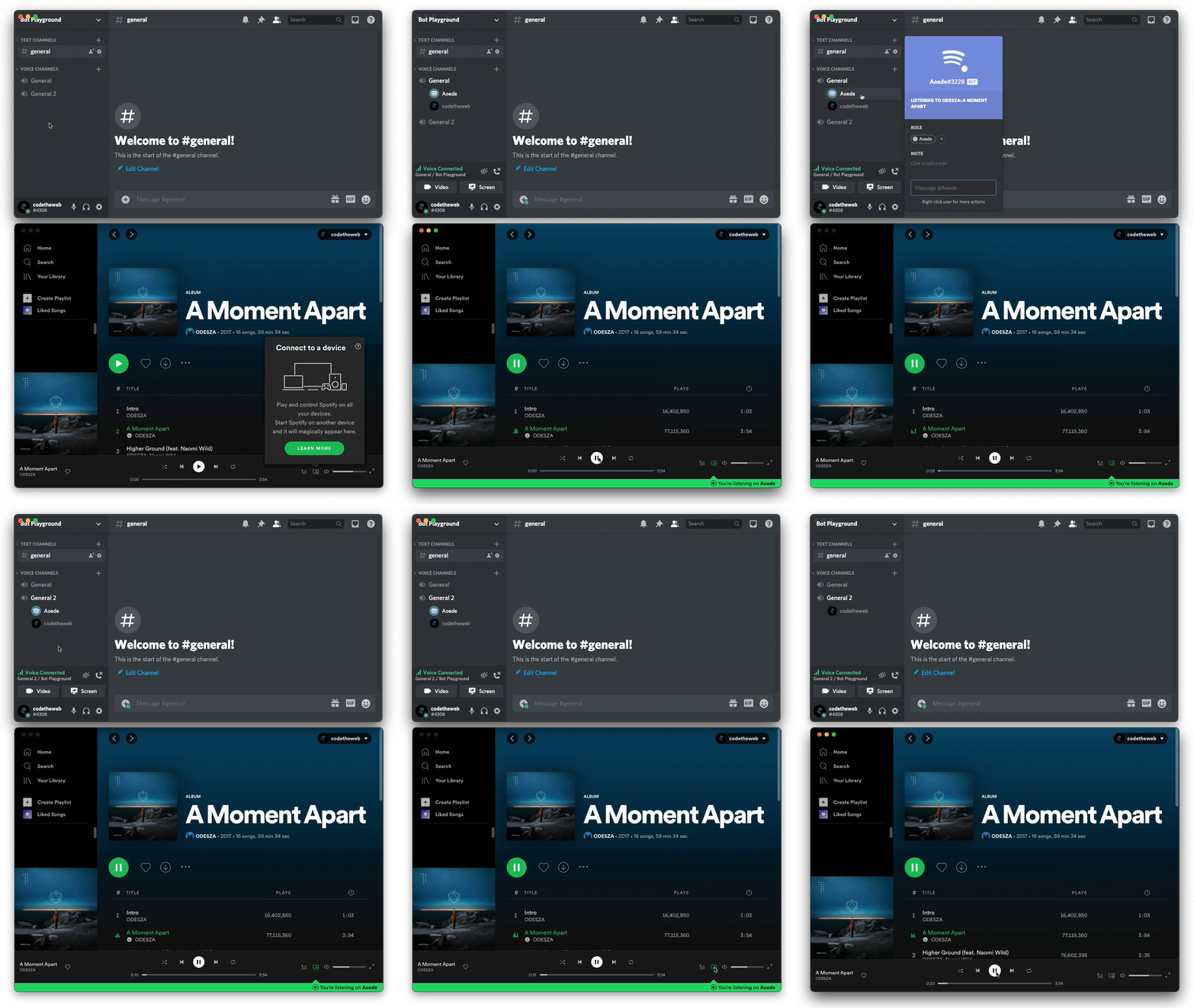
💼 Usecases
- Small servers with friends
- Discord Stages, broadcast music to your audience
🏗 Usage
(Images are available for x86 and arm64.)
Notes:
⚠️ Aoede only supports bot tokens. Providing a user token won't work.
Aoede will appear offline until you join a voice channel it has access it.
Docker Compose (recommended):
There are a variety of image tags available:
- :0: versions >= 0.0.0
- :0.5: versions >= 0.5.0 and < 0.6.0
- :0.5.1: an exact version specifier
- :latest: whatever the latest version is
version: '3.4'

services:
  aoede:
    image: codetheweb/aoede
    restart: always
    volumes:
      - ./aoede:/data
    environment:
      - DISCORD_TOKEN=
      - SPOTIFY_USERNAME=
      - SPOTIFY_PASSWORD=
      - DISCORD_USER_ID=        # Discord user ID of the user you want Aoede to follow
      - SPOTIFY_BOT_AUTOPLAY=   # Autoplay similar songs when your music ends (true/false)
      - SPOTIFY_DEVICE_NAME=
Docker:
# .env
DISCORD_TOKEN=
SPOTIFY_USERNAME=
SPOTIFY_PASSWORD=
DISCORD_USER_ID=
SPOTIFY_BOT_AUTOPLAY=
SPOTIFY_DEVICE_NAME=
docker run --rm -d --env-file .env codetheweb/aoede
Prebuilt Binaries:
Prebuilt binaries are available on the releases page. Download the binary for your platform, then inside a terminal session:
- There are two options to make configuration values available to Aoede:
- Copy the
config.sample.tomlfile toconfig.tomland update as necessary. - Use environment variables (see the Docker Compose section above):
- On Windows, you can use
setx DISCORD_TOKEN my-token - On Linux / macOS, you can use
export DISCORD_TOKEN=my-token
- On Windows, you can use
- Copy the
- Run the binary:
- For Linux / macOS,
./platform-latest-aoedeafter navigating to the correct directory - For Windows, execute
windows-latest-aoede.exeafter navigating to the correct directory
- For Linux / macOS,
Building from source:
Requirements:
- automake
- autoconf
- cmake
- libtool
- Rust
- Cargo
Run cargo build --release. This will produce a binary in target/release/aoede. Set the required environment variables (see the Docker Compose section), then run the binary.
Core symbols most depended-on inside this repo
cloneShape
Languages
Modules by API surface
For agents
$ claude mcp add aoede \
  -- python -m otcore.mcp_server <graph>