github.com/codeaashu/DevDisplay @v1.0.0
Chat with this repoWhat it actually does AI analysis from the code graph — generated when you open this
README






 Welcome to DevDisplay

DevDisplay - Open Source Developer Community
 Discover
  Connect
  Collab
  Build
Build  Promote
About 
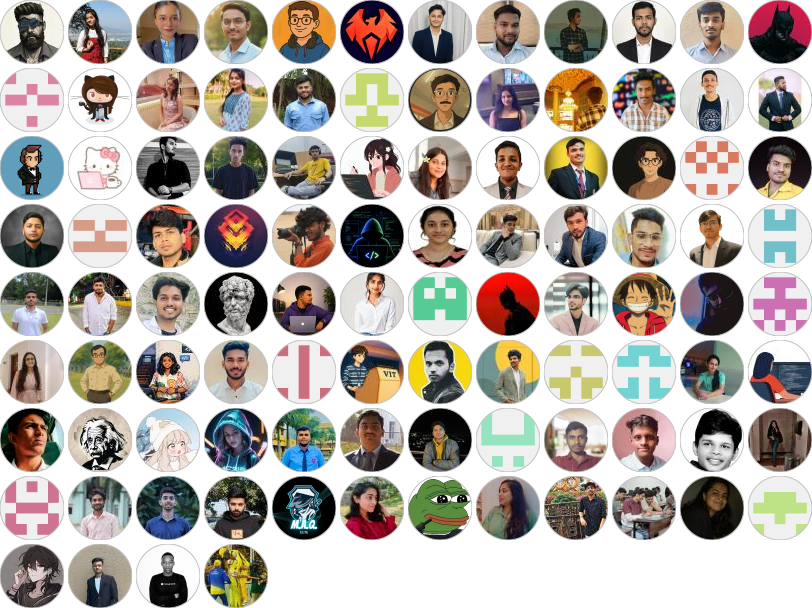
DevDisplay is an Open Source Developer Community where you can discover and Connect with Skilled Developers, share your ideas, and build projects with collaborative support also you can promote your project through this community. With DevDisplay, developers can create their profiles in JSON format, which are then displayed on the web for others to discover.
Connect with DevDisplay Community on 

How to add your profile 
Thank you for your interest in contributing to our open-source project!
Get help with video instruction
Steps to Add Your Profile Data 
-
Fork the repository: To create a copy of the repository in your GitHub account, click on the "Fork" button in the top right corner of the project repository page.
-
Navigate to the
public/datafolder in your project directory. -
Create a new JSON file named
your_github_username.json(replace your_github_username with your actual GitHub username). Open the file you just created. -
Add the following JSON object, replacing the placeholder values with your own details:
json
   {
     "name": "Your Name",
     "location": "Your Location",
     "bio": "Your Bio should be 20-30 words not more then that",
     "avatar": "https://github.com/<your-github-username>.png",
     "portfolio": "Your Portfolio URL or Github URL",
     "skills": ["Your Skill 1", "Your Skill 2", "..."],
     "social": {
       "GitHub": "https://github.com/<github-username>",
       "Twitter": "https://twitter.com/<twitter-username>",
       "LinkedIn": "https://www.linkedin.com/in/<linkedin-username>"
     }
   }
-
Save the
your_github_username.jsonfile. -
Navigate to the
srcfolder in your project directory. Open theProfilesList.jsonfile. -
Add your JSON filename (your_github_username.json) to the array of filenames in the ProfileList.json file, like this:
json
   ["filename1.json", "filename2.json", "filename3.json", "your_github_username.json"]
-
Save the
ProfileLists.jsonfile. -
Contribute Follow this 👇🏻:

-
Wait for review and merge: Wait for the project maintainers to review and merge your changes.
Once your changes are merged  Your profile will be displayed on the project's website.
Tech Stack 





Contribution Support 
Thank you for contributing to our open-source project!  Contributions make the open source community such an amazing place to learn, inspire, and create.
 We appreciate your support
 Don't forget to give star this repository
 Creator of DevDisplay
 Ashutosh Singh
[](https://discord.gg/2fB3YRZt) [](https://linkedin.com/in/ashutoshkumaraashu) [](https://twitter.com/intent/follow?screen_name=warrior_aashuu) [](https://reddit.com/user/warrior_aashuu) [](https://pinterest.com/codeaashu)
A Man Who Codes & Designs Using His Hidden Creativity. A proficient Web Developer & Designer specializing in crafting captivating Websites & Apps. Till now he has built 50+ WEB APP.
Ashutosh Singh
[](https://discord.gg/2fB3YRZt) [](https://linkedin.com/in/ashutoshkumaraashu) [](https://twitter.com/intent/follow?screen_name=warrior_aashuu) [](https://reddit.com/user/warrior_aashuu) [](https://pinterest.com/codeaashu)
A Man Who Codes & Designs Using His Hidden Creativity. A proficient Web Developer & Designer specializing in crafting captivating Websites & Apps. Till now he has built 50+ WEB APP.
© LICENSE 

|
 This project is licensed under MIT.
 |
Core symbols most depended-on inside this repo
normalizeStringShape
Languages
Modules by API surface
For agents
$ claude mcp add DevDisplay \
  -- python -m otcore.mcp_server <graph>