github.com/clibs/clib @2.8.7
Chat with this repoWhat it actually does AI analysis from the code graph — generated when you open this
README
clib(1)

Package manager for the C programming language.
Installation
Expects libcurl to be installed and linkable.
With homebrew:
$ brew install clib
Or MacPorts:
$ sudo port selfupdate
$ sudo port install clib
With git:
$ git clone https://github.com/clibs/clib.git /tmp/clib
$ cd /tmp/clib
$ make install
Ubuntu:
# install libcurl
$ sudo apt-get install libcurl4-gnutls-dev -qq
# clone
$ git clone https://github.com/clibs/clib.git /tmp/clib && cd /tmp/clib
# build
$ make
# put on path
$ sudo make install
Fedora:
# install libcurl
$ sudo dnf install libcurl-devel
# clone
$ git clone https://github.com/clibs/clib.git /tmp/clib && cd /tmp/clib
# build
$ make
# put on path
$ sudo make install
About
Basically the lazy-man's copy/paste promoting smaller C utilities, also
serving as a nice way to discover these sort of libraries. From my experience
C libraries are scattered all over the web and discovery is relatively poor. The footprint of these libraries is usually quite large and unfocused. The goal of clibs is to provide
stand-alone "micro" C libraries for developers to quickly install without coupling
to large frameworks.
You should use clib(1) to fetch these files for you and check them into your repository, the end-user and contributors should not require having clib(1) installed. This allows clib(1) to fit into any new or existing C workflow without friction.
The wiki listing of packages acts as the "registry" and populates the clib-search(1) results.
Usage
  clib <command> [options]

  Options:

    -h, --help     Output this message
    -V, --version  Output version information

  Commands:

    init                 Start a new project
    i, install [name...] Install one or more packages
    up, update [name...] Update one or more packages
    upgrade [version]    Upgrade clib to a specified or latest version\
    configure [name...]  Configure one or more packages
    build [name...]      Build one or more packages
    search [query]       Search for packages
    help <cmd>           Display help for cmd
More about the Command Line Interface here.
Examples
More examples and best practices at BEST_PRACTICE.md.
Install a few dependencies to ./deps:
$ clib install clibs/ms clibs/commander
Install them to ./src instead:
$ clib install clibs/ms clibs/commander -o src
When installing libraries from the clibs org you can omit the name:
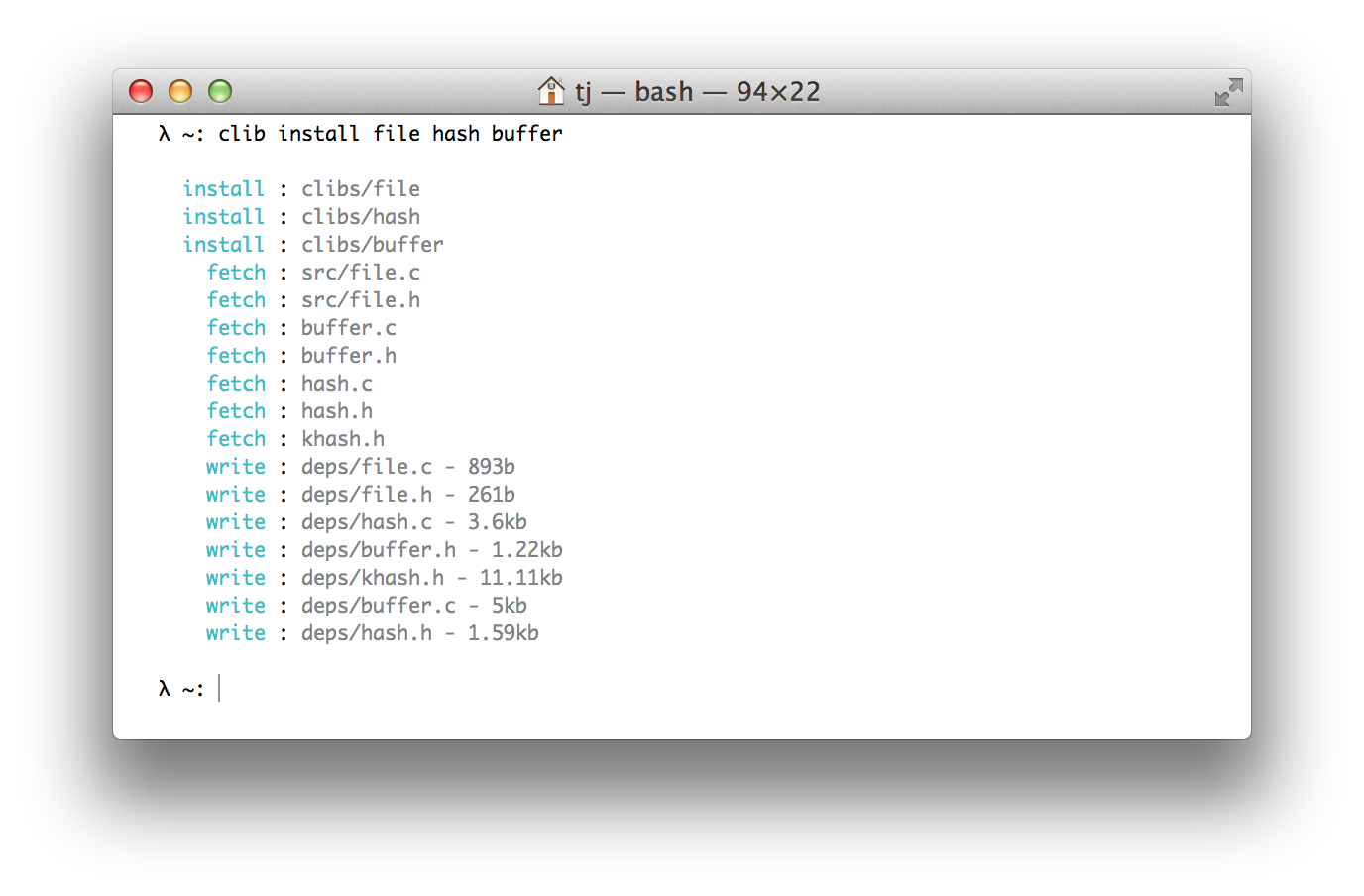
$ clib install ms file hash
Install some executables:
$ clib install visionmedia/mon visionmedia/every visionmedia/watch
clib.json
Example of a clib.json explicitly listing the source:
{
  "name": "term",
  "version": "0.0.1",
  "repo": "clibs/term",
  "description": "Terminal ansi escape goodies",
  "keywords": ["terminal", "term", "tty", "ansi", "escape", "colors", "console"],
  "license": "MIT",
  "src": ["src/term.c", "src/term.h"]
}
Example of a clib.json for an executable:
{
  "name": "mon",
  "version": "1.1.1",
  "repo": "visionmedia/mon",
  "description": "Simple process monitoring",
  "keywords": ["process", "monitoring", "monitor", "availability"],
  "license": "MIT",
  "install": "make install"
}
See explanation of clib.json for more details.
Contributing
If you're interested in being part of this initiative let me know and I'll add you to the clibs organization so you can create repos here and contribute to existing ones.
If you have any issues, questions or suggestions, please open an issue here.
You can also find us on Gitter: https://gitter.im/clibs/clib
Also feel free to open a GitHub Discussion here.
Before committing to the repository, please run make commit-hook. This installs a commit hook which formats .c and .h files.
Articles
- Introducing Clib - introduction to clib
- The Advent of Clib: the C Package Manager - overview article about clib