github.com/chrfrenning/zentransfer-desktop @v0.1.26
Chat with this repoWhat it actually does AI analysis from the code graph — generated when you open this
README
ZenTransfer for Mac and Windows
ZenTransfer is a free file transfer utility for professional photographers.
It runs on Mac OS (Apple Silicon) and Windows. (It may run on Intel Mac's, but I don't have one to test.)
It can:
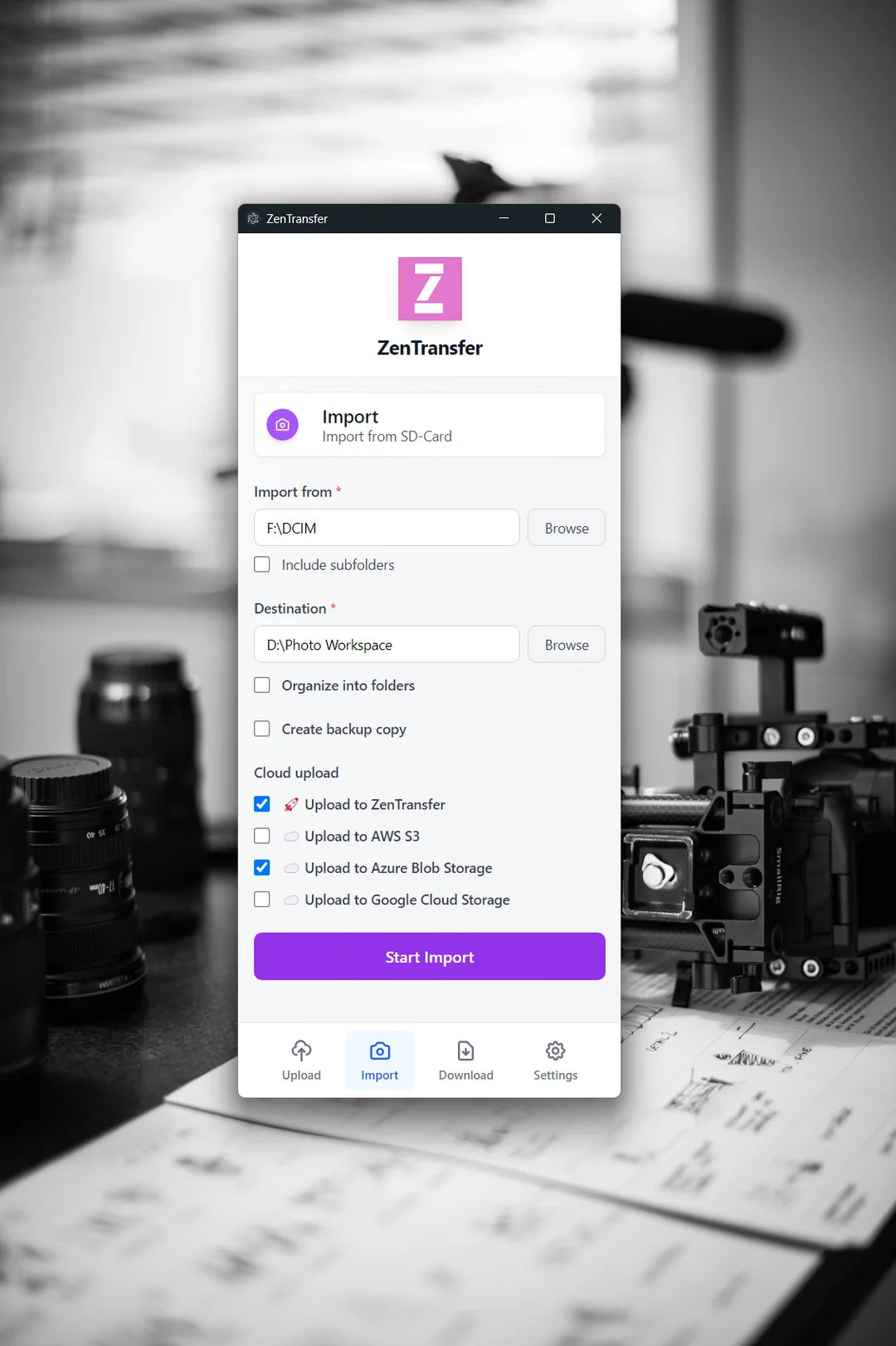
- Empty SD-Cards and ensure 3-2-1 Backup
- Organize files into folders by date
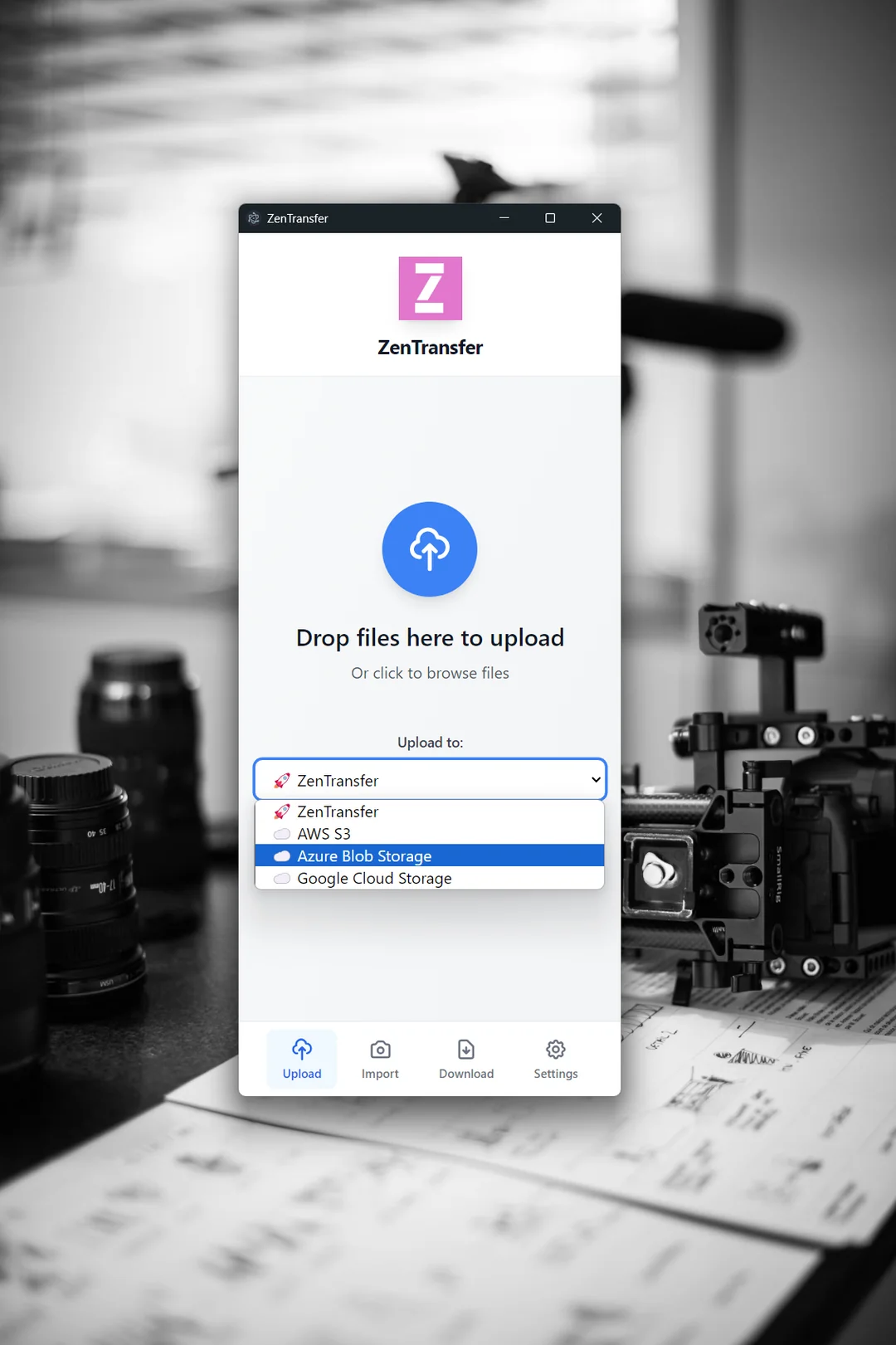
- Upload files to AWS S3, Azure, Google Cloud Platform
- Relay to multiple FTP or cloud services via zentransfer.io
- Coming: Upload to OVH and Hetzner
The ZenTransfer app is free to use and works with or without an account on ZenTransfer.io.
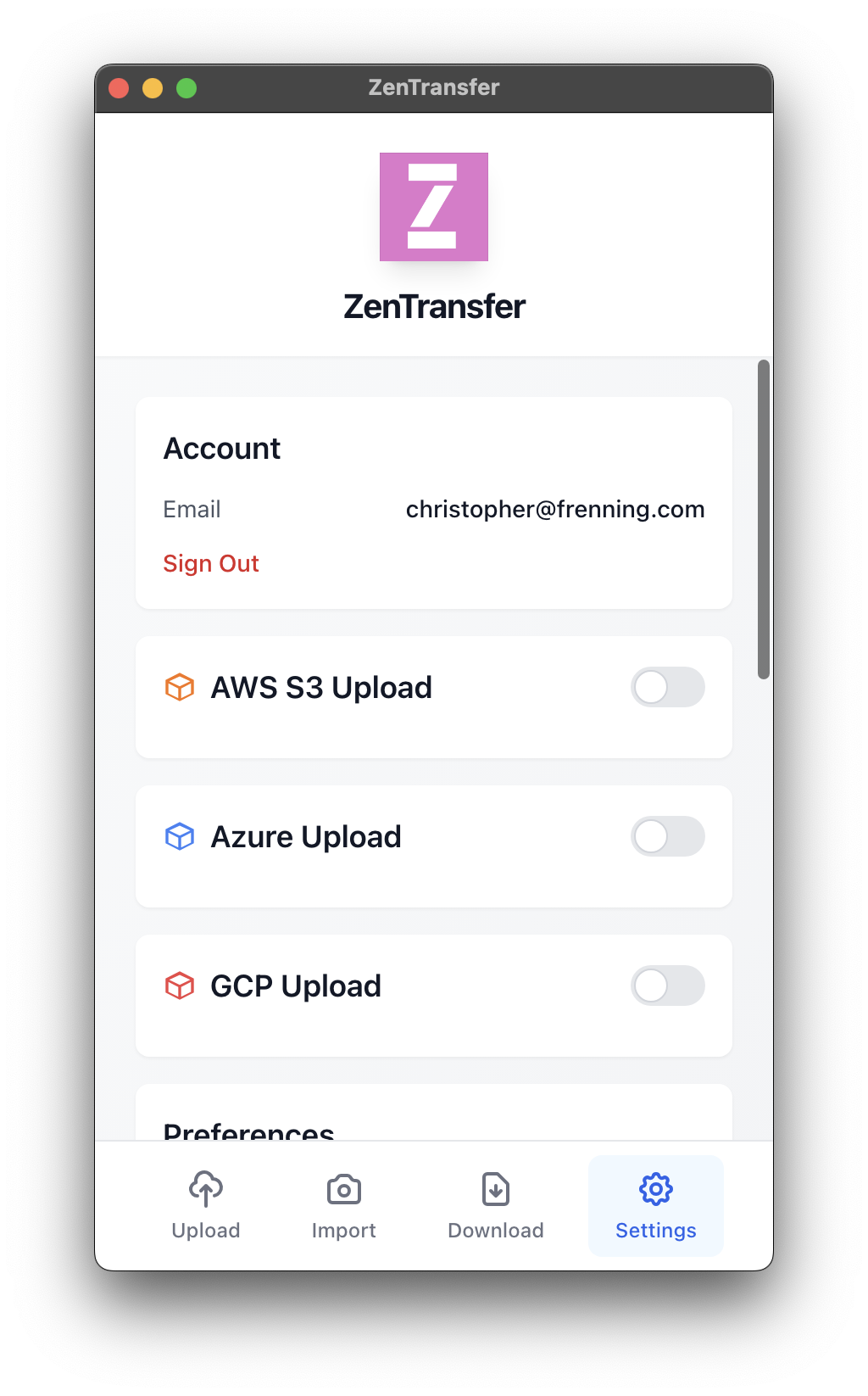
Screenshots (MacOS)
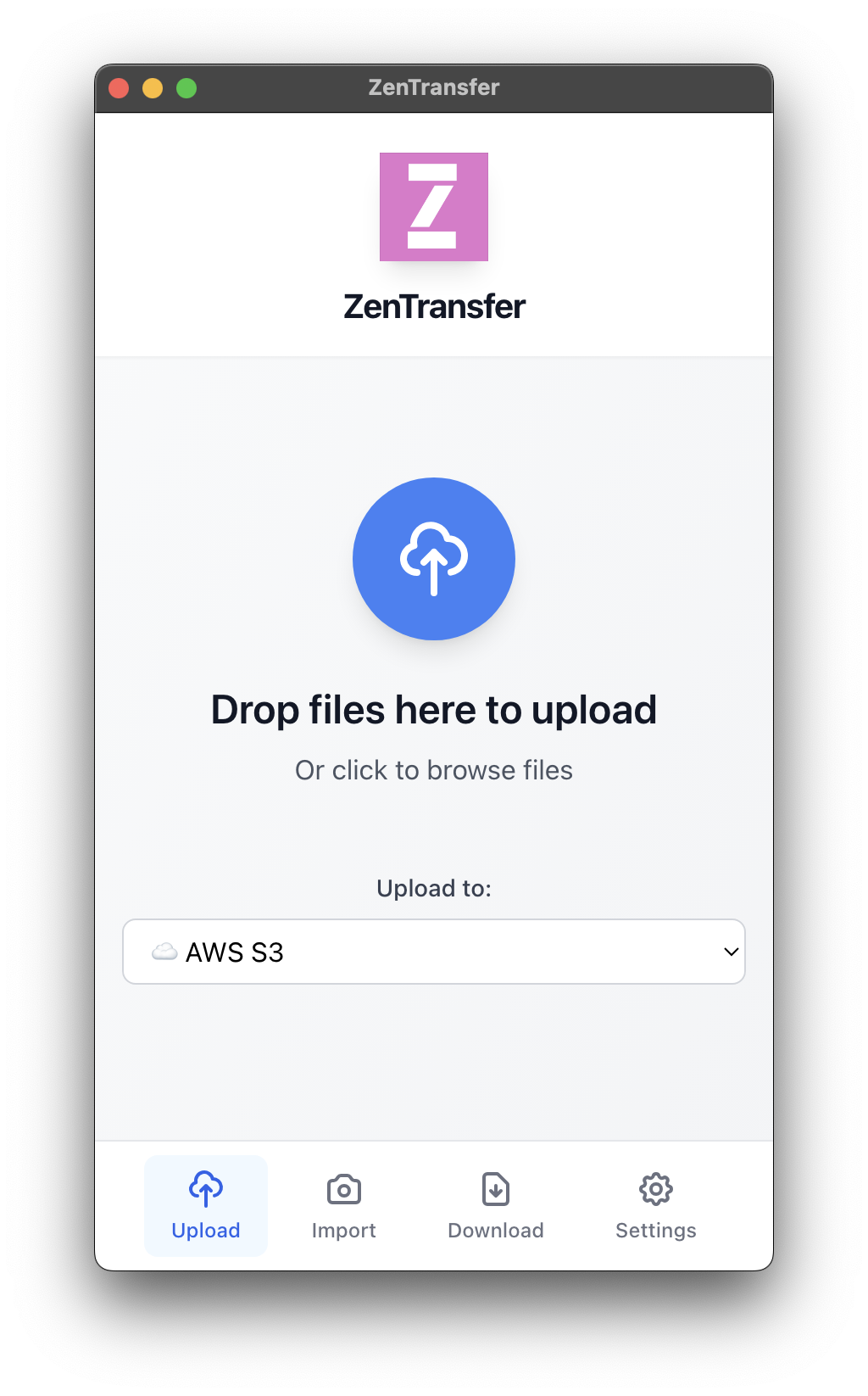
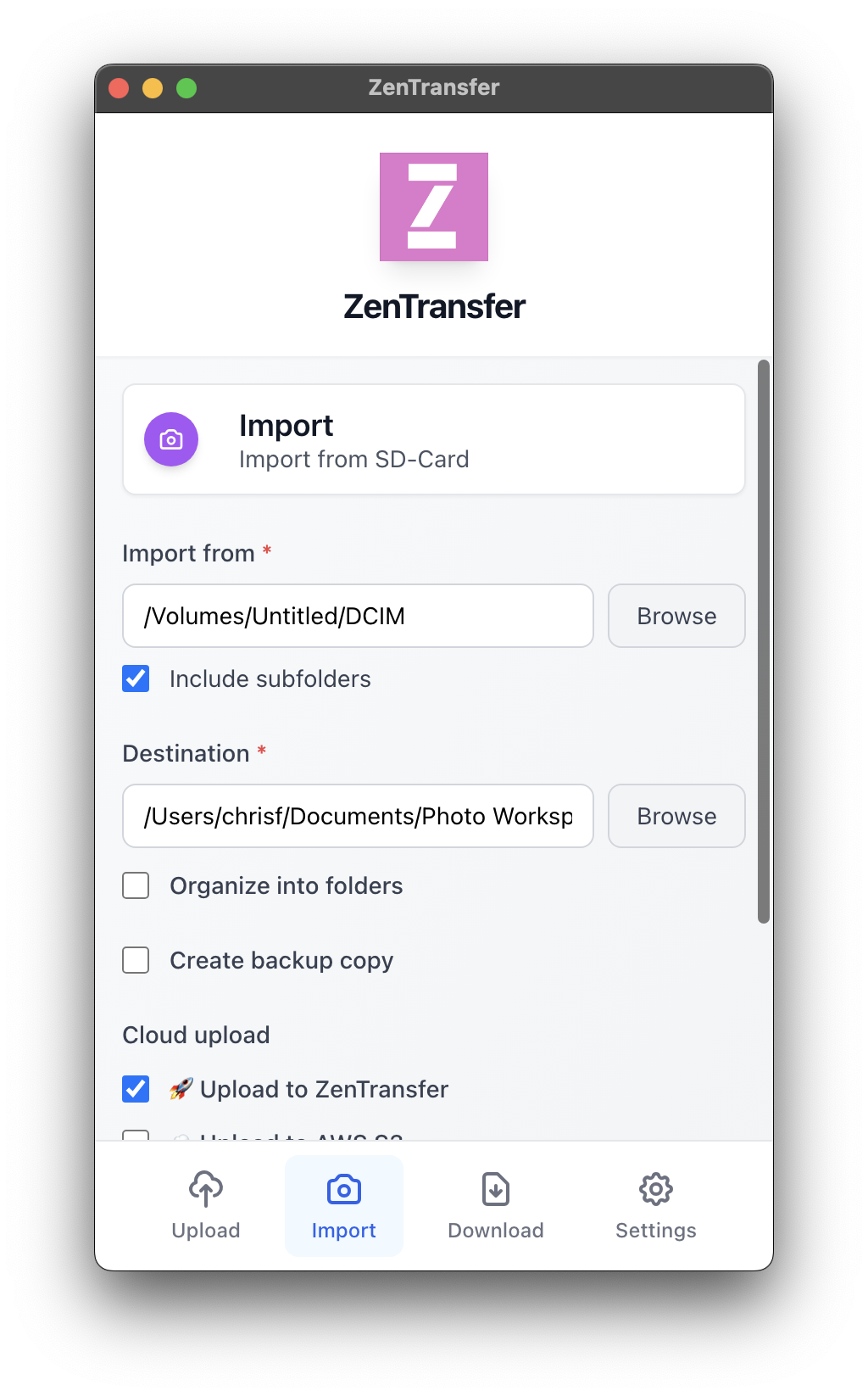
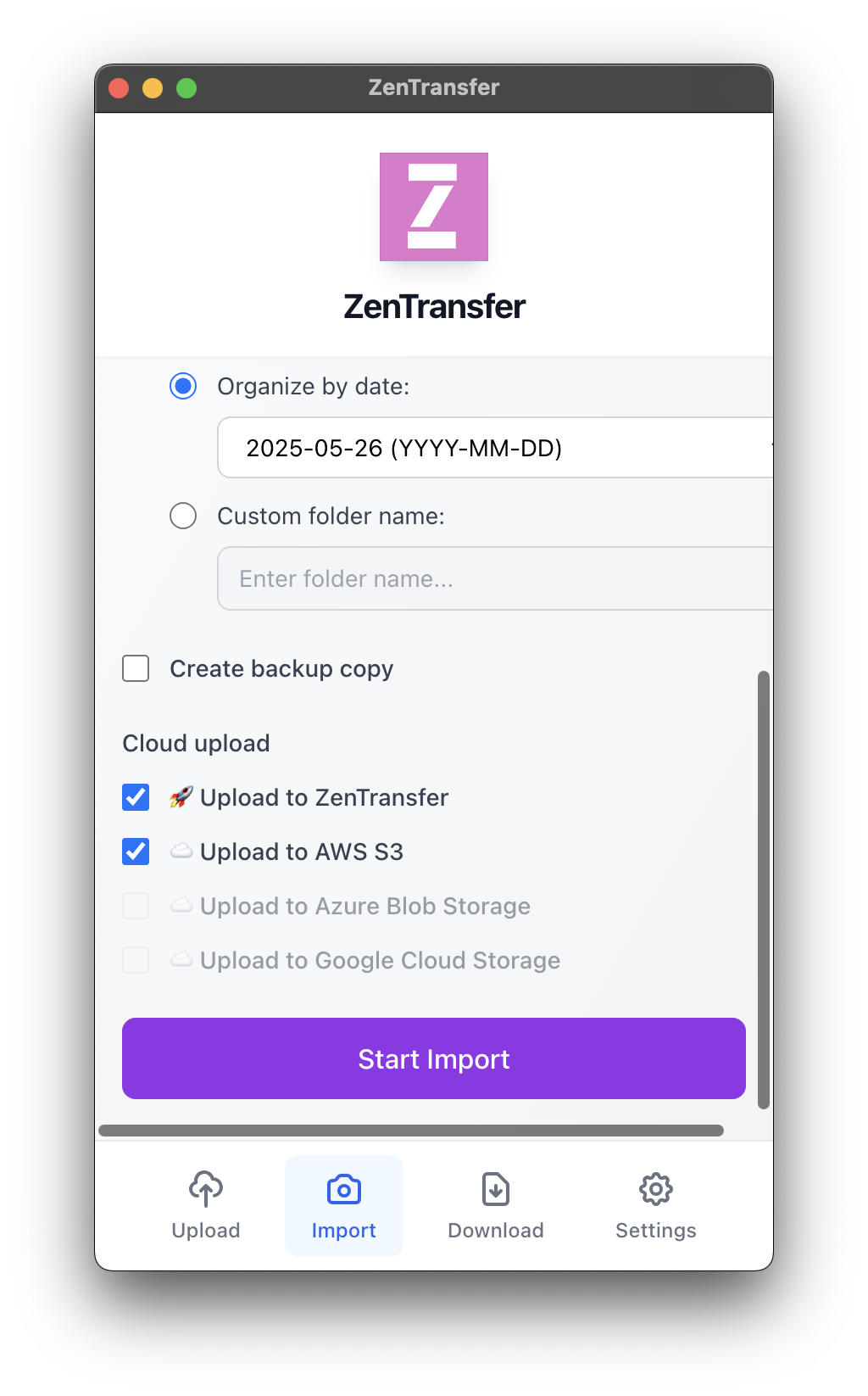
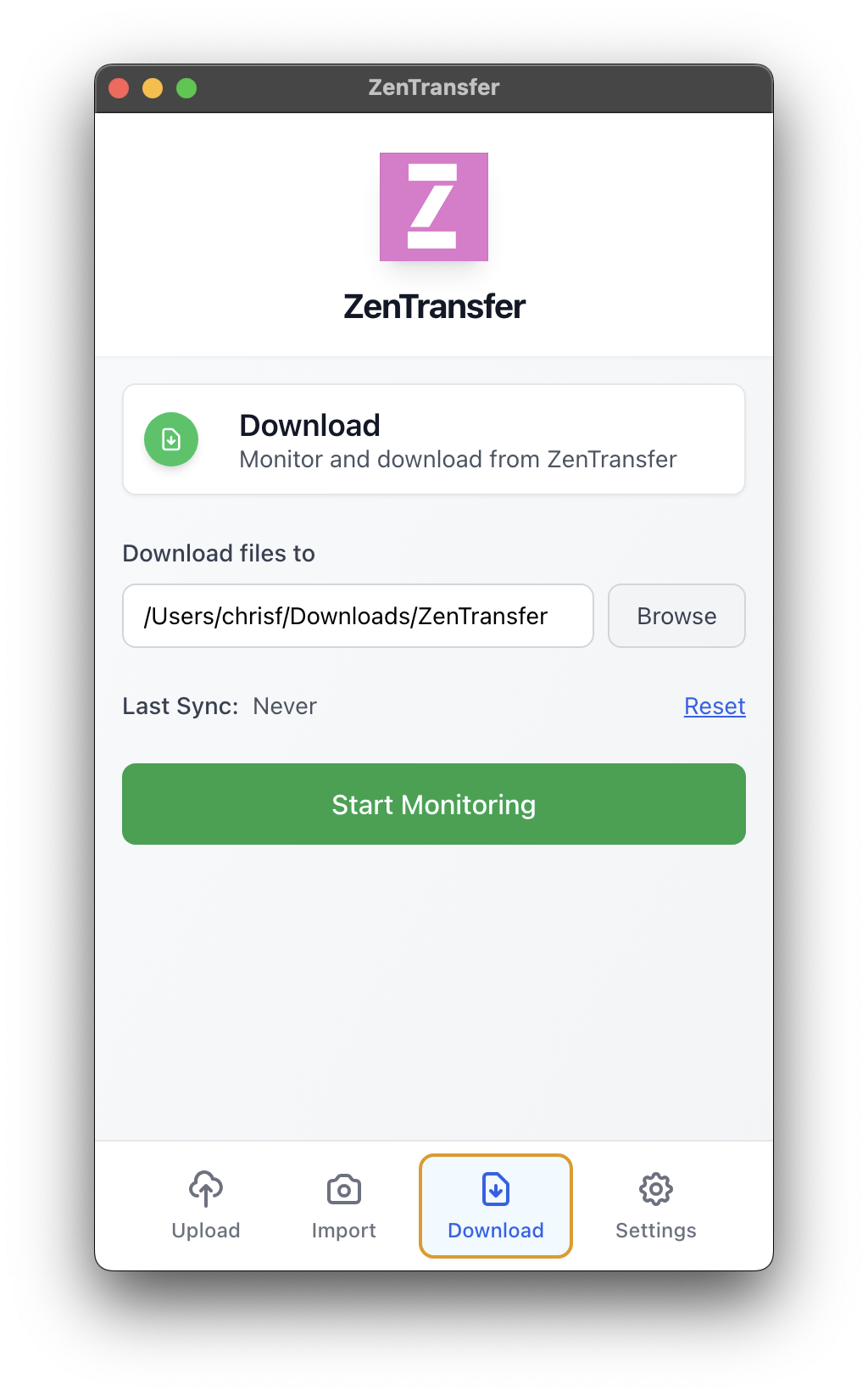
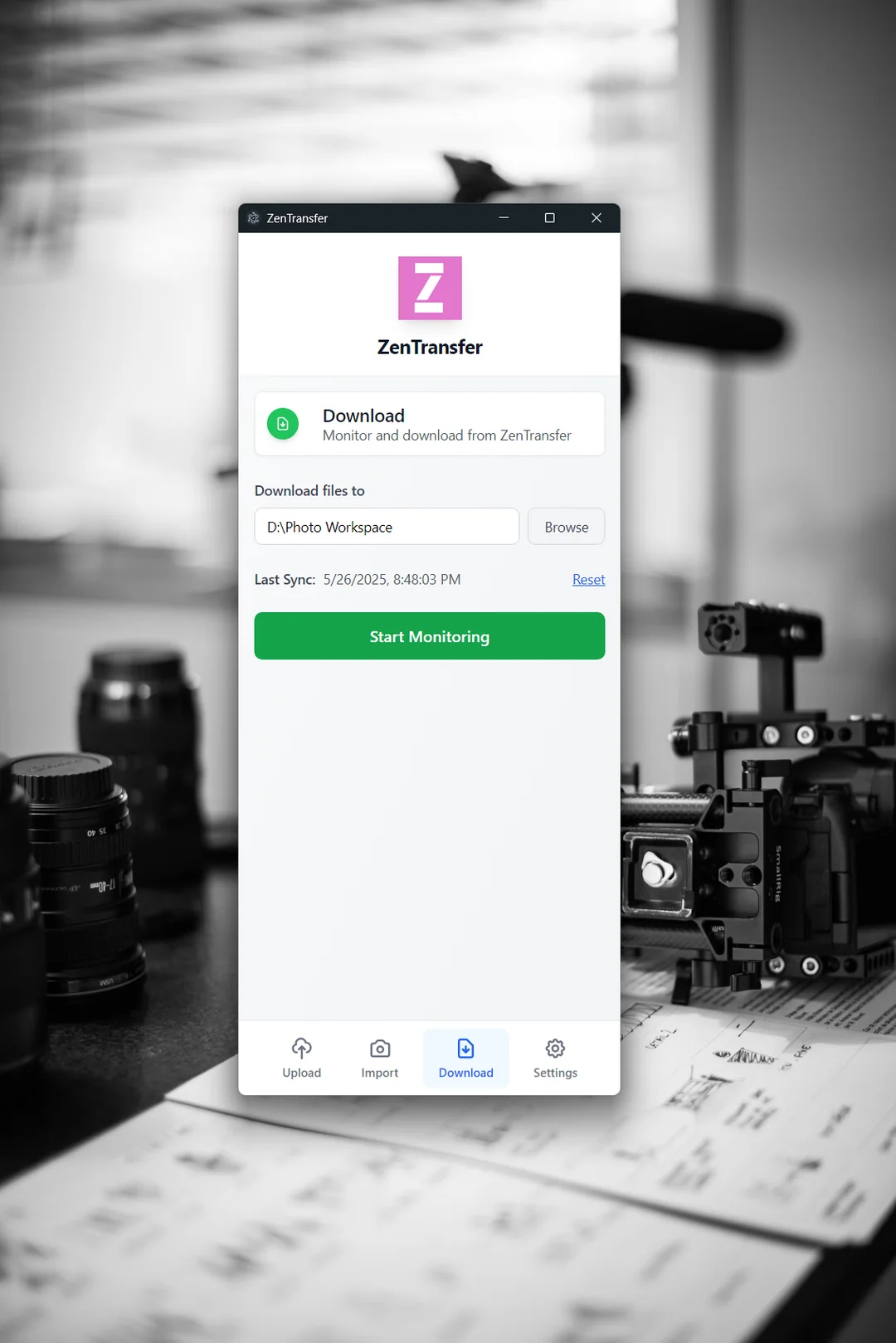
Screenshots (Windows)
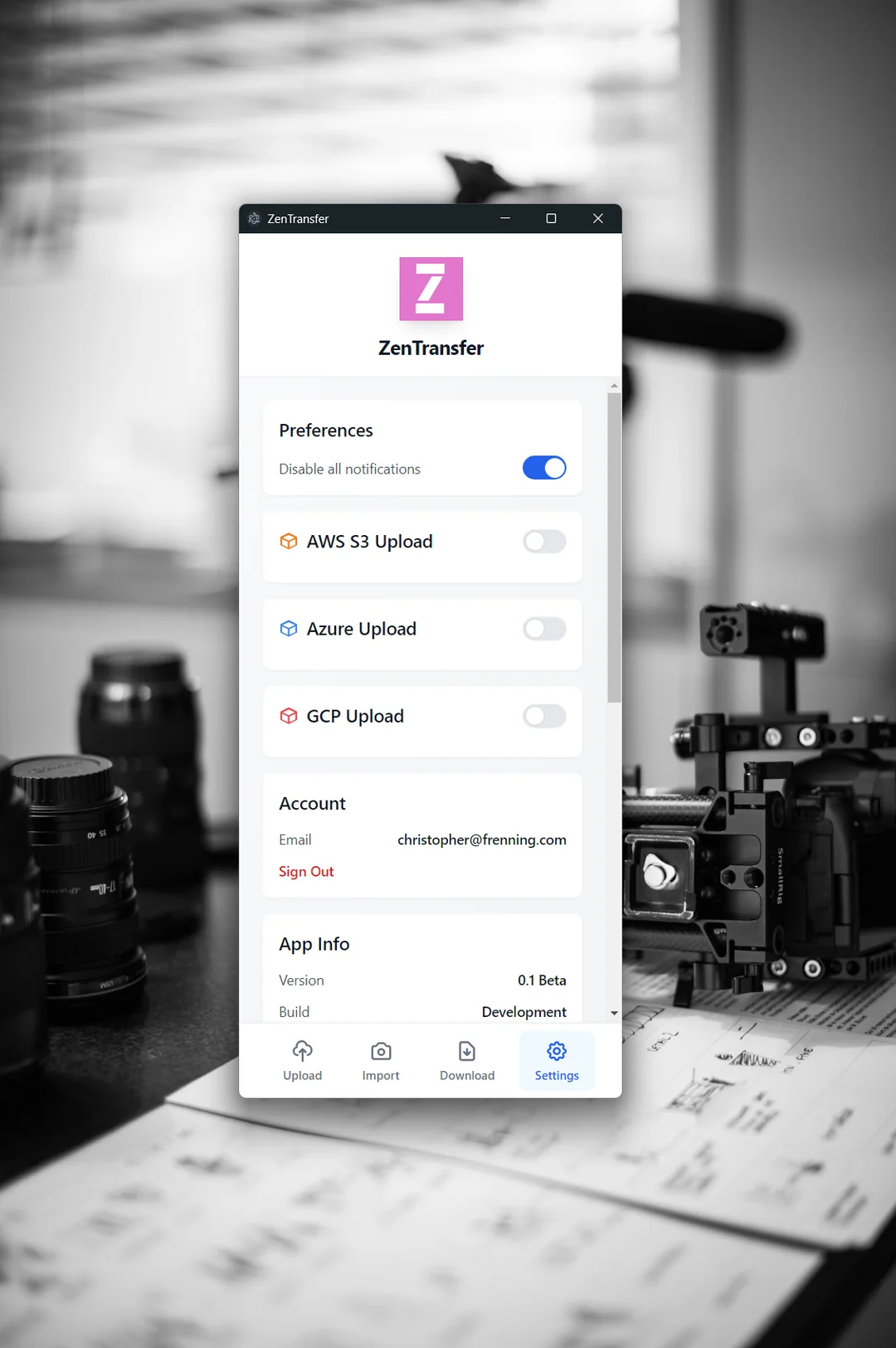
Current state
ZenTransfer is working, but in beta. It performs very well on the days when the sun is shining and all the gods are happy (read: the internet works). I am now checking to see if this concept is something people would like and appreciate, and if so, I will continue working to add all the industry-grade features needed to ensure it also works reliably when thunder and hail are sent by forces outside of our control. ;)
Plus there's a ton of features I would like to see, and I guess you can come up with some too.
SharkTank: Should this exist?
Is this something you need? Something you will use? Let me know if this utility is something you appreciate and will use. Simply send an email to hello@zentransfer.io and say Hi (maybe also where you're from). Or find ZenTransfer on Instagram and follow there. If I know there's users out there, it will be so much easier to find the time and energy to continue improving and developing this.
Support my work
I, Chris, am just an average photographer, but a (pretty good?) software engineer by training and trade. ZenTransfer is a hobby project to help a community I love. You can support it by sharing and letting others know of ZenTransfer, by donating, or by subscribing to the zentransfer.io service. This way I can ensure there's coffee in my cup to keep me going through weekends and long, dark, winter nights here in Norway. Then more and better code will be coming your way!
How to send files from your camera with FTP
If you have a professional camera that supports FTP transfers, you can set up an account on https://zentransfer.io/ to get a cloud FTP server. When the camera sends files you can relay them one or more destinations, and use this app to have them synced instantly to your laptop.
Links and resources
Core symbols most depended-on inside this repo
_logShape
Languages
Modules by API surface
For agents
$ claude mcp add zentransfer-desktop \
  -- python -m otcore.mcp_server <graph>