github.com/chaitin/chaitin-cli @v2606.3.0
Chat with this repoWhat it actually does AI analysis from the code graph — generated when you open this
README
chaitin-cli




长亭安全产品统一命令行工具
项目简介
chaitin-cli 是面向长亭安全产品的统一命令行工具,目标是在一个二进制中提供多产品的常用运维、查询和自动化能力。它解决了不同产品 API、认证方式和输出格式分散的问题,让开发者、运维人员和 AI Agent 可以用一致的方式管理 SafeLine、X-Ray、Cloud Atlas、CloudWalker、Veinmind、T-Answer、DDR 等产品。
核心能力:
- 统一入口:通过
chaitin-cli <product> <command>调用不同产品能力 - 配置复用:支持配置文件、环境变量、
.env和命令行参数 - 自动化友好:提供 dry-run、JSON 输出和 AI Skill,便于脚本和 Agent 集成
快速开始
macOS / Linux 可直接运行安装脚本:
curl -fsSL https://raw.githubusercontent.com/chaitin/chaitin-cli/main/skills/chaitin-cli/scripts/install-chaitin-cli.sh | bash
Windows 用户请从 GitHub Releases 下载对应版本,解压 chaitin-cli.exe 并加入 PATH。
Skill
本项目提供了 skill,安装后 AI Agent(Claude Code、Cursor 等)可以直接调用 chaitin-cli 命令管理长亭安全产品。
如果你希望 AI Agent 自动调用 chaitin-cli,可以安装 Skill:
npx skills add chaitin/chaitin-cli
安装后,向 AI Agent 描述需求即可,例如:
- "帮我查看 SafeLine 最近的攻击日志"
- "在 X-Ray 中创建一个扫描任务"
- "列出 Cloud Atlas 中待处理的漏洞"
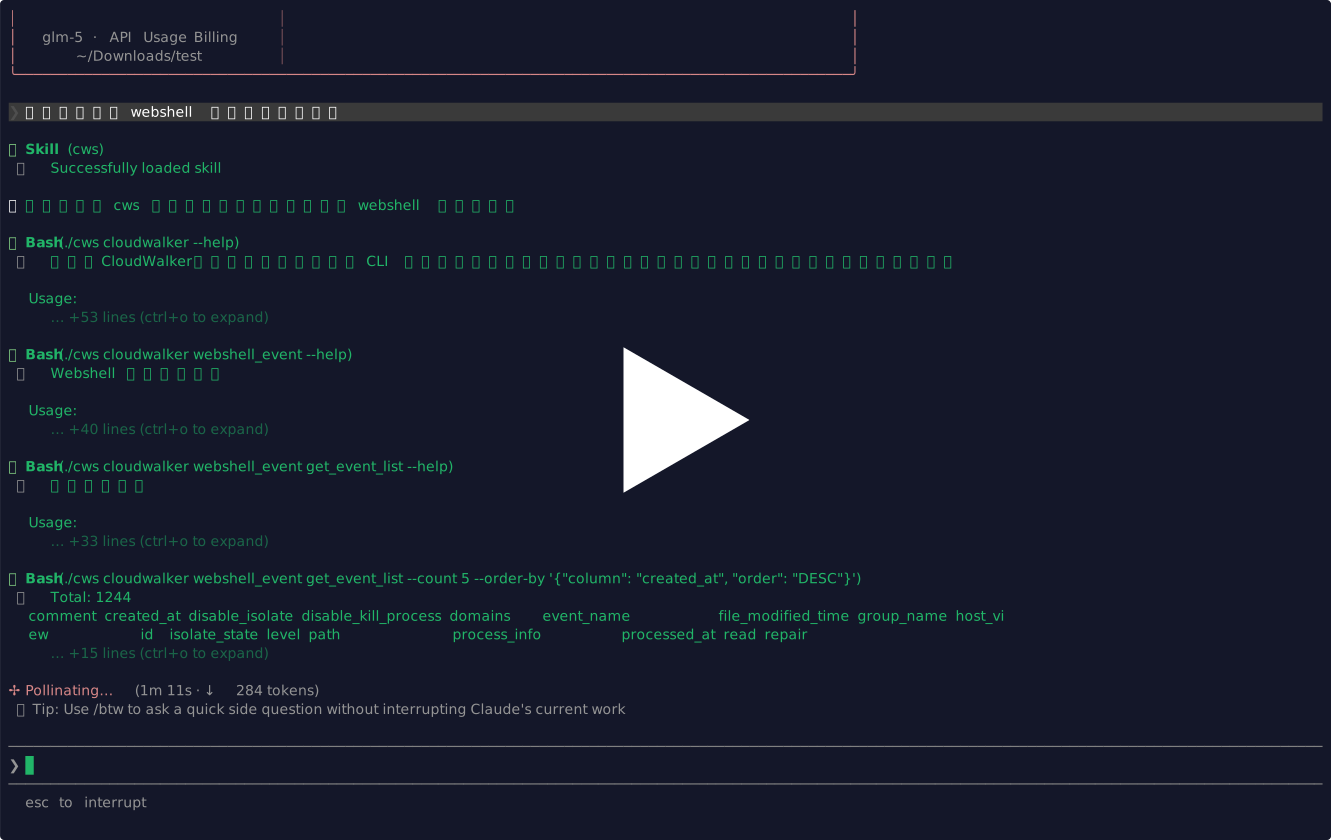
- "列出 CloudWalker 中的漏洞事件"
- "在 CodeForce 中创建降噪任务并查看结果"
演示
CloudWalker
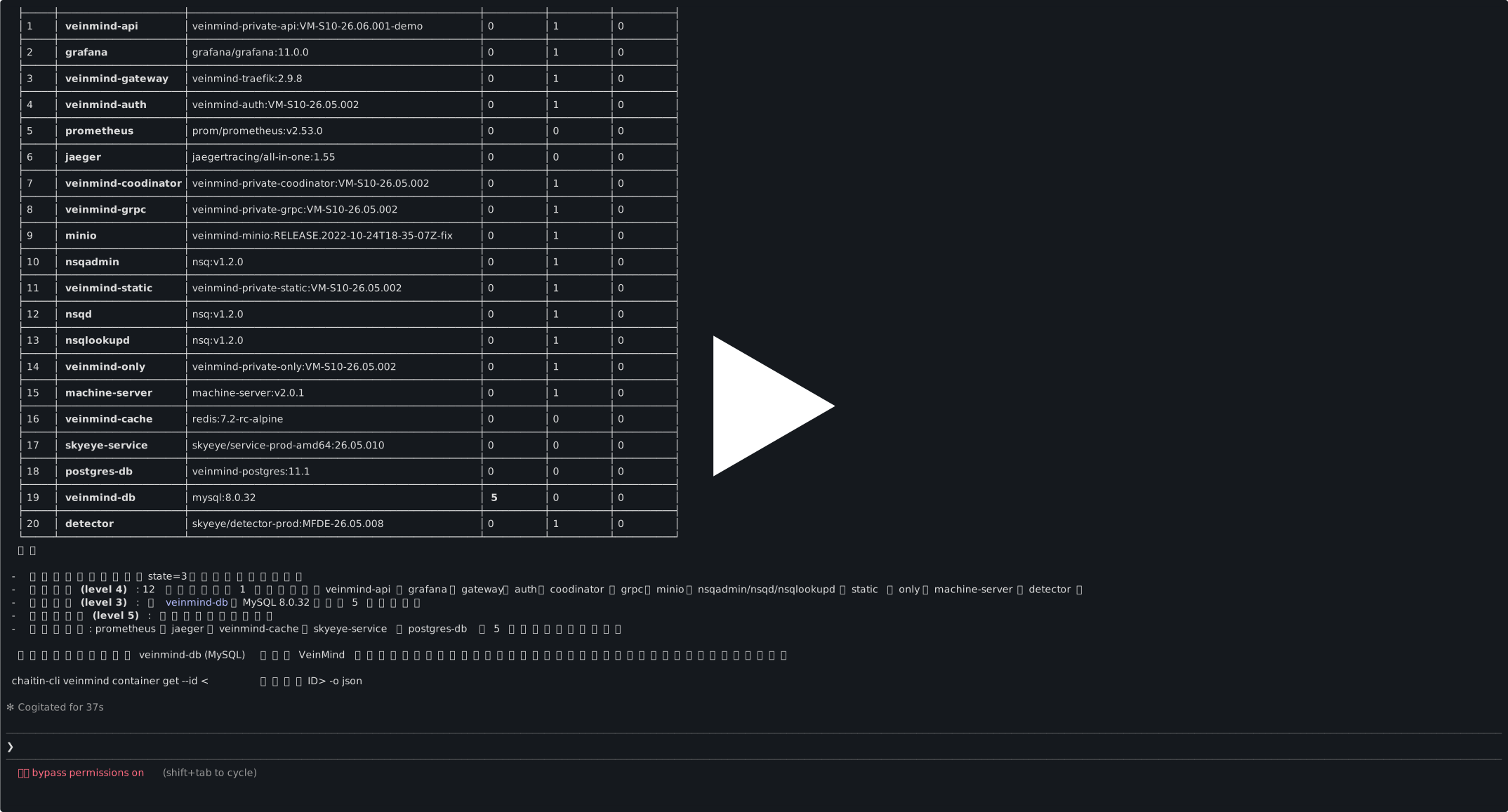
Veinmind
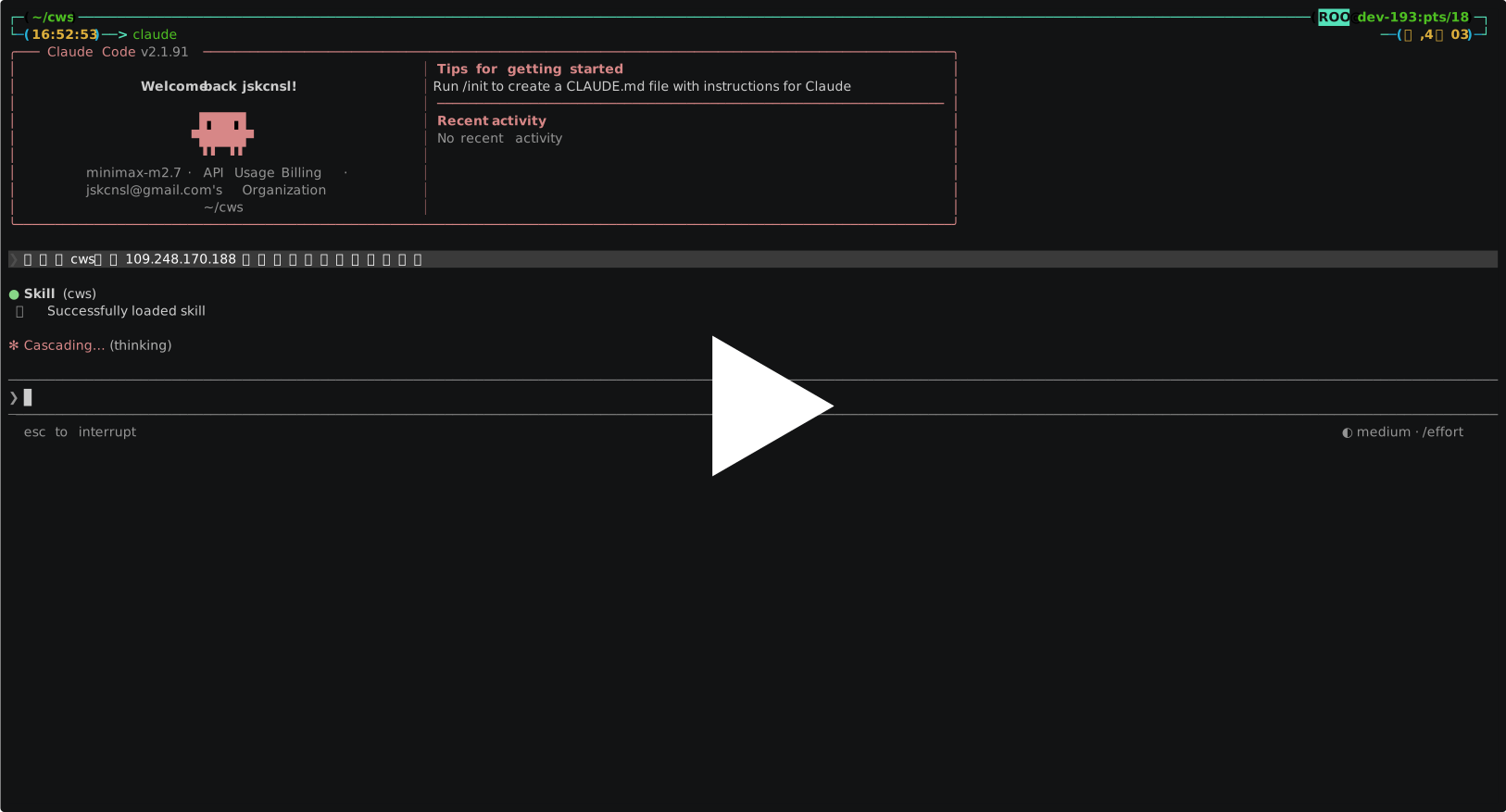
T-Answer
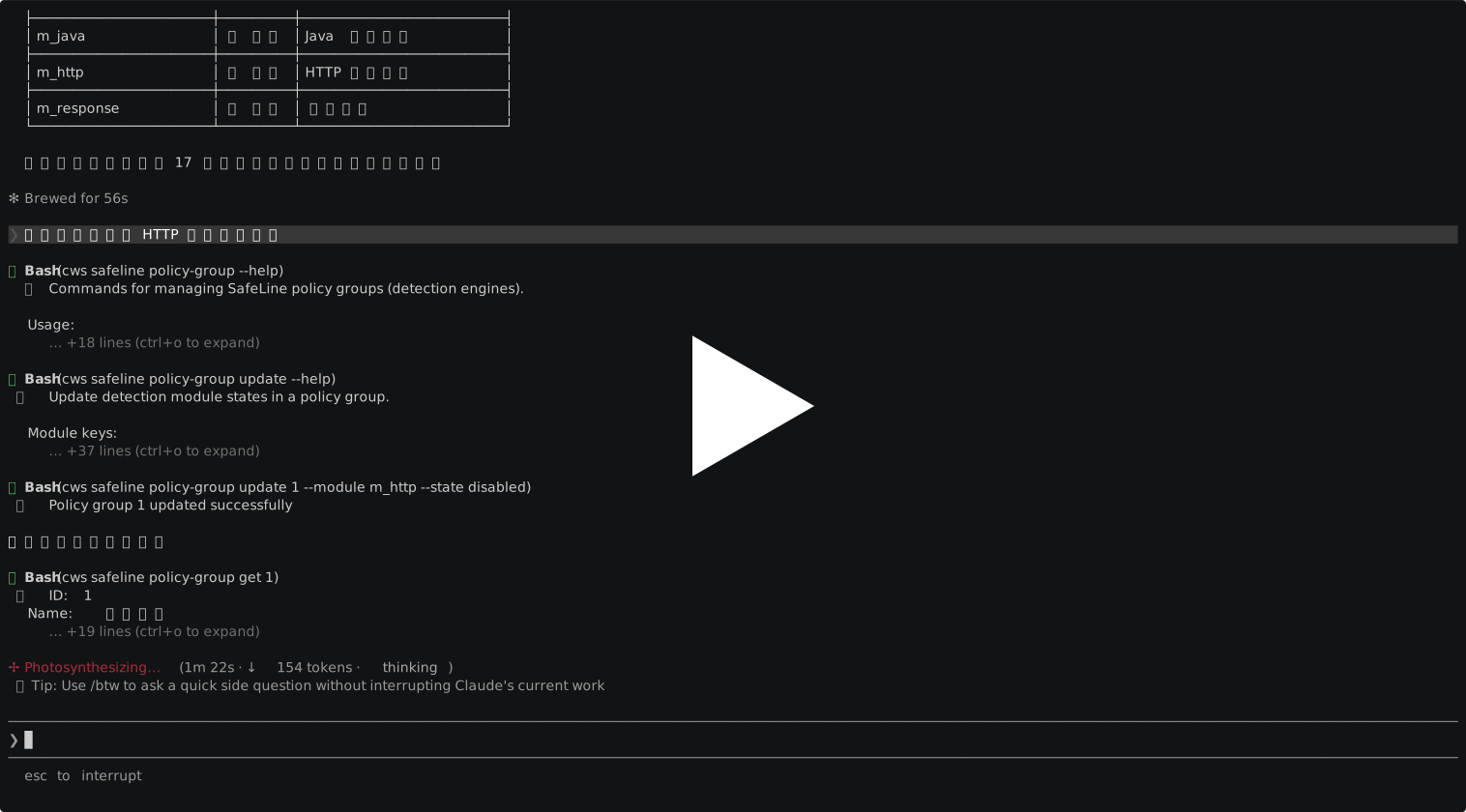
SafeLine
SafeLine-CE
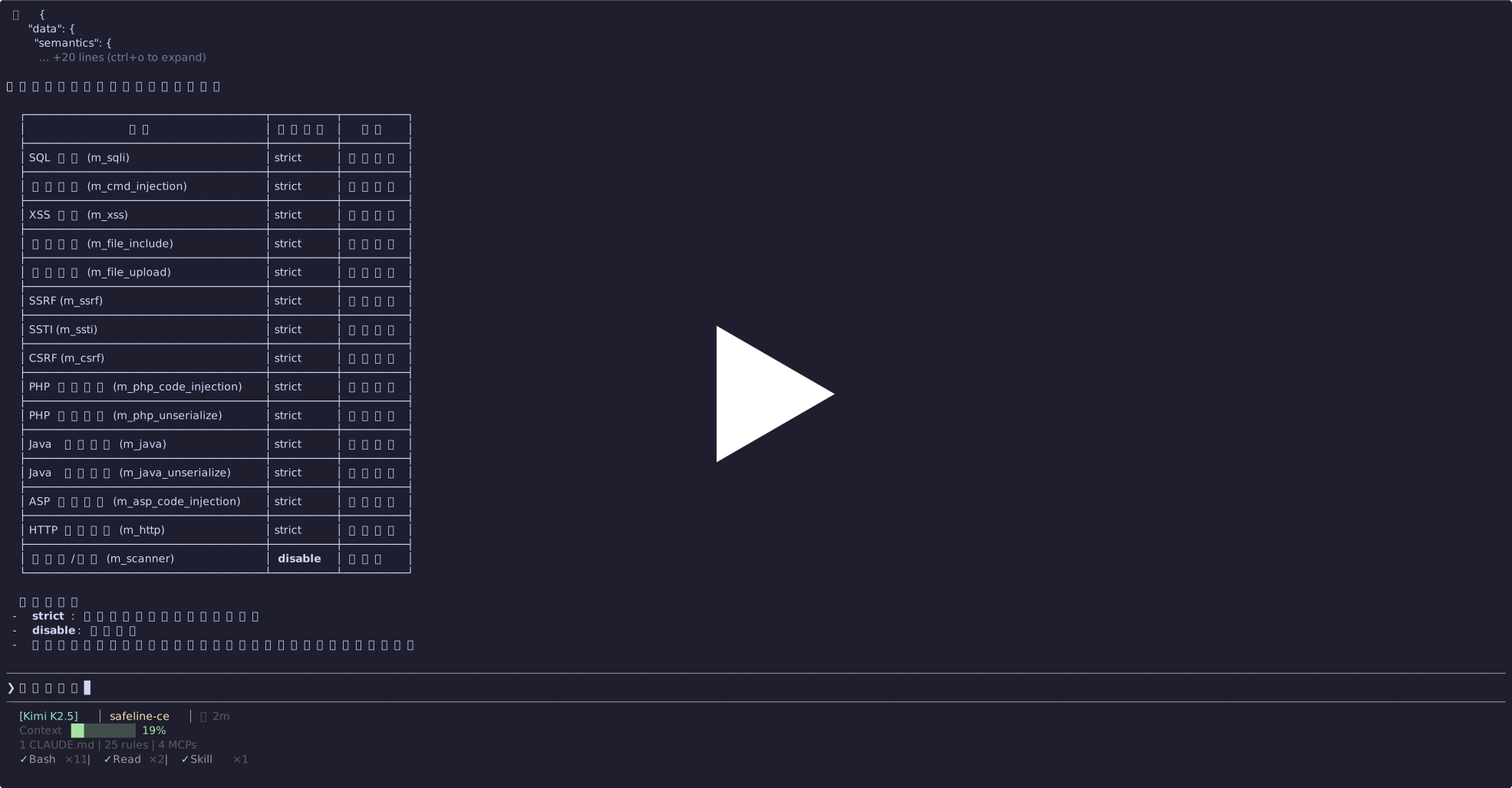
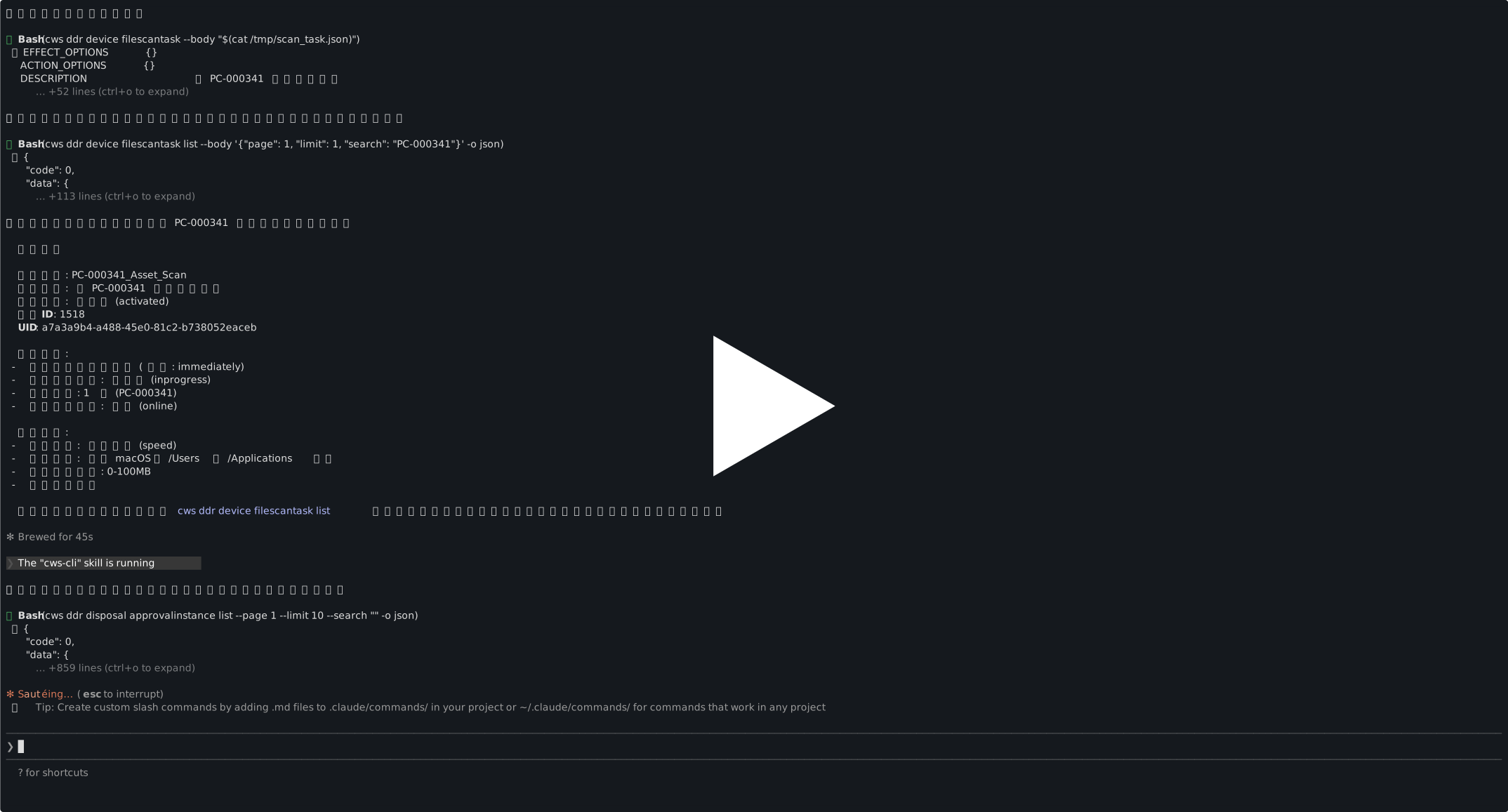
DDR
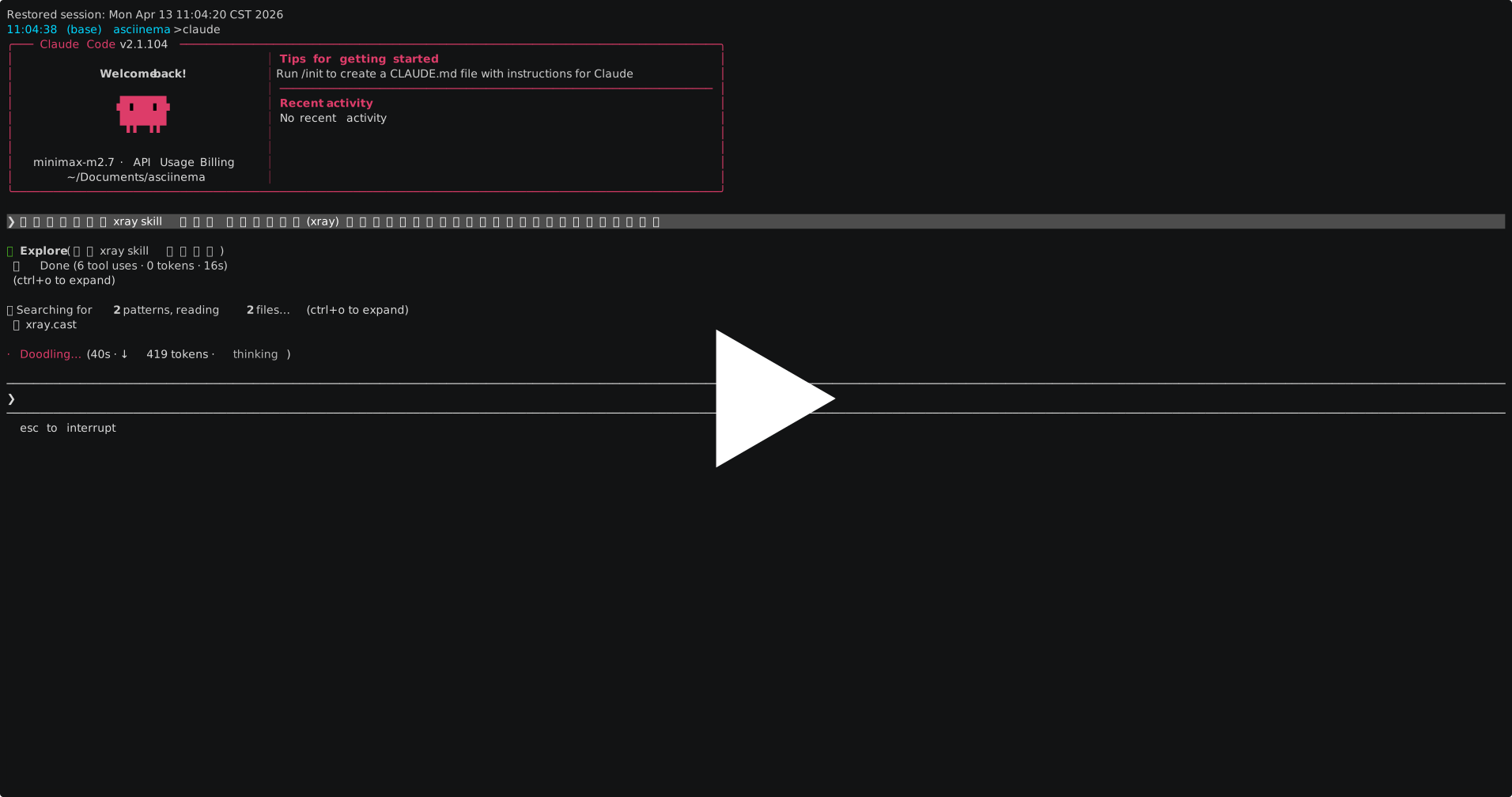
X-Ray
功能模块
| 模块 | 中文名 | 说明 |
|---|---|---|
chaitin |
主模块 | 示例和基础命令 |
safeline |
下一代Web应用防火墙(雷池20系列) | SafeLine WAF 站点、策略、ACL、攻击日志和系统信息管理 |
safeline-3 |
下一代Web应用防火墙(雷池30系列) | SafeLine-3 保护对象、策略、ACL、日志、监控、系统和网络管理 |
safeline-ce |
雷池WAF社区版 | SafeLine CE 站点、规则、日志、证书和增强防护管理 |
xray |
风险评估系统(洞鉴) | X-Ray 扫描任务、资产、漏洞、报告和系统配置管理 |
cloudAtlas |
资产暴露面运营管理(云图) | Cloud Atlas 资产、暴露面、风险、情报、策略和任务管理 |
cloudwalker |
云工作负载保护平台(牧云-主机安全) | CloudWalker CWPP 事件、资产、漏洞、防护策略和系统管理 |
veinmind |
云工作负载保护平台(牧云-容器安全) | CloudWalker CNAPP 容器、镜像、逃逸防护管理 |
tanswer |
流量威胁检测响应系统(全悉) | T-Answer 流量检测、白名单和阻断规则管理 |
ddr |
终端统一管控与安全检测响应平台(长亭DDR) | DDR API Token 和连接配置辅助能力 |
apisec |
高级API安全系统(APISEC) | APISec API 资产、站点、应用、访问者、数据安全和风险事件管理 |
dsensor |
主动威胁欺骗防御系统(谛听) | D-Sensor 谛听安全监控、探针、蜜罐、告警和威胁日志管理 |
codeinsight |
智能静态应用程序安全测试系统(慧鉴) | CodeInsight 项目、代码托管配置、扫描任务和报告导出管理 |
codeforce |
智能开发与安全一体化平台(码力) | CodeForce 项目、项目 AI 员工、AI 开发任务、原生审计、降噪、代码包、仓库和 Git 授权配置管理 |
cosmos |
安全分析与运营管理平台(万象) | Cosmos / AISOC 告警、日志、情报、封禁、资产、通知、运维、SOAR 和漏洞管理 |
根命令负责配置加载、产品命令注册和 BusyBox 风格调用分发;各产品目录负责自己的命令、参数、配置解析和 API 调用逻辑。
配置
推荐将各产品的连接信息写入 ~/.chaitin-cli/config.yaml。如果当前目录存在 ./config.yaml,且顶层包含 chaitin-cli 产品名,CLI 会优先读取这个本地配置,以兼容既有使用流程:
cloudAtlas:
  url: https://cloud-atlas.example.com/openapi
  token: YOUR_TOKEN
  space_id: YOUR_SPACE_ID

cloudwalker:
  url: https://cloudwalker.example.com/rpc
  api_key: YOUR_API_KEY

tanswer:
  url: https://tanswer.example.com
  api_key: YOUR_API_KEY

# chaitin-cli ddr get-api-token --url https://ddr.example.com:8443 --jwt-token "YOUR_JWT_TOKEN" 可以直接获取 url & api_key & company_id
ddr:
  url: "https://ddr.example.com:8443/qzh/api/v1"
  api_key: "YOUR_API_KEY"
  company_id: "YOUR_COMPANY_ID"

veinmind:
  url: "https://veinmind.example.com"
  api_key: "YOUR_64_CHARACTER_API_TOKEN"

xray:
  url: https://xray.example.com/api/v2
  api_key: YOUR_API_KEY

apisec:
  url: https://apisec.example.com
  api_token: YOUR_API_TOKEN

safeline-3:
  url: https://safeline3.example.com
  api_token: YOUR_API_TOKEN

dsensor:
  url: https://dsensor.example.com
  api_key: YOUR_API_KEY

codeinsight:
  url: https://codeinsight.example.com
  access_token: YOUR_ACCESS_TOKEN

codeforce:
  url: https://codeforce.example.com
  access_token: YOUR_ACCESS_TOKEN
  account_type: admin

cosmos:
  url: https://cosmos.example.com
  api_key: YOUR_JWT_BEARER_TOKEN
也可以把同样的配置放到环境变量或本地 .env 文件中。变量命名规则为 <PRODUCT>_<FIELD>:
cloudAtlas.url       -> CLOUD_ATLAS_URL
cloudAtlas.token     -> CLOUD_ATLAS_TOKEN
cloudAtlas.space_id  -> CLOUD_ATLAS_SPACE_ID
cloudwalker.url      -> CLOUDWALKER_URL
cloudwalker.api_key  -> CLOUDWALKER_API_KEY
tanswer.url          -> TANSWER_URL
tanswer.api_key      -> TANSWER_API_KEY
ddr.url              -> DDR_URL
ddr.api_key          -> DDR_API_KEY
ddr.company_id       -> DDR_COMPANY_ID
veinmind.url         -> VEINMIND_URL
veinmind.api_key     -> VEINMIND_API_KEY
xray.url             -> XRAY_URL
xray.api_key         -> XRAY_API_KEY
apisec.url           -> APISEC_URL
apisec.api_token     -> APISEC_API_TOKEN
dsensor.url          -> DSENSOR_URL
dsensor.api_key      -> DSENSOR_API_KEY
codeinsight.url      -> CODEINSIGHT_URL
codeinsight.access_token -> CODEINSIGHT_ACCESS_TOKEN 或 CODEINSIGHT_TOKEN
codeforce.url        -> CODEFORCE_URL
codeforce.access_token -> CODEFORCE_ACCESS_TOKEN 或 CODEFORCE_API_KEY
codeforce.account_type -> CODEFORCE_ACCOUNT_TYPE
cosmos.url           -> COSMOS_URL
cosmos.api_key       -> COSMOS_API_KEY
safeline-ce.url      -> SAFELINE_CE_URL
safeline-ce.api_key  -> SAFELINE_CE_API_KEY
safeline-3.url       -> SAFELINE_3_URL
safeline-3.api_token -> SAFELINE_3_API_TOKEN
safeline.url         -> SAFELINE_URL
safeline.api_key     -> SAFELINE_API_KEY
Cloud Atlas
Cloud Atlas 命令由内置 OpenAPI Schema 生成,认证使用 TOKEN 请求头。配置 cloudAtlas.space_id 后,查询命令会自动把它作为默认空间 ID;也可以通过根命令参数 --space-id 指定默认空间,或在具体子命令中用 --space 覆盖。
export CLOUD_ATLAS_URL=https://cloud-atlas.example.com/openapi
export CLOUD_ATLAS_TOKEN=YOUR_TOKEN
export CLOUD_ATLAS_SPACE_ID=YOUR_SPACE_ID

chaitin-cli cloudAtlas asset ip list --status valid --page 1 --size 20 --output json
chaitin-cli cloudAtlas exposure website list --status valid --page 1 --size 20 --output json
chaitin-cli cloudAtlas risk vulnerability list --status open --page 1 --size 20 --output json
常用命令分组包括 asset、exposure、risk、intelligence、strategy 和 task。完整参数以 chaitin-cli cloudAtlas --help 及对应子命令的 --help 为准。
APISec 常用查询不需要手动传内部 scope,优先使用语义化命令:
# 查询站点资产
chaitin-cli apisec asset site list --query count=100 --query offset=0 --output json

# 查询 API 资产
chaitin-cli apisec asset api list --query count=100 --query offset=0 --output json

# 查询风险事件
chaitin-cli apisec risk event list --query count=20 --query offset=0 --output json
apisec raw 保留为高级入口,用于调用生成出的底层 API 操作;日常查询建议先运行 chaitin-cli apisec --help 或对应语义命令的 --help。
SafeLine-3
SafeLine-3 命令使用 OpenAPI Token,请在配置中填写 safeline-3.api_token,或设置 SAFELINE_3_API_TOKEN。
AI Agent 的 SafeLine-3 调用策略见 products/safeline3/agent-skill.md。
chaitin-cli safeline-3 node-group list --output json
chaitin-cli safeline-3 site list --type reverse-proxy --page 1 --page-size 20 --output json
chaitin-cli safeline-3 policy-group list --page 1 --page-size 20 --output json
chaitin-cli safeline-3 log attack list --start -24h --page 1 --page-size 20 --output json
chaitin-cli safeline-3 raw request GET /api/v3/license
创建、更新、删除等复杂请求优先使用实体命令的语义参数;复杂嵌套结构可使用对应的 --payload-file、--application-file 等文件入口。raw request 是兜底入口,可调用未封装的 /api/v3/... 接口。
Cosmos / AISOC
完整模块文档见 products/cosmos/README.md。
Cosmos 通用 JSON-RPC 命令覆盖告警、日志、情报、封禁、资产、通知、运维、SOAR 和漏洞管理。根级 --dry-run 会打印脱敏后的请求摘要,不会发送请求。保存主机资产时,当前后端通常需要资产类型、分类和分组;--asset_ip_type 当前取值为 1 实际 IP、2 虚拟 IP:
chaitin-cli cosmos asset search-host-asset --count 20 --offset 0 --raw

chaitin-cli --dry-run cosmos asset save-host-asset \
  --ip 10.0.0.1/32 \
  --name demo-host \
  --organization_id 1 \
  --asset_ip_type 1 \
  --category_ids '[{"id":41,"name":"Linux"}]' \
  --group_id 1 \
  --raw
SafeLine 企业版 AI 站点操作
SafeLine 企业版命令支持面向 AI/AISOC 调度的环境检查、证书查询/上传、站点创建预览、站点创建和回退删除。
首版站点创建支持的部署模式:
Software Reverse ProxySoftware Cluster Reverse Proxy
推荐调度流程:
chaitin-cli safeline inspect --indent
chaitin-cli safeline site create capabilities --indent
chaitin-cli safeline cert list --indent
chaitin-cli safeline site create --check --name app-a --domain app.example.com --port 443 --ssl --cert-id 12 --upstream http://10.0.0.1:8080 --policy-group 3 --indent
chaitin-cli safeline site create --yes --name app-a --domain app.example.com --port 443 --ssl --cert-id 12 --upstream http://10.0.0.1:8080 --policy-group 3 --indent
chaitin-cli safeline site delete 123 --yes --indent
.env 示例:
SAFELINE_URL=https://safeline.example.com
SAFELINE_API_KEY=YOUR_API_KEY
XRAY_URL=https://xray.example.com/api/v2
XRAY_API_KEY=YOUR_API_KEY
优先级为 flags > environment/.env > 识别后的 ./config.yaml > ~/.chaitin-cli/config.yaml。如果 ./config.yaml 不包含 chaitin-cli 产品名,会被视为其他项目配置并忽略。识别到本地配置时,不会再合并全局配置。
可以通过根命令的 -c 或 --config 指定其他配置文件。这在切换多个产品实例或临时使用项目内配置时很有用,例如多个 SafeLine 环境:
chaitin-cli -c ./configs/safeline-prod.yaml safeline stats overview
chaitin-cli -c ./configs/safeline-staging.yaml safeline stats overview
会创建或更新配置的命令默认遵循同样的路径选择:如果当前目录存在可识别的 ./config.yaml,优先写入本地文件;否则写入 ~/.chaitin-cli/config.yaml。显式使用 -c / --config 时,只写入指定文件。
支持 dry-run 的命令可以使用根级别的 --dry-run:
chaitin-cli --dry-run xray plan PostPlanFilter --filterPlan.limit=10
chaitin-cli --dry-run cosmos asset save-host-asset --ip 10.0.0.1/32 --name demo-host --organization_id 1 --asset_ip_type 1 --category_ids '[{"id":41,"name":"Linux"}]' --group_id 1
CodeInsight 项目与任务
export CODEINSIGHT_URL=https://codeinsight.example.com
export CODEINSIGHT_TOKEN=YOUR_ACCESS_TOKEN

chaitin-cli codeinsight project create --name demo-java --language java
chaitin-cli codeinsight repo-config create --name git-prod --repo-type git --git-provider gitlab --server-host https://git.example.com/group/demo.git --auth-type access_token --access-token GIT_TOKEN
chaitin-cli codeinsight task create repo --project-name demo-java --task-name demo-repo --rule-set-name Corax-Java --repo-config-name git-prod --ref-type branch --ref-name main
chaitin-cli codeinsight task result --task-id 12345
chaitin-cli codeinsight task result download --task-id 12345 --out ./reports/12345.json
CodeForce 项目与任务
export CODEFORCE_URL=https://codeforce.example.com
export CODEFORCE_ACCESS_TOKEN=YOUR_ACCESS_TOKEN
export CODEFORCE_ACCOUNT_TYPE=admin

chaitin-cli codeforce project create --name demo-app --repository-id repo-1
chaitin-cli codeforce project ai-employee model-options --project-id project-1
chaitin-cli codeforce project ai-employee create --project-id project-1 --type dev --name backend-dev-agent --enabled
chaitin-cli codeforce project ai-dev create --project-id project-1 --employee-id employee-1 --title "Add repository health dashboard" --issue-url https://github.com/example/demo/issues/12 --branch feature/repo-health
chaitin-cli codeforce audit native create git --repository-id repo-1 --source-ref branch:main --audit-rule-id 101 --task-name "main native audit"
chaitin-cli codeforce code-management create --name demo-code-drop --version-description "2026-06 release" --file ./artifacts/demo.zip
chaitin-cli codeforce repository create project --name demo-git --platform gitlab --repositories-url https://git.example.com/group/demo.git --token GIT_TOKEN
chaitin-cli codeforce git-auth create --name github-personal --platform github --token GIT_TOKEN
chaitin-cli codeforce denoise parse --type sast --report-file ./reports/sast.json
chaitin-cli codeforce denoise create --type sast --name repo-noise-check --engineer-id engineer-1 --source-type repository --repository-name demo-repo --branch-or-tag main --report-file ./reports/sast.json
chaitin-cli codeforce denoise result --task-id denoise-task-1
说明:
account_type=admin|user走管理接口,适用于项目创建、AI 员工、AI 开发任务、原生审计、代码管理、项目仓库和 git-auth。account_type=openapi走 CodeForce 对外 OpenAPI,适用于openapi whoami、denoise parse、OpenAPI 方式的denoise create和部分结果查询。- 如果当前令牌实际上是 OpenAPI key,管理接口命令会明确提示切换凭证类型,而不会伪造成功。
项目结构
```text main.go # 主入口、根命令、产品注册和 BusyBox 风格调用 config/ # 配置加载、环境变量/.env 覆盖和配置写入逻辑 products// # 每个产品一个独立目录,包含命令和 API 客户端 products//cmd/ # 手写产品命令分组 products//client/ # 生成或封装的产品 API 客户端 skills/chaitin-cli/ # AI Agent Skill 和自动安装脚本 cmd/gen-cli/ # CLI 生成工具 Taskfile.yml # 构建、运行、检查和打包任务 .github/workflows/
Extension points exported contracts — how you extend this code
Renderer (Interface)Core symbols most depended-on inside this repo
CallShape
Languages
Modules by API surface
For agents
$ claude mcp add chaitin-cli \
  -- python -m otcore.mcp_server <graph>