hub / github.com/catppuccin/thunderbird
github.com/catppuccin/thunderbird @main
Chat with this repoBrowse by type
What it actually does AI analysis from the code graph — generated when you open this
loading…
README

 Catppuccin for Thunderbird
<a href="https://github.com/catppuccin/thunderbird/stargazers"><img alt="Stargazers" src="https://img.shields.io/github/stars/catppuccin/thunderbird?colorA=363a4f&colorB=b7bdf8&style=for-the-badge"></a>
<a href="https://github.com/catppuccin/thunderbird/issues"><img src="https://img.shields.io/github/issues/catppuccin/thunderbird?colorA=363a4f&colorB=f5a97f&style=for-the-badge"></a>
<a href="https://github.com/catppuccin/thunderbird/contributors"><img src="https://img.shields.io/github/contributors/catppuccin/thunderbird?colorA=363a4f&colorB=a6da95&style=for-the-badge"></a>

Previews
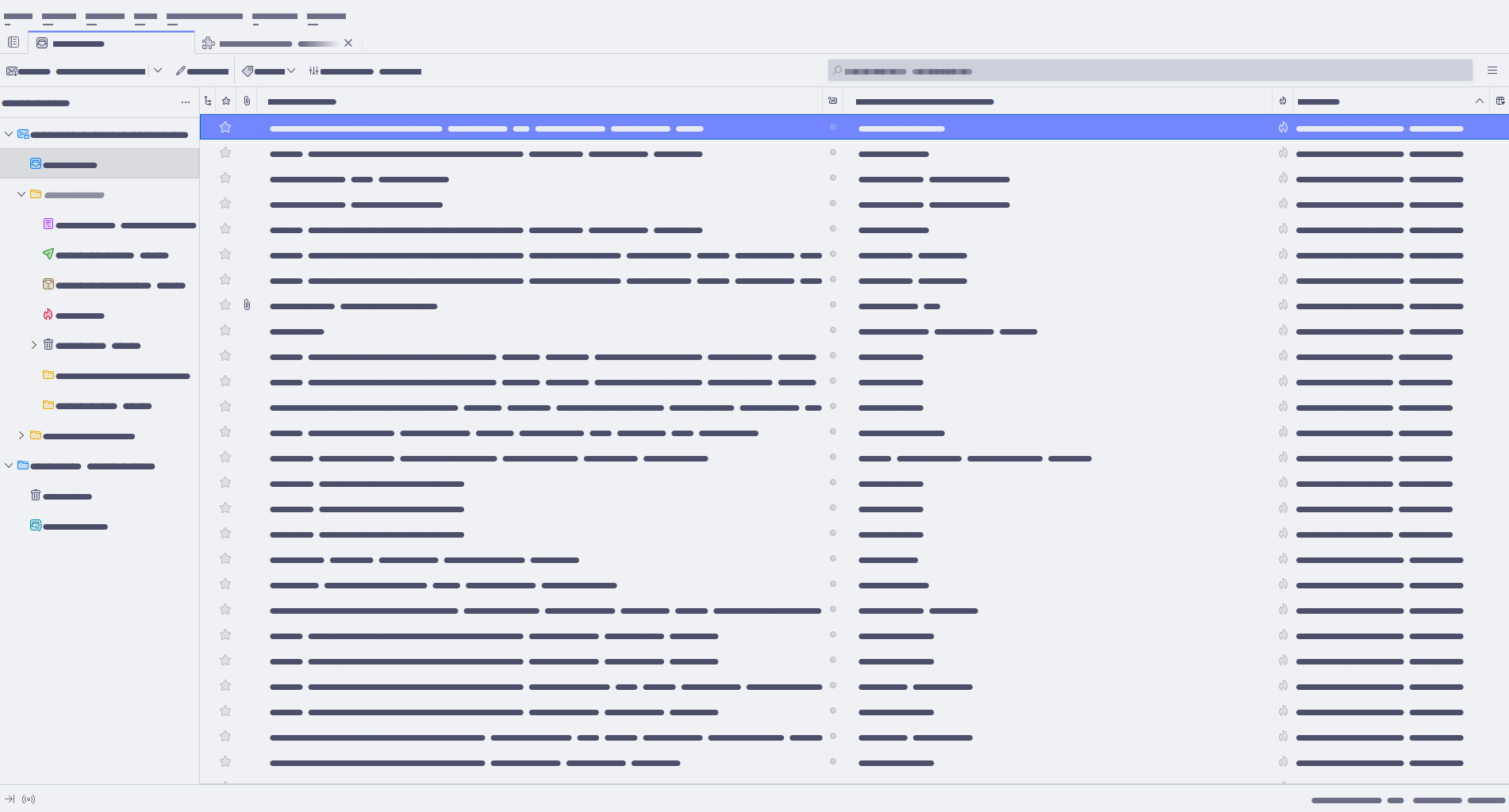
🌻 Latte
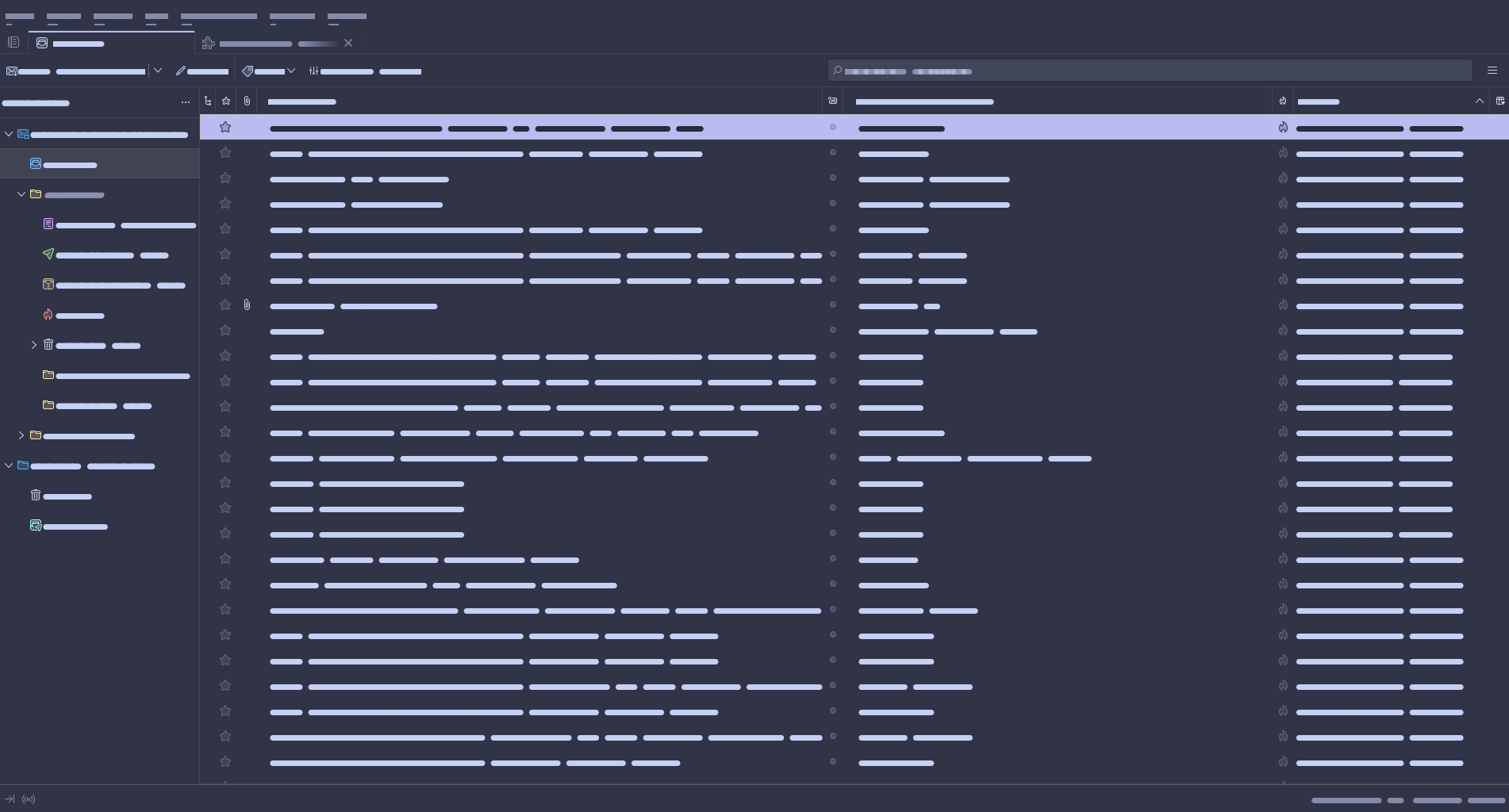
🪴 Frappé
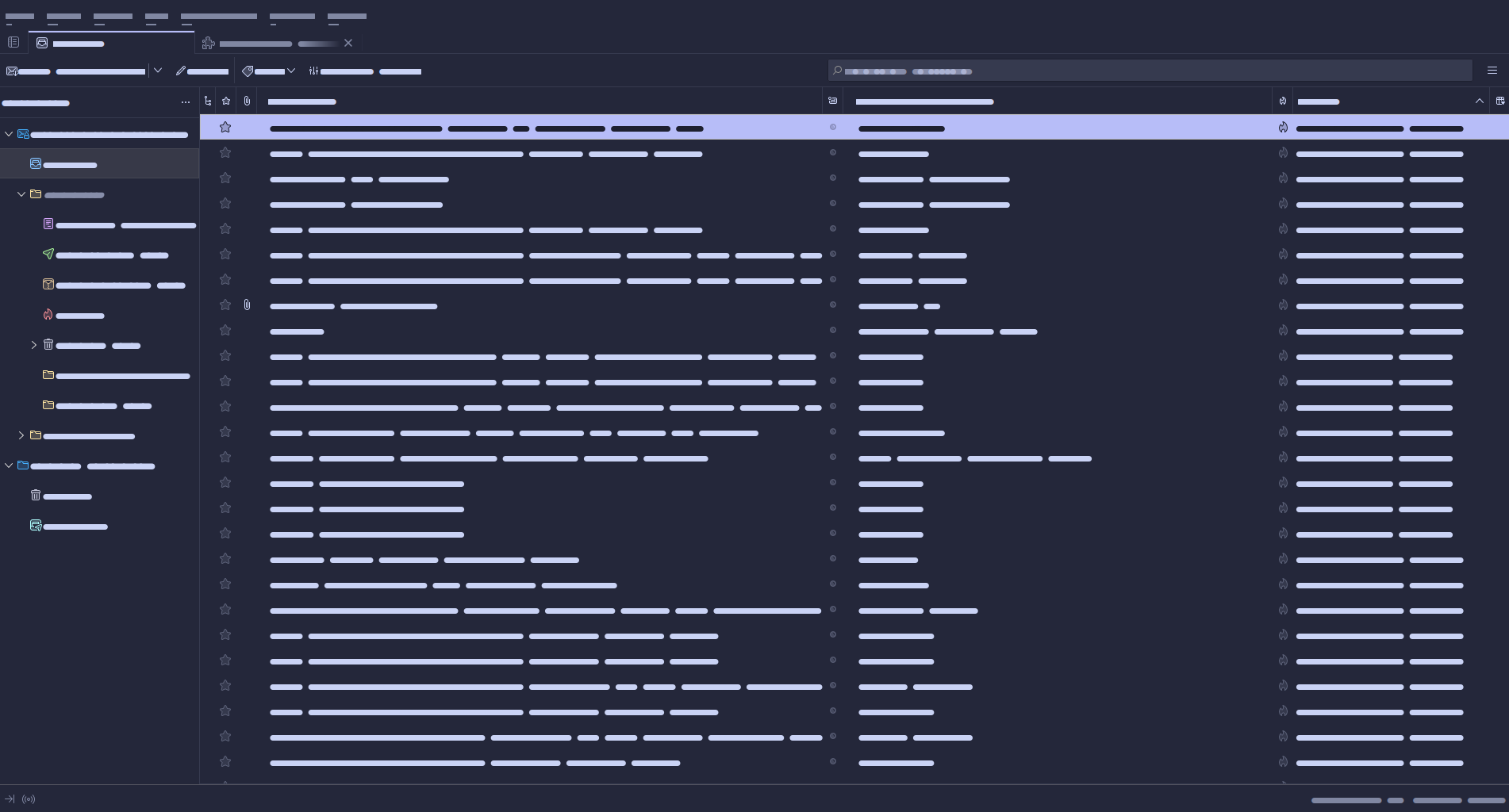
🌺 Macchiato
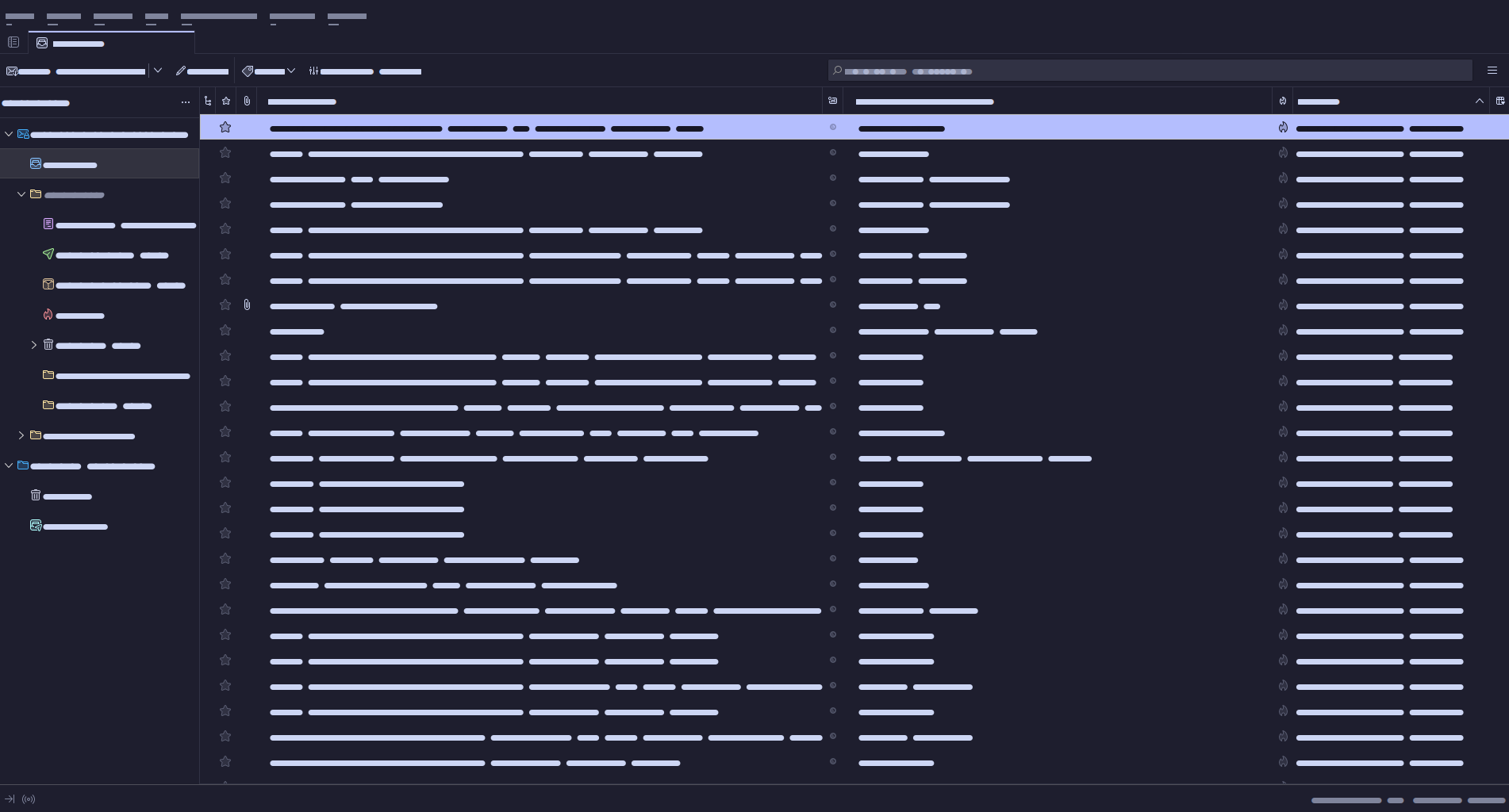
🌿 Mocha
Usage
- Clone this repository
- Open Thunderbird, go to
Settings > Add-ons and Themes - Click on the gear icon at the top-right corner and then select "Install Add-on From File..."
- Select a theme of choice from
themesfolder of downloaded repository, i.e.mocha/mocha-blue.xpi - Enjoy!
💝 Thanks to

Copyright © 2021-present Catppuccin Org

Core symbols most depended-on inside this repo
Shape
Languages
TypeScript100%
Modules by API surface
build.ts2 symbols
For agents
$ claude mcp add thunderbird \
  -- python -m otcore.mcp_server <graph>