github.com/bytescale/bytescale-javascript-sdk @v3.53.0
Chat with this repoWhat it actually does AI analysis from the code graph — generated when you open this
README








Use the Bytescale JavaScript SDK to upload, transform, and serve files at scale.
Full SDK Documentation • Upload Widget • Media Processing APIs • Storage • CDN
Installation
For Node.js:
npm install @bytescale/sdk node-fetch
For Browsers:
npm install @bytescale/sdk
If you'd prefer to use a script tag:
<script src="https://js.bytescale.com/sdk/v3"></script>
Uploading Files — Try on CodePen
This library is isomorphic, meaning you can upload files from Node.js, or the browser, or both.
From Node.js:
import * as Bytescale from "@bytescale/sdk";
import nodeFetch from "node-fetch";

const uploadManager = new Bytescale.UploadManager({
  fetchApi: nodeFetch, // import nodeFetch from "node-fetch"; // Only required for Node.js. TypeScript: 'nodeFetch as any' may be necessary.
  apiKey: "free" // Get API keys from: www.bytescale.com
});

uploadManager
  .upload({
    // Supported types:
    // - String
    // - Blob
    // - ArrayBuffer
    // - Buffer
    // - ReadableStream (Node.js), e.g. fs.createReadStream("file.txt")
    data: "Hello World",

    // ---------
    // Optional:
    // ---------

    // Required if 'data' is a stream.
    // size: 5098, // e.g. fs.statSync("file.txt").size

    // Required if 'data' is a stream, buffer, or string.
    mime: "text/plain",

    // Required if 'data' is a stream, buffer, or string.
    originalFileName: "my_file.txt"

    // Reports progress: bytesTotal, bytesSent, progress.
    // onProgress: ({ progress }) => console.log(progress),

    // Controls multipart upload concurrency. Ignored if 'data' is a stream.
    // maxConcurrentUploadParts: 4,

    // Up to 2KB of arbitrary JSON.
    // metadata: {
    //   productId: 60891
    // },

    // Up to 25 tags per file.
    // tags: [
    //   "example_tag"
    // ],

    // About file paths:
    // - Your API key's "file upload path" is used by default, and can be changed by editing the API key's settings.
    // - You can override the API key's file upload path by specifying a path below.
    // - You may use path variables (e.g. "{UTC_DAY}"): http://localhost:3201/docs/path-variables
    // path: {
    //   folderPath: "/uploads/{UTC_YEAR}/{UTC_MONTH}/{UTC_DAY}",
    //   fileName: "{UTC_TIME_TOKEN_INVERSE}{UNIQUE_DIGITS_2}{ORIGINAL_FILE_EXT}"
    // },

    // Set to 'isCancelled = true' after invoking 'upload' to cancel the upload.
    // cancellationToken: {
    //   isCancelled: false
    // }
  })
  .then(
    ({ fileUrl, filePath }) => {
      // --------------------------------------------
      // File successfully uploaded!
      // --------------------------------------------
      // The 'filePath' uniquely identifies the file,
      // and is what you should save to your DB.
      // --------------------------------------------
      console.log(`File uploaded to: ${fileUrl}`);
    },
    error => console.error(`Error: ${error.message}`, error)
  );
From the Browser:
<html>
  <head>
    <script src="https://js.bytescale.com/sdk/v3"></script>
    <script>
      // import * as Bytescale from "@bytescale/sdk"
      const uploadManager = new Bytescale.UploadManager({
        apiKey: "free" // Get API keys from: www.bytescale.com
      });

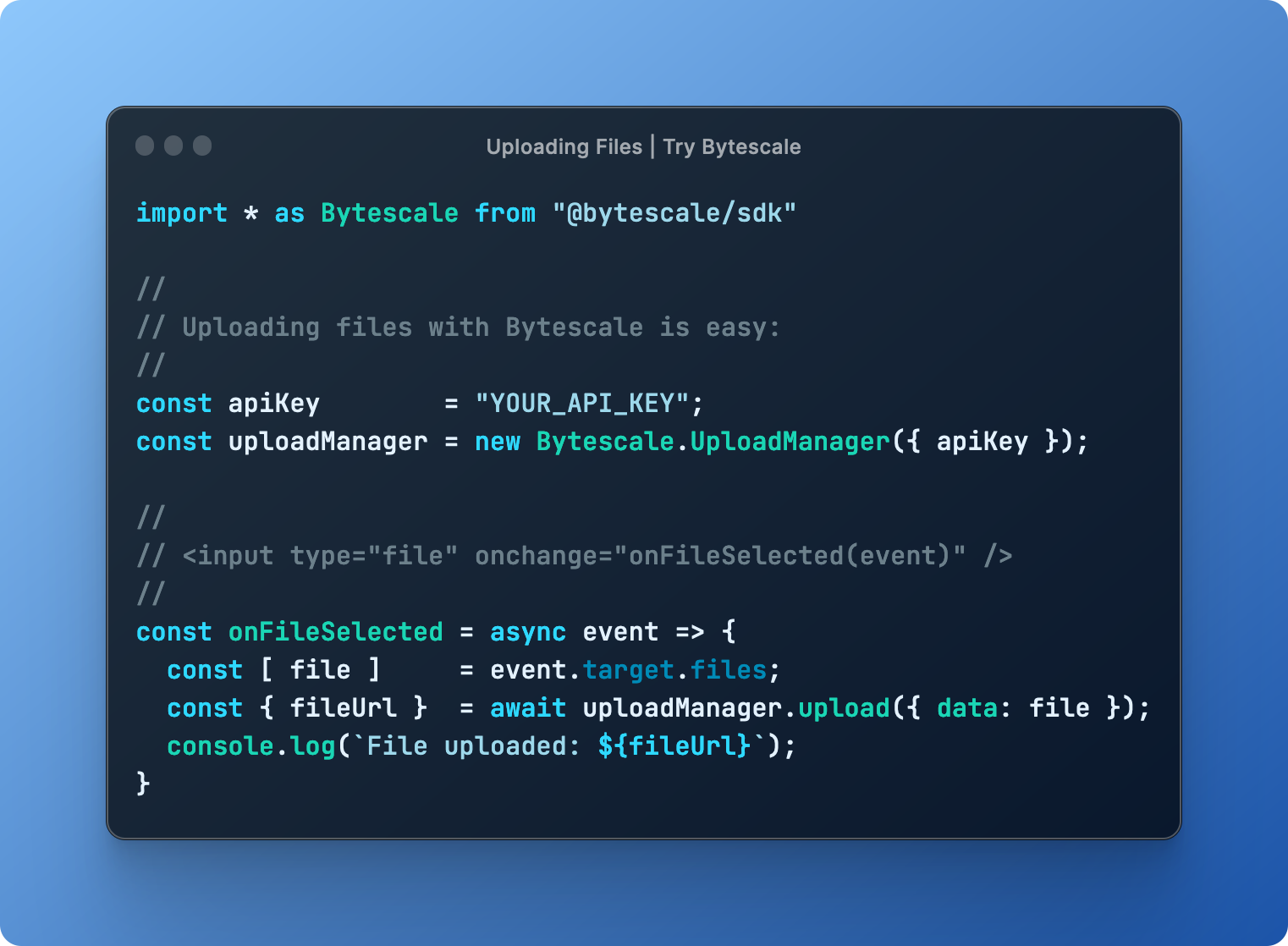
      const onFileSelected = async event => {
        const file = event.target.files[0];

        try {
          const { fileUrl, filePath } = await uploadManager.upload({
            // Supported types:
            // - String
            // - Blob
            // - ArrayBuffer
            // - File (i.e. from a DOM file input element)
            data: file

            // ---------
            // Optional:
            // ---------

            // Required if 'data' is a stream. Node.js only. (Not required when uploading files from the browser.)
            // size: 5098, // e.g. fs.statSync("file.txt").size

            // Required if 'data' is a stream, buffer, or string. (Not required for DOM file inputs or blobs.)
            // mime: "application/octet-stream",

            // Required if 'data' is a stream, buffer, or string. (Not required for DOM file inputs or blobs.)
            // originalFileName: "my_file.txt",

            // Reports progress: bytesTotal, bytesSent, progress.
            // onProgress: ({ progress }) => console.log(progress),

            // Controls multipart upload concurrency. Ignored if 'data' is a stream.
            // maxConcurrentUploadParts: 4,

            // Up to 2KB of arbitrary JSON.
            // metadata: {
            //   productId: 60891
            // },

            // Up to 25 tags per file.
            // tags: [
            //   "example_tag"
            // ],

            // About file paths:
            // - Your API key's "file upload path" is used by default, and can be changed by editing the API key's settings.
            // - You can override the API key's file upload path by specifying a path below.
            // - You may use path variables (e.g. "{UTC_DAY}"): http://localhost:3201/docs/path-variables
            // path: {
            //   folderPath: "/uploads/{UTC_YEAR}/{UTC_MONTH}/{UTC_DAY}",
            //   fileName: "{UTC_TIME_TOKEN_INVERSE}{UNIQUE_DIGITS_2}{ORIGINAL_FILE_EXT}"
            // },

            // Set to 'isCancelled = true' after invoking 'upload' to cancel the upload.
            // cancellationToken: {
            //   isCancelled: false
            // }
          });

          // --------------------------------------------
          // File successfully uploaded!
          // --------------------------------------------
          // The 'filePath' uniquely identifies the file,
          // and is what you should save to your API.
          // --------------------------------------------
          alert(`File uploaded:\n${fileUrl}`);
        } catch (e) {
          alert(`Error:\n${e.message}`);
        }
      };
    </script>
  </head>
  <body>
    <input type="file" onchange="onFileSelected(event)" />
  </body>
</html>
Downloading Files
import * as Bytescale from "@bytescale/sdk";
import nodeFetch from "node-fetch"; // Only required for Node.js

const fileApi = new Bytescale.FileApi({
  fetchApi: nodeFetch, // import nodeFetch from "node-fetch"; // Only required for Node.js. TypeScript: 'nodeFetch as any' may be necessary.
  apiKey: "YOUR_API_KEY" // e.g. "secret_xxxxx"
});

fileApi
  .downloadFile({
    accountId: "YOUR_ACCOUNT_ID", // e.g. "W142hJk"
    filePath: "/uploads/2022/12/25/hello_world.txt"
  })
  .then(response => response.text()) // .text() | .json() | .blob() | .stream()
  .then(
    fileContents => console.log(fileContents),
    error => console.error(error)
  );
Use the UrlBuilder to get a URL instead (if you need a file URL instead of a binary stream).
Processing Files
import * as Bytescale from "@bytescale/sdk";
import fetch from "node-fetch"; // Only required for Node.js
import fs from "fs";

const fileApi = new Bytescale.FileApi({
  fetchApi: nodeFetch, // import nodeFetch from "node-fetch"; // Only required for Node.js. TypeScript: 'nodeFetch as any' may be necessary.
  apiKey: "YOUR_API_KEY" // e.g. "secret_xxxxx"
});

fileApi
  .processFile({
    accountId: "YOUR_ACCOUNT_ID", // e.g. "W142hJk"
    filePath: "/uploads/2022/12/25/image.jpg",

    // See: https://www.bytescale.com/docs/image-processing-api
    transformation: "image",
    transformationParams: {
      w: 800,
      h: 600
    }
  })
  .then(response => response.stream()) // .text() | .json() | .blob() | .stream()
  .then(
    imageByteStream =>
      new Promise((resolve, reject) => {
        const writer = fs.createWriteStream("image-thumbnail.jpg");
        writer.on("close", resolve);
        writer.on("error", reject);
        imageByteStream.pipe(writer);
      })
  )
  .then(
    () => console.log("Thumbnail saved to 'image-thumbnail.jpg'"),
    error => console.error(error)
  );
Use the UrlBuilder to get a URL instead (if you need a file URL instead of a binary stream).
Get File Details
import * as Bytescale from "@bytescale/sdk";
import fetch from "node-fetch"; // Only required for Node.js

const fileApi = new Bytescale.FileApi({
  fetchApi: nodeFetch, // import nodeFetch from "node-fetch"; // Only required for Node.js. TypeScript: 'nodeFetch as any' may be necessary.
  apiKey: "YOUR_API_KEY" // e.g. "secret_xxxxx"
});

fileApi
  .getFileDetails({
    accountId: "YOUR_ACCOUNT_ID", // e.g. "W142hJk"
    filePath: "/uploads/2022/12/25/image.jpg"
  })
  .then(
    fileDetails => console.log(fileDetails),
    error => console.error(error)
  );
Listing Folders
import * as Bytescale from "@bytescale/sdk";
import fetch from "node-fetch"; // Only required for Node.js

const folderApi = new Bytescale.FolderApi({
  fetchApi: nodeFetch, // import nodeFetch from "node-fetch"; // Only required for Node.js. TypeScript: 'nodeFetch as any' may be necessary.
  apiKey: "YOUR_API_KEY" // e.g. "secret_xxxxx"
});

folderApi
  .listFolder({
    accountId: "YOUR_ACCOUNT_ID", // e.g. "W142hJk"
    folderPath: "/",
    recursive: false
  })
  .then(
    // Note: operation is paginated, see 'result.cursor' and 'params.cursor'.
    result => console.log(`Items in folder: ${result.items.length}`),
    error => console.error(error)
  );
📙 Bytescale SDK API Reference
For a complete list of operations, please see:
Bytescale JavaScript SDK Docs »
🌐 Media Processing APIs (Image/Video/Audio)
Bytescale provides several real-time Media Processing APIs:
- Image Processing APIs (resize, crop, convert, compress & watermark)
- Video Processing APIs (transcode, optimize, resize & extract metadata)
- Audio Processing APIs (transcode, optimize, trim & extract metadata)
Image Processing API (Original Image)
Here's an example using a photo of Chicago:

https://upcdn.io/W142hJk/raw/example/city-landscape.jpg
Image Processing API (Transformed Image)
Using the Image Processing API, you can produce [this image](https://upcdn.io/W142hJk/image/example/city-landscape.jpg?w=900&h=600&fit=crop&f=webp&q=80&blur=4&text=WATERMARK&layer-opacity=80&blend=overlay&layer-rotate=315&font-size=100&padding=10&font-
Extension points exported contracts — how you extend this code
AuthManagerInterface (Interface)Core symbols most depended-on inside this repo
urlShape
Languages
Modules by API surface
For agents
$ claude mcp add bytescale-javascript-sdk \
  -- python -m otcore.mcp_server <graph>