github.com/buddhi1980/mandelbulber2 @2.34
Chat with this repoBrowse by type
What it actually does AI analysis from the code graph — generated when you open this
README

| Coverity Scan | Build Status | Gitter Chat |
|---|---|---|
 |
Linux:
 Windows:
 Azure:
 |
 |
Universal Idea
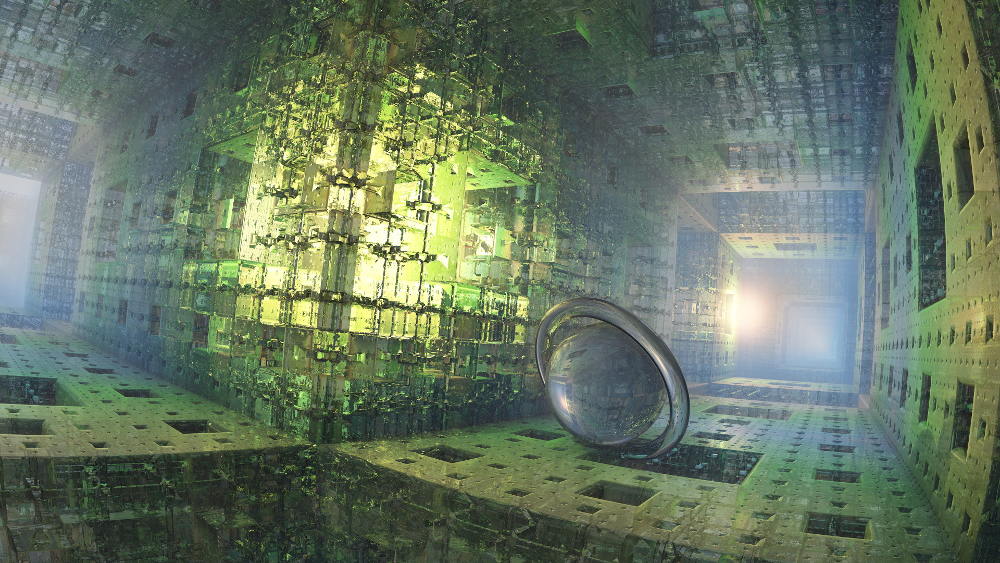
Mandelbulber creatively generates three-dimensional fractals.
Explore trigonometric, hyper-complex, Mandelbox, IFS, and many other 3D fractals.
Render with a great palette of customizable materials to create stunning images and videos.
The possibilities are literally infinite!
Features
- High-Performance computing with multiple graphics accelerator cards (multi-GPU support via OpenCL)
- Mathematical Models and Monte Carlo Algorithms for photo-realistic scenes
- Enlightening Documentation
- Renders trigonometric, hyper-complex, Mandelbox, IFS, and many other 3D fractals
- Complex 3D raymarching: hard shadows, ambient occlusion, depth of field, translucency & refraction, etc.
- Rich GUI in Qt 5 environment
- Unlimited image resolution on 64-bit systems
- Program developed for ARM (experimental), x86 and x64 CPUs (Linux, Windows, macOS)
- Simple 3D navigator
- Distributed Network Rendering
- Key-frame animation for all parameters with different interpolations
- Material management
- Texture mapping (color, luminosity, diffusion, normal maps, displacement)
- Exporting of 3D objects
- Rendering queue
- Command line interface for headless systems


Keyboard shortcuts
In render window:
- Shift+Up or Q / Shift+Down or Z: Move Camera Forward / Backward
- Shift+Left or A / Shift+Right or D: Move Camera Left / Right
- W / S: Move Camera Up / Down
- Up / Down / Left / Right: Rotate Camera
- Ctrl+(Left / Right): Roll Camera Left / Right
Building and Deploying
Download the latest stable version from Releases or clone git repository for actual development version.
After downloading, unpack the file and follow our instructions from the README file. Please see additional information in mandelbulber2/deploy folder.
Easy Preparation for Development
The software is natively developed using Qt Creator for Linux (Debian or Ubuntu).
The file mandelbulber2/qmake/mandelbulber.pro specifies the build system configuration for Qt Creator. To be able to compile the program, the host operating system requires preparation:
Use the following scripts to prepare your Linux environment for development. These scripts install all dependencies, compile the program, and create symbolic links in /usr/share/mandelbulber to your working directory.
Prepare Debian for Development
Prepare Ubuntu for Development
Arch Linux AUR Package (Current release)
Arch Linux AUR Package (Current git snapshot)
Arch Linux AUR Package (Current git snapshot with opencl support)
In addition, there exists an MSVC Solution located in this git package. The solution accommodates all dependencies with NUGET for autonomous compilation of OpenCL accelerated binary.
The system requires the QT5 framework in conjunction with LZO for real-time data compression and GSL for scientific resources.
Official partners

Resources

License
GNU GPL v3
Core symbols most depended-on inside this repo
Shape
Languages
Modules by API surface
For agents
$ claude mcp add mandelbulber2 \
  -- python -m otcore.mcp_server <graph>