hub / github.com/bevacqua/hit-that
github.com/bevacqua/hit-that @v1.0.5
Chat with this repo
5 symbols
6 edges
2 files
0 documented · 0%
What it actually does AI analysis from the code graph — generated when you open this
loading…
README
hit-that
Render beautiful pixel perfect representations of websites in your terminal
Installation
npm install -g hit-that
API
Hit That comes with a simple API where it exports just a function hitThat(url, options?). The first argument is the url you intend to render. The second argument is an optional configuration object.
width=1024is the viewport width in pixels that we'll use for the screenshotheight=768is the viewport height in pixels that we'll use for the screenshotcols=80is the amount of columns we'll allocate to the terminal representationdest=process.stdoutis the destination stream you want to pipe the results to.
var hitThat = require('hit-that');

hitThat('http://ponyfoo.com');
CLI
There's a command-line interface as well.
ht ponyfoo.com
Usage:

ht <url> --width [width] --height [height] --cols [cols]

Options:

  --width   Viewport width in pixels
  --height  Viewport height in pixels
  --cols    Terminal columns to use
  --help    Render this information
  --version Render version information
Example
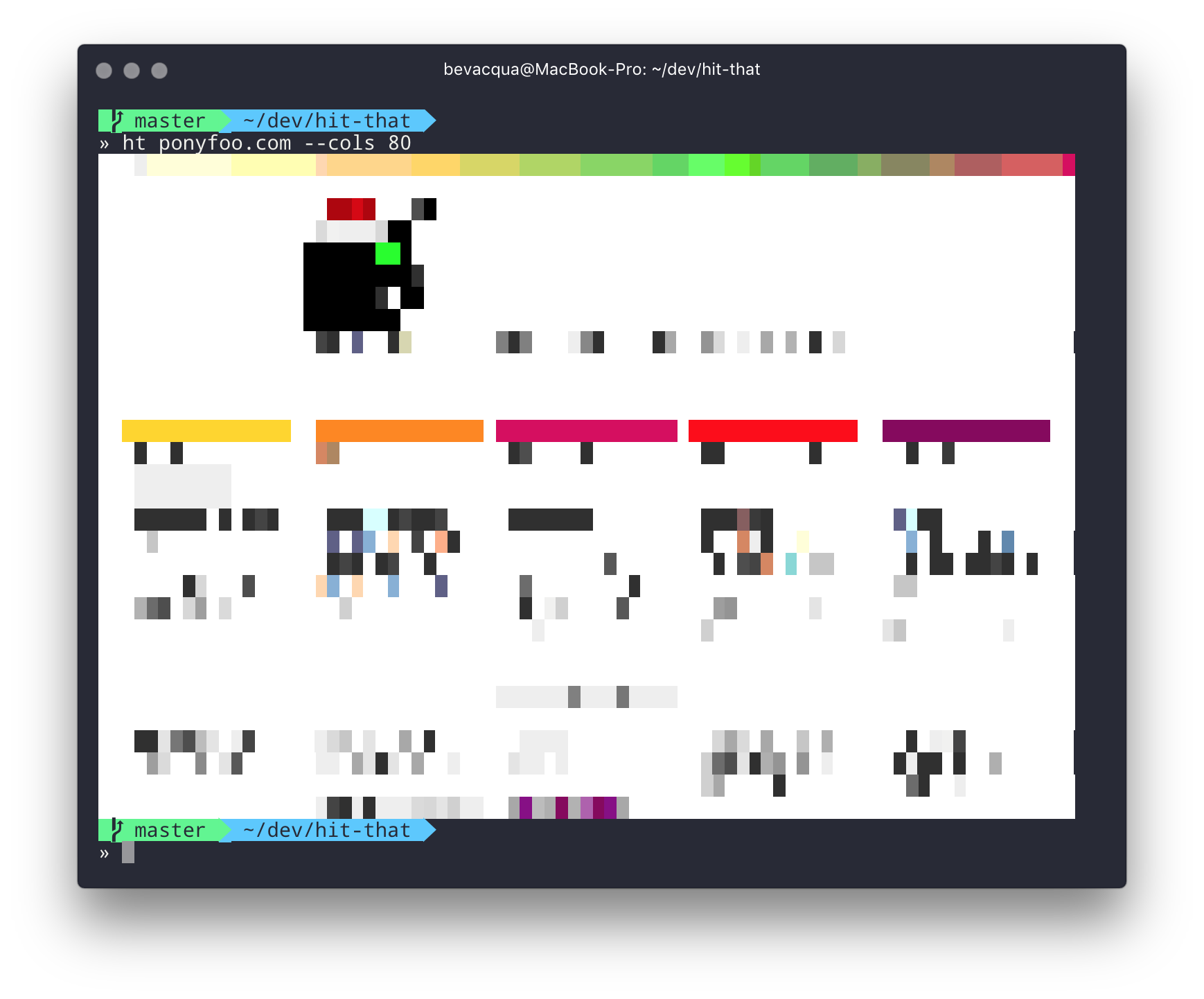

Use it as a CLI banner!
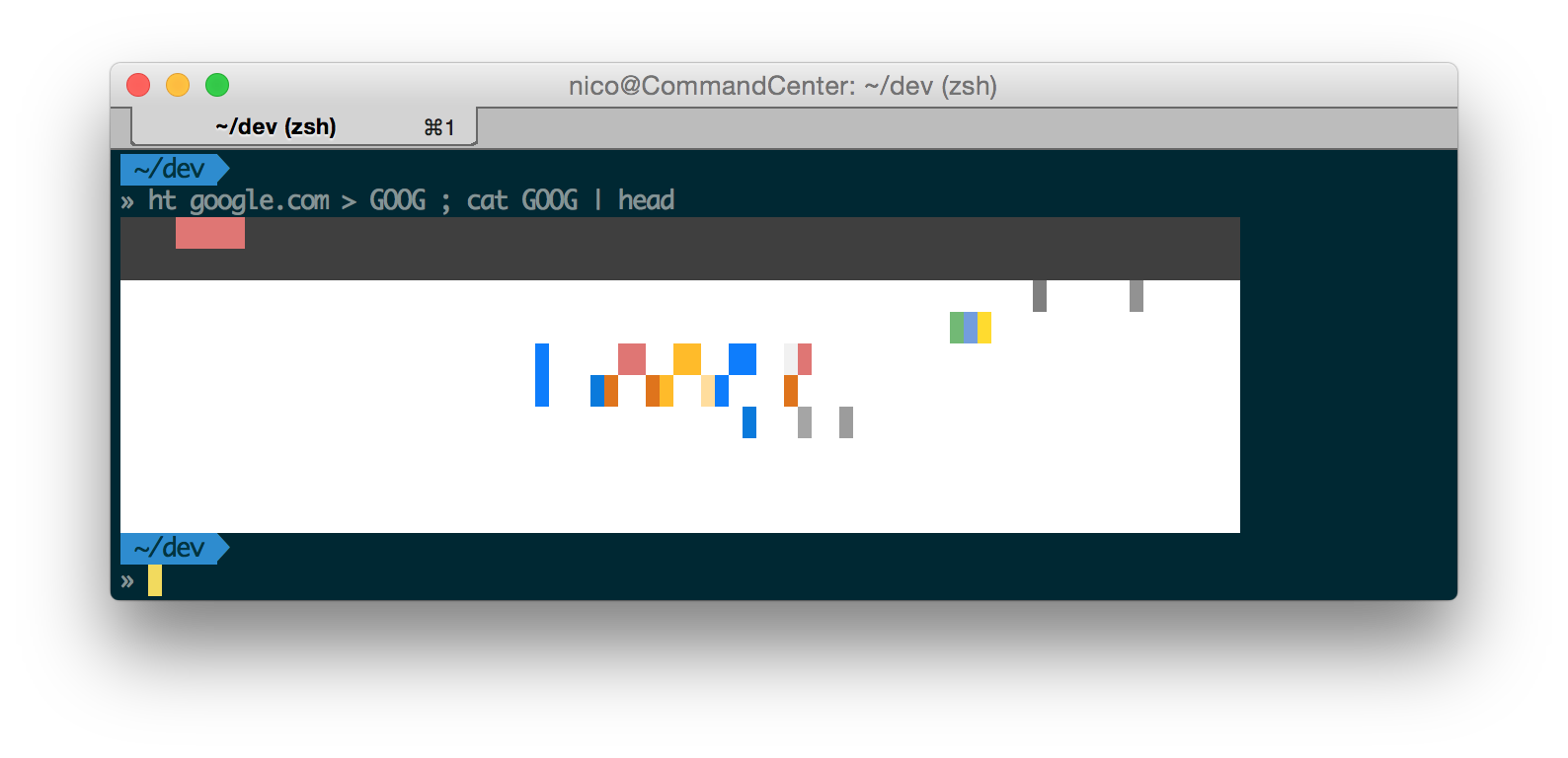
You'll get the best results when reducing the viewport width
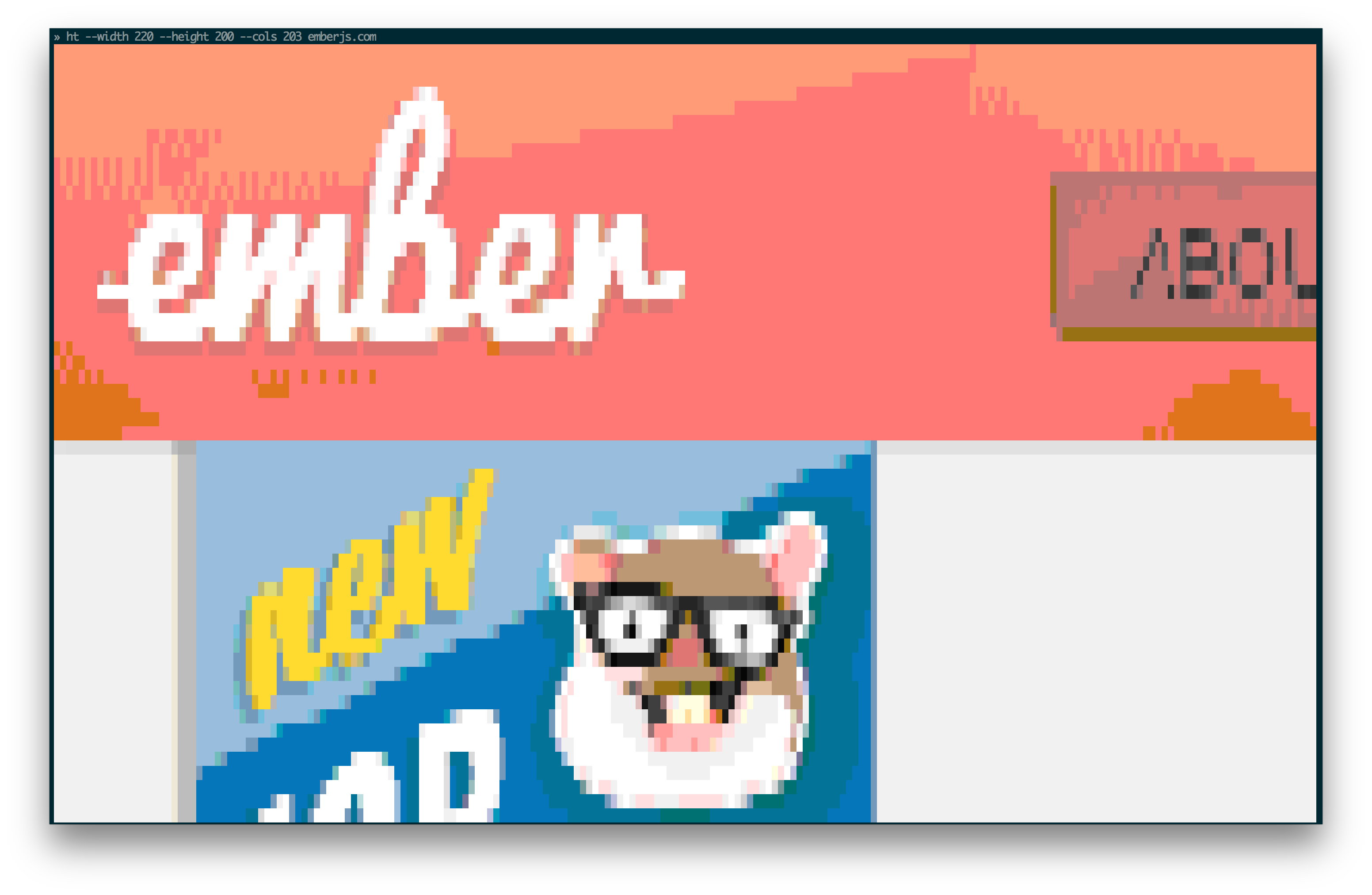
(That site better be responsive!)
License
MIT
Core symbols most depended-on inside this repo
hitThatcalled by 1
index.js
ready
called by 0
index.js
read
called by 0
index.js
write
called by 0
index.js
remove
called by 0
index.js
Shape
Languages
TypeScript100%
Modules by API surface
index.js5 symbols
For agents
$ claude mcp add hit-that \
  -- python -m otcore.mcp_server <graph>