github.com/bemusic/bemuse @v54.0.1
Chat with this repoWhat it actually does AI analysis from the code graph — generated when you open this
README

open-source web-based online rhythm game





Bemuse is an open-source, online, web-based rhythm game. It plays songs in BMS format (See: Introduction to BMS).
It is recommended to play this game on Google Chrome.
Table of contents:
- Video Demo
- Quick Tour
- Technology
- Development
- Sub-projects
- How to contribute
- Our amazing contributors🌟
- License
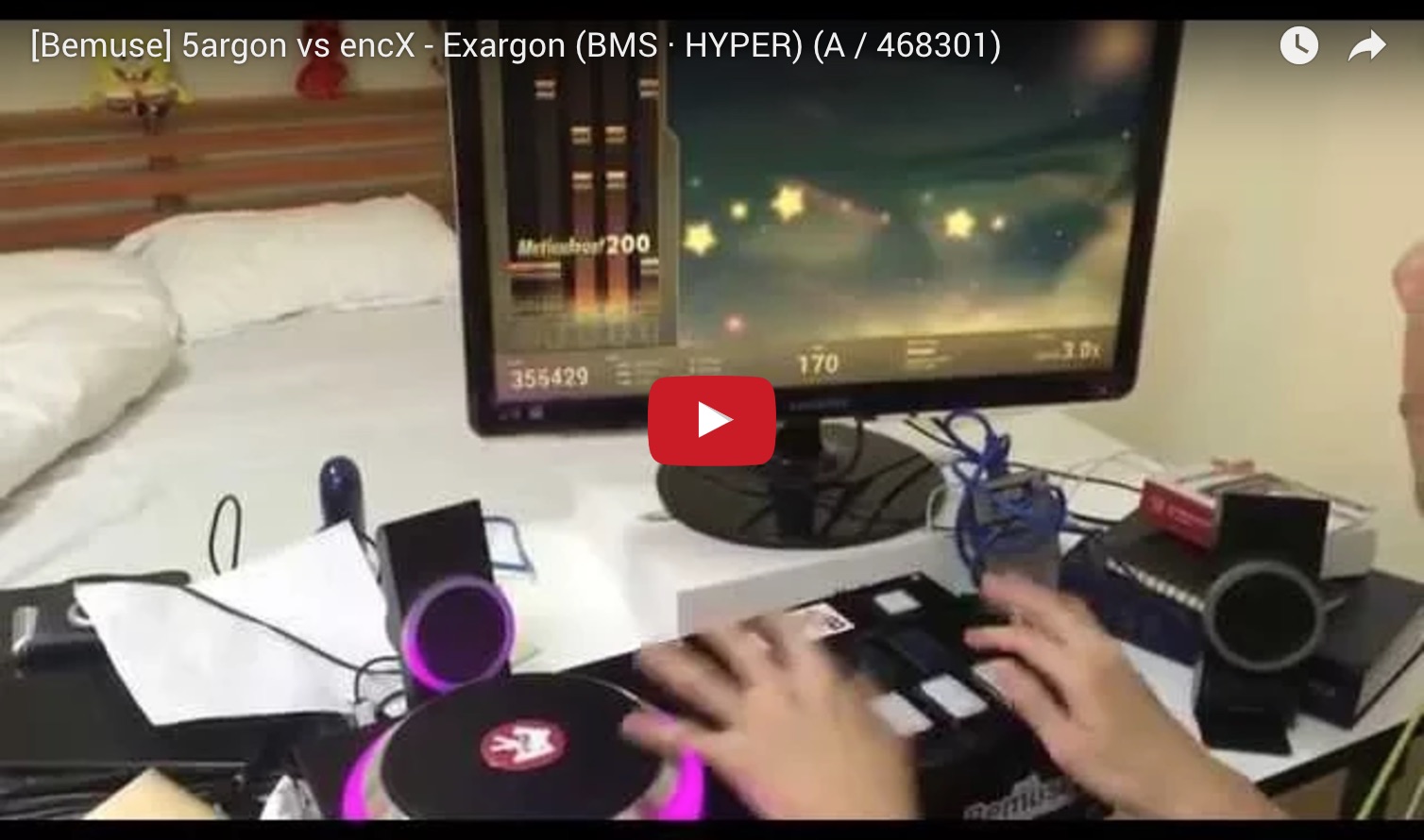
Video Demo
Quick Tour

-
You can play online songs instantly in your browser.
-
You can play custom songs by dragging a folder containing BMS files into this screen. There are over 5,000 songs published in BMS format by the community worldwide. You can find them using BMS Search.
-
There’s an online internet ranking system. You can compete with other players and see your rank online.
-
It has an insane tutorial.

-
Keyboard mode (7-keys). Play along the music with your keyboard.
-
Fully key-sounded. Each note has its own sound. The music will be affected by your game play.
-
Player together with friends using party mode. It helps you start the game at the exact same time.
-
Multiple difficulties. Each song has multiple difficulties to accommodate every player skill levels.
-
Adjustable speed. You can adjust the speed (spacing) of the notes to make it easy-to-sightread. This does not affect the speed of the song; lowering the speed causes notes to become more dense on-screen.
-
Scoring and grading system. Master the song to get the S grade (score over 500000).

-
BMS mode (7-keys + turntable). You can play using an IIDX controller or MIDI controller.
-
HD video support. Some songs will have a background animation in high-definition (720p).
-
Adjustable play area size. If the gameplay area is too long, you can adjust the cover it to make the play area more easy-to-sightread.
-
Early/Late indicator. Bemuse will tell you if you press the note too early or too late.

-
Adjustable panel position. You can position the note panel on either side of the screen, or put it at the center.
-
Adjustable turntable position. You can put turntable on the left or on the right (BMS mode only).
-
Audio latency compensation. Some systems may have audio latency. Bemuse contains a calibration system to compensate for the audio latency.
Play now at https://bemuse.ninja/.
Technology
Development
Install Node.js
# Install Rush
npm install --global @microsoft/rush

# Clone Bemuse
git clone https://github.com/bemusic/bemuse.git

# Enter the main repository
cd bemuse

# Install the dependencies
rush update

# Prepare all sub-projects
rush build --to-except bemuse

# Start development server
rush dev
For more information, check out the Developer Guide.
Note: Online ranking features are not available.
Sub-projects
This repository holds the code for other sub-projects, which are available for use on npm.
| Project name | Badge | Description |
|---|---|---|
| bms |  |
JavaScript BMS parser |
| bmson |  |
JavaScript bmson parser |
| bemuse-tools |  |
Tools for hosting your own music server. |
| bemuse-indexer |  |
Library for scanning a directory for BMS/bmson files and generate a metadata. |
| bemuse-notechart |  |
Library for loading a notechart for use in game. |
How to contribute
-
Drop a :star: on the GitHub repository (optional).
-
Before contributing, please read CONTRIBUTING.md and CODE_OF_CONDUCT.md.
Our amazing contributors🌟
License
AGPLv3. Note that this license only applies to the main Bemuse project, not the sub-projects, which has its own license terms (mostly MIT).
Extension points exported contracts — how you extend this code
IResources (Interface)Core symbols most depended-on inside this repo
pushShape
Languages
Modules by API surface
For agents
$ claude mcp add bemuse \
  -- python -m otcore.mcp_server <graph>