github.com/ban-heesoo/NewSync @release-2.6.0
Chat with this repoWhat it actually does AI analysis from the code graph — generated when you open this
README
NewSync

Screenshots
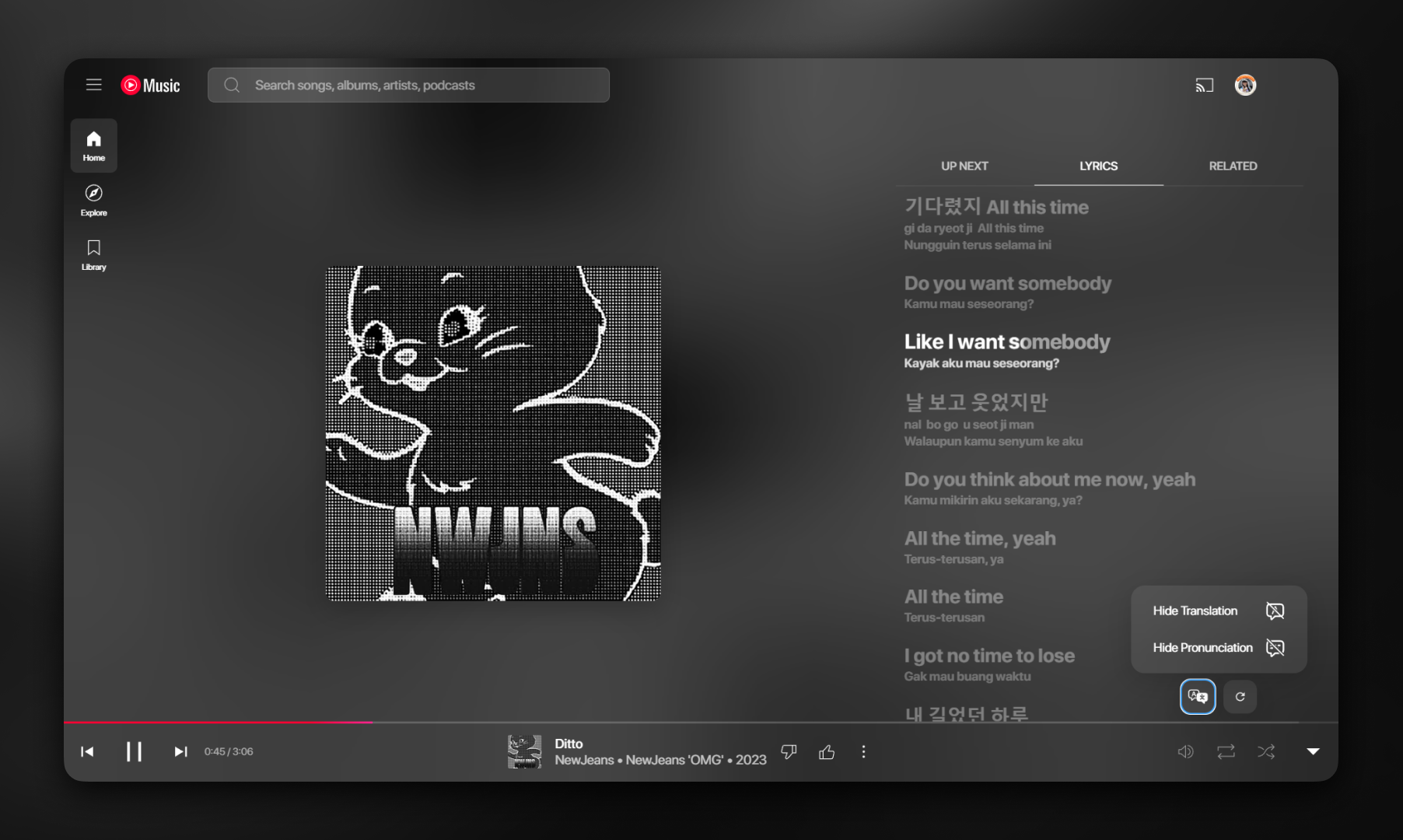
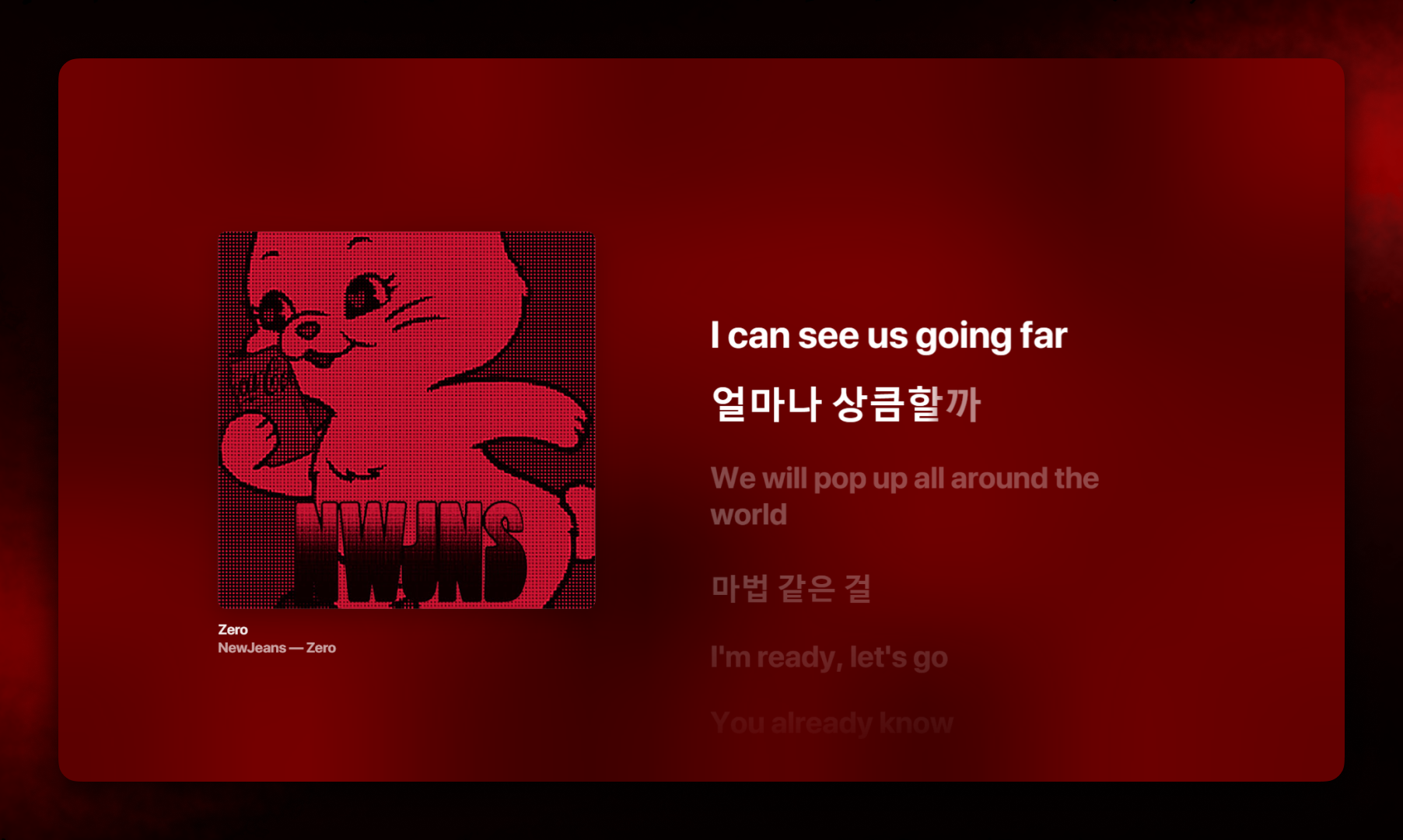
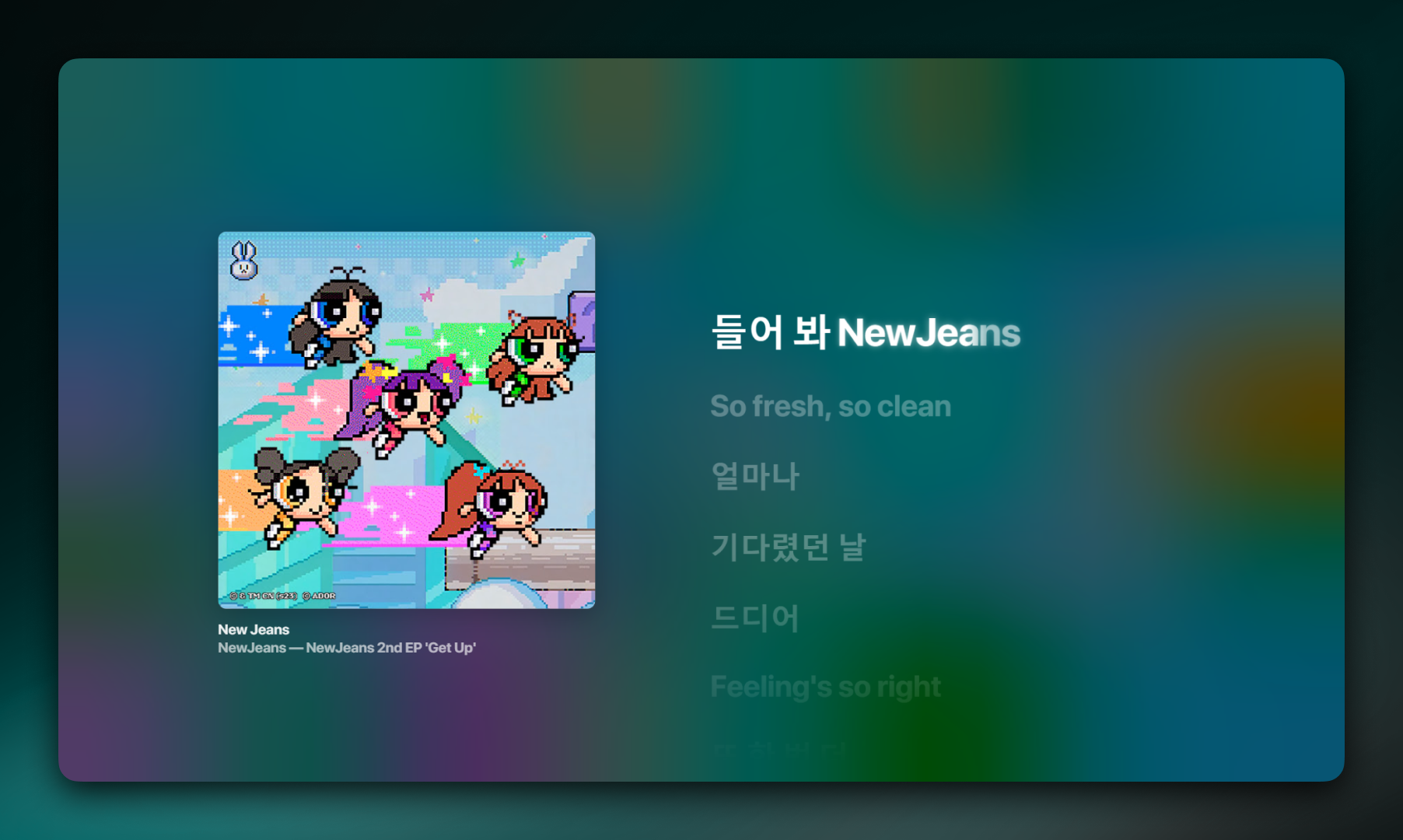
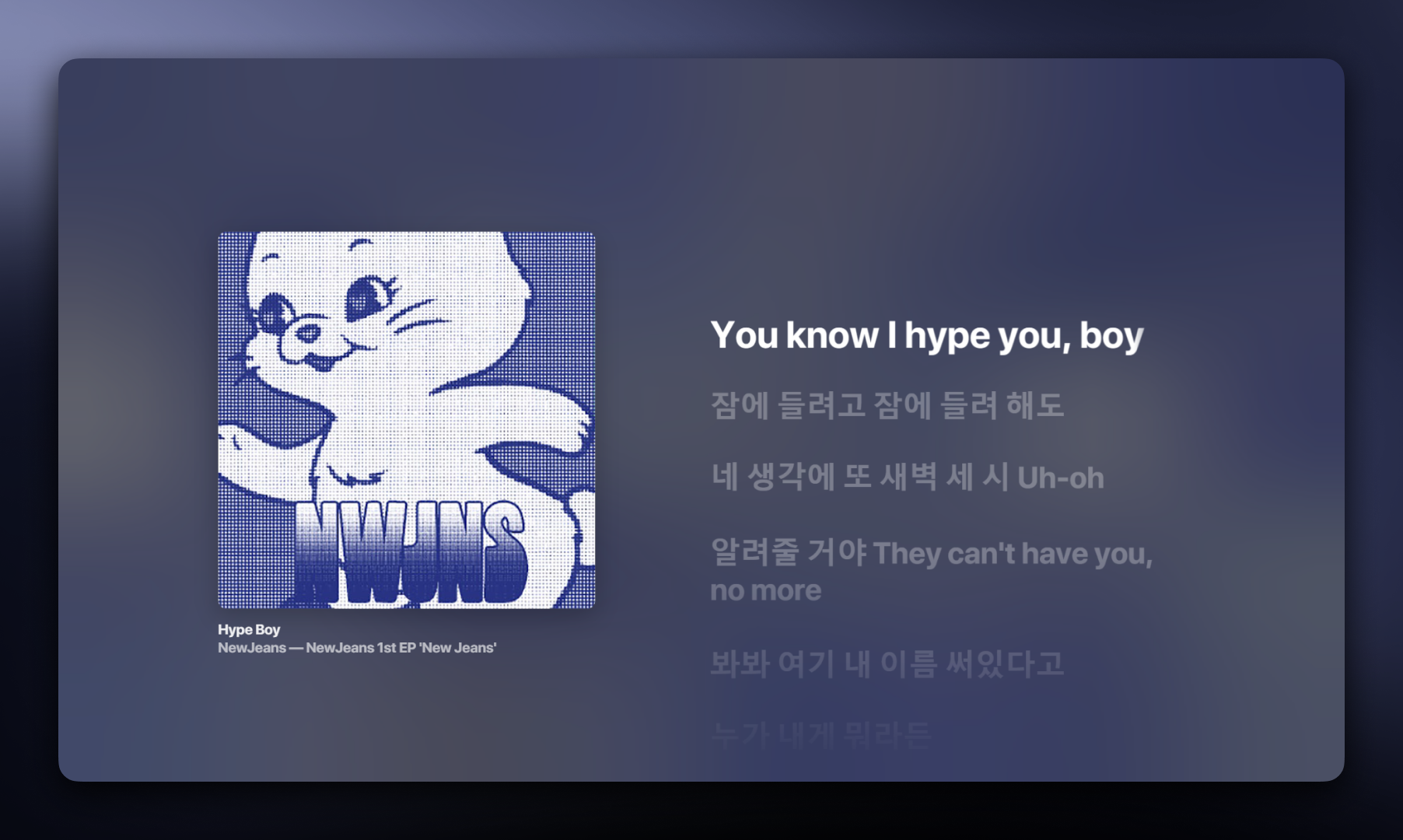
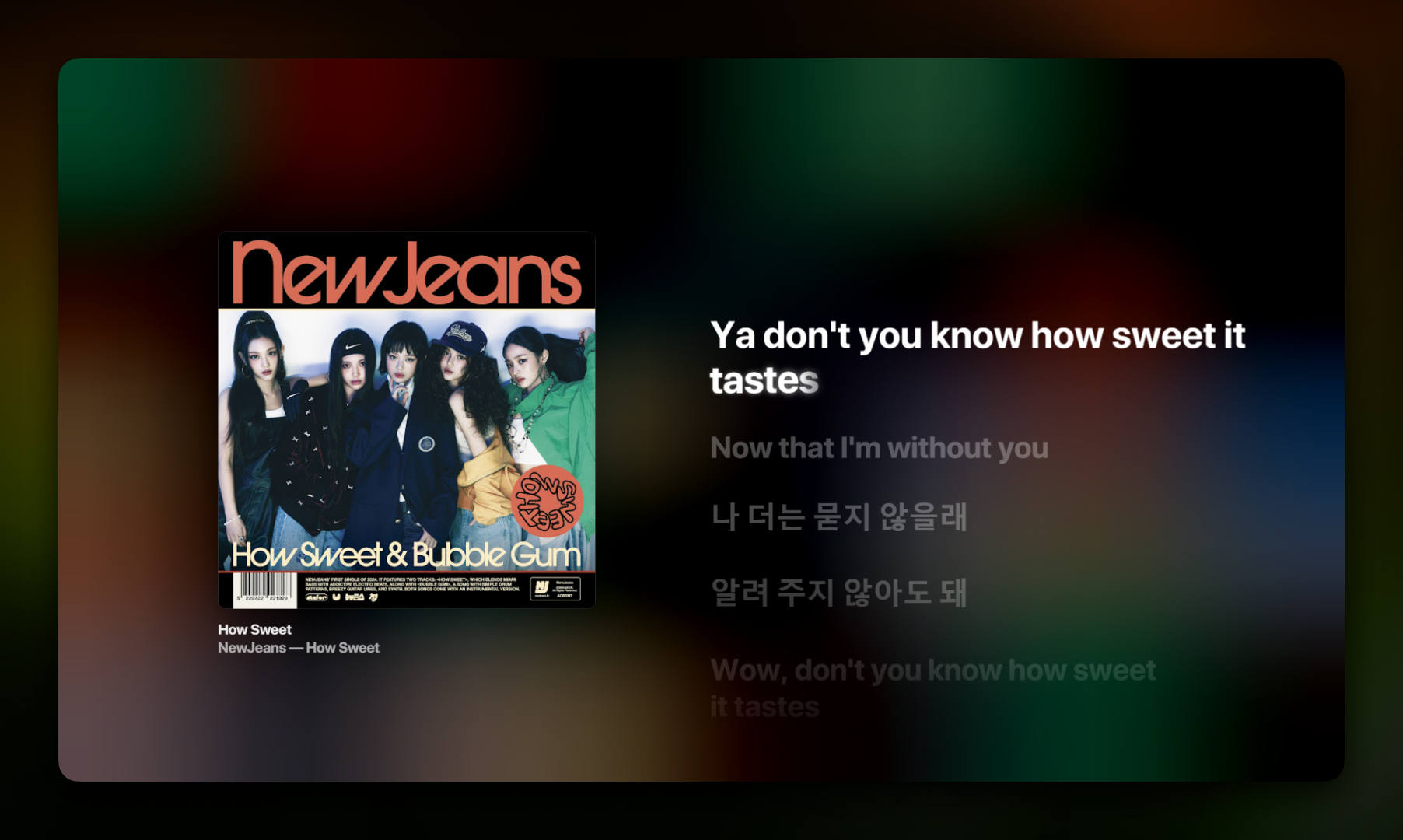
Extension for Synchronized Lyrics on YouTube Music
NewSync is a browser extension that brings synchronized lyrics to YouTube Music with an Apple Music-inspired interface.
Installation
Install from Source
For Chrome Users, Developers & Advanced Users
Requirements:
- install git scm
For Chrome, Vivaldi, Opera, and Brave
- Clone or Download the Repository:
bash git clone https://github.com/ban-heesoo/NewSync - Alternatively, you can download the latest release from Github Releases and extract the zip file.
- Open Extensions Page:
Navigate to
chrome://extensions/(same for Vivaldi, Opera, and Brave) - Enable Developer Mode: Toggle the "Developer mode" switch in the top right corner.
- Load Unpacked Extension: Click on "Load unpacked" and select the cloned repository folder.
For Firefox and Zen
- Clone or Download the Repository:
bash git clone https://github.com/ban-heesoo/NewSync - Alternatively, you can download the latest release from Github Releases and extract the zip file.
- Open Firefox Debugging Page:
Navigate to
about:debugging#/runtime/this-firefox - Load Temporary Add-on:
Click on "Load Temporary Add-on" and choose the
manifest.jsonfile from the repository folder.
Install from Add-ons Stores (not yet updated, wait)
Safe, easy, and get auto updates. Install NewSync directly from your browser's web store.
Microsoft Edge (Recommended):

Firefox (a bit lag):

Updating
If you have installed the extension with cloned repository, you can simply update it by running update script in the folder where you cloned the repository:
update.bat(for windows) orupdate.sh(for linux)
Usage
Once installed, simply open YouTube Music and play any song. The lyrics panel will automatically be enhanced by NewSync with custom lyrics, no external API setup required (except for Gemini AI features).
- Quick Settings: Access quick toggles by clicking the NewSync icon in your browser's toolbar.
- Full Settings: For comprehensive customization, click "More Settings" from the popup to open the dedicated settings page.
Acknowledgments
This project is inspired by and built upon the work of talented developers:
- Base Project: NewSync is based on the work by @ibratabian17. Special thanks for the foundation and inspiration.
- Popup Style: The popup style is inspired by the work of @boidushya, known for creating the Better Lyrics extension for YouTube Music.
We are grateful for their contributions to the open-source community.
Core symbols most depended-on inside this repo
pushShape
Languages
Modules by API surface
For agents
$ claude mcp add NewSync \
  -- python -m otcore.mcp_server <graph>