github.com/atom-minimap/minimap @v4.40.2
Chat with this repoWhat it actually does AI analysis from the code graph — generated when you open this
README



Minimap package
A preview of the full source code.
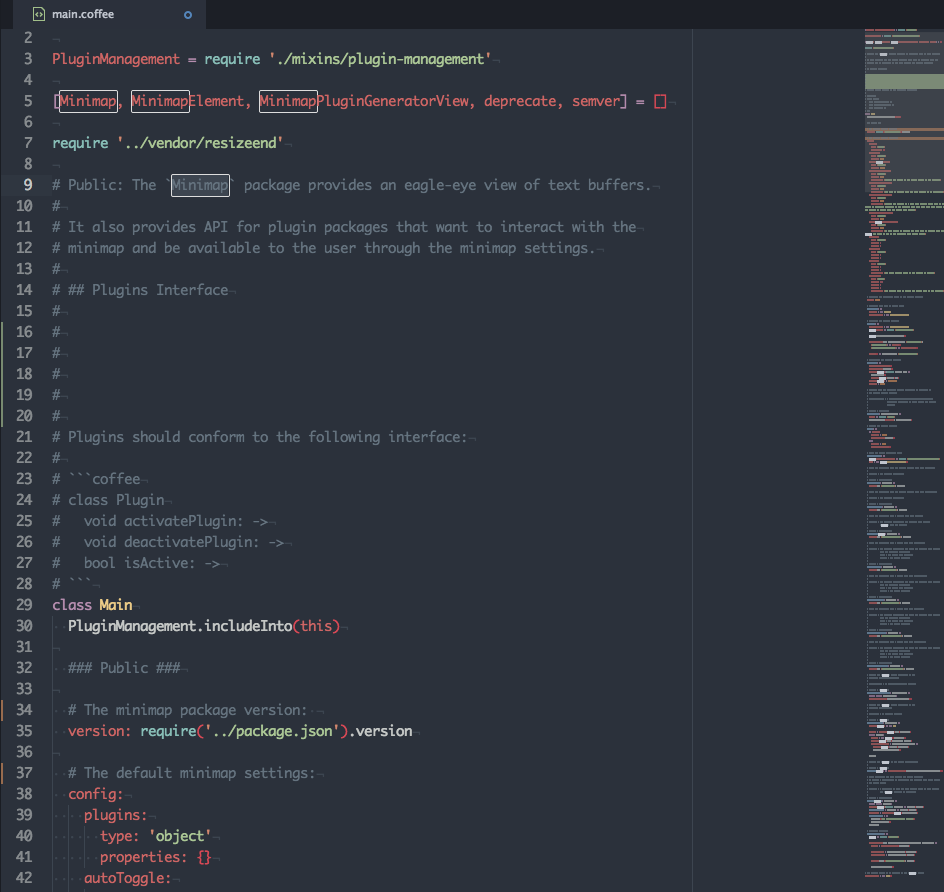 In the screenshot above the minimap-git-diff and minimap-highlight-selected plugins are activated.
Installation
apm install minimap
Features
- Service-based Plugin API: Use the plugin generation command and start developing your plugin right away.
- Decoration API: Use the same API to manage
TextEditorandMinimapdecorations. - Canvas-based Rendering: Simple, fast and flexible.
- Stand-alone Mode: Wants to display a preview of a text editor in your UIs, use a stand-alone version of the Minimap.
Available Plugins
Below is the list of available plugins so far:
| Package | Description |
|---|---|
| Auto-Hider | Hides the Minimap while editing. |
| Bookmarks | Displays Atom bookmarks. |
| Code Glance | Shows the code that's under the mouse cursor when hovering the Minimap. |
| Cursor Line | Highlights the line with cursor. |
| Find And Replace | Displays the search matches. |
| Git Diff | Displays the file diff. |
| Google-Repo-Diff-Minimap | A Minimap binding for the google-repo-diff package and google-repo package. |
| GPool-Diff-Minimap | A minimap binding for the gpool-diff package. |
| Hide on inactive panes | Hide the Minimap when pane isn't focus. |
| Highlight Selected | A Minimap binding for the highlight-selected package. |
| Linter | Displays linter markers. |
| Pigments | Displays the Pigments colors. |
| Quick-Highlight | Shows multiple selections done with the quick-highlight package. |
| Selection | Display the buffer's selections. |
| Split-Diff | A Minimap binding for the split-diff package. |
Settings
Show Minimap on Atom Start
If checked the Minimap is displayed on Atom startup. (default=true)
Device Pixel Ratio Rounding
If checked the devicePixelRatio will be rounded using Math.floor. (default=true)
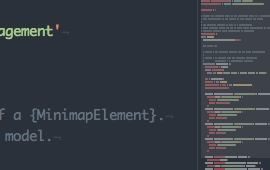
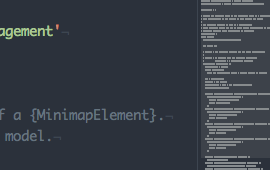
Display Code Highlights
If checked the code will be highlighted using the grammar tokens. (default=true)
true |
false |
|---|---|
 |
 |
Display Minimap On Left
If checked the Minimap appears on the left side of editors, otherwise it appears on the right side. (default=false)
true |
false |
|---|---|
 |
 |
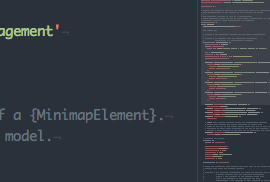
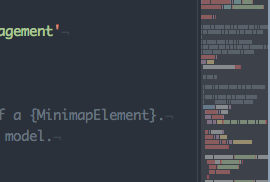
Char Height
The height of a character in the Minimap in pixels. (default=2)
1px |
2px |
4px |
|---|---|---|
 |
 |
 |
Char Width
The width of a character in the Minimap in pixels. (default=1)
1px |
2px |
|---|---|
 |
 |
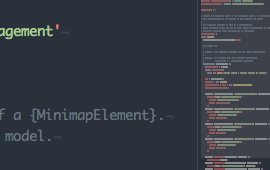
Interline
The space between lines in the Minimap in pixels. (default=1)
1px |
2px |
|---|---|
 |
 |
Text Opacity
The opacity used to render the line text in the Minimap. (default=0.6)
0.6 |
1 |
|---|---|
 |
 |
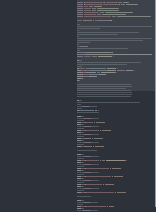
Ignore Whitespaces In Tokens
When enabled, text editor tokens are rendered as plain blocks, with no regards to the whitespaces they contains. (default=false)
false |
true |
|---|---|
 |
 |
Display Plugins Controls
If checked, the Minimap plugins can be activated/deactivated from the Minimap settings view and a quick settings dropdown will be available on the top right corner of the Minimap. (default=true)
You need to restart Atom for this setting to be effective.

Minimap Scroll Indicator
Toggles the display of a side line showing which part of the buffer is currently displayed by the Minimap. The side line appear only if the Minimap height is bigger than the editor view height. (default=true)

Plugins *
When plugins are installed, a setting is created for each to enable/disable them directly from the Minimap settings view.
Plugins * Decorations Z-Index
When several plugins create decorations for the same layer, the general rule is to render the decorations as follows:
- On the background layer, the
linedecorations are rendered before thehighlight-underdecorations. - On the foreground layer, the
highlight-overdecorations are rendered before thehighlight-outinedecorations. - When two plugins adds the same type of decorations at the same place, the decorations are rendered in the order they have been created.
But fortunately, it's possible to reorder decorations on their specific layer using these settings. These settings works as a z-index in CSS, the higher the value, the higher the decorations will be in the render stack, for instance, a plugin's decorations with an order value of 1 will appear above decorations from a plugin with an order value of 0.
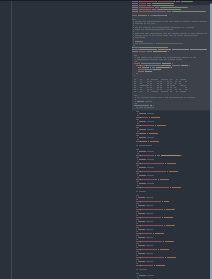
Smooth Scrolling
Whether to offset the minimap canvas when scrolling to keep the scroll smooth. When true the minimap canvas will be offseted, resulting in a smoother scroll, but with the side-effect of a blurry minimap when the canvas is placed between pixels. When false the canvas will always stay at the same position, and will never look blurry, but the scroll will appear more jagged. (default=true)
true |
false |
|---|---|
 |
 |
Scroll Animation
Enable animations when scrolling the editor by clicking on the Minimap. (default=false)
Scroll Animation Duration
Duration of the scroll animation when clicking on the Minimap. (default=300)
Independent Minimap Scroll On Mouse Wheel Events
When enabled, using the mouse wheel over the Minimap will make it scroll independently of the text editor. The Minimap will still sync with the editor whenever the editor is scrolled, but it will no longer relay the mouse wheel events to t
Core symbols most depended-on inside this repo
getScrollTopShape
Languages
Modules by API surface
For agents
$ claude mcp add minimap \
  -- python -m otcore.mcp_server <graph>