github.com/arrowpc/palettum @v0.6.1
Chat with this repoWhat it actually does AI analysis from the code graph — generated when you open this
README
Palettum is a web app and CLI tool that lets you recolor images, GIFs, and videos with any custom palette of your choosing.
It lets you apply any custom palette by either snapping each pixel to its closest color (ideal for pixel-art styles), or blending the palette as a filter for a smoother effect.
Examples
[!NOTE] Unfinished
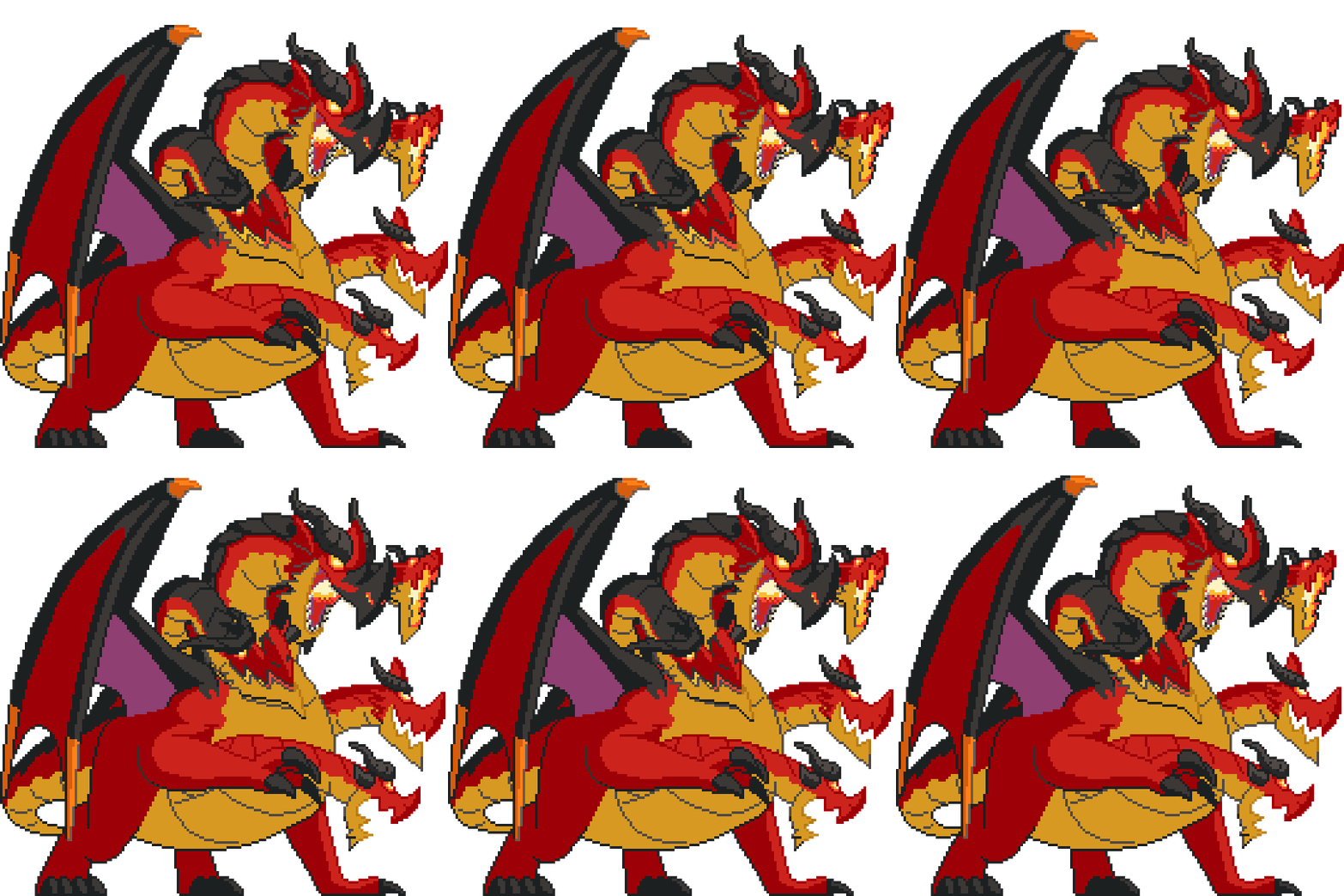
GIF Pixel Art
Original artwork by lgarabato
| Original | Catppuccin | Dracula | Nord | Gruvbox |
|---|---|---|---|---|
 |
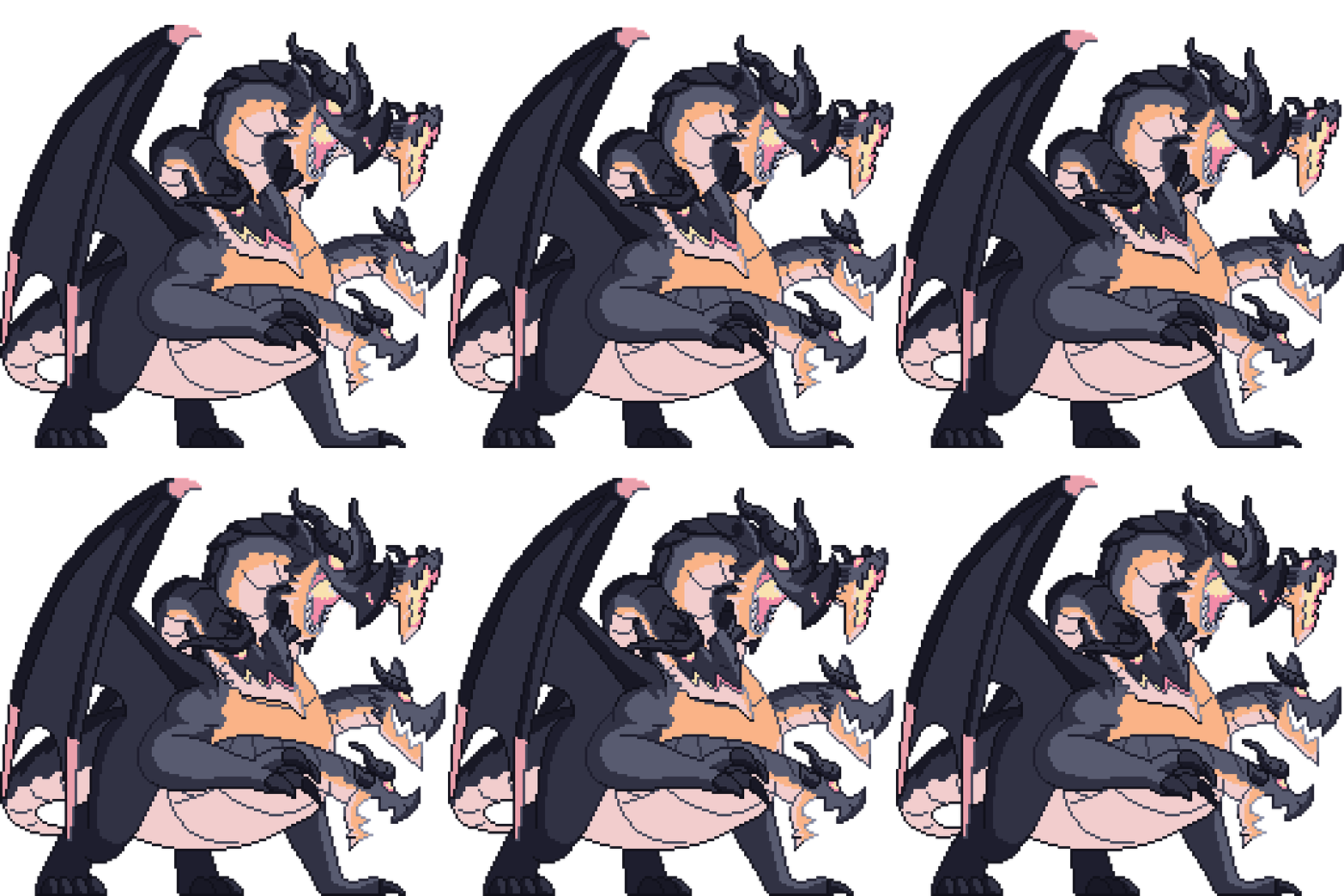 |
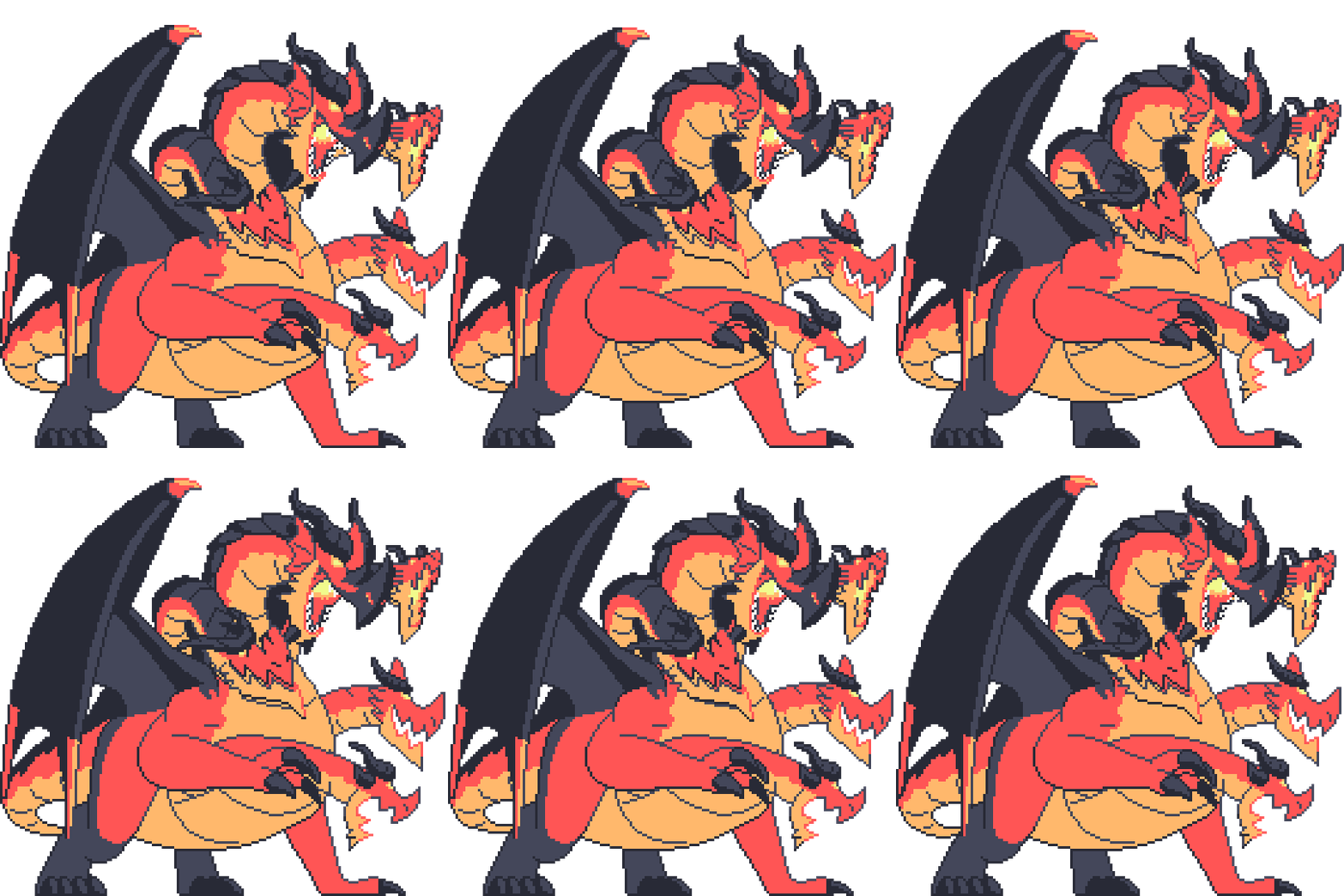 |
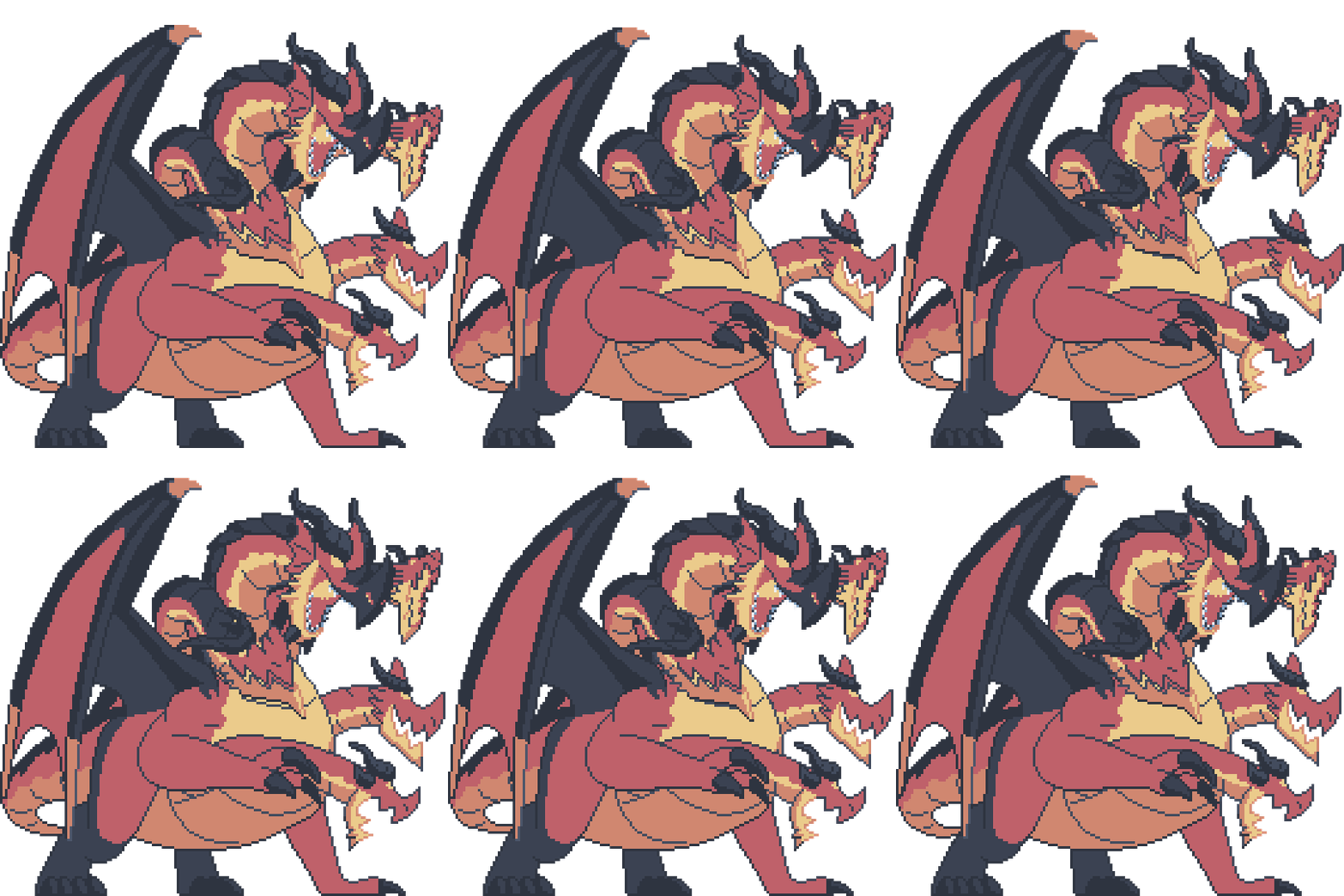 |
 |
Installation
[!NOTE] Unfinished
macOS:
brew tap arrowpc/palettum
brew install palettum
If your system/package manager wasn't listed, you can install the precompiled binary from releases.
Building the Project
If you want to build the project from source, follow these steps:
CLI
To build the command-line interface (CLI) tool, run the following Cargo command from the project root:
cargo build -p cli
The executable will be located in the target/debug/ directory (or target/release/ if you add the --release flag).
Web App
The web application uses a WebAssembly module compiled from Rust code.
To set up and run the web application:
-
Navigate to the web frontend:
bash cd web -
Install dependencies:
bash bun install -
Compile the WASM binary (release mode):
bash bun run wasm:build:release -
Run the development server:
bash
    bun run dev
References
- The main color difference formula (CIEDE2000) was implemented through the help of this paper: https://hajim.rochester.edu/ece/sites/gsharma/ciede2000/ciede2000noteCRNA.pdf. The rest were easy to implement through the color difference wiki: https://en.wikipedia.org/wiki/Color_difference.
- The fast trig approximation functions were inspired/taken from:
- atan / atan2: https://mazzo.li/posts/vectorized-atan2.html
- sin: Basic taylor series https://en.wikipedia.org/wiki/Taylor_series
- cos: https://github.com/milianw/cosine/tree/parabola-approx
- exp: https://stackoverflow.com/questions/47025373/fastest-implementation-of-the-natural-exponential-function-using-sse
- Smoothing was done with basic L a b* interpolation using:
- IDW: https://en.wikipedia.org/wiki/Inverse_distance_weighting
- Gaussian: https://dsp.stackexchange.com/questions/36954/gaussian-weighted-distance-between-pixel-amplitudes-motivations-and-sources
- Palette extraction (adjusted for L a b colorspace): https://www.ece.mcmaster.ca/~xwu/cq.c
Extension points exported contracts — how you extend this code
Core symbols most depended-on inside this repo
Shape
Languages
Modules by API surface
For agents
$ claude mcp add palettum \
  -- python -m otcore.mcp_server <graph>