github.com/arctic-cli/interface @main
Chat with this repoBrowse by type
What it actually does AI analysis from the code graph — generated when you open this
README


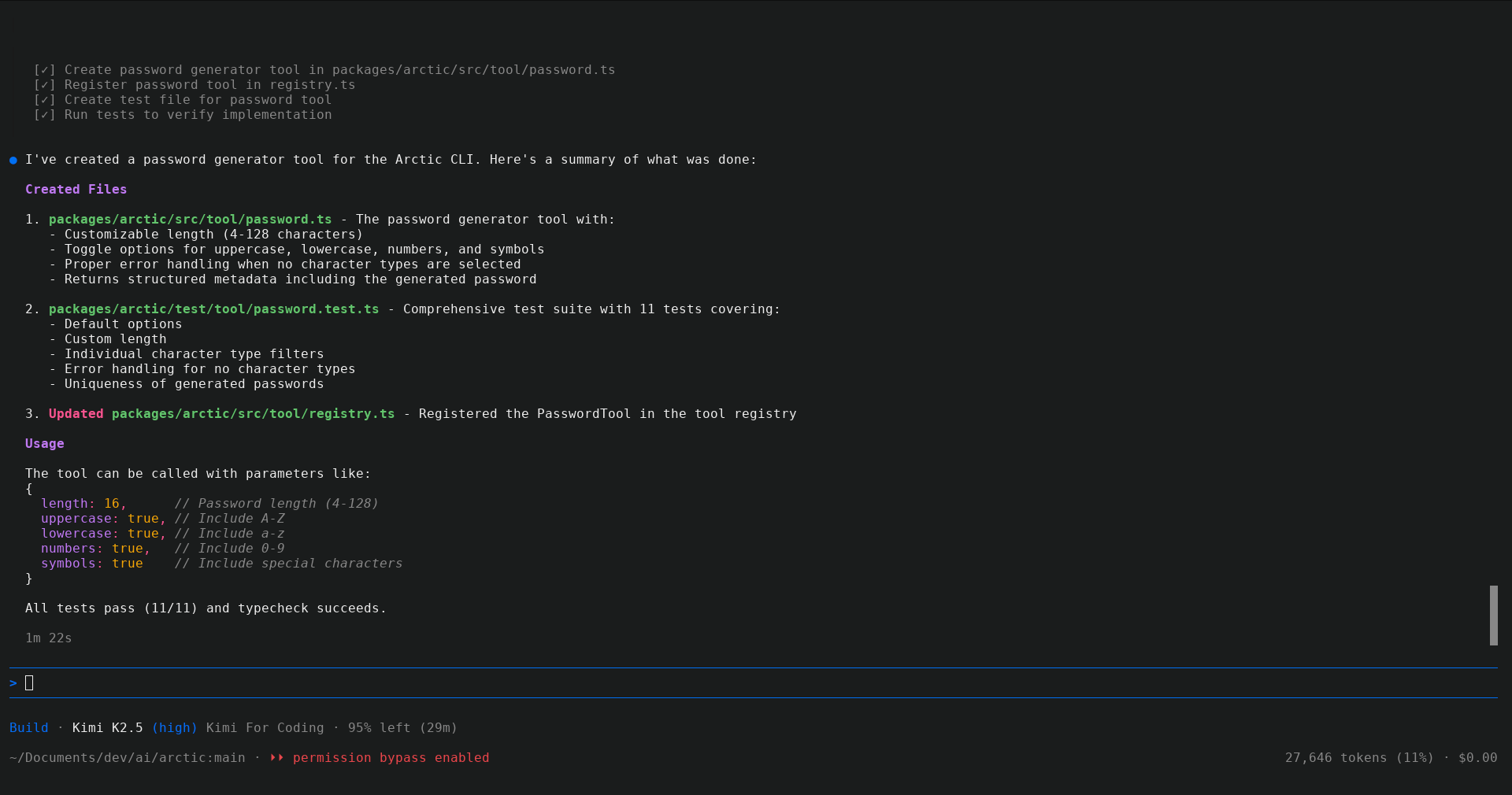
Arctic is for developers who want to use AI coding agents without losing track of their usage limits or juggling between personal and work accounts.
- Real-time usage tracking for all your coding plans
- Multiple accounts per provider (personal + work)
- Switch models mid-conversation
- Imports your existing Claude Code and OpenCode config
Get Started
curl -fsSL https://usearctic.sh/install | bash
source ~/.bashrc # or ~/.zshrc, or restart your terminal
arctic
Supported Providers
Coding Plans: Claude Code • Codex • Gemini CLI • Antigravity • GitHub Copilot • Z.AI • Kimi • Amp Code • Qwen Code • MiniMax
API Providers: OpenAI • Anthropic • Google • Perplexity • Openrouter • Ollama • and more
FAQ
Coming from Claude Code?
Arctic automatically imports your Claude Code setup—custom commands, agents from ~/.claude/agents/, and MCP servers work out of the box.
Is my data private?
Yes. Arctic runs on your machine and connects directly to your AI provider. Your conversations and data are stored locally on your device and never sent to external servers. We do collect anonymous telemetry to understand how Arctic is used, but this is temporary while Arctic is early in development. You can disable telemetry anytime with arctic telemetry disable.
Can I use my own API keys?
Yes. Arctic supports API keys for OpenAI, Anthropic, Google, Perplexity, Openrouter, Ollama, and more.
What about telemetry?
Arctic uses anonymous telemetry to understand how the tool is used and improve the experience. This is temporary while Arctic is early in development. You can opt out at any time:
arctic telemetry disable
To check the current telemetry status:
arctic telemetry status
Contributing
See CONTRIBUTING.md for setup and guidelines.
Extension points exported contracts — how you extend this code
browse all types & interfaces →
Core symbols most depended-on inside this repo
Shape
Languages
Modules by API surface
For agents
$ claude mcp add interface \
  -- python -m otcore.mcp_server <graph>