github.com/antonmedv/codejar @4.3.0 sqlite
README

CodeJar – an embeddable code editor for the browser


Features
- Lightweight (2.45 kB only)
- No dependencies
- Preserves indentation on a new line
- Adds closing brackets, quotes
- Indents line with the Tab key
- Supports undo/redo
Getting Started
Install CodeJar 🍯 via npm:
npm i codejar
Create an element and init the CodeJar 🍯:
<script>
  let jar = CodeJar(document.querySelector('.editor'), highlight)
</script>
Second argument to CodeJar is a highlighting function (like Prism.js, highlight.js):
const highlight = (editor: HTMLElement) => {
  const code = editor.textContent
  code = code.replace('foo', '<span style="color: red">foo</span>')
  editor.innerHTML = code
}

const jar = CodeJar(editor, highlight)
Third argument to CodeJar is options:
- tab: string replaces "tabs" with given string. Default: \t.
- Note: use css rule tab-size to customize size.
- indentOn: RegExp allows auto indent rule to be customized. Default /[({\[]$/.
- moveToNewLine: RegExp checks in extra newline character need to be added. Default /^[)}\]]/.
- spellcheck: boolean enables spellchecking on the editor. Default false.
- catchTab: boolean catches Tab keypress events and replaces it with tab string. Default: true.
- preserveIdent: boolean keeps indent levels on new line. Default true.
- addClosing: boolean automatically adds closing brackets, quotes. Default true.
- history records history. Default true.
- window window object. Default: window.
- autoclose object
- open string characters that triggers the autoclose function
- close string characters that correspond to the opening ones and close the object.
const options = {
  tab: ' '.repeat(4), // default is '\t'
  indentOn: /[(\[]$/, // default is /{$/
  autoclose: {
    open: `([{*`, // default is `([{'"`
    close: `)]}*` // default is `)]}'"`
  }
}

const jar = CodeJar(editor, highlight, options)
API
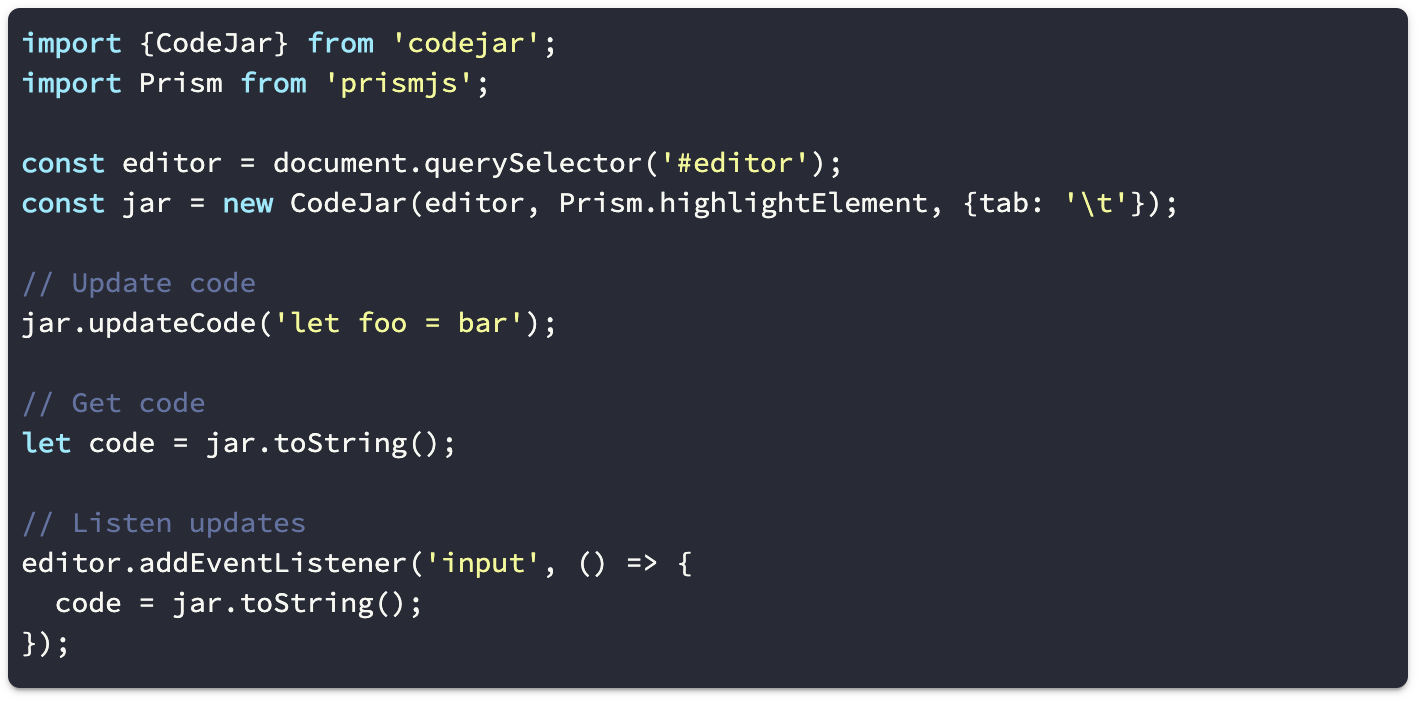
updateCode(string)
Updates the code.
jar.updateCode(`let foo = bar`)
updateOptions(Partial<Options>)
Updates the options.
jar.updateOptions({tab: '\t'})
onUpdate((code: string) => void)
Calls callback on code updates.
jar.onUpdate(code => {
  console.log(code)
})
toString(): string
Return current code.
let code = jar.toString()
save(): string
Saves current cursor position.
let pos = jar.save()
restore(pos: Position)
Restore cursor position.
jar.restore(pos)
recordHistory()
Saves current editor state to history.
destroy()
Removes event listeners from editor.
Related
- react-codejar - a React wrapper for CodeJar.
- ngx-codejar - an Angular wrapper for CodeJar.
- codejar-linenumbers - an JS library for line numbers.
License
Core symbols most depended-on inside this repo
restoreShape
Languages
Modules by API surface
Dependencies from manifests, versioned
For agents
$ claude mcp add codejar \
  -- python -m otcore.mcp_server <graph>