github.com/anasrar/Blender-UE4-Workspace @v1.4.0
Chat with this repoWhat it actually does AI analysis from the code graph — generated when you open this
README
Blender Unreal Engine Workspace
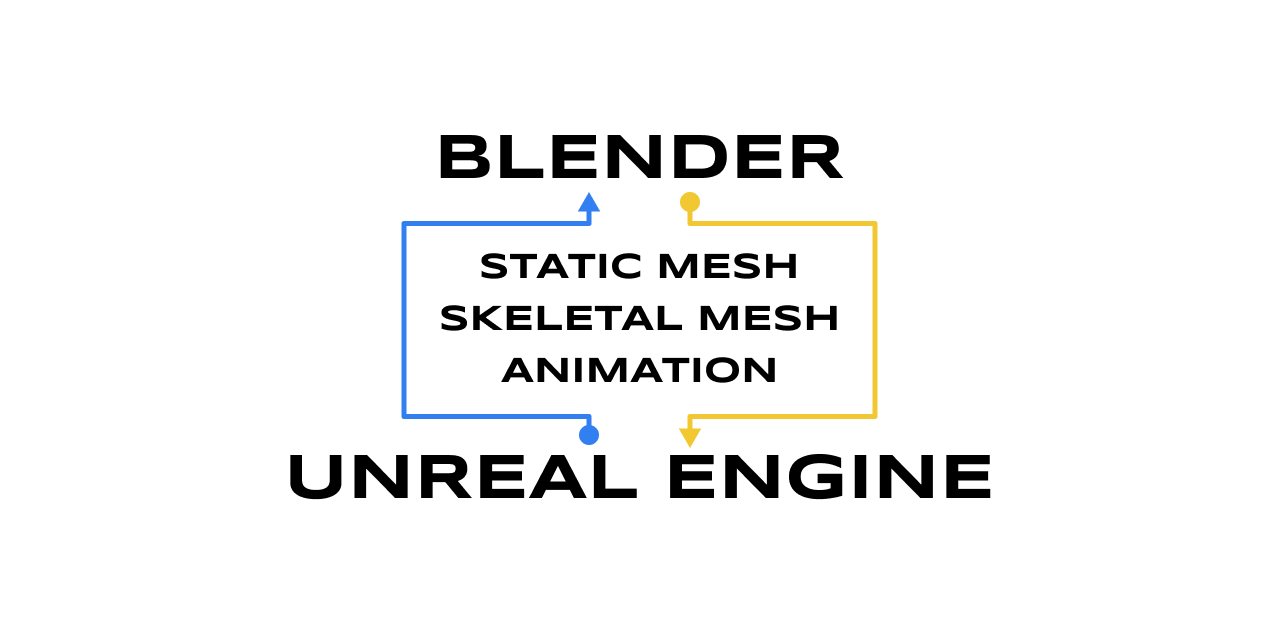
Blender 2.8x add-on for export directly to Unreal Engine 4 with all setting in Blender (inspired by send to unreal add-on).
this add-on I make because I don't want to open file explorer and drag and drop to Unreal Engine, so I make this add-on with full control import setting on Blender.
and yeah, I don't really have any future plan. so if you have any suggest just open new issue.
Main Feature
Static Mesh
Export for Static Mesh.
- Export to FBX and Unreal Engine
- Custom collision from vertices
- Custom collision from mesh -
v.1.2 - Custom lightmaps
- Export profile -
v.1.2 - Socket System -
v.1.3
Character
Export for Character (Skeletal Mesh).
- Export to FBX and Unreal Engine
- Modular character
- Skeleton preset (Epic skeleton)
- Add twist bone for skeleton preset -
v.1.2 - Generate rig for skeleton preset -
v.1.2 - Export profile -
v.1.2 - Socket System (Not Support Export) -
v.1.3
Animation
Export for Animation.
- Export to FBX and Unreal Engine -
v.1.2 - Export profile -
v.1.2
Retarget Animation (Experimental)
Retarget Animation to another skeleton - v.1.3
Tutorial

How it works
Unreal Engine 4 allow to remote execute python script, with that we can execute python script import assets (FBX File) to Unreal Engine 4.

Download
You can download from
- Gumroad for latest version
-
https://gumroad.com/l/BlenderUnrealEngineWorkspace
-
Github for pervious version
- https://github.com/anasrar/Blender-UE4-Workspace/releases
master branch is unstable and bug fix version
Installation
You can watch this video https://www.youtube.com/watch?v=38d5Myrh3ic or simply follow this instruction below.
Blender
Edit > Preferences > Add-ons > Install > Select UE4Workspace.zip > Install Add-ons
Unreal Engine 4
Edit > Plugins > Type "Script" On Search Bar > Enabled Python Editor Script Plugin and Editor Scripting Utilities > Reset Project
Edit > Project Setting > Plugin|Python > Check Enable Remote Execution?
Then you can try to connect your project from blender
Usage
Press N on Blender for open the tab menu.
tested with blender version
- 2.81 - DROP from version
v.1.3 - 2.82
- 2.83 (make sure export folder path is absolute)
- 2.90 Beta (make sure export folder path is absolute)
using Blender latest version for better compatibility
Support
You can support me through Gumroad
any donation will be appreciated.
Contributing
For major changes or features request, please open an issue first to discuss what you would like to change or add.
Changelog
Any changelog in wiki page
License
This project is licensed under the GPL-3.0 License - see the LICENSE file for details
Core symbols most depended-on inside this repo
Shape
Languages
Modules by API surface
For agents
$ claude mcp add Blender-UE4-Workspace \
  -- python -m otcore.mcp_server <graph>