github.com/akiyosi/goneovim @v0.6.17 sqlite
README
goneovim



goneovim (pronounced like "go-neovim") is a Neovim GUI written in Go, using a Qt binding for Go. This repository forked from the original Gonvim for the purpose of maintenance and enhancement.
⚠️ IMPORTANT
Project Status Update
- Due to Qt 5.15 reaching end-of-life, active development of goneovim has been discontinued. Only critical bug fixes and security updates will be addressed going forward.
- The author has started developing Zonvie, a new Neovim GUI built with Zig and native frontends, empowered by generative AI. Future efforts will be focused there. If you're interested, please give it a try!
Why Neovim GUI
Traditionally, Neovim (and even Vim) has been optimized for working with Terminal, and some Terminal-based workflows cannot be achieved with a GUI. Therefore, for some people, a GUI would be an unnecessary additional stuff. On the other hand, in my opinion, there are some attractive features of GUI as follows.
- More meta keys can be used
- Since Neovim performs all of its operations with the keyboard, having more meta keys available is a simple advantage.
- Terminal is also available in Neovim GUI
- Neovim has an embedded terminal emulator that can be run in
:terminal, so you can run basic terminal workflows using:terminalwithbashorzshin Neovim GUI. It is also possible to use remote control tools such as nvr to avoid nvim in nvim in Neovim GUI. - Experience the rich drawing expressions of GUI
- For example, it is possible to scroll based on pixels, to set different font families and point sizes for each window.
If you are interested in these GUI attractions, try goneovim.
Features
All of the features are optional. You can use it like a plain nvim or as a nvim with a rich UI.
- Cross-platform
- Modern Text Editor Features
- Smooth pixel scroll (Support for both touchpad and Vim scroll command reactions.)
- Animated Cursor
- Ligatures
- Built-in Indent guide
- Scrollbar
- Workspace feature which manages multiple nvim
- Features as neovim GUI
- Externalizable tabline, popupmenu, wildmenu, cmdline, messages
- Support gui option:
guifont,guifontwide,guifont=*,linespace,guicursor. You don't needneovim-gui-shim - Supports per character font fallback feature
- Support mouse
- Independent font settings per window (experimental)
- Attach/Connect feature to a remote nvim
- WSL integration (for Windows)
- Own clipboard provider
- Basic feature as a Text Editor
- Multi byte character
- Drag and Drop files
- InputMethod Editor (for east asian users)
- Miscellaneous
- Supports application window transparency
- Desktop Notification of the messages emitted nvim
Requirements
Getting Started
Download from Github
Pre-built packages for Windows, MacOS, Linux are found at the Releases page.
Or you can get the latest binary from Github Actions CI. See Actions page.
Install via Package Manager
Windows users can install using scoop:
scoop bucket add extras
scoop install goneovim
or
scoop bucket add versions
scoop install goneovim-nightly
MacOS users can install using homebrew:
brew install --cask goneovim
[!NOTE] If you are a macOS user, since this is an unsigned application, you need to execute the following command after obtaining goneovim.app:
xattr -c /path/to/goneovim.appThis will help you avoid the "unknown developer" warning or the "Goneovim is damaged and can't be opened" error.
Usage
See :h goneovim or wiki
Development
- Clone this repo and cd into the repo
make depsmake qt_bindingsmake testmake app
For more information, see Development
Similar projects
Credits
- Gonvim was created by dzhou121 (https://github.com/dzhou121/gonvim)
Screenshots
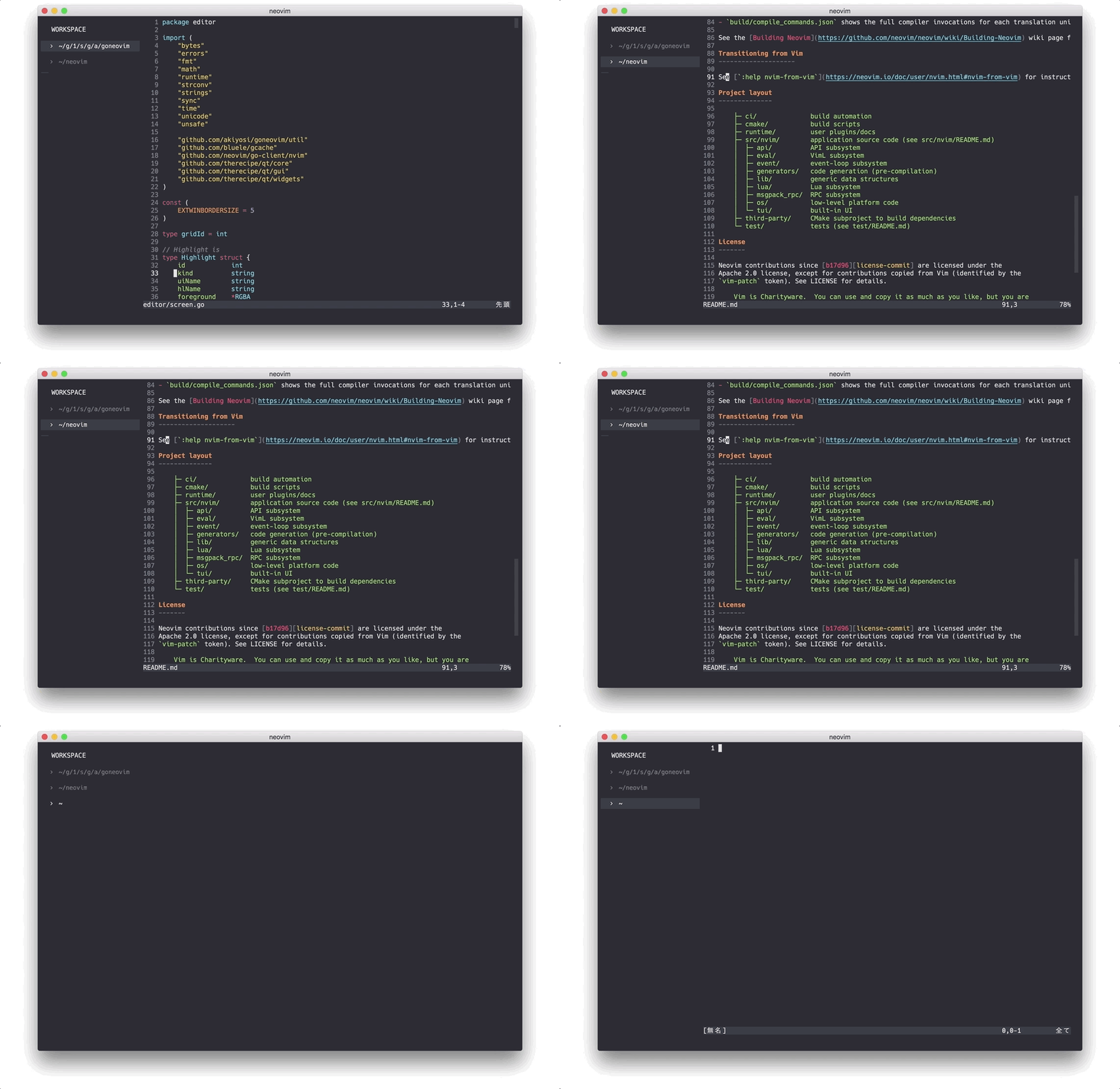
Workspaces
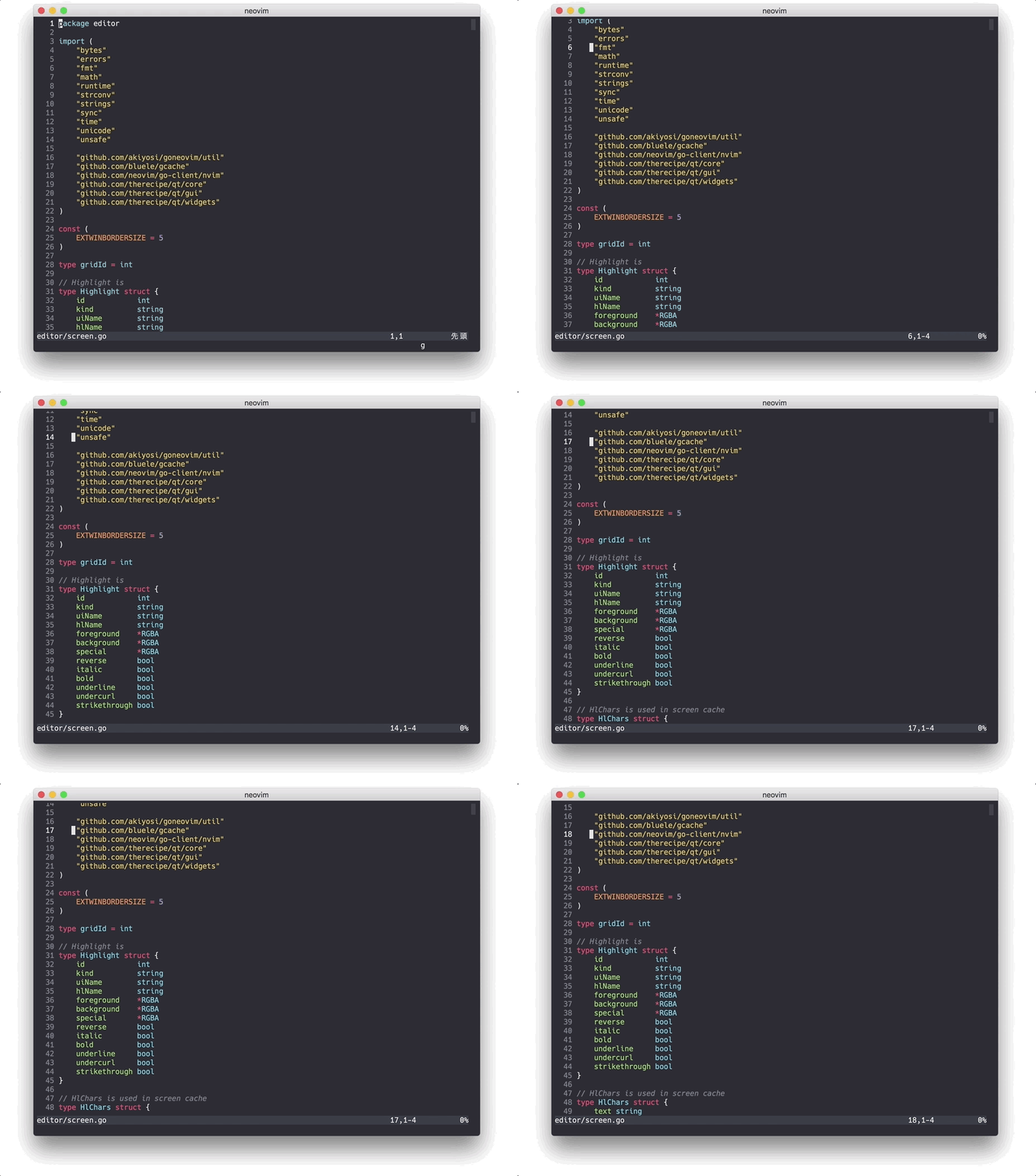
Smooth Scroll with touchpad
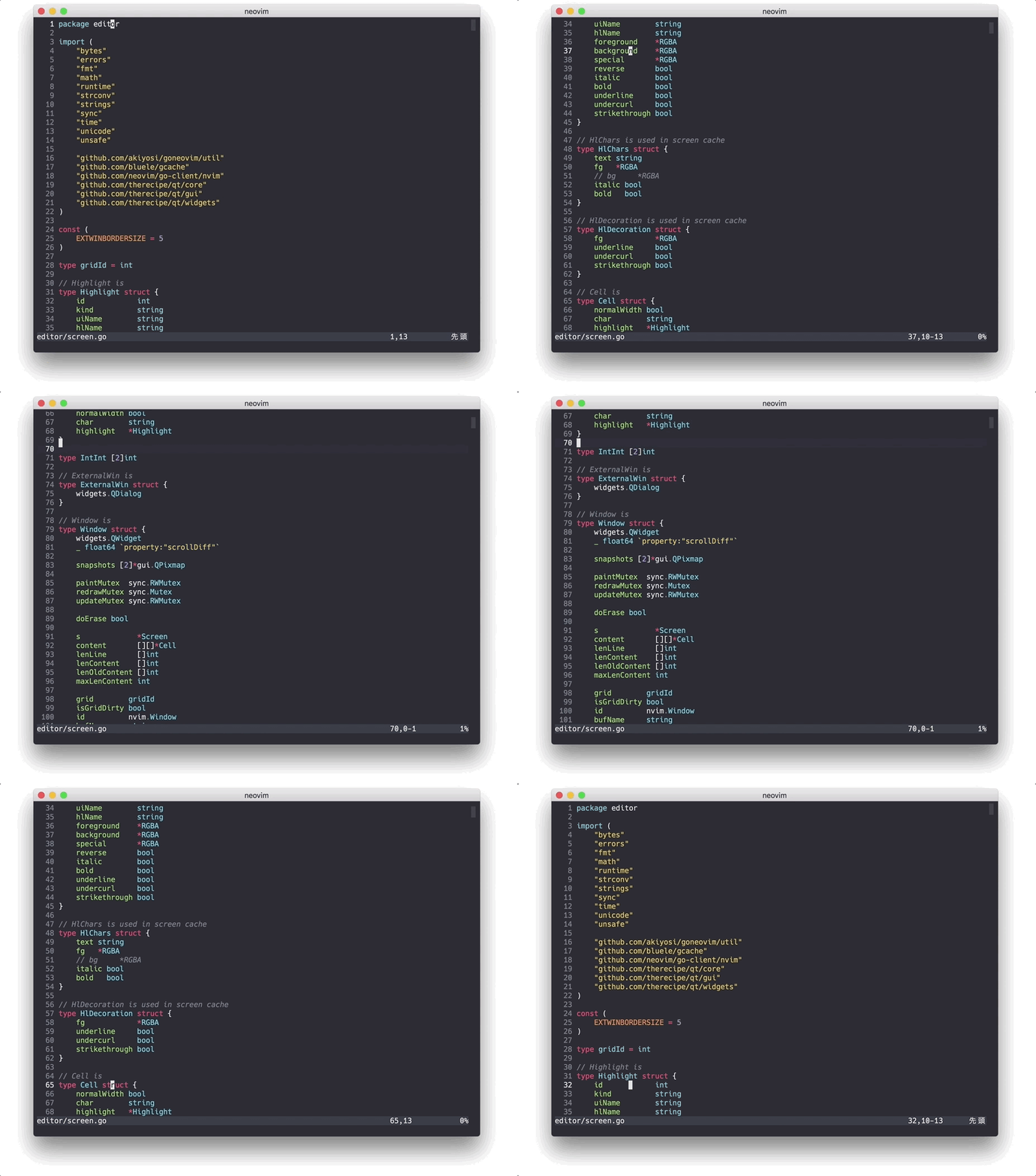
Smooth Scroll for neovim scroll commands
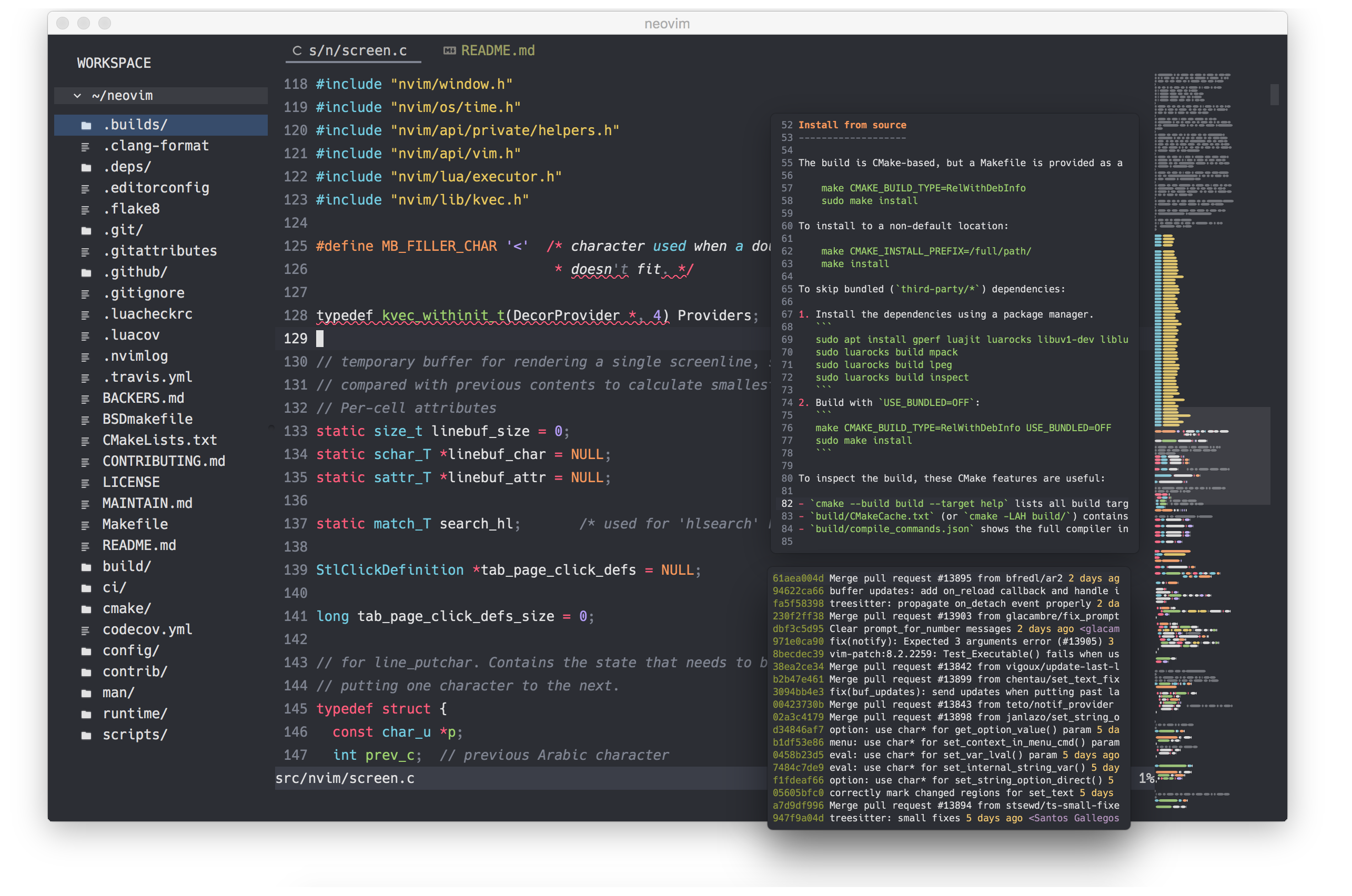
External Float Window, Minimap(experimental)
Extension points exported contracts — how you extend this code
NotifyOptionArg (FuncType)Core symbols most depended-on inside this repo
ReflectToIntShape
Languages
Modules by API surface
Dependencies from manifests, versioned
For agents
$ claude mcp add goneovim \
  -- python -m otcore.mcp_server <graph>