github.com/agnt-gg/agnt @v0.6.4
Chat with this repoWhat it actually does AI analysis from the code graph — generated when you open this
README
AGNT
The local-first agent operating system for workflows, goals, memory, plugins, subagents, evals, and self-improving AI work.
Chat when you need judgment. Use workflows when you need repeatability. Set goals when you want AGNT to keep working. Delegate when work should happen in parallel.













🌐 Website · 🧠 What is AGNT? · 🧩 Runtime model · ✨ Features · 📦 Install · 📚 API Docs · 🔌 Plugins · 💬 Discord
🧠 What is AGNT?
AGNT is a local-first agent operating system: a desktop app and self-hostable backend for building, running, evaluating, and evolving AI work.
It brings agents, workflows, goals, tools, memory, plugins, evals, traces, messaging, and APIs into one local workspace.
That is the product: AI work becomes durable, inspectable, repeatable, and improvable.
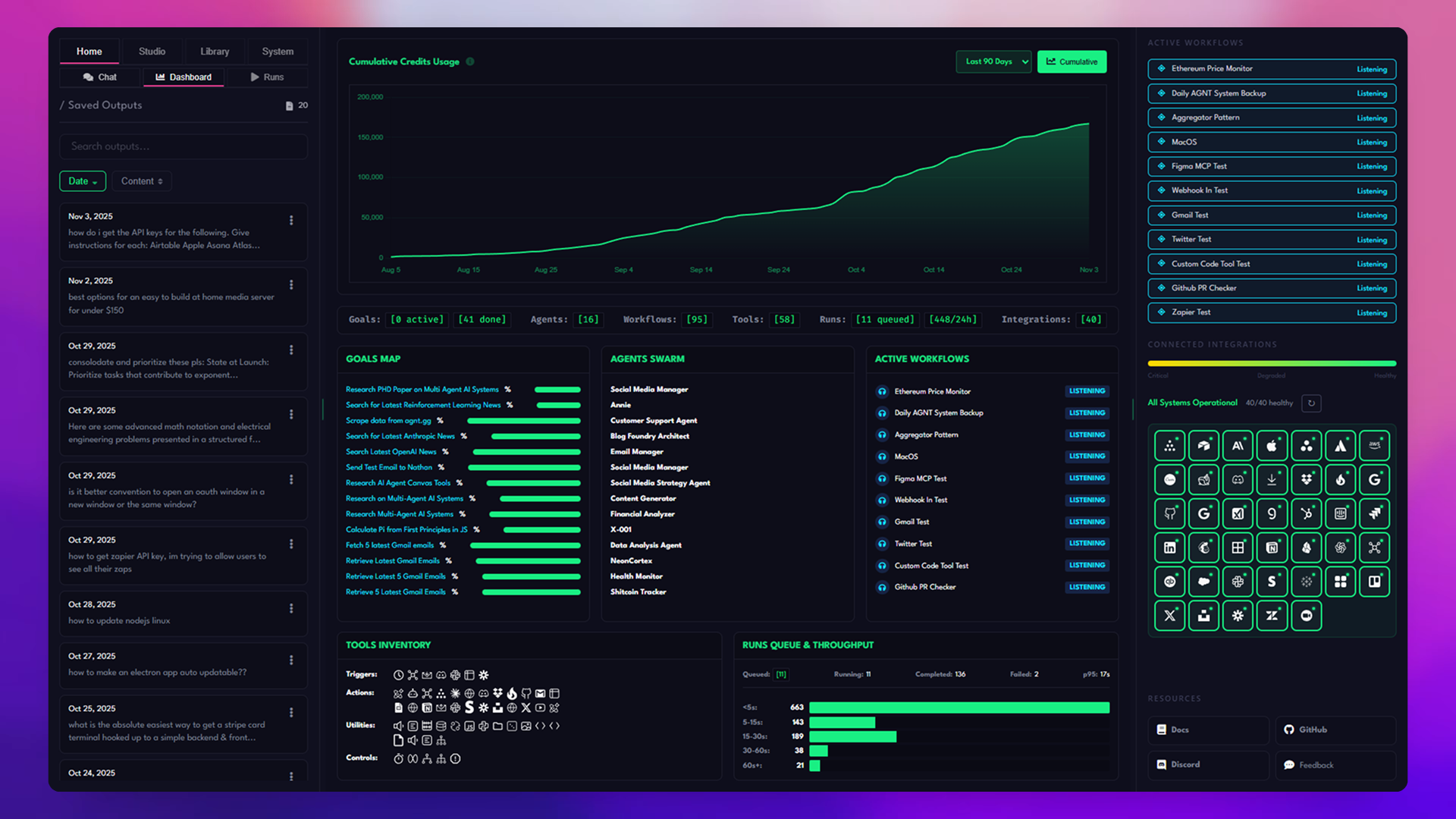
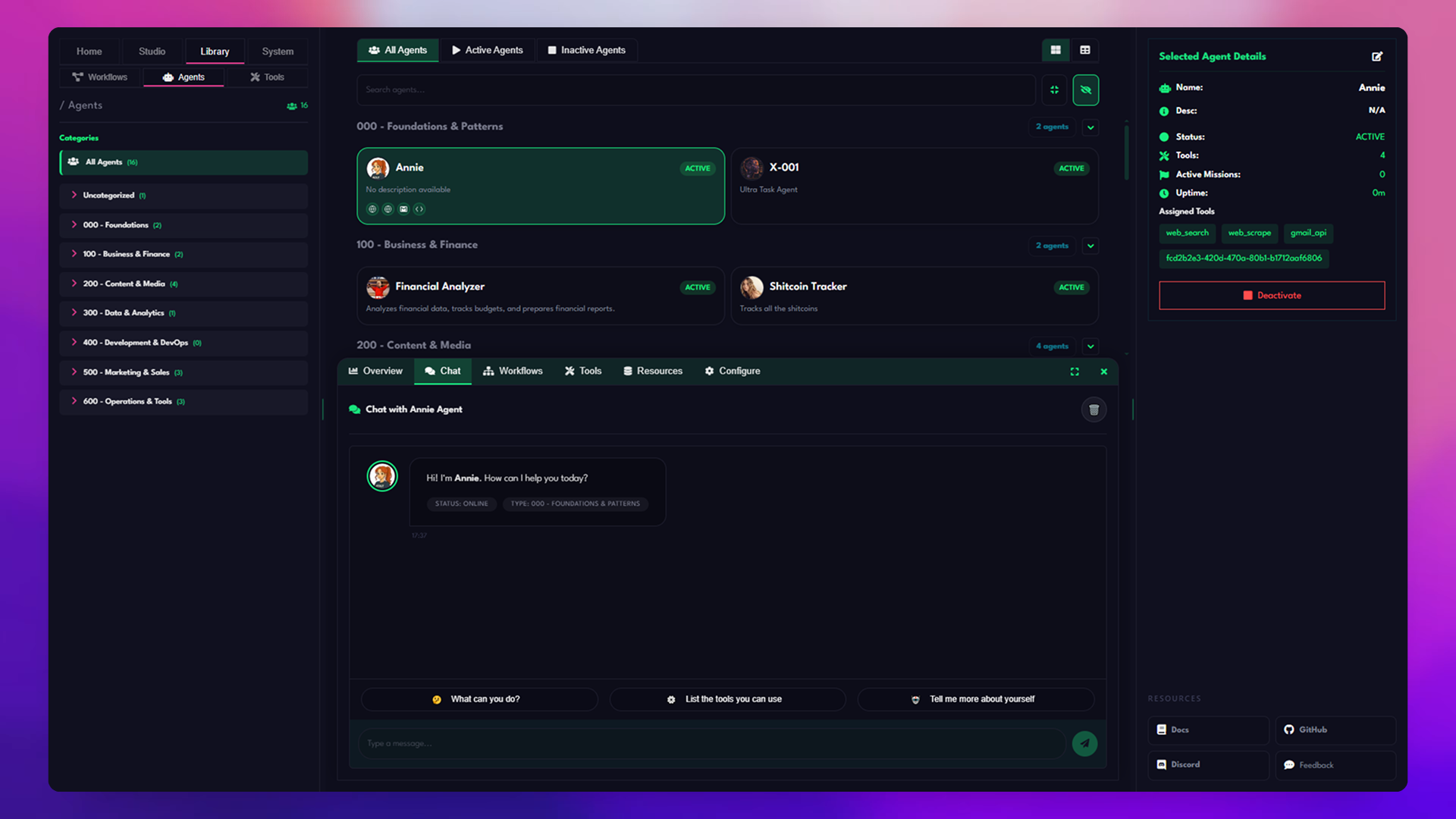
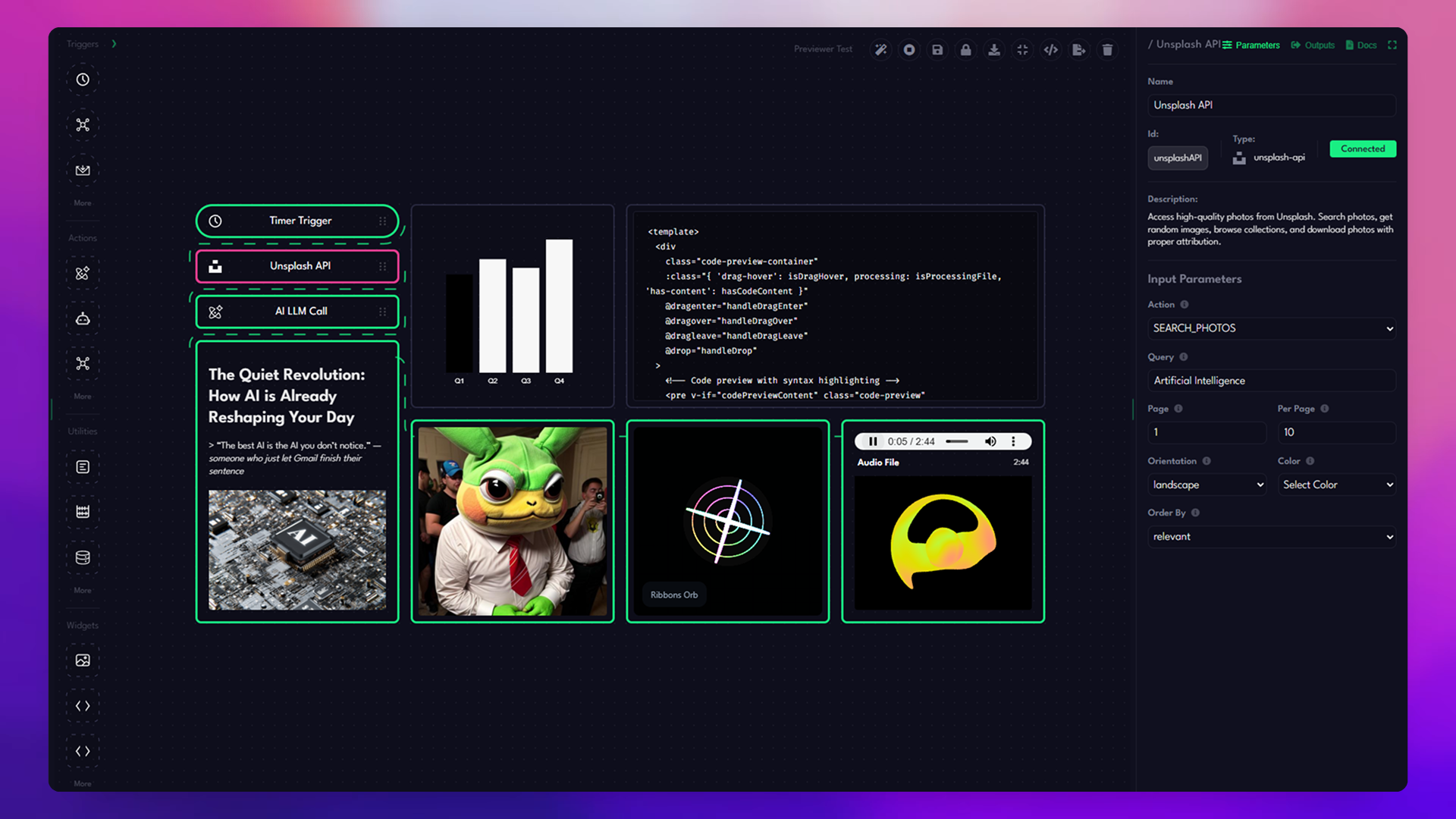
🖼️ Screenshots
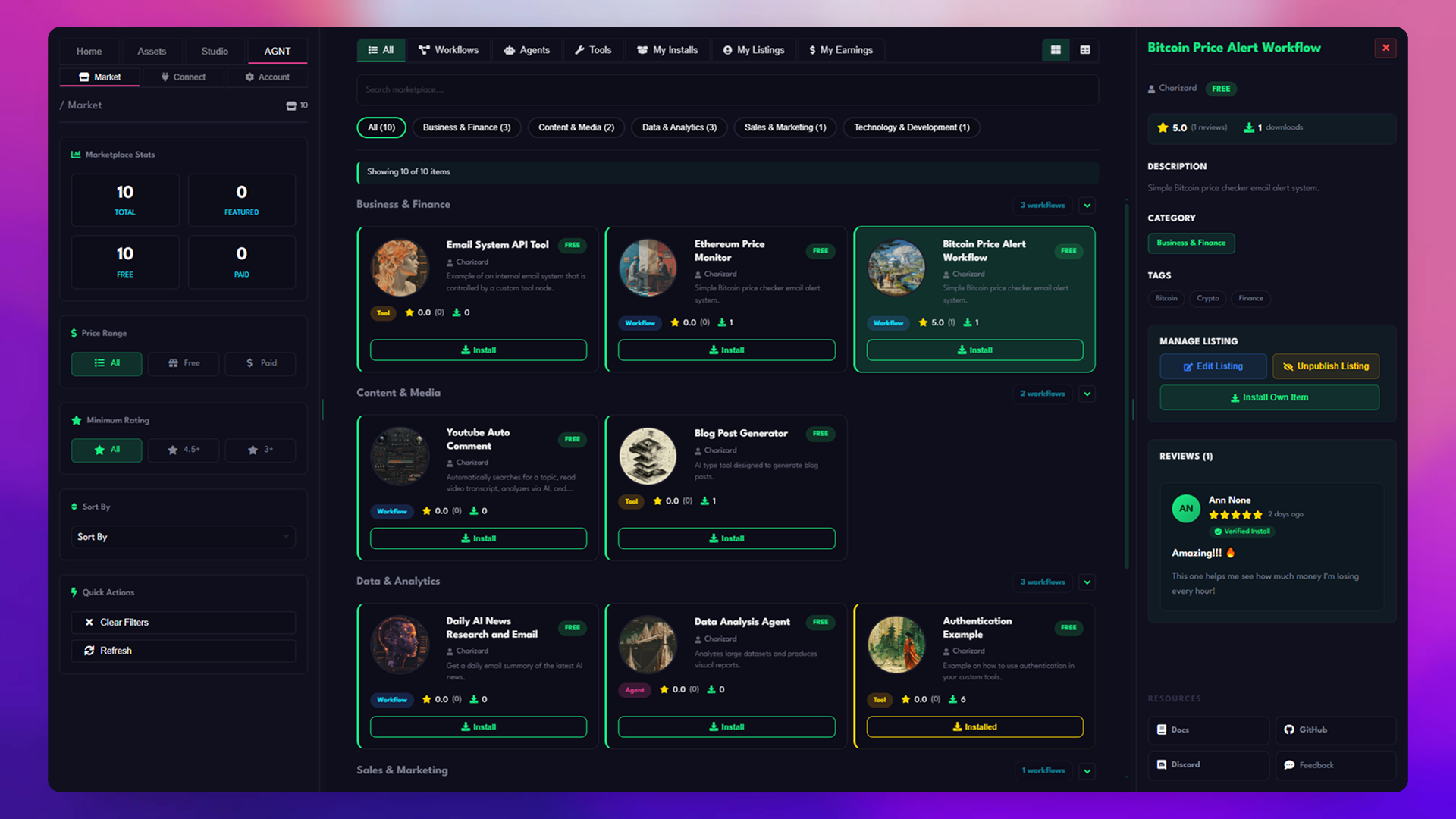
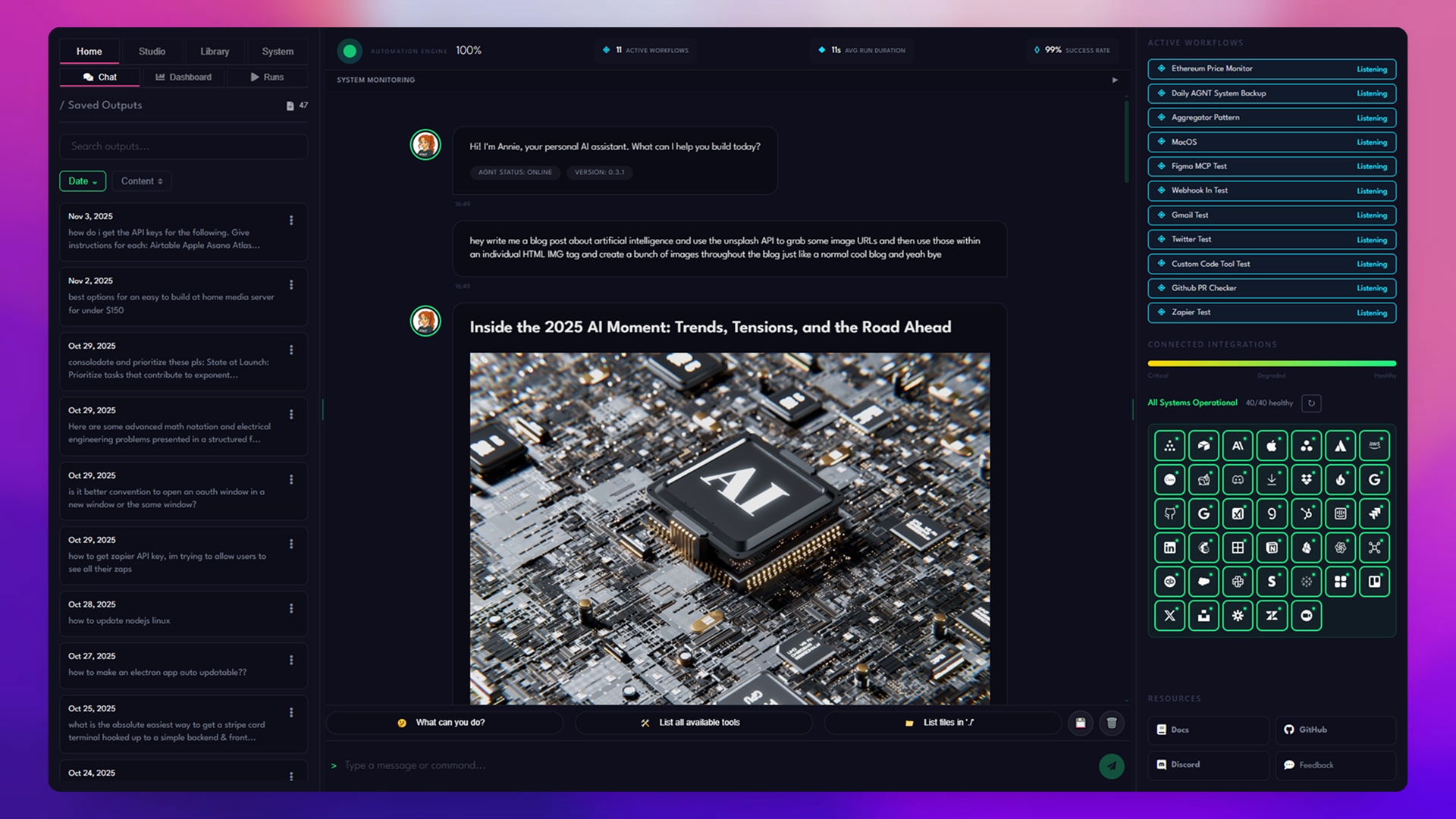
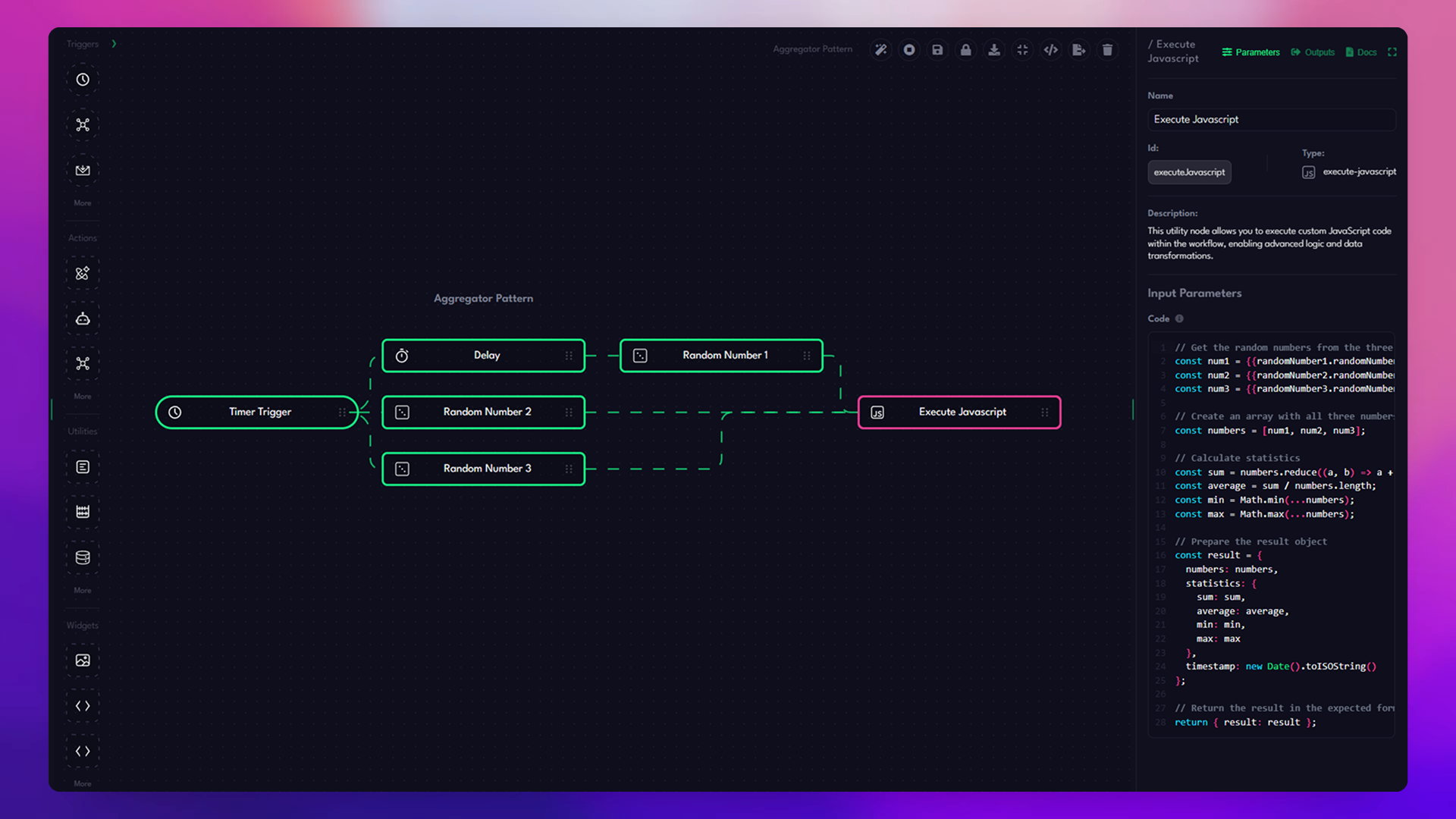
⚡ The short version
AGNT gives you:
- 🤖 Agents — memory, tools, skills, providers, and streaming chat.
- 🧩 Workflows — 60+ nodes, triggers, branches, checkpoints, and nesting.
- 🎯 Goals — plan, execute, evaluate, re-plan, pause, resume, and revert.
- 👥 Subagents — delegate across agents, workflows, async tools, MCP, plugins, APIs, and parallel branches.
- 📣 Event automation — Telegram, Discord, Slack, email, Gmail, webhooks, schedules, Zapier, and custom APIs.
- 🧠 Memory + insights — facts, preferences, corrections, bottlenecks, patterns, and tool choices.
- 🧬 SkillForge — turn execution traces into better reusable skills.
- 🔌 Plugins —
.agntpackages with tools, triggers, widgets, hot reload, and marketplace distribution. - 🛠️ Local API — port
3333for agents, workflows, goals, tools, files, plugins, MCP, skills, insights, and executions. - ⚡ Real-time UX — SSE streams and Socket.IO updates.
- 🗄️ Local-first storage — SQLite plus filesystem data you control.
- 🧠 Provider freedom — OpenAI, Anthropic, Gemini, Grok, Groq, Cerebras, DeepSeek, OpenRouter, Together, Kimi, MiniMax, Z.AI, local CLI auth, and custom endpoints.
- 🖥️ Run anywhere — desktop, Docker, headless server, VPS, homelab, Raspberry Pi, local files, CLIs, browser automation, MCP, and custom APIs.
⚡ Quick start
git clone https://github.com/agnt-gg/agnt.git
cd agnt

npm install
cd frontend && npm install && cd ..

npm start
For development with frontend hot reload:
# Terminal 1
cd frontend
npm run dev

# Terminal 2
npm start
The local backend runs on:
http://localhost:3333
🧭 Choose your install path
| You want to... | Use this |
|---|---|
| Try AGNT locally | npm install then npm start |
| Develop the UI/backend | Vite dev server + Electron/backend |
| Run AGNT as a local server | Build frontend, then npm start |
| Self-host on a VPS, homelab, or Raspberry Pi | Docker Lite |
| Use browser automation | Docker Full |
| Build plugins | Clone repo + backend/plugins/dev templates |
| Script AGNT from other tools | Local API at http://localhost:3333/api |
Most developers should start with the Quick start above, then use Docker or headless mode once they know how they want to run AGNT.
✅ Does AGNT fit your use case?
Use AGNT if your work needs:
- 📥 events that trigger AI work
- 🔁 repeatable automations
- 🎯 long-running objectives
- 👥 delegated work across agents, tools, APIs, and workflows
- 🧠 memory across runs
- 📜 inspectable traces, costs, outputs, and decisions
- 🔌 custom tools, plugins, MCP, or provider auth
- 🖥️ local or self-hosted ownership
Probably not if you only need:
- 💬 a hosted chatbot
- 🧪 a prompt playground
- ☁️ a SaaS-only automation tool
- 🏢 public multi-tenant hosting for unrelated organizations
- 🪄 a zero-config cloud product with no local data, APIs, plugins, or providers
🆚 How AGNT compares
AGNT overlaps with agent frameworks, workflow tools, plugin ecosystems, and self-improving skill systems. Its strength is the union.
| If you are comparing AGNT to... | The difference |
|---|---|
| Hermes Agent | Hermes is a narrower autonomous-agent framework. AGNT can run the same single-agent style of work, then go further: multi-agent systems, visual workflows, long-running goals, plugins, evals, traces, dashboards, provider management, APIs, messaging triggers, custom tools, local memory, and local-first persistence. |
| OpenClaw | OpenClaw focuses on CLI-driven tool use. AGNT includes tool use, then adds a desktop app, local backend, visual workflows, goals, plugins, evals, dashboards, provider management, messaging triggers, MCP, custom APIs, and persistent local state. |
| n8n / Zapier | AGNT has visual automation, but also persistent agents, memory, goals, SkillForge, MCP, provider auth, local traces, custom APIs, and plugin-native AI execution. |
| LangChain / AutoGen / CrewAI | AGNT is not just a framework. It includes the desktop UI, local backend, workflow canvas, goals, plugins, storage, dashboards, and runtime APIs. |
| OpenWebUI / chat apps | AGNT has chat, but chat is only one execution mode. Workflows, goals, tools, plugins, memory, and evals are first-class. |
| Claude Code / coding agents | AGNT can work with local projects and tools, but also orchestrates workflows, messaging triggers, custom APIs, dashboards, skills, and long-running goals. |
Other tools cover fragments of the stack. AGNT is the full local-first agent operating system.
📦 Installation
✅ Prerequisites
- Node.js 18+
- npm 9+
- Git
🚀 Quick install from source
git clone https://github.com/agnt-gg/agnt.git
cd agnt

npm install
cd frontend && npm install && cd ..

npm start
🧑💻 Development mode
# Terminal 1: frontend dev server with Vite HMR
cd frontend
npm run dev

# Terminal 2: Electron app and backend on port 3333
npm start
🏭 Production mode
cd frontend && npm run build && cd ..
npm start
🐳 Docker install
Use Docker for an isolated self-hosted deployment.
Docker snap users on Linux: If you installed Docker via snap, set
AGNT_HOMEwith an absolute path, for exampleAGNT_HOME=/home/username docker compose up -d, to avoid snap home directory isolation issues.Updating an existing Docker deployment:
docker compose up -dalone does not always fetch a newer image when the tag already exists locally. Rundocker compose pullfirst, or usedocker compose up -d --pull always.
📥 Pull pre-built images from GHCR
# Full image with browser automation, about 1.5GB
docker run -d \
  --name agnt-full \
  -p 3333:3333 \
  -v agnt-data:/app/data \
  ghcr.io/agnt-gg/agnt:latest

# Visit http://localhost:3333
# Lite image without browser automation, about 715MB
docker run -d \
  --name agnt-lite \
  -p 3333:3333 \
  -v agnt-data:/app/data \
  ghcr.io/agnt-gg/agnt:lite

# Visit http://localhost:3333
Available tags:
latest/full: latest Full variant with browser automationlite: latest Lite variant without browser automationv0.6.4/v0.6.4-full: specific Full versionv0.6.4-lite: specific Lite version
🏗️ Build Docker images from source
git clone https://github.com/agnt-gg/agnt.git
cd agnt

# Full version
docker-compose up -d

# Lite version
docker-compose -f docker-compose.lite.yml up -d

# Run both variants side by side
docker-compose -f docker-compose.both.yml up -d

# Or use the Makefile
make run-both
🧪 Docker variants
- 🔋 Full: includes Chromium support for web scraping and browser automation.
- 🪶 Lite: smaller image without browser automation.
- 🚀 Both: useful for testing Full and Lite side by side.
📖 See Self-Hosting Guide for complete Docker setup.
📥 Desktop binaries
Pre-built desktop downloads are available for Windows, macOS, and GNU/Linux.



🖥️ Headless / $5 VPS / Raspberry Pi mode
AGNT can run without the Electron desktop shell. In headless mode the Express backend serves the built Vue frontend and the local API from port 3333, so you can run AGNT on a homelab box, a Raspberry Pi, a small cloud VM, or a low-cost VPS.
For a typical $5 VPS or Raspberry Pi, use the Lite Docker image unless you need browser automation. Lite keeps agents, workflows, goals, plugins, providers, API integrations, file processing, image processing, and email automation, but omits bundled Chromium/Puppeteer/Playwright browser automation to reduce disk and memory use.
Recommended small-server targets:
| Target | Recommendation |
|---|---|
| $5 VPS | 1-2 vCPU, 1-2GB |