github.com/aframevr/aframe @v1.8.0 sqlite
README
A-Frame

A web framework for building browser based 3D, AR and VR experiences.




Site — Docs — Examples — School — Community
Examples
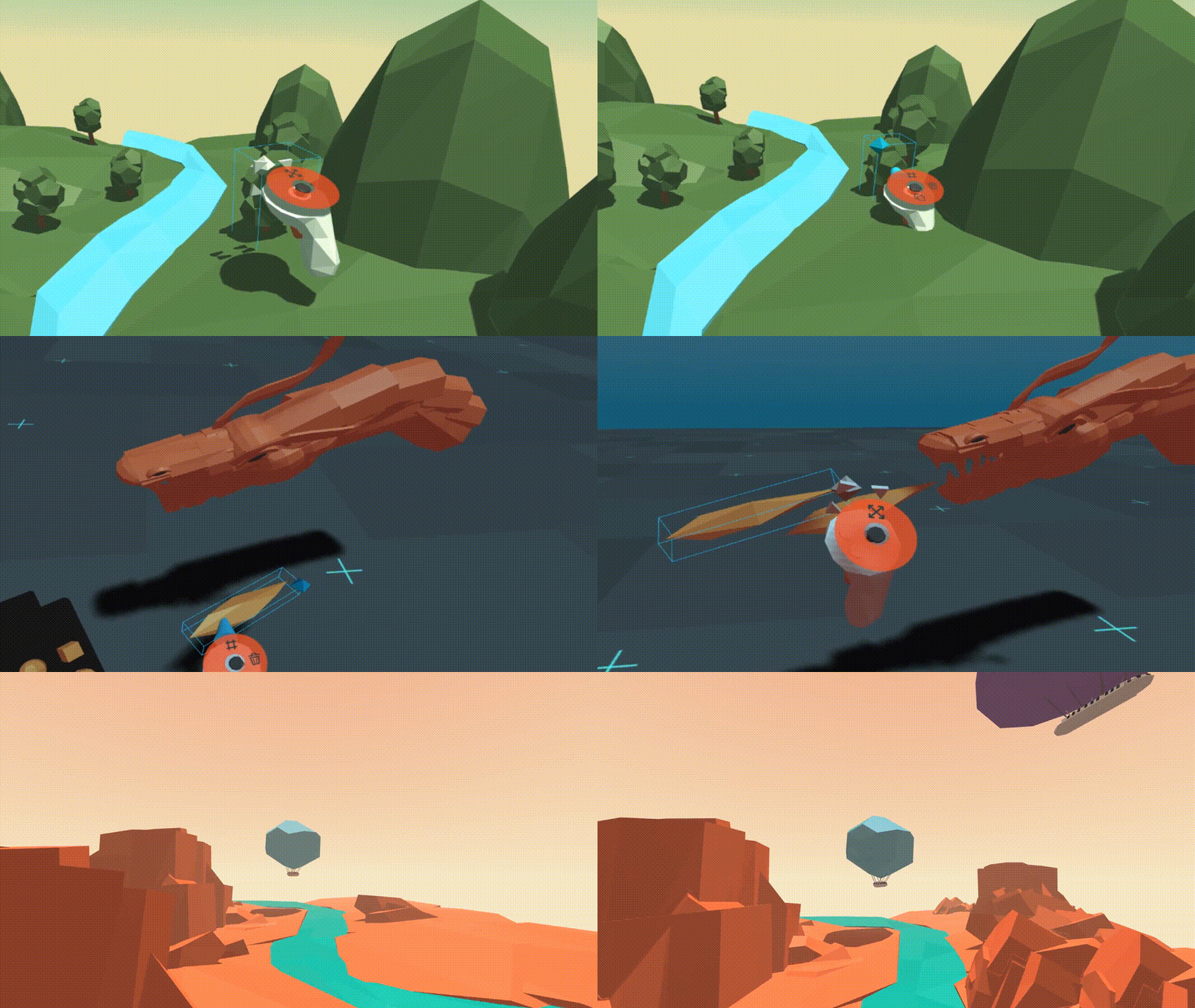

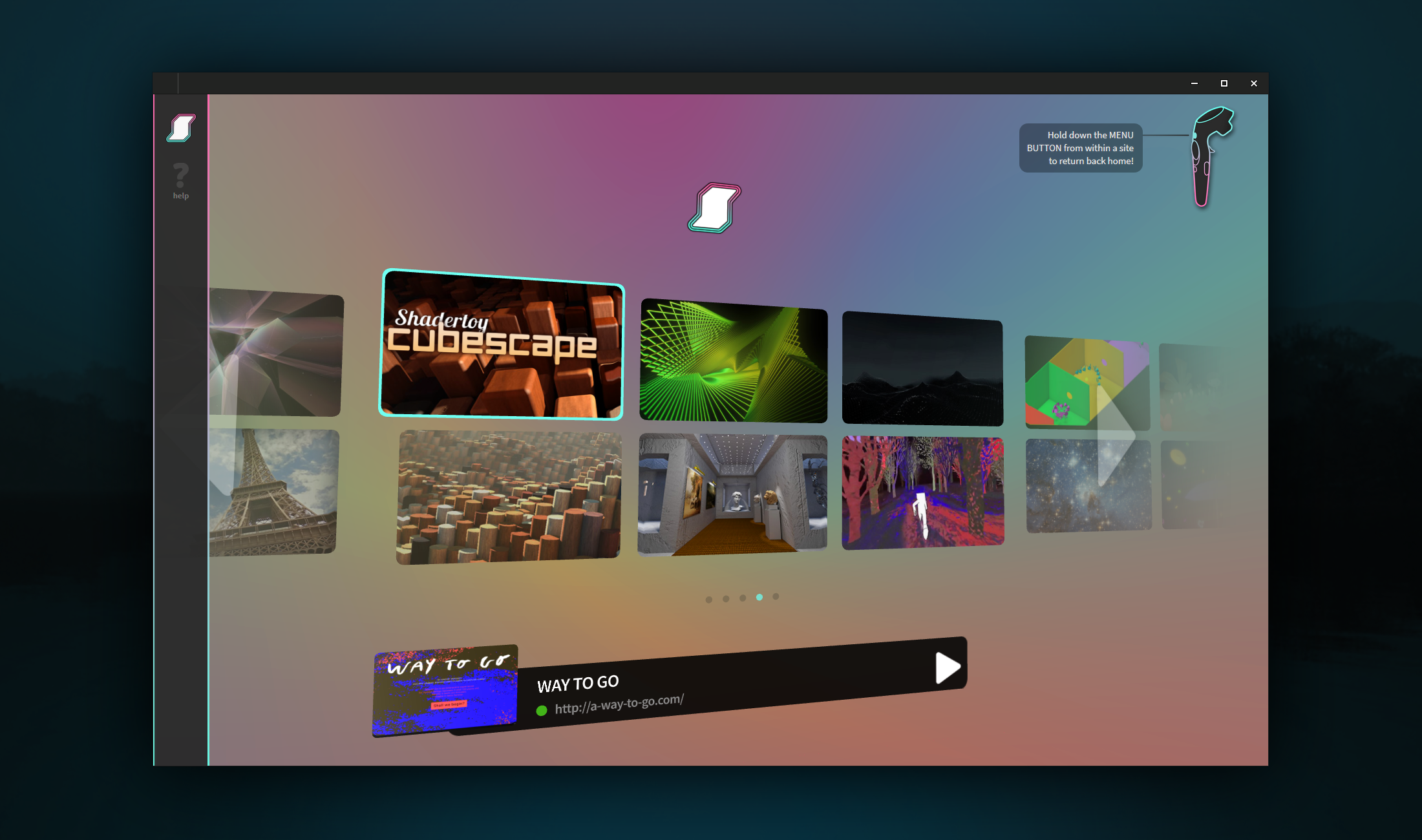


Find more examples on the homepage, A Week of A-Frame, and WebVR Directory.
Features
:eyeglasses: Virtual Reality Made Simple: A-Frame handles the 3D and WebXR
boilerplate required to get running across platforms including mobile, desktop, and all headsets (compatible with a WebXR capable browser) just by dropping in <a-scene>.
:heart: Declarative HTML: HTML is easy to read and copy-and-paste. Since A-Frame can be used from HTML, A-Frame is accessible to everyone: web developers, VR and AR enthusiasts, educators, artists, makers, kids.
:electric_plug: Entity-Component Architecture: A-Frame is a powerful framework on top of three.js, providing a declarative, composable, reusable entity-component structure for three.js. While A-Frame can be used from HTML, developers have unlimited access to JavaScript, DOM APIs, three.js, WebXR, and WebGL.
:zap: Performance: A-Frame is a thin framework on top of three.js. Although A-Frame uses the DOM, A-Frame does not touch the browser layout engine. Performance is a top priority, being battle-tested on highly interactive WebXR experiences.
:globe_with_meridians: Cross-Platform: Build VR and AR applications for any headset compatible with a WebXR capable browser. Don't have a headset or controllers? No problem! A-Frame still works on standard desktop and smartphones.
:mag: Visual Inspector: A-Frame provides a built-in visual 3D inspector
with a workflow similar to a browser's developer tools and interface similar to
Unity. Open up any A-Frame scene and hit <ctrl> + <alt> + i.
:runner: Features: Hit the ground running with A-Frame's built-in components such as geometries, materials, lights, animations, models, raycasters, shadows, positional audio, tracked controllers. Get even further with community components such as particle systems, physics, multiuser, oceans, mountains, speech recognition, or teleportation!
Usage
Example
Build VR and AR scenes in the browser with just a few lines of HTML! To start playing and publishing now, remix the starter example on:

<html>
  <head>
    <script src="https://aframe.io/releases/1.8.0/aframe.min.js"></script>
  </head>
  <body>
    <a-scene>
      <a-box position="-1 0.5 -3" rotation="0 45 0" color="#4CC3D9"></a-box>
      <a-sphere position="0 1.25 -5" radius="1.25" color="#EF2D5E"></a-sphere>
      <a-cylinder position="1 0.75 -3" radius="0.5" height="1.5" color="#FFC65D"></a-cylinder>
      <a-plane position="0 0 -4" rotation="-90 0 0" width="4" height="4" color="#7BC8A4"></a-plane>
      <a-sky color="#ECECEC"></a-sky>
    </a-scene>
  </body>
</html>
With A-Frame's entity-component architecture, we can drop in community components from the ecosystem (e.g., ocean, physics) and plug them into our objects straight from HTML:
<html>
  <head>
    <script src="https://aframe.io/releases/1.8.0/aframe.min.js"></script>
    <script src="https://cdn.jsdelivr.net/gh/c-frame/aframe-particle-system-component@1.2.x/dist/aframe-particle-system-component.min.js"></script>
    <script src="https://cdn.jsdelivr.net/gh/c-frame/aframe-extras@7.5.0/dist/aframe-extras.min.js"></script>
    <script src="https://cdn.jsdelivr.net/npm/@fern-solutions/aframe-sky-background/dist/sky-background.umd.min.js"></script>
  </head>
  <body>
    <a-scene>
      <a-entity id="rain" particle-system="preset: rain; color: #24CAFF; particleCount: 5000"></a-entity>

      <a-entity id="sphere" geometry="primitive: sphere"
                material="color: #EFEFEF; shader: flat"
                position="0 0.15 -5"
                light="type: point; intensity: 15.7"
                animation="property: position; easing: easeInOutQuad; dir: alternate; dur: 1000; to: 0 -0.10 -5; loop: true"></a-entity>

      <a-entity id="ocean" ocean="density: 20; width: 50; depth: 50; speed: 4"
                material="color: #9CE3F9; opacity: 0.75; metalness: 0; roughness: 1"
                rotation="-90 0 0"></a-entity>

      <a-sky-background top-color="#EBEBF5" bottom-color="#B9B9D2"></a-sky-background>

      <a-entity id="light" light="type: ambient; color: #888"></a-entity>
    </a-scene>
  </body>
</html>
Builds
To use the latest stable build of A-Frame, include aframe.min.js:
<head>
  <script src="https://aframe.io/releases/1.8.0/aframe.min.js"></script>
</head>
To check out the stable and master builds, see the dist/ folder.
npm
npm install --save aframe
# Or yarn add aframe
import AFRAME from 'aframe'; // e.g., with Webpack or Vite.
Local Development
git clone https://github.com/aframevr/aframe.git  # Clone the repository.
cd aframe && npm install  # Install dependencies.
npm start  # Start the local development server.
And open in your browser http://localhost:8080.
If you want to test the examples in VR, you need to run it with https:
npm run start:https
Look at the "On Your Network (IPv4)" line in the console, and copy and paste the url to https://hmd.link service. Then open the browser in your headset and type hmd.link in the address bar then click on the copied url that will show up if you're connected to the same network as your machine. You will see a message about the page being dangerous because we're using a self-signed certificate, you can ignore that warning and continue to the page.
Generating Builds
npm run dist
Questions
For questions and support, ask on StackOverflow.
Stay in Touch
- Hang out with the community
- Follow @aframevr on X.
And get in touch with the maintainers!
Contributing
Get involved! Check out the Contributing Guide for how to get started.
You can also support development by buying a gorgeous A-Frame t-shirt with exclusive designs
License
This program is free software and is distributed under an MIT License.
Core symbols most depended-on inside this repo
setAttributeShape
Languages
Modules by API surface
Dependencies from manifests, versioned
For agents
$ claude mcp add aframe \
  -- python -m otcore.mcp_server <graph>