github.com/aceberg/miniboard @1.2.2
Chat with this repoWhat it actually does AI analysis from the code graph — generated when you open this
README


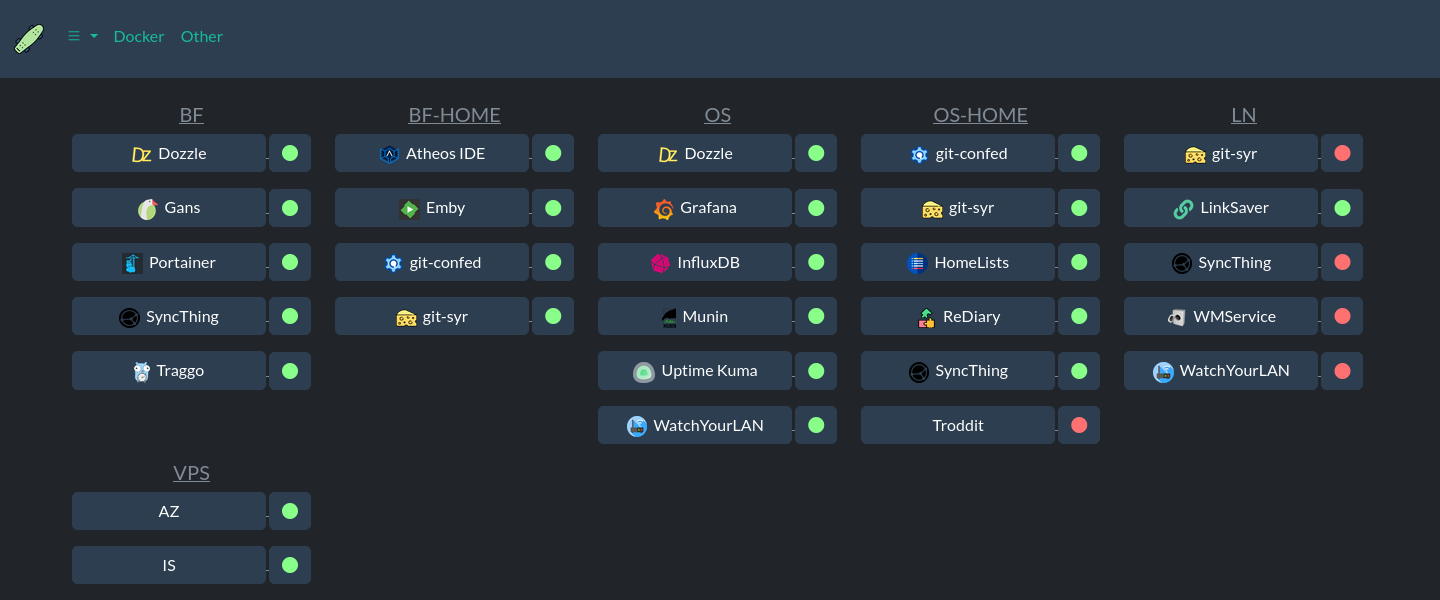
 miniboard
Lightweight dashboard with tabs, uptime monitoring and notifications.
Can be configured through GUI or yaml file.
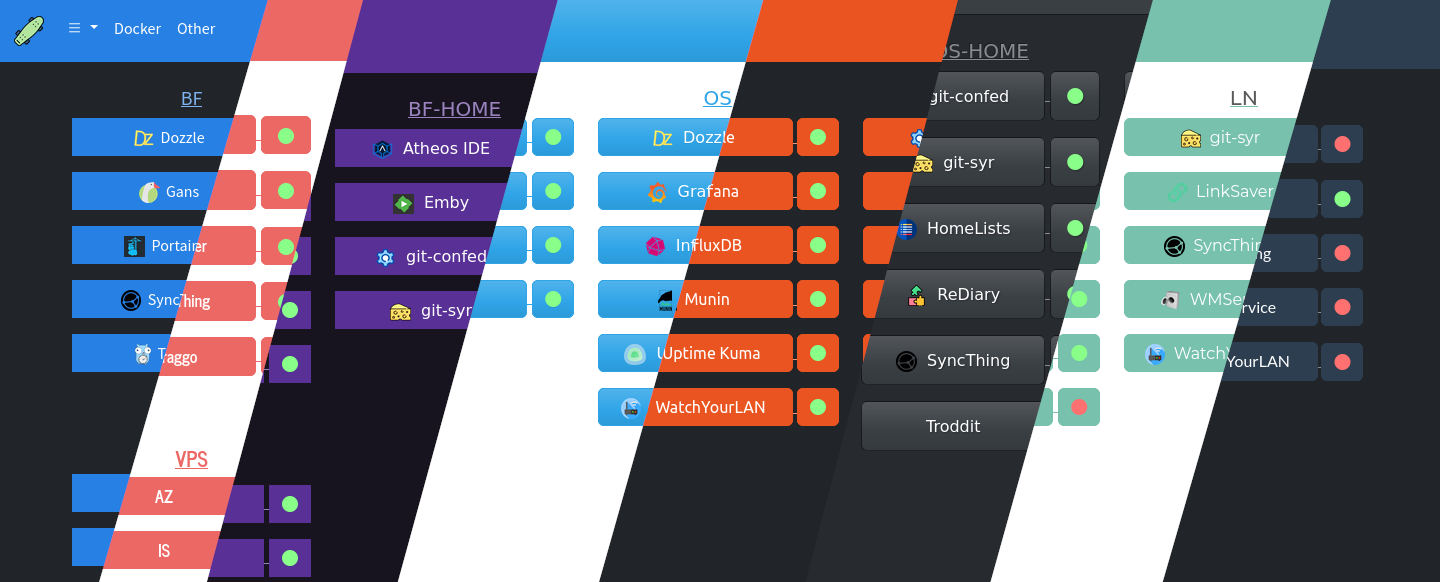
More Themes
Quick start
docker run --name miniboard \
-e "TZ=$YOURTIMEZONE" \
-v ~/.dockerdata/miniboard:/data/miniboard \
-v /var/run/docker.sock:/var/run/docker.sock \ # Only needed to create panel from Docker containers (On Edit panels page)
-p 8849:8849 \
aceberg/miniboard
Or use docker-compose.yml
There is also binary installation available.
Usage
All configuration can be done both with GUI or config file. To start with GUI first create new panel, then create new tab with this panel. Then you can add as many hosts (to panels), panels and tabs as you want.
Also, you can start with example board.yaml file. All fields are commented there.
Config
Configuration can be done through config file or environment variables
| Variable | Description | Default |
|---|---|---|
| AUTH | Enable Session-Cookie authentication | false |
| AUTH_EXPIRE | Session expiration time. A number and suffix: m, h, d or M. | 7d |
| AUTH_USER | Username | "" |
| AUTH_PASSWORD | Encrypted password (bcrypt). How to encrypt password with bcrypt? | "" |
| HOST | Listen address | 0.0.0.0 |
| PORT | Port for web GUI | 8849 |
| THEME | Any theme name from https://bootswatch.com in lowcase | flatly |
| COLOR | Background color: light or dark | dark |
| COLORON | Online host color | #89ff89 |
| COLOROFF | Offline host color | #ff3232 |
| BTNWIDTH | Adjust buttons to theme | 180px |
| WEBREFRESH | Refresh interval for Tabs and Uptime pages (seconds) | 60 |
| DBTRIMDAYS | Remove old records from DB after | 30 |
| TZ | Time zone (for uptime monitor) | "" |
Options
| Key | Description | Default |
|---|---|---|
| -b | Path to board file | /data/miniboard/board.yaml |
| -c | Path to config file | /data/miniboard/config.yaml |
| -d | Path to SQLite DB file | /data/miniboard/uptime.db |
| -n | Path to node modules (see below) | "" |
Local network only
By default, this app pulls themes, icons and fonts from the internet. But, in some cases, it may be useful to have an independent from global network setup. I created a separate image with all necessary modules and fonts.
If you want to use local icons, download them and mount icon folder (~/.dockerdata/icons in this example) to /app/icons. Then you can open it in browser and copy each icon link to miniboard.
docker run --name node-bootstrap       \
    -v ~/.dockerdata/icons:/app/icons  \ # For local icons
    -p 8850:8850                       \
    aceberg/node-bootstrap
docker run --name miniboard \
    -v ~/.dockerdata/miniboard:/data/miniboard \
    -p 8849:8849 \
    aceberg/miniboard -n "http://$YOUR_IP:8850"
Or use docker-compose
Thanks
- All go packages listed in dependencies
- Favicon and logo: Skateboard icons created by Freepik - Flaticon
- Bootstrap
- Themes: Free themes for Bootstrap
Core symbols most depended-on inside this repo
IfErrorShape
Languages
Modules by API surface
For agents
$ claude mcp add miniboard \
  -- python -m otcore.mcp_server <graph>