github.com/Wemino/MarkerPatch @2.5.1
Chat with this repoBrowse by type
What it actually does AI analysis from the code graph — generated when you open this
README

A patch that fixes various issues and limitations in the PC port of Dead Space 2.
How to Install
[!NOTE]
Compatible with all versions of Dead Space 2 (Steam, EA App).Download: MarkerPatch.zip
Extract the contents of the zip file into the game's folder, in the same directory as thedeadspace2.exefile.[!WARNING] If the game doesn't start on Windows after installing the patch, try updating to the latest Microsoft Visual C++ Redistributable (x86).
You can download it here: https://aka.ms/vs/17/release/vc_redist.x86.exe
Steam Deck/Linux Specific Instructions (Windows users can skip this)
DXVK limits the framerate to 60 FPS by default. To increase this limit, add the following to your launch options (example for 120 FPS):
DXVK_CONFIG="d3d9.maxFrameRate = 120" %command%
[!TIP] Locked out of the Steam version by the DRM activation limit? XTEAther can help restore access to your own copy.
Features
Havok Physics Fix
Stabilizes physics behavior at high framerates to eliminate the annoying flying corpses and limbs. While physics issues begin above 30 FPS, they become noticeably problematic after 100 FPS, causing dead bodies and severed limbs to launch erratically across rooms.
High-Core CPU Fix
Prevents the game from crashing on systems with more than 10 CPU cores. The game's CPU detection code collects information about each core into fixed-size arrays, but these arrays weren't sized to handle more than 10 cores. When more cores are detected, the code overflows these arrays, corrupting memory and causing crashes later during execution. The patch stops the CPU detection loop early to prevent this overflow.
VSync Refresh Rate Fix
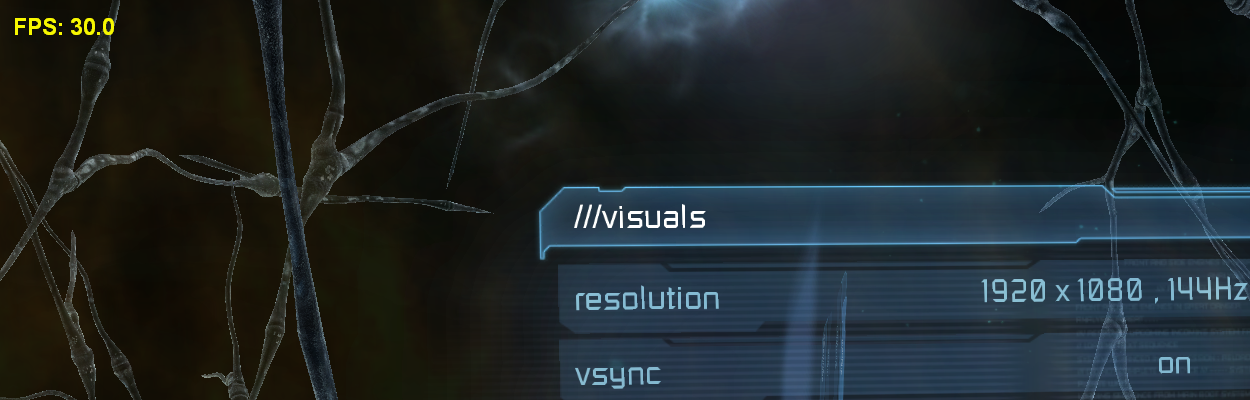
Corrects the VSync implementation to use the refresh rate selected in the game's settings instead of locking to 30 FPS. The original implementation ignores your chosen refresh rate and forces 30 FPS when VSync is enabled.
 |
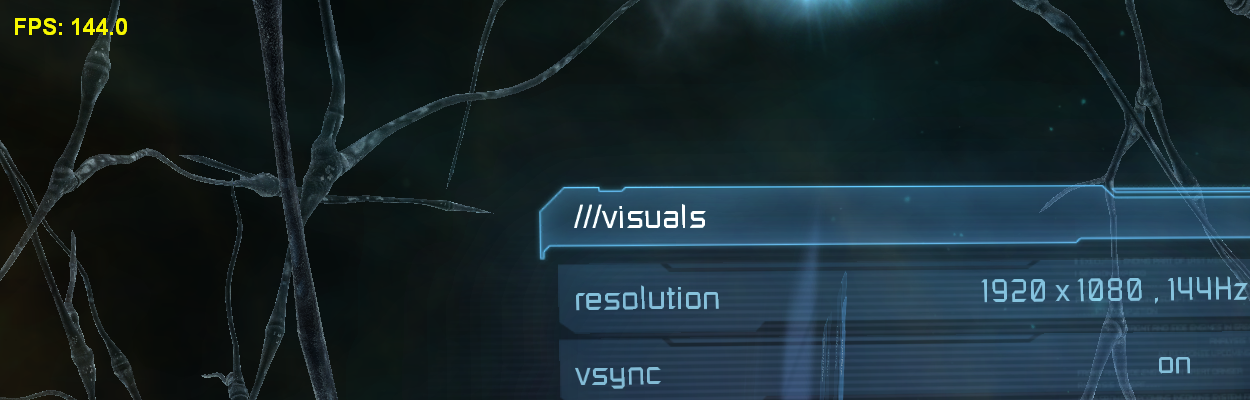 |
| Vanilla (Locked to 30 FPS) | MarkerPatch (Uses Selected Rate) |
Automatic Weapon Fire Rate Fix
Stabilizes the fire rate of automatic weapons across all framerates. The game's weapon cooldown system checks more frequently at higher framerates, causing automatic weapons like the Pulse Rifle and Flamethrower to fire progressively faster as FPS increases.
Solar Array Elevator Fix
Fixes the Solar Array Elevator's door becoming stuck in Chapter 7 after a checkpoint is reloaded above 30 FPS, which can leave the player unable to progress. At higher framerates the door's position isn't set correctly before the elevator moves, and this fix sets it properly so the elevator works as intended.
Skip Artificial Loading Delay
Removes the artificial minimum duration applied to loading screens. The game holds each loading screen for at least ten seconds even after the level has finished loading, so faster storage never shortens the wait. This fix lets the loading screen end as soon as the actual loading completes.
Save System Fixes
Difficulty Reward Tracking
Fixes the tracking of Zealot and Hardcore difficulty completions to properly unlock rewards.
Important: This fix requires starting a new save with the patch installed. You must keep the patch installed for the entire playthrough for the fix to remain effective.
Suit ID Conflicts
Resolves item database conflicts where certain DLC suits incorrectly share IDs with other suits: - Zealot Suit was conflicting with the Security Suit. - Hacker Suit was conflicting with the Elite Advanced Suit.
These conflicts would cause one suit to overwrite the other in your inventory, making purchased items disappear.
String Buffer Overflow Prevention
Prevents crashes that can rarely occur when the game enumerates save files. This happens in two scenarios: when checking for Dead Space 1 saves to grant the DLC bonus for owning the first game, and when listing your Dead Space 2 save files in the load menu. Though these crashes are uncommon, they can be frustrating when they do occur.
Achievement Support
Adds an in-game achievement overlay that tracks your progress and shows a notification when one is unlocked, using the same achievements as the Xbox 360 and PlayStation 3 versions. Press HOME to open the list at any time.
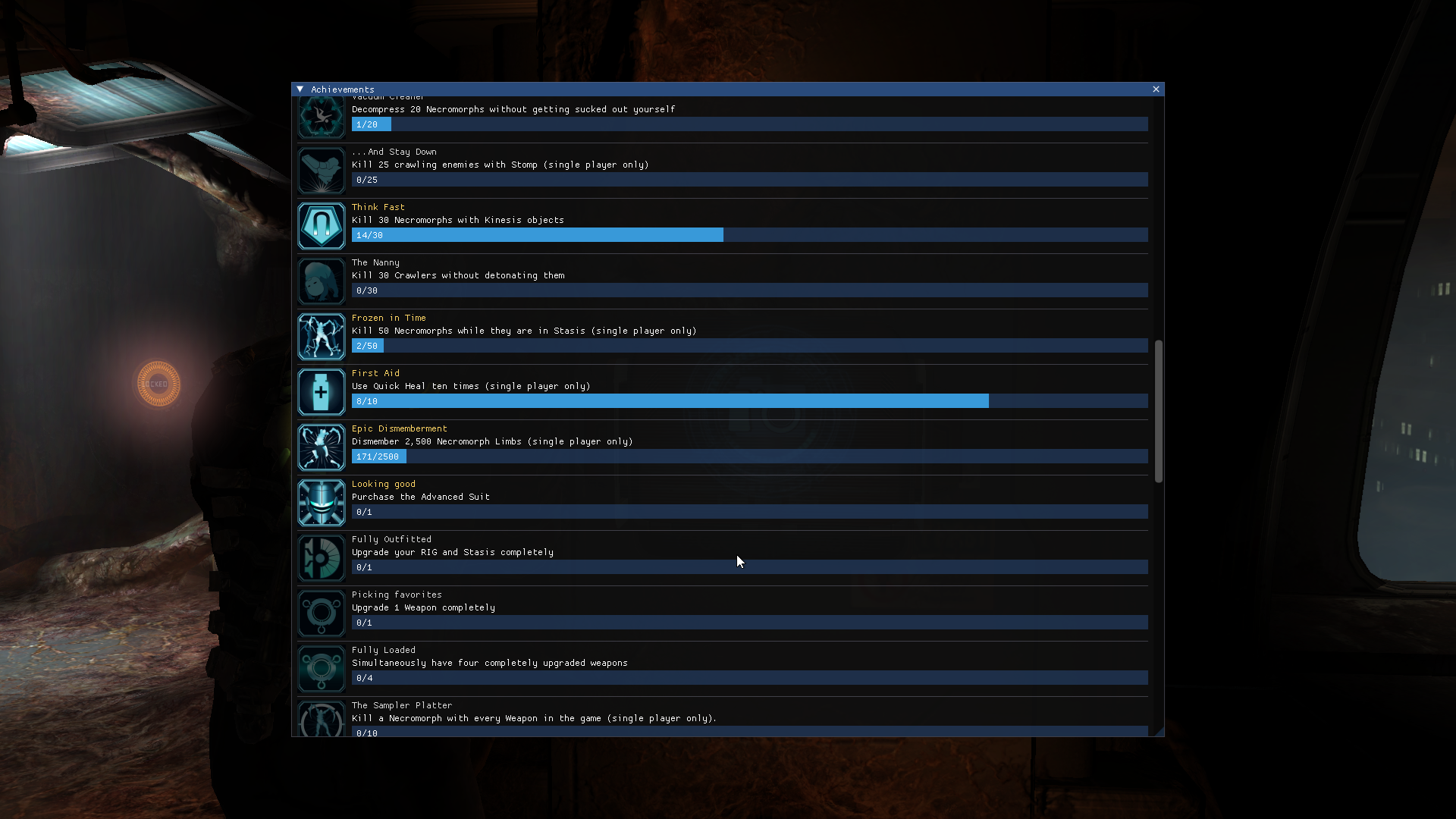 |
| Achievement List |
Note: Can be disabled by setting
AchievementSupport = 0inMarkerPatch.iniif wanted.
Subtitle Font Scaling
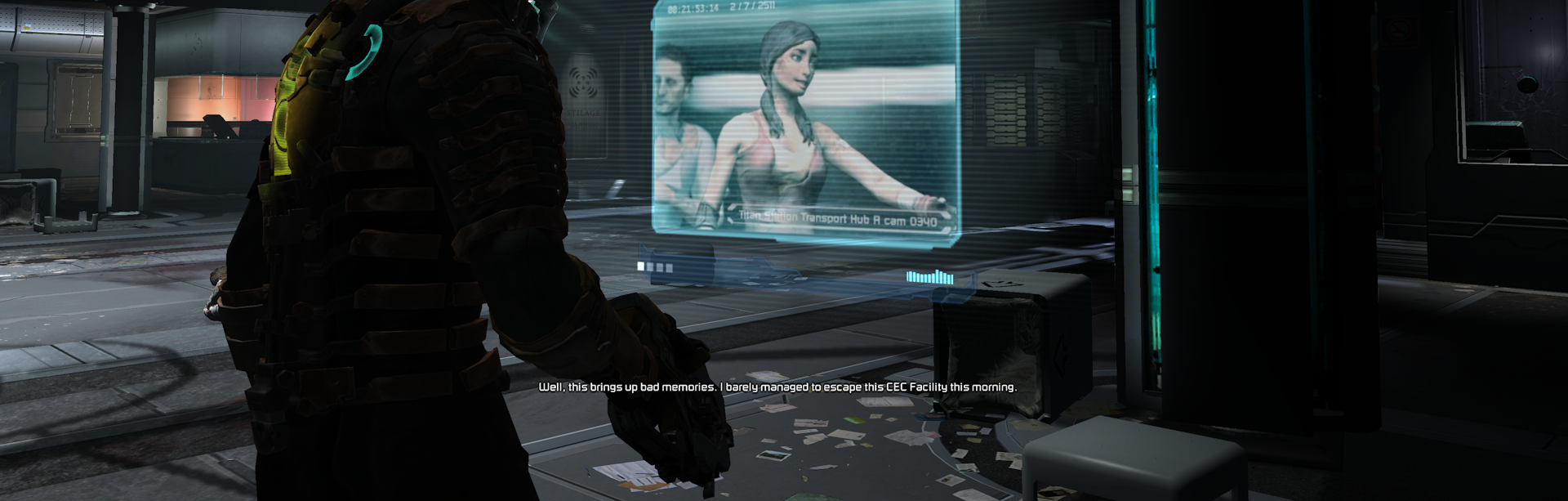
Scales subtitle text appropriately for high resolutions. The game was designed with console limitations in mind and intentionally prevents subtitles from scaling beyond 720p resolution, making them tinier at 1080p and above. This fix removes that limitation and allows proper scaling.
For those who prefer different subtitle sizes, FontScalingFactor in MarkerPatch.ini allows fine-tuning the subtitle text size to personal preference.
 |
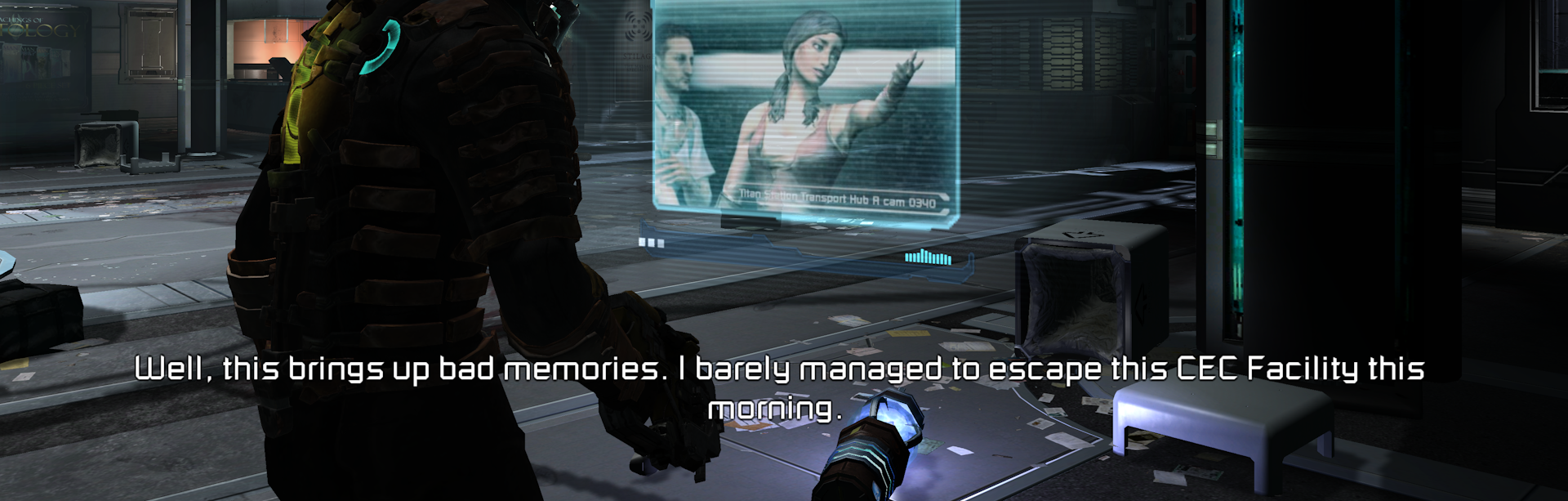 |
| 4K Vanilla | 4K MarkerPatch |
Soft Shadow Blur Fix
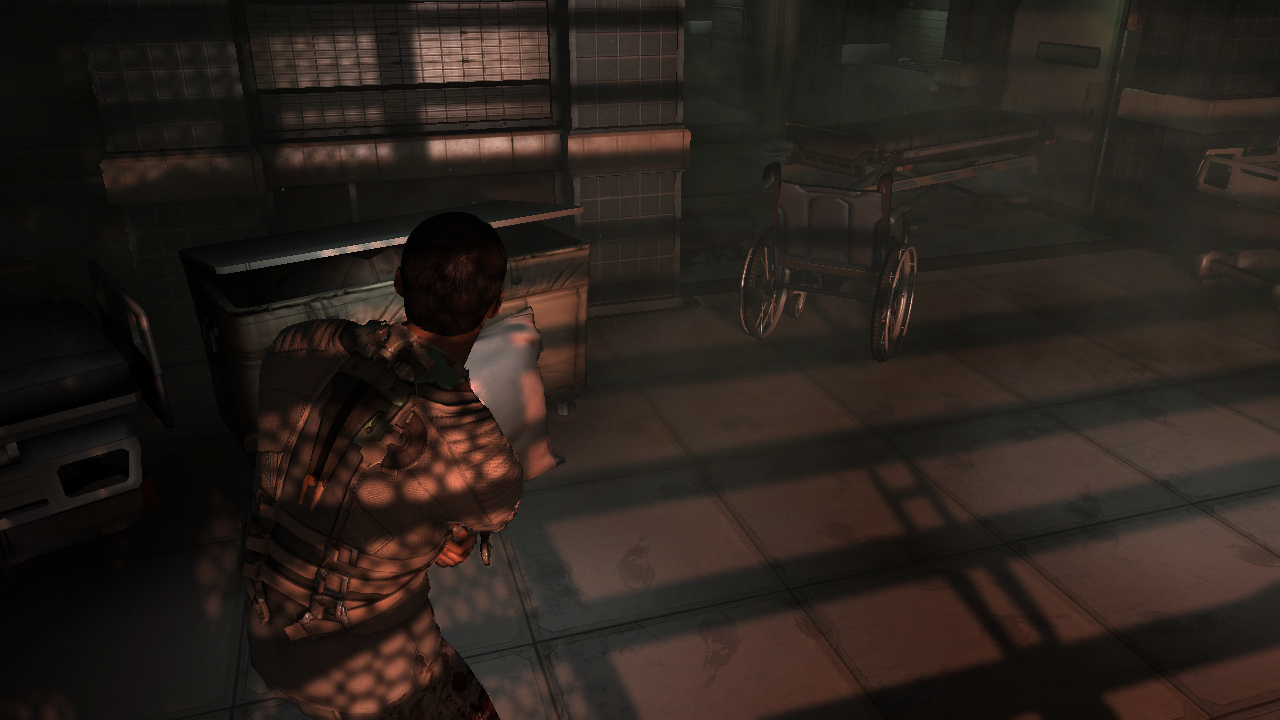
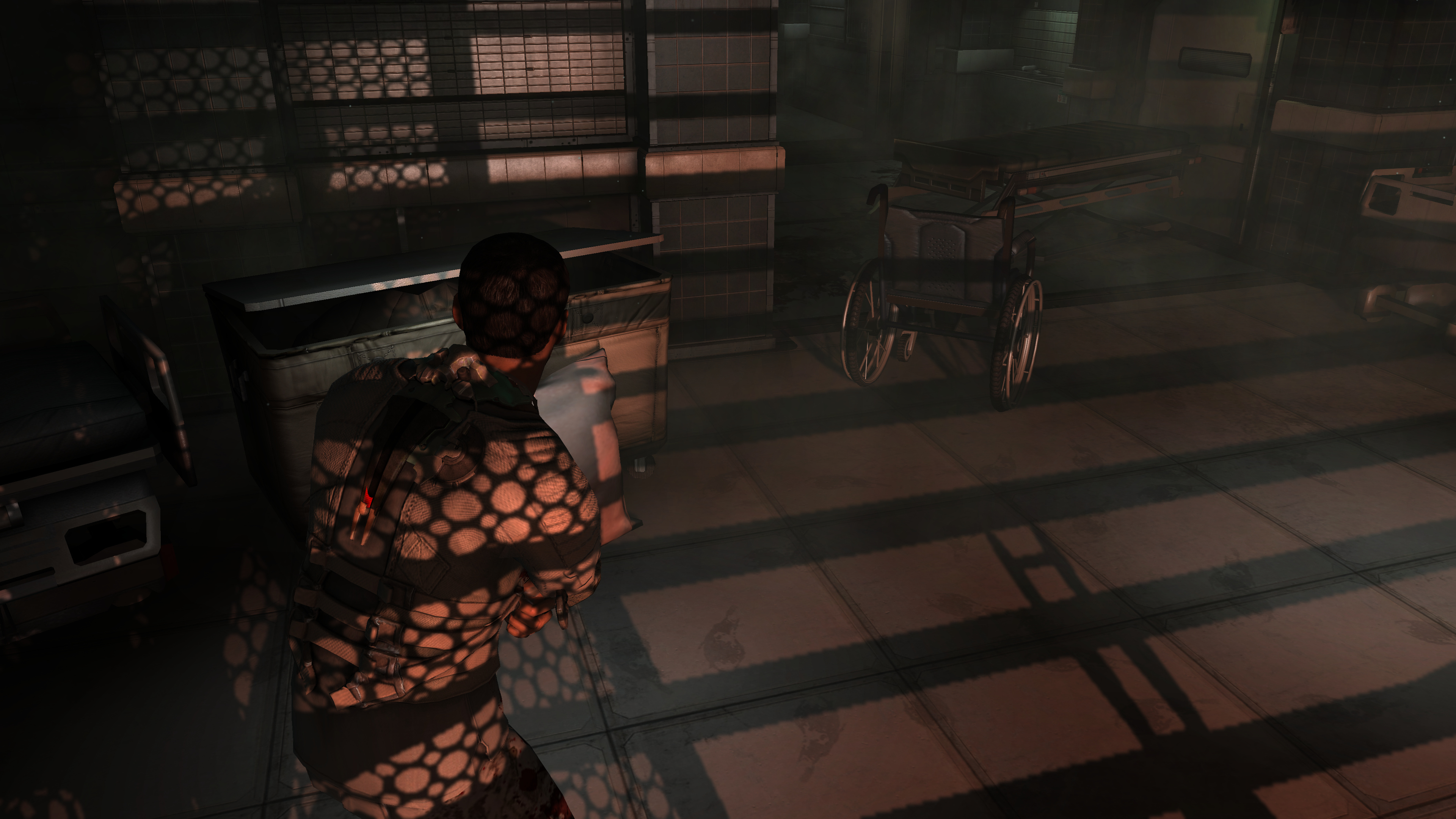
Restores soft shadow blur intensity at high resolutions. The game applies a fixed number of blur passes to shadows, calibrated for 720p, causing shadows to appear sharp and pixelated at higher resolutions where the same blur covers a smaller portion of the screen. This fix adjusts the blur pass count so shadow edges remain smooth across all resolutions.
 |
 |
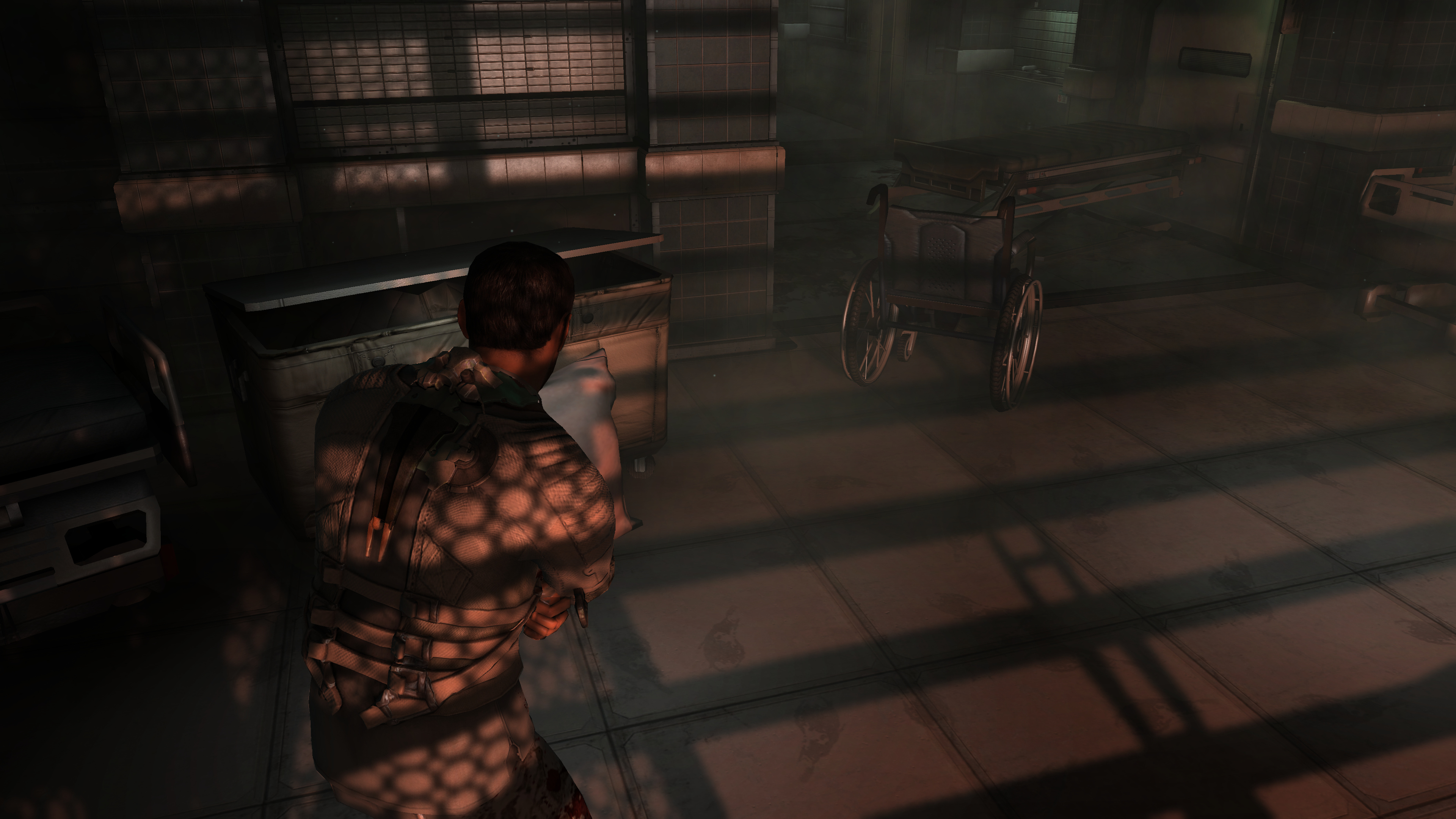 |
| 720p Vanilla | 4K Vanilla | 4K MarkerPatch |
Dynamic Shadow Resolution
Allows increasing the resolution of dynamic shadows when Shadow Quality is set to Very High in-game.
Set DynamicShadowResolution higher than 1920 in MarkerPatch.ini to enable the override. Higher values improve shadow detail but increase GPU usage.
Depth of Field Blur Fix
Restores depth of field blur intensity at high resolutions. The game's DOF effect uses a blur radius designed for 720p, causing the effect to appear progressively weaker at higher resolutions and almost vanishing at 4K. This fix scales the blur radius with the screen resolution so the depth of field looks consistent across all resolutions.
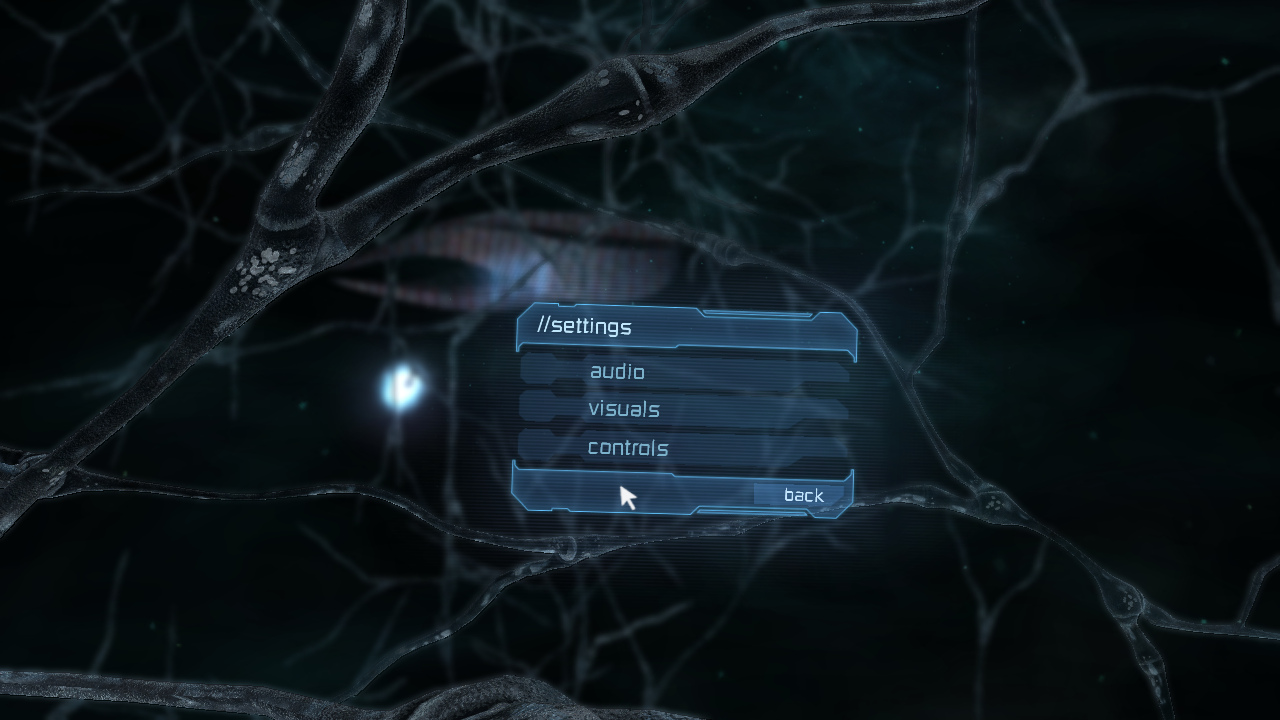 |
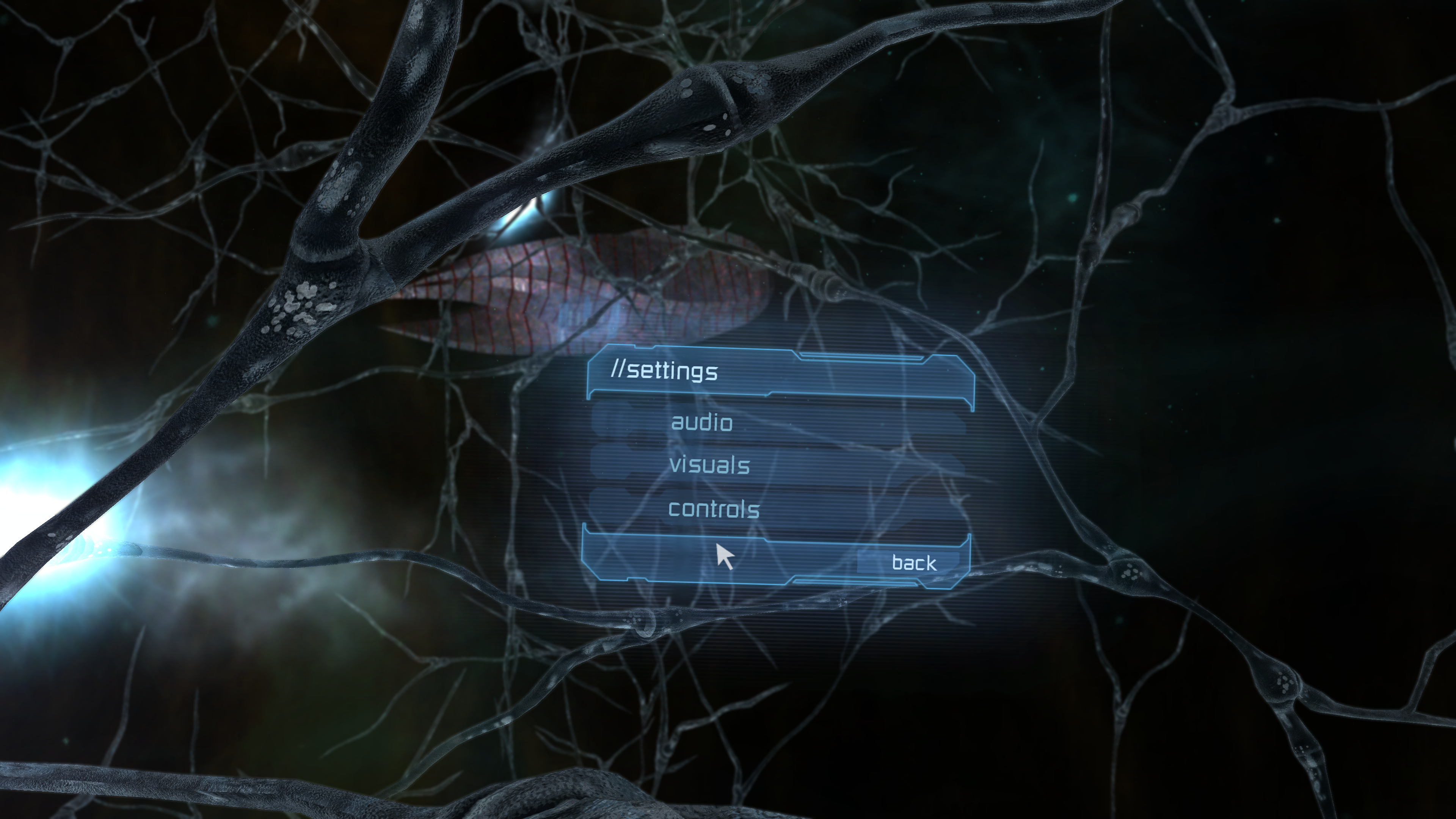 |
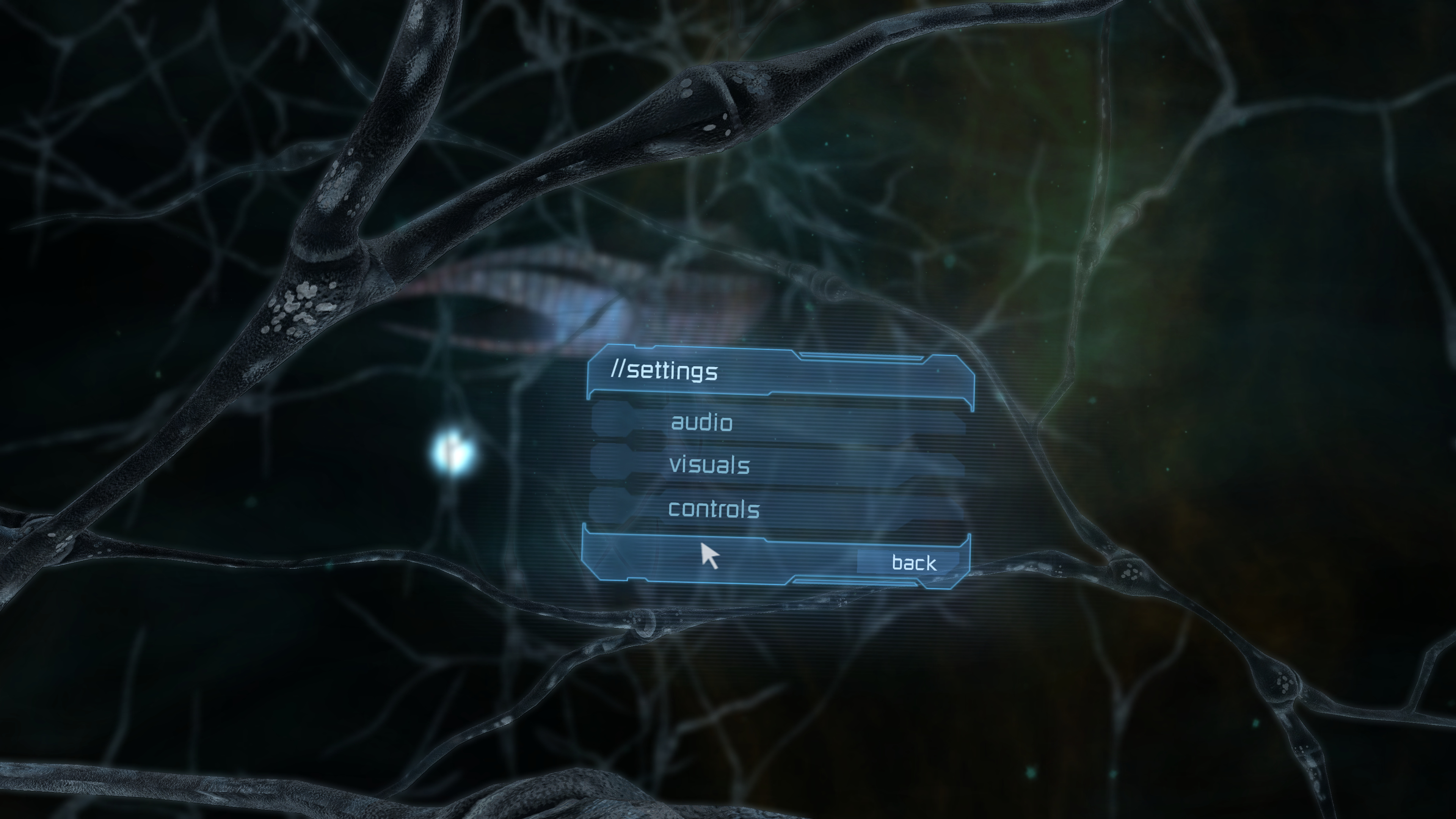 |
| 720p Vanilla | 4K Vanilla | 4K MarkerPatch |
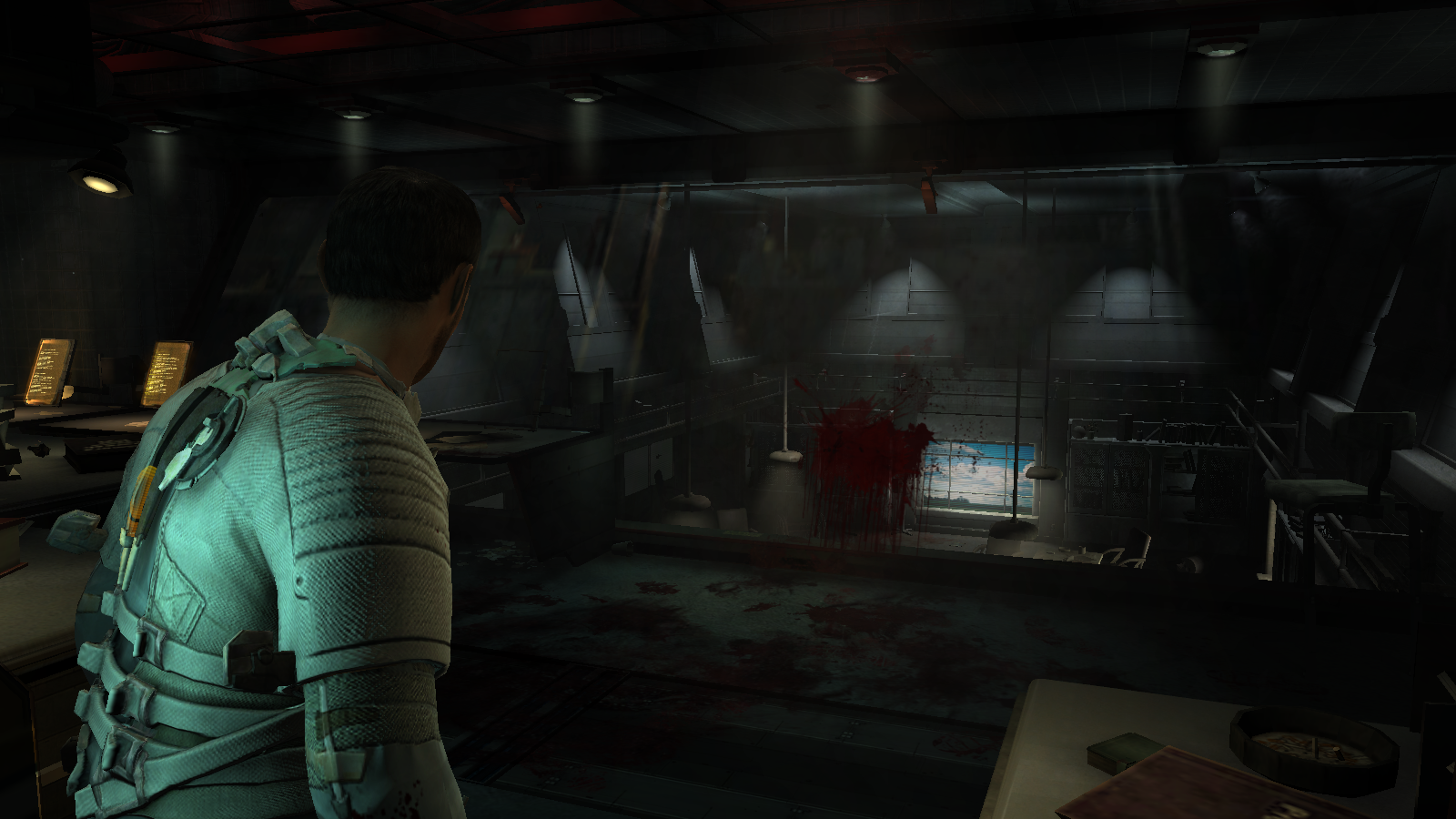
Reflections Fix
Fixes distorted, repeating reflections on reflective surfaces. The PC port declares the vertex normal and tangent data as unsigned values when they should be signed, so the game reconstructs the reflection at skewed angles and layers it across the surface. This corrects the data interpretation so reflections render properly, matching the original console appearance.
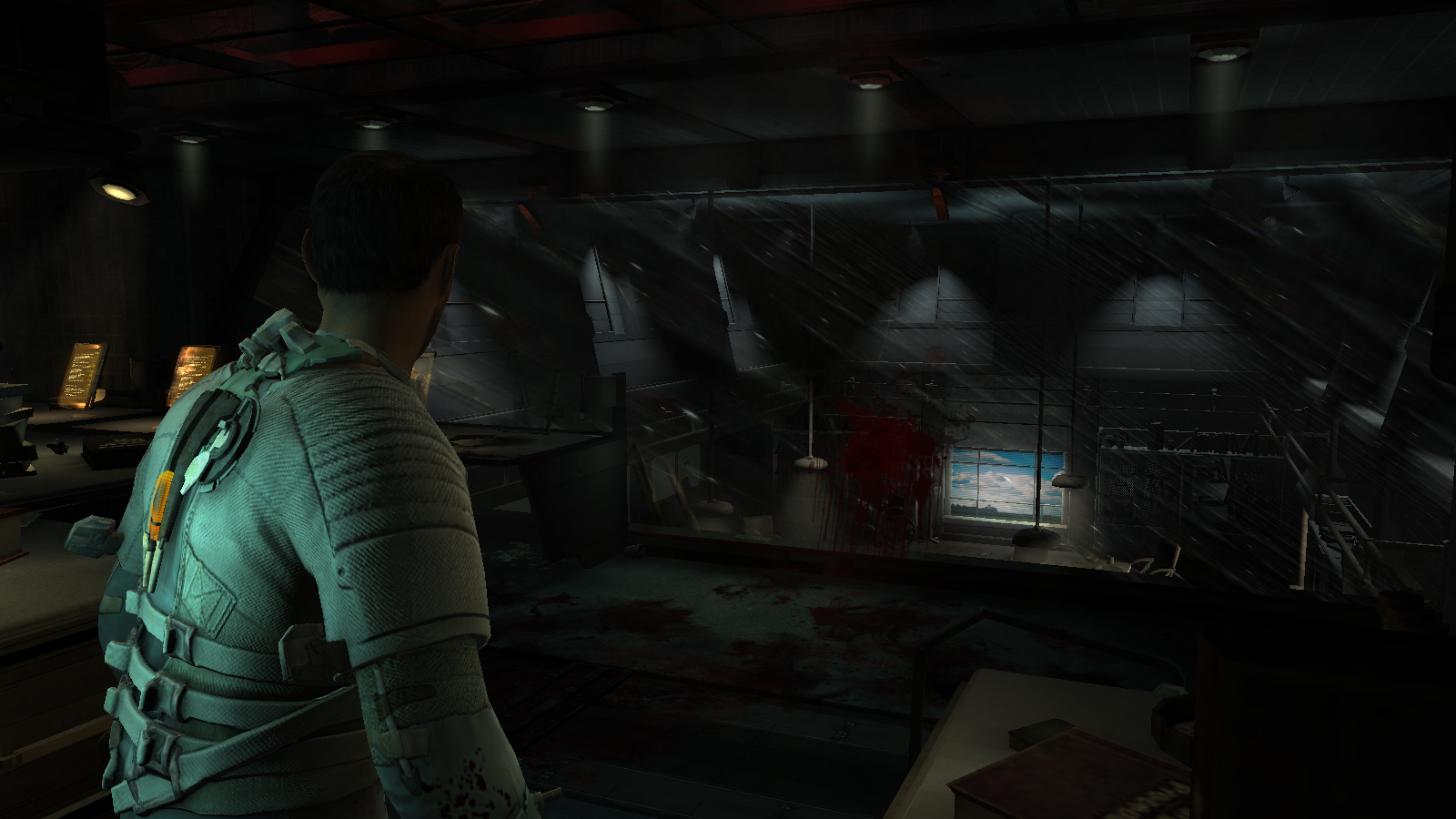 |
 |
| Vanilla | MarkerPatch |
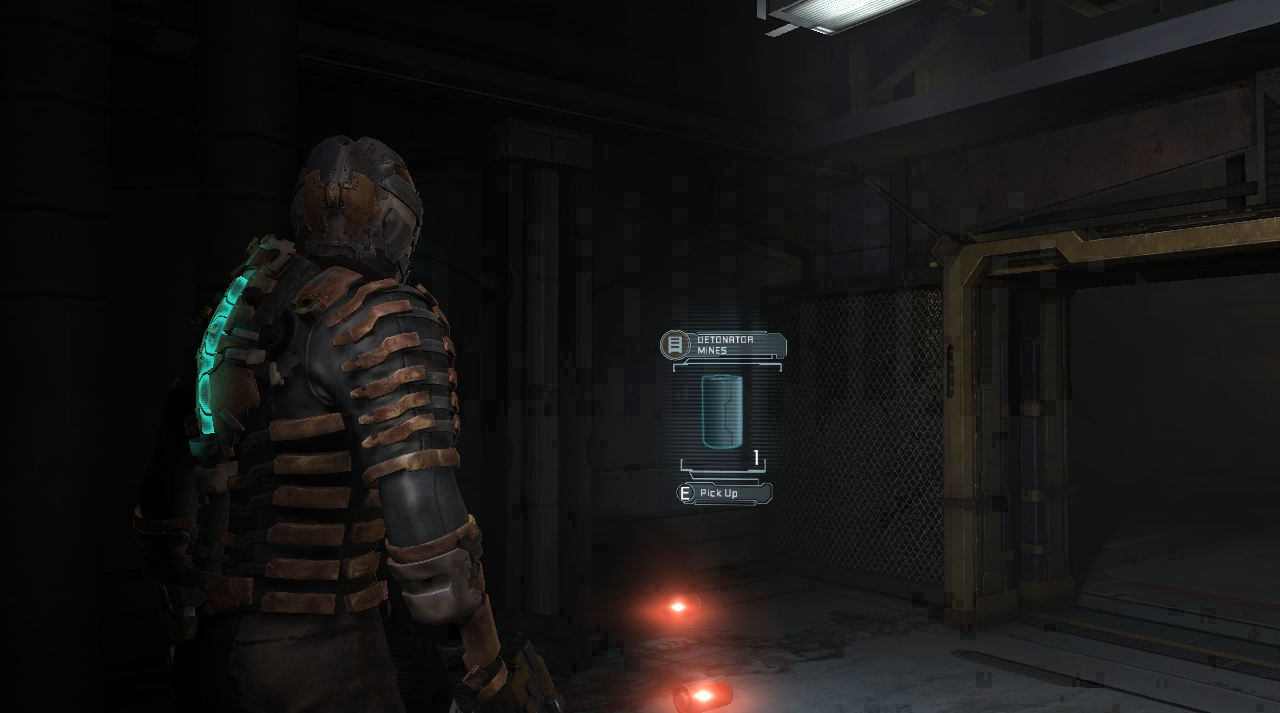
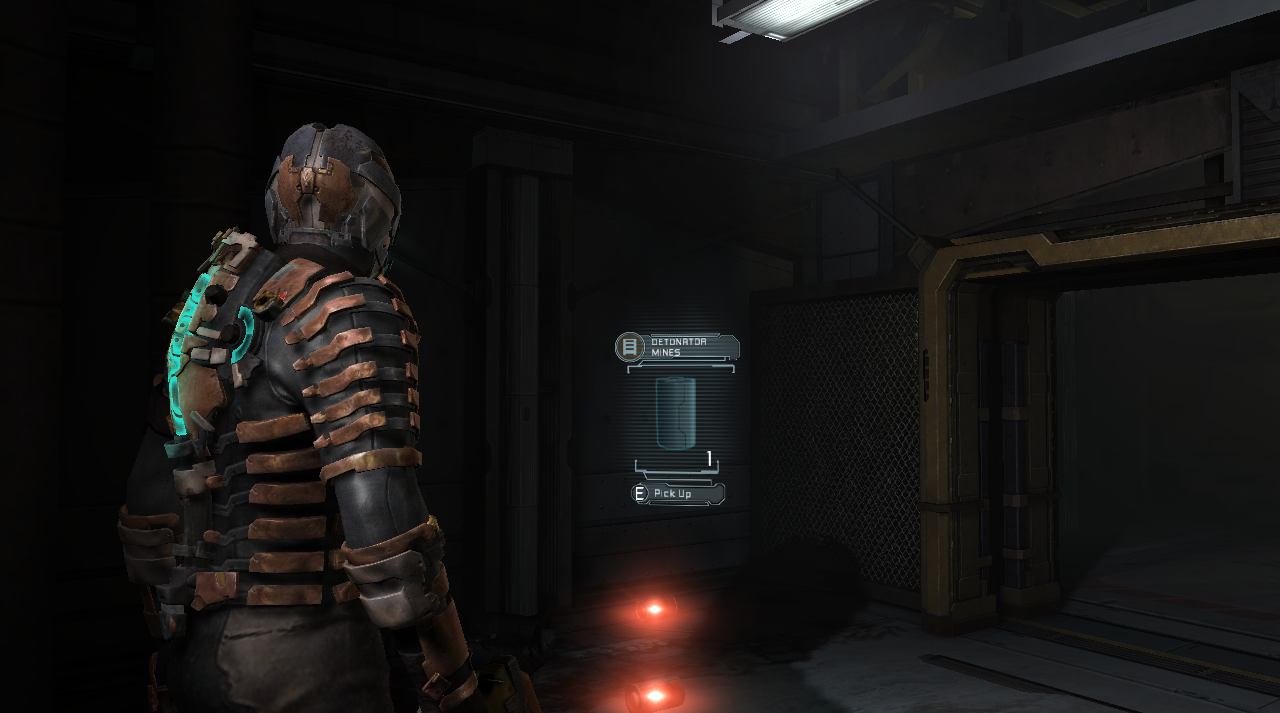
Flare Occlusion Artifact Fix
Fixes blocky tile-pattern artifacts in lighting and shadow areas that occur on NVIDIA GPUs when flares are enabled while a holographic HUD is present.
 |
 |
| Vanilla | MarkerPatch |
Raw Mouse Input
Implements proper raw mouse input to fix sensitivity issues. This works similarly to the existing "Dead Space 2 Mouse Fix" mod with several improvements: - Added support for zero-gravity areas. (the original mouse fix didn't work properly in zero-G) - Sensitivity scaling now matches the in-game sensitivity settings more accurately. - Does not interfere with controller inputs when switching between mouse and gamepad.
The fix decouples mouse sensitivity from the game's framerate, providing consistent aiming regardless of FPS.
SDL Controller Support
Adds support for PlayStation and Nintendo Switch controllers via SDL3.
Gyro Aiming
Enables motion-controlled aiming using the controller's gyroscope for supported controllers (DualShock 4, DualSense, Switch Pro Controller).
Enable with GyroEnabled = 1 in MarkerPatch.ini.
Note: Gyro aiming is only active during normal gameplay and not supported in zero-gravity sections.
Note: If you experience gyro drift, place the controller on a stable surface for a few seconds to calibrate.
Input Device Filtering
Blocks all DirectInput devices except mouse and keyboard to prevent unwanted camera spinning from devices like racing wheels, flight sticks, and other peripherals. This also removes a slow XInput compatibility check that runs on every connected device during enumeration, significantly improving startup time.
Note: XInput controllers are unaffected and will continue to work normally.
The game initializes various controller and input devices on startup, which can cause the camera to spin uncontrollably when these devices send unintended signals. Additionally, the original code performed an unoptimized XInput compatibility check on every enumerated device, causing noticeable delays during game startup.
Anisotropic & Trilinear Filtering
Anisotropic Filtering
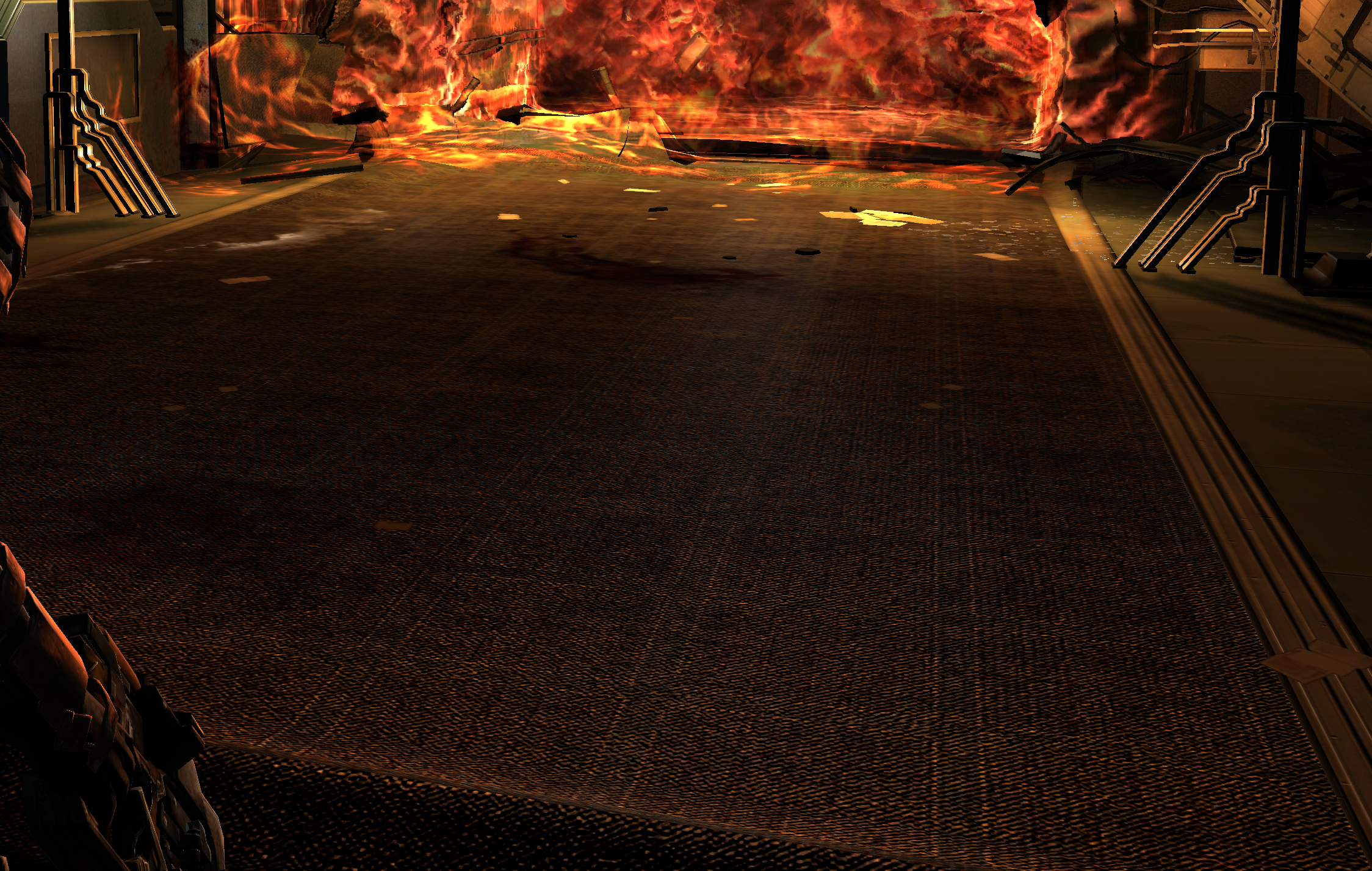
Forces anisotropic texture filtering on all textures to improve clarity at oblique viewing angles. The original game already uses anisotropic filtering selectively on specific surfaces where developers determined it had the most visual impact (primarily floors and other large flat surfaces).
In a Beyond3D interview, a developer explained the approach they took: "I once found an entire room in the game tagged as aniso. Our artists had secretly started using that flag because it looked better. Unfortunately doing an entire room was way too much and we removed it... I've never measured the cost but it doesn't take much to feel its impact on the scene so we only use it on big win items."
This patch overrides the selective approach and applies anisotropic filtering universally to all textures. With modern PC hardware, the performance concerns that led to the original selective implementation are no longer relevant.
Set MaxAnisotropy from 2 to 16 (16 recommended) for best results.
 |
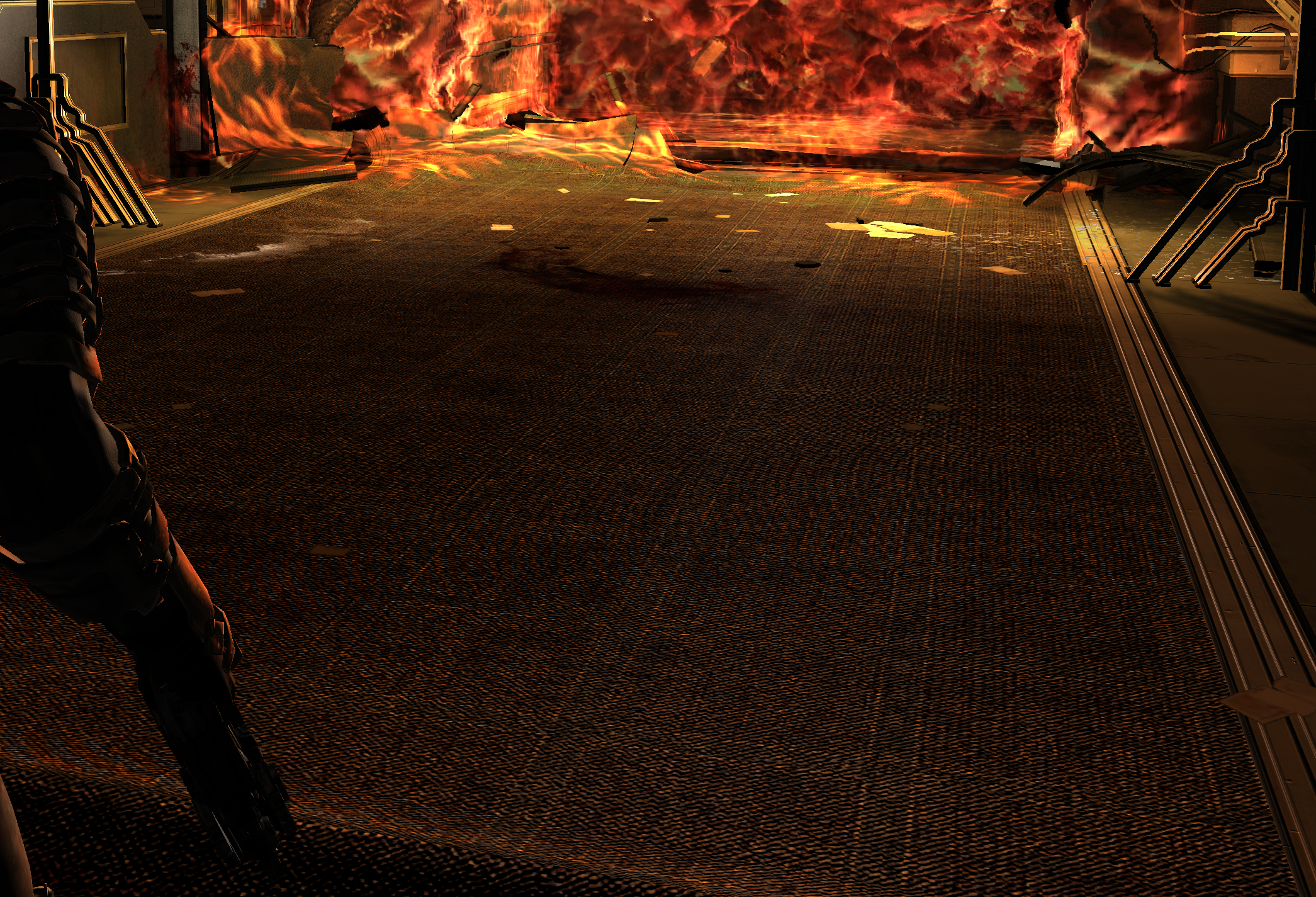 |
| Vanilla (Selective Anisotropic) | Forced 16x on All Textures |
Trilinear Filtering
Forces proper trilinear filtering for smoother texture transitions between mipmap levels.
Disable Online Features
Prevents connection attempts to EA servers at startup and prevents error messages from appearing. Also removes the shop warning that some features might be unavailable due to being disconnected from servers. Since the servers are permanently offline, these messages serve no purpose and only clutter the interface.
Core symbols most depended-on inside this repo
Shape
Languages
Modules by API surface
For agents
$ claude mcp add MarkerPatch \
  -- python -m otcore.mcp_server <graph>