github.com/WayfireWM/wayfire @v0.10.1
Chat with this repoBrowse by type
What it actually does AI analysis from the code graph — generated when you open this
README
Wayfire






Get started | Manual | Configuration
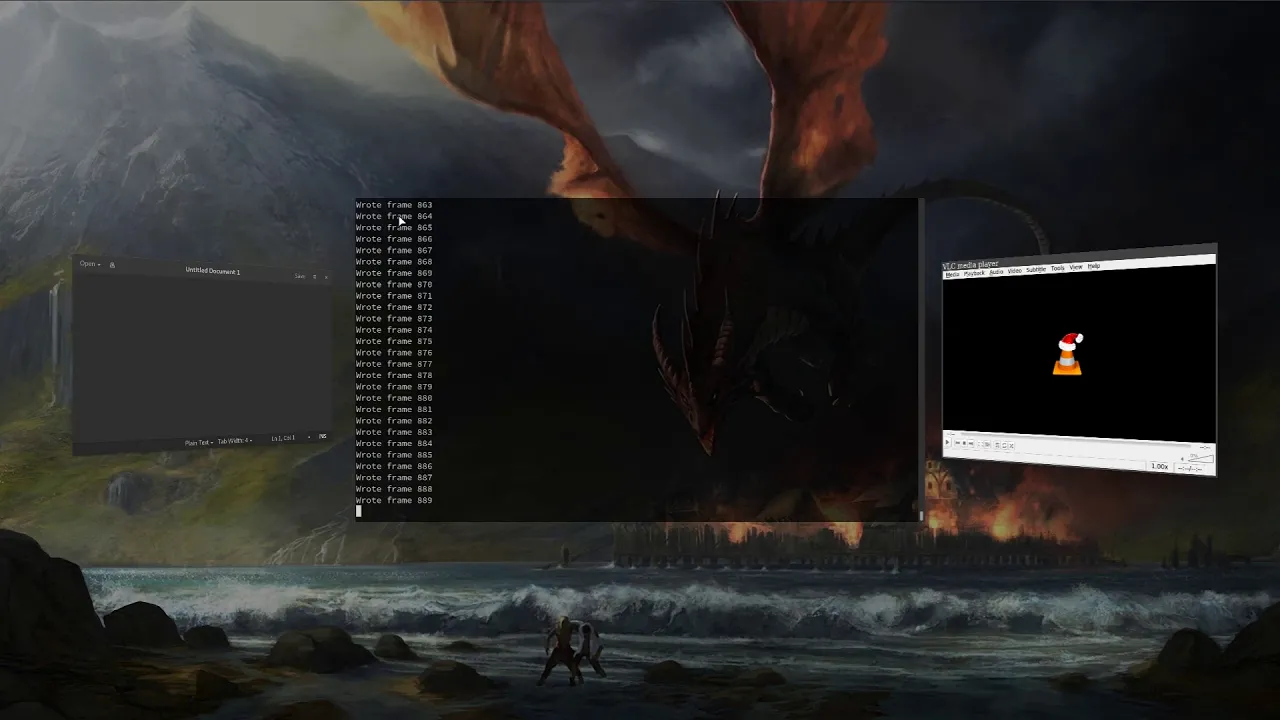
Wayfire is a 3D Wayland compositor, inspired by Compiz and based on wlroots.
It aims to create a customizable, extendable and lightweight environment without sacrificing its appearance.
Dependencies
Wayfire Dependencies
These are the dependencies needed for building Wayfire.
- Cairo
- Pango and PangoCairo
- FreeType
- GLM
- libdrm
- libevdev
- libGL
- libinput
- libjpeg
- libpng
- libxkbcommon
- libxml2
- Pixman
- pkg-config
- Wayland
- wayland-protocols
- wf-config
- wlroots
wlroots Dependencies
These are the dependencies needed for building wlroots, and should be installed before building it. They are relevant for cases when the system doesn't have a version of wlroots installed.
DRM Backend (required)
GLES2 renderer (required)
Libinput Backend (required)
Session Provider (required)
XWayland Support (optional)
X11 Backend (optional)
Installation
The easiest way to install Wayfire, wf-shell and WCM to get a functional desktop is to use the install scripts.
Alternatively, you can build from source:
meson build
ninja -C build
sudo ninja -C build install
Note: wf-config and wlroots can be built as submodules, by specifying
-Duse_system_wfconfig=disabled and -Duse_system_wlroots=disabled options to meson.
This is the default if they are not present on your system.
Installing wf-shell is recommended for a complete experience.
Arch Linux
wayfire and wayfire-git are available in the AUR.
yay -S wayfire
Exherbo
cave resolve -x wayfire
Fedora
dnf install wayfire
FreeBSD
Install the latest release and recommended addons with
pkg install wayfire wayfire-plugins-extra wf-shell wcm
Gentoo
Install the latest release with
emerge --ask --verbose wayfire
and to use the live version
emerge --ask --verbose "=gui-wm/wayfire-9999"
NixOS
Enable Wayfire in your NixOS configuration:
programs.wayfire = {
  enable = true;
  plugins = with pkgs.wayfirePlugins; [
    wcm
    wf-shell
    wayfire-plugins-extra
  ];
};
Ubuntu/Debian 13
apt install wayfire
Void
xbps-install -S wayfire
Configuration
Copy [wayfire.ini] to ~/.config/wayfire.ini or ~/.config/wayfire/wayfire.ini.
Before running Wayfire, you may want to change the command to start a terminal.
See the Configuration document for information on the options.
Running
Run wayfire from a TTY, or via a Wayland-compatible login manager.
Core symbols most depended-on inside this repo
Shape
Languages
Modules by API surface
For agents
$ claude mcp add wayfire \
  -- python -m otcore.mcp_server <graph>