hub / github.com/ViceFantasyPlace/activate-power-mode
github.com/ViceFantasyPlace/activate-power-mode @v0.1.8
Chat with this repo
156 symbols
342 edges
17 files
17 documented · 11%
What it actually does AI analysis from the code graph — generated when you open this
loading…
README
activate-power-mode
activate-power-mode for IDEA
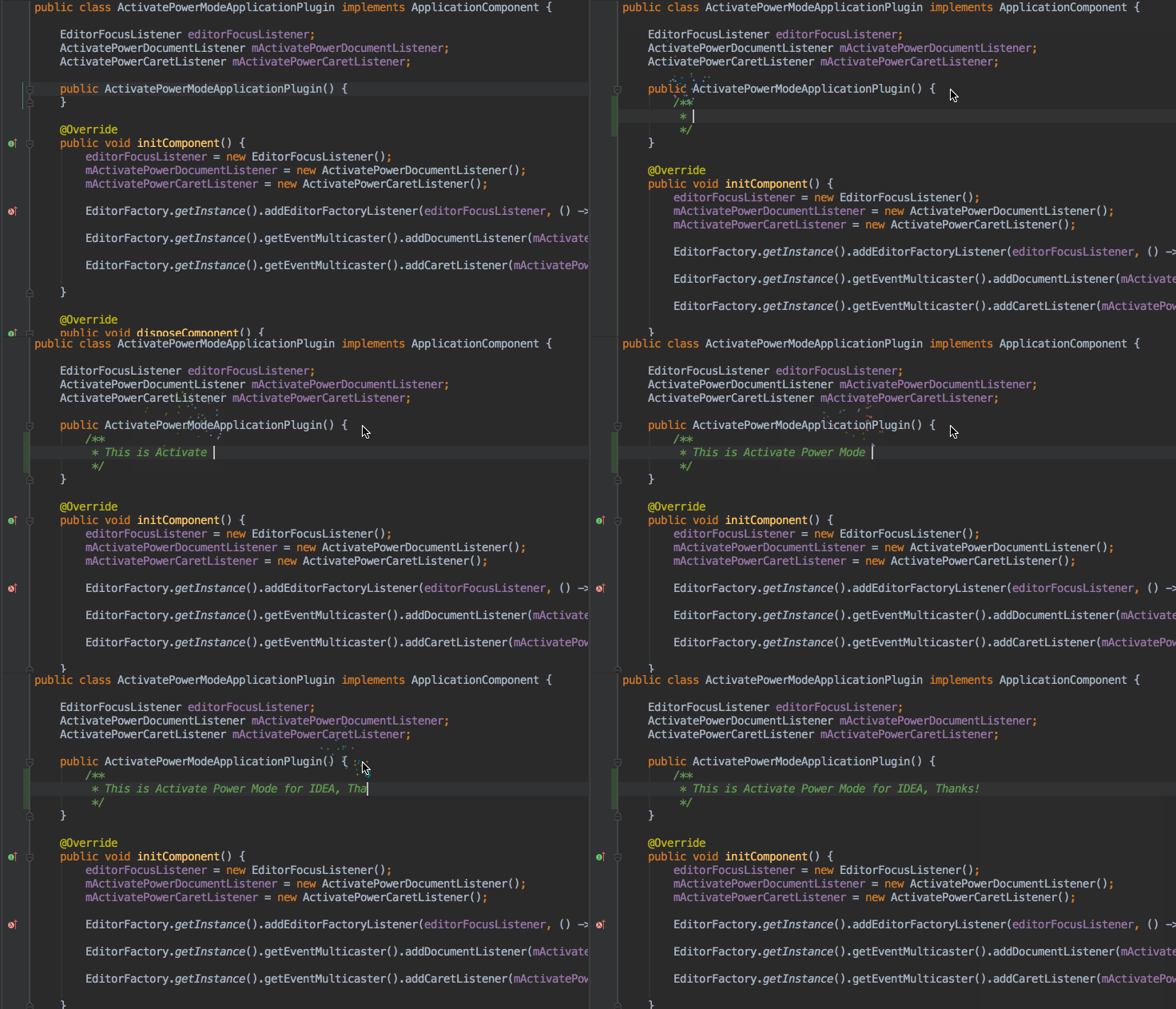

Features.
- 粒子的颜色根据文本字体的颜色
- 把Combo, MaxCombo 可视化出来
- 做设置数据持久化
- 增加设置参数界面
使用
安装 activate-power-mode 之后 到 Window > activate-power-mode 就可以开启或者关闭相对应的效果
安装
下载jar包
在Jetbrains plugin repositories上下载
安装 Plugin jar包
Preferences/Plugins
-> Install plugin from disk
-> 选择 jar文件
-> Apply
-> 重启编辑器
开发
下载
git clone https://github.com/ViceFantasyPlace/activate-power-mode.git
第一次运行如果没有运行配置需要创建一个Plugin的Configuration
Edit Run/Debug Configurations
-> add a new Plugin Configuration
-> 在 Use classpath of module 选择 activate-power-mode
-> Apply
Core symbols most depended-on inside this repo
getInstancecalled by 15
src/com/jiyuanime/ActivatePowerModeManage.java
getInstance
called by 15
src/com/jiyuanime/config/Config.java
getClickCombo
called by 9
src/com/jiyuanime/ActivatePowerModeManage.java
getInstance
called by 7
src/com/jiyuanime/particle/ParticlePanel.java
getInstance
called by 6
src/com/jiyuanime/shake/ShakeManager.java
addComboLabel
called by 4
src/com/jiyuanime/ActivatePowerModeManage.java
destroyShake
called by 4
src/com/jiyuanime/ActivatePowerModeManage.java
destroyParticle
called by 4
src/com/jiyuanime/ActivatePowerModeManage.java
Shape
Languages
Java100%
Modules by API surface
src/com/jiyuanime/ActivatePowerModeManage.java34 symbols
src/com/jiyuanime/particle/ParticlePanel.java20 symbols
src/com/jiyuanime/shake/ShakeManager.java16 symbols
src/com/jiyuanime/listener/ActivatePowerDocumentListener.java11 symbols
src/com/jiyuanime/particle/ParticleView.java9 symbols
src/com/jiyuanime/action/BaseSwitchAction.java9 symbols
src/com/jiyuanime/ActivatePowerModeApplicationPlugin.java9 symbols
src/com/jiyuanime/ui/Setting.java8 symbols
src/com/jiyuanime/config/Config.java7 symbols
src/com/jiyuanime/action/ActivatePowerEnableAction.java7 symbols
src/com/jiyuanime/particle/ParticlePositionCalculateUtil.java5 symbols
src/com/jiyuanime/colorful/ColorFactory.java5 symbols
For agents
$ claude mcp add activate-power-mode \
  -- python -m otcore.mcp_server <graph>