github.com/Universal-Team/Universal-Updater @v3.4.1
Chat with this repoBrowse by type
What it actually does AI analysis from the code graph — generated when you open this
README
<a href="https://universal-team.net/projects/universal-updater.html"><img src="https://github.com/Universal-Team/Universal-Updater/raw/master/resources/2d-banner.png"></a>


<b>An easy to use app for installing and updating 3DS homebrew</b>


<a href="https://universal-team.net/discord" style="padding-right: 5px;">
    <img src="https://img.shields.io/badge/Discord%20Server-%23universal--updater-green.svg" alt="Discord Server">
</a>
<a href="https://gbatemp.net/threads/release-universal-updater-a-universally-good-updater.551824/" style="padding-left: 5px; padding-right: 5px;">
    <img src="https://img.shields.io/badge/GBAtemp-thread-blue.svg" height="20">
</a>
<a href="https://github.com/Universal-Team/Universal-Updater/actions?query=workflow%3A%22Build+Universal-Updater%22" style="padding-left: 5px; padding-right: 5px;">
    <img src="https://github.com/Universal-Team/Universal-Updater/workflows/Build%20Universal-Updater/badge.svg" height="20" alt="Build status on GitHub Actions">
</a>
<a title="Crowdin" target="_blank" href="https://crowdin.com/project/universal-updater"><img src="https://badges.crowdin.net/universal-updater/localized.svg" alt="Translation status on Crowdin"></a>
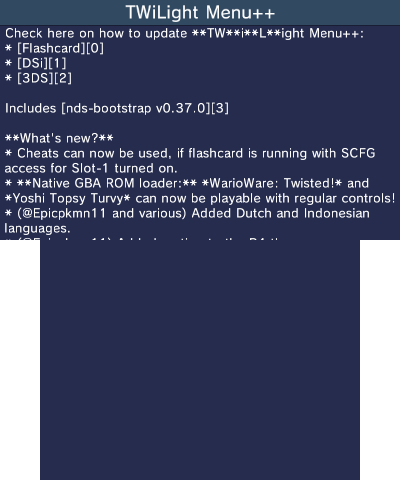
Universal-Updater is a homebrew application for the Nintendo 3DS with the intention to make downloading other homebrew simple and easy. No need to manually copy files or go through installation processes, as it does that all for you.
Features
- A store format with a concept similar to the Cydia Repositories
- The default is Universal-DB
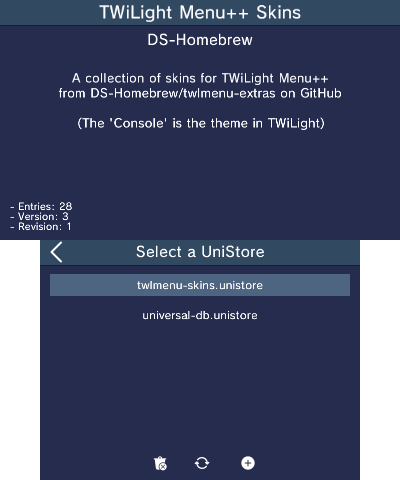
- Want to add more? Go to settings, choose "Select Unistore", click the + icon and select one from the list, enter a URL, or scan a QR code
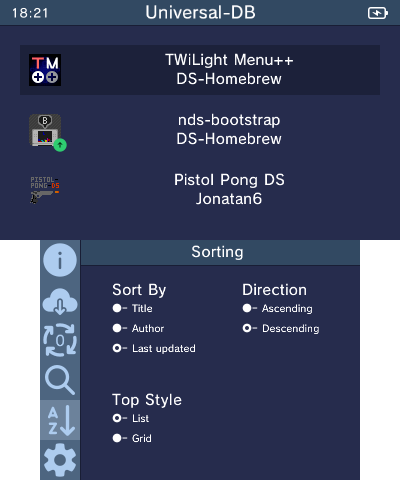
- Customization in sorting and display
- Several sorting keys: "Title", "Author", and "Last Updated"
- Direction can be Ascending or Descending
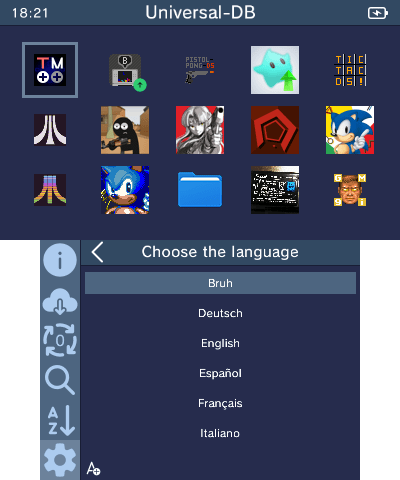
- App display can be shown in either a grid or rows
- Background installation so you can keep using the rest of the app while installing
- Searching and markings to make finding apps easy
- Viewing screenshots and release notes for apps
- Shortcuts for easily updating frequently updated apps when using the Homebrew Launcher
- Translations for users of many languages
- To contribute to translations, join our Crowdin project
- To request a new language, join our Discord Server or contact a project manager on Crowdin
Compilation
Setting up your environment
To build Universal-Updater from source, you will need to install devkitARM and some libraries. Follow devkitPro's Getting Started page to install pacman, then run the following command to install everything you need:
(sudo dkp-)pacman -S 3ds-dev 3ds-curl 3ds-bzip2 3ds-libarchive 3ds-liblzma 3ds-libzstd
(The sudo dkp- may not be needed depending on your OS)
You will also need bannertool and makerom in your PATH.
Cloning the repository
To download the source you will need to clone the repository with submodules, this can be done by running:
git clone --recursive https://github.com/Universal-Team/Universal-Updater.git
If you've already cloned it, you can use the following command to update all of the submodules:
git submodule update --init --recursive
Building
Once you've cloned the repository (with submodules), simply run make in the root of the repository.
If you're testing in Citra, run make citra instead of just make to disable the Wi-Fi check. (Note: source/utils/download.cpp must be rebuilt for this to take affect, save the file if it's already been built)
Screenshots
Screenshots
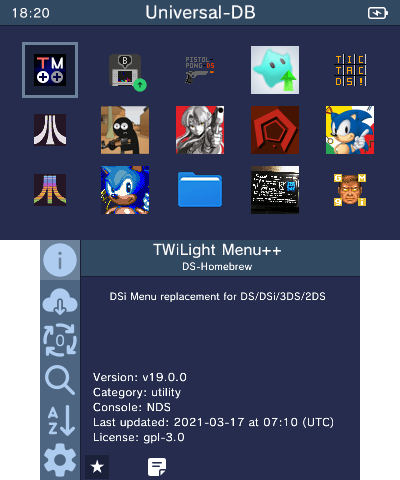
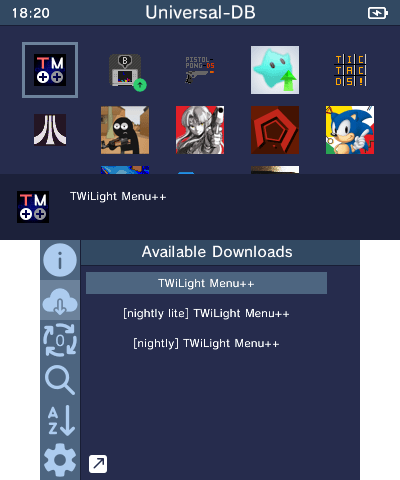
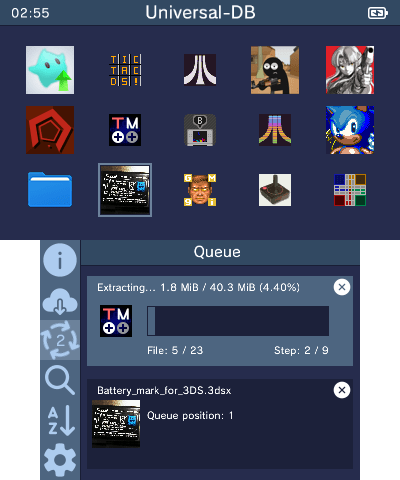
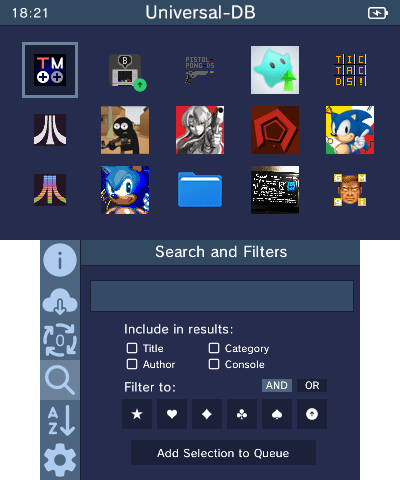
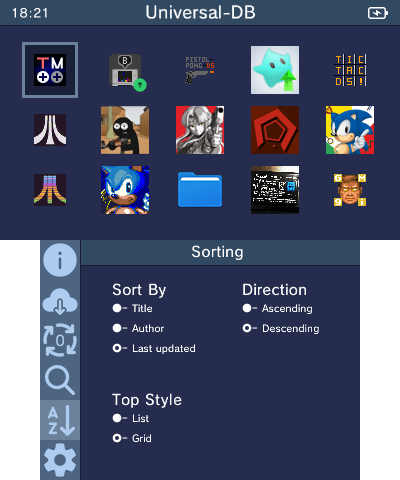
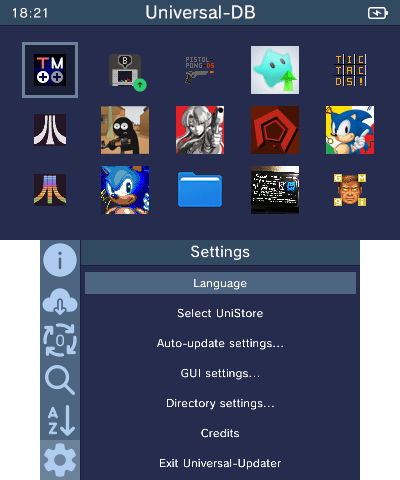
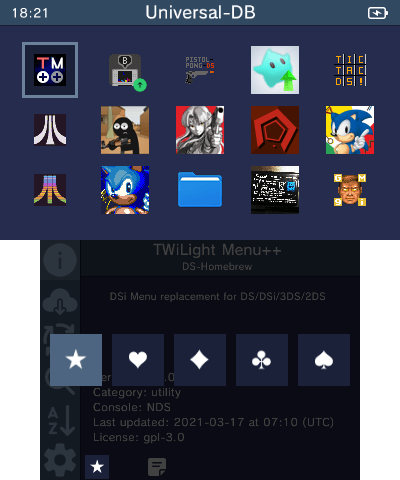
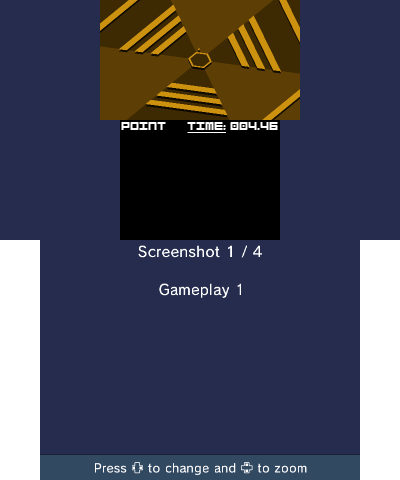
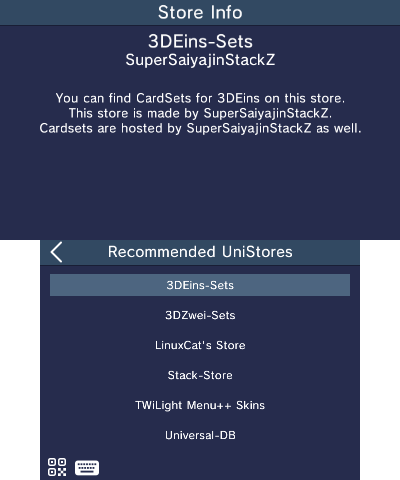
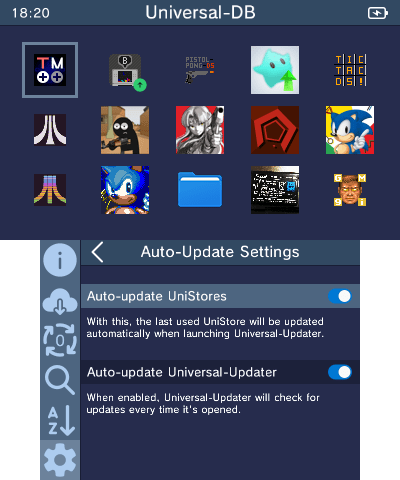
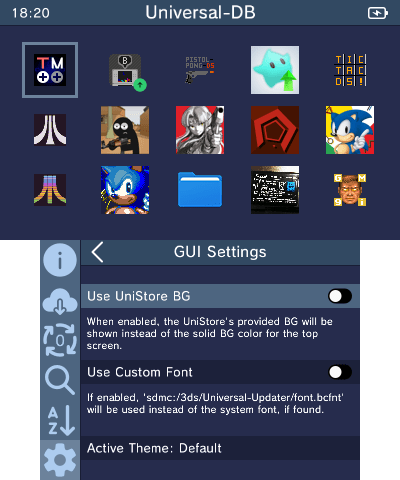
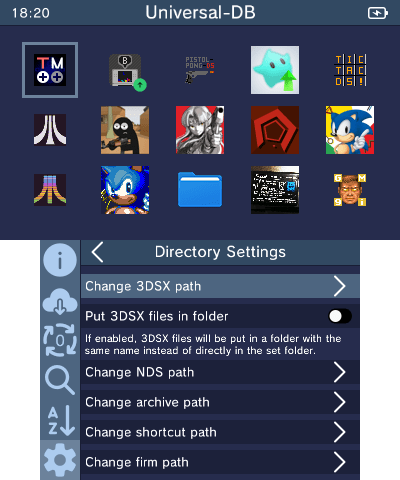
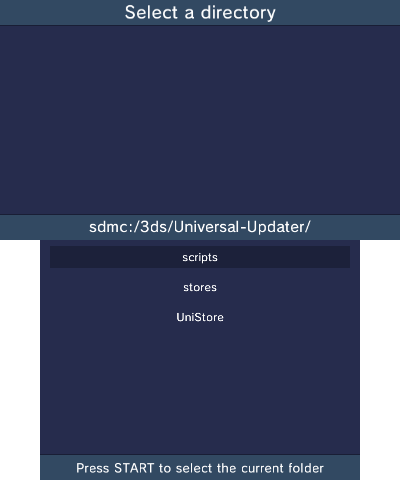
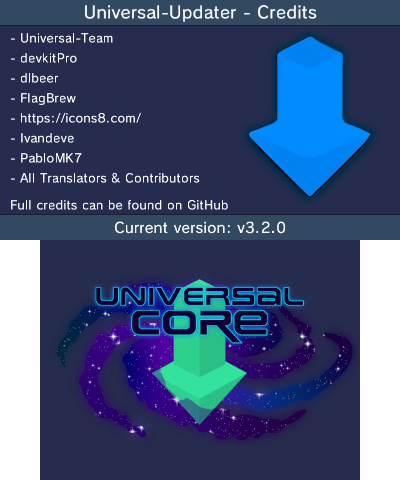
Credits
- SuperSaiyajinStackZ - Lead developer, reworked quirc to C++
- Pk11 - Mockup Designer, Website Maintainer
- NightScript - Concept Creator & Planner
- dlbeer - Original developer of quirc
- FlagBrew: Original QR Code Scanner code
- Icons8: Icon Designer
- lvandeve: For LodePNG
- PabloMK7: 3D Banner & Download Code Improvements
- lividhen: 3D Banner
- Nayuki: Original developer of the QR Code generator library
Core symbols most depended-on inside this repo
Shape
Languages
Modules by API surface
For agents
$ claude mcp add Universal-Updater \
  -- python -m otcore.mcp_server <graph>