github.com/TylerBrock/saw @v0.2.2
Chat with this repoWhat it actually does AI analysis from the code graph — generated when you open this
README
Saw
saw is a multi-purpose tool for AWS CloudWatch Logs
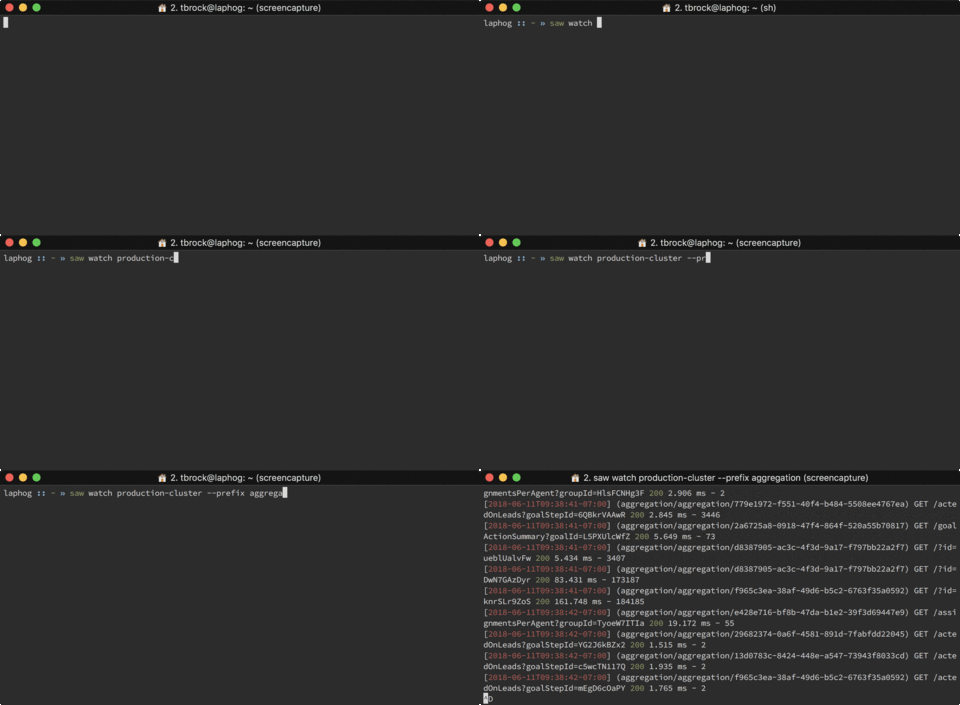
Run from Docker
docker run --rm -it -v ~/.aws:/home/.aws tbrock/saw
Installation
Mac OS X
brew tap TylerBrock/saw
brew install saw
Linux
Arch Linux (source)
# Using pacaur
pacaur -S saw

# Using trizen
trizen -S saw

# Using yaourt
yaourt -S saw

# Using makepkg
git clone https://aur.archlinux.org/saw.git
cd saw
makepkg -sri
Red Hat Based Distributions (Fedora/RHEL/CentOS/Amazon Linux)
rpm -i <link_to_rpm_you_need_from_releases>
Debian Based Distributions (Debian/Ubuntu)
wget <link_to_deb_you_need_from_releases>
sudo dpkg -i <the_deb_name>
Manual Install/Update
- Install go
- Configure your
GOPATHand add$GOPATH/binto your path - Run
go get -u github.com/TylerBrock/saw
Windows Specifics
- Add %GOPATH%/bin to your path (optional)
- Run from gopath/bin (If not in your path)
DOS .bat
    cd %GOPATH%/bin
    saw ...
Usage
-
Basic ```sh # Get list of log groups saw groups
Get list of streams for production log group
saw streams production ```
-
Watch ```sh # Watch production log group saw watch production
Watch production log group streams for api
saw watch production --prefix api
Watch production log group streams for api and filter for "error"
saw watch production --prefix api --filter error ```
-
Get ```sh # Get production log group for the last 2 hours saw get production --start -2h
Get production log group for the last 2 hours and filter for "error"
saw get production --start -2h --filter error
Get production log group for api between 26th June 2018 and 28th June 2018
saw get production --prefix api --start 2018-06-26 --stop 2018-06-28 ```
Features
-
Colorized output that can be formatted in various ways
--expandExplode JSON objects using indenting--rawStringPrint JSON strings instead of escaping ("\n", ...)--invertInvert white colors to black for light color schemes--raw, or--pretty, forwatchandgetcommands respectively, toggles display of the timestamp and stream name prefix.
-
Filter logs using CloudWatch patterns
--filter fooFilter logs for the text "foo"
-
Watch aggregated interleaved streams across a log group
saw watch productionStream logs from production log groupsaw watch production --prefix apiStream logs from production log group with prefix "api"
Profile and Region Support
By default Saw uses the region and credentials in your default profile. You can override these to your liking using the command line flags:
# Use personal profile
saw groups --profile personal

# Use us-west-1 region
saw groups --region us-west-1
Alternatively you can hard code these in your shell's init scripts (bashrc, zshrc, etc...):
# Export profile and region that override the default
export AWS_PROFILE='work_profile'
export AWS_REGION='us-west-1'
Run Tests
From root of repository: go test -v ./...
TODO
- Bash + ZSH completion of log groups + (streams?)
- Create log streams and groups
- Delete log streams and groups
- Basic tests