github.com/TrafficGuard/typedai @V0.9.0
Chat with this repoWhat it actually does AI analysis from the code graph — generated when you open this
README

The TypeScript-first AI platform for developers
Autonomous AI agents and LLM based workflows
Documentation site
Home | Setup | Observability | Function calling | Autonomous AI Agent | AI Software Engineer | AI Code reviews | Tools/Integrations | Roadmap
Features | UI Examples | Code examples | Contributing
TypedAI is a full-featured platform for developing and running agents, LLM based workflows and chatbots.
Included are capable software engineering agents, which have assisted building the platform.
Key features
- Advanced Autonomous agents
- Software developer agents
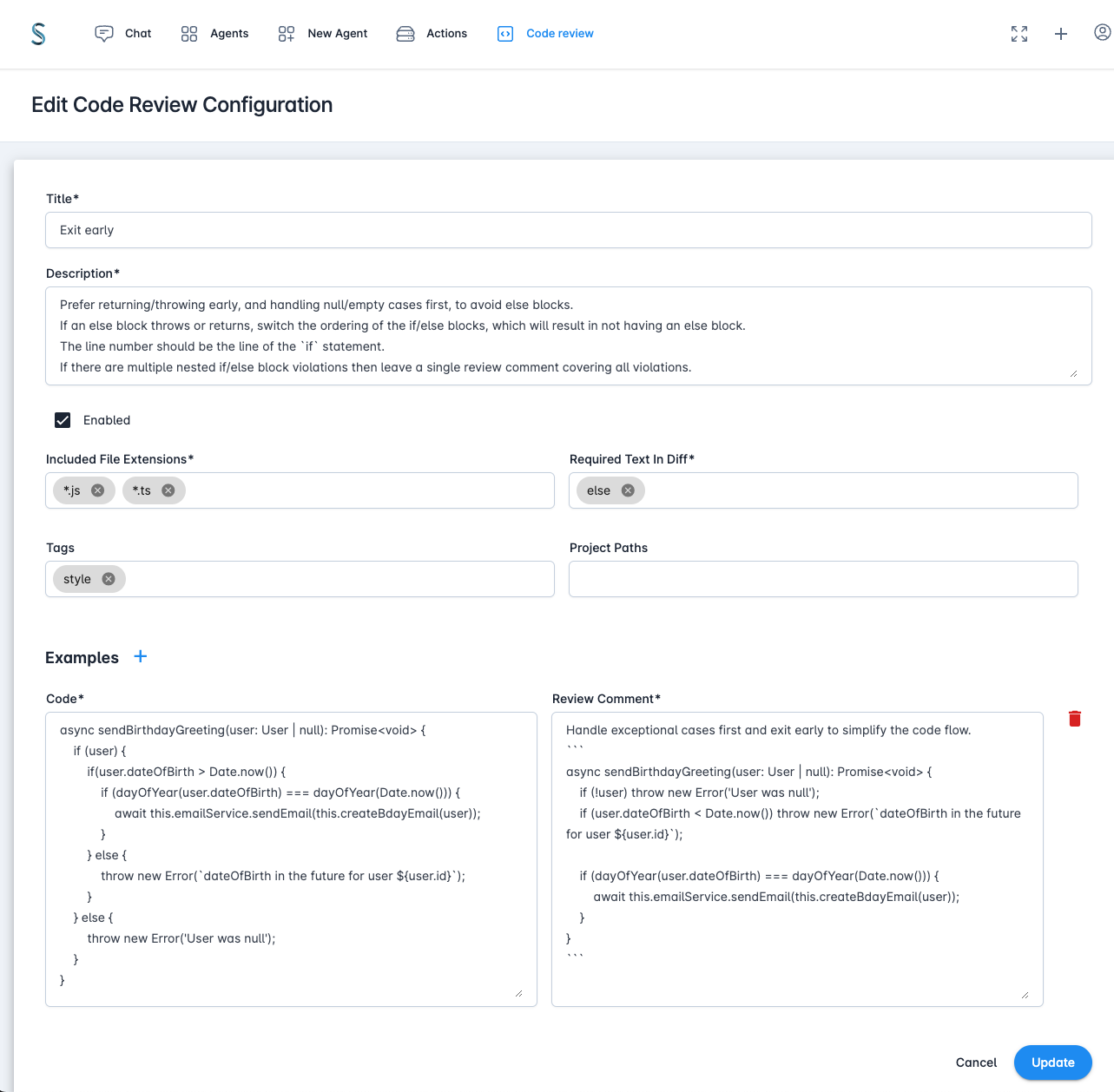
- Pull request code review agent
- AI chat interface
- Slack chatbot
- Supports many LLM services - OpenAI, Anthropic (native & Vertex), Gemini, Groq, Fireworks, Together.ai, DeepSeek, Ollama, Cerebras, SambaNova, OpenRouter, X.ai
- Multi-agent extend-reasoning implementations of the LLM interface
- Configurable Human-in-the-loop settings
- Functional callable tools/integrations (Filesystem, Jira, Slack, Perplexity, Google Cloud, Gitlab, GitHub etc)
- CLI and Web UI interface
- Run locally or deployed on the cloud with multi-user/SSO
- OpenTelemetry based observability
- Leverages the extensive Python AI ecosystem through executing Python scripts/packages
CLI Usage
TypedAI provides powerful command-line tools for automation and development workflows:
# Quick examples using the ai wrapper script
ai query "What test frameworks does this repository use?"
ai code "Add error handling to the user authentication function"
ai research "Latest developments in large language models"
The ai script runs locally while aid runs in Docker for isolation. Both provide access to all CLI agents including the specialized codeAgent for autonomous code editing tasks.
For comprehensive CLI documentation, see the CLI Usage Guide.
Autonomous agents
- Reasoning/planning inspired from Google's Self-Discover and other papers
- Memory and function call history for complex workflows
- Iterative planning with hierarchical task decomposition
- Sandboxed execution of generated code for multi-step function calling and logic
- LLM function schemas auto-generated from source code
- Human-in-the-loop for budget control, agent initiated questions and error handling
More details at the Autonomous agent docs
Software developer agents
- Code Editing Agent for local repositories
- Auto-detection of project initialization, compile, test and lint
- Task file selection agent selects the relevant files
- Design agent creates the implementation plan.
- Code editing loop with compile, lint, test, fix (editing delegates to Aider)
- Compile error analyser can search online, add additional files and packages
- Final review of the changes with an additional code editing loop if required.
- Software Engineer Agent (For ticket to Pull Request workflow):
- Find the appropriate repository from GitLab/GitHub
- Clone and create branch
- Call the Code Editing Agent
- Create merge request
- Code Review agent:
- Configurable code review guidelines
- Posts comments on GitLab merge requests at the appropriate line with suggested changes
- Repository ad hoc query agent
- Codebase awareness - optional index creation used by the task file selection agent
More details at the Software developer agents docs.
Flexible run/deploy options
- Run from the repository or the provided Dockerfile in single user mode.
- CLI interface
- Web interface
- Scale-to-zero deployment on Firestore & Cloud Run
- Multi-user SSO enterprise deployment (with Google Cloud IAP)
- Terraform, infra scripts and more authentication options coming soon.
UI Examples
List agents
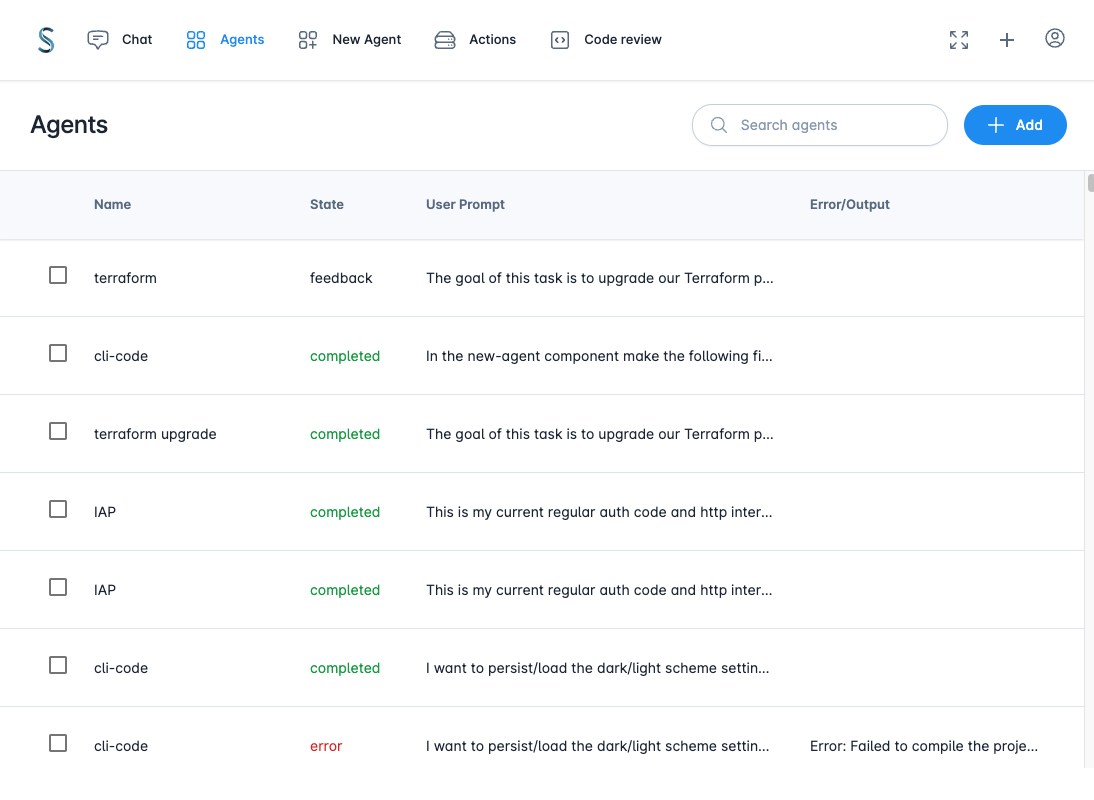
New Agent
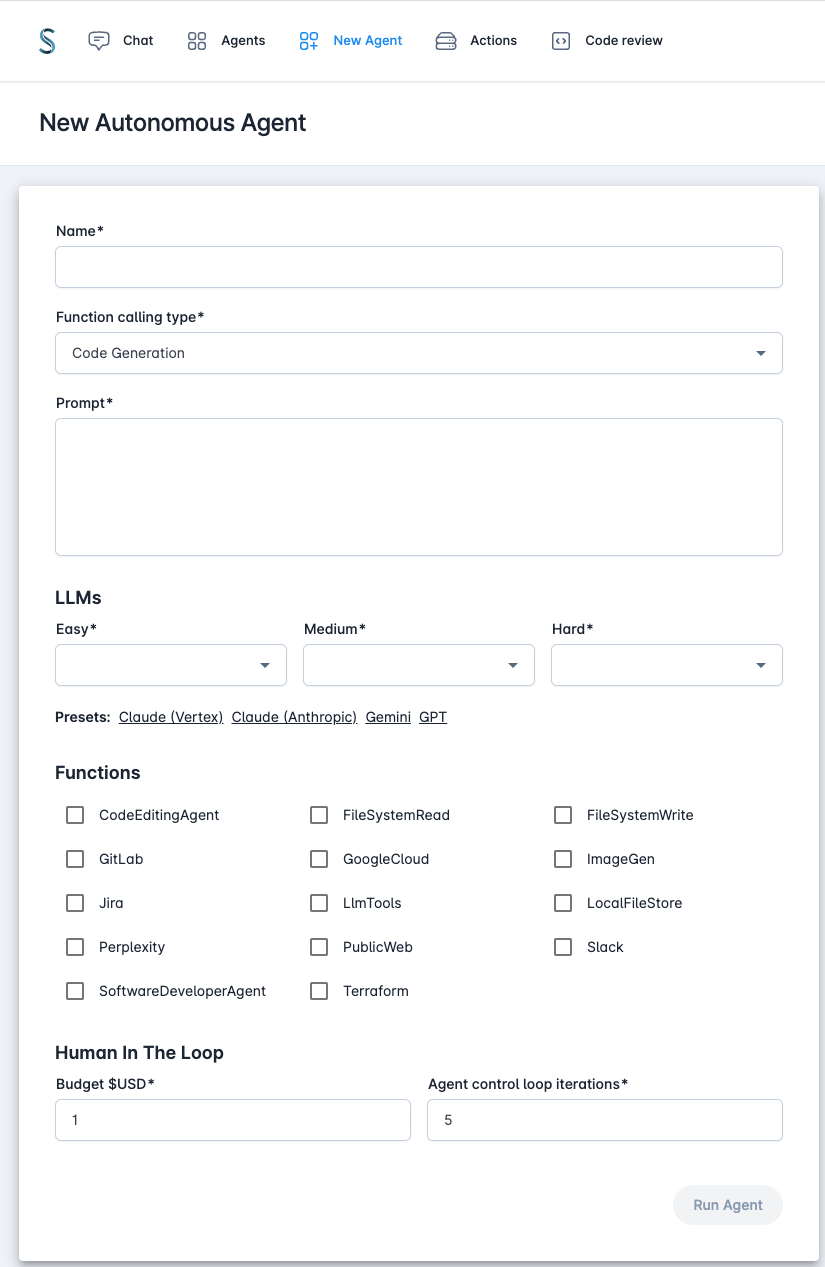
Agent error handling
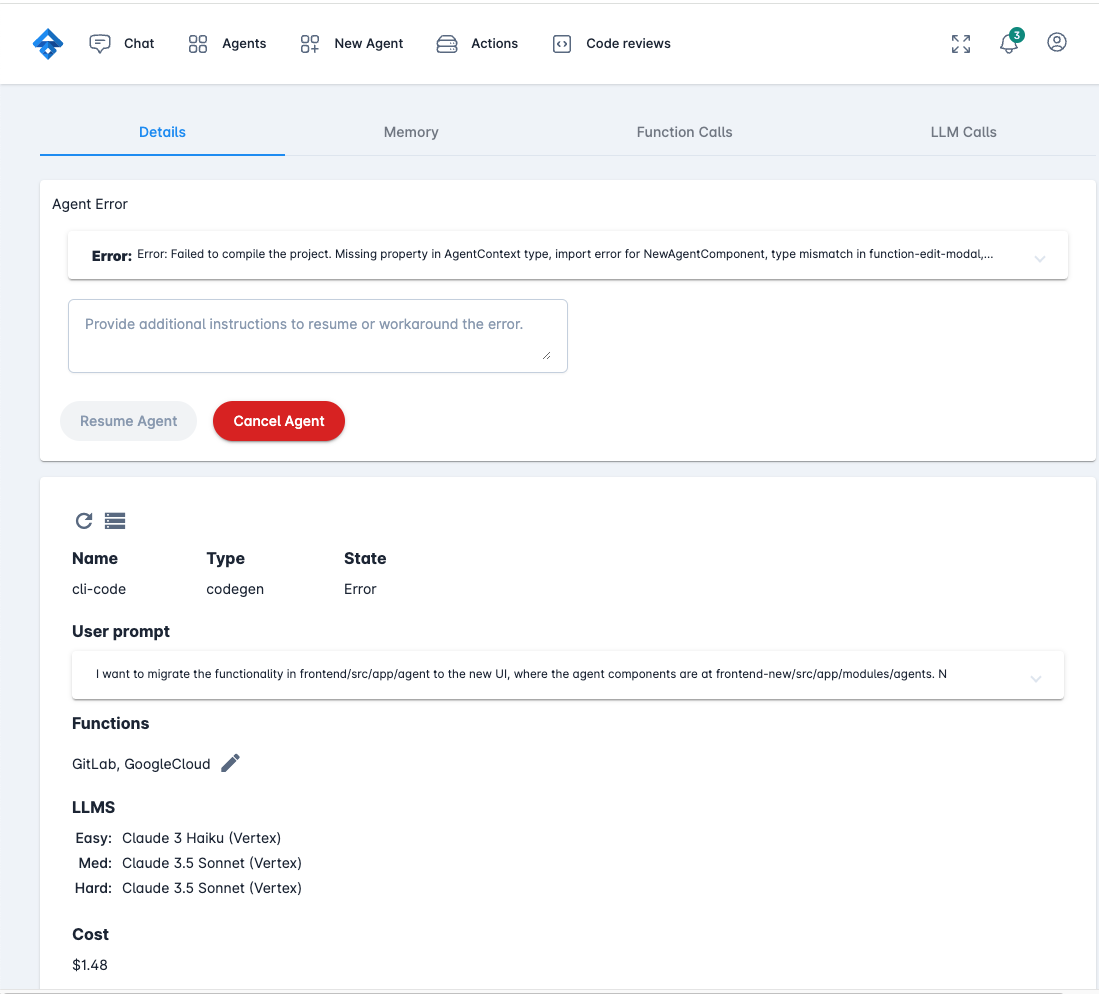
Agent LLM calls
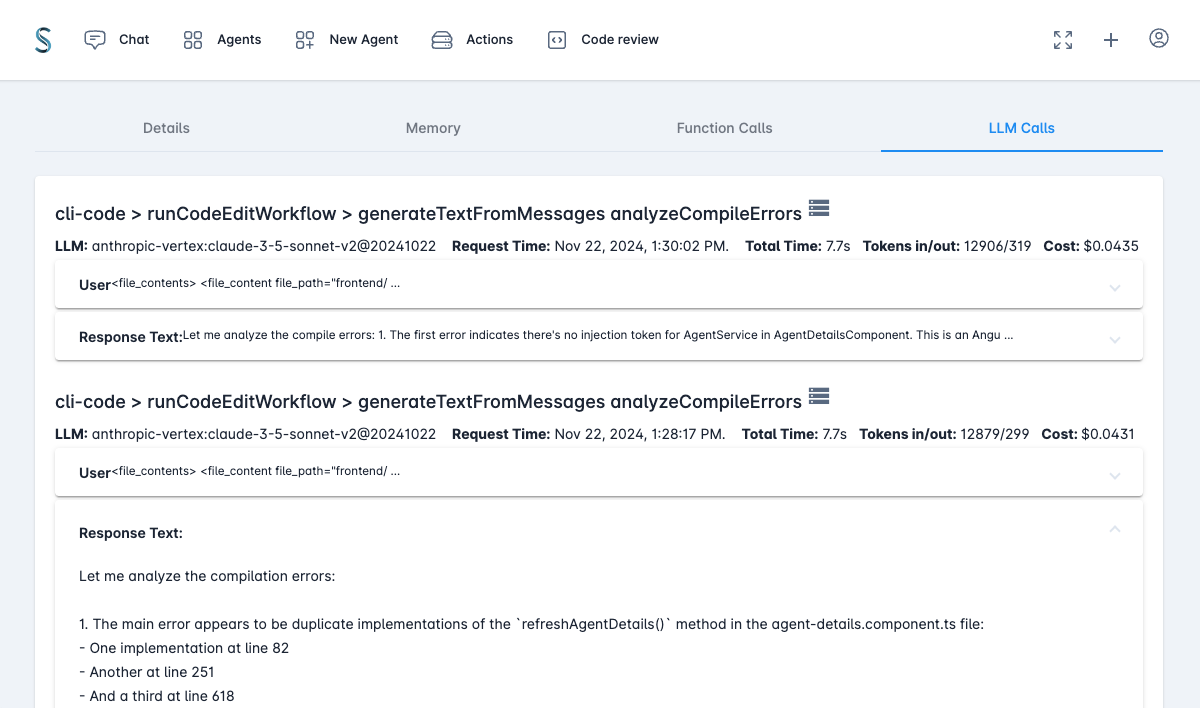
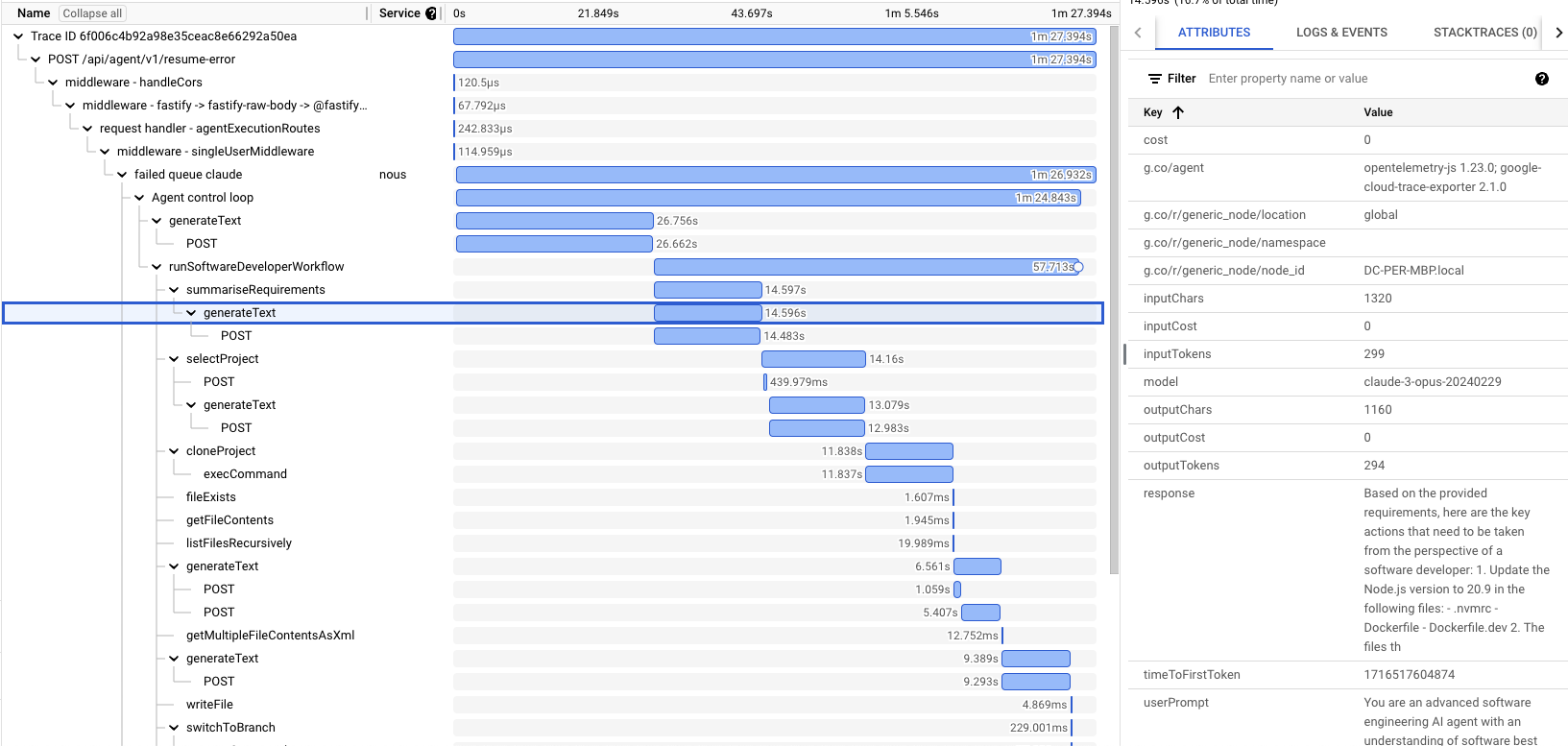
Sample trace (Google Cloud)
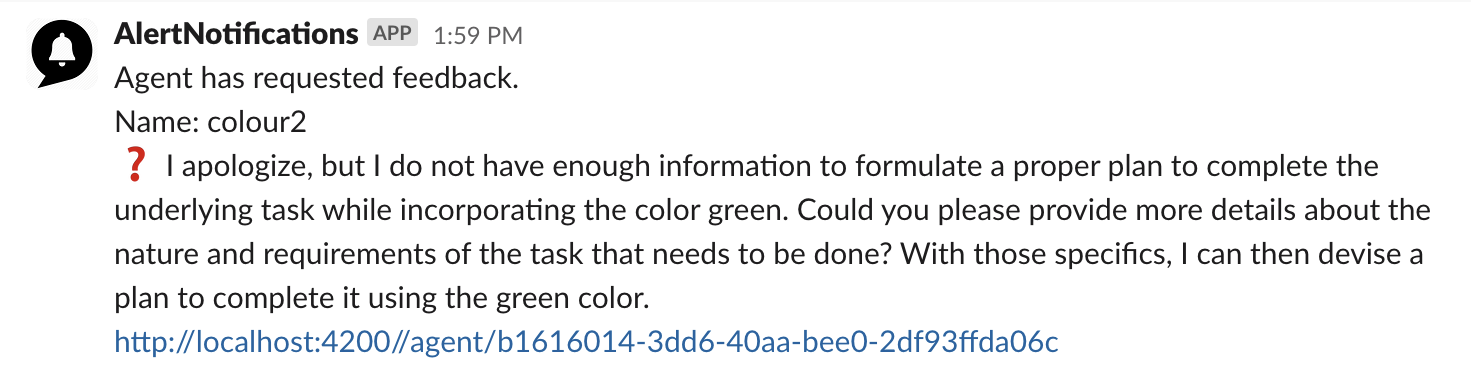
Human in the loop notification
Code review configuration
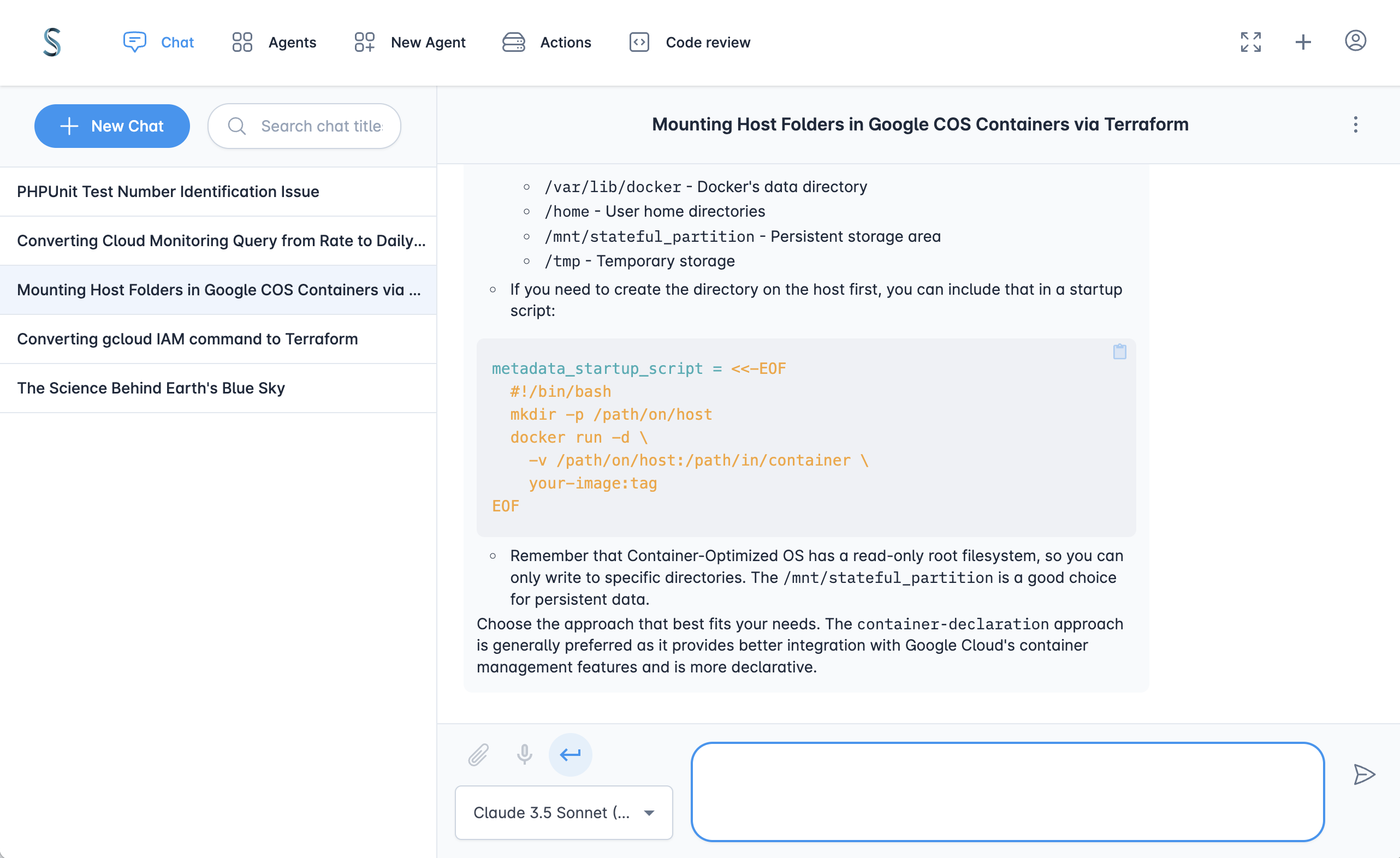
AI Chat
User profile
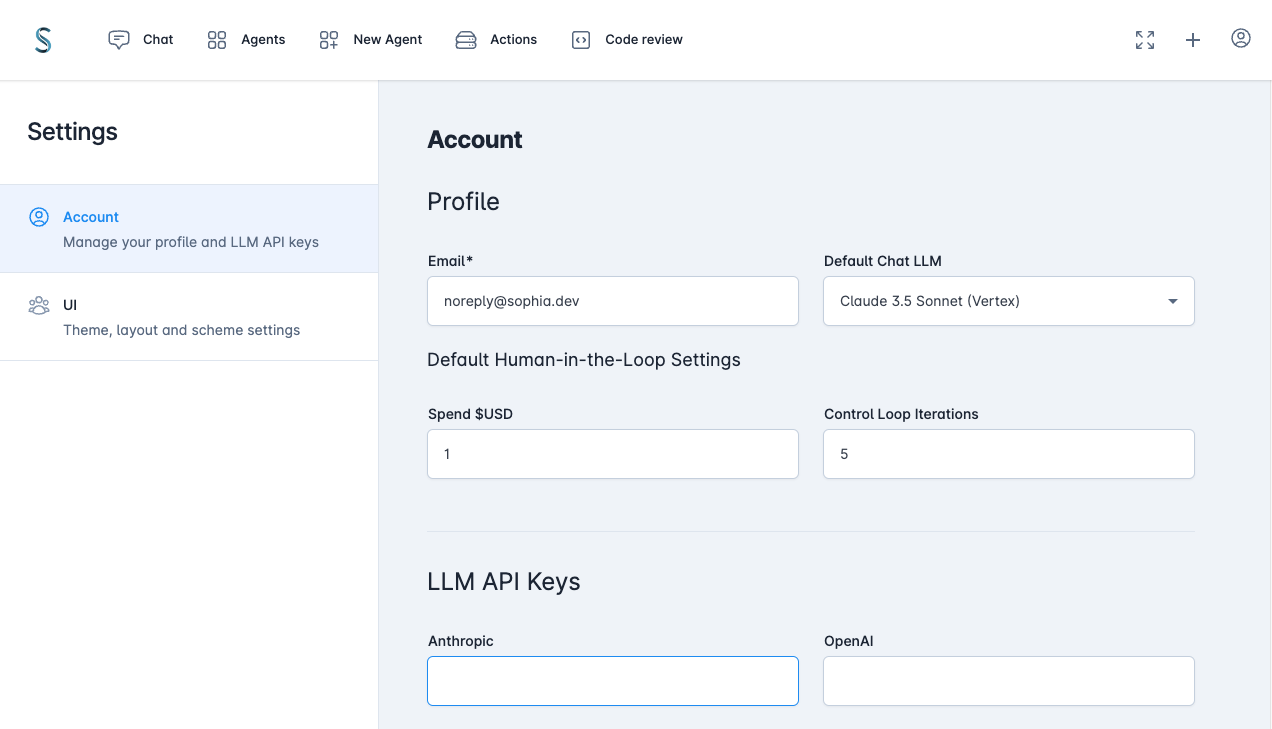
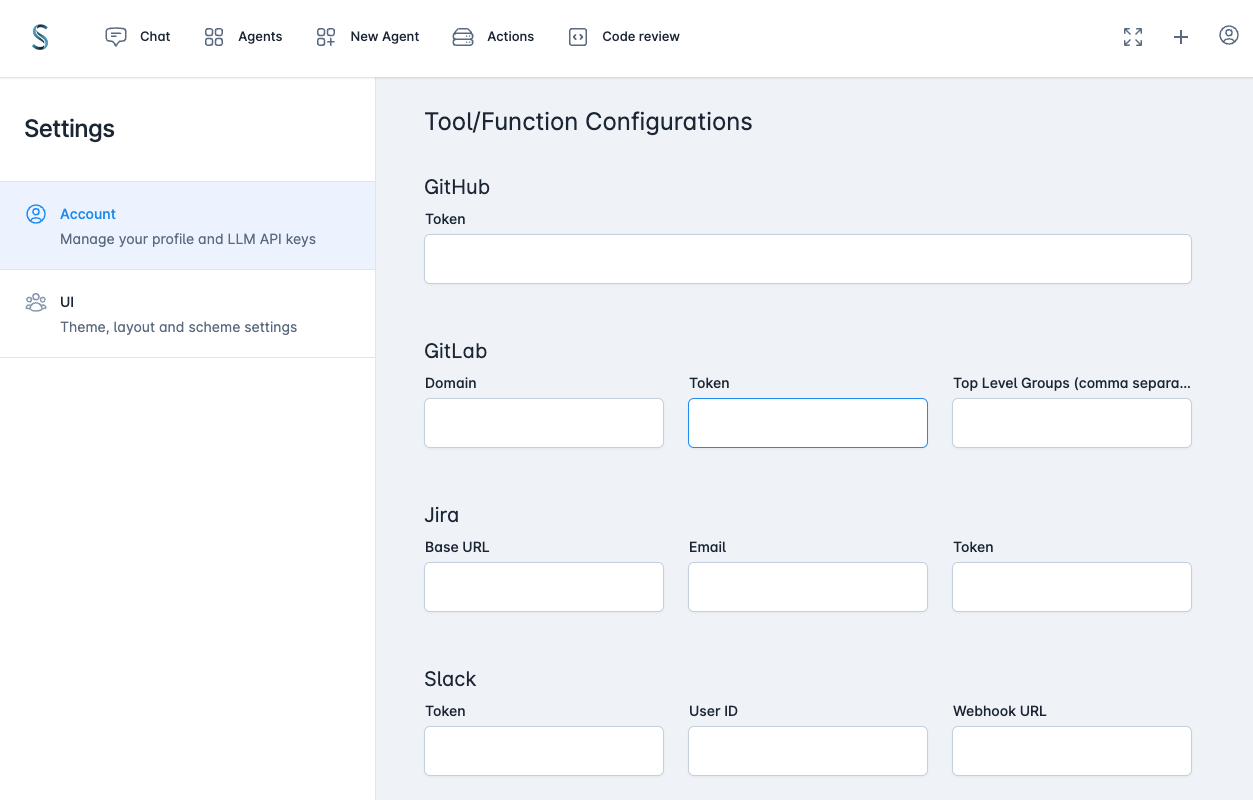
Default values can also be set from environment variables.
Code Examples
TypedAI vs LangChain
TypedAI doesn't use LangChain, for many reasons that you can read online
The scope of the TypedAI platform covers functionality found in LangChain and LangSmith.
Let's compare the LangChain document example for Multiple Chains to the equivalent TypedAI implementation.
LangChain
import { PromptTemplate } from "@langchain/core/prompts";
import { RunnableSequence } from "@langchain/core/runnables";
import { StringOutputParser } from "@langchain/core/output_parsers";
import { ChatAnthropic } from "@langchain/anthropic";

const prompt1 = PromptTemplate.fromTemplate(
  `What is the city {person} is from? Only respond with the name of the city.`
);
const prompt2 = PromptTemplate.fromTemplate(
  `What country is the city {city} in? Respond in {language}.`
);

const model = new ChatAnthropic({});

const chain = prompt1.pipe(model).pipe(new StringOutputParser());

const combinedChain = RunnableSequence.from([
  {
    city: chain,
    language: (input) => input.language,
  },
  prompt2,
  model,
  new StringOutputParser(),
]);

const result = await combinedChain.invoke({
  person: "Obama",
  language: "German",
});

console.log(result);
TypedAI
import { runAgentWorkflow } from '#agent/agentWorkflowRunner';
import { anthropicLLMs } from '#llms/anthropic'

const cityFromPerson = (person: string) => `What is the city ${person} is from? Only respond with the name of the city.`;
const countryFromCity = (city: string, language: string) => `What country is the city ${city} in? Respond in ${language}.`;

runAgentWorkflow({ llms: anthropicLLMs() }, async () => {
  const city = await llms().easy.generateText(cityFromPerson('Obama'));
  const country = await llms().easy.generateText(countryFromCity(city, 'German'));

  console.log(country);
});
The TypedAI code also has the advantage of static typing with the prompt arguments, enabling you to refactor with ease. Using simple control flow allows easy debugging with breakpoints/logging.
To run a fully autonomous agent:
startAgent({
  agentName: 'Create ollama',
  initialPrompt: 'Research how to use ollama using node.js and create a new implementation under the llm folder. Look at a couple of the other files in that folder for the style which must be followed',
  functions: [FileSystem, Perplexity, CodeEditinAgent],
  llms,
});
Automated LLM function schemas
LLM function calling schema are automatically generated by having the @func decorator on class methods, avoiding the
definition duplication using zod or JSON.
@funcClass(__filename)
export class Jira {
    instance: AxiosInstance | undefined;

    /**
     * Gets the description of a JIRA issue
     * @param {string} issueId - the issue id (e.g. XYZ-123)
     * @returns {Promise<string>} the issue description
     */
    @func()
    async getJiraDescription(issueId: string): Promise<string> {
        if (!issueId) throw new Error('issueId is required');
        const response = await this.axios().get(`issue/${issueId}`);
        return response.data.fields.description;
    }
}
Contributing
We warmly welcome contributions to the project through issues, pull requests or discussions
Extension points exported contracts — how you extend this code
FunctionCacheService (Interface)Core symbols most depended-on inside this repo
errorShape
Languages
Modules by API surface
Datastores touched
For agents
$ claude mcp add typedai \
  -- python -m otcore.mcp_server <graph>