github.com/StaticMania/keep-react @v1.6.1
Chat with this repoWhat it actually does AI analysis from the code graph — generated when you open this
README
KEEP REACT
Keep React is an open-source component library built on Tailwind CSS and React.js. It provides a versatile set of pre-designed UI components that enable developers to streamline the creation of modern, responsive, and visually appealing web applications.
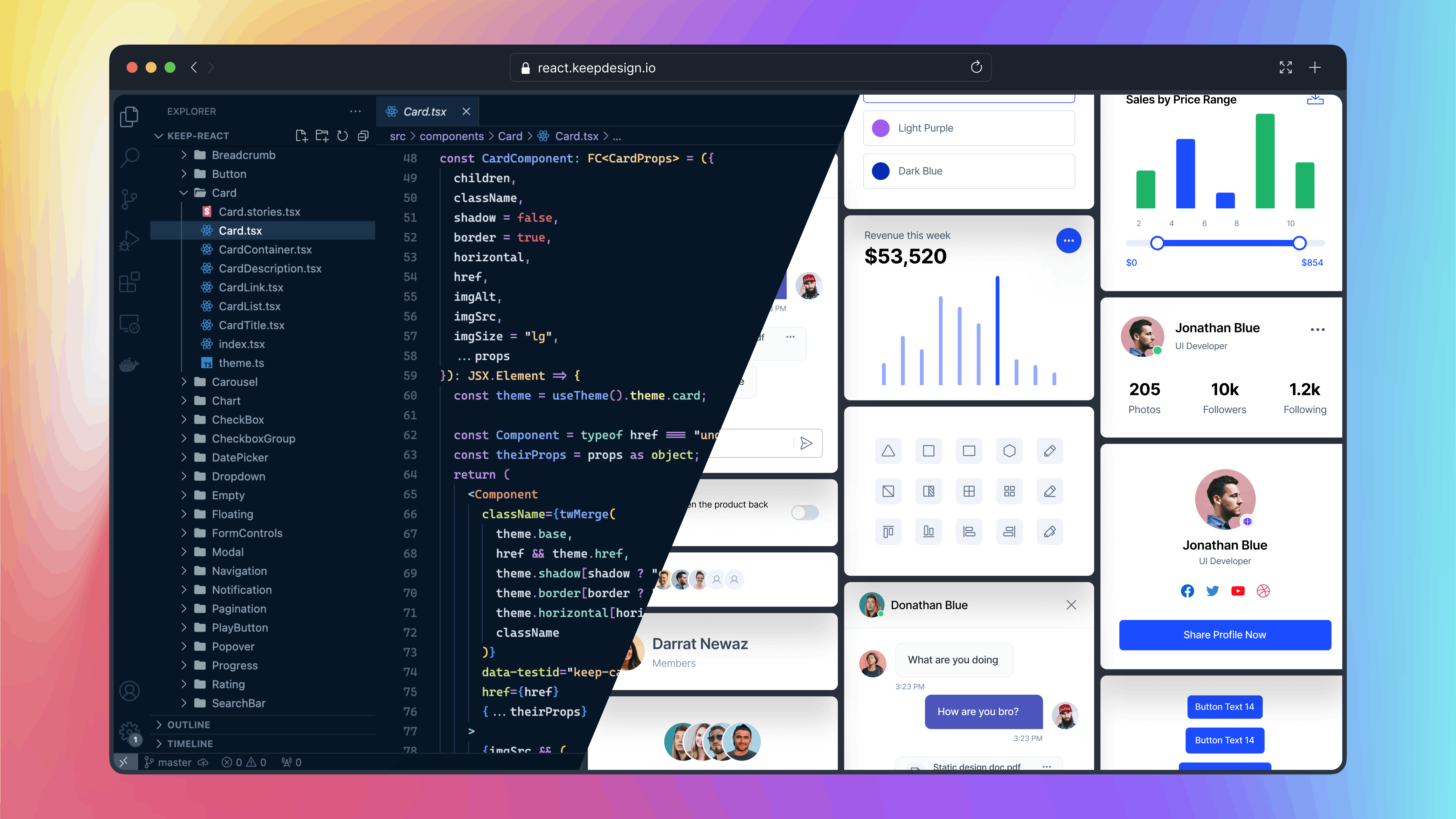
Table of Contents
Installation
Vite React Application
Setting Up Keep React in Vite React Application
Step 1: Create a Vite React Application
npm create vite@latest my-project -- --template react
cd my-project
Step 2: Install Tailwind CSS
npm i autoprefixer postcss tailwindcss
npx tailwindcss init -p
Step 3: Install Keep React:
npm i keep-react phosphor-react
Or with Yarn
yarn add keep-react phosphor-react
Or with Pnpm
pnpm add keep-react phosphor-react
Step 4: Go to the tailwind.config.js file and paste the
following code:
import { keepTheme } from 'keep-react/keepTheme'

const config = {
  content: ['./index.html', './src/**/*.{js,ts,jsx,tsx}'],
  theme: {},
}

export default keepTheme(config)
Step 5: Add Tailwind CSS to index.css File:
@import 'keep-react/css';
@tailwind base;
@tailwind components;
@tailwind utilities;
Next JS Application
You can easily integrate keep-react into your Next.js application.
Step 1: Install Next Js Application
npx create-next-app@latest
Ensure that you select tailwindcss as a dependency for your application during the setup.
Would you like to use Tailwind CSS? -- Yes
Step 2: Install Keep React
npm i keep-react phosphor-react
Or with Yarn
yarn add keep-react phosphor-react
Or with Pnpm
pnpm add keep-react phosphor-react
Step 3: Go to the tailwind.config.js file and paste the
following code
import { keepTheme } from 'keep-react/keepTheme'

const config = {
  content: ['./components/**/*.{js,ts,jsx,tsx,mdx}', './app/**/*.{js,ts,jsx,tsx,mdx}'],
  theme: {},
}

export default keepTheme(config)
Step 4: Add Tailwind CSS to globals.css File:
@import 'keep-react/css';
@tailwind base;
@tailwind components;
@tailwind utilities;
Congratulations! You have successfully installed the Keep React. Now you can import any component from keep-react and use it in your project.
usage
import { Button } from 'keep-react'
const App = () => {
  return <Button>Button</Button>
}
export default App
Components
The Keep React offers a wide range of components to build your user interfaces. For detailed usage and examples of each component, refer to our component documentation.
Contributing
If you want to contribute to the Keep React, you can follow the contributing guide.
Contributors
This project exists thanks to all the people who contribute:
Figma
If you need access to Figma design files for the components, you can check out our website for more information:
Get access to the Figma design files
License
The Keep-React name and logos are trademarks of StaticMania.
Extension points exported contracts — how you extend this code
Core symbols most depended-on inside this repo
Shape
Languages
Modules by API surface
For agents
$ claude mcp add keep-react \
  -- python -m otcore.mcp_server <graph>