github.com/RoamJS/smartblocks @1.14.0
Chat with this repoWhat it actually does AI analysis from the code graph — generated when you open this
README

SmartBlocks
Build powerful, dynamic workflows in Roam—like programmable templates that can write, transform, and fetch data from your graph. Automate daily notes, meeting prep, task flows, and repeatable processes with a rich command system.

Overview
SmartBlocks makes it easy to reuse text in a dynamic way in Roam. It can be compared to other snippet/template insertion tools like TextExpander and Alfred. However, SmartBlocks completely lives in your Roam graph and can smartly interact with your graph. All SmartBlocks workflows are defined in the graph and are performed in your graph. SmartBlocks are made of the following key components:
-
Workflows: These are the definitions of what the SmartBlock will do, it serves as a template for the SmartBlocks actions. These can be predefined or custom workflows.
-
Commands: Commands are instructions that make your SmartBlock workflow do amazing and dynamic things.
-
Trigger: The keystrokes you type so that the workflow is run. The default keystroke is
jj.
Table of Contents
The following steps dive into all the features SmartBlocks has to offer in increasing complexity; from beginners to developer.
- Trigger Your Workflow
- Understanding Commands
- Using Pre-Defined Workflows
- Make Your Own Workflows
- Command Reference
- Alternative Methods
- Developer Docs
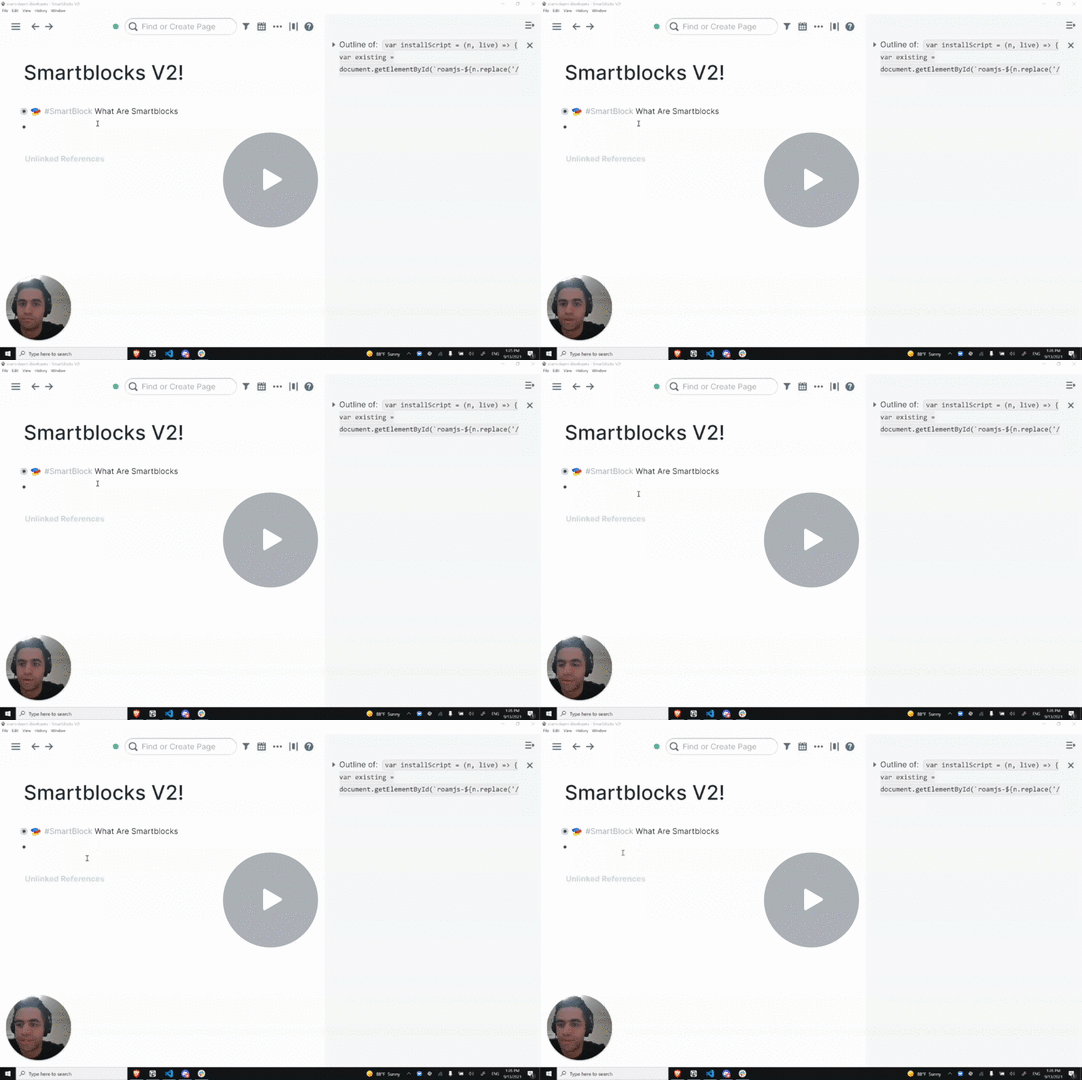
Demo
Support
There is an active community at roamresearch.slack.com in the #roamjs channel discussing and building SmartBlocks.
Stop by if you need help or want to share your ideas.
Core symbols most depended-on inside this repo
Shape
Languages
Modules by API surface
For agents
$ claude mcp add smartblocks \
  -- python -m otcore.mcp_server <graph>