github.com/PlakarKorp/plakar @v1.1.4 sqlite
README

plakar - Effortless backup & more




Deutsch | Español | français | 日本語 | 한국어 | Português | Русский | 中文
🔄 Latest Release
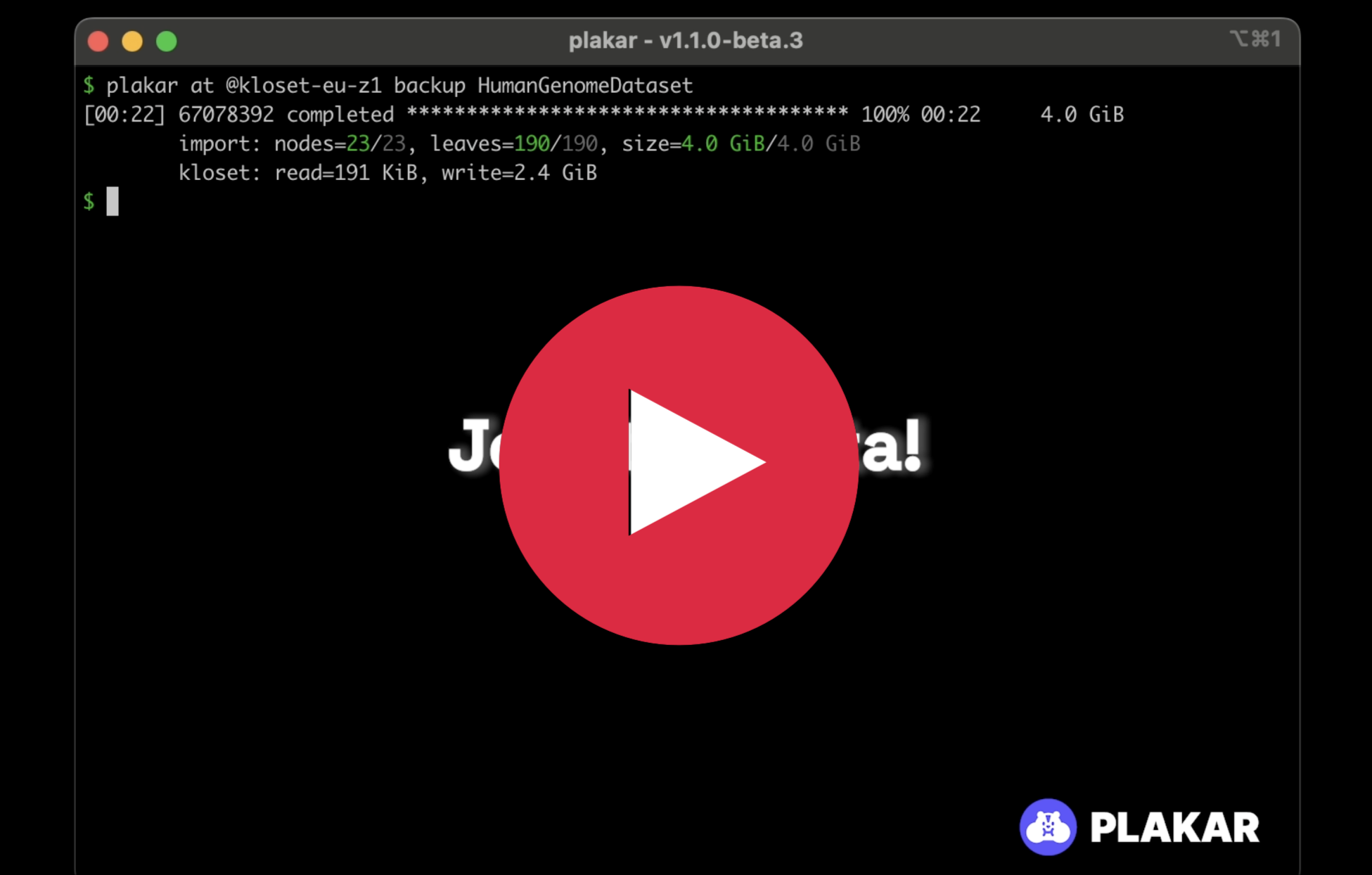
V1.1.0-beta.1 - Beta Release: Performance, UI, and Architecture (January 2026)
- New Terminal UI: Completely reworked terminal output with a new
tuirenderer for better visibility during long-running operations, alongside the classicstdiorenderer for verbose output. - Dramatic Performance Improvements:
- Restore operations: ~95% faster (from ~60 minutes to ~3 minutes for 1M items)
- Backup operations: up to 33% faster with optimizations
- Sync operations: ~20% faster
- Significant RAM Reduction:
- Backup: -43% (from ~3.0 GiB to ~1.3 GiB)
- Restore: -66% (from ~2.3 GiB to ~800 MiB)
- Sync: -30% (from ~3.6 GiB to ~2.5 GiB)
- Check: -40% (from ~1.3 GiB to ~800 MiB)
- Reduced Cache Footprint: -55% on-disk cache usage (from 4 GiB to 1.8 GiB for 1M items) by removing VFS cache and trading bandwidth for disk space.
- Architecture Redesign: Replaced the agent with
cached, a lightweight process dedicated exclusively to cache maintenance and locking. Commands now execute directly in the CLI. - Multi-directory Support: Back up multiple directories in a single snapshot (e.g.,
plakar backup /etc /home). - Improved FUSE Support: Completely rewritten for better reliability on both Linux and macOS, including support for FUSE-T. New capabilities to mount specific snapshots, directories, or serve them over HTTP.
- New Package Manager: Brand new package manager with simpler interface and support for integration updates.
- Redesigned Integration Interfaces: Simpler and more explicit importer, exporter, and storage interfaces, lowering the barrier for third-party integrations.
V1.0.6 - Bugfix Release: State Synchronization and Memory Fixes (November 2025)
- Critical Fix: Resolved state-synchronization bug that could cause snapshots to appear correct on the backup machine but not on others. Introduced two-stage commit to guarantee remote state updates before local visibility.
- New Repair Tool: Added
plakar repaircommand to detect and fix state inconsistencies. Recommended for all users to run once after upgrading. - Memory Leak Fixes: Fixed storage API memory leak in go-kloset-sdk affecting all third-party integrations (SFTP, S3, etc.) during list, check, and restore operations.
- Improved Memory Usage: Resolved large buffer retention issue during restore and check operations with external integrations, significantly reducing RAM usage for large snapshots on S3 and SFTP backends.
- Integration Updates: Users should reinstall integrations (
plakar pkg rm/plakar pkg add) to benefit from the corrected go-kloset-sdk.
🧭 Introduction
plakar provides an intuitive, powerful, and scalable backup solution.
Plakar goes beyond file-level backups. It captures application data with its full context.
Data and context are stored using Kloset, an open-source, immutable data store that enables the implementation of advanced data protection scenarios.
Plakar's main strengths: - Effortless: Easy to use, clean default. Check out our quick start guide. - Secure: Provide audited end-to-end encryption for data and metadata. See our latest crypto audit report. - Reliable: Backups are stored in Kloset, an open-source immutable data store. Learn more about Kloset. - Vertically scalable: Backup and restore very large datasets with limited RAM usage. - Horizontally scalable: Support high concurrency and multiple backups type in a single Kloset. - Browsable: Browse, sort, search, and compare backups using the Plakar UI. - Fast: backup, check, sync and restore are operations optimized for large-scale data. - Efficient: more restore points, less storage, thanks to Kloset's unmatched deduplication and compression. - Open Source and actively maintained: open source forever and now maintained by Plakar Korp
Simplicity and efficiency are plakar's main priorities.
Our mission is to set a new standard for effortless secure data protection.
🖥️ Plakar UI
Plakar includes a built-in web-based user interface to monitor, browse, and restore your backups with ease.
🚀 Launch the UI
You can start the interface from any machine with access to your backups:
$ plakar ui
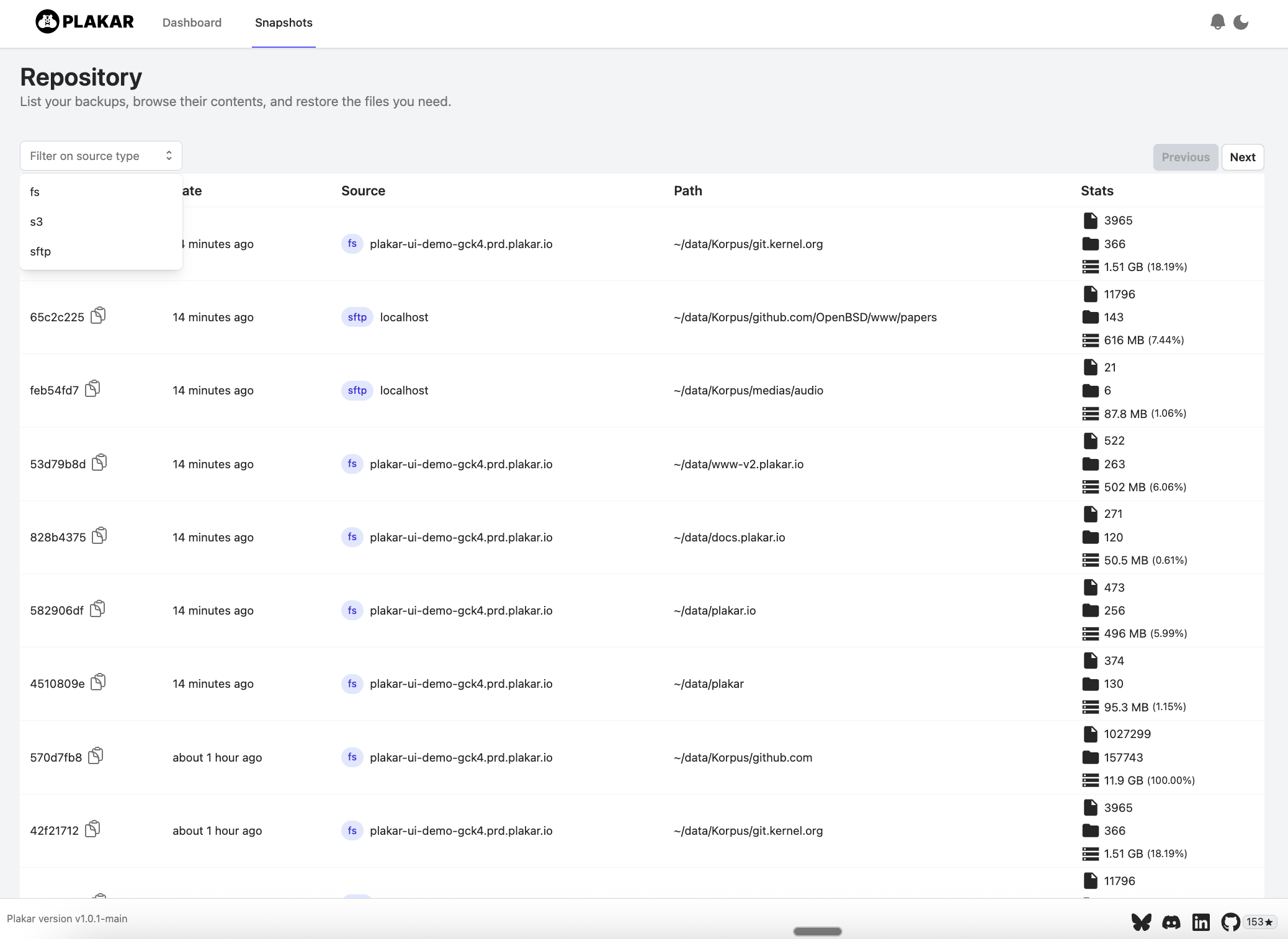
📂 Snapshot Overview
Quickly list all available snapshots and explore them:
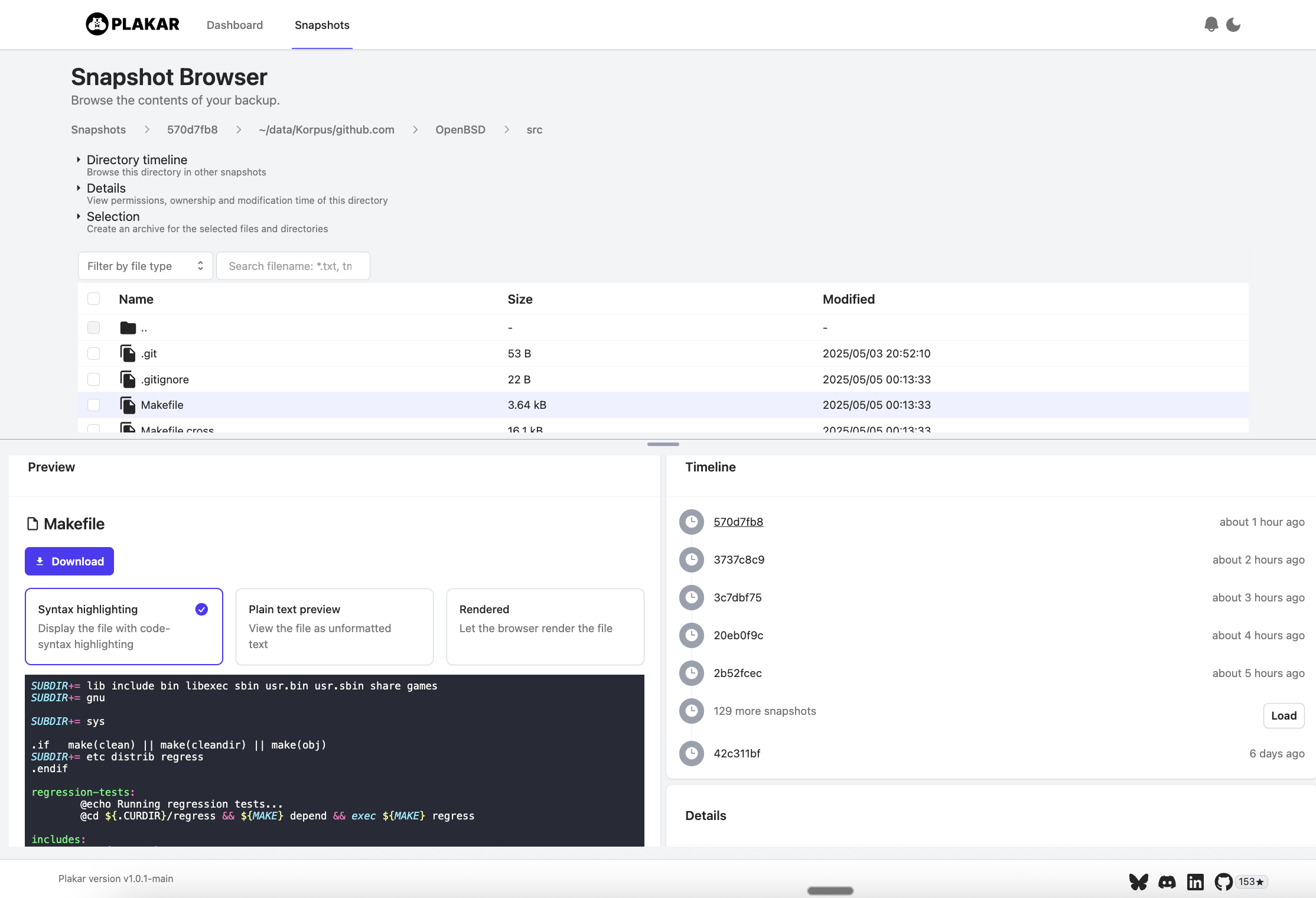
🔍 Granular Browsing
Navigate the contents of each snapshot to inspect, compare, or selectively restore files:
📦 Installing the CLI
From binaries
Visit https://www.plakar.io/download/
From source
plakar requires Go 1.23.3 or higher,
it may work on older versions but hasn't been tested.
go install github.com/PlakarKorp/plakar@latest
🚀 Quickstart
plakar quickstart: https://www.plakar.io/docs/v1.0.6/quickstart/
A taste of plakar (please follow the quickstart to begin):
$ plakar at /var/backups create                             # Create a repository
$ plakar at /var/backups backup /private/etc                # Backup /private/etc
$ plakar at /var/backups ls                                 # List all repository backup
$ plakar at /var/backups restore -to /tmp/restore 9abc3294  # Restore a backup to /tmp/restore
$ plakar at /var/backups ui                                 # Start the UI
$ plakar at /var/backups sync to @s3                        # Synchronise a backup repository to S3
🧠 Notable Capabilities
- Instant recovery: Instantly mount large backups on any devices without full restoration.
- Distributed backup: Kloset can be easily distributed to implement 3,2,1 rule or advanced strategies (push, pull, sync) across heterogeneous environments.
- Granular restore: Restore a complete snapshot or only a subset of your data.
- Cross-storage restore: Back up from one storage type (e.g., S3-compatible object store) and restore to another (e.g., file system)..
- Production safe-guarding: Automatically adjusts backup speed to avoid impacting production workloads.
- Lock-free maintenance: Perform garbage collection without interrupting backup or restore operations.
- Integrations: back up and restore from and to any source (file systems, object stores, SaaS applications...) with the right integration.
🗄️ Plakar archive format : ptar
ptar is Plakar’s lightweight, high-performance archive format for secure and efficient backup snapshots.
Kapsul is a companion tool that lets you run most plakar sub-commands directly on a .ptar archive without extracting it. It mounts the archive in memory as a read-only Plakar repository, enabling transparent and efficient inspection, restoration, and diffing of snapshots.
For installation, usage examples, and full documentation, see the Kapsul repository.
📚 Documentation
For the latest information, you can read the documentation available at https://www.plakar.io/docs/v1.0.6/
💬 Community
- 🗨️ Join our very active Discord
- 📣 Follow our subreddit r/plakar
- ▶️ Subscribe to our YouTube channel @PlakarKorp
Extension points exported contracts — how you extend this code
UI (Interface)Core symbols most depended-on inside this repo
pushShape
Languages
Modules by API surface
Dependencies from manifests, versioned
For agents
$ claude mcp add plakar \
  -- python -m otcore.mcp_server <graph>