github.com/PiotrMachowski/Home-Assistant-custom-components-Xiaomi-Cloud-Map-Extractor @v2.2.5
Chat with this repoWhat it actually does AI analysis from the code graph — generated when you open this
README



 [![Ko-Fi][ko_fi_shield]][ko_fi]
[![buycoffee.to][buycoffee_to_shield]][buycoffee_to]
[![PayPal.Me][paypal_me_shield]][paypal_me]
[![Revolut.Me][revolut_me_shield]][revolut_me]
[![Ko-Fi][ko_fi_shield]][ko_fi]
[![buycoffee.to][buycoffee_to_shield]][buycoffee_to]
[![PayPal.Me][paypal_me_shield]][paypal_me]
[![Revolut.Me][revolut_me_shield]][revolut_me]
Xiaomi Cloud Map Extractor
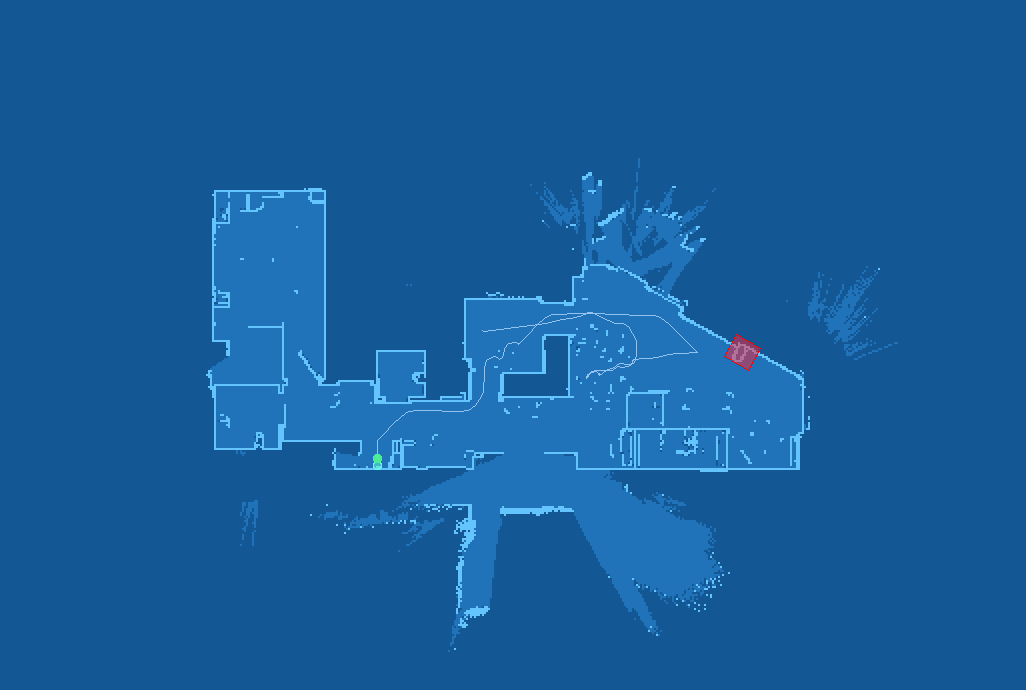
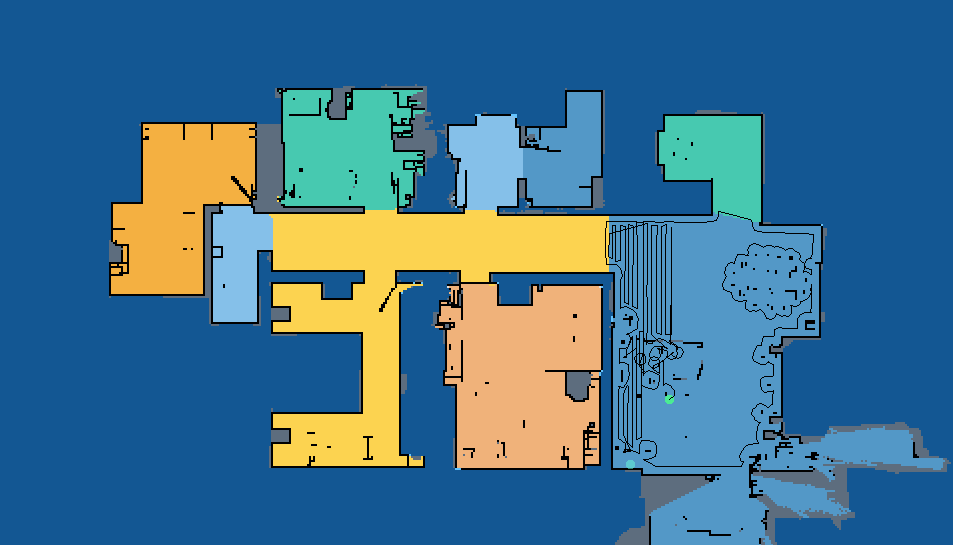
This custom integration provides a way to present a live view of a map for Xiaomi, Roborock, Viomi, Roidmi and Dreame vacuums. (Supported devices)
Installation
Using HACS (recommended)
This integration can be installed using HACS.
To do it search for Xiaomi Cloud Map Extractor in Integrations section.
Manual
To install this integration manually you have to download xiaomi_cloud_map_extractor.zip and extract its contents to config/custom_components/xiaomi_cloud_map_extractor directory:
mkdir -p custom_components/xiaomi_cloud_map_extractor
cd custom_components/xiaomi_cloud_map_extractor
wget https://github.com/PiotrMachowski/Home-Assistant-custom-components-Xiaomi-Cloud-Map-Extractor/releases/latest/download/xiaomi_cloud_map_extractor.zip
unzip xiaomi_cloud_map_extractor.zip
rm xiaomi_cloud_map_extractor.zip
Configuration
After installation of the custom component, it needs to be configured in configuration.yaml file.
To do so, add a camera entry to your configuration with at least a basic or recommended configuration.
Vacuum token can be extracted by following this guide (ignore "not recommended" message, as it applies only to built-in Xiaomi Miio integration).
You also need to enter your Xiaomi Cloud username and password.
These are the credentials used for the Xiaomi Home app (not ones from Roborock app).
After installation and a reboot of your Home Assistant instance, you should get a camera entity which shows the vacuum map.
This might take a few minutes after a first restart.
If you have a problem with configuration validation you have to remove camera from configuration.yaml, restart Home Assistant, add camera config and restart HA again.
After modification of camera's configuration you can reload its settings in Configuration or using xiaomi_cloud_map_extractor.reload service.
Examples
Basic
camera:
  - platform: xiaomi_cloud_map_extractor
    host: !secret xiaomi_vacuum_host
    token: !secret xiaomi_vacuum_token
    username: !secret xiaomi_cloud_username
    password: !secret xiaomi_cloud_password
Recommended
camera:
  - platform: xiaomi_cloud_map_extractor
    host: !secret xiaomi_vacuum_host
    token: !secret xiaomi_vacuum_token
    username: !secret xiaomi_cloud_username
    password: !secret xiaomi_cloud_password
    draw: ['all']
    attributes:
      - calibration_points
Full
| This configuration's purpose is to show all available options, do not use it unless you know what you are doing. |
|---|
I know what I'm doing and I will not recklessly copy this config to my setup
camera:
  - platform: xiaomi_cloud_map_extractor
    host: !secret xiaomi_vacuum_host
    token: !secret xiaomi_vacuum_token
    username: !secret xiaomi_cloud_username
    password: !secret xiaomi_cloud_password
    country: "de"
    name: "My Vacuum Camera"
    colors:
      color_map_inside: [32, 115, 185]
      color_map_outside: [19, 87, 148]
      color_map_wall: [100, 196, 254]
      color_map_wall_v2: [93, 109, 126]
      color_grey_wall: [93, 109, 126]
      color_ignored_obstacle: [0, 0, 0, 127]
      color_ignored_obstacle_with_photo: [0, 0, 0, 127]
      color_obstacle: [0, 0, 0, 127]
      color_obstacle_with_photo: [0, 0, 0, 127]
      color_path: [147, 194, 238]
      color_mop_path: [255, 255, 255, 0x5F]
      color_goto_path: [0, 255, 0]
      color_predicted_path: [255, 255, 0, 0]
      color_cleaned_area: [127, 127, 127, 127]
      color_zones: [0xAD, 0xD8, 0xFF, 0x8F]
      color_zones_outline: [0xAD, 0xD8, 0xFF]
      color_virtual_walls: [255, 0, 0]
      color_carpets: [0xA9, 0xF7, 0xA9 ]
      color_no_carpet_zones: [255, 33, 55, 0x5F]
      color_no_carpet_zones_outline: [255, 0, 0]
      color_new_discovered_area: [64, 64, 64]
      color_no_go_zones: [255, 33, 55, 127]
      color_no_go_zones_outline: [255, 0, 0]
      color_no_mop_zones: [163, 130, 211, 127]
      color_no_mop_zones_outline: [163, 130, 211]
      color_charger: [0x66, 0xfe, 0xda, 0x7f]
      color_robo: [75, 235, 149]
      color_room_names: [0, 0, 0]
      color_unknown: [0, 0, 0]
      color_scan: [0xDF, 0xDF, 0xDF]
    room_colors:
      1: [240, 178, 122]
      2: [133, 193, 233]
      3: [217, 136, 128]
      4: [52, 152, 219]
      5: [205, 97, 85]
      6: [243, 156, 18]
      7: [88, 214, 141]
      8: [245, 176, 65]
      9: [252, 212, 81]
      10: [72, 201, 176]
      11: [84, 153, 199]
      12: [133, 193, 233]
      13: [245, 176, 65]
      14: [82, 190, 128]
      15: [72, 201, 176]
      16: [165, 105, 18]
    draw:
      - charger
      - cleaned_area
      - goto_path
      - ignored_obstacles
      - ignored_obstacles_with_photo
      - mop_path
      - no_carpet_zones
      - no_go_zones
      - no_mopping_zones
      - obstacles
      - obstacles_with_photo
      - path
      - predicted_path
      - room_names
      - vacuum_position
      - virtual_walls
      - zones
    texts:
      - text: "Room 1"
        x: 25
        y: 25
        color: [125, 20, 213]
      - text: "Room 2"
        x: 25
        y: 75
        color: [125, 20, 213, 127]
        font: "FreeSans.ttf"
        font_size: 25
    map_transformation:
      scale: 2
      rotate: 180
      trim:
        top: 10
        bottom: 20
        left: 30
        right: 40
    sizes:
      charger_radius: 4
      vacuum_radius: 6.5
      path_width: 1
      mop_path_width: 16
      obstacle_radius: 3
      ignored_obstacle_radius: 3
      obstacle_with_photo_radius: 3
      ignored_obstacle_with_photo_radius: 3
    attributes:
      - calibration_points
      - carpet_map
      - charger
      - cleaned_rooms
      - country
      - goto
      - goto_path
      - goto_predicted_path
      - image
      - is_empty
      - map_name
      - mop_path
      - no_carpet_areas
      - no_go_areas
      - no_mopping_areas
      - obstacles
      - ignored_obstacles
      - obstacles_with_photo
      - ignored_obstacles_with_photo
      - path
      - room_numbers
      - rooms
      - vacuum_position
      - vacuum_room
      - vacuum_room_name
      - walls
      - zones
    scan_interval:
      seconds: 10
    auto_update: true
    store_map_raw: false
    store_map_image: true
    store_map_path: "/tmp"
    force_api: xiaomi
Available configuration parameters
| Key | Type | Required | Value | Description |
|---|---|---|---|---|
platform |
string | true | xiaomi_cloud_map_extractor |
Name of a platform |
host |
string | true | 192.168.0.123 |
IP address of a vacuum |
token |
string | true | ghjhca3ykg8o2zyyj7xb5adamhgsypel |
Token of a vacuum |
username |
string | true | xiaomi.account@gmail.com |
Username (email or user ID) used to connect to Xiaomi cloud (the account used in the Xiaomi Home app) |
password |
string | true | aVerySecretPassword |
Password used to connect to Xiaomi cloud (the account used in the Xiaomi Home app) |
name |
string | false | Desired name of camera entity | |
country |
string | false | One of: cn, de, us, ru, tw, sg, in, i2 |
Server used in Xiaomi cloud. Leave empty if you are not sure. |
colors |
map | false | Colors configuration (see below) | |
room_colors |
map | false | Room colors configuration (see below) | |
draw |
list | false | List of elements to draw on a map (see below) | |
texts |
list | false | List of texts to draw on a map (see below) | |
map_transformation |
map | false | Parameters of map transformation (see below) | |
sizes |
map | false | Sizes of map's elements (see below) | |
attributes |
list | false | List of desired entity attributes (see below) | |
scan_interval |
interval | false | default: 5 seconds |
Interval between map updates (documentation) |
auto_update |
boolean | false | default: true |
Activation/deactivation of automatic map updates. (see below) |
store_map_raw |
boolean | false | default: false |
Enables storing raw map data in store_map_path directory (more info). Xiaomi map can be opened with RoboMapViewer. |
store_map_image |
boolean | false | default: false |
Enables storing map image in store_map_path path with name map_image_<device_model>.png |
store_map_path |
string | false | default: /tmp |
Storing map data directory |
force_api |
string | false | One of: xiaomi, viomi, roidmi, dreame |
Forces usage of specific API. |
Colors configuration
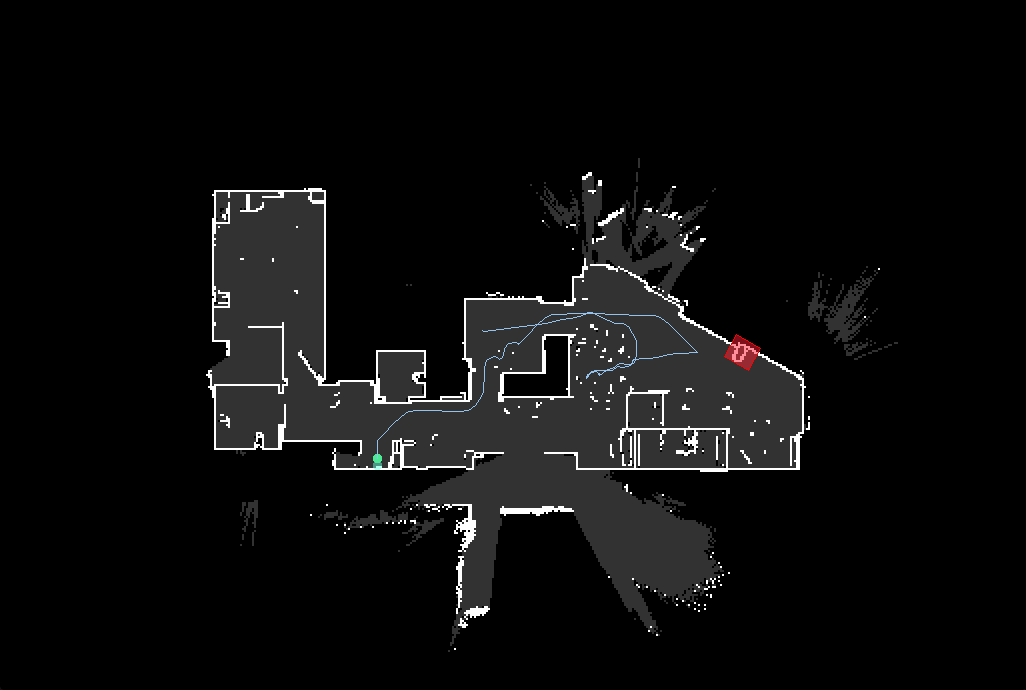
Each color is represented by a list of 3 or 4 parameters: [red, green, blue] or [red, green, blue, alpha].
Each parameter is a number from a range 0-255 and can be also provided as a HEX value: [0x12, 0xAF, 0xC5] matches #12AFC5.
| Color name | Description |
|---|---|
color_carpets |
Carpets fill, in checkboard pattern |
color_charger |
Charger fill |
color_charger_outline |
Charger outline |
color_cleaned_area |
Fill of area that already has been cleaned |
color_goto_path |
Path for goto mode |
color_grey_wall |
Obstacles (e.g. chairs, table legs) |
color_ignored_obstacle_with_photo |
Ignored obstacle with photo mark on a map |
color_ignored_obstacle |
Ignored obstacle mark on a map |
color_map_inside |
Map inside (for software without rooms support) |
color_map_outside |
Map outside |
color_map_wall_v2 |
Walls (for software with rooms support) |
color_map_wall |
Walls (for software without rooms support) |
color_new_discovered_area |
Newly discovered areas |
color_no_carpet_zones_outline |
Outline of no-carpet zones |
color_no_carpet_zones |
Fill of no-carpet zones |
color_no_go_zones_outline |
Outline of no-go zones |
color_no_go_zones |
Fill of no-go zones |
color_no_mop_zones_outline |
Outline of no-mopping zones |
color_no_mop_zones |
Fill of no-mopping zones |
color_obstacle_with_photo |
Obstacle with photo mark on a map |
color_obstacle |
Obstacle mark on a map |
color_path |
Path of a vacuum |
color_mop_path |
Mopped path of a vacuum (for vacuums that support mopping) |
color_predicted_path |
Predicted path to a point in goto mode |
color_robo |
Vacuum fill |
color_robo_outline |
Vacuum outline |
color_room_names |
Room names (if available) |
color_scan |
Areas not assigned to any room (for software with rooms support) |
color_unknown |
Other areas |
color_virtual_walls |
Virtual walls |
color_zones_outline |
Outline of areas selected for zoned cleaning |
color_zones |
Fill of areas selected for zoned cleaning |
Room colors configuration
This section contains mapping between room numbers and colors.
Each color is represented by a list of 3 or 4 parameters: [red, green, blue] or [red, green, blue, alpha].
Each parameter is a number from a range 0-255 and can be also provided as a HEX value: [0x12, 0xAF, 0xC5] matches #12AFC5.
Draw configuration
A list of features to be drawn on a map. If all features should be drawn it can be replaced with:
yaml
    draw: ["all"]
Available values:
- charger
Core symbols most depended-on inside this repo
Shape
Languages
Modules by API surface
For agents
$ claude mcp add Home-Assistant-custom-components-Xiaomi-Cloud-Map-Extractor \
  -- python -m otcore.mcp_server <graph>