github.com/Piebald-AI/gemini-cli-desktop @v0.3.15
Chat with this repoWhat it actually does AI analysis from the code graph — generated when you open this
README

Check out Piebald
We've released Piebald, the ultimate agentic AI developer experience. \ Download it and try it out for free! https://piebald.ai/


Scroll down for Gemini CLI Desktop. :point_down:
Gemini CLI Desktop








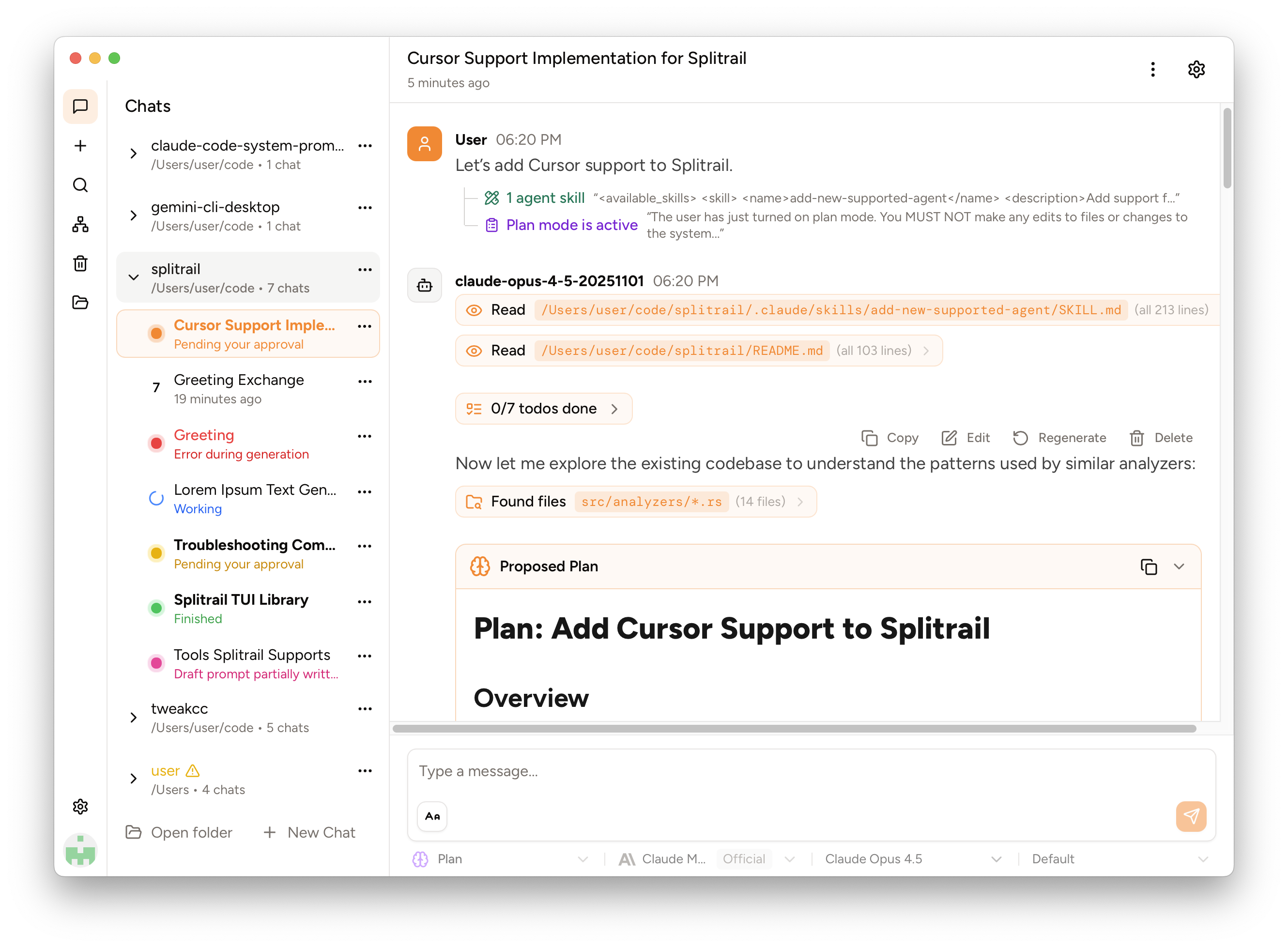
A powerful desktop and web interface for Gemini CLI and Qwen Code with visual tool confirmation, real-time thought processes, code diff viewing, chat history management & search, a file tree browser, and file @-mentions. Built with Rust and React for performance and reliability. From the team behind  Piebald.
Use with Gemini CLI:

Use with Qwen Code:

Quick Start
Download pre-built releases: GitHub Releases
Available builds:
- Windows (x64)
- macOS (Intel & Apple Silicon)
- Linux (x64 AppImage)
Features
- Multi-model support - Gemini 3 Pro/Flash, Gemini 2.5 Pro/Flash, Qwen Code, custom OpenAI providers
- Visual tool confirmation - Review and approve AI actions before execution
- Real-time thought process - Watch AI reasoning unfold
- Code diff viewer - Clear visualization of proposed changes
- Chat history & search - Automatic saving with full-text search
- Cross-platform - Desktop app and web interface
- File @-mentions - Reference files directly in conversations
- MCP server integration - Model Context Protocol support
- Multi-language UI - English, Chinese (Simplified & Traditional), Russian
Development & Building
Prerequisites & Dependencies
Install the just task runner:
- macOS/Linux:
cargo install justorasdf plugin add just && asdf install just latest - Ubuntu:
snap install --edge --classic just - Windows:
winget install --id Casey.Just
Linux system dependencies (Ubuntu/Debian):
sudo apt install libgdk-pixbuf-2.0-dev libpango1.0-dev \
  libjavascriptcoregtk-4.1-dev libatk1.0-dev libsoup-3.0-dev \
  libwebkit2gtk-4.1-dev librsvg2-dev
Development Workflow
# Install dependencies and start desktop development with hot reload.
just deps dev

# Start web development with separate backend (port 1858) and frontend (port 1420) servers
just deps dev-web

# Build both desktop app installer (AppImage, DMG, MSI) and web server binaries for production.
just build-all

# Run the full test suite with nextest.
just test

# Run code linting and formatting checks (ESLint + Clippy).
just lint
Note: For the web version, development uses two separate ports: 1420 for the frontend and 1858 for the Rust + Rocket backend. In production, the backend server also hosts the static frontend files, so only port 1858 is used.
Build from Source
Prerequisites:
Build & Run:
git clone https://github.com/Piebald-AI/gemini-cli-desktop
cd gemini-cli-desktop
just deps build-all

# Desktop app
./target/release/gemini-cli-desktop

# Web server (access at http://localhost:1858)
./target/release/gemini-cli-desktop-web
Release Process
Releases are automatically built and published via GitHub Actions when version tags are pushed.
Architecture
- Backend: Rust with Tauri for desktop, Rocket for web server
- Frontend: React + TypeScript with Tailwind CSS
- Protocols: Agent Communication Protocol (ACP), WebSocket events
- Security: Command filtering, tool confirmation workflows
Roadmap
- Token/cost tracking
- Multi-modal support (images, audio)
- Extension system
- LLxprt integration
Contributing
Contributions are welcome! Please see the contributing guide for more details.
License
Copyright © 2026 Piebald LLC.
Extension points exported contracts — how you extend this code
EventEmitter (Interface)Core symbols most depended-on inside this repo
cloneShape
Languages
Modules by API surface
For agents
$ claude mcp add gemini-cli-desktop \
  -- python -m otcore.mcp_server <graph>