github.com/NimaNzrii/comfyui-photoshop @main
Chat with this repoBrowse by type
What it actually does AI analysis from the code graph — generated when you open this
README
✨ ComfyUI Photoshop Plugin




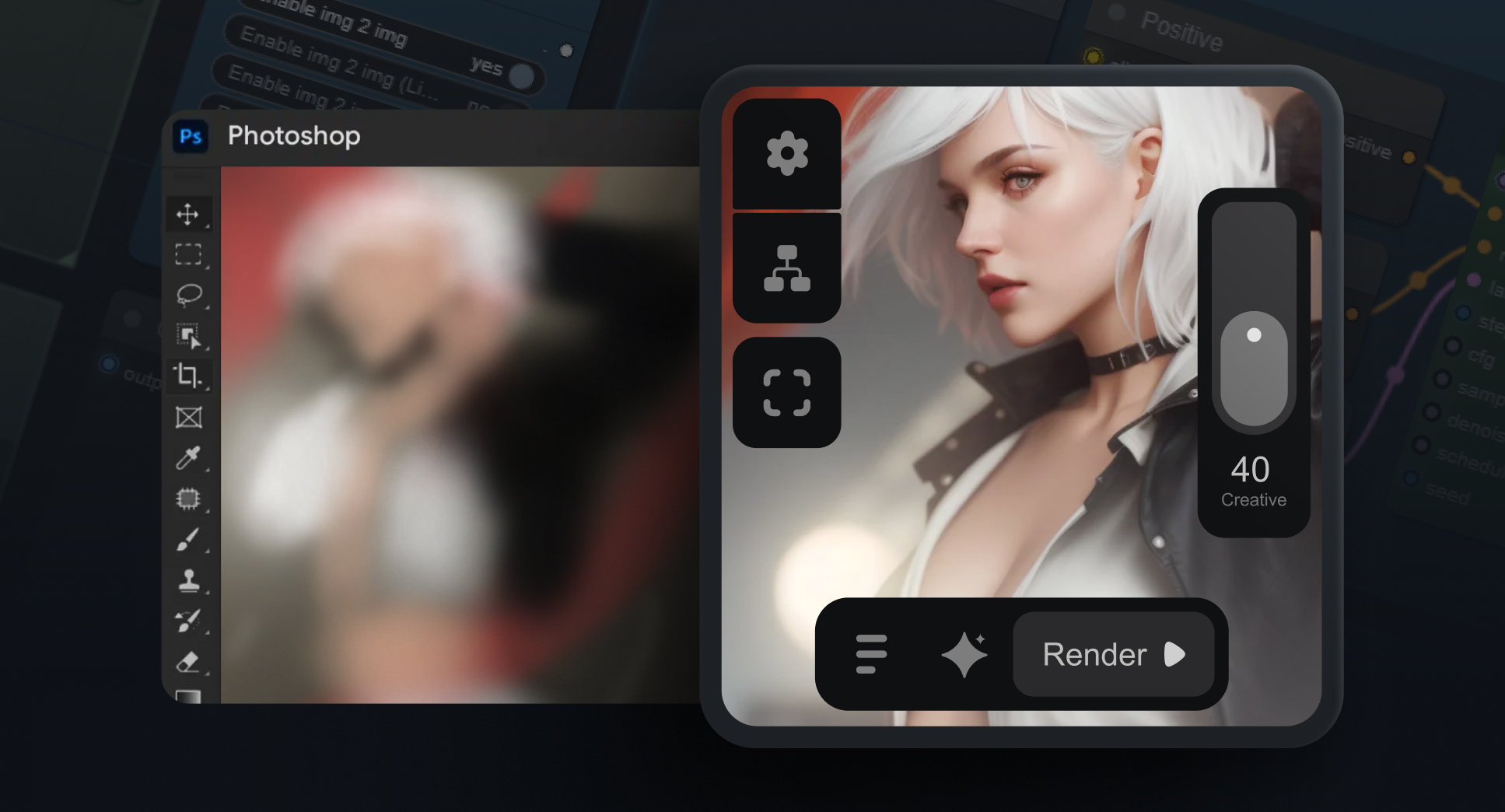
Seamlessly integrate ComfyUI's powerful AI capabilities into your Photoshop workflow! 🚀
🚀 Follow the new version of Reezee AI here:
[!NOTE] Chinese (ZH & TW), Japanese, and Korean languages have been added! Simply click the Load SD1.5 button, and the workflow will automatically load in your ComfyUI language. Compatible with AIGODLIKE-ComfyUI-Translation node.
🔥 What's New in v1.9
- Crop Over Selection with Padding
- Port Change Support
- Tiny Shortcuts for efficiency
- Preserve Selection feature
- Improved "Play on Channels" functionality
- Convenient In-Plugin Updates
📜 Full Patch Notes
| Version | Key Updates |
|---|---|
| 1.9 | • Crop Over Selection |
• Padding for Crop Selection
• Connect to ComfyUI Cloud
• Port Change Support
• Tiny Shortcuts
• Preserve Selection
• Smarter "Play on Channels"
• In-Plugin Updates | | 1.8 | • Optimized UI
• Randomization Feature
• New Functional Buttons
• Resizable Text Fields
• Improved Panel Animations | | 1.6 - 1.4 | • 2x Smoother Experience
• Real-Time Workflow Sync
• 3x Simpler Workflow
• Enhanced Image Saving
• Mask Preview
• Plugin Install Button
• 6x Faster Start-Up
• macOS Support
• Photopea Integration | | 1.0 | Initial Release |
🛠️ Installation
click to expand
Minimum: 6GB Vram - 12GB RAM - Photoshop 2022 or newer
-
Photoshop Plugin:
-
Download and install using This .CCX file
-
Set up with ZXP UXP Installer
-
ComfyUI Workflow:
-
Download THIS Workflow
- Drop it onto your ComfyUI
- Install missing nodes via "ComfyUI Manager"
💡 New to ComfyUI? Follow our step-by-step installation guide!
📦 Required Files
click to expand
-
Checkpoints: (Place in
ComfyUi/Models/Checkpoints/folder) -
Default: EpicRealism Natural Sin RC1 VAE
-
In-Painting: EpicRealism pure Evolution V5-inpainting
-
Loras: (Place in
ComfyUi/Models/Loras/folder) -
Install via ComfyUI Manager > Install Models > Search:
-
LCM LoRA SD1.5
- ControlNet-v1-1 (lineart; fp16)
- ControlNet-v1-1 (scribble; fp16)
- ControlNet-v1-1 (inpaint; fp16)
- 4x-UltraSharp
📜 This project is licensed.
Made with ❤️ by Nima Nazari
⭐ Star this repo if you find it helpful!
🚀 Looking for the latest version?
Core symbols most depended-on inside this repo
Shape
Languages
Modules by API surface
For agents
$ claude mcp add comfyui-photoshop \
  -- python -m otcore.mcp_server <graph>