github.com/Netflix/falcor-router-demo @v1.0.5
Chat with this repoWhat it actually does AI analysis from the code graph — generated when you open this
README
Falcor Router Demo
This project exports a Router factory for a Netflix-like Application. The Router creates a virtual JSON Graph object for a Netflix-like application, and is intended to be exposed as JSON resource on a Node Application Server. The JSON Graph object is referred to as "virtual", because it is not stored in memory anywhere. Instead the Router builds requested subsets of the JSON Graph on-demand by accessing three different databases. This creates the illusion that there is a JSON resource on the application server, when in fact the application server is completely stateless and retrieves requested data on-the-fly from the data stores.
A Virtual JSON Graph object for Netflix
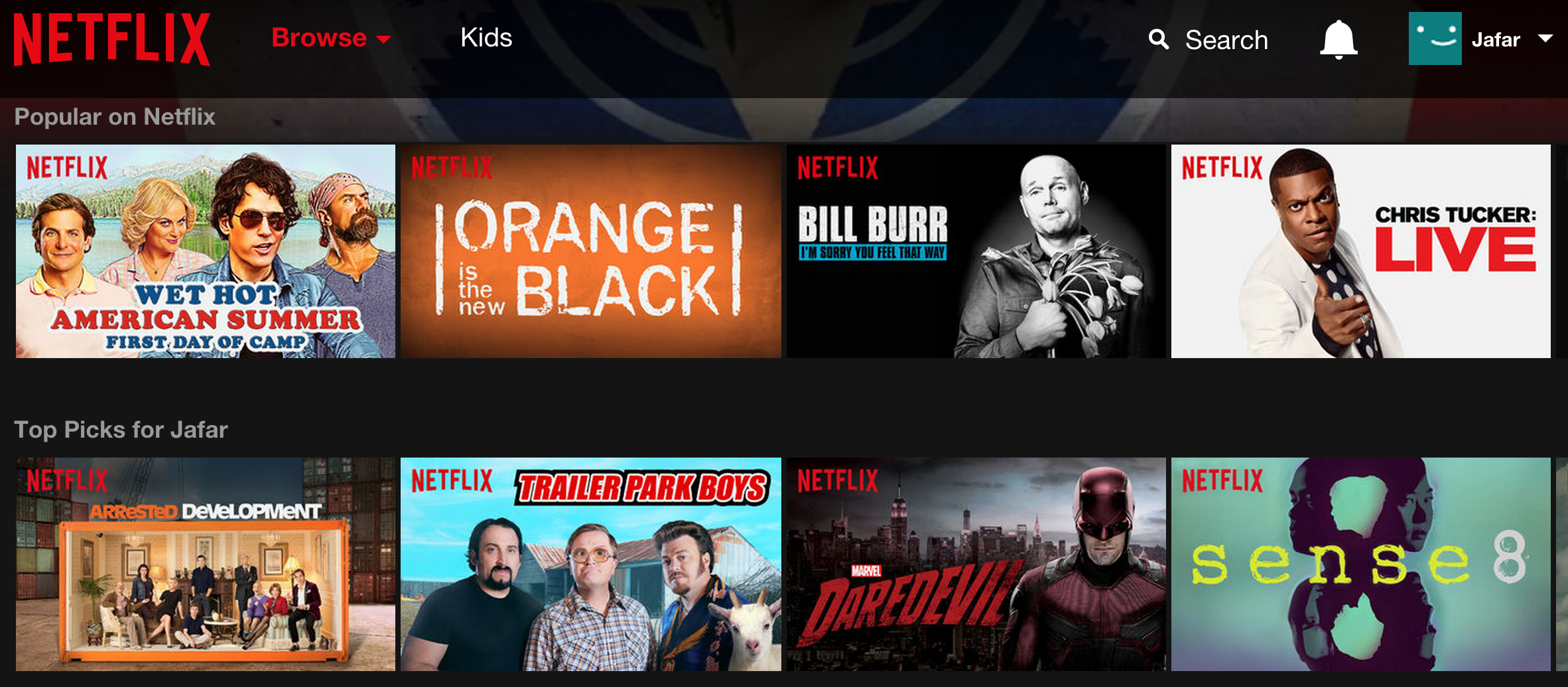
When a member logs into the Netflix application, they see a personalized list of genres, each of which contains a personalized list of titles.
The Router creates a JSON Graph object that models the Netflix domain model:
{
  genrelist: [
    {
      name: "Horror",
      titles: [
        { $type: "ref", value: ["titlesById", 234] },
        // more title references snipped
      ]
    },
    // more genre lists snipped
  ],
  titlesById: {
    234: {
      "name": "Blitz",
      "year":2011,
      "description":"With a serial killer on the loose...",
      "rating":1.7,
      "boxshot":"http://cdn.test.nflximg.net/images/9236/1919236.jpg",
      "userRating": 5
    },
    // many more titles snipped
  }
}
In reality, the data in the JSON Graph above is retrieved from several different sources:
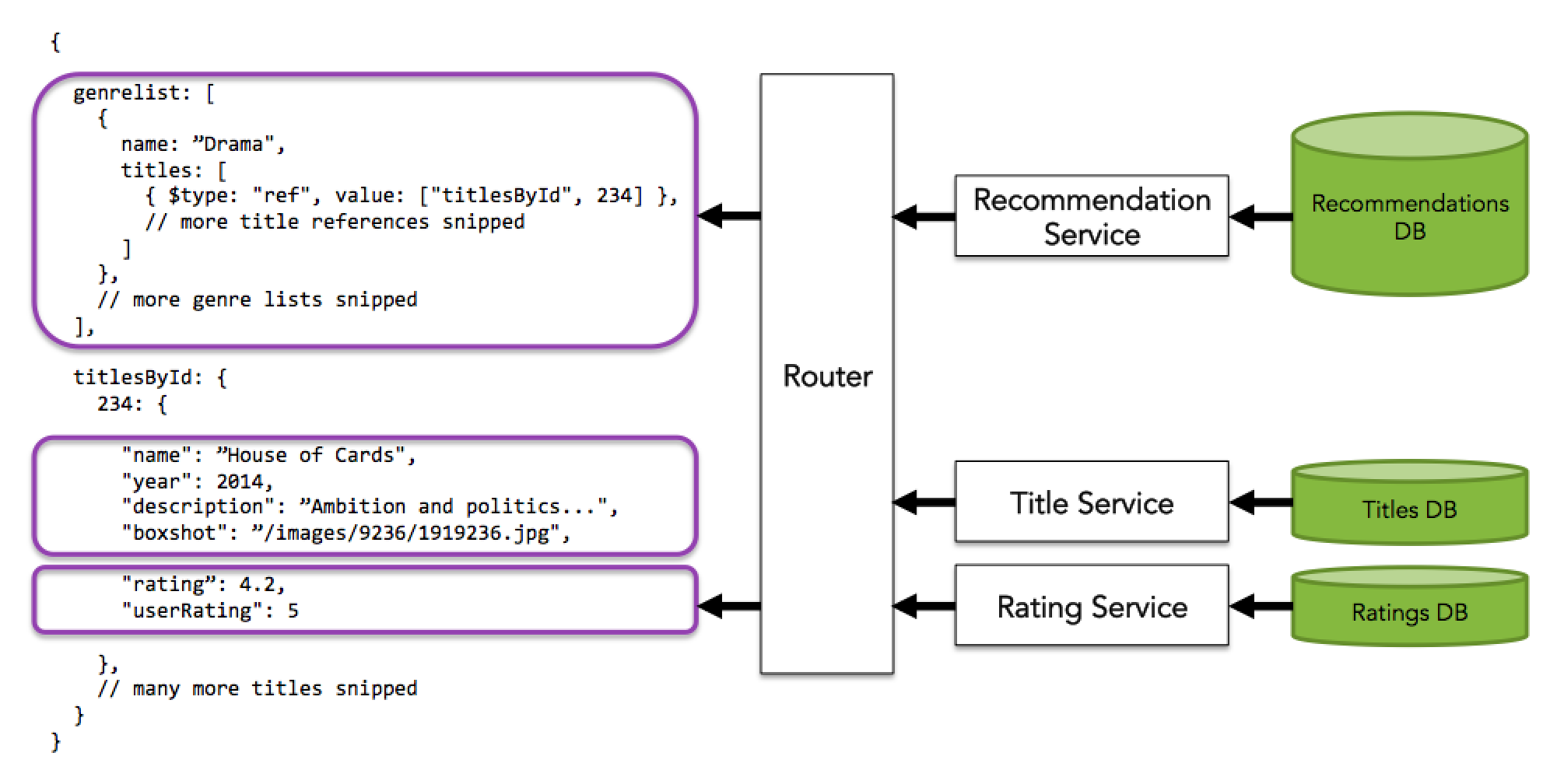
Each Netflix user gets different set of personalized recommendations. This is accomplished by passing the Netflix Router constructor an optional userId argument.
// The only user in the database has an ID of string "1"
var router = require('falcor-router-demo')("1");
If no user ID is provided to the Router, a generic set of recommendations is made and there is no ability to set a userRating The router allows you to retrieve data from this JSON Graph object as if it exists in memory. Currently there is only one user in the recommendations database, and their user ID is the string "1".
Important Info
This is a demonstration of how to create a Virtual JSON Graph using a Router. It is not intended to be a comprehensive example you should deploy to production. Notably PouchDB was selected because it does not require a server and is easily deployed. In reality most implementations will be retrieving data from a database server off-box. Authorization (presumably by some token system) is also an exercise left to the user.
Core symbols most depended-on inside this repo
isObjectShape
Languages
Modules by API surface
For agents
$ claude mcp add falcor-router-demo \
  -- python -m otcore.mcp_server <graph>